There’s a line going around that sums up where agentic coding is headed: the goal isn’t a better prompt, it’s a workflow that runs without you watching it. Most people use Claude the way they use a chat window. You type, you wait, you read, you type again. That works, but it caps your output at one agent you’re actively babysitting. The engineers pulling real leverage out of Claude built something else: workflows that kick off on a schedule or a trigger, do the work, check their own results, and only ping a human when something needs a decision.
TL;DR
A Claude workflow that runs without you needs five parts: a precise written spec, headless (non-interactive) execution, a deterministic verification gate that decides pass or fail, hard guardrails (permission allowlists, bounded iterations, cost caps, a kill switch), and a handoff that notifies a human or escalates on failure. Claude Code’s headless mode (claude -p), the Claude Agent SDK, hooks, and a scheduler (cron or launchd) give you all five. The agent isn’t the risky part. Running it unattended without a gate and guardrails is. Build those first, then take your hands off.
Why “runs without you” is the real goal
Supervised chat has a hard ceiling: you. Every iteration waits on a human to read output and decide what’s next. The model generates in seconds, then idles for minutes while you context-switch. You’re the bottleneck in a system that’s otherwise fast.
Unattended workflows remove that ceiling. The agent works, a script checks it, failures route back automatically, and you only step in at the edges. The payoff isn’t just speed. It’s parallelism. Once a workflow runs without supervision, you scale by adding workflows, not by typing faster. That’s the same jump we covered in Claude Code dynamic workflows, where one session fans out into many parallel agents.
But “runs without you” raises the stakes. A supervised agent that makes a bad edit gets caught when you read the diff. An unattended one commits it, runs the next step, and keeps going. So the discipline shifts from prompt-craft to system design: you’re building a machine that has to be correct, bounded, and observable when nobody’s looking. Anthropic’s writeup on building effective agents makes the same case. The leverage comes from the environment around the model, not a smarter single message.
The five parts every unattended workflow needs
Skip any of these and the workflow either does the wrong thing confidently or never stops.
- A precise spec. A written description of done that the agent reads at the start of every run. Vague specs produce vague work. “Fix the API” fails; “the POST /orders endpoint returns 201, validates the body against the schema, rejects missing fields with 422” succeeds.
- Headless execution. Claude has to run without a human at the keyboard. That means non-interactive mode, not the chat UI.
- A verification gate. A deterministic check that returns pass or fail with a concrete reason: tests, a type check, a schema validation, a contract test. This is what lets the workflow decide it’s actually done instead of taking the model’s word for it.
- Guardrails. Permission allowlists, a max-iteration count, a cost ceiling, logging, and a kill switch. These keep a confused run from doing damage while you’re asleep.
- A handoff. When the workflow finishes or gives up, it tells someone. A notification, a draft for review, a failure alert. Silence is not success.
The middle three are where most setups are thin. Let’s build each with the tools Claude gives you.
The Claude building blocks
Headless mode (claude -p)
Claude Code’s print mode runs a prompt non-interactively and exits. This is the foundation of every unattended workflow. You hand it a task, restrict its tools, capture the output, and move on.
claude -p "Implement the orders endpoint per spec.md, then run the test suite" \
  --allowedTools "Edit,Write,Bash" \
  --output-format json \
  >> run.log 2>&1
The --allowedTools flag matters more than it looks. In the chat UI you approve each action by hand. Headless, there’s no one to approve, so the allowlist is your only control over what the agent can touch. Start narrow and widen only when you trust the run. The full flag set lives in the Claude Code docs.
The Claude Agent SDK
When a shell command isn’t enough, the Claude Agent SDK lets you drive Claude programmatically from Python or TypeScript. You get the loop in code: send a task, stream the result, inspect tool calls, decide whether to continue. This is how you wrap real control flow around the agent.
import { query } from "@anthropic-ai/claude-agent-sdk";

const MAX_ITERATIONS = 8;
let feedback = "";

for (let attempt = 0; attempt < MAX_ITERATIONS; attempt++) {
  for await (const msg of query({
    prompt: `${task}\n\nPrevious failures:\n${feedback}`,
    options: { allowedTools: ["Edit", "Write", "Bash"] },
  })) {
    // stream/log messages as the agent works
  }

  const gate = runVerification();      // your deterministic check
  if (gate.passed) break;              // done
  feedback = gate.failures;            // the next prompt writes itself
}
Exact signatures live in the docs, but the shape is the point: a loop that reruns the agent with the last failure as the next prompt. If you’re deciding between rolling your own loop and a hosted option, our comparison of managed agents vs the Agent SDK breaks down when each makes sense.
Hooks for deterministic guardrails
Hooks run your own commands at fixed points in Claude’s lifecycle, with no model involved. They’re how you enforce rules the agent can’t talk its way around. Want the test suite to run after every file edit? A PostToolUse hook does it deterministically.
{
  "hooks": {
    "PostToolUse": [
      {
        "matcher": "Edit|Write",
        "hooks": [{ "type": "command", "command": "npm test --silent" }]
      }
    ]
  }
}
Because a hook is plain code, not a request to the model, it always fires. That’s the property you want for guardrails in an unattended run. The agent can’t decide to skip it.
A scheduler to trigger runs
A workflow that runs without you needs something to start it without you. On a server that’s cron; on a Mac it’s launchd. Either way you’re firing the headless command on a schedule.
# every weekday at 7am: run the maintenance workflow, log everything
0 7 * * 1-5  cd /srv/api && claude -p "$(cat tasks/nightly-maintenance.md)" \
  --allowedTools "Edit,Bash" >> logs/run-$(date +\%F).log 2>&1
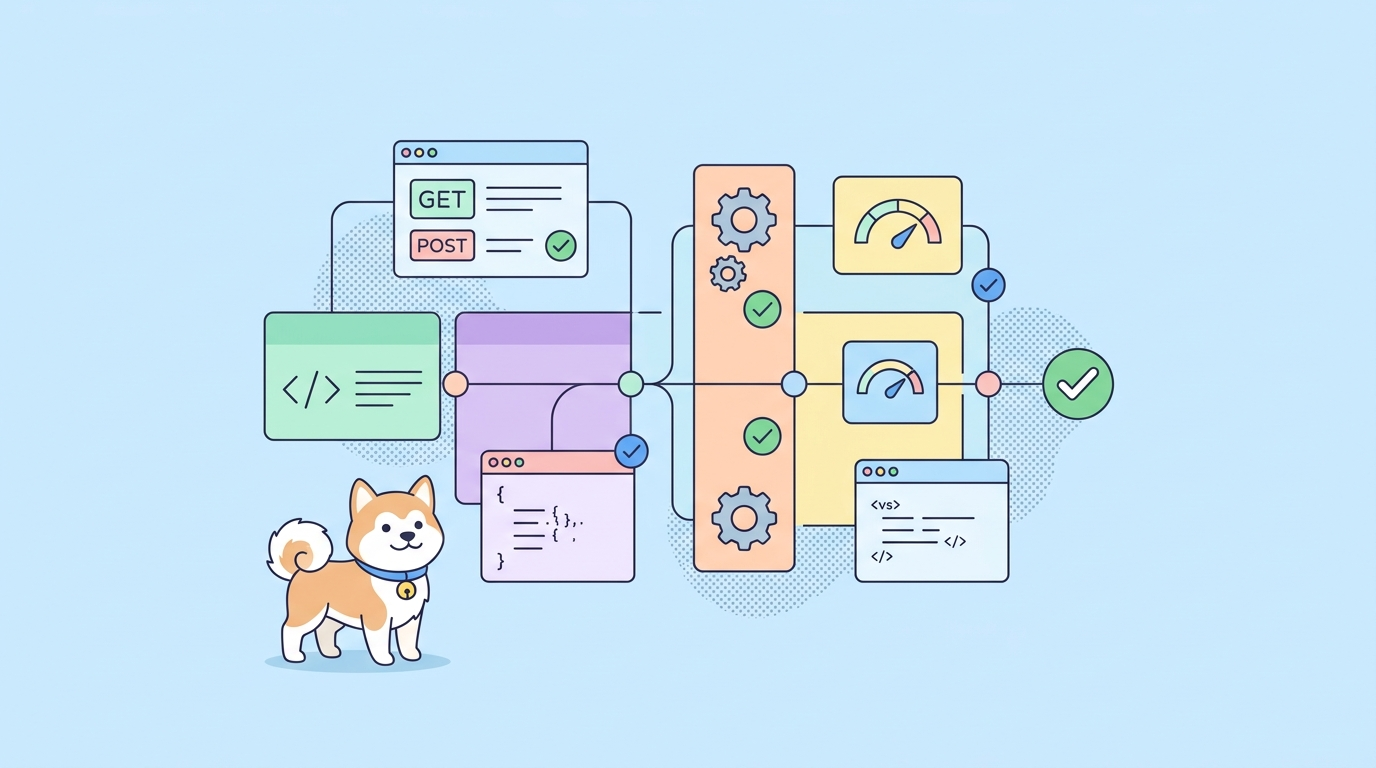
That’s the whole spine of an autonomous setup: a scheduler fires headless Claude, the agent works against a spec, hooks and a gate keep it honest, and the logs tell you what happened.
Design the loop, not the prompt
Here’s the mindset that ties it together. Stop asking “what should I tell Claude?” Start asking “what loop would make Claude tell itself?” The agent is a fast generator with no reliable sense of whether it’s right. The loop supplies that sense through the gate. We went deep on this in stop prompting your coding agent, build the loop instead, and it’s the load-bearing idea for unattended work: the model’s confidence stops mattering, only the gate’s verdict does.
This is also why a clear spec beats a clever prompt. The same spec drives every iteration and doubles as documentation. A design.md or AGENTS.md file that captures intent, constraints, and the definition of done gives the agent a stable target on every run, instead of you re-explaining context each time.
A worked example: unattended API maintenance
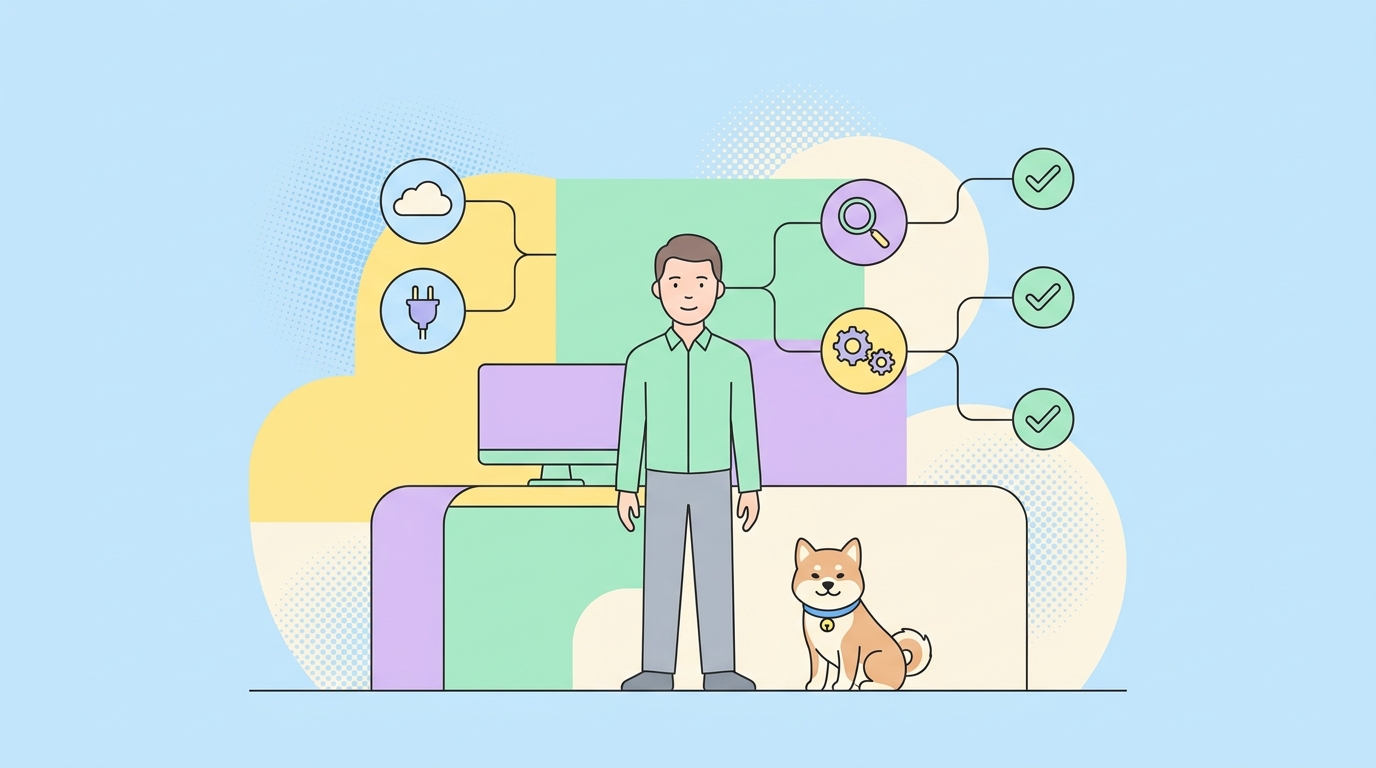
Make it concrete. Say you want a workflow that keeps a set of API endpoints in sync with their OpenAPI spec, runs every morning, and never ships a broken endpoint. Here’s the shape.
- Spec. The contract lives in an OpenAPI file; the behavior lives in test cases. The agent reads both at the start of the run.
- Trigger. A 7am cron job fires headless Claude with the maintenance task.
- Generate. The agent reconciles the implementation with the spec: adds missing endpoints, fixes mismatched response shapes, tightens validation.
- Gate. The workflow runs the API test suite against the running service. Status assertions, JSON schema validation on every response, contract checks against the spec. Failures come back structured: “Expected 422 on missing
customer_id, got 500.” “Response fieldtotalis a string, schema says number.” - Loop or escalate. Red gate? The structured failure becomes the next prompt and the agent patches the specific gap, up to the iteration cap. Green? It opens a draft PR. Out of tries? It files an alert with the last failure and stops.
- Handoff. A human gets either a clean PR to review or a precise failure report. Never a silent commit.
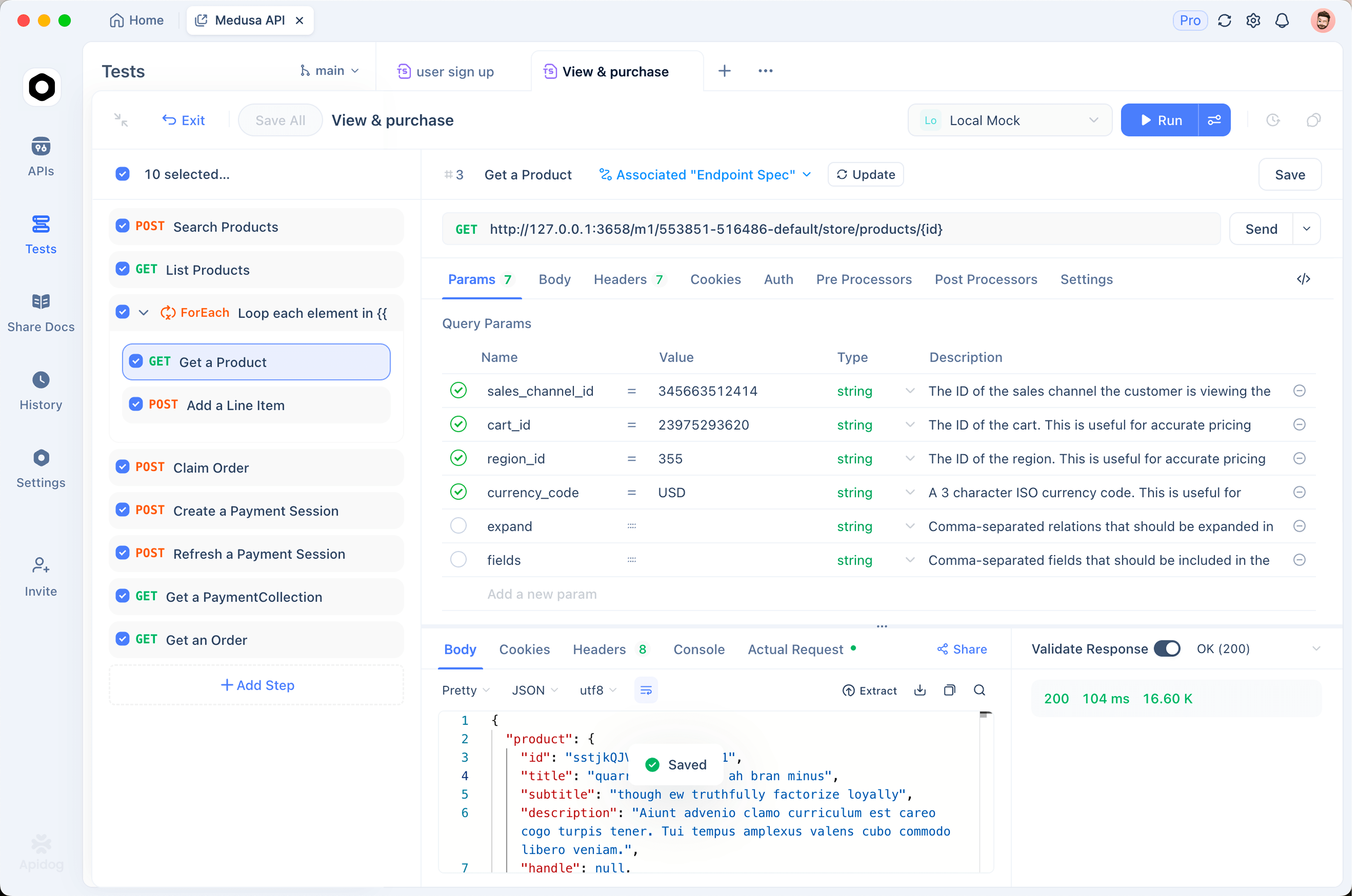
The gate in step 4 is what makes the whole thing safe to run unattended. Without it, the agent edits code and reports success based on its own read, which is exactly how broken endpoints reach production. This is where Apidog fits an autonomous workflow: the API design, the schema, the mock server, and the automated tests live in one workspace, so the gate and the spec stay in sync by default. You point the run at an Apidog test scenario and the agent gets schema-validated pass/fail every iteration. The mock server stands in for dependencies that aren’t up, so a 3am run isn’t blocked waiting on a flaky third party. Teams that wire the agent’s endpoint access through the Apidog AI agent debugger let it hit and inspect endpoints the same way a human tester would. Download Apidog if you’d rather build the gate visually than hand-roll a runner.
Guardrails that make unattended runs safe
This is the part that separates a workflow you trust overnight from one that wakes you at 3am. An unsupervised agent needs hard limits, not good intentions.
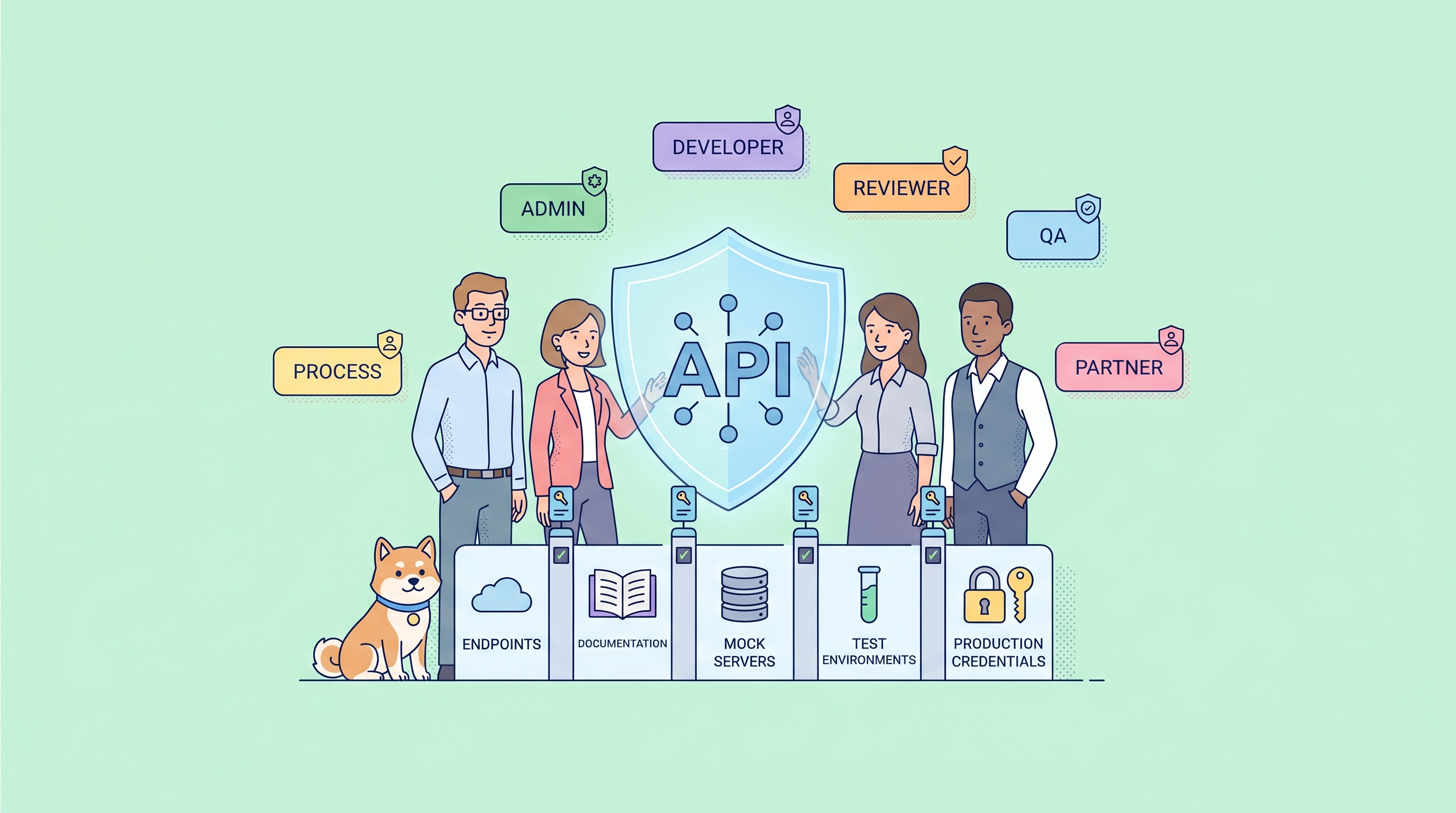
- Narrow permission allowlists. Headless, the allowlist is your only gate on what the agent can do. Grant the minimum tools the task needs. Never hand an unattended run unrestricted shell or destructive commands without a sandbox.
- Bounded iterations. Cap the loop. A run that can’t reach a green gate in N tries should stop and escalate, not grind forever.
- A cost ceiling. Unattended loops burn tokens without a human noticing. Set a spend limit and log spend per run. A loop that isn’t converging should trip the limit and halt. Our notes on reducing agent token costs apply directly here.
- Protect the gate. Keep test files and the spec out of the set of files the agent may edit. If it can rewrite the test to pass, you’ve built a machine for faking progress.
- A sandbox. Run unattended work in an isolated workspace or container, not on main. A git worktree or a disposable branch contains the blast radius of a bad run.
- Logging and a kill switch. Capture every run to a log you actually read, and keep a way to stop a job mid-flight. You can’t debug what you didn’t record.
- Human approval at the edges. “Without you” doesn’t mean “without anyone, ever.” Put a person at the start (approve the task) or the end (approve the PR), just not in the inner loop. The wiring patterns and failure modes here line up with agentic workflow tool wiring.
Most of these come down to one rule: an unattended agent should be able to do its job and nothing else. Constrain the tools, bound the loop, isolate the workspace, and make every run observable.
Common mistakes
A few patterns sink autonomous workflows fast.
- No gate, just vibes. If the only check is “agent, did you finish?” you don’t have a workflow, you have an unsupervised chatbot. The gate must be external to the agent.
- One giant task. A run told to “maintain the whole service” rarely converges. Decompose into endpoint-sized tasks, each with its own gate. Small runs finish; big ones thrash.
- Wide-open permissions. Granting every tool because it’s convenient turns a small bug into a big incident when nobody’s watching. Allowlist tightly.
- Silent success or silent failure. A workflow that commits without telling anyone, or dies without an alert, is worse than no workflow. Always hand off.
- Trusting the model’s self-report. The agent will say it’s done. The gate decides whether it is. Build for the gap between “looks done” and “is done,” because unattended, nobody’s there to catch it.
Get these right and a Claude workflow does a day’s worth of bounded, verified work before you’ve had coffee. Get them wrong and you’ve automated the production of confident, untested code. The difference is the gate and the guardrails, not the model. If you want the deeper architecture, our breakdown of agent harness design covers how the pieces fit at scale.
The takeaway
Building Claude workflows that run without you is less about Claude and more about the system you wrap around it. Five parts carry the weight: a precise spec, headless execution, a deterministic verification gate, hard guardrails, and a clean handoff. Get those right and the model becomes a fast worker inside a machine that’s correct, bounded, and observable when you’re not looking.
Start with one workflow. Write a tight spec, run it headless against a fast verification gate, allowlist the tools, cap the iterations, isolate the workspace, and make it notify you on finish or failure. For anything that touches APIs, your test suite is the gate that makes unattended runs safe, and Apidog gives you the design, mocking, and automated testing in one workspace to build it. Download it, wire the gate, and let the workflow run its laps while you do something else.