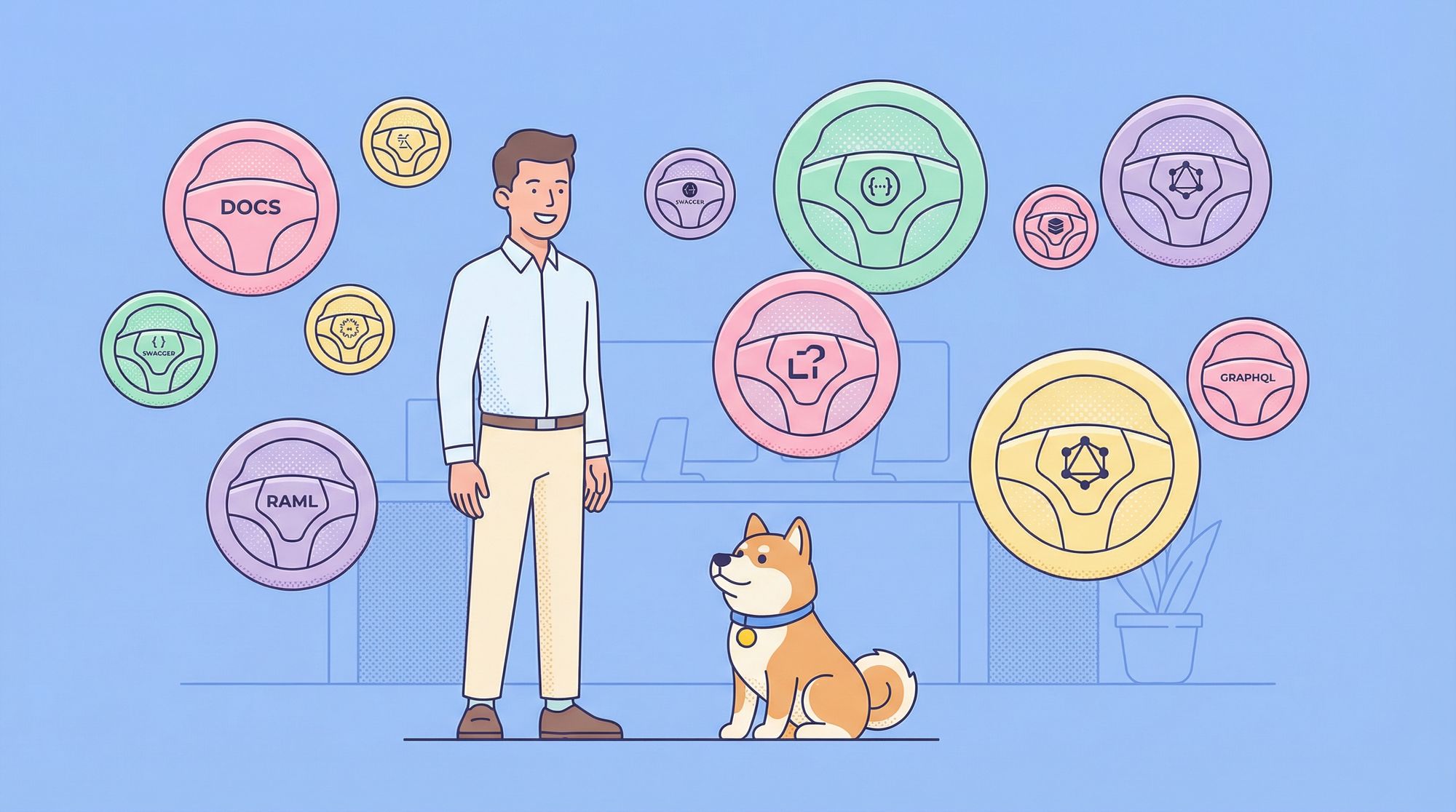
You've built an amazing API. It's fast, reliable, and solves a real problem. But there's a catch: if no one can understand how to use it, does it really matter? Poor documentation is like having a sports car with no steering wheel, powerful, but ultimately useless to anyone trying to drive it.
The good news is that we're living in a golden age of API documentation tools. The bad news? There are so many options that choosing the right one can feel overwhelming. Do you go with the established giant, the sleek newcomer, or the specialized tool that does one thing perfectly?
After testing and working with countless tools, I've ranked the top API documentation generators based on usability, features, and real-world effectiveness. Whether you're a solo developer or part of a large enterprise team, there's a perfect fit waiting for you.
Now, let's explore the contenders and find your documentation soulmate.
Why API Documentation Generators Matter More Than Ever
Before we dive into rankings, let’s answer the big question why should you care about API doc generators in the first place?
Well, APIs have become the universal interface of modern software. Whether you're building a mobile app, integrating third-party services, or architecting microservices, chances are you're dealing with APIs daily.
Good API documentation:
- Reduces onboarding time
- Improves collaboration across teams
- Reduces support tickets
- Boosts adoption of your API
- Ensures consistency and maintainability
Simply put: Your API is only as good as your documentation.
That’s where automated API documentation generators come in. They help you avoid the nightmare of manually maintaining docs across releases, versions, and microservices.
The Ranking Criteria: What Makes Great API Documentation Generator?
Before we jump into the list, let's establish what we're looking for in a top-tier documentation generator:
- Ease of Use: How quickly can you get from zero to published docs?
- Automation & Synchronization: Does it stay in sync with your API, or is it another thing to manually update?
- Customization & Branding: Can you make it look like it belongs to your company?
- Collaboration Features: Can your team work together on the documentation?
- Additional Features: Does it offer testing, mocking, or other valuable extras?
- Pricing: Is it free, freemium, or enterprise-only?
With these criteria in mind, let's meet our competitors.
1. Apidog: The All-in-One Powerhouse for API Documentation
Best For: Teams that want everything in one place
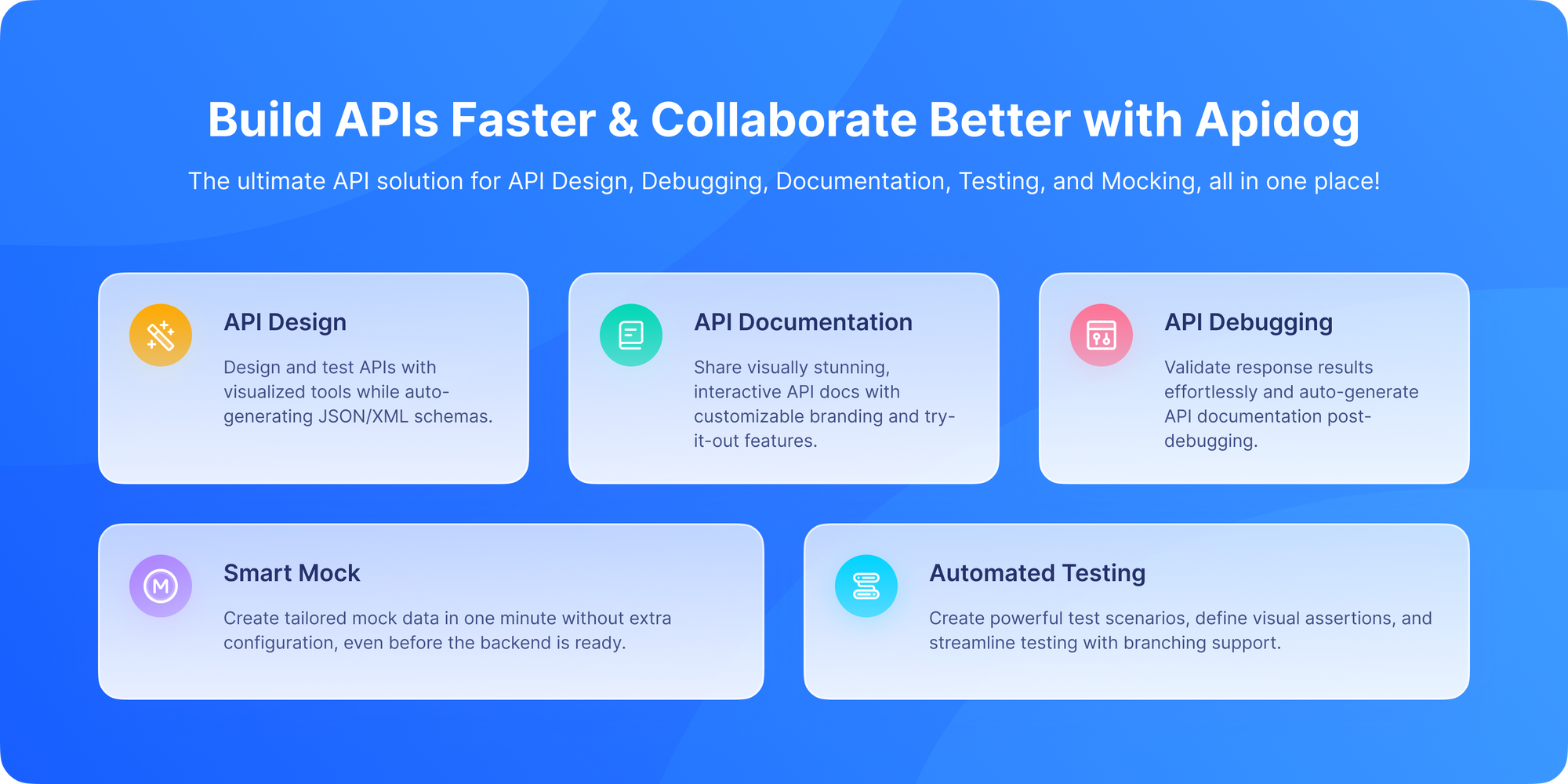
If you believe that documentation shouldn't be separate from the actual API workflow, Apidog might be your new best friend. It's not just a documentation tool, it's a complete API platform that happens to create excellent documentation as a natural byproduct of your development process.
Why Apidog Stands Out:
- Design-First Approach: You design your API in Apidog, and the documentation is automatically generated from your specifications. This eliminates the dreaded documentation drift.
- Live Testing Embedded: Users can try API calls directly from the online published documentation without switching tools.
- Instant Mock Servers: Generate mock APIs instantly, allowing frontend and backend teams to work in parallel.
- Team Collaboration: Built-in commenting, versioning, and role-based access make it perfect for teams.
Use Cases
- Startups building public APIs
- Enterprises needing consistent documentation across microservices
- Teams seeking an all-in-one API platform
The Verdict:
Apidog wins for teams that want to break down silos between API design, mocking, testing, debugging and documentation. It's the Swiss Army knife of API tools and that’s why it deserves the top spot.
2. Swagger/OpenAPI Ecosystem: The Industry Standard

Best For: Large enterprises and developers who love code-first approaches
When people think of API documentation, many still think of Swagger first. The Swagger toolset (now part of the OpenAPI specification) is the granddaddy of API documentation, and it's still incredibly powerful.
Key Components:
- Swagger UI: The familiar, clean interface that renders OpenAPI specs into interactive documentation
- Swagger Editor: A browser-based editor for writing OpenAPI definitions
- Swagger Codegen: Generates server stubs and client SDKs from your API specs
Why Swagger Still Matters:
- Universal Recognition: Almost every developer has encountered Swagger documentation
- Extensive Tooling: Massive ecosystem of tools and integrations
- Code-First Flexibility: Perfect if you prefer to generate docs from code annotations
Pros
- Open-source
- Customizable
- Huge community
- Easy to embed anywhere
Cons
- Requires dev effort to host and style
- Not ideal for non-technical users
- Lacks advanced team collaboration features
The Catch:
The Swagger ecosystem can feel fragmented. You might need Swagger UI for docs, Postman for testing, and another tool for mocking. It's powerful but not always cohesive.
3. Postman: The Documentation Evolution
Best For: Teams already using Postman for API development
If your team lives in Postman for API testing, their documentation features might be all you need. Postman has evolved from a simple API client to a full-fledged API platform with robust documentation capabilities.
Why Postman Documentation Shines:
- Seamless Integration: Your collections become documentation with minimal extra work
- Environment-Aware: Show different examples for development, staging, and production
- Built-in Monitoring: Combine documentation with API monitoring and testing
Pros
- Easy to generate
- Auto-updates from your collection
- Simple public sharing
Cons
- Documentation tied to Postman collections
- Less customizable
- Not ideal for large teams or governance
Consider This:
While convenient, Postman's documentation can feel secondary to its testing features. It's excellent for internal APIs but might lack the polish needed for public-facing developer portals.
4. Stoplight: The Design-First Specialist

Best For: Organizations committed to API-first development
Stoplight takes the design-first approach seriously. It's built around the idea that you should design your API contract before writing any code, and their documentation reflects this philosophy.
Stoplight's Strengths:
- Visual API Designer: Design APIs without deep knowledge of OpenAPI syntax
- Governance Features: Ensure API consistency across large organizations
- Git Integration: Version control your API designs alongside your code
Pros
- Great design
- Markdown support
- Hosted and self-hosted options
Cons
- Stoplight Studio integration required for best experience
- Pricing can be high for teams
- Limited test and mock server features compared to Apidog
The Trade-off:
Stoplight is opinionated about workflow. If your team isn't committed to design-first development, you might not get full value from the platform.
5. ReadMe: The Developer Experience Champion
Best For: Creating beautiful public-facing developer portals
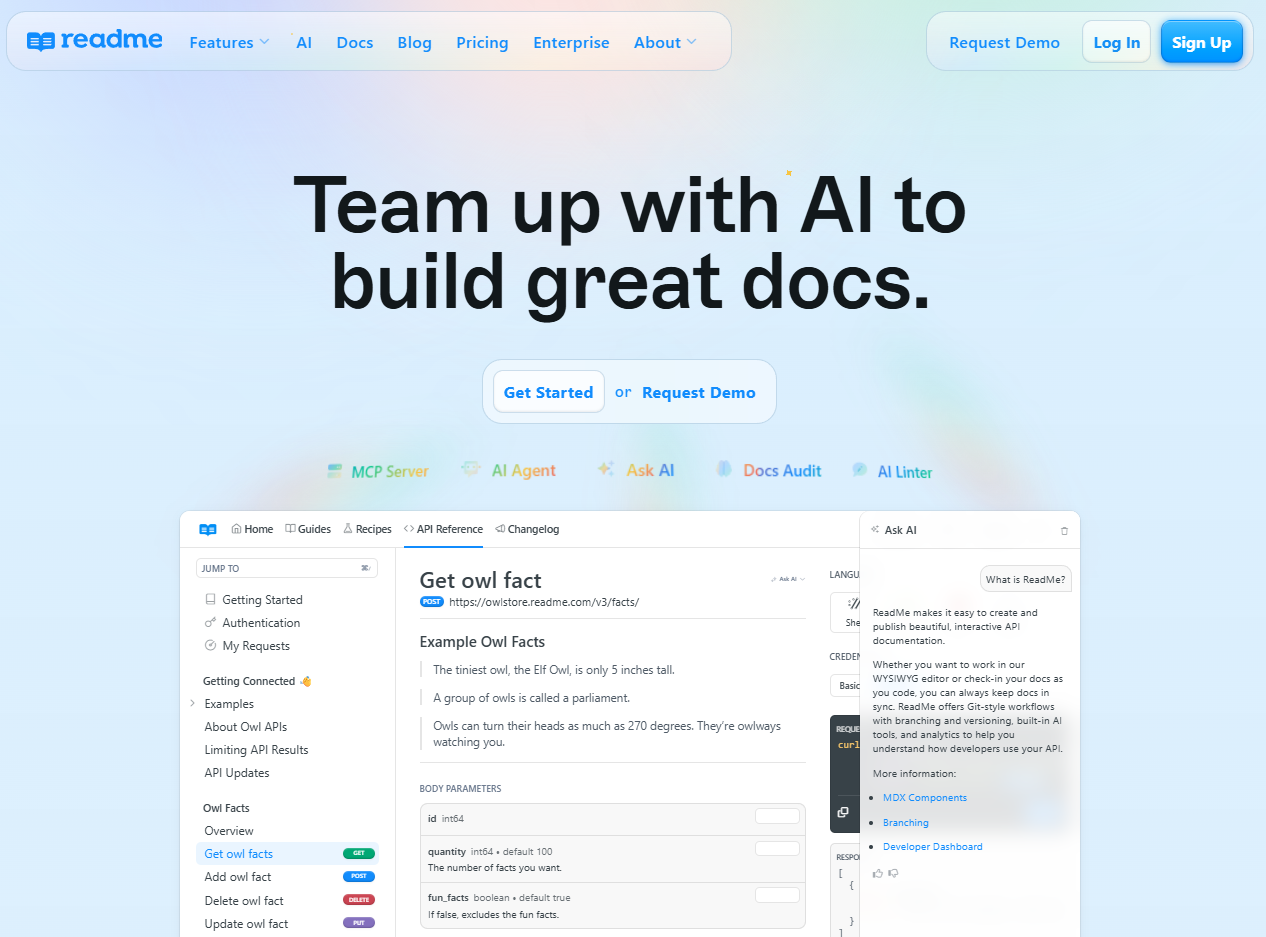
ReadMe focuses intensely on creating exceptional experiences for developers using your API. If you're building a public API and want to impress developers from their first visit, ReadMe is worth serious consideration.
What Makes ReadMe Special:
- Beautiful Templates: Professional, customizable templates that make your API look amazing
- Developer-Centric Features: Interactive logs, API metrics, and sophisticated customization
- Community Building: Built-in features for gathering feedback and building community
Pros
- Beautiful interface
- Great onboarding flows
- Built-in API explorer
Cons
- Not budget friendly
- Hard to self-host
- Limited as an API design or testing tool
The Consideration:
ReadMe is primarily a documentation platform. You'll likely need additional tools for comprehensive API testing and development.
6. Slate: The Minimalist's Dream

Best For: Developers who want beautiful, static documentation with full control
Sometimes you just want clean, readable documentation without complex platforms or ongoing costs. Slate (and similar tools like MkDocs) creates beautiful, three-panel documentation that works perfectly for many use cases.
Why Developers Love Slate:
- Complete Control: Host it anywhere, GitHub Pages, your own server, anywhere
- No Vendor Lock-in: It's just Markdown and some configuration
- Beautiful by Default: The three-panel layout is intuitive and clean
Pros
- Open-source
- Clean, minimalist UI
- Markdown-based
Cons
- Requires engineering effort
- Not schema-driven
- Harder to maintain for large APIs
The Reality:
Slate requires more manual maintenance. There's no automatic synchronization with your API, so you're responsible for keeping everything updated.
7. Redoc: The OpenAPI Purist's Choice
Best For: Teams that want fast, clean OpenAPI rendering
Redoc takes your OpenAPI specification and turns it into clean, fast documentation. It's less about being a full platform and more about doing one thing exceptionally well.
Redoc's Appeal:
- Blazing Fast: Incredibly fast load times and smooth navigation
- Zero Dependencies: No React, no jQuery, just vanilla JavaScript
- Customizable: While minimalist, it offers thoughtful customization options
Pros
- Beautiful UI
- Great performance
- Supports complex OpenAPI specs
Cons
- Harder to customize
- No built-in editor
- No testing or collaboration features
Perfect For:
API providers who have their OpenAPI spec ready and just want a clean, fast way to present it to users.
Comparison Table: At a Glance
| Tool | Best For | Key Strength | Learning Curve | Price |
|---|---|---|---|---|
| Apidog | All-in-one workflow | Integrated design, testing, and docs | Moderate | Freemium |
| Swagger | Enterprise teams | Industry standard, extensive tooling | Moderate | Open Source + Paid |
| Postman | Existing Postman users | Seamless collection-to-docs flow | Low | Freemium |
| Stoplight | API-first organizations | Visual design and governance | Moderate | Paid |
| ReadMe | Public developer portals | Beautiful templates, DX focus | Low | Paid |
| Slate | Static documentation fans | Full control, beautiful defaults | Moderate | Free |
| Redoc | OpenAPI purists | Fast, clean rendering | Low | Open Source |
The Future of API Documentation
The trend is clear: documentation is moving from being a separate chore to an integrated part of the API lifecycle. Tools like Apidog that combine design, testing, and documentation in one workflow represent where the industry is heading.
The best documentation isn't created after the API is built, but created alongside it, or even before the first line of code is written.
Getting Started with Your Choice
No matter which tool you choose, here are some universal best practices:
- Start Early: Document as you design, not after you deploy
- Include Real Examples: Show, don't just tell
- Keep it Updated: Outdated documentation is worse than no documentation
- Gather Feedback: Make it easy for users to report issues or suggest improvements
Conclusion: Better API Docs Deliver Better Developer Experience
Great API documentation is no longer a nice-to-have, but a critical component of your API's success. The tools available today make creating and maintaining excellent documentation easier than ever.
If you're looking for a tool that grows with your team and handles the entire API lifecycle, Apidog represents the modern approach to API documentation. Its integrated workflow means your documentation is always in sync with your actual API.
But the truth is, the best tool is the one your team will actually use. Many of these options offer free tiers or trials, so take a few for a test drive. Your future API consumers will thank you for taking the time to create documentation that's as well-crafted as your API itself.