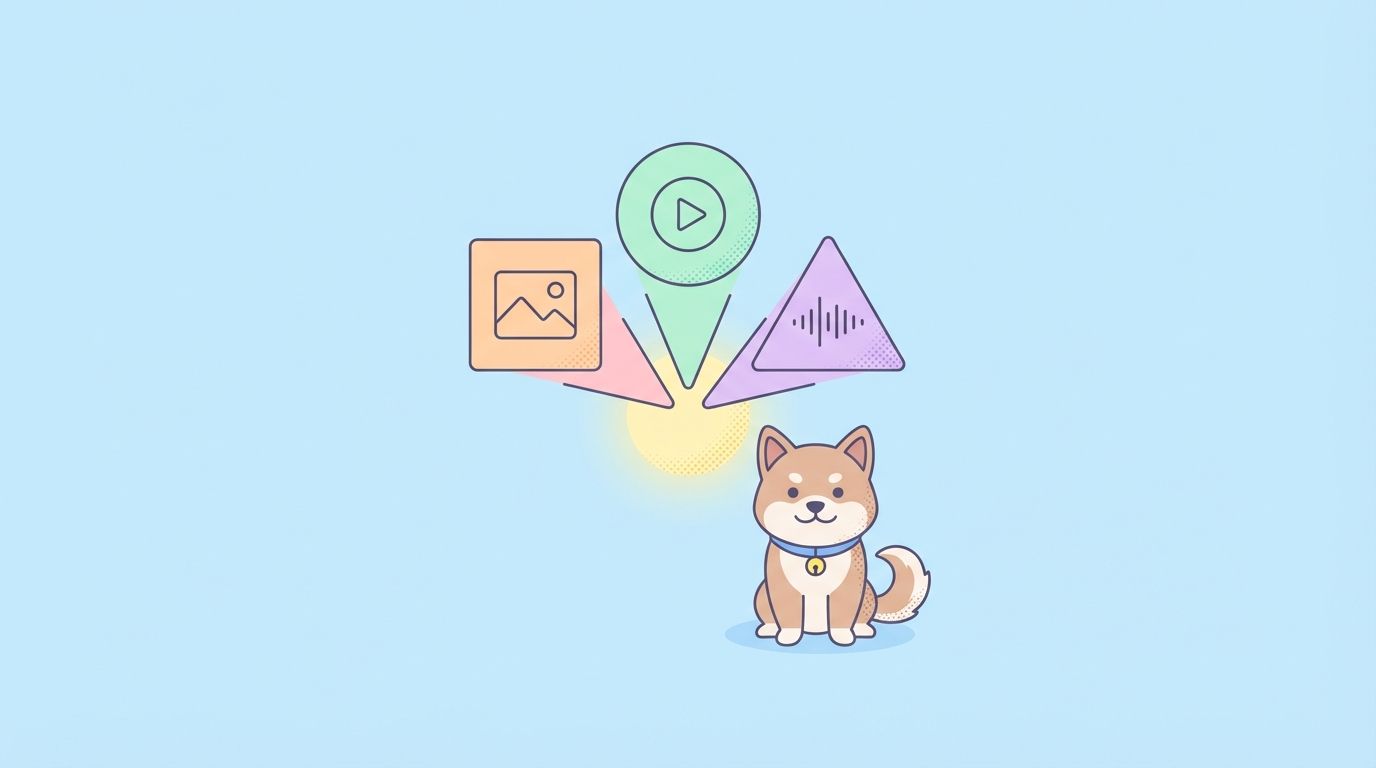
Google’s Gemini Embedding 2 handles text, images, video, audio, and documents in a single embedding space, making it easier to build multimodal AI applications. Released in March 2026, this is Google’s first embedding model that natively processes multiple content types without separate pipelines.
If you’re building semantic search, RAG systems, or testing APIs that work with different media types, this model simplifies your architecture and improves accuracy.
What Makes Gemini Embedding 2 Different?
Most embedding models handle one type of content. Text embeddings work with text. Image embeddings work with images. You get the idea.
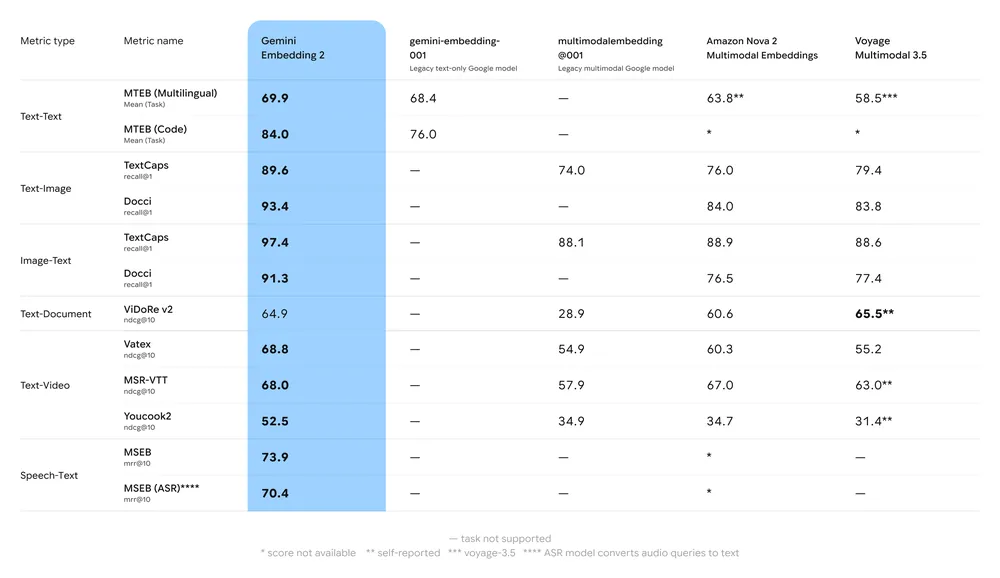
Gemini Embedding 2 breaks that pattern. It maps all these content types into one embedding space:
- Text (up to 8,192 tokens)
- Images (up to 6 per request)
- Video (up to 128 seconds)
- Audio (up to 80 seconds)
- PDF documents (up to 6 pages)
This means you can search across different media types with a single query. Ask a text question and get relevant videos, images, or documents back. That’s the power of multimodal embeddings.
Key Features You Need to Know
1. Interleaved Multimodal Input
You can mix content types in a single request. Send an image plus text, or video plus audio. The model understands how they relate to each other.
This matters when your data is naturally multimodal. A product might have images, descriptions, and video demos. Gemini Embedding 2 captures all those relationships in one embedding.
2. Matryoshka Representation Learning (MRL)
Here’s where it gets clever. The model outputs 3,072-dimensional embeddings by default, but you can truncate them to smaller sizes without losing much accuracy.
Think of it like Russian nesting dolls (hence the name). The important information is nested so that even a 768-dimension version keeps near-peak quality while using 75% less storage.
For production systems, 768 dimensions hits the sweet spot between quality and efficiency.
3. Custom Task Instructions
You can tell the model what you’re trying to do. Use task instructions like:
RETRIEVAL_QUERY- for search queriesRETRIEVAL_DOCUMENT- for documents you’re indexingSEMANTIC_SIMILARITY- for comparing contentCLASSIFICATION- for categorization tasks
The model adjusts its embeddings based on your use case, giving you better results for specific tasks.
4. Native Audio Processing
Unlike other models that transcribe audio to text first, Gemini Embedding 2 processes audio directly. This preserves nuances like tone, emotion, and context that get lost in transcription.
Technical Specifications
Text:
- 8,192 tokens per request
- 100+ languages supported
- Handles code and long documents
Images:
- 6 images max per request
- PNG and JPEG formats
Video:
- 128 seconds max per request
- MP4, MOV formats
- H264, H265, AV1, VP9 codecs
Audio:
- 80 seconds max per request
- MP3, WAV formats
- No transcription needed
PDF Documents:
- 6 pages max per request
- Processes both text and visual content
- Built-in OCR
Real-World Use Cases
Semantic Search Across Media Types
Build a search engine that finds relevant content regardless of format. A user searches for “how to fix a leaky faucet” and gets back:
- Tutorial videos
- Step-by-step articles
- Diagram images
- Audio instructions
All ranked by relevance, all from one query.
RAG Systems with Multimodal Context
Feed your LLM context from multiple sources. When answering a question about a product, pull in:
- Product descriptions (text)
- User manual pages (PDF)
- Demo videos
- Customer review audio
The embeddings help you find the most relevant pieces across all formats.
API Testing with Semantic Similarity
In Apidog, you can use Gemini embeddings to test API responses semantically. Instead of exact string matching, compare response embeddings to expected outputs. This catches cases where the wording changes but the meaning stays the same, useful for testing LLM-powered APIs or natural language responses.
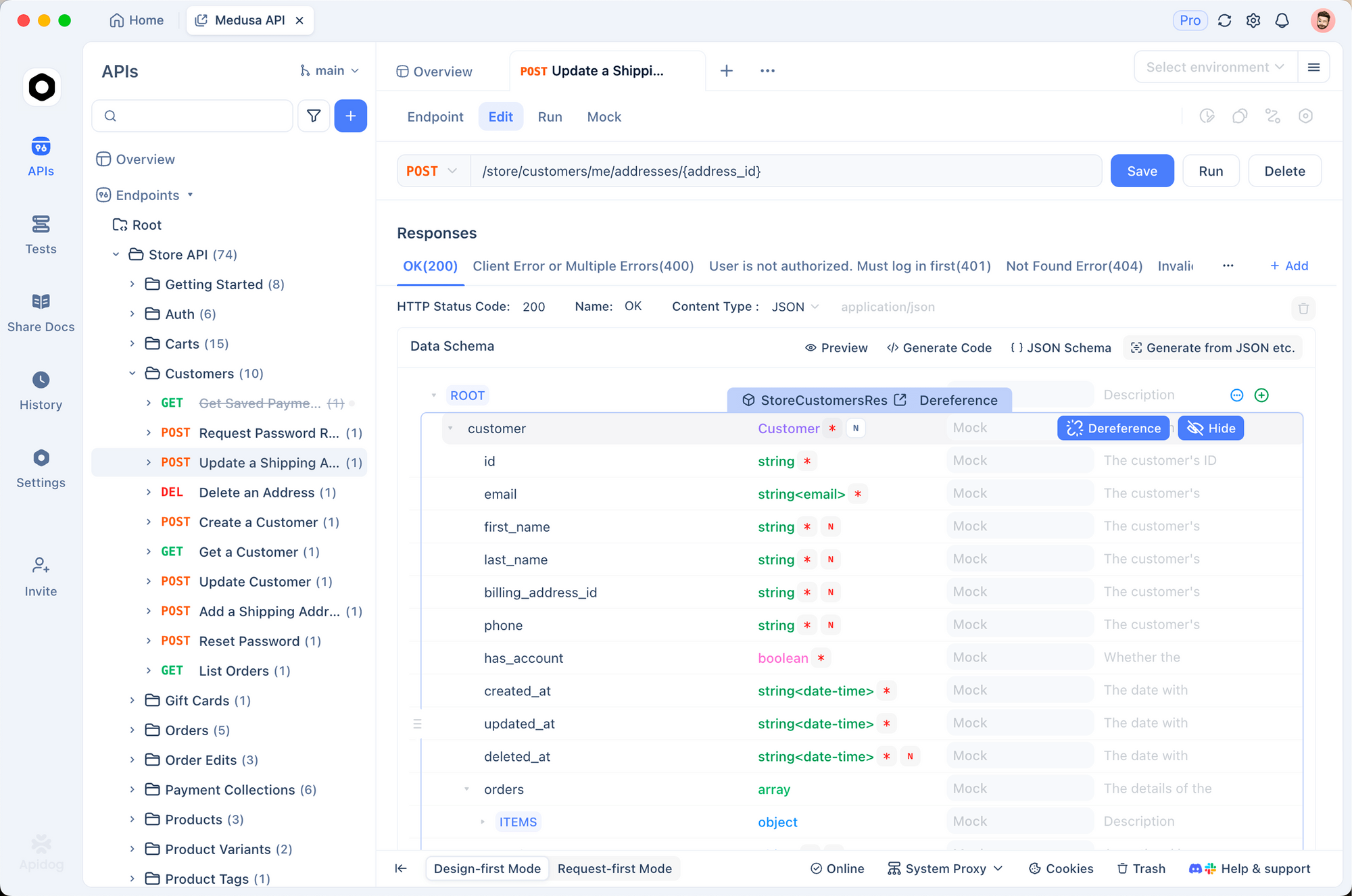
You can also build semantic search into your API documentation, helping developers find relevant endpoints by describing what they want to do rather than knowing exact parameter names.
Content Clustering and Organization
Group similar content together, even when it’s in different formats. Product photos, descriptions, and videos automatically cluster by product category.
Sentiment Analysis Across Channels
Analyze customer feedback from:
- Text reviews
- Video testimonials
- Audio support calls
- Social media images
Get a unified view of sentiment across all channels.
Performance and Benchmarks
Google claims Gemini Embedding 2 outperforms leading models in text, image, and video tasks. It introduces strong speech capabilities that weren’t available in previous embedding models.
The model establishes a new standard for multimodal depth, handling complex relationships between different content types better than single-modality models.
Pricing
Text embeddings cost $0.20 per million tokens. If you don’t need real-time responses, the batch API offers 50% off.
Image, audio, and video follow standard Gemini API media token rates.
For most applications, the cost is reasonable. A typical RAG system processing thousands of documents might cost a few dollars to embed the entire corpus.
Gemini Embedding 2 vs. Competitors
Here’s how Gemini Embedding 2 compares to other popular embedding models:
| Feature | Gemini Embedding 2 | OpenAI text-embedding-3 | Cohere Embed v3 |
|---|---|---|---|
| Modalities | Text, image, video, audio, PDF | Text only | Text only |
| Max Input | 8,192 tokens (text) | 8,191 tokens | 512 tokens |
| Dimensions | 128-3,072 (flexible) | 256-3,072 | 1,024 |
| Languages | 100+ | 100+ | 100+ |
| Task Instructions | Yes | No | Yes |
| Pricing | $0.20/M tokens | $0.13/M tokens | $0.10/M tokens |
| Best For | Multimodal apps | Text-only apps | Text classification |
The key differentiator is multimodal support. If you only need text embeddings, OpenAI or Cohere might be cheaper. But if you’re working with images, video, or audio, Gemini Embedding 2 is the only option that handles everything in one embedding space.
Integration and Availability
Gemini Embedding 2 is available in public preview as gemini-embedding-2-preview through:
- Gemini API
- Vertex AI
- LangChain
- LlamaIndex
- Haystack
- Weaviate
- QDrant
- ChromaDB
- Vector Search
Most major vector databases and AI frameworks already support it. The public preview status means the API might change before general availability, so plan for potential updates in production systems.
Important Migration Note
If you’re using the older gemini-embedding-001 model, know that the embedding spaces are incompatible. You can’t mix old and new embeddings in the same vector database.
Upgrading means re-embedding your entire dataset. There’s no migration path that preserves existing vectors. Plan for this if you’re considering the switch.
Output Dimensions: What to Choose
The model supports dimensions from 128 to 3,072. Here’s what Google recommends:
- 3,072 dimensions: Highest quality, largest storage
- 1,536 dimensions: Balanced quality and size
- 768 dimensions: Production sweet spot (near-peak quality, 75% less storage)
For most applications, 768 dimensions works great. You get excellent quality with manageable storage costs.
When to Use Gemini Embedding 2
Use this model when:
- You have multimodal data (text, images, video, audio)
- You need semantic search across different content types
- You’re building RAG systems with diverse sources
- You want to cluster or classify mixed-media content
- You need embeddings that understand relationships between modalities
Stick with text-only models if:
- You only work with text
- You need the absolute highest text-only performance
- You have existing embeddings you can’t re-generate
What This Means for Developers
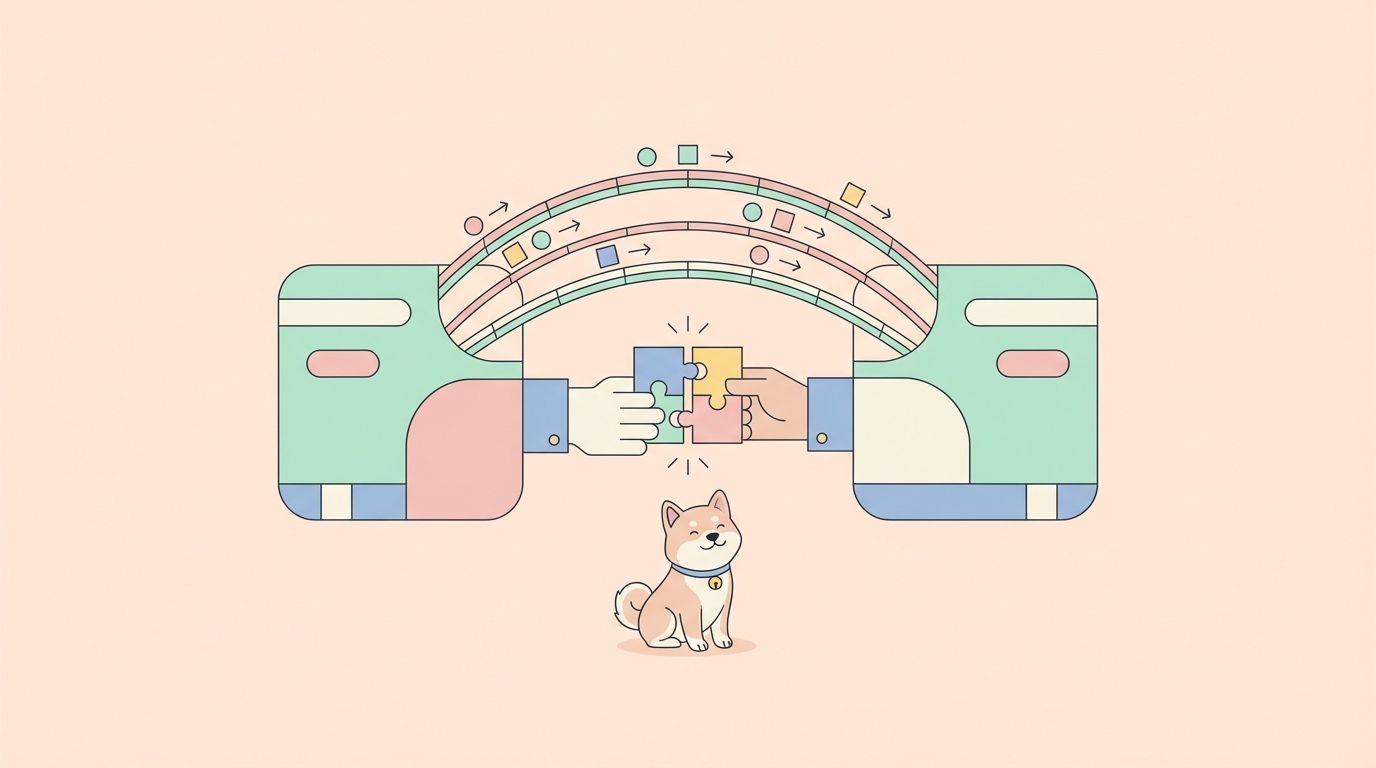
Gemini Embedding 2 simplifies multimodal AI applications. Before, you’d need separate embedding models for each content type, then figure out how to combine them. Now you get one model that handles everything.
This reduces complexity in your codebase. One API call, one embedding space, one vector database. Your search and retrieval logic stays simple.
The Matryoshka approach means you can optimize for your specific needs. Start with full 3,072 dimensions during development, then drop to 768 for production to save costs.
Custom task instructions let you fine-tune without training. Just tell the model what you’re doing, and it adjusts.
Getting Started
To use Gemini Embedding 2:
- Get a Gemini API key from Google AI Studio
- Install the Google Generative AI SDK
- Call the embedding endpoint with your content
- Store embeddings in your vector database
- Use them for search, RAG, or classification
The API is straightforward. You send content, specify optional parameters like task type and dimensions, and get back embeddings.
The Bottom Line
Gemini Embedding 2 is Google’s answer to the multimodal AI challenge. It handles text, images, video, audio, and documents in one unified embedding space.
The Matryoshka approach gives you flexibility on dimensions. Custom task instructions improve accuracy for specific use cases. Native audio processing preserves nuances other models miss.
If you’re building applications that work with multiple content types, this model is worth testing. The public preview is available now through the Gemini API and Vertex AI.
For developers working on semantic search, RAG systems, or content understanding, Gemini Embedding 2 offers a simpler path to multimodal AI. And if you’re testing APIs with Apidog, you can use these embeddings to validate semantic similarity in responses, especially useful for LLM-powered endpoints.