The evolution of web browsers is accelerating, with AI-powered tools transforming the way we interact with the internet. While Chrome and Firefox have long set the standard, Perplexity AI's new browser—Comet—is poised to change the landscape for API developers and technical teams. Comet integrates advanced AI features directly into the browsing experience, streamlining research, automating workflows, and making context-driven search a reality.
Before exploring Comet's technical innovations, consider how robust API testing tools are crucial for building reliable AI-powered applications. Apidog offers a unified platform for API design, testing, and collaboration—essential for ensuring your AI integrations work smoothly, just as seamless as Comet aims to make browsing.
How Comet's Architecture Delivers AI-First Browsing
Comet is built on the Chromium framework, giving developers a familiar foundation while embedding Perplexity AI’s capabilities at its core.
Key architectural highlights:
- Native AI integration: Unlike browsers that add AI via extensions, Comet weaves AI directly into its architecture. This ensures every browsing session leverages intelligent assistance, not just add-on features.
- Powered by Perplexity’s search infrastructure: The same technology that handles hundreds of millions of queries now fuels a new browser experience.
Core Features That Set Comet Apart
1. AI-Powered Search: Answers, Not Just Links
Comet uses Perplexity as its default search engine, replacing traditional link lists with direct, context-aware answers. Instead of sifting through multiple websites, users get synthesized, relevant responses right inside the browser.

How it works:
- Users type natural language queries.
- Comet’s AI analyzes multiple sources, returning unified, actionable answers.
- Research time drops dramatically, especially for in-depth or technical topics.
Example:
When you ask, “What’s the difference between REST and GraphQL APIs?” Comet summarizes pros, cons, and key use cases—no need to open a dozen tabs.
2. Contextual Sidebar Assistant
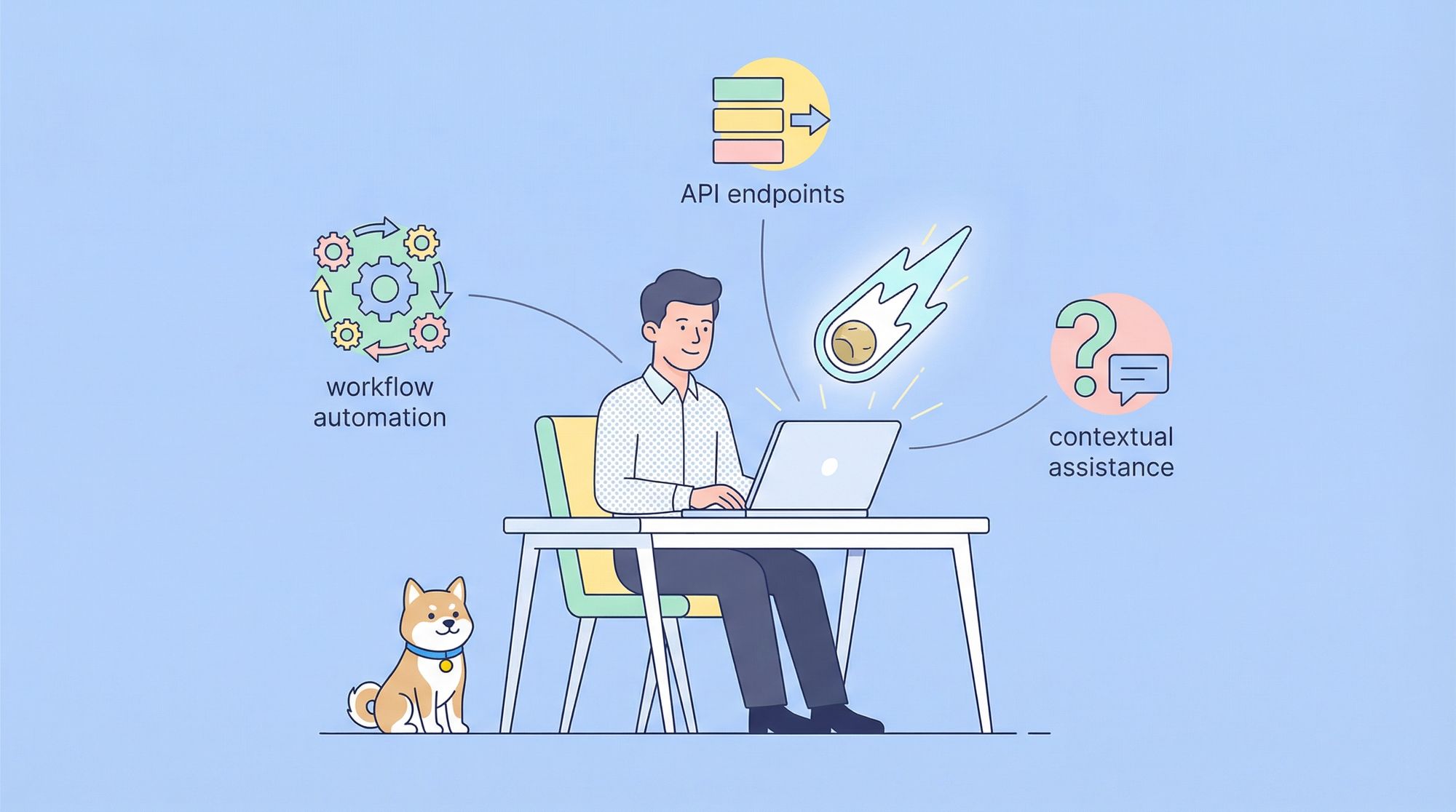
Comet’s built-in sidebar AI assistant raises the bar for in-browser productivity. It can:
- Summarize articles or technical docs in real time
- Explain code snippets or web content contextually
- Answer questions about the page without manual copy-paste

For developers:
Quickly extract API documentation highlights, auto-generate summaries for long changelogs, or get instant clarification on complex technical content.
3. Workflow Automation: Beyond Passive Browsing
Comet introduces the Comet Assistant—an AI agent designed to automate routine web tasks:
- Summarizes emails and calendar events
- Manages tabs contextually (e.g., groups tabs by project)
- Navigates and interacts with web apps on your behalf

Agentic search means you can instruct Comet to:
“Research Node.js frameworks, compare performance, and draft a summary.”
Instead of returning a list of links, Comet can autonomously gather, compare, and organize findings—saving hours of manual work.
Agentic Search: From Query to Action
Traditional search engines return links. Comet’s agentic search executes multi-step tasks:
- Interprets user intent from natural language commands
- Aggregates and synthesizes data from multiple sources
- Can take actions, not just deliver information
Example:
“Find hotels in Berlin under $200 with 4-star reviews and book the best option.”
Comet navigates, compares, and can even initiate bookings—all within the browsing experience.
Technical highlights:
- Advanced NLP for intent recognition
- Secure web scraping and data synthesis
- Decision-making algorithms for action automation
Intelligent Workflow Management for Developers
Comet doesn’t just react—it learns. Its adaptive workflow automation:
- Tracks your behavior patterns (e.g., commonly visited API endpoints)
- Suggests resources or groups tabs during research
- Automates repetitive sequences like API documentation lookups, bug report triage, or log analysis
Result:
Developers and QA teams spend less time on browser micromanagement and more on building and shipping features.
How Comet Stands Out from Other AI Browsers
While Chrome and other major browsers are adding AI features, Comet is built AI-first:
- No bolt-on extensions: All AI capabilities are native, leading to deeper integration and smoother workflows.
- Developer focus: Designed from the ground up to serve knowledge workers, technical teams, and power users.
- Proven growth: With over 780 million queries served monthly, Perplexity’s infrastructure is battle-tested.
Subscription Model: Pricing and Data Privacy
Comet is available through a subscription (“max”) model, reflecting the computational needs of its advanced AI.

- No ad-supported tracking: The paid model means your data isn’t monetized for ads.
- Privacy-first: Comet processes queries securely, with user intent and content analysis occurring in the cloud for AI tasks, but core browsing remains local.
Technical Architecture: Performance and Compatibility
- Hybrid processing: Core browser features run locally for speed; AI-powered tasks leverage Perplexity’s cloud.
- Web standards support: Maintains compatibility with all major web technologies—critical for developers building or testing APIs, front ends, or integrations.
- No trade-off: You get AI features while keeping traditional web functionality intact.
Privacy and Security for Technical Teams
AI-powered browsing raises legitimate privacy questions. Comet addresses these by:
- Clearly defining what data is processed for AI features
- Ensuring user queries and browsing data are protected with transparent policies
- Balancing functionality with strict privacy safeguards—important for teams handling sensitive data
Developer Opportunities: Building for the AI Browser Era
Comet’s native AI opens new possibilities for API and web app developers:
- Potential for developer APIs: Future integration may let you tap into Comet’s AI engine from your web apps.
- AI-enhanced experiences: Design web tools that interact intelligently with the browser’s assistant, summaries, or workflow automation.
Tip:
When testing and iterating on such integrations—whether for Comet or any other AI-driven platform—using an advanced API management tool like Apidog helps ensure reliable, cross-platform workflows and robust API coverage.
Impact on Web Development Practices
As browsers like Comet shift from passive tools to active assistants, web development will adapt:
- Structured data: Ensure your APIs and pages are machine-readable for better AI parsing.
- Clear action flows: Design for automation and agentic workflows, not just manual clicks.
- Interoperability: Test your apps in AI-driven browsers to guarantee a smooth, future-proof user experience.
Conclusion: AI-Powered Browsing and the Modern Developer
Comet marks a turning point in how technical teams interact with the web. Its agentic search, contextual assistant, and workflow automation are not just productivity boosters—they signal the future of developer-centric browsing. For backend engineers, API testers, and product teams, AI-first browsers will change research, documentation, and even how APIs are consumed.
As you explore these new workflows, reliable API management remains foundational. Tools like Apidog help ensure your integrations are as seamless and intelligent as the browsers your users depend on.