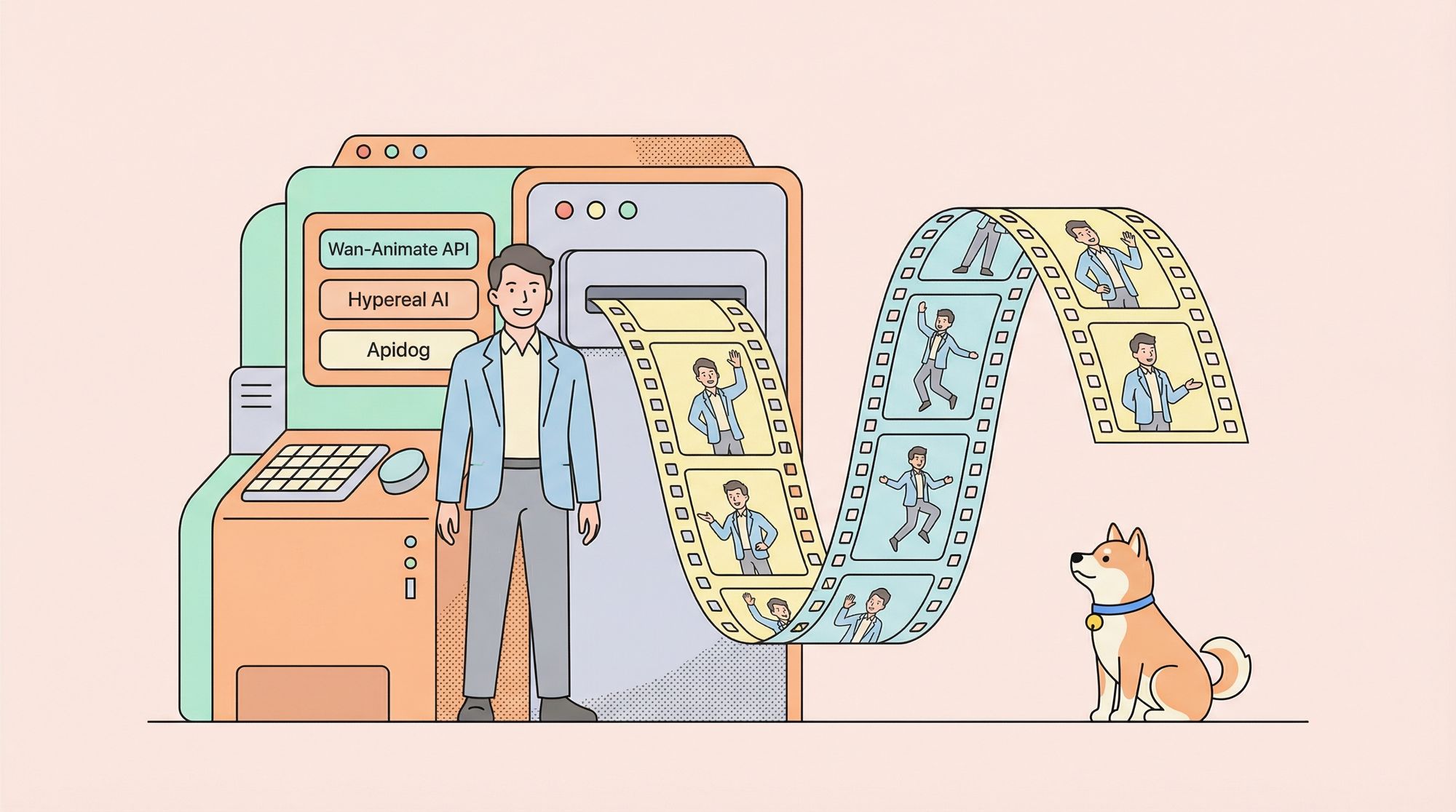
Developers increasingly integrate AI models into video production workflows to streamline character animation tasks. The Wan-Animate API stands out as a powerful tool in this domain, enabling users to generate realistic animations from static images and reference videos. This API, based on the Wan 2.2 model, supports modes like animation and replacement, where it replicates movements, expressions, and environmental consistency. Engineers can leverage it to transform simple inputs into professional-grade outputs, saving time and resources.
Want to Build AI Apps at lightening fast speed? There is an awesome AI Infra start that provides AI Talking Avatar API at fast speed at the lowest cost, and you need to know of: Hypereal AI.


This article guides you through the process of accessing and using the Wan-Animate API. We cover prerequisites, platform-specific setups, parameter configurations, code examples, and advanced techniques. Additionally, we discuss how Apidog enhances your development experience. By following these steps, you equip yourself to build innovative applications.
What Is the Wan-Animate API?
The Wan-Animate API provides an interface to the Wan 2.2 Animate model, developed by teams associated with Alibaba and Wan-AI. This API allows users to animate characters or replace subjects in existing videos while maintaining lighting, tone, and scene integrity. Unlike traditional animation software, the Wan-Animate API employs large-scale generative models to produce high-fidelity results from minimal inputs, such as a character image and a template video.

Key features include holistic movement replication, where the API captures body poses, facial expressions, and gestures from a reference. For instance, it can turn a static character image into a performing entity that mimics actions in a provided video. Moreover, the API supports two primary modes: animation, which generates new videos based on inputs, and replacement, which swaps characters seamlessly.

Developers access the Wan-Animate API through hosted platforms like Replicate, Segmind, and Fal.ai, as the core model is open-source but requires computational resources for local runs. These platforms offer serverless APIs, eliminating the need for infrastructure management. Consequently, users focus on crafting requests rather than handling servers.
The API's versatility extends to applications in gaming, film production, and social media content creation. However, understanding its limitations, such as dependency on input quality, ensures optimal results. In the following sections, we explore how to set up access.
Prerequisites for Using the Wan-Animate API
Before you interact with the Wan-Animate API, gather essential requirements. First, obtain an account on a hosting platform like Replicate or Segmind. These services require email registration and often provide free credits for initial testing.
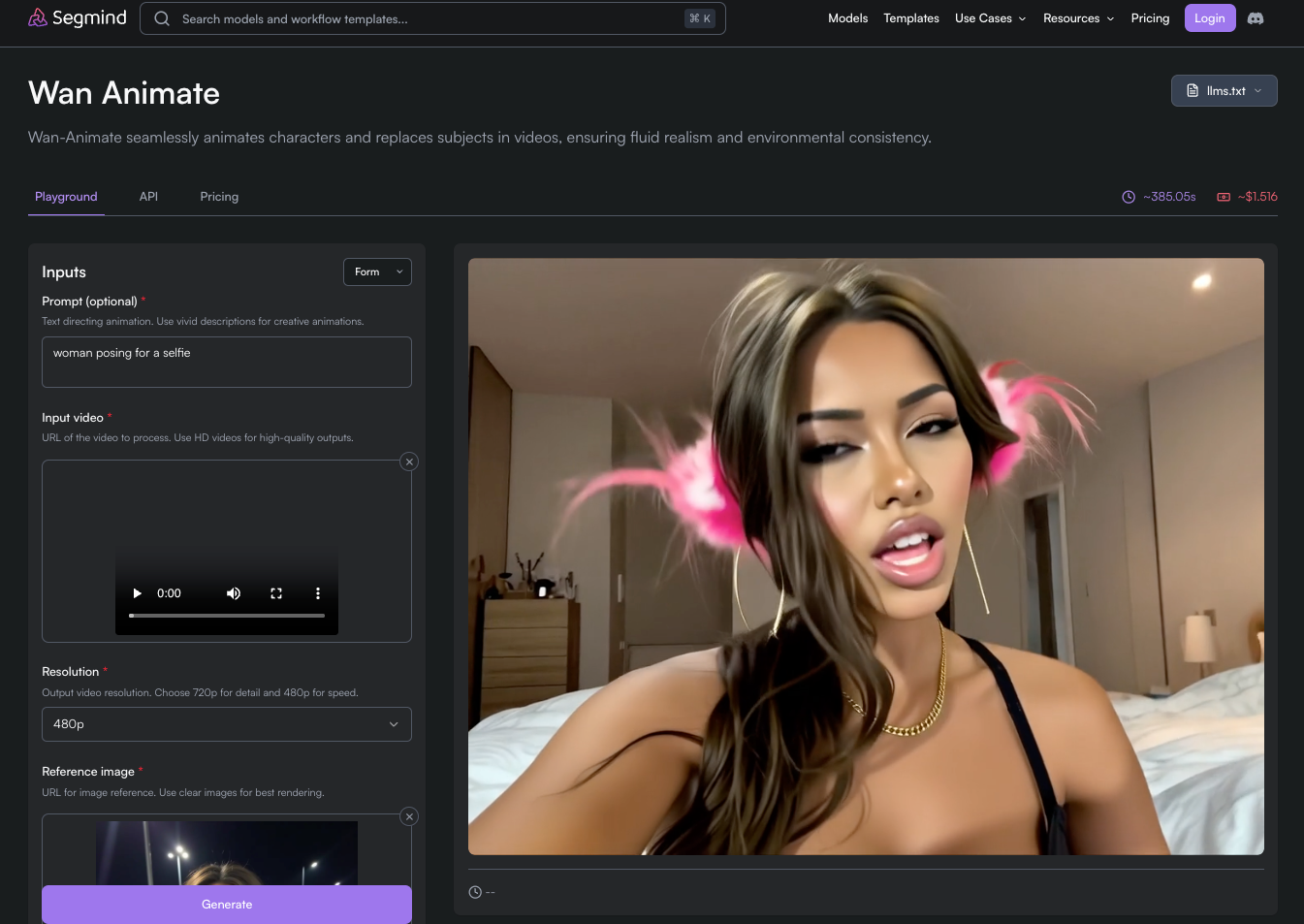
Next, acquire an API key. Platforms generate this key upon signup, which authenticates your requests. Store it securely, as it grants access to paid features. Additionally, prepare input files: a character image (e.g., PNG or JPEG) and a reference video (e.g., MP4). Ensure the image depicts a clear, front-facing character to avoid generation artifacts.
Install necessary tools for development. Python serves as the primary language for examples, so install version 3.8 or higher. Use libraries like requests for HTTP calls and Pillow for image handling. Furthermore, integrate Apidog for testing; this tool allows you to mock responses and validate schemas without live calls.
Finally, review usage policies. Platforms impose rate limits and costs based on compute time—typically $0.2 per million tokens or similar. Monitor your usage to prevent unexpected charges. With these prerequisites in place, proceed to platform-specific access.
Accessing the Wan-Animate API on Replicate
Replicate hosts the Wan-Animate API as a deployable model, simplifying access for developers. Start by navigating to the Replicate website and searching for "wan-video/wan-2.2-animate-animation." Create an account if you lack one, then generate an API token from your profile settings.
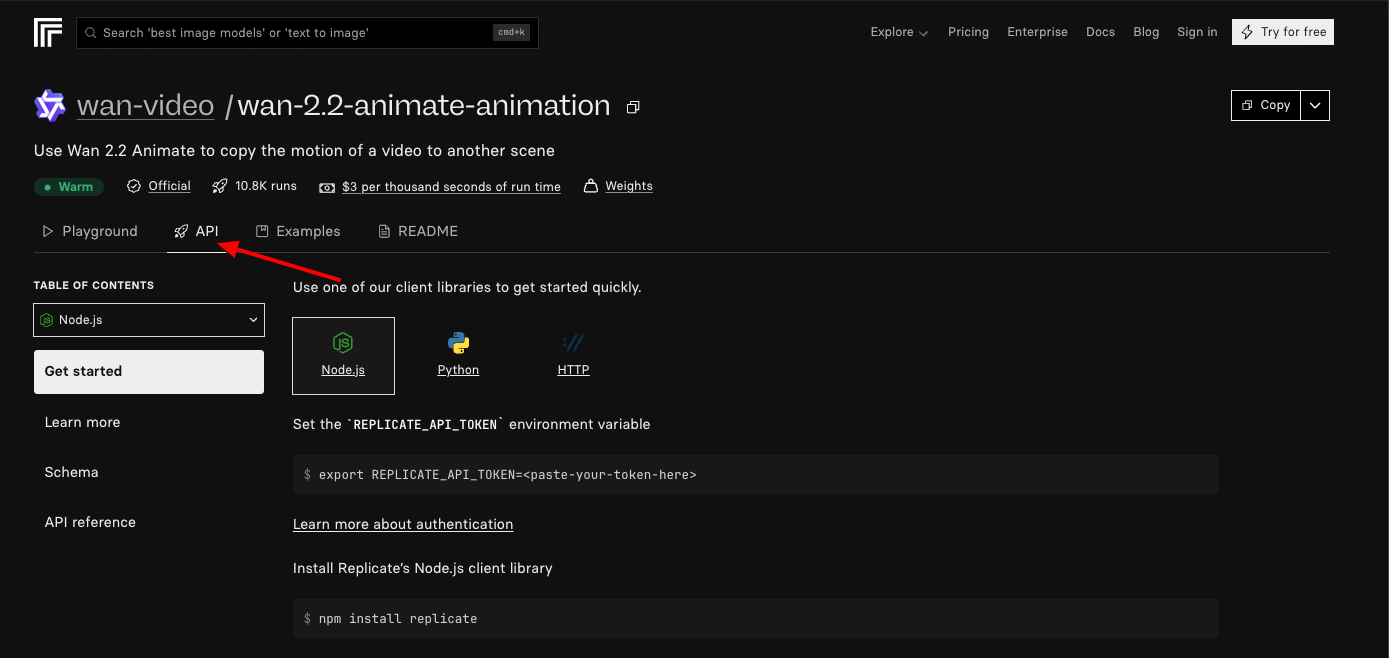
Authenticate requests by including the token in headers. For example, use the Authorization header with "Bearer YOUR_TOKEN." The primary endpoint for predictions is https://api.replicate.com/v1/predictions. Send a POST request with JSON payload containing model version, inputs like character_image URL, video URL, and mode ("animation" or "replacement").
Parameters include seed for reproducibility, steps for generation quality, and guidance_scale for adherence to inputs. Set steps to 25 for balanced performance. Replicate processes the request asynchronously, returning a prediction ID. Poll the GET endpoint with this ID to retrieve the output video URL once complete.
Integrate this into code. Developers write Python scripts using the replicate library: install it via pip, then initialize a client with your token. Call client.run() with the model identifier and inputs. This abstraction handles polling internally, yielding the generated video.
However, monitor for errors like invalid inputs, which return 400 status codes. Test variations to refine outputs. Transitioning to another platform, Segmind offers similar but distinct features.
Accessing the Wan-Animate API on Segmind
Segmind provides a serverless Wan-Animate API, emphasizing ease of use for cloud-based deployments. Sign up on segmind.com, verify your email, and access the dashboard to obtain an API key. This key authenticates all requests.
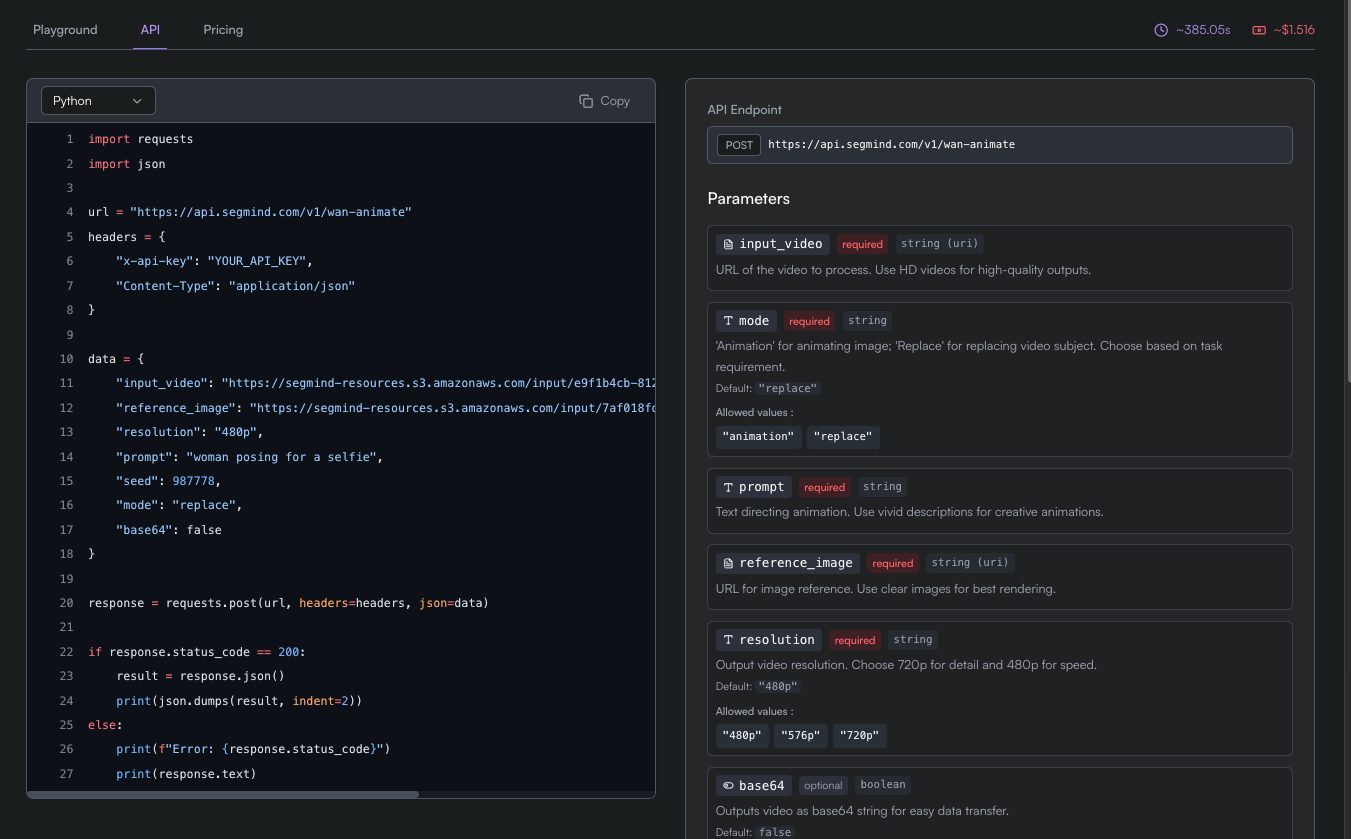
The endpoint structure follows REST principles. Use https://api.segmind.com/v1/wan-animate for POST requests. Include the API key in the X-API-Key header. The payload requires JSON with fields like image (base64-encoded or URL), video (URL), mode, and optional parameters such as duration or resolution.
Segmind's API supports real-time processing for short videos, with outputs delivered as downloadable links. Pricing starts low, often per inference, making it suitable for prototyping. Developers appreciate the environmental consistency it preserves, as the API adjusts lighting automatically.
To implement, craft a curl command for quick tests: curl -X POST -H "X-API-Key: YOUR_KEY" -d '{"image": "https://example.com/char.png", "video": "https://example.com/ref.mp4", "mode": "animation"}' https://api.segmind.com/v1/wan-animate. Parse the response for the output URL.
For production, use Node.js or Python wrappers. Segmind's SDK simplifies this; install via npm or pip, then configure with your key. Call the animate method with inputs. This approach reduces boilerplate code. Nevertheless, compare it with other hosts like Fal.ai for cost efficiency.
Key Parameters and Configurations for the Wan-Animate API
Mastering parameters elevates your use of the Wan-Animate API. Core inputs include character_image, which specifies the static image to animate, and template_video, the reference for movements. Provide these as URLs or base64 strings, ensuring high resolution for better fidelity.
Mode selection dictates behavior: "animation" generates new content, while "replacement" swaps subjects in the video. Additionally, set seed (integer) for consistent results across runs. Higher values for steps (10-50) improve quality but increase compute time.
Guidance_scale (1.0-10.0) controls how closely the output follows inputs—higher values enforce stricter adherence. Include noise_level to adjust randomness in animations. For advanced users, specify output_resolution (e.g., 512x512) to match project needs.
Platforms may add unique parameters. Replicate offers webhook support for notifications, whereas Segmind includes batch_size for multiple generations. Tune these based on experimentation; start with defaults and iterate.
Validate inputs beforehand. Images should feature isolated characters without backgrounds, and videos must be under length limits (e.g., 10 seconds). Misconfigurations lead to suboptimal outputs, so use tools like Apidog to simulate requests.
Using Apidog to Test and Debug the Wan-Animate API
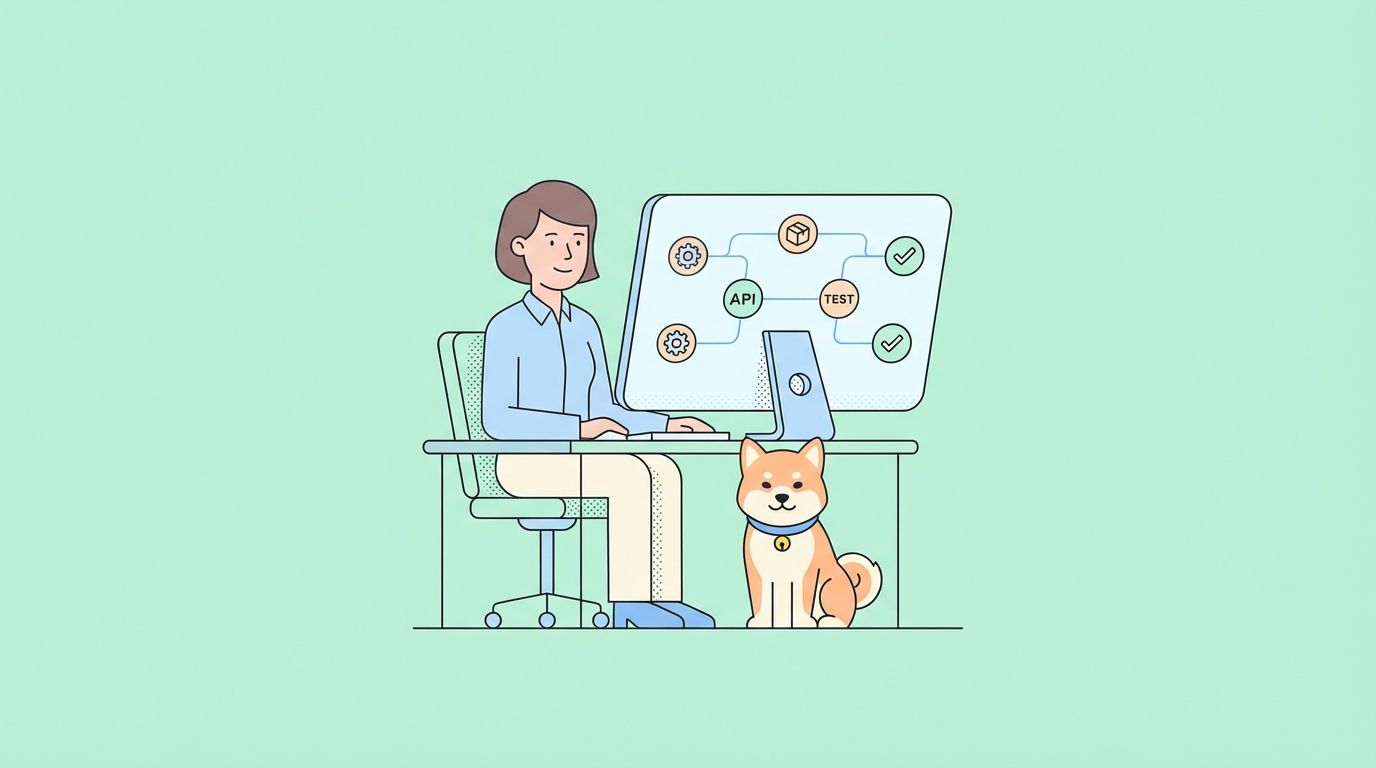
Apidog streamlines testing the Wan-Animate API. As an all-in-one platform, Apidog enables developers to design requests visually. Import OpenAPI specs if available, or manually create collections for endpoints.
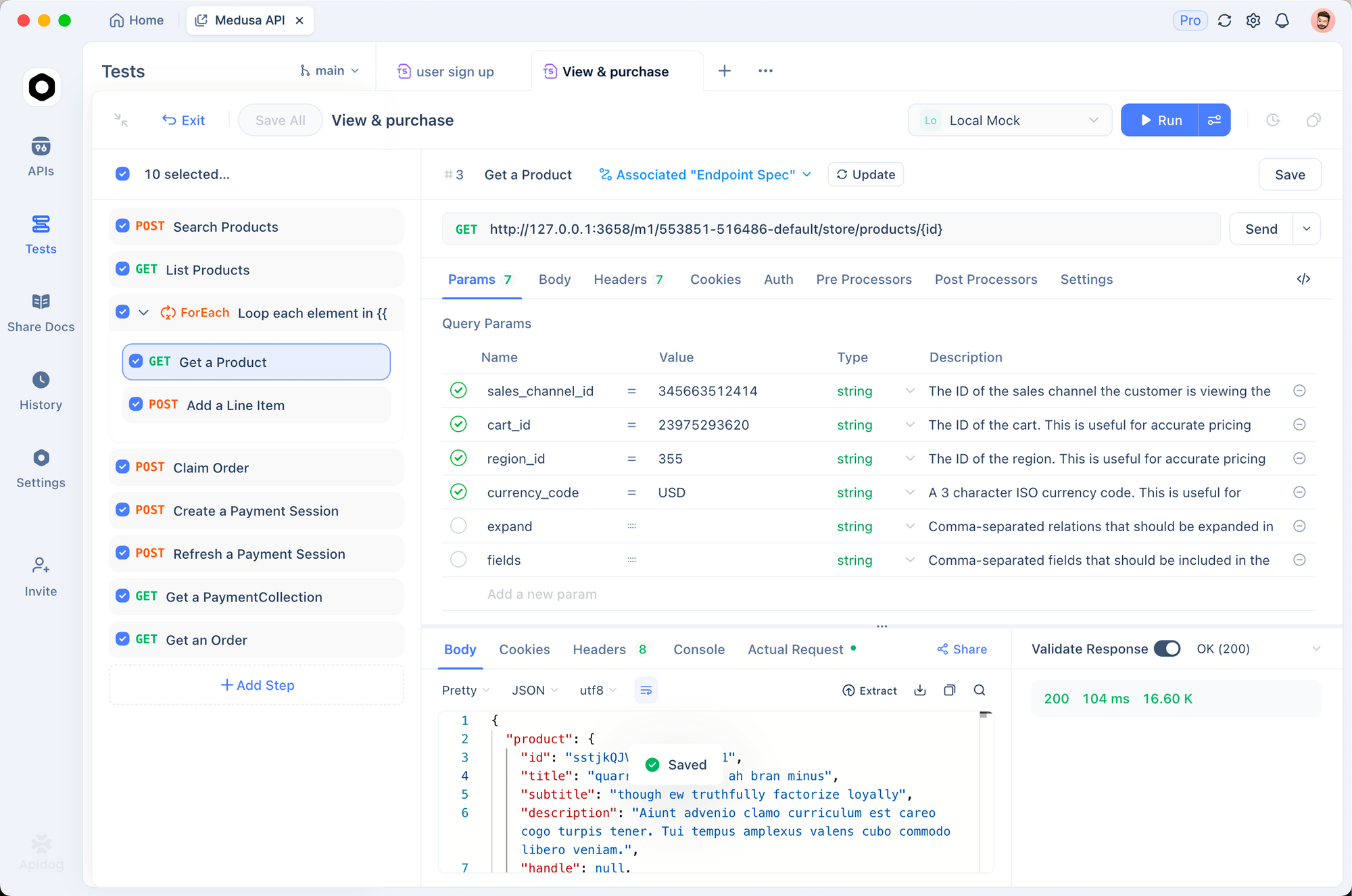
Set up by adding a new API request. Specify the POST method, enter the URL (e.g., Replicate's prediction endpoint), and add headers like Authorization. In the body tab, input JSON parameters for character_image and mode.
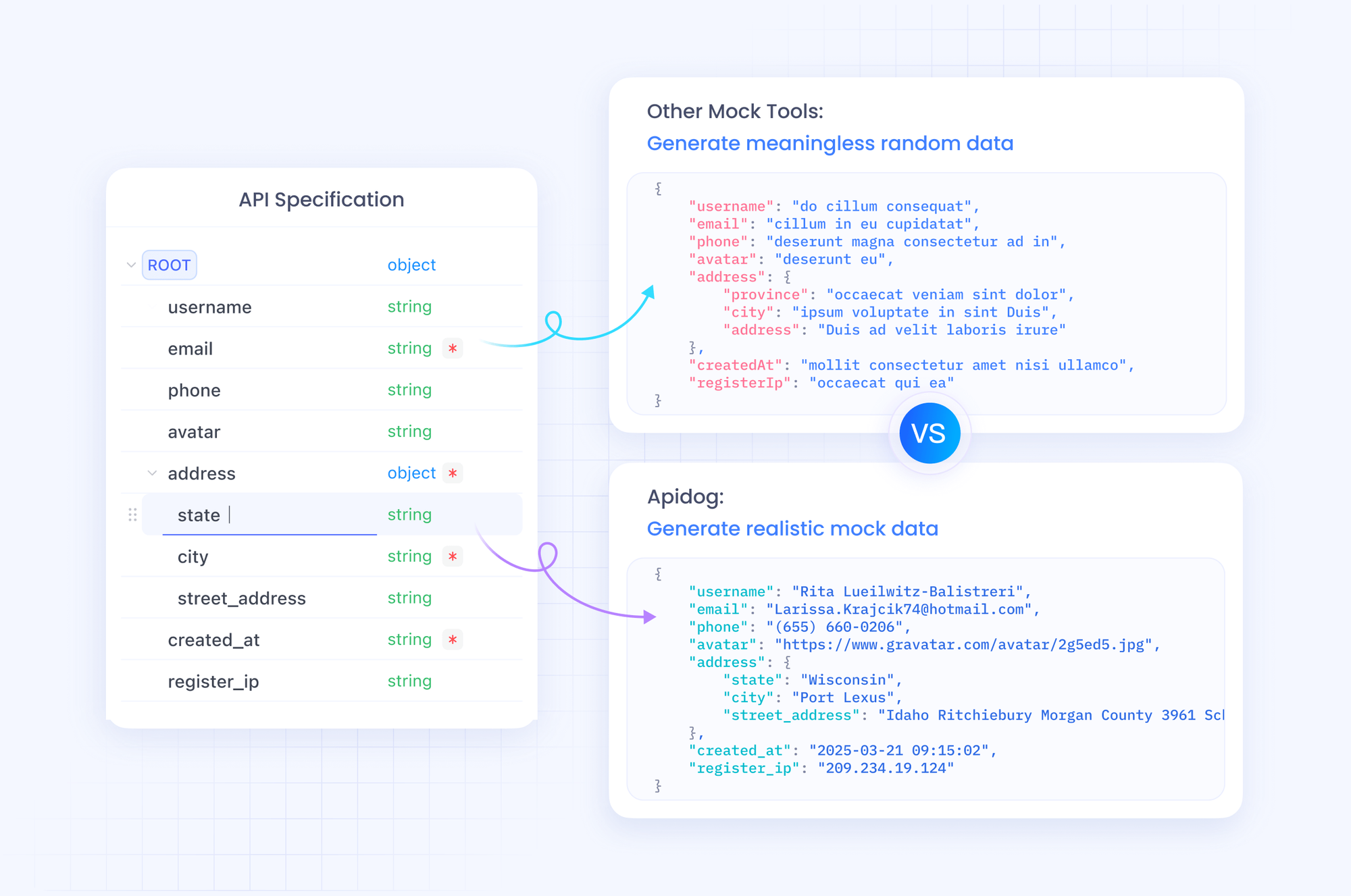
Apidog's mocking feature generates sample responses, allowing offline testing. Define schemas for inputs and outputs to validate data. Run tests with assertions—check if status is 200 or output contains a video URL.
Automate scenarios: chain requests where one polls based on another's prediction ID. Integrate with CI/CD for continuous validation. Apidog also documents your tests, exporting to Markdown or HTML.
For Wan-Animate API specifics, mock high-compute responses to iterate quickly. This reduces costs during development. Therefore, Apidog not only tests but optimizes your workflow.
Advanced Techniques with the Wan-Animate API
Elevate projects by combining the Wan-Animate API with other tools. Chain it with text-to-image APIs: generate characters via Stable Diffusion, then animate them. This creates end-to-end pipelines.
Handle large-scale tasks with batch processing. Platforms like Segmind support multiple requests; script loops to process directories of images and videos.
Optimize for performance: reduce video length to minimize latency. Use lower steps for drafts, reserving high values for finals. Monitor metrics like fidelity scores if provided.
Integrate into mobile apps via cloud functions. Firebase triggers call the API on user uploads, delivering animations in real-time.
Address ethical considerations: ensure inputs respect copyrights, and outputs avoid deepfakes. Platforms enforce guidelines, so comply accordingly.
Experiment with parameters: vary guidance_scale to balance creativity and accuracy. Track results in logs for iterative improvements.
Best Practices for Efficient Use of the Wan-Animate API
Adopt strategies to maximize efficiency. Always preprocess inputs—resize images to 512x512 and trim videos to essential clips. This accelerates processing.
Implement error handling in code: catch 429 rate limits and retry with exponential backoff. Log requests for debugging.
Scale usage: start with free tiers, then upgrade based on volume. Compare platforms' pricing—Replicate for flexibility, Segmind for speed.
Secure API keys: use environment variables, not hardcoding. Rotate keys periodically.
Collaborate using Apidog's sharing features: export collections for team reviews.
Measure success: evaluate outputs with metrics like PSNR for quality. Gather user feedback to refine.
By adhering to these practices, you sustain long-term projects effectively.
Troubleshooting Common Issues with the Wan-Animate API
Encounter problems? Invalid inputs often cause failures—verify URLs are accessible and formats supported. Response codes guide: 401 indicates bad authentication.
If outputs lack fidelity, increase steps or adjust noise. Blurry results stem from low-resolution inputs.
Platform-specific: Replicate timeouts require polling adjustments. Segmind errors may need key regeneration.
Use Apidog to isolate issues: test subsets of parameters. Consult docs or support for unresolved problems.
Prevent issues through versioning: pin model versions to avoid breaking changes.
Conclusion
Mastering the Wan-Animate API empowers developers to innovate in video animation. From access on platforms to testing with Apidog, this guide equips you comprehensively. Implement the techniques discussed, and explore further to unlock its full potential. Remember, small adjustments in parameters yield significant improvements in outputs.