Google Gemini is reshaping how developers build applications through "vibe coding"a new approach that lets you turn natural language ideas directly into working code. For API developers, backend engineers, and technical leads striving for speed and reliability, Gemini’s conversational interface and multimodal capabilities unlock faster prototyping and seamless integration with complex APIs.
If you’re embedding APIs into vibe-coded apps, managing and validating those connections is crucial. Tools like Apidog fit perfectly into this workflow, allowing you to test and debug APIs generated by Gemini for robust, production-ready applications.
What Is Vibe Coding? How Google Gemini Makes App Development Conversational
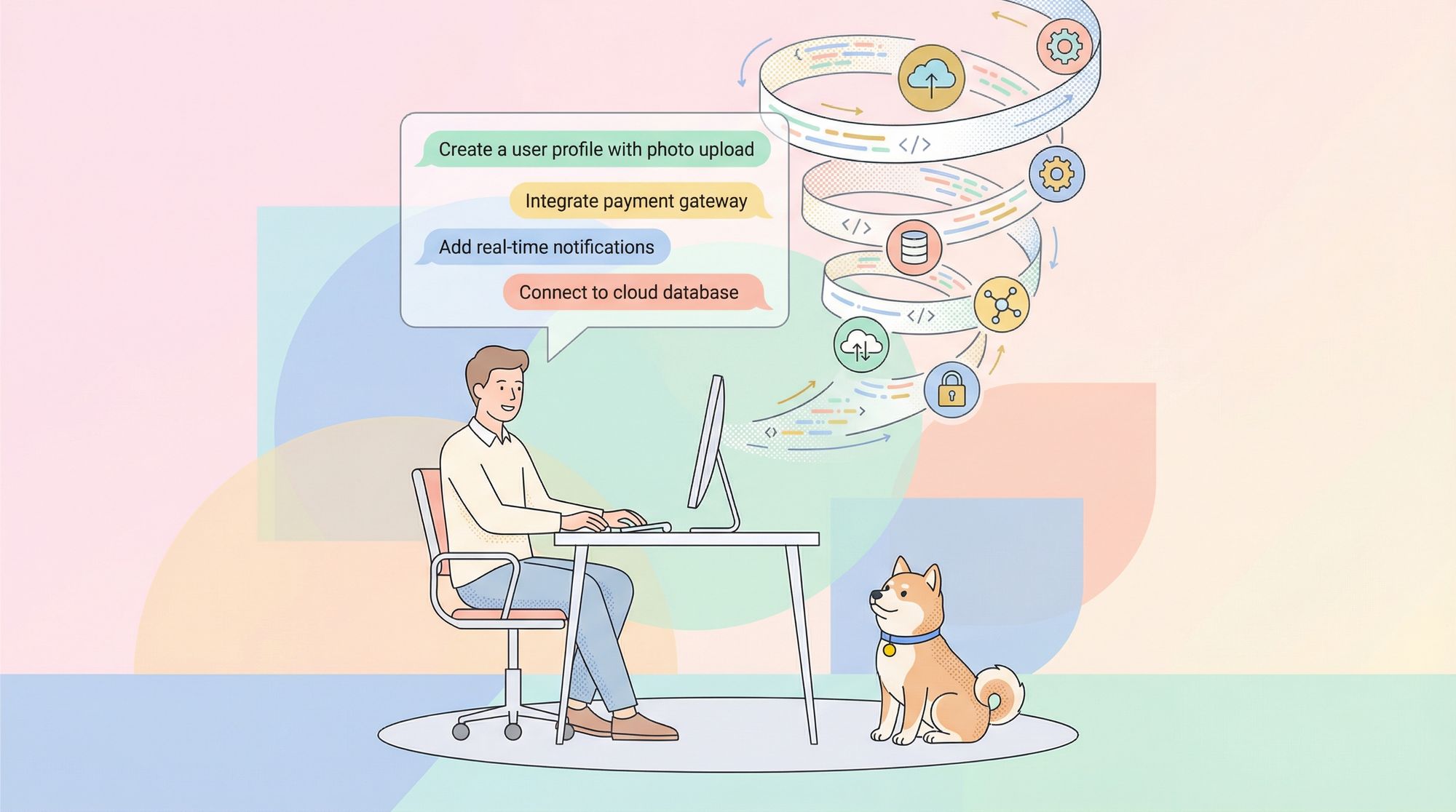
Vibe coding marks a fundamental shift in software engineering. Instead of writing code line by line, you describe your application’s features in natural language. Google Gemini interprets these prompts, generates the necessary code, wires up APIs, and structures your app’s architecture—all within minutes.
Key Features of Vibe Coding with Gemini
- Conversational Development: Build apps using plain English prompts—no need for boilerplate.
- Multimodal Integration: Gemini handles text, images, and even video, enabling rich, interactive applications.
- Rapid Prototyping: Iterate quickly by refining prompts, with Gemini tracking context and changes.
- Automatic API Integration: Gemini auto-selects and connects APIs (e.g., Imagen for image generation) based on your descriptions.
For example, to build a photo editor, you might prompt, “Create an app to upload a picture, apply filters, and save results.” Gemini generates the backend logic, UI, and connects required APIs—minimizing manual setup and reducing time-to-launch.
This workflow favors iteration: you review Gemini’s output, then adjust or enhance features via follow-up prompts. Gemini’s transformer-based architecture—using advanced attention and tokenization—helps it generate code in popular languages like JavaScript and Python, all within the user-friendly Google AI Studio.
To ensure safety and quality, always review the AI-generated code for security and performance. Gemini helps by providing inline explanations for its output.
Inside Google Gemini: Technical Architecture for Vibe Coding
Gemini’s power comes from its layered architecture, optimized for both flexibility and speed:
- Input Processing: Prompts are tokenized and converted into semantic embeddings.
- Reasoning Engine: Applies chain-of-thought logic to decompose complex requests.
- Output Generation: Assembles code, connects APIs, and manages UI logic using templates and best practices.
How Gemini Handles API-Driven Apps
- Multimodal Embeddings: Gemini unifies text, image, and video processing for richer app capabilities.
- API Auto-Wiring: It automatically connects to services like Veo (video) or Google Search (data), and manages API keys and usage quotas.
- Real-Time Enhancements: During app generation, Gemini suggests improvements without slowing down builds.
Engineers value Gemini’s performance optimizations: it caches common code patterns for low latency and supports quota management by switching to user-provided API keys as needed.
For highly specialized API integrations, external tools are often required. Apidog is a natural choice for testing and validating endpoints embedded by Gemini, ensuring your API layers are reliable before deployment.
Getting Started: Vibe Coding in Google AI Studio
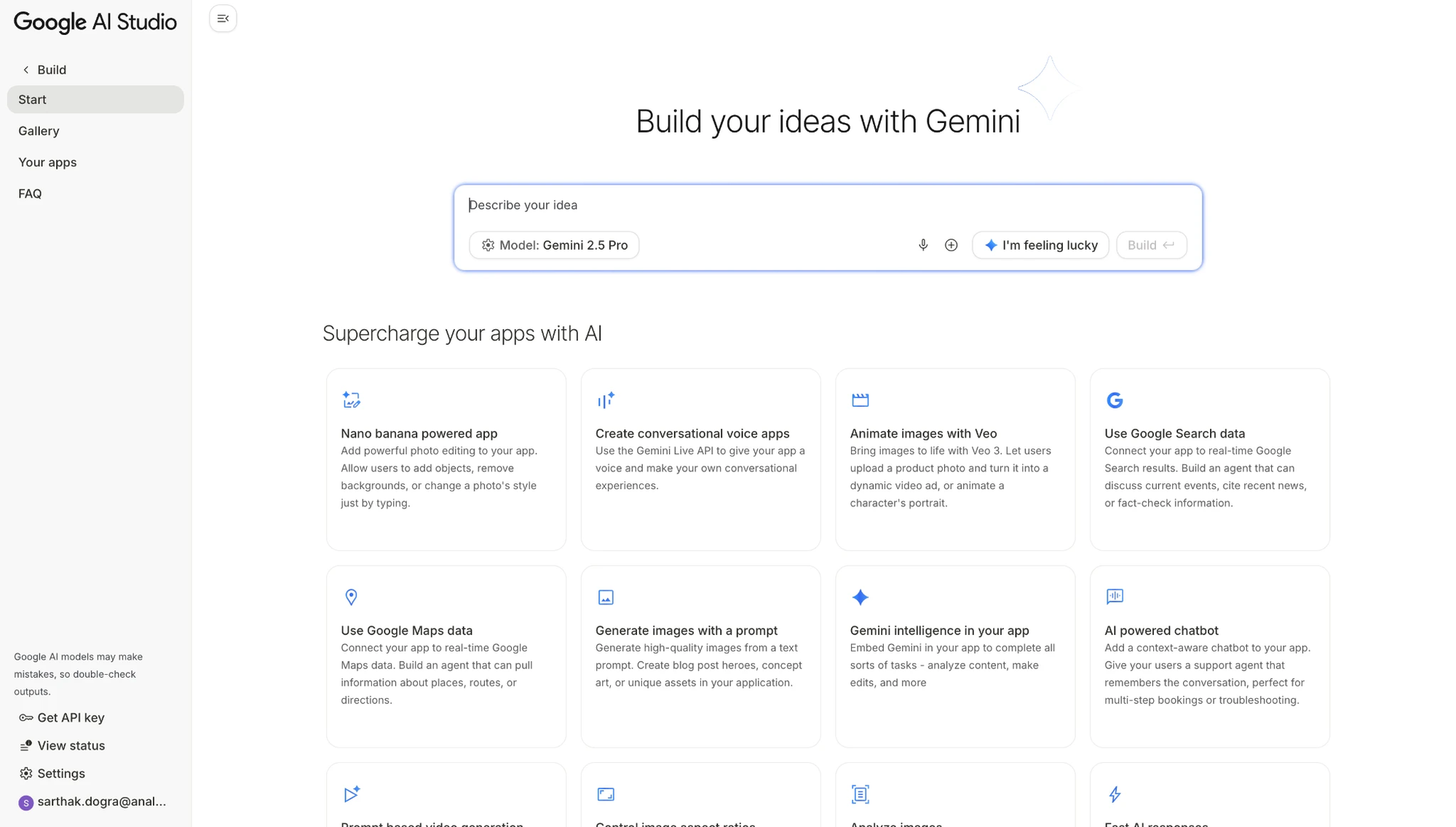
Ready to try vibe coding? Here’s how you can quickly build API-powered applications with Gemini in Google AI Studio:
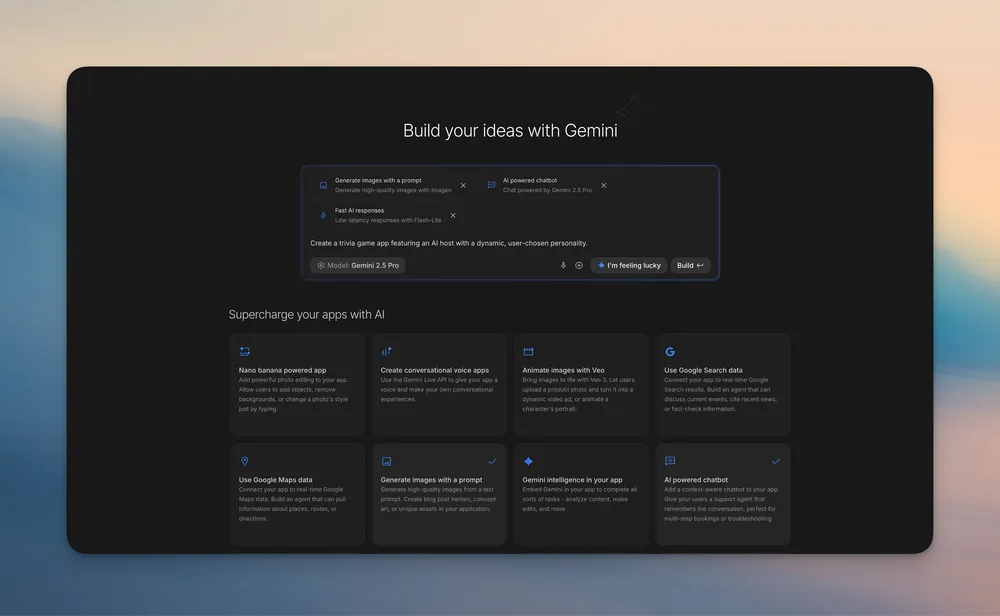
- Sign In: Create or log in to your Google AI Studio account and open the Build tab.
- Select a Model: Opt for Gemini 2.5 Flash (fast iterations) or Pro (advanced reasoning).
- Enable Features: Choose add-ons like Nano Banana (photo editing) or Veo (animation).
- Write a Prompt: Clearly specify your app’s functions, e.g., “Develop a garden design chatbot with image generation.”
- Explore Suggestions: Use “I’m Feeling Lucky” for creative, auto-wired app ideas.
- Review and Edit: Test your generated app directly in the studio’s editor.
For apps relying on external APIs, Apidog lets you mock and test API calls embedded by Gemini, catching integration issues early.
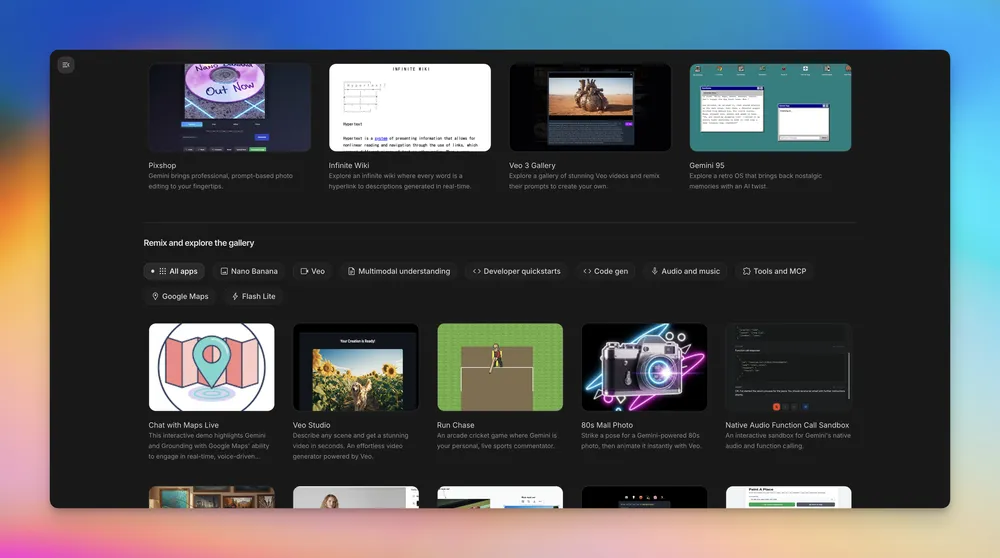
The built-in gallery helps you discover and remix projects—an efficient starting point for new ideas.
Step-by-Step: Build Your First App with Vibe Coding and Gemini
Let’s walk through building an interactive scene designer:
- Log In: Access Google AI Studio and select vibe coding mode.
- Describe Your App: For example:
“Create an app using nano banana where I can upload a picture of an object, drag it into a scene, and then generate that object in the scene to test furniture ideas.” - Gemini Analyzes Needs: It identifies requirements like camera input and image manipulation, wiring up APIs as needed.
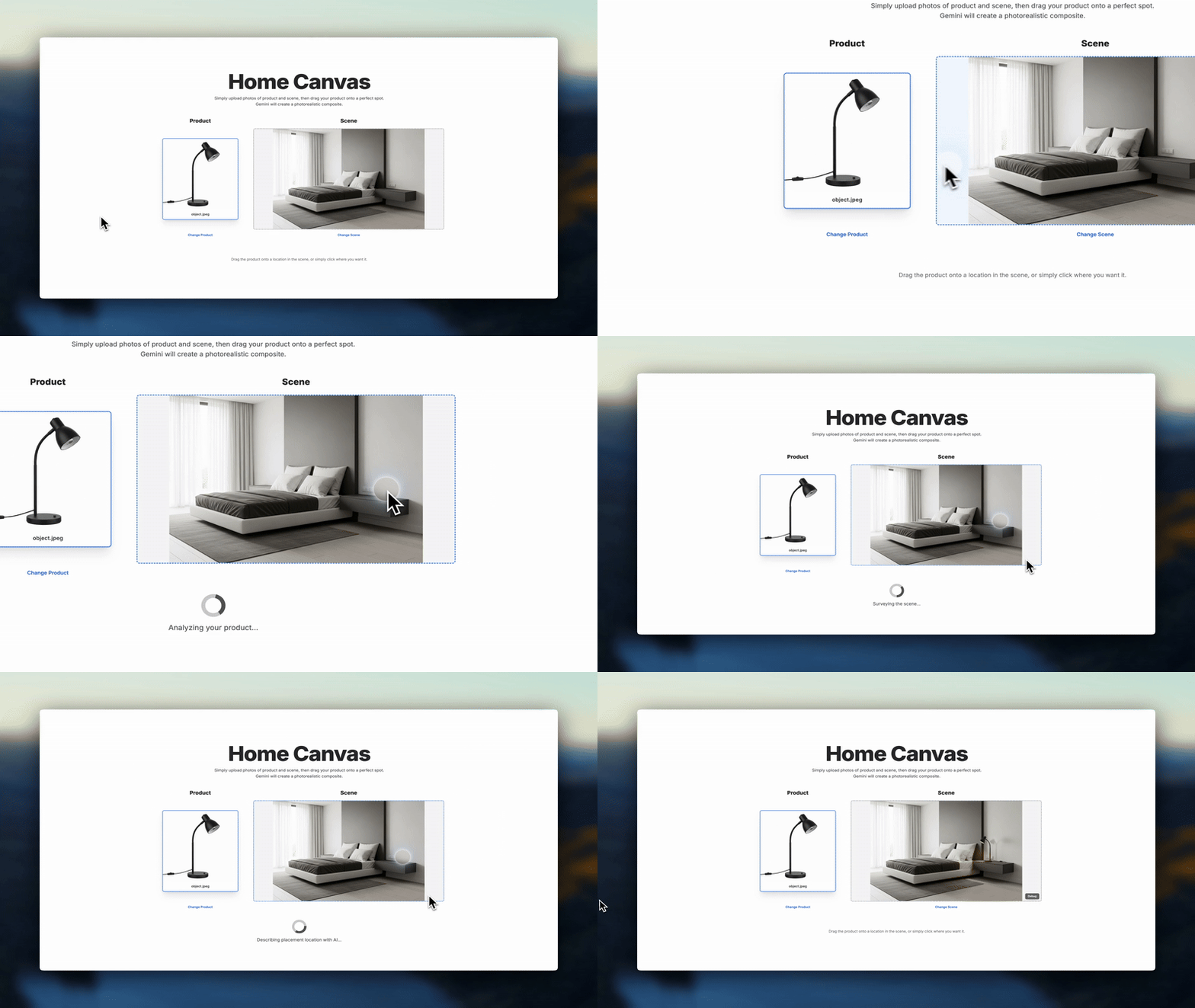
- Brainstorm Enhancements: Gemini may suggest features (e.g., voice commands) as you build.
- Refine and Annotate: Use Annotation Mode to highlight UI elements and instruct Gemini, e.g., “Change this button to blue and animate it.”
Advanced Techniques: Annotation Mode, App Gallery, and API Handling
Annotation Mode for UI Tweaks
Select a UI element and use natural language to request code updates—like, “Animate the image from left.” Gemini translates this into precise code changes.
App Gallery for Learning and Remixing
Browse existing projects, remix their features, or learn from real-world implementations—accelerating your development cycle.
API Quotas and Integration
Gemini tracks API quotas, prompting you to add your own keys as needed for uninterrupted development. For advanced integrations (e.g., custom APIs), Apidog enables you to design, test, and automate validation of API endpoints before production.
Apidog + Google Gemini: Streamlining API Testing for Vibe-Coded Apps
Apidog excels at API design, mocking, and debugging—making it a strong complement to Gemini-powered development.
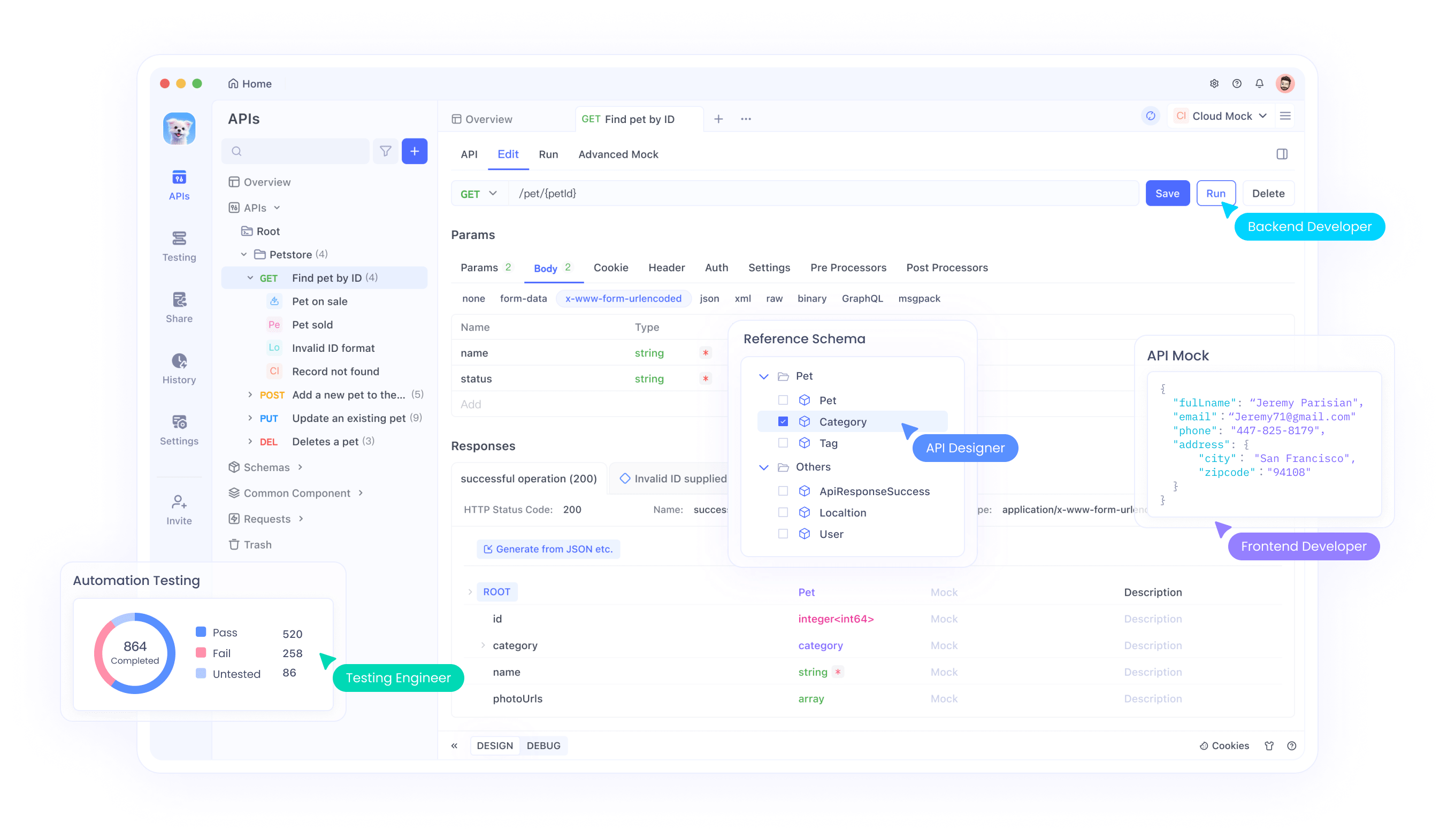
Example Workflow
- Obtain Gemini API Key: Secure access for app testing.
- Create Apidog Project: Import OpenAPI specs generated by Gemini.
- Test & Mock Endpoints: Validate connections, parameters, and error handling—e.g., when using Veo APIs.
- Debug Sessions: Apidog surfaces issues that may not be visible in Gemini’s interface.
- Chain Calls: Ensure your multimodal app logic executes as intended.
By integrating Apidog into your Gemini workflow, you gain deeper confidence in your API layers and minimize surprises during deployment.
Best Practices for Vibe Coding with Google Gemini
- Be Specific: Craft clear, concise prompts—specify the language, features, and requirements.
- Review Outputs: Always check generated code for performance and security issues.
- Test in Increments: Build and test small features before expanding.
- Monitor API Usage: Handle quota limits and integrate personal API keys as needed.
- Document Iterations: Keep a log of prompts and changes for reproducibility.
- Leverage Apidog: Use it for automated API testing and validation.
- Stay Critical: Don’t rely solely on AI—maintain code ownership and understanding.
Looking Ahead: The Future of Vibe Coding and API Development
Google Gemini is rapidly evolving, promising richer integrations, faster builds, and powerful collaboration tools. Vibe coding empowers both seasoned engineers and newcomers to prototype and ship applications faster. As these tools mature, expect more seamless API management, smarter debugging, and even more human-AI collaboration.
For teams building API-driven apps, combining Gemini’s code generation with Apidog’s robust API testing creates a streamlined workflow—helping you deliver reliable, innovative products at scale.