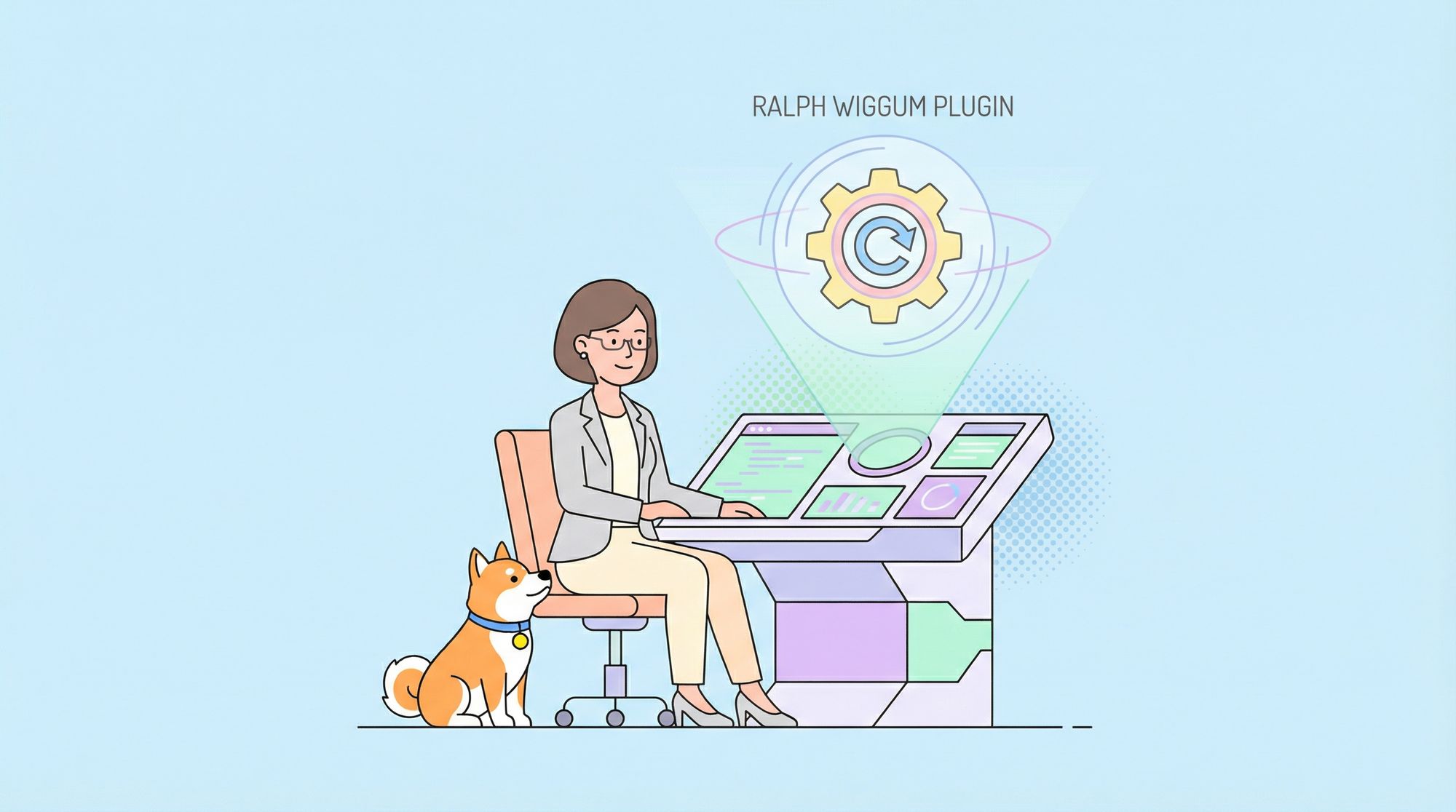
The Ralph Wiggum plugin stands out as a powerful addition to Claude Code, enabling autonomous loops that allow the AI to iterate on complex projects without constant intervention.
What Is Claude Code?
Developers depend on advanced tools to speed up code creation, and Claude Code serves as a prominent option. Anthropic engineered Claude Code as a command-line AI assistant that embeds into terminal workflows. Users generate, modify, and troubleshoot code via natural language commands.
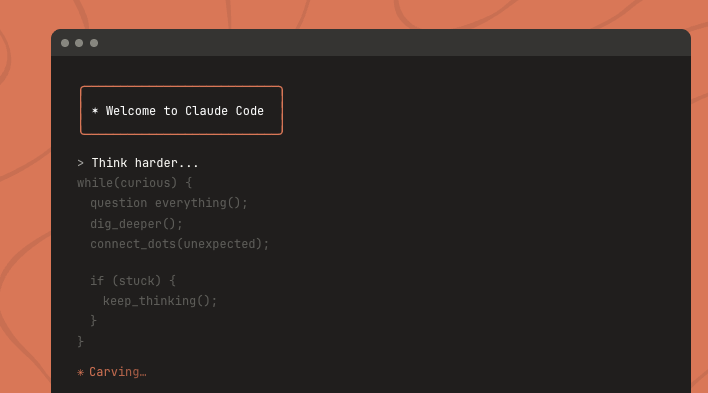
Claude Code processes prompts and delivers functional code segments or complete programs. For example, a user enters "Develop a JavaScript function to merge two sorted arrays," and Claude Code outputs the relevant code. However, standard sessions often demand repeated interactions for refinements, particularly in elaborate projects.
Turning to its foundational design, Claude Code leverages Anthropic's sophisticated language models, which interpret nuances and produce accurate results. The system accommodates languages like Python, TypeScript, and SQL, offering broad applicability. It also recognizes version control, analyzing Git histories to propose enhancements.
Operators interact with Claude Code in a terminal, using slash-prefixed commands to activate features. This structure boosts productivity by keeping users in their CLI habitat. Moreover, the plugin framework expands capabilities, permitting tailored extensions for specialized needs.
Claude Code excels in quick prototyping tasks. Programmers construct algorithms or initial prototypes rapidly by offloading routine code to the AI. Yet, for enduring activities such as codebase overhauls or framework shifts, basic exchanges prove inadequate. This gap highlights the value of plugins like Ralph Wiggum, which introduce looped automation to address these challenges.
Understanding the Ralph Wiggum Plugin
Ralph Wiggum functions as a Bash-driven loop system within Claude Code. It automates iterative coding by piping prompts to the AI agent, which then selects and implements stories from a task list. The plugin draws its name from the Simpsons character, symbolizing quirky yet effective problem-solving.

Ralph Wiggum primarily automates complex, sequential tasks that thrive on repetition. For instance, when implementing user stories in a project, the plugin ensures Claude Code progresses through each one, testing and committing changes autonomously. This mirrors a developer's workflow but executes it without pauses.

Technically, Ralph Wiggum employs a Bash script that runs up to a specified number of iterations. It starts by reading a prompt file, feeds it to Claude Code (using tools like amp or claude), and checks outputs for completion signals. If tests pass, the AI commits via Git and updates task statuses; otherwise, it loops again. Memory persists through Git commits, a progress log, and a JSON task file, ensuring continuity across cycles.
How Ralph Wiggum Works Internally
Ralph Wiggum operates through a structured Bash loop that coordinates AI actions. First, the script pipes a predefined prompt into Claude Code. The AI then reads the project roadmap from prd.json, selects the next unfinished story based on priority, and implements it.
Next, Claude Code executes typechecks and tests to validate the changes. If they pass, the AI commits the work to Git with a descriptive message, marks the story as done in prd.json, and logs insights in progress.txt. The loop repeats for remaining stories until all complete or the iteration limit hits.
Memory management relies on three elements: Git for code history, progress.txt for accumulated learnings and patterns, and prd.json for task tracking. This setup allows Claude to build knowledge progressively, applying past discoveries to future iterations.
For example, if a story involves adding a login form, Claude implements fields, validates inputs, and tests the UI. Learnings, such as using IF NOT EXISTS in migrations, accumulate at the top of progress.txt for reuse.
This mechanism ensures efficient, self-correcting development, transforming one-off prompts into a full project pipeline.
File Structure and Key Components of Ralph Wiggum
Outlining the setup, Ralph Wiggum organizes files under a scripts/ralph/ directory. This includes ralph.sh for the main loop script, prompt.md for AI instructions, prd.json for user stories, and progress.txt for logs and patterns.
The ralph.sh script initializes the loop, setting a maximum iteration count (default 10). It echoes progress, runs the prompt through Claude Code, and checks for a completion promise like <promise>COMPLETE</promise>. If detected, it exits successfully; otherwise, it continues.
Make ralph.sh executable with chmod +x scripts/ralph/ralph.sh. For Claude Code invocation, use commands like claude --dangerously-skip-permissions or amp --dangerously-allow-all.
The prompt.md file details the AI's per-iteration steps: reading files, selecting stories, implementing changes, testing, committing, and updating logs. It specifies formats for progress entries and codebase patterns, ensuring consistency.
prd.json structures tasks with fields like branchName, id, title, acceptanceCriteria, priority, passes, and notes. Lower priority numbers execute first, and passes flips to true upon completion.
progress.txt begins with initial context, including patterns and key files. Ralph appends story-specific learnings and prepends reusable patterns, building a knowledge base.
This file structure supports modular, maintainable automation, enabling seamless project scaling.
Why Integrate Ralph Wiggum with Apidog?
Transitioning to synergies, Apidog complements Ralph Wiggum in API development environments. Apidog offers comprehensive API handling, from design to testing and documentation.
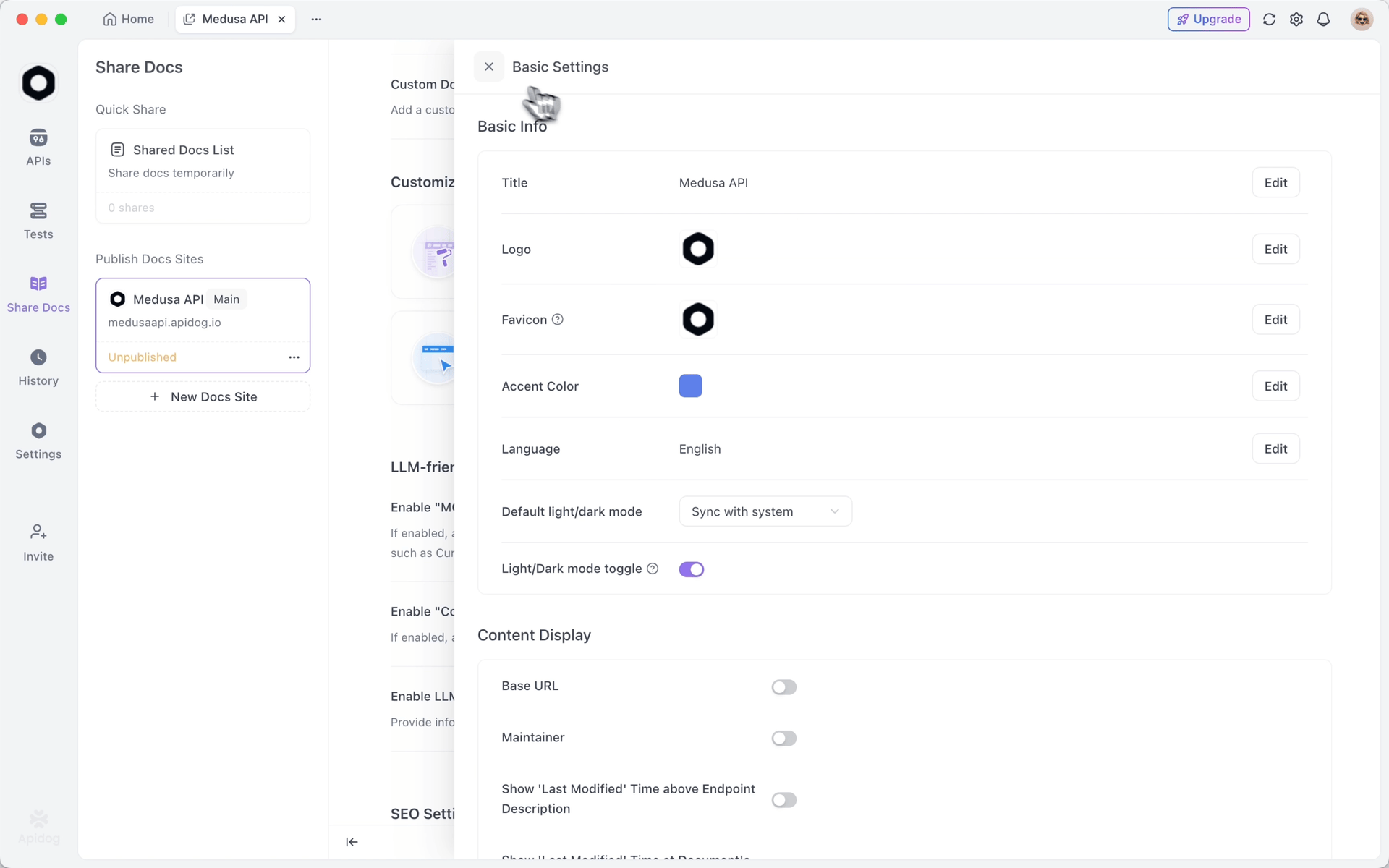
Pairing it with Ralph Wiggum allows Claude Code to reference Apidog's OpenAPI specs during loops. The AI generates code aligned with schemas, iterates on validations, and updates documentation automatically. This integration accelerates API builds while maintaining accuracy.
Apidog's mocking capabilities further enhance loops. Developers configure mocks, incorporate them into prompts, and let Ralph Wiggum refine implementations against simulated endpoints.
Consequently, this combination shortens development timelines. Teams produce reliable APIs faster, with AI managing iterations and Apidog ensuring cohesion. Collaborative features in Apidog also facilitate reviews of loop outputs.
To demonstrate, suppose Ralph Wiggum processes a story for an authentication API. Apidog provides the spec, Claude implements endpoints, tests via mocks, and commits. This illustrates how targeted tools amplify outcomes.
Step-by-Step Installation of Ralph Wiggum in Claude Code
Advancing to deployment, install Ralph Wiggum by first setting up Claude Code via Anthropic's guidelines, including API key configuration.
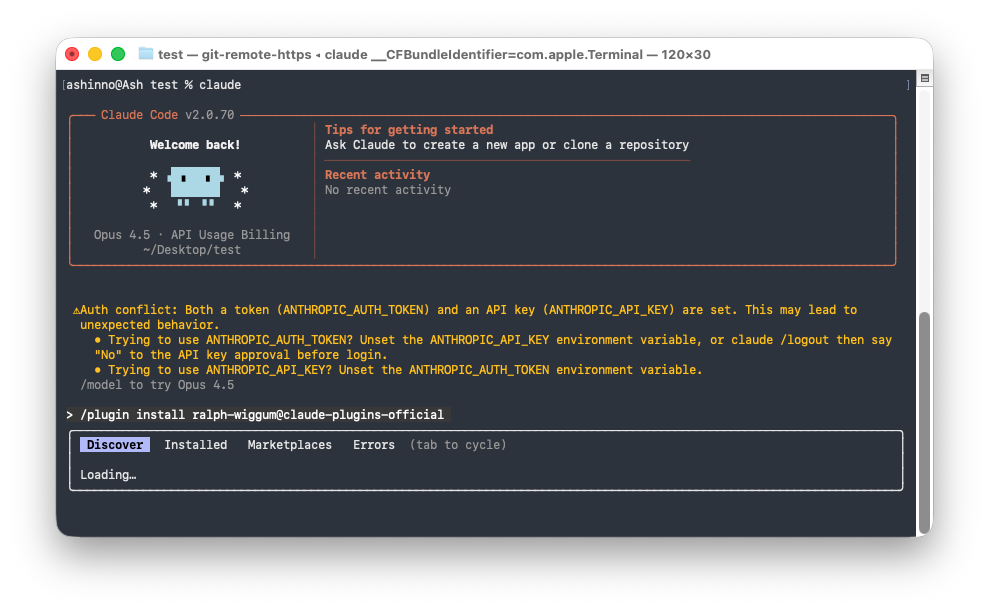
Then, create the scripts/ralph/ directory and populate it with the files: ralph.sh, prompt.md, prd.json, and progress.txt. Copy the provided script contents into ralph.sh and make it executable.
Install dependencies like jq for JSON handling: brew install jq on macOS or apt install jq on Linux.
Verify by running ./scripts/ralph/ralph.sh 1 for a test iteration. If successful, the plugin integrates fully, ready for looped tasks.
Configuring Ralph Wiggum for Optimal Performance
Following installation, tailor configurations to suit projects. Define stories in prd.json with explicit criteria, such as "Email/password fields" and "typecheck passes," to guide iterations.
Set iteration limits in ralph.sh calls, starting low (e.g., 10) for trials. Adjust prompts in prompt.md for project-specific instructions, like branch checks.
Initialize progress.txt with baseline patterns to bootstrap knowledge. Use Git for branching as specified in prd.json.
For UI tasks, incorporate browser testing via dev-browser skills in prompts, ensuring verifications include screenshots.
These adjustments optimize Ralph Wiggum, aligning it with workflow demands.
Executing Your First Loop with Ralph Wiggum
Proceeding to operation, launch a loop with ./scripts/ralph/ralph.sh 25. The script creates the feature branch, processes stories sequentially, and commits per success.
Monitor via terminal logs showing iteration numbers and outputs. Upon completion, check prd.json for all passes: true.
To interrupt, terminate the process manually. This initial run acquaints users with the autonomous flow.
Advanced Usage Scenarios for Ralph Wiggum
Exploring sophisticated applications, Ralph Wiggum handles test migrations by iterating on conversions, running checks, and committing.
In API scenarios, reference Apidog specs in prompts for endpoint generation, validating against criteria like "All endpoints implemented and validated."
For data tasks, tune models through loops until metrics meet thresholds.
Break large projects into small stories to fit context windows, avoiding overload.
These cases reveal Ralph Wiggum's adaptability across domains.
Integrating Apidog with Ralph Wiggum Loops
Deepening the fusion, embed Apidog specs in prd.json notes. Claude reads them, generates code, and tests with Apidog tools.
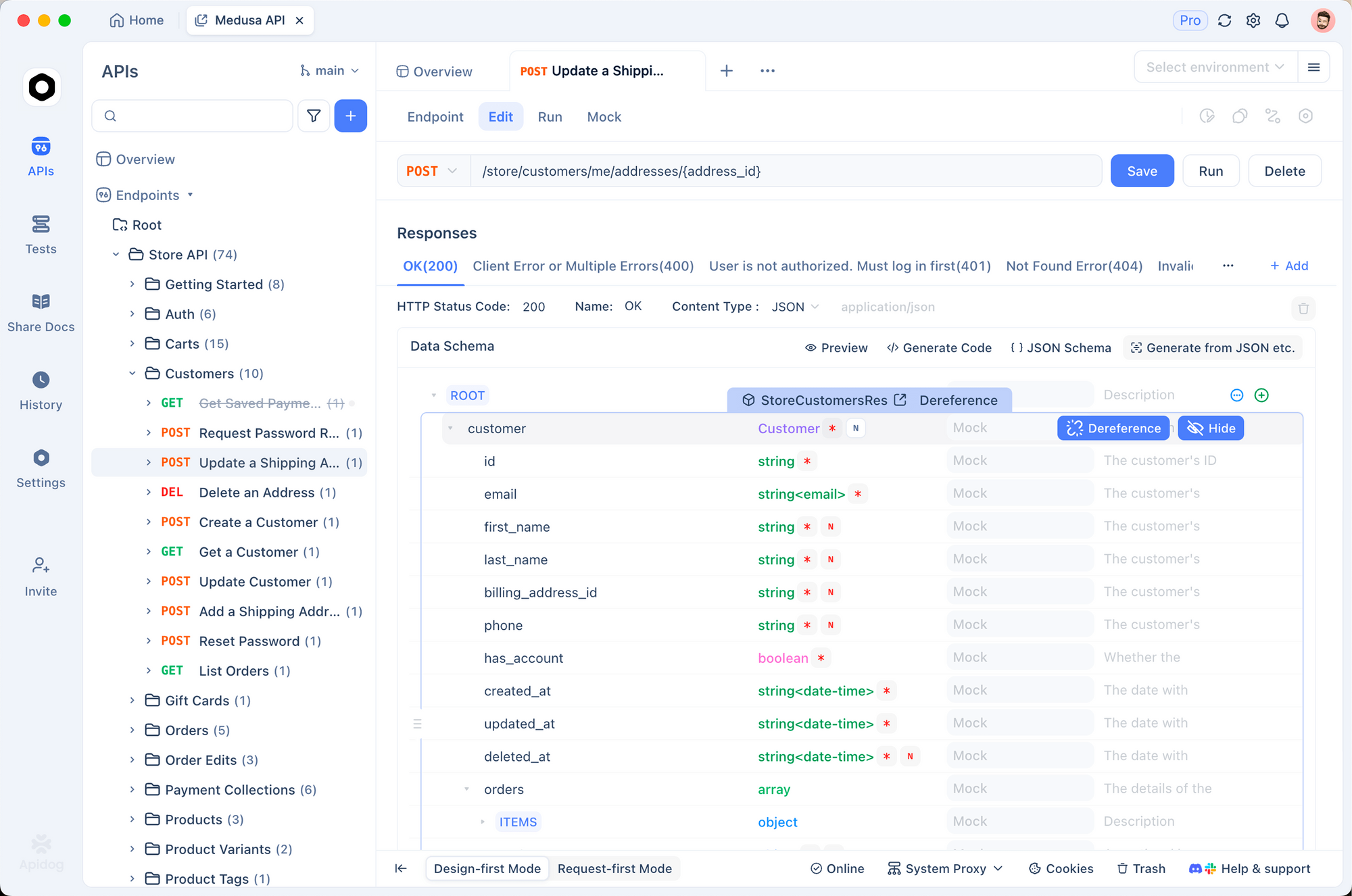
Post-loop, sync changes back to Apidog for updated docs. This creates a feedback cycle, enhancing API reliability.
Troubleshooting Common Issues with Ralph Wiggum
Tackling problems, address loop failures by verifying file paths and dependencies. Refine vague criteria to prevent non-termination.
Handle schema changes by allowing related fixes without scope creep. For idempotency, enforce patterns like IF NOT EXISTS in learnings.
Monitor with commands like cat scripts/ralph/prd.json | jq '.userStories[] | {id, passes}' for status.
Benefits of Using Ralph Wiggum in Claude Code
Evaluating the advantages, Ralph Wiggum significantly boosts developer efficiency. It automates tedious iterations, allowing focus on creative aspects.
Cost-wise, overnight loops complete projects affordably—often under $300 in API fees for extensive tasks.
The plugin fosters AI learning, as each iteration builds on prior knowledge, improving output quality over time.
In team settings, it democratizes complex coding, enabling junior developers to tackle advanced projects with guidance.
When paired with Apidog, it streamlines API workflows, reducing time-to-market for services.
Overall, Ralph Wiggum shifts paradigms toward persistent AI assistance, revolutionizing how developers approach software creation.
Conclusion: Transform Development with Ralph Wiggum
In summary, mastering the Ralph Wiggum plugin in Claude Code unlocks new levels of automation. From installation to advanced integrations with Apidog, this guide equips you to harness its power. Implement these techniques, and watch your productivity soar. Remember, small adjustments in prompts or configurations often yield substantial improvements—focus on those details for optimal results.