You want the power of an AI coding agent—without the surprise bill. Good news: there are several legitimate ways to use Codex for free (or near‑free) in 2025, from redeeming bundled credits to leveraging partner models and even running capable alternatives locally. This guide distills the proven paths that developers actually use day‑to‑day, with clear steps.
What Is Codex?
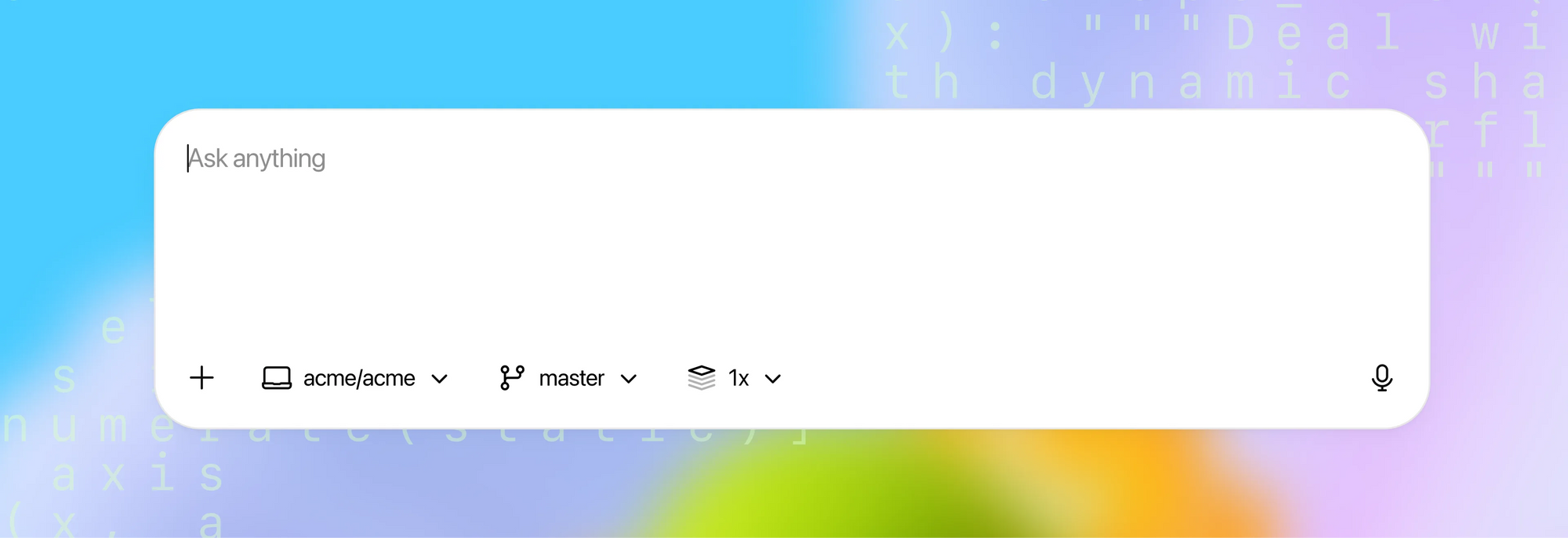
Codex is OpenAI's agentic coding system that can read, write, and execute code to help you build faster, squash bugs, and understand unfamiliar repositories. It operates across local and cloud contexts, and can be delegated complex tasks like refactoring, adding tests, generating documentation, and preparing pull requests.
How Codex works at a glance:
- It analyzes your repository and instructions, then runs tool‑assisted loops (e.g., terminal/CLI) to implement changes.
- It can propose diffs, run tests, and iterate until checks pass, producing a clear summary of what changed.
- It's available via multiple clients (web, IDE extensions, iOS) and integrates with GitHub for PR workflows.
Deployment options:
- Cloud "delegation" spins up a sandboxed container with your code and dependencies, enabling background work and parallel tasks.
- Local usage is supported through the Codex CLI, and can also be paired with local model providers for offline workflows.
Security notes:
- MFA/SSO and organization policies are supported; secrets and environment variables are handled with additional encryption in cloud runs.
- Admins can configure environments (dependencies, internet access level) for predictable behavior and compliance.
Method 1 — Use Your ChatGPT Subscription Inside Codex CLI
If you already subscribe to ChatGPT, you can use that subscription inside Codex CLI without paying per‑transaction API fees. In other words, you can access Codex capabilities through the CLI without supplying an API key for each call, because the usage is rolled into your subscription benefits.
Practical tips:
- Sign in to Codex CLI using your ChatGPT account.
- Confirm you're on the latest CLI build to avoid sign-in and token issues.
- Validate that your organization's security policies allow CLI usage.
Many developers want to "use Codex for free" for iterative tasks—generating helper functions, reviewing diffs, or drafting tests—without worrying about token-by-token charges. Leveraging your existing subscription helps stabilize costs.
Method 2 — Redeem Free Credits via Codex CLI
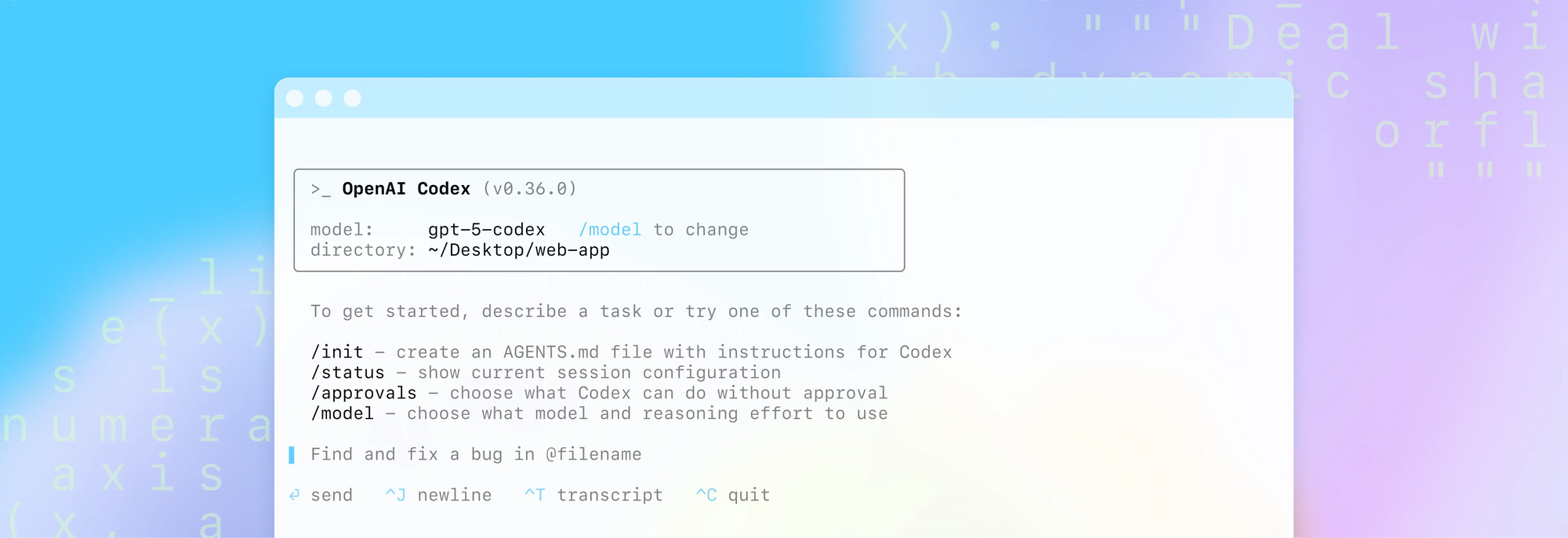
If you are a ChatGPT Plus or Pro user, you can redeem free API credits inside Codex CLI. According to official guidance, Plus and Pro users who sign in to Codex CLI with their ChatGPT accounts can redeem $5 and $50 in free API credits, respectively, for 30 days. If you encounter issues, ensure you are on the latest CLI version.
Quick start (CLI commands):
npm i -g @openai/codex@latest

codex --free
If you run into redemption issues, upgrade Codex CLI and retry.
Method 3 — Switch Model Providers
Codex CLI can switch providers, allowing you to target free models where available (e.g., through Mistral). This is a practical route if you need to use Codex for free for exploratory tasks.
Example (conceptual):
[model_providers.mistral]
name = "Mistral"
base_url = "https://api.mistral.ai/v1"
env_key = "MISTRAL_API_KEY"
Tips:
- Filter for "free" models and ensure "tools" are supported, or agentic flows will fail.
- Free model catalogs change frequently; test a few to find a stable option.
Method 4 — Run Models Locally with Ollama
Running models locally is the most independent route to use Codex for free. Using Ollama, you pull a model (for example, a Mistral variant), run the local server, and point Codex CLI to the local provider. This eliminates external per‑token costs and can even work offline, at the expense of disk space and compute requirements.
Key steps (conceptual):
- Install Ollama and verify
ollamacommands run locally. - Pull a model that supports tools (e.g., a Mistral variant), noting size and resource needs.
- Start
ollama serveand configure Codex CLI to use the local provider.
[model_providers.ollama]
name = "Ollama"
base_url = "http://localhost:11434/v1"
Check out how to configure model providers here.
Considerations:
- Large downloads (multi‑GB) and higher local resource usage
- Potentially slower generation on modest hardware
- Full control over data locality and network exposure
Conclusion — Choose the Free Path That Fits, Then Ship Faster with Apidog
There is no single "best" way to use Codex for free. Instead, there are several legitimate approaches—redeem free credits, leverage your ChatGPT subscription within Codex CLI, switch providers with Mistral to tap free tiers, or run models locally with Ollama. Each path offers a different balance of convenience, performance, control, and cost. The smartest move is to choose the one that aligns with your current stage and constraints, then standardize your API lifecycle in Apidog.
Apidog helps you capture the gains from AI coding: design with clarity, debug confidently, validate responses with granular controls, generate test cases with AI, and publish docs that your consumers can truly use.
Ready to indulge in a smoother, end‑to‑end API workflow? Create a free Apidog workspace, import your existing OpenAPI/Swagger, and experience how quickly your AI‑accelerated ideas become robust, well‑documented services.