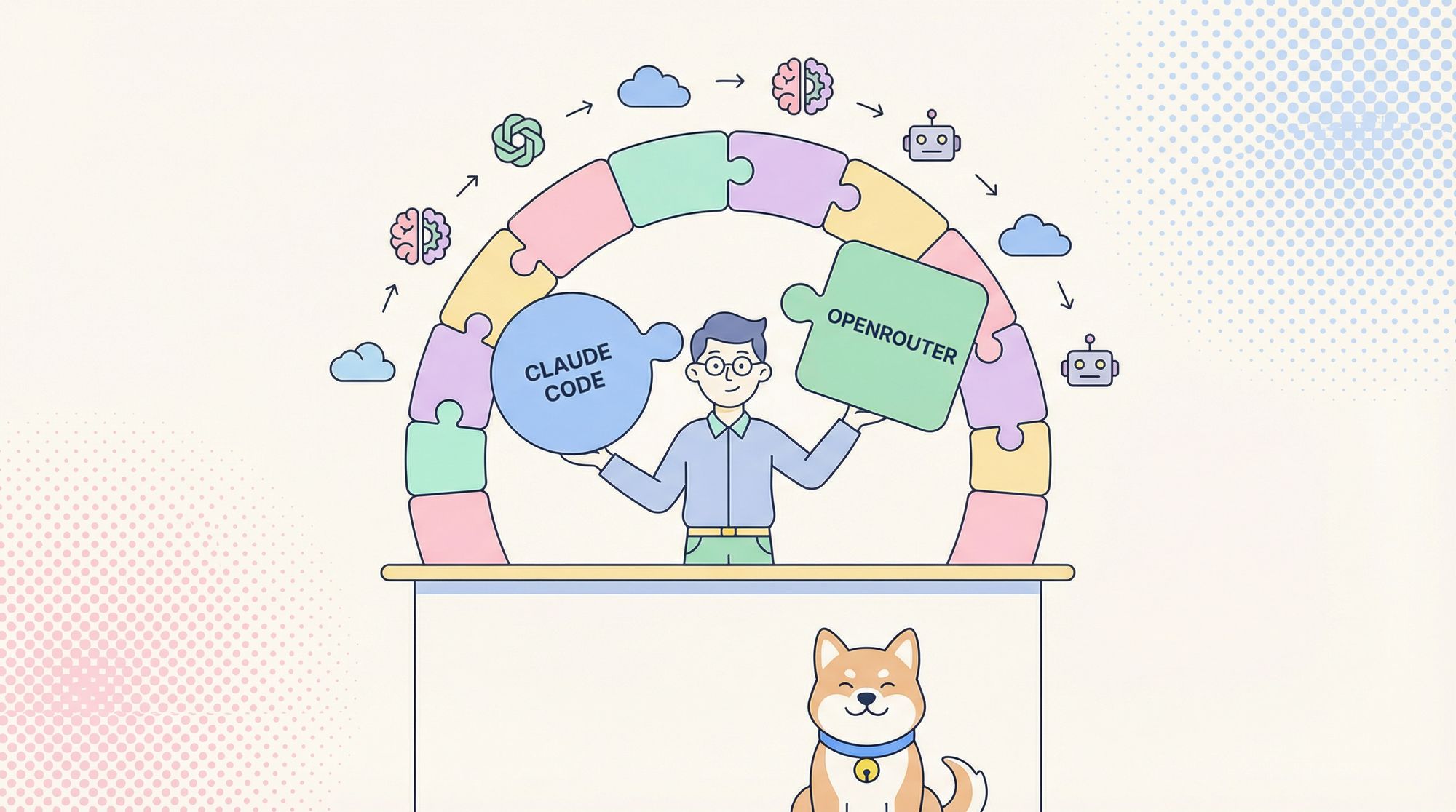
If you’re an API developer or backend engineer looking to maximize flexibility in your AI coding workflows, combining Claude Code (Anthropic’s CLI tool) with OpenRouter can open up a whole new world of model choices—without being locked into a single provider.
In this guide, you’ll learn how to connect Claude Code with OpenRouter’s OpenAI-compatible API, giving you seamless access to over 400 AI models, including Claude variants, GPT-style models, and open-source LLMs. Whether you’re optimizing cost, performance, or simply want more control, this integration is a powerful addition to your toolset.
💡 Looking for a unified workspace to test APIs, generate beautiful API documentation, and empower your team with maximum productivity? Apidog brings together collaboration, testing, and documentation—replacing Postman at a fraction of the cost.
Why Combine Claude Code with OpenRouter?
Claude Code is known for its fast, developer-friendly CLI and Anthropic model support. However, its default setup is limited to Anthropic’s own API and models. OpenRouter acts as a universal API gateway, translating requests to hundreds of models from multiple providers, all through a familiar OpenAI-compatible interface.
Key Benefits
- Access 400+ Models: Tap into Claude, GPT-3/4, open-source LLMs, and more.
- No Anthropic Subscription Needed: Use pay-as-you-go OpenRouter billing.
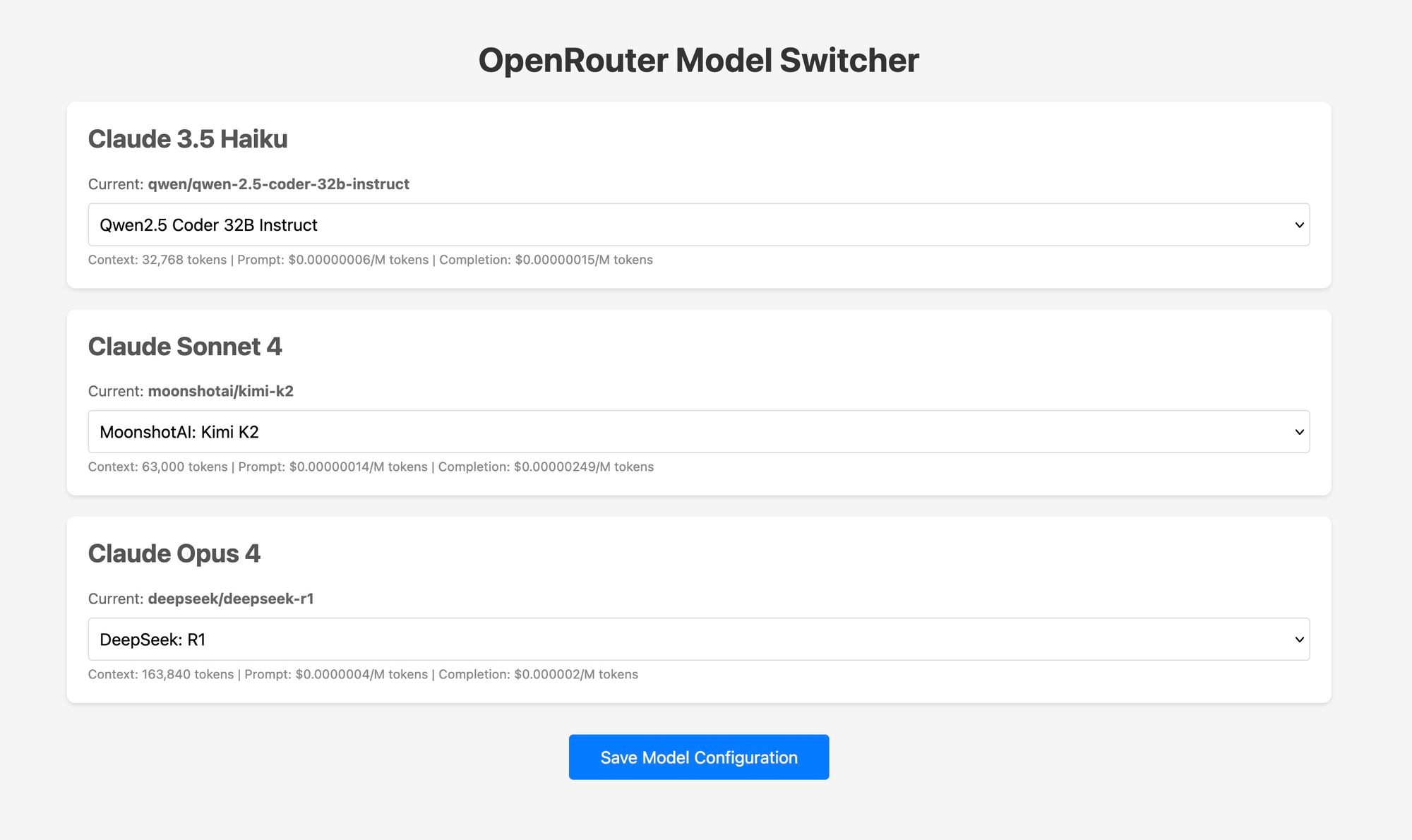
- Flexible Model Switching: Change models mid-session with
/model, or automate routing based on task type. - Cost Optimization: Select low-cost models for simple tasks, reserve premium models for complex jobs.
- Local or Cloud Routing: Choose privacy-focused local routing or shareable hosted setups.
- Advanced Tooling: Some routers add streaming, fallback, or multi-provider multiplexing—boosting reliability and workflow integration.
Prerequisites: What You Need to Get Started
Before you begin, make sure you have the following:
-
Claude Code installed globally
Example:npm install -g @anthropic-ai/claude-code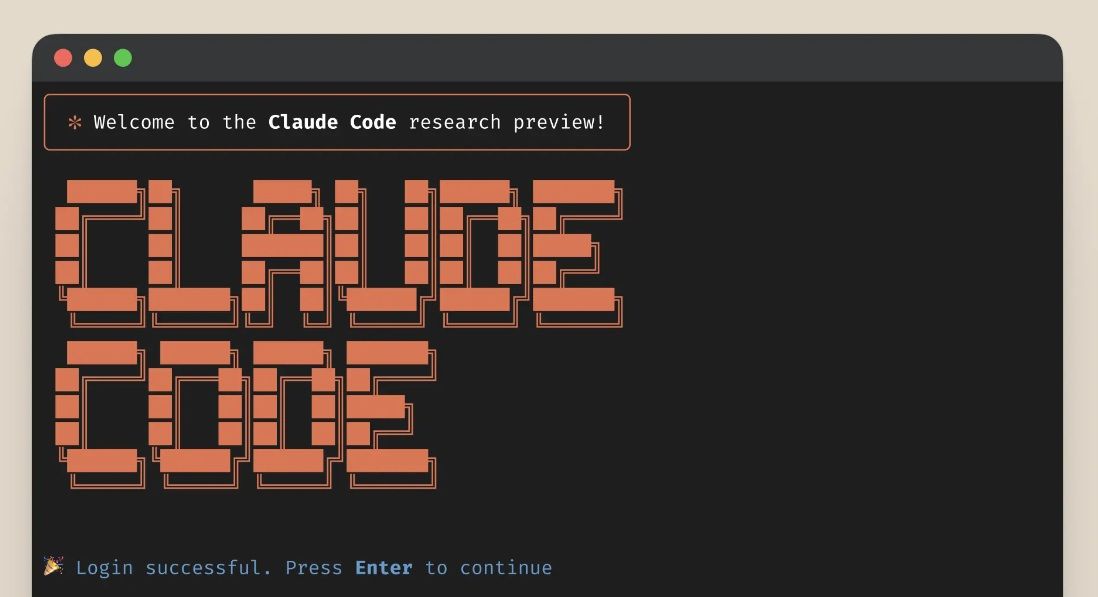
-
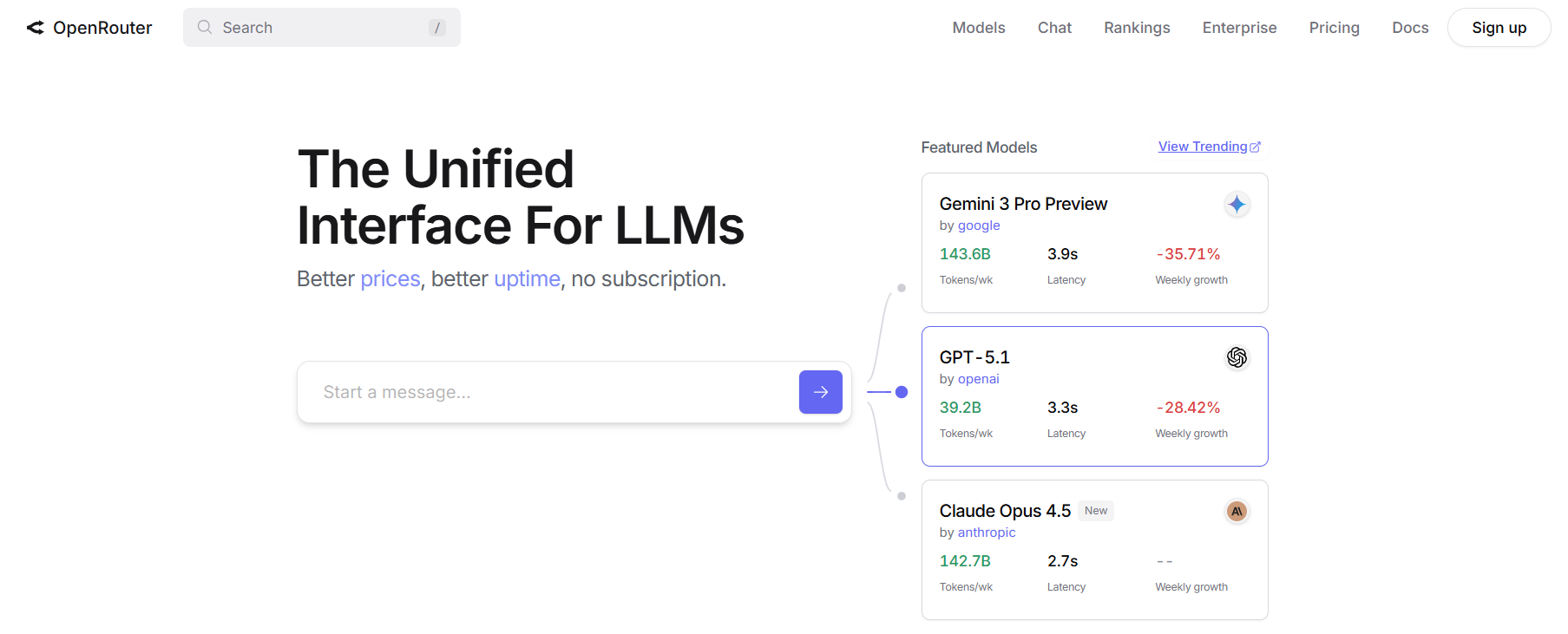
An OpenRouter account and API key
Sign up at OpenRouter to get an API key (sk-or-...).
-
A router or proxy tool
Docker-based routers are easiest, but Node.js routers also work. -
Comfort with environment variables and CLI tools
Once set up, you’ll point Claude Code at your chosen router, which will translate and forward requests to OpenRouter—bringing responses back transparently.
Method 1: Use y-router (Recommended for Most Developers)
The simplest approach is y-router, a proxy that translates between Anthropic’s and OpenRouter’s formats.
Step-by-Step Setup
-
Deploy y-router locally (Docker method):
git clone https://github.com/luohy15/y-router.git
cd y-router
docker compose up -d
By default, this starts a service at
http://localhost:8787. -
Set environment variables so Claude Code uses y-router:
export ANTHROPIC_BASE_URL="http://localhost:8787" export ANTHROPIC_AUTH_TOKEN="sk-or-<your-openrouter-key>" export ANTHROPIC_MODEL="z-ai/glm-4.5-air" # Fast, lightweight model # or export ANTHROPIC_MODEL="z-ai/glm-4.5" # More powerful model -
Start Claude Code:
claudeUse
/modelin the interface to verify the selected OpenRouter-powered model.
This approach keeps your data local and gives you maximum privacy—ideal for developers, QA engineers, and teams with strict security requirements.
Method 2: Claude Code Router (Node.js, Feature-Rich)
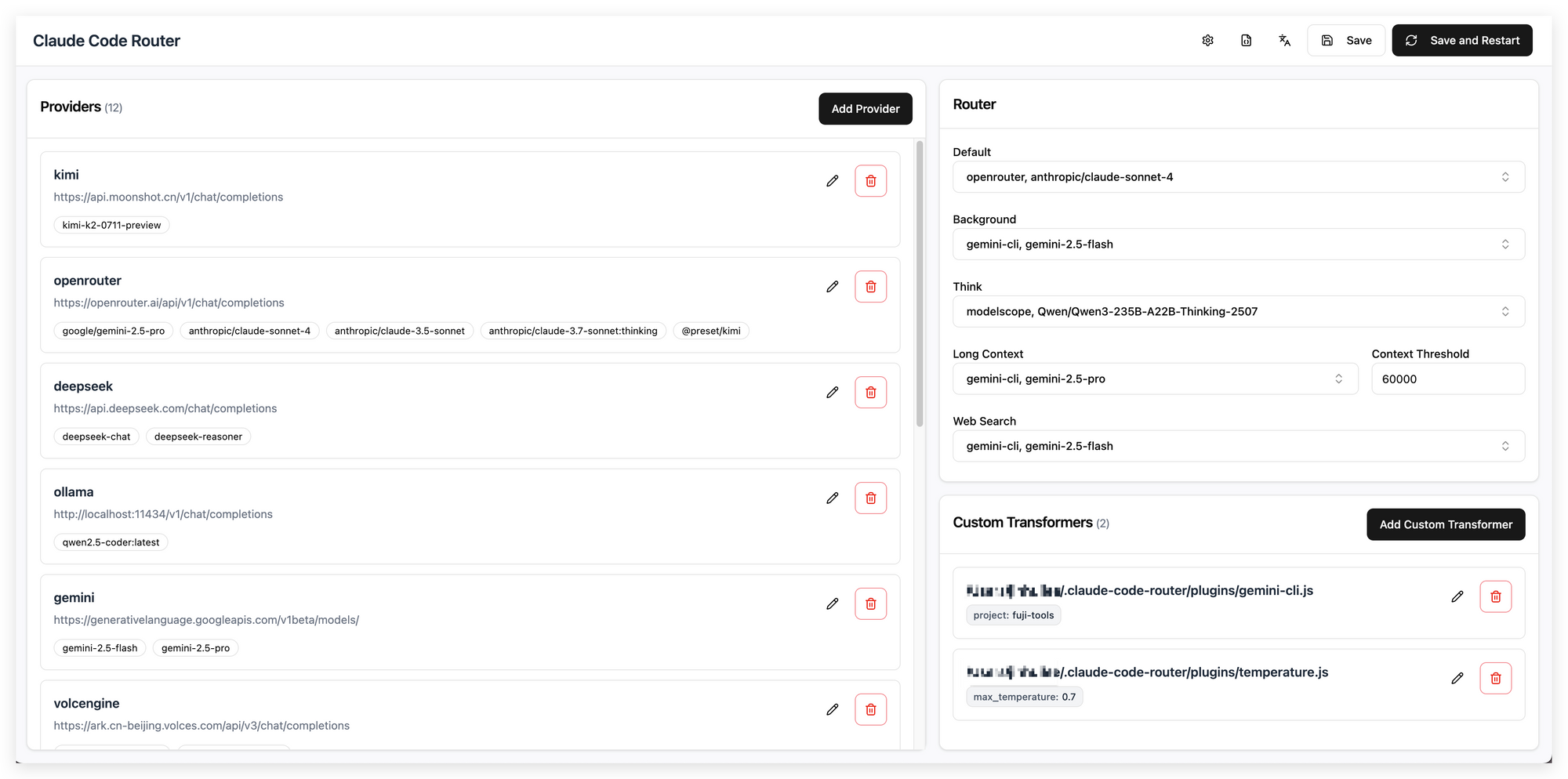
If you prefer a non-Docker, more configurable solution, use Claude Code Router, a Node.js-based tool.
How to Set Up
-
Global install:
npm install -g @musistudio/claude-code-router -
Create a config file (
~/.claude-code-router/config.json):- Specify OpenRouter as a provider.
- Add your API key and preferred models.
-
Start the router:
ccr start -
Point Claude Code to the router:
export ANTHROPIC_BASE_URL="http://localhost:<router-port>"
This setup supports advanced features like fallback models, multi-model routing, and easy CI/CD integration. It’s ideal for larger teams, automation, or experiments needing fine-grained control.
Method 3: Direct OpenRouter Proxy (Quick Testing)
For one-off tests or fast prototyping, you can sometimes point Claude Code directly to an OpenRouter-compatible proxy or adapter.
Example:
export ANTHROPIC_BASE_URL="https://proxy-your-choice.com"
export ANTHROPIC_AUTH_TOKEN="sk-or-<your-key>"
export ANTHROPIC_MODEL="openrouter/model-name"
Run claude as normal.
Note: This is great for quick checks but may lack robustness for streaming, tool-calling, or long-term use.
Best Practices: Smooth Operation & Troubleshooting
- Check Model Compatibility: Not all models support advanced features (like tool calls or large contexts). Match your model to your task.
- Secure Your API Key: Store it in environment variables or secure config—never in code or public repos.
- Control Costs: Monitor usage, and use lower-cost models for simple tasks.
- Test Routing: After setup, test with
claude --model <model>to confirm correct routing. - Set Fallbacks: For reliability, configure fallback models in routers so you’re never blocked if one model goes down.
Frequently Asked Questions
Q1. Do I need an Anthropic subscription to use Claude Code with OpenRouter?
No. All requests go through your OpenRouter API key—no Anthropic subscription required.
Q2. Can I switch models within the same Claude Code session?
Yes. Use /model <model_name> to change models mid-session (if your router supports it).
Q3. Are all OpenRouter models fully compatible with Claude Code features?
Some lighter or text-only models may lack advanced features (like tool-calling or streaming). Use models matched to your workflow.
Q4. Is running a local Docker router more secure than a hosted one?
Usually, yes—local routers keep your API key private. Hosted routers are convenient but may introduce security risks.
Q5. Can this setup be used in CI/CD or automation pipelines?
Absolutely. Node.js-based routers like Claude Code Router support config files and environment variables for easy automation.
Conclusion: Expand Your AI Coding Horizons
Integrating Claude Code with OpenRouter gives technical teams, QA engineers, and API-focused developers the freedom to select from hundreds of models and optimize for cost, speed, and capability—all while retaining your favorite CLI-driven workflow.
Whether you deploy a local Docker proxy, use a flexible Node.js router, or just want to test a new model quickly, this setup is easy to maintain and highly scalable. Apidog’s collaborative workspace further streamlines your API development, from testing to documentation and team productivity—making every stage smoother.
💡 Power your next project with a platform that generates beautiful API documentation, supercharges team productivity (learn more), and offers more value than Postman—all in one place with Apidog.