
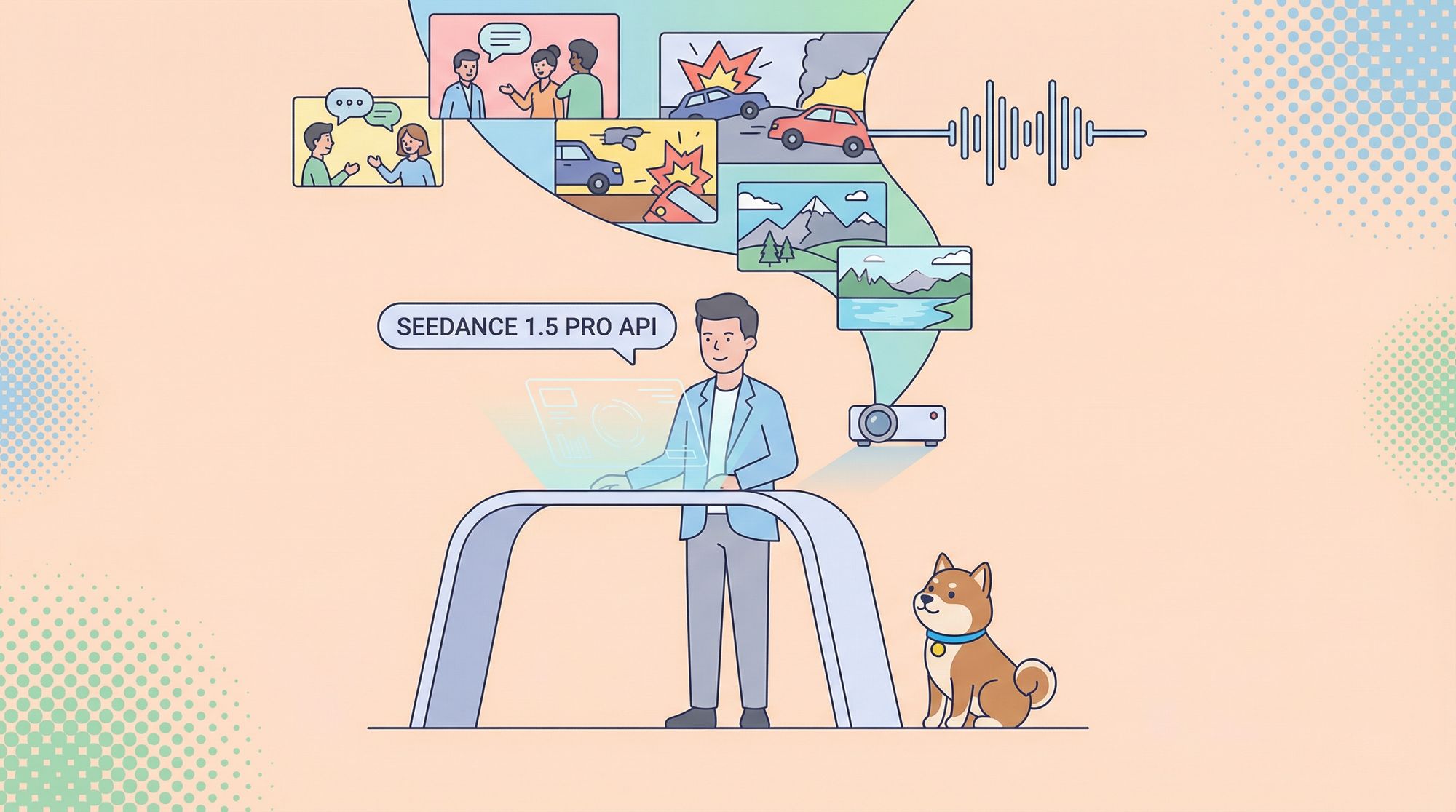
The Seedance 1.5 Pro API transforms video creation by generating professional-grade content from text prompts. No expensive equipment, studios, or production crews required.
What Is the Seedance 1.5 Pro API?
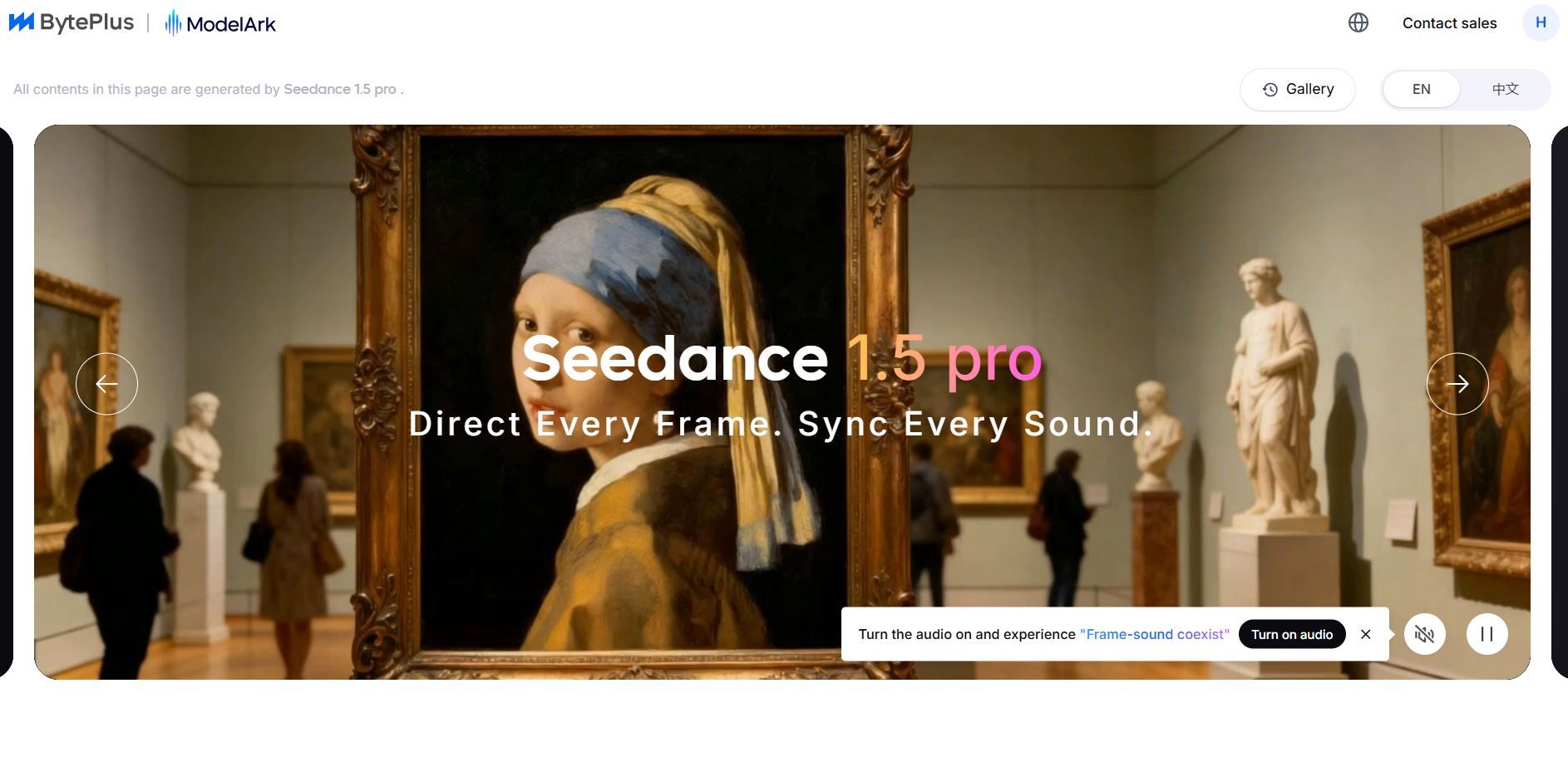
The Seedance 1.5 Pro API enables native audio-video generation with millisecond-level synchronization. ByteDance's platform creates cinematic videos with three core strengths:
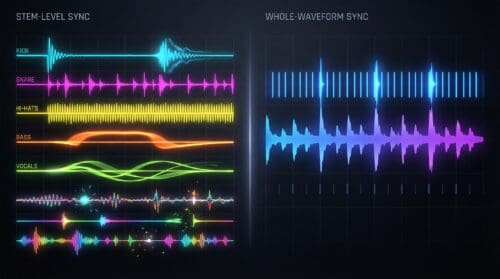
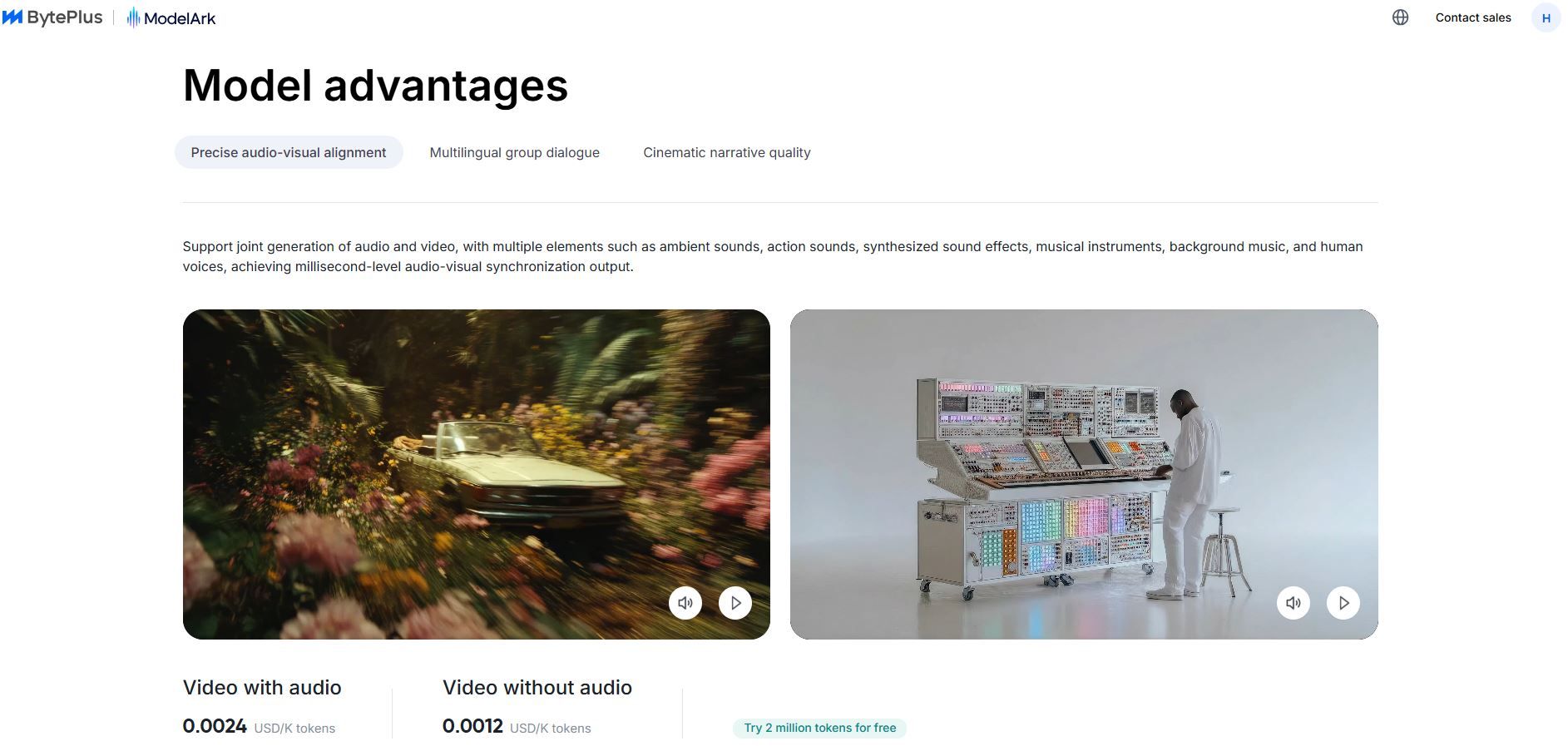
1. Precise Audio-Visual Alignment generates multiple audio elements—ambient sounds, effects, music, voices synchronized perfectly with visuals at the millisecond level.
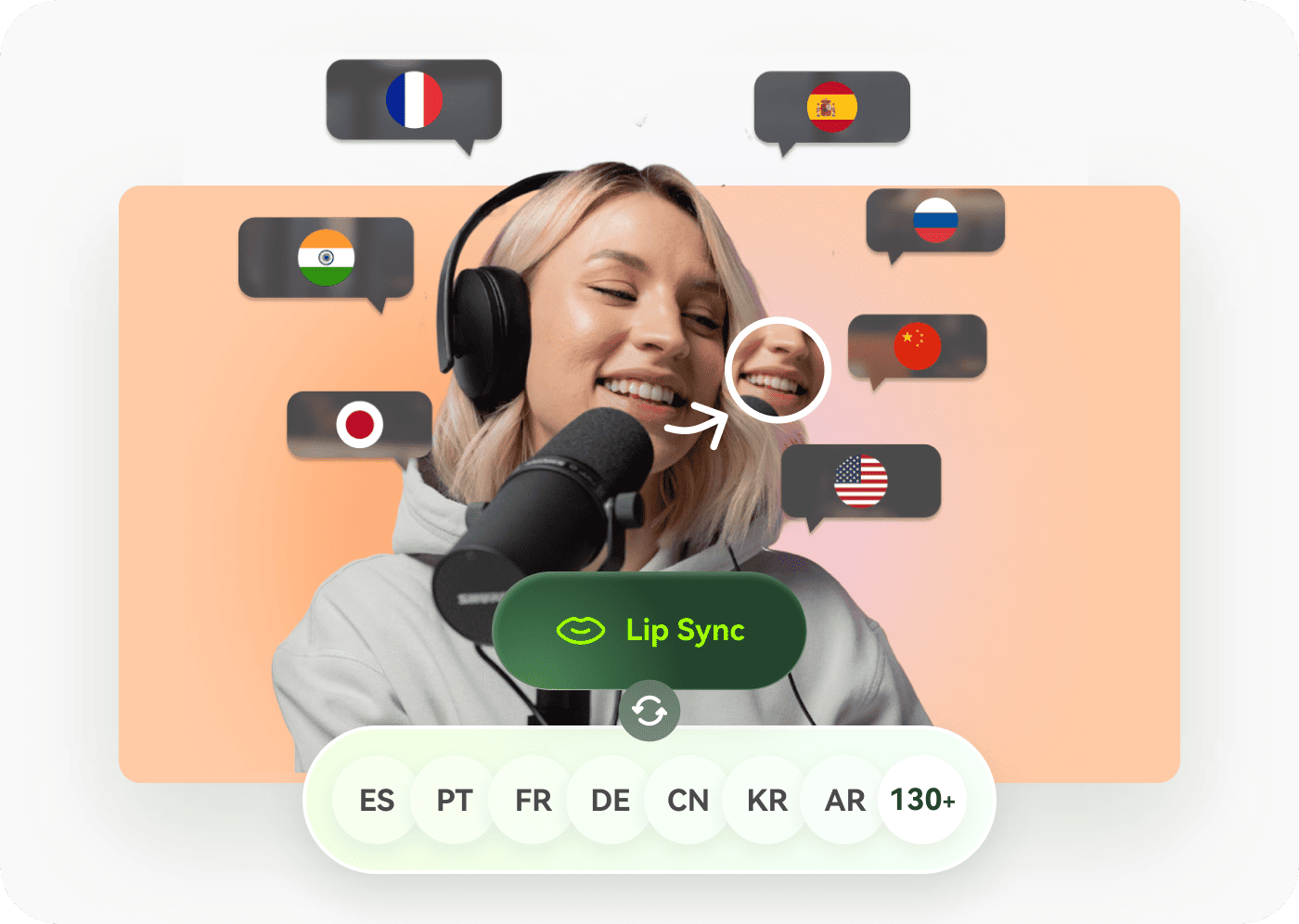
2. Multi-Language Dialogue Support handles monologues and conversations in eight languages including English, Mandarin, Japanese, Korean, Spanish, Indonesian, and Shaanxi and Sichuan dialects, with accurate lip-sync.
3. Cinematic Quality captures character emotions and expressions through natural movement, delivering professional film-grade output.

Core Features That Set Seedance 1.5 Pro Apart
Perfect Audio-Video Synchronization
Traditional video generation workflows often process audio and video separately, which can lead to timing issues such as lip-sync mismatches. The Seedance 1.5 Pro API addresses this challenge by generating audio and visuals simultaneously within a single pipeline, enabling accurate audio-video synchronization at the model level. As a result, character lip movements align closely with the generated speech, significantly reducing the need for manual corrections or post-processing and making Seedance 1.5 Pro an efficient solution for developers building scalable AI video generation applications.
Flexible Output Options
The API accommodates various specifications: multiple aspect ratios (16:9, 9:16, 1:1), adjustable motion styles, and fixed or dynamic camera modes. Token consumption follows this formula: (Width × Height × Frame Rate × Duration) / 1024
Pricing is transparent: $2.4 USD per million tokens with audio, $1.2 USD per million tokens without audio. New users receive two million free tokens.
Getting Started: Prerequisites and Setup
Before making your first API call, you need to establish proper credentials and understand the foundational requirements.
Account Creation and API Key Generation
Begin by visiting the BytePlus console. Create an account or log in if you already maintain credentials. Navigate to the API management section and generate your API keys. Treat these keys with the same security protocols you'd apply to any authentication credential never commit them to public repositories or share them across untrusted channels.
Once registered, activate a subscription if required options range from free tiers for testing to paid plans for production use.
The Seedance 1.5 Pro API offers generous free quotas. New users receive two million free tokens, sufficient for generating approximately five to ten high-quality videos depending on specifications.
Understanding Token Economics
Tokens represent the primary cost unit for Seedance API usage. Token consumption follows a straightforward calculation: multiply video width by height by frame rate by duration, then divide by 1024.
The formula becomes: (Width × Height × Frame Rate × Duration) / 1024 = Token Count
Pricing tiers depend on your requirements. Generating video with audio costs $2.4 per million tokens. Video-only generation costs $1.2 per million tokens. This pricing structure remains transparent and predictable, enabling accurate cost forecasting for production-scale deployments.
Making Your First API Call
Transitioning from theory to practice requires understanding the actual request structure and response handling.
Constructing Request Parameters
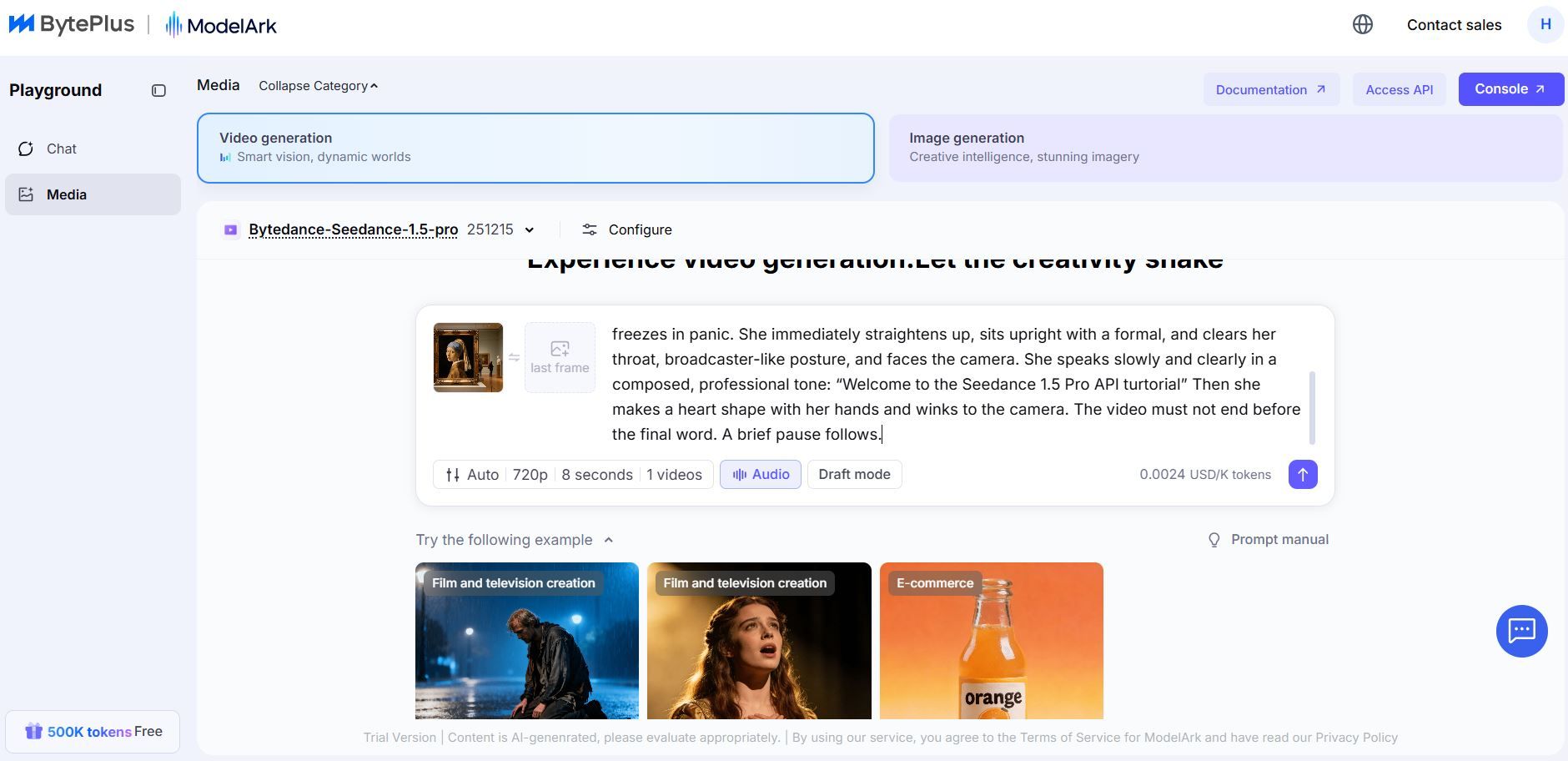
The Seedance 1.5 Pro API accepts text prompts as input, though image-based inputs also function effectively. Your request payload includes several essential parameters:
- prompt contains your video description. Be specific about visual elements, camera movements, character actions, and emotional tone. Vague prompts produce inconsistent results.
- aspect_ratio specifies output dimensions. Options include 16:9 for widescreen, 9:16 for vertical mobile content, 1:1 for square social media formats.
- duration sets video length in seconds. The API supports generation of five to ten second videos, appropriate for short-form content and social media consumption.
- motion_style controls movement intensity. Conservative settings produce subtle, realistic motion. Aggressive settings enable dynamic action sequences.
- camera_mode determines whether the camera remains fixed or follows character movement. Fixed cameras work well for dialogue-heavy scenes. Dynamic cameras enhance action sequences and environmental exploration.
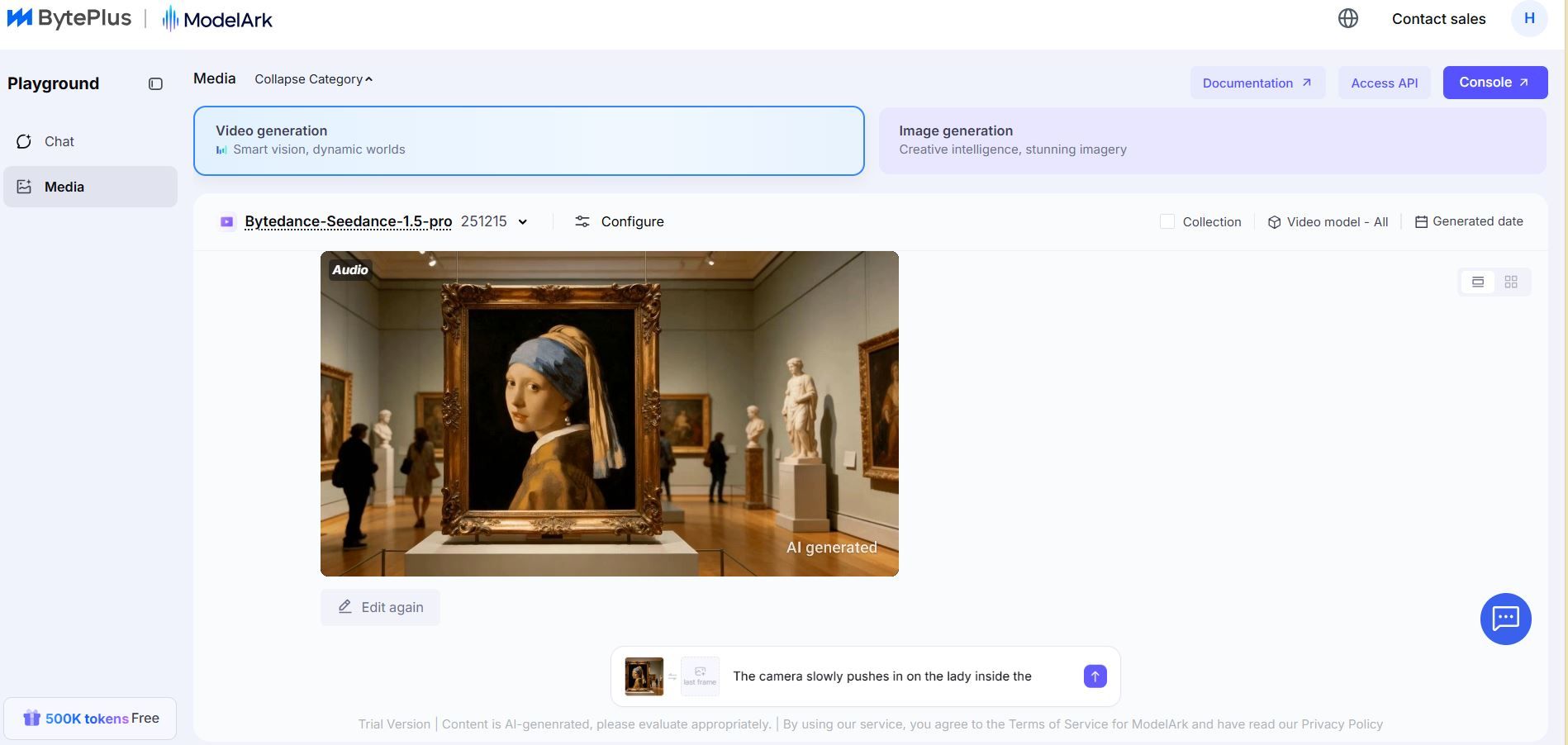
Successful video generation returns comprehensive response objects.
The response includes the final video URL, generation parameters, token consumption metrics, and creation timestamps. Preserve this metadata for your records it becomes valuable for cost analysis, performance tracking, and debugging.
Optimizing Prompt Engineering
The quality of your generated videos depends heavily on prompt clarity and specificity. Vague prompts produce unpredictable results; detailed prompts enable consistent, high-quality output.
Effective prompts include visual descriptions, emotional tone, camera direction, character actions, and environmental context:
Poor prompt: "A woman talking about business"
Strong prompt: "A confident female executive in a tailored navy suit stands in a modern glass-walled conference room. She speaks directly to the camera with enthusiasm about quarterly revenue growth. Her hand gestures emphasize key points. Natural sunlight illuminates her face as the camera slowly zooms in to focus on her expression of determined optimism."
This specificity enables the Seedance 1.5 Pro API to generate videos matching your exact vision rather than making assumptions about your intent.
Integration with Apidog for Streamlined API Development
Development workflows accelerate dramatically when you employ appropriate tools. Apidog provides comprehensive API testing, debugging, and collaboration features that reduce friction throughout the development lifecycle.
Setting Up Apidog for Seedance API Testing
Apidog imports the Seedance API documentation directly, providing instant access to endpoint specifications, parameter definitions, and example requests. This eliminates manual documentation browsing and reduces the time spent deciphering technical specifications.
Create a new project in Apidog, specify the Seedance API documentation source, and Apidog automatically generates an organized collection of all available endpoints. Each endpoint displays required parameters, optional fields, authentication requirements, and example payloads.
Automated API Testing Workflows
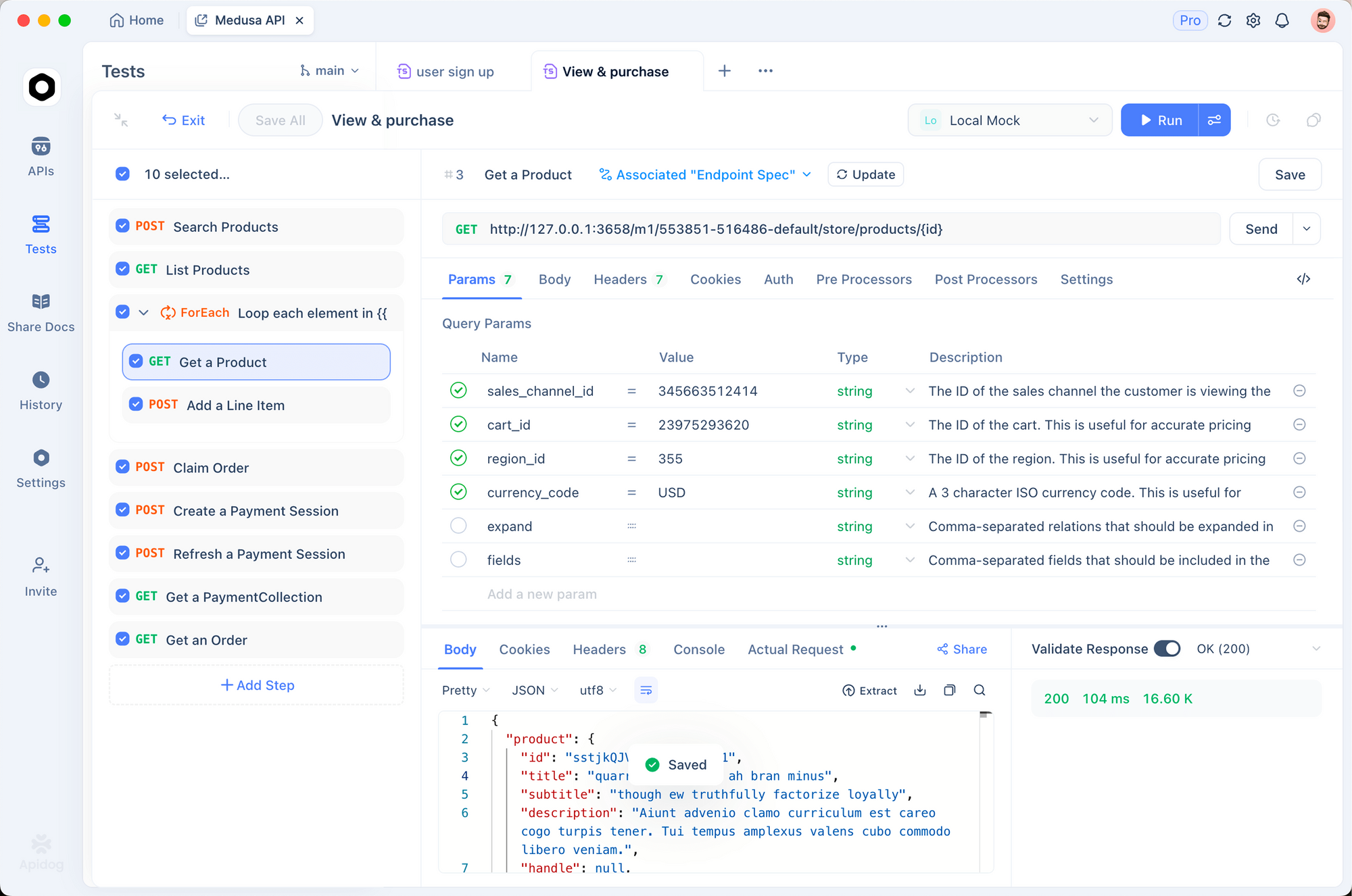
Rather than testing your integration manually with every change, configure automated tests within Apidog. Define assertions that verify response structure, status codes, and returned data types.
Set up test chains where the output from one request becomes the input for subsequent requests. This enables testing the complete video generation workflow creating a task, polling for completion, and validating the final video URL without manual intervention between steps.
Use Apidog to handle file uploads with the Seedance 1.5 Pro API, simulating real scenarios like sending reference images. Download Apidog for free to manage multipart forms and simplify direct image or media uploads.
Team Collaboration and Documentation
Apidog maintains centralized API documentation accessible to your entire development team. Everyone works from the same specification, eliminating confusion from outdated documentation or misunderstood endpoints.
Generate client code in your preferred programming language directly from the Seedance API documentation. Apidog produces ready-to-use code snippets that implement authentication, parameter formatting, and response parsing automatically.
Performance Optimization and Best Practices
Production deployments require attention to performance characteristics and operational efficiency.
Managing Token Consumption Effectively
Token costs dominate Seedance API expenses. Optimizing token consumption directly impacts project budgets. Several strategies reduce token consumption without sacrificing quality:
- Duration optimization produces the shortest video adequate for your purpose. A ten-second video consumes roughly twice the tokens of a five-second video. Evaluate whether shorter videos meet your communication objectives.
- Resolution adjustment balances quality against cost. Not all applications require 720p resolution. Evaluating whether 480p suffices for your distribution channels reduces token consumption significantly.
- Aspect ratio selection influences token consumption. Vertical 9:16 videos consume fewer tokens than widescreen 16:9 formats due to their smaller pixel count. Choose aspect ratios appropriate to your target platforms.
- Audio inclusion increases costs by approximately 100%. Generating video without audio costs half as much as including audio, making this parameter critical for budget-conscious deployments.
Task Failures and Recovery
Video generation occasionally fails due to invalid prompts, service disruptions, or resource constraints. When tasks fail, examine the error message carefully. Prompts containing impossible requests like "show something that doesn't exist visually" frequently fail. Reword prompts using concrete, feasible descriptions.
Conclusion
The Seedance 1.5 Pro API represents a paradigm shift in video content generation. What previously required weeks of production scheduling, expensive equipment, and skilled cinematographers now happens automatically from text descriptions.
Begin with the free token allocation to explore capabilities risk-free. Test the Seedance API documentation thoroughly. Use tools like Apidog to streamline your development workflow. As you grow more comfortable with the platform's capabilities, scale your implementations toward your full production requirements.