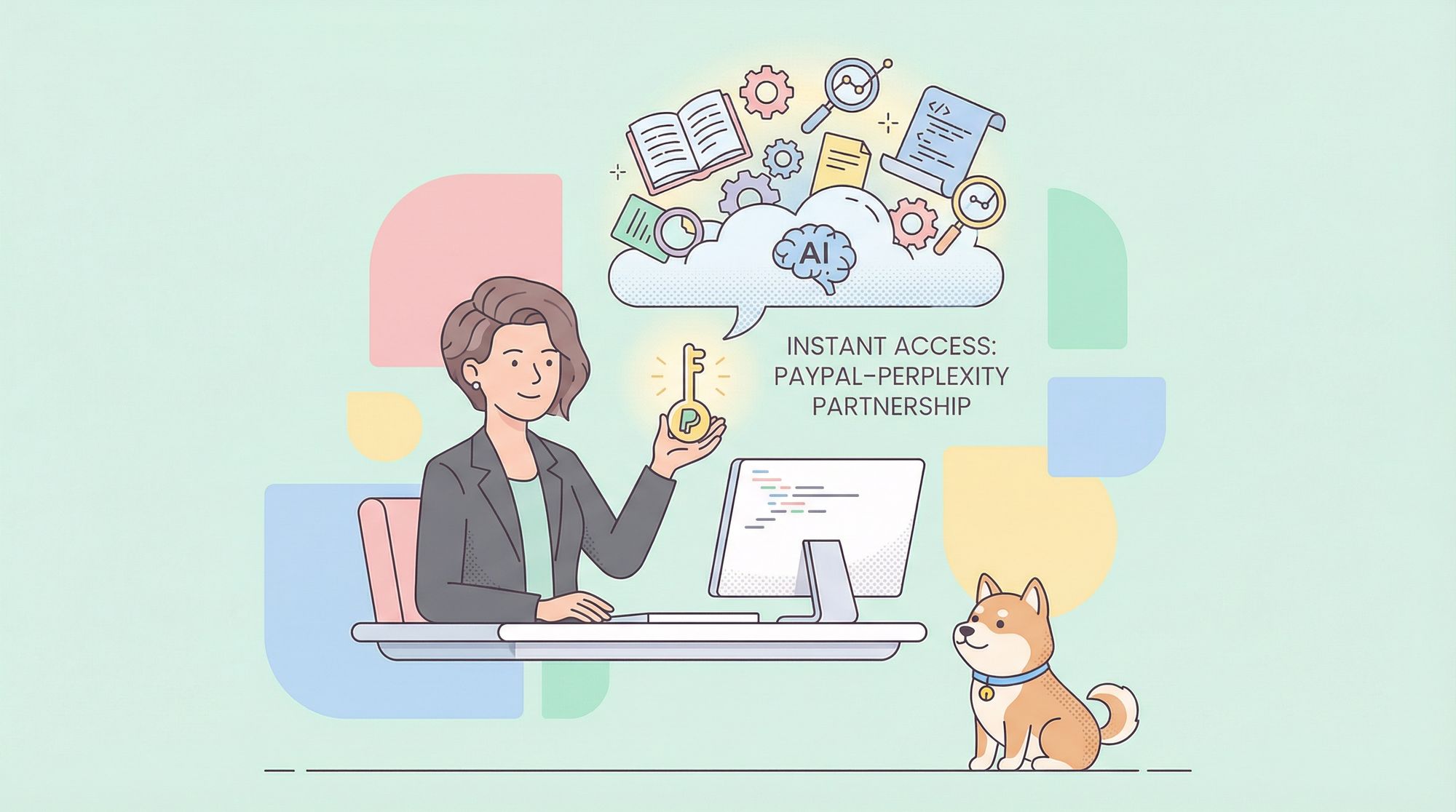
In a major move bridging fintech and AI, PayPal has partnered with Perplexity AI to offer a year of Perplexity Pro—worth $200—free to PayPal and Venmo users starting September 2025. This deal isn’t just a marketing offer; it signals a growing trend of integrating advanced AI tools directly into financial platforms, making powerful research and development resources widely accessible.
For API developers, backend engineers, and technical leads, this partnership means you can immediately access premium AI models, unlimited queries, and even early access to the new Comet AI browser—all without cost or waitlists.
Why PayPal’s Perplexity AI Partnership Matters for Developers
Key Benefits for Technical Teams
- 12 Months Free Perplexity Pro: Normally $200/year. Unlimited AI-powered search, no waiting.
- Early Access to Comet Browser: Try Perplexity’s AI-native browser before public release.
- Premium AI Models: Use top-tier models—OpenAI GPT-4, Anthropic Claude, Grok.
- Integrated AI Assistant: Native, answer-focused search for instant technical insights.
- Developer-Focused Tools: Product comparisons, code explanations, and documentation search.
- Bonus: $50 cash back on select subscriptions via PayPal.
For developers and API-focused teams, these features streamline research, technical documentation lookup, code review, and more—freeing up time for higher-value work.
How to Claim Free Perplexity Pro via PayPal: Step-by-Step
Claiming your free year of Perplexity Pro is simple. PayPal offers multiple redemption paths to fit your workflow.
Three Fast Ways to Redeem
1. Through the PayPal or Venmo App
- Open your PayPal or Venmo app.
- Go to the Subscriptions Hub or Promotions section.
- Find the Perplexity AI offer banner.
- Follow prompts to link your accounts.
2. Via Email Promotion
- Check your inbox for PayPal/Venmo promotional emails.
- Click the redemption link provided.
- Complete the account linking process.
3. On the Dedicated Landing Page
- Visit the official Perplexity landing page.
- Log in with your PayPal credentials.
- Authorize the connection.
Requirements:
- Active PayPal or Venmo account in good standing.
- Offer available in the US and select international markets.
- PayPal account must be linked to Perplexity for verification.
- Limited-time only; check terms and conditions.
What Happens Next?
- Once linked, Perplexity Pro benefits activate instantly.
- Enjoy unlimited queries, priority access to new features, and full use of premium AI models.
- Download the Comet browser from your Pro dashboard.
Note on Privacy:
Linking accounts allows Perplexity to access some PayPal transaction and usage data. Review both privacy policies and adjust your data sharing settings as needed.
The entire process takes just 2–3 minutes, with no payment info required for the trial period.
Inside Perplexity’s Comet Browser & Pro Features: A Technical Deep Dive
The new Comet browser is designed as an AI-first experience, integrating research and automation directly into your workflow—especially useful for API and backend developers.
Powerful Features for Technical Users
- Persistent AI Sidebar: Get code explanations, technical docs lookup, and contextual help in real time.
- Direct Answers with Source Citations: Skip generic search results—get factual, cited answers.
- Cross-Tab Intelligence: AI can analyze and correlate data across open tabs—helpful for comparing API docs or error messages.
- Agentic Actions: Automate routine tasks like adding to shopping carts, calendar updates, or quick email sorting.
- Side-by-Side Product Comparisons: Assess API tools, SDKs, or libraries efficiently.
Perplexity Pro Enhancements:
- Query Multiple Models: Access GPT-4, Claude, and Grok for varied perspectives.
- Unlimited Developer Queries: No restrictions on technical or research prompts.
- File Upload Analysis: Have your code files or API specs reviewed by AI.
- API Docs Search: Rapidly search and reference technical documentation.
- Code Generation: Generate and refine code in multiple languages with AI context.
Example: Accelerate API Research
Instead of searching multiple sites for API implementation details, use Comet’s integrated sidebar to:
- Query, “How does the /user endpoint in OpenAPI 3.x differ from Swagger 2.0?”
- Upload your OpenAPI file for instant summary and endpoint breakdown.
- Ask for code samples in your preferred language.
Practical Limitations
While agentic features like shopping and calendar management are promising, they’re currently more consumer-oriented. For complex API workflows, human oversight and specialized tools remain essential.
Integration and Privacy Considerations:
Comet stores most data locally, but requires permissions for advanced features. Evaluate privacy trade-offs, especially when handling proprietary code or sensitive specs.
Bonus: Streamline API Development with Apidog MCP Server—Free for All Developers
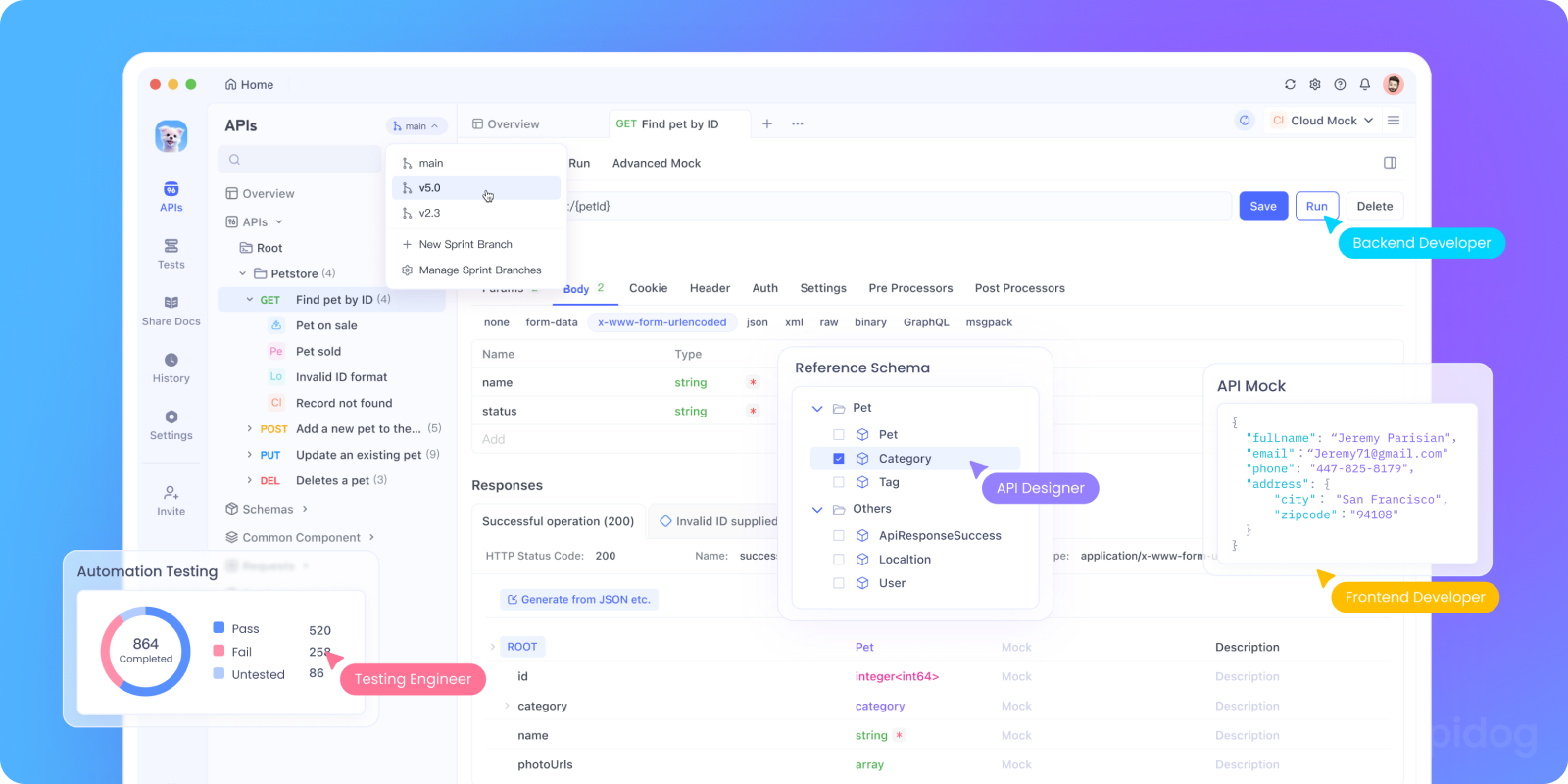
While Perplexity Pro enhances research and exploration, robust API development requires dedicated tools. Apidog offers a complete, free platform for API design, testing, and documentation—tailored for engineering teams.
What Makes Apidog MCP Server Stand Out?
- Direct AI Integration: Use your OpenAPI spec as a live data source for AI assistants in IDEs like Cursor or VS Code.
- Automate Code & Docs: Generate, update, and document API code automatically.
- Flexible Connectivity: Link Apidog projects, public docs, or Swagger/OpenAPI files.
- Truly Free: No hidden costs—Apidog and MCP Server are free to use.
Quickstart: Connect Apidog MCP Server to Your IDE
Prerequisites:
- Node.js v18+ (latest LTS recommended)
- An IDE supporting MCP (e.g., Cursor)
Step 1: Prepare Your OpenAPI File
- Use a URL (e.g.,
https://petstore.swagger.io/v2/swagger.json) - Or a local file path (e.g.,
~/projects/api-docs/openapi.yaml) - Formats:
.jsonor.yaml(OpenAPI 3.x preferred)
Step 2: Configure MCP in Cursor
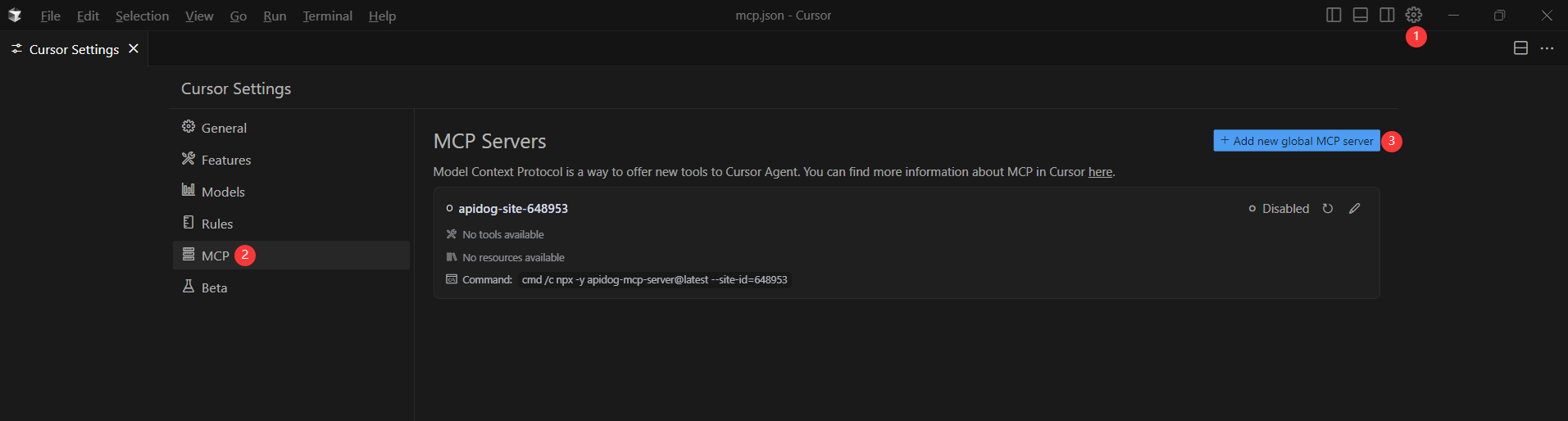
Replace <oas-url-or-path> with your OpenAPI URL or file path.
- For macOS/Linux:
{
  "mcpServers": {
    "API specification": {
      "command": "npx",
      "args": [
        "-y",
        "apidog-mcp-server@latest",
        "--oas=https://petstore.swagger.io/v2/swagger.json"
      ]
    }
  }
}
- For Windows:
{
  "mcpServers": {
    "API specification": {
      "command": "cmd",
      "args": [
        "/c",
        "npx",
        "-y",
        "apidog-mcp-server@latest",
        "--oas=https://petstore.swagger.io/v2/swagger.json"
      ]
    }
  }
}
Step 3: Verify Connection
- Save your configuration.
- In Agent mode, type:
“Please fetch API documentation via MCP and tell me how many endpoints exist in the project.” - If successful, you’ll receive a structured endpoint summary.
If you encounter issues, double-check your OpenAPI path and Node.js installation.
Conclusion: Combine AI Insights and Purpose-Built API Tools for Maximum Productivity
The PayPal–Perplexity deal gives developers a risk-free way to access premium AI research tools and the latest AI-native browser technology. For API and backend teams, this can accelerate learning, troubleshooting, and exploration.
However, as robust as Perplexity is for research, it can’t replace specialized API platforms when it comes to design, testing, and team collaboration. That’s where Apidog excels—offering a unified, developer-focused workflow essential for building and shipping reliable APIs at scale.
For best results:
- Use Perplexity Pro for rapid research and general development queries.
- Rely on Apidog for hands-on API design, testing, and documentation.
This hybrid approach amplifies innovation and efficiency while maintaining professional standards.