TL;DR
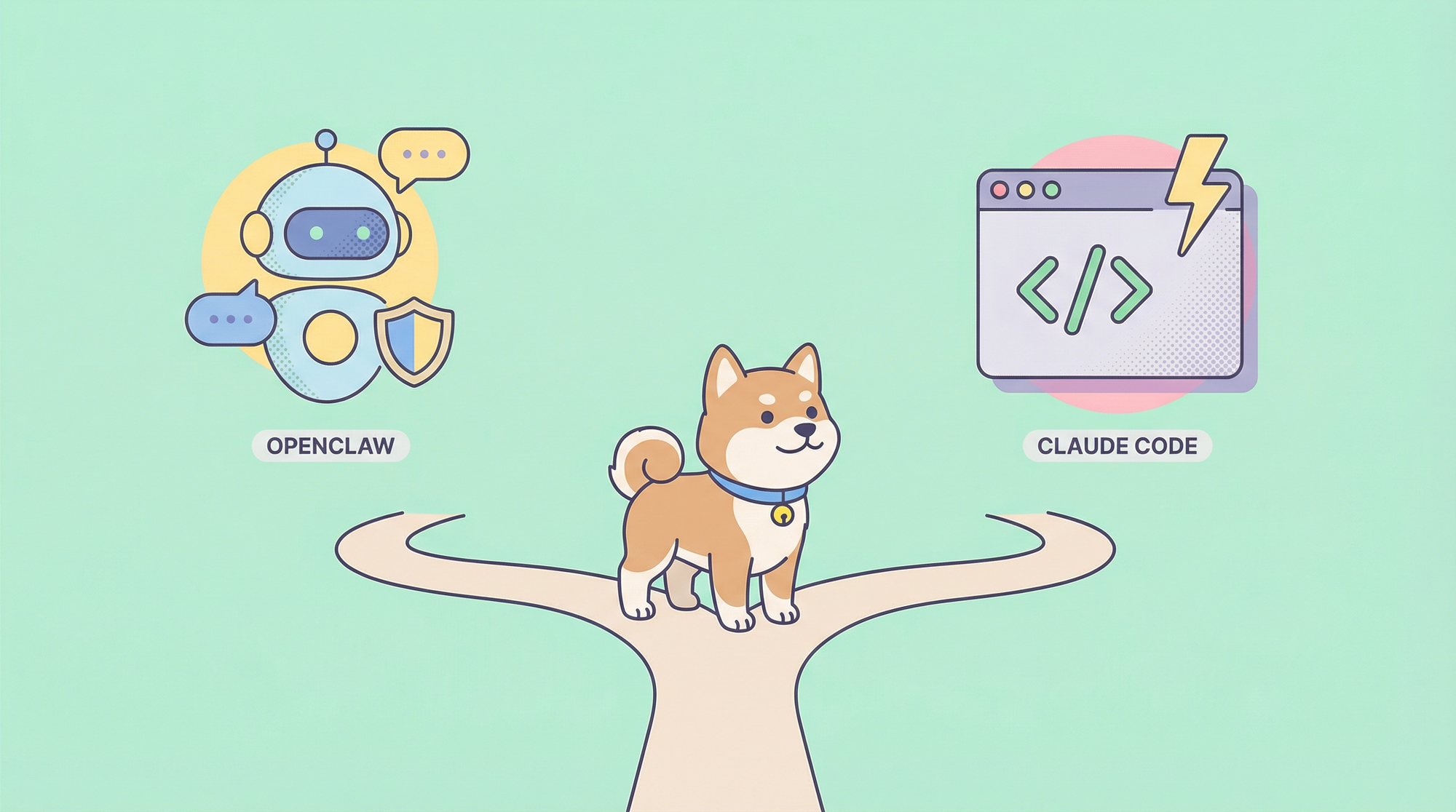
OpenClaw is a free, open-source AI assistant that runs locally on your machine and connects to messaging platforms like WhatsApp, Telegram, and Discord. Claude Code is a paid terminal-based coding assistant from Anthropic that integrates directly into your development workflow. Choose OpenClaw for privacy-focused automation across multiple platforms, or Claude Code if you're a developer who needs deep coding capabilities with minimal setup.
Introduction
The AI agent has exploded in 2026, with two tools standing out: OpenClaw and Claude Code. Both represent fundamentally different approaches to AI assistance—one as a personal automation assistant, the other as a coding companion.
But which one is right for you? The answer depends on your specific needs, budget, and use case.
In this comprehensive guide, we'll compare OpenClaw vs Claude Code across every dimension that matters: features, pricing, privacy, setup complexity, and real-world use cases. By the end, you'll know exactly which tool deserves a spot in your workflow.
Whether you're a developer looking for an AI coding assistant or a power user seeking a personal AI that integrates with your daily communication tools, this comparison will help you make an informed decision.
What is OpenClaw?
OpenClaw (formerly Clawdbot/Moltbot) is an open-source, self-hosted AI agent that has gained massive popularity with over 170,000 GitHub stars. It's designed as a "local-first" personal AI assistant that runs entirely on your own hardware.

Core Capabilities
Full Computer Access
OpenClaw can execute shell commands, read and write files, control browsers, and perform tasks autonomously without requiring constant human oversight. It's often described as "Claude with hands"—an AI that can actually perform actions on your computer.
Multi-Platform Integration
OpenClaw connects with multiple communication platforms:
- Telegram
- Discord
- Slack
- Signal
- iMessage
- Microsoft Teams
- Matrix
- WebChat
This means you can interact with your AI assistant through the messaging apps you already use daily.
Persistent Memory System
OpenClaw uses a two-tier memory architecture:
- Ephemeral memory: Daily logs that expire
- Durable memory: Long-term facts stored in Markdown files locally
This allows OpenClaw to remember context across sessions, making it ideal for ongoing projects and workflows.
The Heartbeat Feature
One of OpenClaw's most unique features is its proactive behavior. The "Heartbeat" system monitors tasks and alerts you without prompting—think of it as a digital assistant that doesn't wait for you to ask.
Skills Ecosystem
With over 700 community-built skills available via ClawHub, OpenClaw can be extended to handle specialized tasks. You can create custom skills using SKILL.md files or TypeScript for full control.
Model Flexibility
OpenClaw supports multiple AI providers:
- Claude (via API)
- GPT models
- Gemini
- Local models (Llama 3, Qwen, DeepSeek via Ollama)
This flexibility lets you choose between API-powered intelligence or completely local, private operation.
What is Claude Code?
Claude Code is Anthropic's terminal-based AI coding assistant designed specifically for developers. It integrates directly into your command-line workflow to help with code analysis, feature development, refactoring, debugging, testing, and documentation.
Core Capabilities
Coding-First Design
Claude Code is purpose-built for software development. It understands your codebase, can navigate complex file structures, and helps you write, test, and debug code efficiently.
Multi-Model Support
Claude Code supports multiple Anthropic models:
- Sonnet 4.6: Best balance of capability and speed
- Opus 4.6: Most capable model for complex tasks
- Haiku 3.5: Fast, lightweight for simple tasks
MCP Server Integration
The Model Context Protocol (MCP) allows Claude Code to integrate with external tools and services, extending its functionality for specific development needs.
CLAUDE.md Context System
Claude Code uses hierarchical context files that allow you to define project-specific instructions, rules, and preferences at global, project, or subdirectory levels.
Advanced CLI Features
- Sub-agents via Task(...) for parallel processing
- Planning mode (plan-before-execute workflow)
- Hooks system for pre/post-execution validation
- Slash commands for frequent operations
- Rewind capability to roll back conversation and code state
- Background agents and commands
Context Window
Claude Code supports context windows up to 1 million tokens via API, making it suitable for working with large codebases.
Feature-by-Feature Comparison
Let's break down how these two tools compare across key features:
| Feature | OpenClaw | Claude Code |
|---|---|---|
| Platform Support | macOS, Linux, Windows | macOS, Linux, Windows |
| Primary Use Case | Personal AI automation | AI coding assistant |
| Communication | WhatsApp, Telegram, Discord, Slack, etc. | Terminal only |
| Computer Control | Full access (shell, files, browser) | Terminal commands, file operations |
| Memory | Persistent across sessions | Session-based with CLAUDE.md |
| Proactive Behavior | Yes (Heartbeat) | No |
| Custom Skills | 700+ via ClawHub | MCP servers |
| Local Execution | Yes | Yes ( With Ollama) |
| Coding Focus | General purpose | Specialized for code |
| Setup Complexity | Higher | Lower |
Communication and Integration
OpenClaw excels if you need to interact with your AI through familiar messaging apps. You can text your AI assistant on WhatsApp or Telegram, making it feel like texting a knowledgeable colleague.
Claude Code stays in the terminal, which is perfect for developers who live in the command line. There's no need to switch contexts—it works where you work.
Automation Capabilities
OpenClaw can proactively monitor your email, check websites, manage calendars, and execute scheduled tasks. The Heartbeat feature means it doesn't just react—it acts.
Claude Code focuses on reactive assistance. You ask, it answers. It doesn't proactively monitor or perform background tasks.
Coding Capabilities
When it comes to coding, Claude Code has the edge. It's built specifically for developers and understands software development patterns, testing frameworks, and best practices.
OpenClaw can write code and execute commands, but it's not optimized for the kind of deep code analysis and refactoring that Claude Code provides.
Pricing Comparison
OpenClaw
- Software: Free (open-source)
- API Costs: Optional—depends on model choice
- Using local models : $0
- Using Claude/GPT API: Varies based on usage
- Hardware: Requires a computer with adequate RAM (8-64GB depending on model)
- Daily Cost Estimate: $0-50/day depending on API usage
Claude Code
- Software: Requires paid subscription
- Pro: $17/month (annual) or $20/month
- Max $100: $100/month
- Max $200: $200/month
- API Costs: Included in subscription (with limits)
- Additional Costs: Tool usage (web search: $10/1,000 searches)
- Monthly Cost: $17-200/month depending on plan
Cost Summary
| Tool | Software Cost | Variable Costs | Best For |
|---|---|---|---|
| OpenClaw | Free | $0-50/day API | Budget-conscious users |
| Claude Code | $17-200/mo | Minimal | Professional developers |
If cost is your primary concern and you're willing to set up local models, OpenClaw with Ollama is completely free. If you want a ready-to-use solution and don't mind the subscription, Claude Code offers predictable pricing.
Privacy and Security
OpenClaw
Privacy Advantages:
- Runs entirely locally on your machine
- Your data never leaves your hardware when using Ollama
- Full control over what data the AI can access
Security Considerations:
- Requires access to sensitive data (email, files, credentials)
- Risk of prompt injection attacks
- Community skills from ClawHub may contain vulnerabilities
- Recommended: Run on separate hardware, limit permissions initially, audit configurations regularly
OpenClaw gives you maximum privacy but requires responsible configuration.
Claude Code
Privacy Considerations:
- Data is sent to Anthropic's servers via API
- Subscription plans have different data handling policies
- Code and files processed through the API
Security:
- Established security practices from Anthropic
- No community plugins to worry about
- Direct integration with your codebase
Claude Code trades some privacy for convenience and security through established practices.
Setup and Ease of Use
OpenClaw Setup
- Install Node.js and npm
- Run
npx openclawor use the installation script - Configure platform connections (Telegram, Discord, etc.)
- Choose and configure your model (local or API)
- Set up skills and preferences
Time to First Use: 30-60 minutes for basic setup
Learning Curve: Moderate—requires understanding of configuration files and model management
Claude Code Setup
- Subscribe to a plan (Pro, Max $100, or Max $200)
- Install Claude Code CLI
- Authenticate with your Anthropic account
- Optionally configure CLAUDE.md for project-specific rules
Time to First Use: 10-15 minutes
Learning Curve: Low—designed to work immediately with minimal configuration
Verdict
Claude Code wins on ease of setup. It's designed to work out of the box with minimal friction. OpenClaw offers more customization but requires more upfront configuration.
Use Case Analysis
Choose OpenClaw If You Want:
- Multi-platform AI assistant: Text your AI on WhatsApp, Telegram, or Discord
- Proactive automation: Scheduled tasks, email monitoring, automated workflows
- Complete privacy: Run everything locally with no external API calls
- Free operation: Use Ollama with local models at zero cost
- Custom extensions: Build or install skills from the ClawHub marketplace
Best For:
- Power users who want AI integrated with their communication tools
- Privacy enthusiasts who want local-only operation
- Users who want proactive AI that doesn't wait for prompts
- Anyone building automation workflows
Choose Claude Code If You Want:
- Coding-focused AI: Deep code analysis, refactoring, and testing
- Quick setup: Start coding with AI in minutes
- Professional support: Direct from Anthropic with subscription benefits
- Terminal integration: Work entirely in your command line
- Predictable pricing: Subscription model with clear costs
Best For:
- Professional software developers
- Teams needing reproducible agent configurations
- Large codebases (50,000+ lines of code)
- Developers who want the best coding model without managing infrastructure
Hybrid Approach
Many users benefit from using both tools:
- OpenClaw for personal automation, scheduling, and cross-platform communication
- Claude Code for deep coding tasks and software development
This combination gives you the best of both worlds—powerful coding assistance when you need it, and a capable personal AI for everything else.
Performance and Capabilities
Model Performance
OpenClaw flexibility means you can choose models based on your needs:
- Small models (1.5B-7B parameters): Fast, low RAM requirements
- Medium models (8B-14B parameters): Balanced capability
- Large models (32B-70B parameters): Maximum capability, high RAM needs
With Ollama, you can run models like:
- Qwen3 (0.6B-235B)
- DeepSeek-R1 (1.5B-671B)
- Llama 3 (8B-70B)
Claude Code uses Anthropic's hosted models:
- Sonnet 4.6: Excellent for most tasks
- Opus 4.6: Best for complex reasoning
- Haiku 3.5: Fast for simple tasks
The hosted models from Anthropic generally outperform local models, but at the cost of privacy and ongoing API fees.
Response Speed
- Local models on OpenClaw: Depends on your hardware (seconds to minutes)
- Claude Code via API: Typically sub-second responses for most queries
Context Handling
- OpenClaw: Persistent memory with automatic summarization
- Claude Code: Massive context window (up to 1M tokens) but session-based
Making the Right Choice
Decision Matrix
| Your Priority | Recommended Tool |
|---|---|
| Free / Open Source | OpenClaw |
| Privacy / Local Execution | OpenClaw |
| Easy Setup | Claude Code |
| Coding-First | Claude Code |
| Multi-Platform Messaging | OpenClaw |
| Proactive Automation | OpenClaw |
| Professional Support | Claude Code |
Quick Recommendation
Choose OpenClaw if:
- You want complete control over your AI
- Privacy is your top concern
- You need AI across multiple messaging platforms
- You're comfortable with technical setup
- You want free operation with local models
Choose Claude Code if:
- You're a professional developer
- You want minimal setup time
- You need the best coding AI available
- Subscription pricing doesn't bother you
- Terminal-based workflow suits you
Final Thoughts
Both OpenClaw and Claude Code represent the cutting edge of AI assistance in 2026. The right choice depends entirely on your specific needs, technical comfort level, and budget.
For maximum customization and privacy, OpenClaw is the answer. For professional development work with minimal friction, Claude Code wins.
Many power users ultimately adopt both tools—OpenClaw for personal automation and Claude Code for serious coding tasks.