If you’re searching for OpenClaw, you’re usually trying to answer one practical question: Can I run it for free, or will it cost me later?
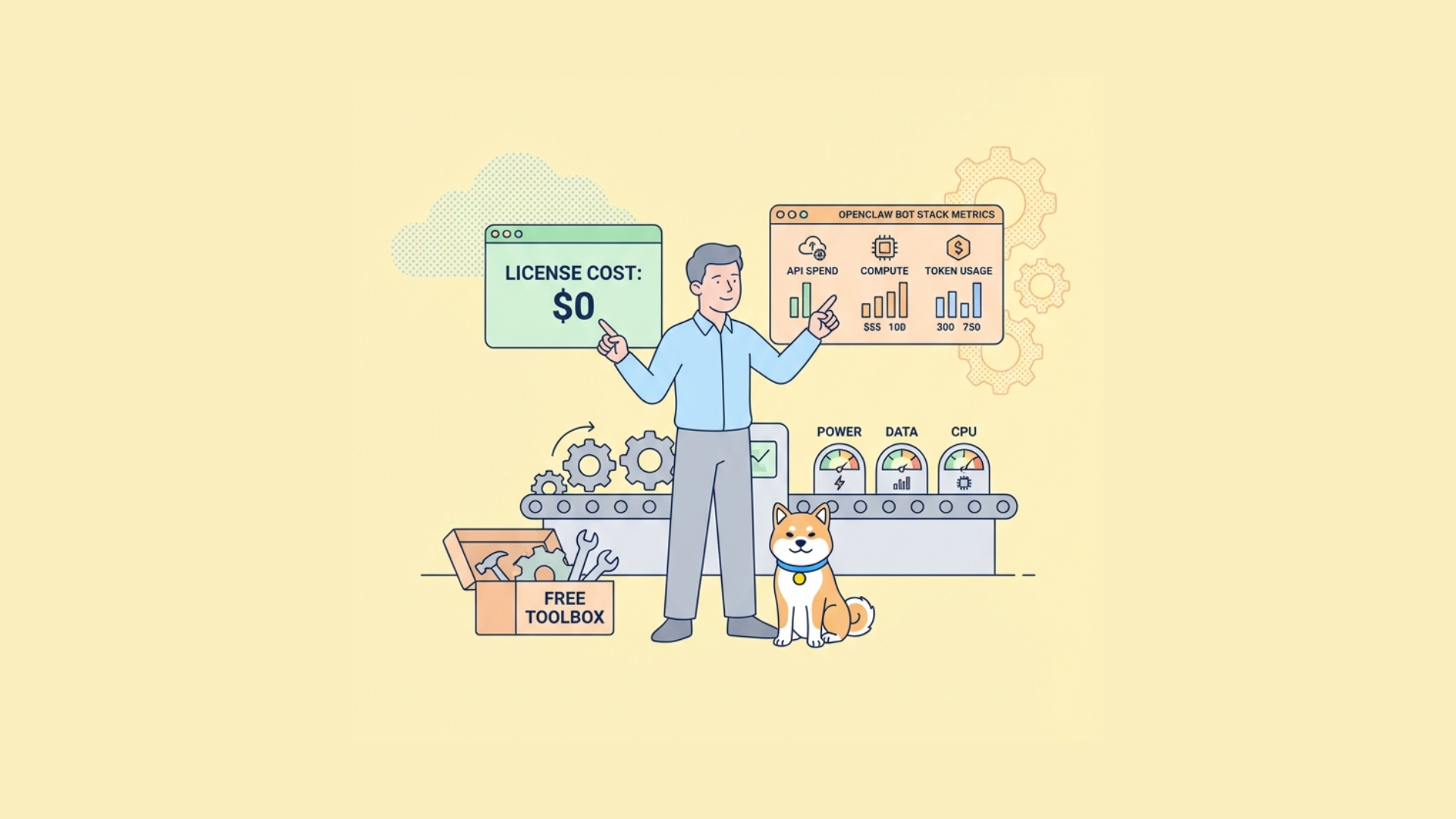
Short answer: the software may be free to access as open-source code, but production use is rarely “zero-cost.” You still need to account for infrastructure, model/API usage, storage, observability, and maintenance.
That distinction matters. Many developers conflate license cost with total cost of operation. For OpenClaw-style systems (often tied to bot workflows like Moltbot/Clawdbot), the architecture itself determines where your real spend appears.
“Free to use” has three different meanings
When communities ask whether a tool is free, they usually mean one of these:
- Free license: You can download, modify, and self-host code without paying a vendor license.
- Free tier: A hosted service gives you limited usage for free.
- Free operation: Running the system costs nothing in compute, storage, and external APIs.
For OpenClaw-like stacks, only #1 is commonly true. #2 depends on whoever hosts a managed offering. #3 is almost never true beyond toy-scale testing.

Cost model for OpenClaw-style bot systems
Even if OpenClaw itself is open-source, you’ll likely pay in one or more of these buckets:
1) Compute
- Container runtime (Docker/Kubernetes)
- Worker nodes for async jobs
- GPU instances if model inference is local
2) External AI/API calls
- Per-token or per-request billing for LLM APIs
- Embedding API usage for retrieval pipelines
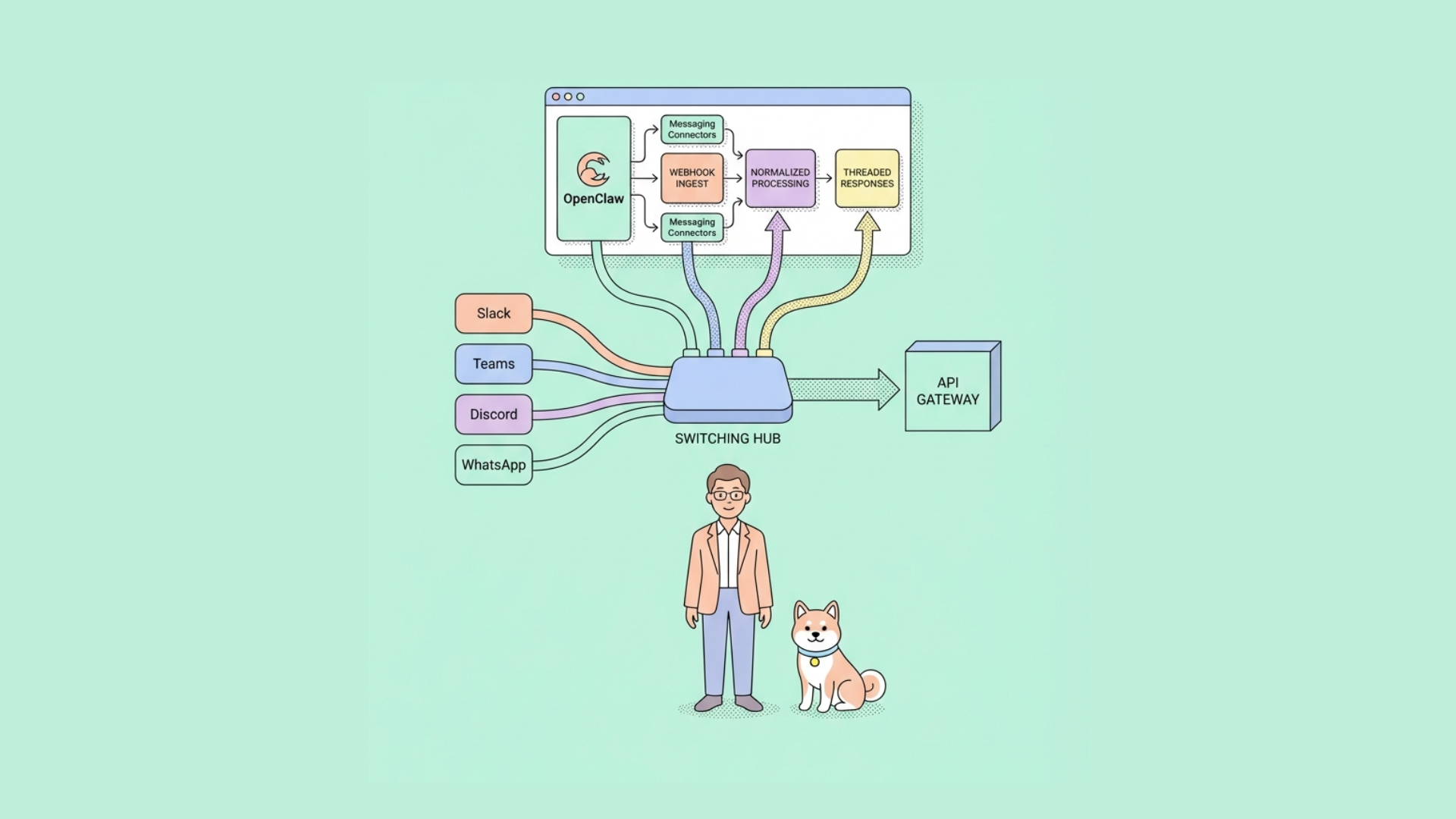
- Third-party integrations (Slack/Discord/webhooks/CRM)
3) Data layer
- Operational DB (Postgres/MySQL)
- Vector DB (if retrieval-augmented flows are enabled)
- Object storage for logs, transcripts, attachments
4) Reliability and security
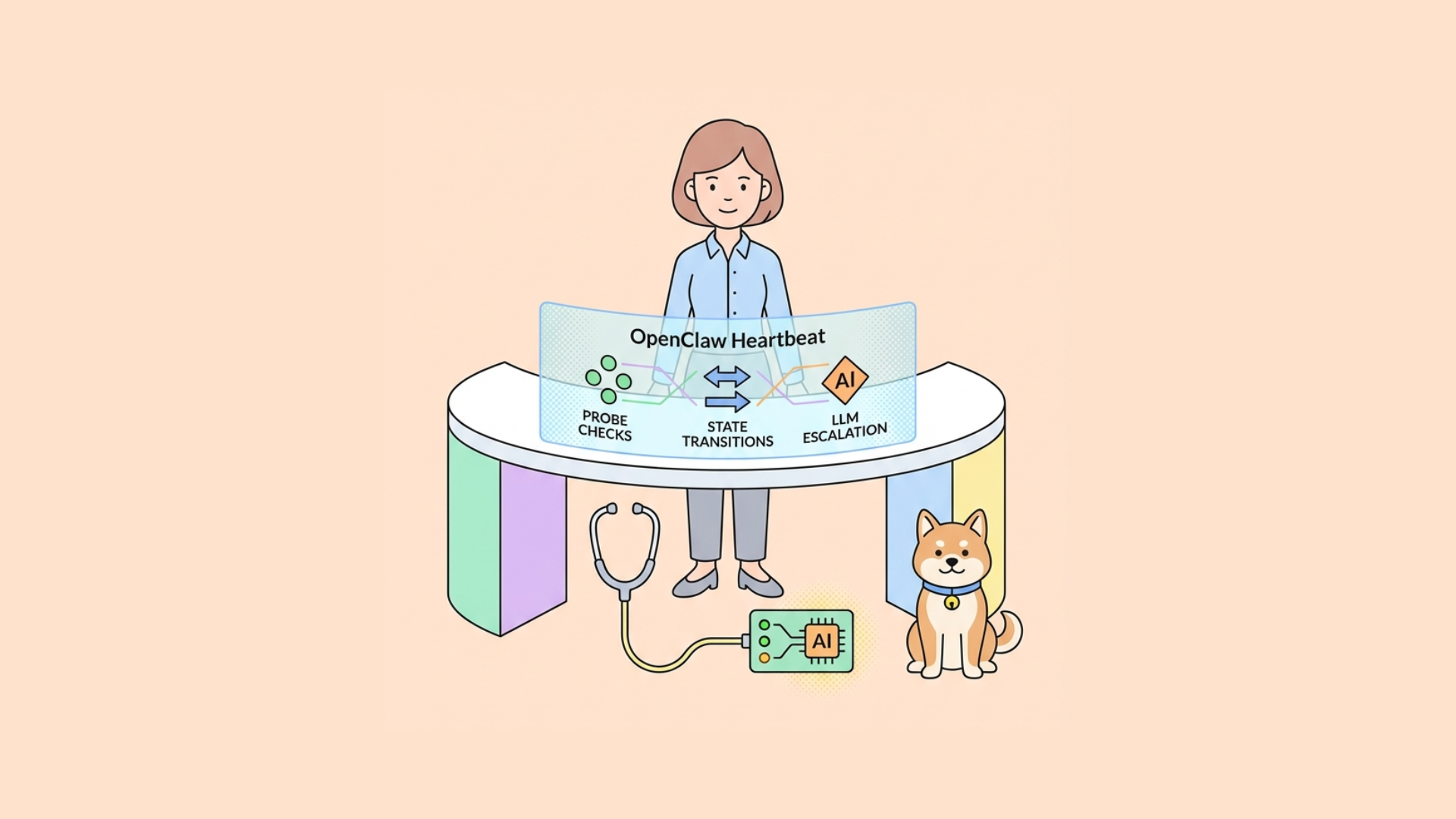
- Monitoring (metrics, traces, logs)
- Alerting and incident tooling
- Secret management and key rotation
5) Team operations
- CI/CD minutes
- Engineering hours for upgrades and patching
- On-call overhead
So, if someone says “OpenClaw is free,” interpret it as: the code is likely free; your platform spend is not.
Practical decision matrix: when OpenClaw is effectively free
OpenClaw can be near-free in these scenarios:
- You run locally for learning or prototyping.
- You use only low-volume requests.
- You avoid paid model endpoints (use local models).
- You accept limited reliability and no SLA.
It is not effectively free when:
- You need production uptime.
- You process high conversation volume.
- You require strict compliance/auditability.
- You use premium hosted LLMs and embeddings heavily.
Architecture tradeoffs that change your bill
Hosted LLMs vs local inference
Hosted LLM APIs
- Pros: fast start, high quality, minimal infra ops
- Cons: variable bill, vendor dependency, data handling concerns
Local inference
- Pros: predictable cost at scale, stronger data locality control
- Cons: GPU ops complexity, model tuning burden, latency tuning work
For many teams, hosted APIs are cheaper at low volume; local models become attractive after sustained high throughput.
Stateful bot memory strategy
- Full transcript persistence gives better context but increases storage and privacy burden.
- Summarized memory reduces token and storage cost but can lose fidelity.
Use tiered retention:
- Hot: recent messages (fast store)
- Warm: summaries
- Cold: archived raw data with TTL policies
Sync vs async execution
- Sync calls are simple but fragile under load.
- Async job queues improve resilience and retry behavior.
If OpenClaw is used for production automation, queue-based orchestration is usually mandatory.
Implementation checklist before you assume “free”
Use this checklist to estimate real effort:
- Confirm license type (MIT/Apache/GPL/etc.) and obligations
- Map all paid dependencies (LLM, vector DB, webhooks)
- Set per-feature cost budgets (chat, retrieval, summarization)
- Add request-level usage telemetry
- Set hard spending alerts and throttles
- Build fallback behavior when model/API limits hit
- Define data retention and redaction policies
- Load-test realistic conversation patterns
Without these controls, “free” pilots often fail at first usage spike.
Example: cost-aware request flow
A typical OpenClaw-like pipeline:
- Receive user event
- Fetch short-term memory
- Retrieve relevant docs (optional)
- Call model
- Post-process output
- Store trace + response
You can cut costs at steps 2–4.
Pseudocode (budget guardrails)
python MAX_INPUT_TOKENS = 4000 MAX_OUTPUT_TOKENS = 600 DAILY_TEAM_BUDGET_USD = 25.0
if spend_tracker.today(team_id) >= DAILY_TEAM_BUDGET_USD: return fallback("Budget limit reached. Try again tomorrow.")
prompt = build_prompt(context) if token_count(prompt) > MAX_INPUT_TOKENS: prompt = summarize_context(prompt, target_tokens=2500)
result = llm.generate( model="balanced-model", prompt=prompt, max_tokens=MAX_OUTPUT_TOKENS, temperature=0.2 )
store_trace(result, metadata={"team": team_id, "cost": result.estimated_cost}) return result.text
This pattern prevents silent runaway usage.
Reliability concerns developers hit first
1) Retry storms
If downstream model APIs degrade, naive retries can multiply cost and latency.
Fix: exponential backoff + circuit breaker + per-tenant concurrency caps.
2) Context window overflows
Long bot sessions exceed context limits and fail unpredictably.
Fix: rolling summaries and strict token budgeting.
3) Non-deterministic outputs breaking automations
Bots that trigger external systems need predictable outputs.
Fix: schema-constrained responses and validation before execution.
4) Hidden integration failures
Webhook or connector errors can fail silently.
Fix: end-to-end tracing with correlation IDs.
Testing OpenClaw-style APIs like an engineering team
If your OpenClaw deployment exposes APIs (chat endpoints, workflow triggers, webhook callbacks), treat them like any other production API.
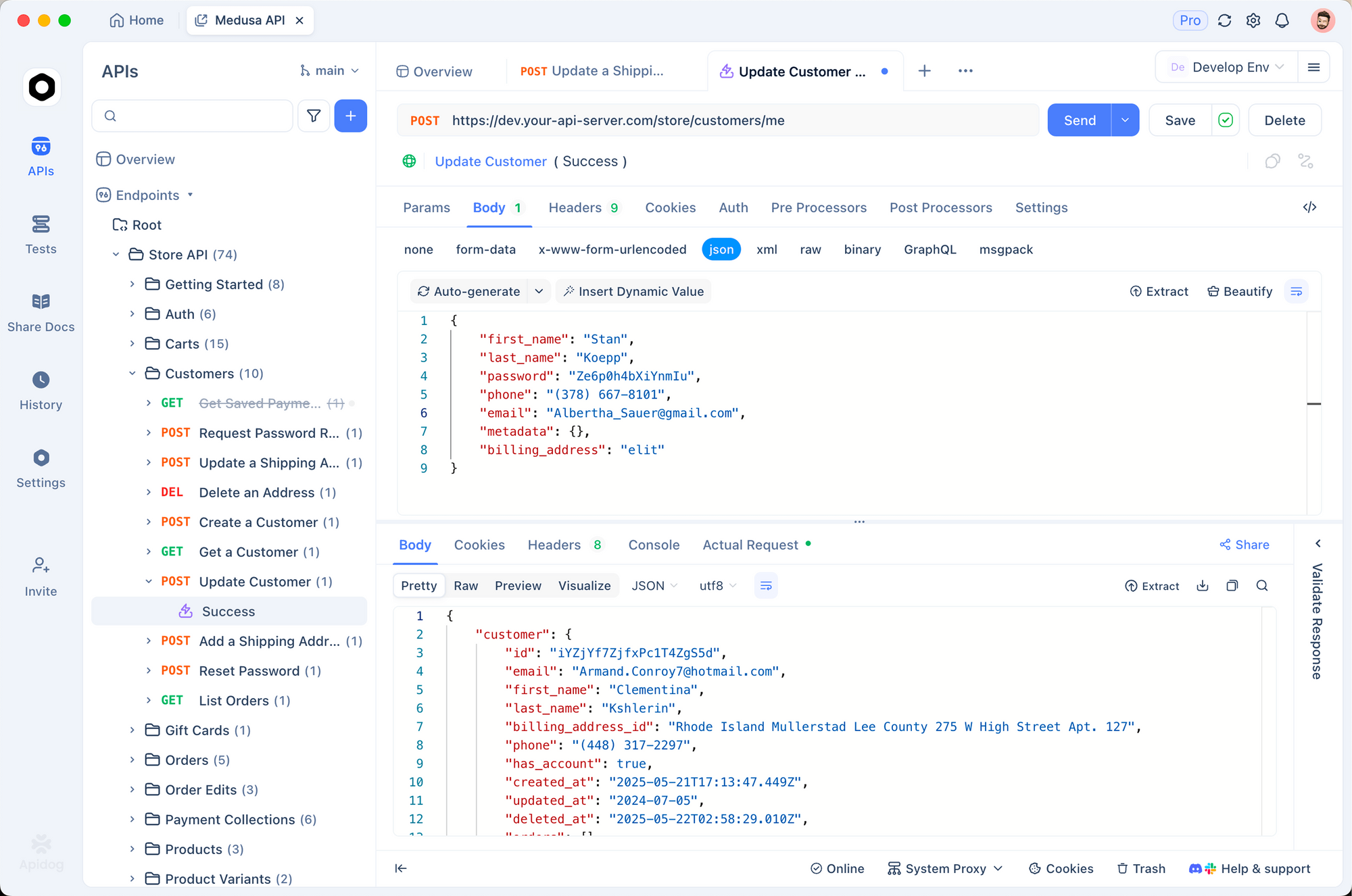
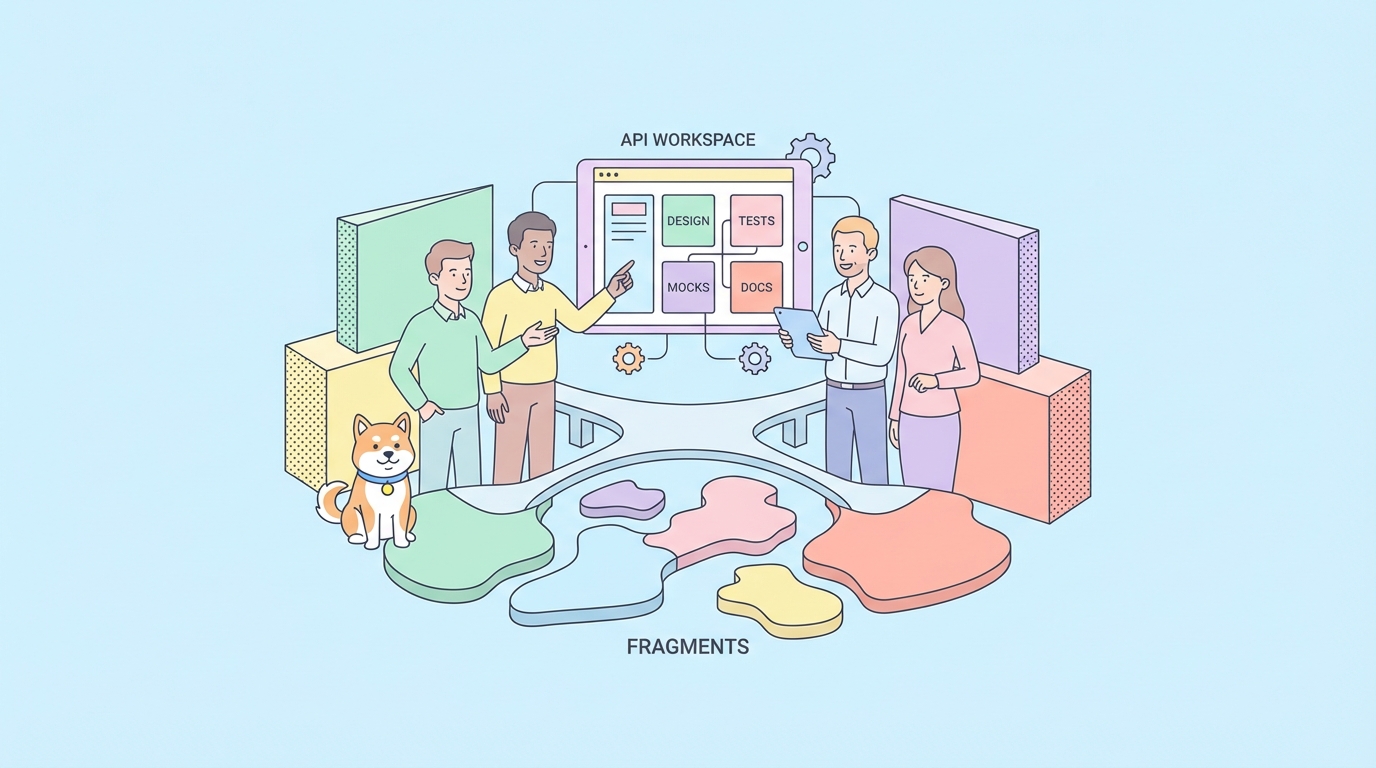
This is where Apidog helps. Instead of juggling separate tools, you can design, test, mock, and document the same workflow in one place.
Recommended workflow in Apidog
Design contracts first
- Define request/response schemas in OpenAPI.
- Keep bot outputs typed where possible.
Create test scenarios
- Happy path: valid prompt + expected schema.
- Edge path: token limit reached.
- Failure path: upstream model timeout.
Use automated testing in CI/CD
- Run regression checks on every change.
- Block deploys when response contracts drift.
Mock dependent services
- Use smart mock endpoints for external connectors.
- Test workflow behavior without paying external API costs.
Generate interactive docs
- Share stable API behavior with frontend/QA teams.
This reduces production surprises and keeps cost/performance assumptions visible.
Security and compliance: the non-optional layer
If OpenClaw handles customer data, “free” decisions must include compliance impact.
Key controls:
- Encrypt data at rest and in transit.
- Redact PII before sending prompts to external models.
- Store prompt/response logs with role-based access control.
- Apply retention limits and deletion workflows.
- Keep audit trails for bot-triggered actions.
Skipping these controls creates much larger downstream costs than infrastructure bills.
Migration strategy: prototype to production
A common path:
Phase 1: Local prototype
- Single-node runtime
- Minimal observability
- Manual testing
Phase 2: Team staging
- Managed DB + queue
- Contract tests and mocks
- Basic budget alerts
Phase 3: Production
- Multi-environment config
- CI/CD quality gates
- Structured logs/traces
- Cost, latency, and error SLOs
With Apidog, you can carry API definitions and test scenarios through all three phases without rebuilding your workflow each time.
Final answer: Is OpenClaw (Moltbot/Clawdbot) free to use?
Usually free to obtain and self-host, not free to operate at scale.
Treat OpenClaw as an open foundation. Then plan explicitly for:
- model/API spending,
- infrastructure,
- reliability tooling,
- and engineering maintenance.
If you’re evaluating an OpenClaw rollout now, try this practical next step: model one production workflow in OpenAPI, run automated scenario tests, and add budget telemetry before launch. That gives you a real answer to “free” based on your traffic, not guesswork.