OpenClaw (formerly Moltbot, with Clawdbot still used in parts of the community) is growing fast. The rename cycles and rapid ecosystem changes created one recurring engineering question: which messaging platforms are actually supported today, and what does “supported” mean in practice?
That confusion is understandable. In community posts, OpenClaw is often described as an “AI agent in your chats,” but there are at least three levels of integration:
- Native connector (official, maintained, production-ready)
- Community connector (works, but variable maintenance and feature parity)
- Bridge via webhook/API (reliable if you own the integration logic)
If you’re evaluating OpenClaw for team workflows, customer support, or internal ops automation, you need more than a compatibility list. You need architecture-level clarity: delivery guarantees, identity model, permission boundaries, rate limits, and observability hooks.
This article gives you exactly that.
Quick compatibility view (practical, not marketing)
Because OpenClaw evolves quickly, the most accurate framing is capability-based.
Category A: Real-time chat platforms with bot APIs
These are easiest to support because they expose event webhooks and outbound message APIs.
- Slack-style platforms (event subscriptions + bot tokens)
- Discord-style platforms (gateway/webhook hybrid)
- Telegram-style bot ecosystems
- Microsoft Teams-like enterprise chat platforms
What usually works well:
- Mention-triggered replies
- Thread-aware responses
- Slash/command invocation
- File/link ingestion with constraints
What often needs tuning:
- Rich formatting parity
- Edits/deletes synchronization
- Presence/typing event behavior
Category B: Encrypted messaging apps with restricted bot surfaces
Apps with strict end-to-end encryption or anti-automation policies are harder.
- Some support only business APIs
- Some require approved providers
- Some allow very narrow templated outbound messaging
Typical constraint: you may get notification-style integration, not a full conversational agent.
Category C: “No official bot API” messaging clients
Here OpenClaw support usually means bridge architecture (browser automation, gateway proxy, or third-party relay). This can work for prototypes, but reliability and policy risk are the tradeoff.
What “support” should mean for engineering teams
When someone says “OpenClaw supports App X,” validate these six dimensions before rollout:
- Inbound event coverage: message create, update, delete, reactions, attachments
- Outbound capability: text, blocks/cards, files, interactive actions
- Identity fidelity: user IDs, team/workspace IDs, role mapping
- Operational reliability: retries, deduplication, idempotency keys
- Security posture: token scope minimization, secret rotation, auditability
- Rate-limit strategy: backoff policy, queueing model, dead-letter behavior
If even two of these are weak, your “supported” connector becomes a production incident source.
OpenClaw connector architecture (how most serious deployments do it)
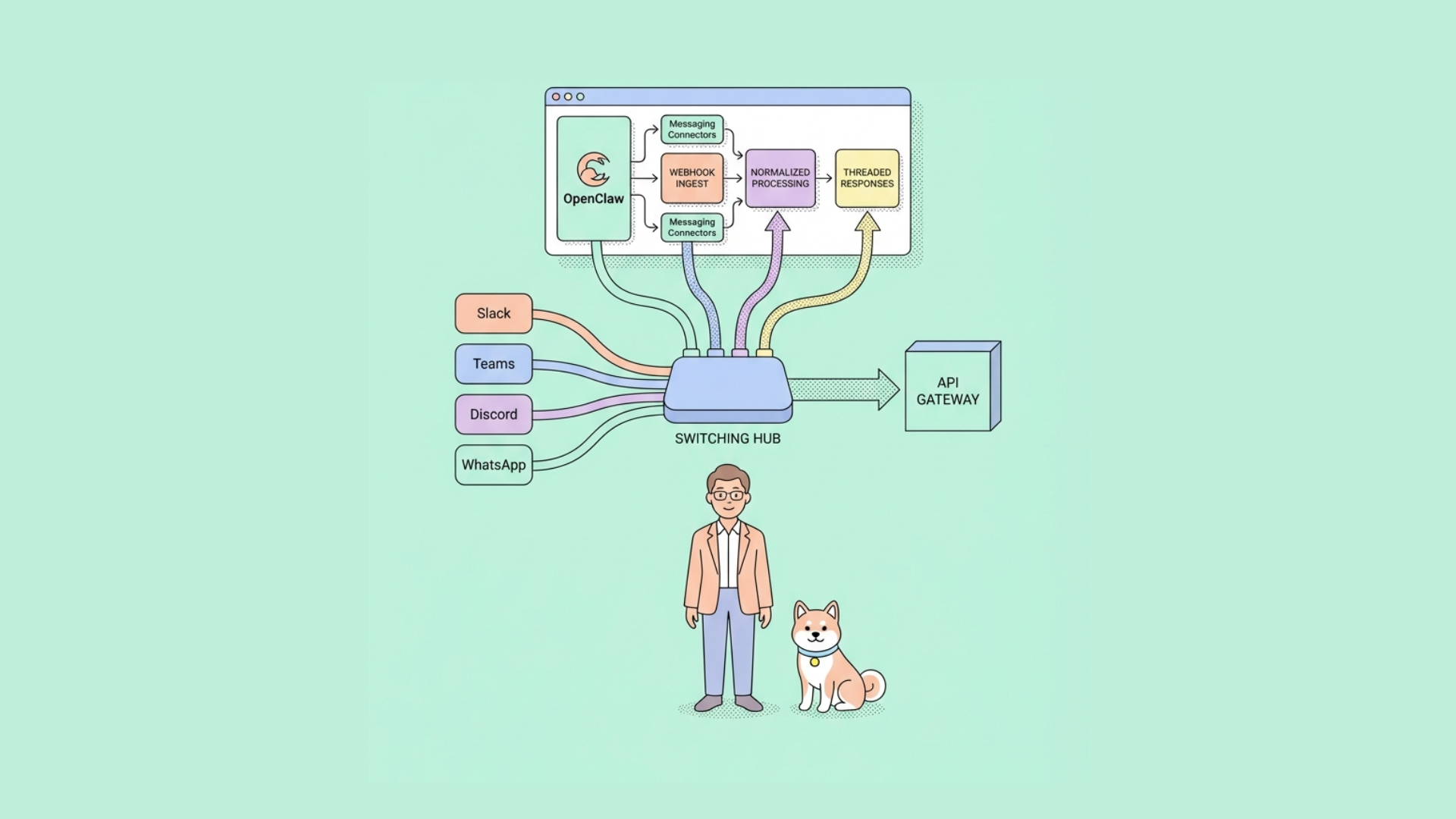
A robust OpenClaw messaging integration usually follows this pipeline:
text Messaging App Webhook -> Connector Ingress (verify signature) -> Event Normalizer (canonical schema) -> Policy Layer (allow/deny, tenant rules) -> OpenClaw Runtime (tools, memory, model routing) -> Response Orchestrator (chunk/format/thread map) -> Messaging App API (send/update)
1) Connector ingress
- Validates signature/timestamp
- Rejects replayed requests
- Emits immutable raw event logs
2) Normalizer
Transforms platform payloads into a canonical event shape:
{
  "platform": "slack",
  "conversation_id": "C123",
  "thread_id": "170000001.0002",
  "user_id": "U456",
  "event_type": "message.created",
  "text": "@openclaw summarize this channel",
  "attachments": []
}
3) Policy layer
Where you enforce:
- Allowed channels/workspaces
- Sensitive command restrictions
- Tool access (read-only vs mutating actions)
4) OpenClaw runtime
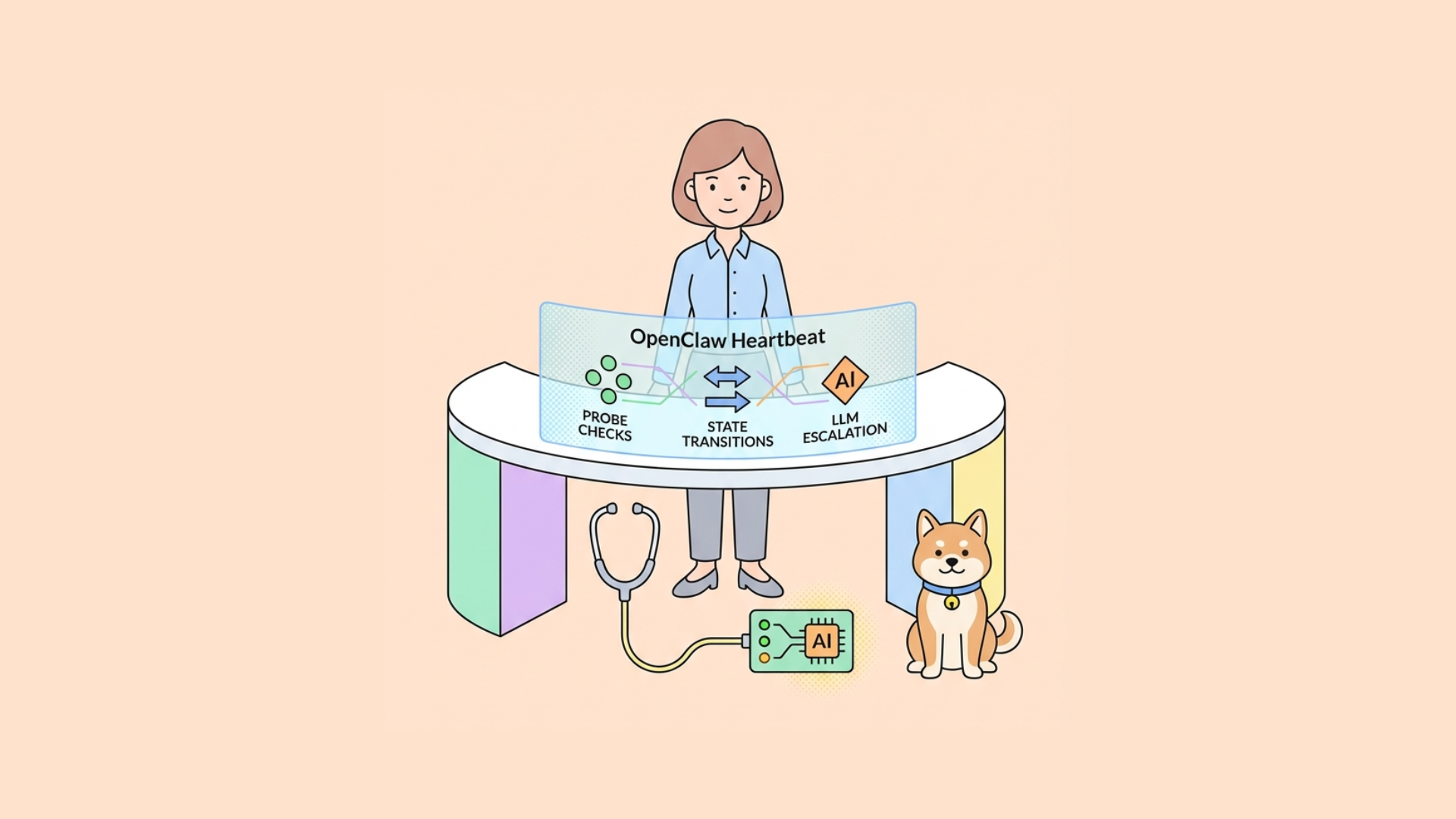
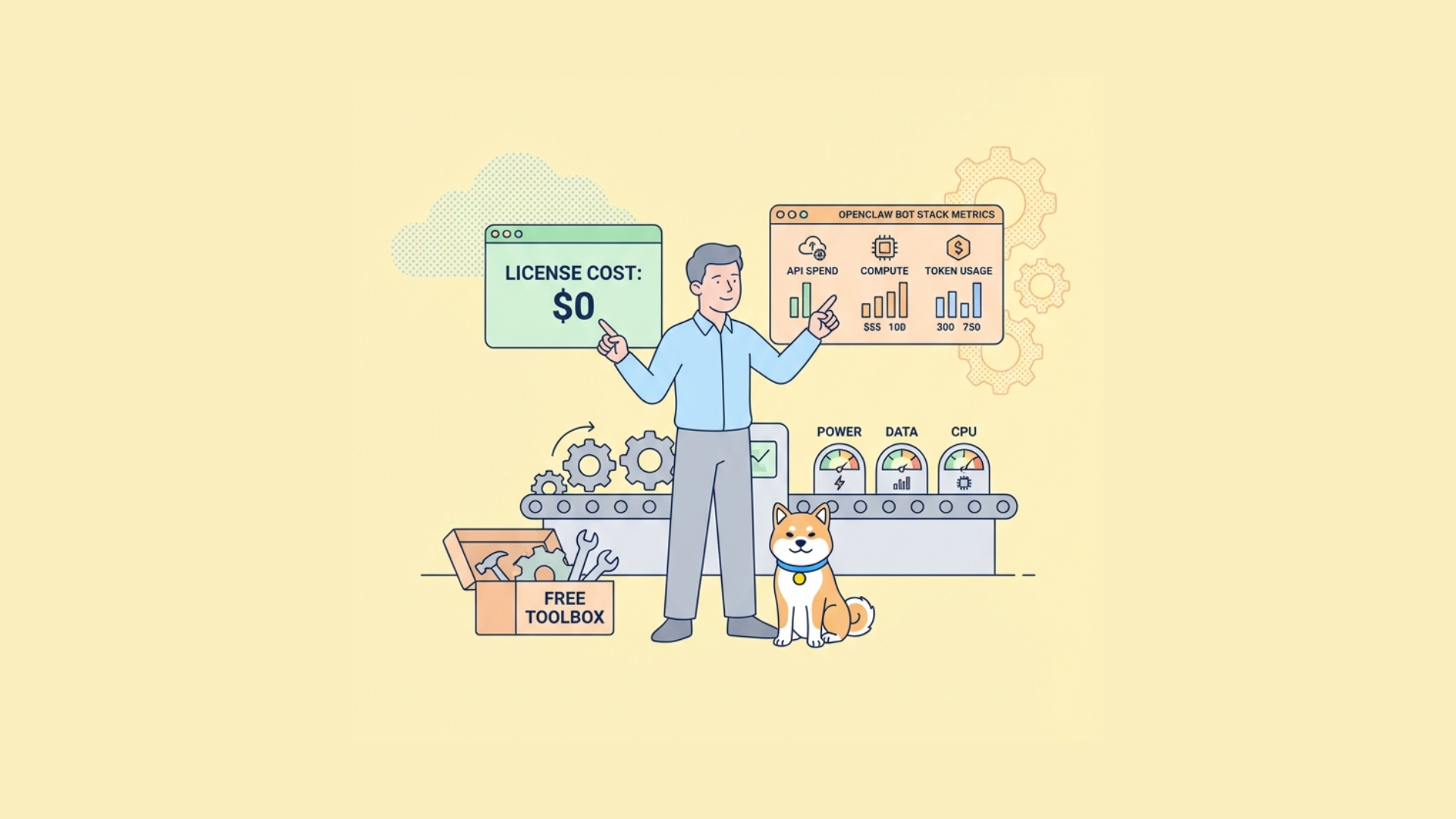
This is where heartbeats and cheap checks matter. A useful community pattern is: run deterministic checks first, invoke larger models only when necessary. That approach lowers cost and latency for routine events.
5) Response orchestration
Maps OpenClaw output back into platform-specific payloads.
Edge cases handled here:
- Message length splitting
- Markdown dialect conversion
- Thread fallback when direct replies fail
Messaging platform nuances that change implementation cost
Slack-like ecosystems
Strengths: mature bot APIs, events, interactivity, enterprise controls.
Engineering notes:
- Expect retry headers; implement idempotency store
- Thread context needs careful handling to avoid context bleed
- Block-based UIs may require separate rendering paths
Discord-like ecosystems
Strengths: rich event model and fast interaction loops.
Engineering notes:
- Gateway disconnections are normal; resume logic is required
- Permission model is granular; mis-scoped intents break silently
- High-volume community servers need queue-based fan-in
Telegram-like ecosystems
Strengths: straightforward bot lifecycle and command model.
Engineering notes:
- Update offsets must be handled correctly for polling fallback
- Inline keyboards require callback state integrity
- Media/file workflows can increase latency variance
Enterprise suite chat (Teams-class)
Strengths: enterprise identity and governance integration.
Engineering notes:
- Tenant-specific app consent flow adds deployment friction
- Graph/API permission boundaries are strict
- Compliance logging requirements are often mandatory
Security boundaries: where OpenClaw teams get burned
OpenClaw’s growing popularity means people now run it against sensitive internal chat. Treat connector security as first-class.
Minimum controls
- Verify every inbound webhook signature
- Store bot tokens in a secret manager, never in config files
- Use least-privilege scopes
- Rotate credentials on schedule and on incident
- Add allowlists for channels, domains, and tool actions
Agent sandboxing matters
As agent ecosystems mature, secure execution environments are becoming standard. If your OpenClaw workflow can execute tools or scripts, isolate execution (network policy, syscall restrictions, egress controls). The “agent sandbox” trend is not optional for regulated or enterprise deployments.
Reliability patterns for production chat agents
Idempotency by event fingerprint
Use a stable key like:
text hash(platform + event_id + team_id)
Reject duplicates for a defined TTL window.
Queue before inference
Never run heavy model inference directly inside webhook request handlers. Acknowledge fast, process async.
Graceful degradation
If model/provider is degraded:
- return short fallback response
- log incident tag in telemetry
- retry async and edit message later if platform supports updates
Heartbeat tiers
A practical pattern:
- Connector health check (token valid, API reachable)
- Tooling health check (DB/search/cache)
- Model health check only when lower tiers pass
This keeps monitoring cheap and actionable.
API-first integration workflow with Apidog
When you support multiple messaging apps, consistency is your biggest challenge. This is where an API-first workflow saves time.
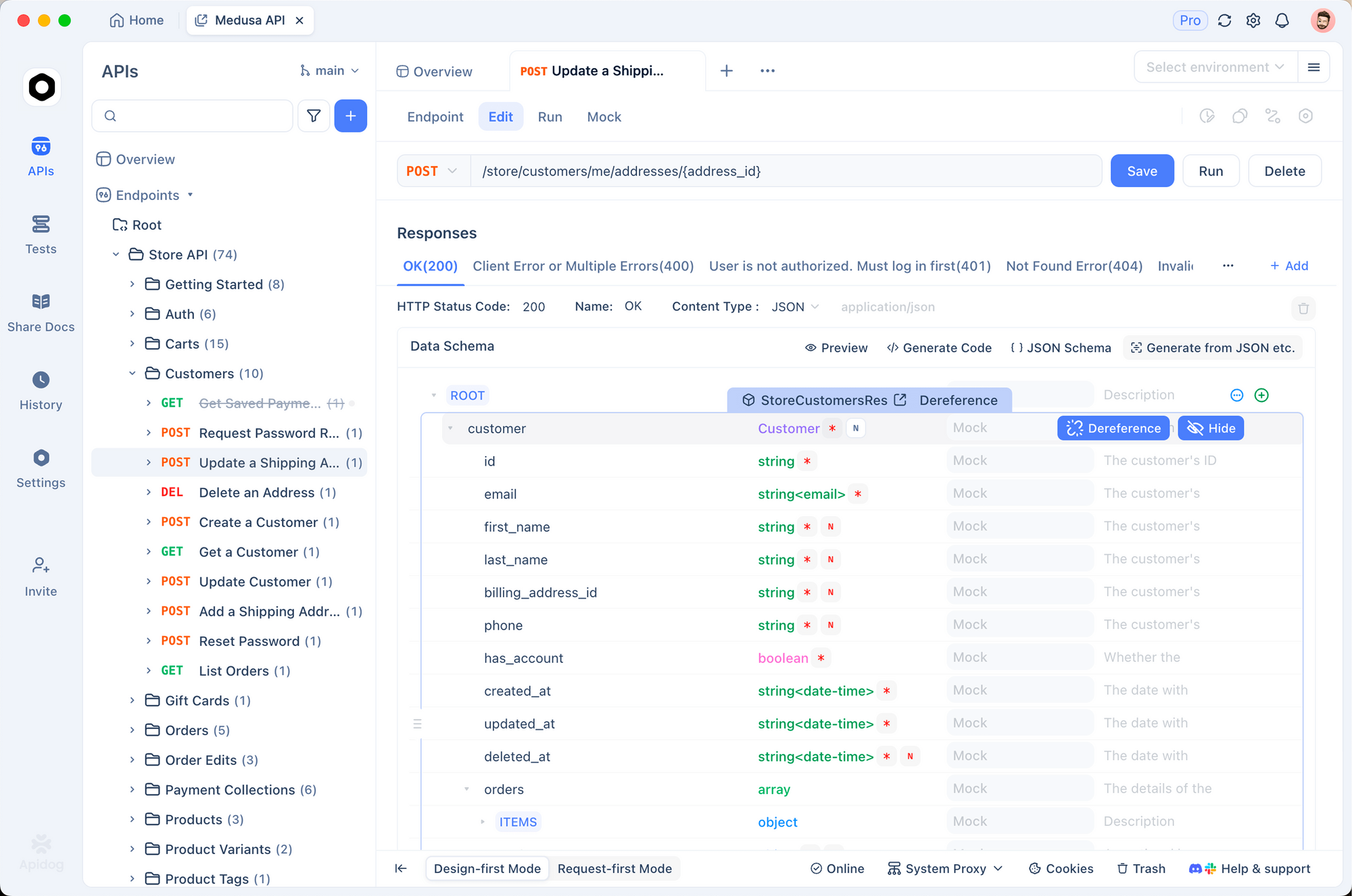
With Apidog, you can define a canonical connector API once, then test each platform adapter against it.
Suggested workflow
- Design canonical schemas in Apidog’s visual designer (OpenAPI-first)
- Create mock endpoints for inbound webhook simulation
- Build automated tests for normalization and policy outcomes
- Generate interactive docs for internal platform teams
- Run CI quality gates for connector regressions
Example canonical endpoints
yaml POST /events/ingest POST /events/{id}/process POST /responses/send POST /responses/{id}/update GET /health
Example test scenarios to automate
- Duplicate webhook delivery -> single downstream response
- Threaded mention -> response stays in thread
- Oversized model output -> segmented messages with ordering
- Revoked token -> retry stops and incident emitted
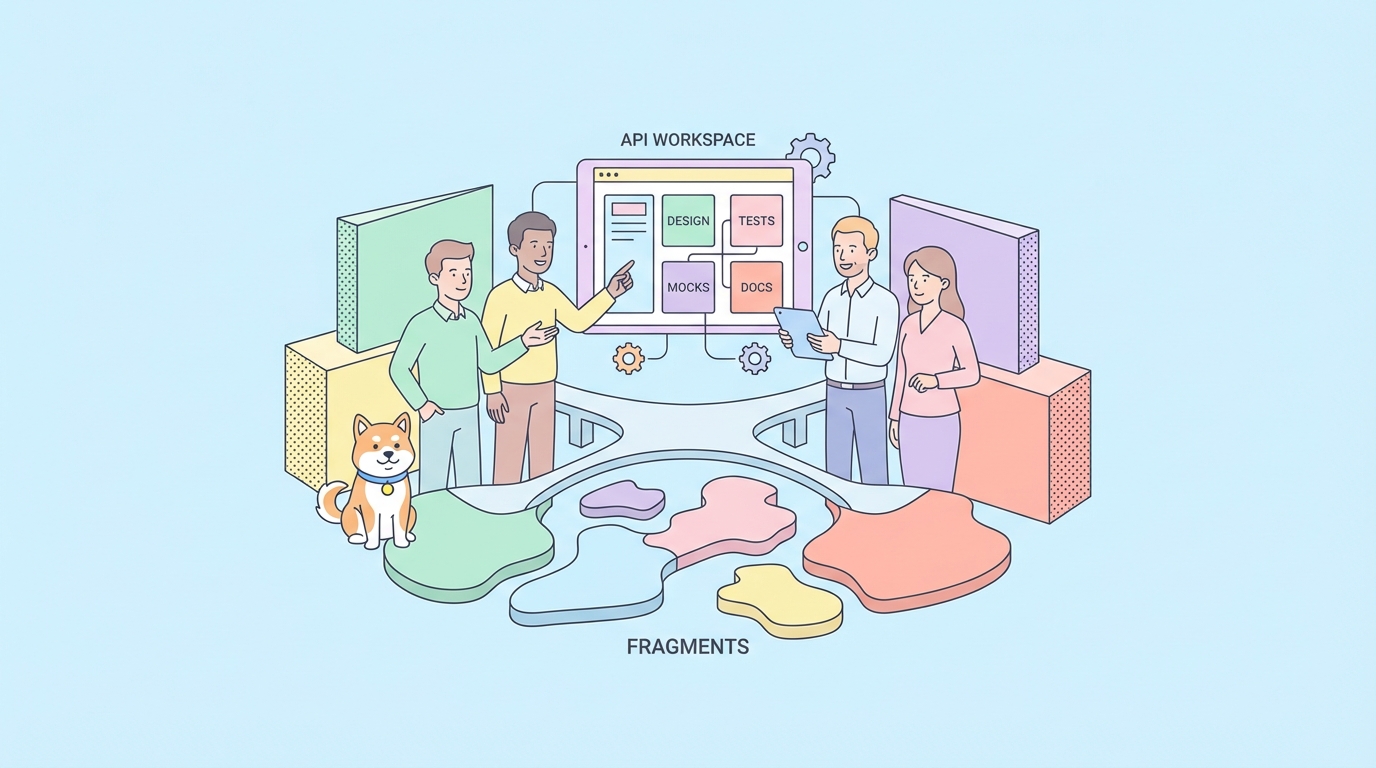
Apidog is especially useful here because design, mocking, testing, and documentation stay in one workspace. Your backend, QA, and platform teams work from the same contract, not scattered scripts.
If you already use Postman collections for connector tests, you can import and migrate incrementally.
Common migration question: Moltbot/Clawdbot to OpenClaw
The rename history created practical migration work:
- Webhook callback URLs changed
- OAuth app names/scopes were updated
- Event schema fields were renamed in some community adapters
Safe migration checklist
- Run dual-write logs (old + new event schema) for one release cycle
- Keep backward-compatible aliases for command prefixes
- Tag telemetry with connector version
- Add contract tests to prevent accidental breaking changes
A surprising number of outages come from invisible schema drift during rebrand-driven refactors.
Decision framework: should you use native, community, or bridge connectors?
Choose native connectors when
- You need SLA-backed reliability
- You process sensitive internal data
- You run large multi-team deployments
Choose community connectors when
- Platform is niche but API is stable
- You can own maintenance burden
- You have strong observability and rollback discipline
Choose bridge integrations when
- You’re validating product-market fit fast
- Full bot APIs are unavailable
- You accept higher operational risk temporarily
For most teams, the best path is: prototype with bridge/community, harden on native/API-based connectors before scale.
The direct answer: which messaging apps does OpenClaw support?
From an engineering standpoint, OpenClaw supports messaging apps in proportion to available bot APIs and connector maturity.
- It is strongest on platforms with well-documented webhook + bot token ecosystems.
- It is workable (with caveats) on platforms that expose partial business APIs.
- It is experimental on platforms lacking official automation surfaces.
So if your team asks for a binary yes/no list, reframe the conversation: support is a maturity spectrum, not a checkbox.
Evaluate each app by event coverage, security model, reliability patterns, and maintenance ownership.
Final implementation advice
If you’re deploying OpenClaw across multiple messaging apps this quarter:
- Define one canonical event/response contract
- Build adapters per platform, not bespoke business logic
- Enforce signature verification and least privilege from day one
- Add heartbeat tiers and idempotency before scaling usage
- Ship contract tests in CI for every connector release
And keep your API lifecycle unified. Apidog helps you do that without switching tools for design, mocking, testing, and docs.
If you want to operationalize this quickly, start by modeling your canonical OpenClaw connector API in Apidog, generate mocks for two target chat platforms, and wire automated regression tests before enabling production channels.