You're about to build a new API. You could dive right into writing code, but you know that leads to confusion, miscommunication between teams, and endless rounds of "Wait, I thought the endpoint worked like this?" There's a better way a professional, streamlined approach that transforms your API from an afterthought into a well-oiled product.
That approach revolves around two powerful concepts: OpenAPI for design and Collections for testing. When used together in a thoughtful workflow, they become the backbone of a successful API development process.
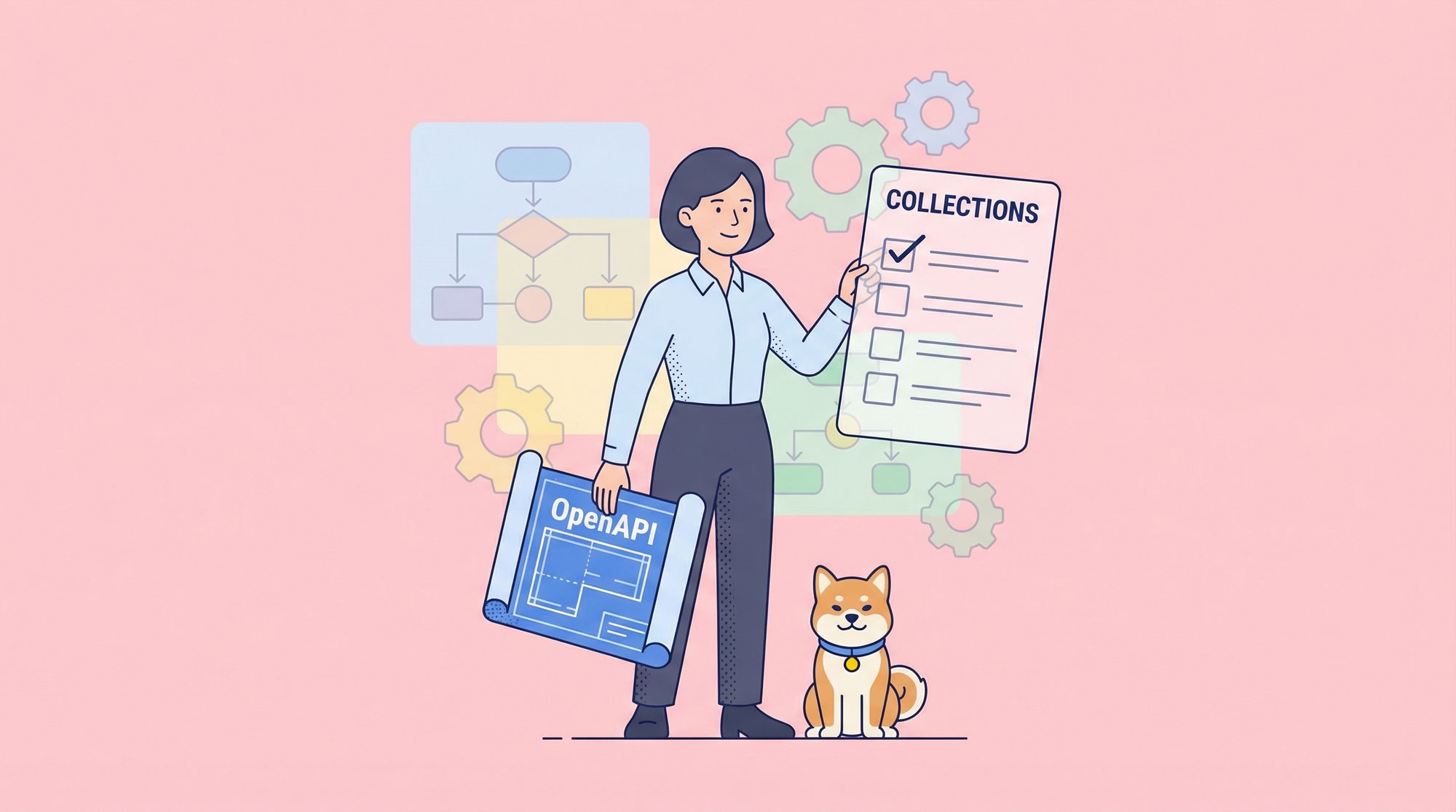
Think of it this way: OpenAPI is your architectural blueprint. It defines what you're going to build. Collections are your quality control checklist and testing suite. They verify that what you built matches the blueprint and works flawlessly.
If you're serious about building APIs that are reliable, well-documented, and easy to use, mastering this workflow isn't optional it's essential.
Now, let's walk through the ideal workflow, step by step, from the first idea to a production-ready API.
Why Your OpenAPI and Collections Workflow Matters More Than You Think
Let’s be real: in the early stages of a project, it’s easy to wing it. You write a few endpoints, toss together some documentation, and call it a day. But as your API grows, so do the cracks in that approach. Suddenly, your frontend devs are confused, your QA team is testing outdated contracts, and your backend engineers are fielding endless Slack messages like, “Wait, is this field optional or required?”
This is where a structured workflow built around OpenAPI and collections becomes your secret weapon.
OpenAPI (formerly Swagger) is a vendor-neutral, open standard for describing RESTful APIs. It gives you a machine-readable contract that defines endpoints, parameters, request/response formats, authentication methods, and more. On the other hand, collections popularized by tools like Postman and Apidog are groupings of API requests you can save, organize, and reuse for testing, automation, or sharing.
Individually, both are useful. But when you integrate them into a unified workflow, magic happens:
- Developers write code that aligns with a shared spec from day one.
- QA teams test against up-to-date contracts.
- Documentation stays accurate without manual updates.
- Onboarding becomes faster because the API “speaks for itself.”
Phase 1: Design & Specification with OpenAPI (The "Single Source of Truth")
Start here, before writing a single line of backend code. This phase is all about agreement and clarity.
Best Practice 1: Write Your OpenAPI Spec First
Your OpenAPI specification (in YAML or JSON) is your contract. It's the single source of truth that every team backend, frontend, QA, and product will reference.
Start by defining the fundamentals:
openapi: 3.0.3
info:
  title: User Management API
  version: 1.0.0
  description: API for managing application users.
paths:
  /users:
    get:
      summary: List all users
      responses:
        '200':
          description: A JSON array of users
          content:
            application/json:
              schema:
                type: array
                items:
                  $ref: '#/components/schemas/User'
Key decisions to make in your spec:
- URL structure: Use nouns for resources (
/users,/orders), not verbs. - HTTP methods: Use them correctly (
GETfor retrieval,POSTfor creation, etc.). - Request/Response schemas: Define the exact structure of JSON bodies using the
components/schemassection. This is crucial for preventing ambiguity. - Authentication: Define how your API is secured (Bearer token, API key, OAuth2).
Best Practice 2: Iterate and Collaborate on the Spec
Don't write the spec in a vacuum. Use tools that facilitate collaboration:
- Use the Swagger Editor or Apidog's visual designer to write the spec with real-time validation.
- Share the spec with frontend developers and product managers. Get their feedback now, when changes are cheap.
- Treat the spec as a living document in this phase. Version it in Git so you can track changes.
The outcome of Phase 1: A complete, agreed-upon OpenAPI specification that serves as an unambiguous contract for what will be built.
Phase 2: Development & Mocking (The "Parallel Work" Enabler)
Now you have a contract. Instead of making the frontend team wait for the backend to be built, you can enable them to start working immediately.
Best Practice 3: Generate a Mock Server from Your OpenAPI Spec
This is a game-changer. Modern tools can instantly create a live mock API from your OpenAPI spec.
- Point your OpenAPI spec at a mocking tool.
- It will generate live endpoints that return example data conforming to the schemas you defined.
Why this is powerful:
- Frontend developers can start coding against real API endpoints immediately, using realistic mock data.
- They can test all response scenarios (success, errors) you defined in your spec.
- The UX/UI team can build prototypes with real data flows.
- It validates that your OpenAPI spec is complete and machine-readable.
In Apidog, this is a one-click process. You import your OpenAPI spec, and it automatically provisions a mock server with URLs you can share with your entire team.
Best Practice 4: Build the Backend to the Spec
Backend developers now have a clear target. Their job is to implement the server logic so that the real API's behavior matches the mock API's contract. The spec removes all ambiguity about what needs to be built.
Phase 3: Testing with Collections (The "Quality Assurance" Engine)
With a backend implementation underway, it's time to ensure it's correct, reliable, and robust. This is where Collections shine.
Best Practice 5: Create a Comprehensive Test Collection
A Collection (in Postman, Apidog, etc.) is an organized group of API requests. For testing, you'll create a collection that mirrors your API's functionality.
Structure your test collection logically:
- Group by resource: Folder for
/userstests, folder for/orderstests. - Group by workflow: Folder for "User Registration Flow," "Checkout Flow."
- Include positive and negative tests:
GET /users/1-> should return200 OKwith correct schema.GET /users/9999-> should return404 Not Found.POST /userswith invalid data -> should return400 Bad Request.
Best Practice 6: Automate with Assertions and Variables
Don't just make requests validate the responses automatically.
Write assertions (tests) for each request:
// Example assertion in Apidog/Postman test script
pm.test("Status code is 200", function () {
    pm.response.to.have.status(200);
});

pm.test("Response has correct JSON schema", function () {
    const schema = { /* your JSON schema definition */ };
    pm.expect(tv4.validate(pm.response.json(), schema)).to.be.true;
});

pm.test("New user ID is returned", function () {
    const jsonData = pm.response.json();
    pm.expect(jsonData.id).to.be.a('number');
    // Save this ID for use in subsequent tests!
    pm.collectionVariables.set("new_user_id", jsonData.id);
});
Use variables to create stateful workflows:
POST /users-> Save the returneduser_idto a collection variable.GET /users/{{user_id}}-> Use that variable to fetch the newly created user.DELETE /users/{{user_id}}-> Use the variable to clean up.
Best Practice 7: Integrate Testing into Your CI/CD Pipeline
Your test collection shouldn't be a manual tool. Run it automatically.
- Use the CLI tools provided by your API platform (like
apiclifor Apidog ornewmanfor Postman) to run your collection from the command line. - Trigger these runs in your CI/CD system (Jenkins, GitLab CI, GitHub Actions) on every pull request or merge to main.
- Fail the build if tests don't pass. This ensures broken API changes never reach production.
Phase 4: Documentation & Consumption (The "Developer Experience" Finale)
A great API isn't done when it works it's done when other developers can use it easily.
Best Practice 8: Generate Documentation from Your OpenAPI Spec
This is the "living documentation" promise. Since your OpenAPI spec is the source of truth, you can automatically generate beautiful, interactive documentation from it.
Tools like Swagger UI, ReDoc, or Apidog's docs feature do this. The documentation:
- Is always up-to-date (because it's generated from the spec).
- Allows developers to try endpoints directly in the browser.
- Shows example requests and responses.
Publish this documentation to a dedicated URL (e.g., docs.yourcompany.com).
Best Practice 9: Share Your Test Collection as Examples
Your comprehensive test collection is a goldmine of real-world usage examples. You can:
- Share it with external developers to help them onboard.
- Use it as the foundation for SDK generation.
- Keep it as an internal "smoke test" suite for monitoring production API health.
The Apidog Advantage: Unifying the Workflow

While you can use separate tools for each step (Swagger Editor for design, Postman for collections), context-switching creates friction. Apidog is designed specifically to support this entire workflow in one integrated platform:
- Design: Create or import your OpenAPI spec with a visual editor.
- Mock: Instantly generate a mock server with one click.
- Test: Build and automate powerful test collections in the same interface.
- Document: Auto-generate interactive docs that are always in sync.
- Collaborate: Share projects, comment on endpoints, and manage team access.
This unification is the ultimate best practice it reduces tool sprawl and ensures every part of the process is connected to the OpenAPI source of truth.
Conclusion: The Path to Professional API Development
The OpenAPI and Collections workflow isn't just about tools; it's about a mindset. It's about treating your API as a first-class product that deserves thoughtful design, rigorous testing, and excellent documentation.
By adopting this workflow, you move from reactive, bug-fixing development to proactive, predictable delivery. You enable parallel work, improve team communication, and create APIs that developers love to use.
The journey starts with a single OpenAPI specification. Start there, iterate collaboratively, and let the power of this workflow guide you to building better, more robust APIs. And to make that journey as smooth as possible, download Apidog for free and experience how a unified platform can transform your API development process from start to finish.