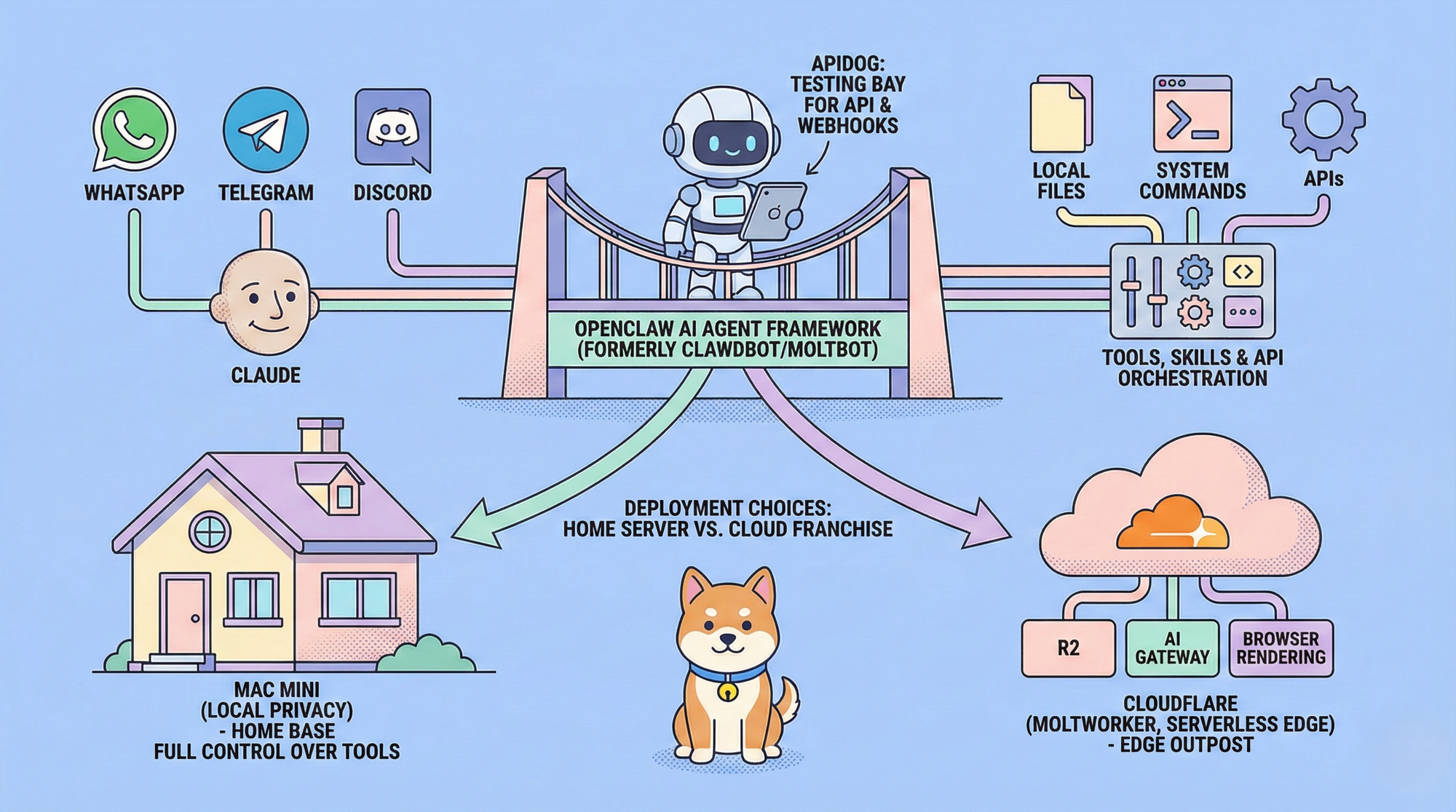
OpenClaw on Mac Mini and OpenClaw on Cloudflare represent two practical approaches to running a powerful, self-hosted personal AI agent that performs real-world tasks autonomously. OpenClaw functions as an open-source runtime for AI assistants. It connects large language models primarily Anthropic's Claude to local files, system commands, external APIs, and messaging platforms. The agent handles actions such as processing emails, updating calendars, conducting research, automating workflows, and maintaining persistent memory across interactions. Users communicate with it through apps like WhatsApp, Telegram, or Discord, and it executes tasks with high autonomy when configured appropriately.
What is OpenClaw? Technical Overview
OpenClaw (formerly Clawdbot and Moltbot) is a conversation‑first, self‑hosted AI agent framework.
Developers install it on local hardware or cloud infrastructure to create a persistent AI assistant. The core runtime bridges:
- A large language model backend (Claude)
- Executable tools and skills
- File system access
- Messaging and communication channels
Natural‑language instructions can trigger complex, multi‑step actions such as:
- Code execution
- Browser automation
- API orchestration
- Cross‑service integrations
OpenClaw is open source and actively developed on GitHub. Its philosophy is local‑first execution, prioritizing:
- Privacy
- Low latency
- Full customization
You can install OpenClaw on a Mac Mini for total hardware control or deploy OpenClaw on Cloudflare for serverless, edge‑optimized execution.
Key Benefits of Running OpenClaw on Mac Mini for Local, Dedicated Execution
OpenClaw on Mac Mini delivers unmatched data sovereignty and direct system integration. A dedicated Mac Mini runs continuously without sleep interruptions, incurs no recurring infrastructure fees beyond electricity and API costs, and provides native macOS advantages such as potential iMessage support. This setup suits privacy-conscious users who need the agent to access local files securely or perform hardware-specific tasks.
How to Install OpenClaw on Mac Mini (Local Setup)
1. Prepare the Mac Mini
Set up a dedicated Mac Mini for OpenClaw rather than using a personal machine.
- Use a dedicated Mac Mini
- Create a fresh Apple ID during setup to avoid iCloud syncing personal data
- Connect via Ethernet for stable networking
2. Configure Power and Availability for OpenClaw on Mac Mini
Adjust macOS power settings to keep the machine always running.
- Go to System Settings → Battery / Energy Saver
- Disable sleep modes
- Enable automatic restart after power failure
- Install Amphetamine (App Store) to enforce always‑on behavior
OpenClaw relies on continuous availability. If the system sleeps or shuts down, the agent stops responding to messages and tasks.
3. Install Dependencies for OpenClaw on Mac Mini
Install Homebrew (if not already installed):
/bin/bash -c "$(curl -fsSL https://raw.githubusercontent.com/Homebrew/install/HEAD/install.sh)"Install Node.js:
brew install nodeOpenClaw runs on Node.js. Homebrew simplifies package management and ensures future updates are easy and consistent.
4. Installing OpenClaw on Mac Mini: The CLI Setup
npm install -g clawdbotSome versions reference openclaw directly. Always verify the latest naming in the official documentation.5. Configuring OpenClaw on Mac Mini: API Keys and Authentication
clawdbot onboardProvide your Anthropic API key, generated at the Anthropic console after enabling billing.
6. Setting Up Messaging Channels for OpenClaw on Mac Mini (WhatsApp Example)
clawdbot channels login --channel whatsapp- A QR code appears in the terminal
- Install WhatsApp Business on a separate phone
- Register a number and scan the QR code via Linked Devices
This creates a persistent messaging connection.
7. Starting OpenClaw on Mac Mini Gateway Process
clawdbot gateway startThe gateway keeps OpenClaw listening for incoming messages and routes them to the agent runtime. This process must remain running at all times.
8. Hardening and Remote Access
- Configure auto‑launch using macOS LaunchAgents
- Enable Screen Sharing for remote management
- Install Tailscale for secure VPN access without public ports
These steps ensure the agent automatically recovers after reboots and can be managed remotely without exposing open ports to the internet.
9. Testing your OpenClaw's Agent on Mac Mini
Send a message to the linked WhatsApp number. OpenClaw should:
- Understand the request
- Retain conversation context
- Execute permitted actions
Monitor Anthropic API usage to manage costs.
Advantages of Deploying OpenClaw on Cloudflare for Serverless, Scalable Operation
OpenClaw on Cloudflare removes hardware dependencies entirely. Cloudflare's MoltWorker adapts the OpenClaw runtime to run in isolated Sandboxes, leveraging R2 for persistence, AI Gateway for model routing, and Browser Rendering for web tasks. This delivers low-latency global access, automatic scaling, built-in security isolation, and observability without managing power or updates.
How to Install OpenClaw on Cloudflare (MoltWorker)
1. Prerequisites for Deploying OpenClaw on Cloudflare
Subscribe to the Cloudflare Workers paid plan.
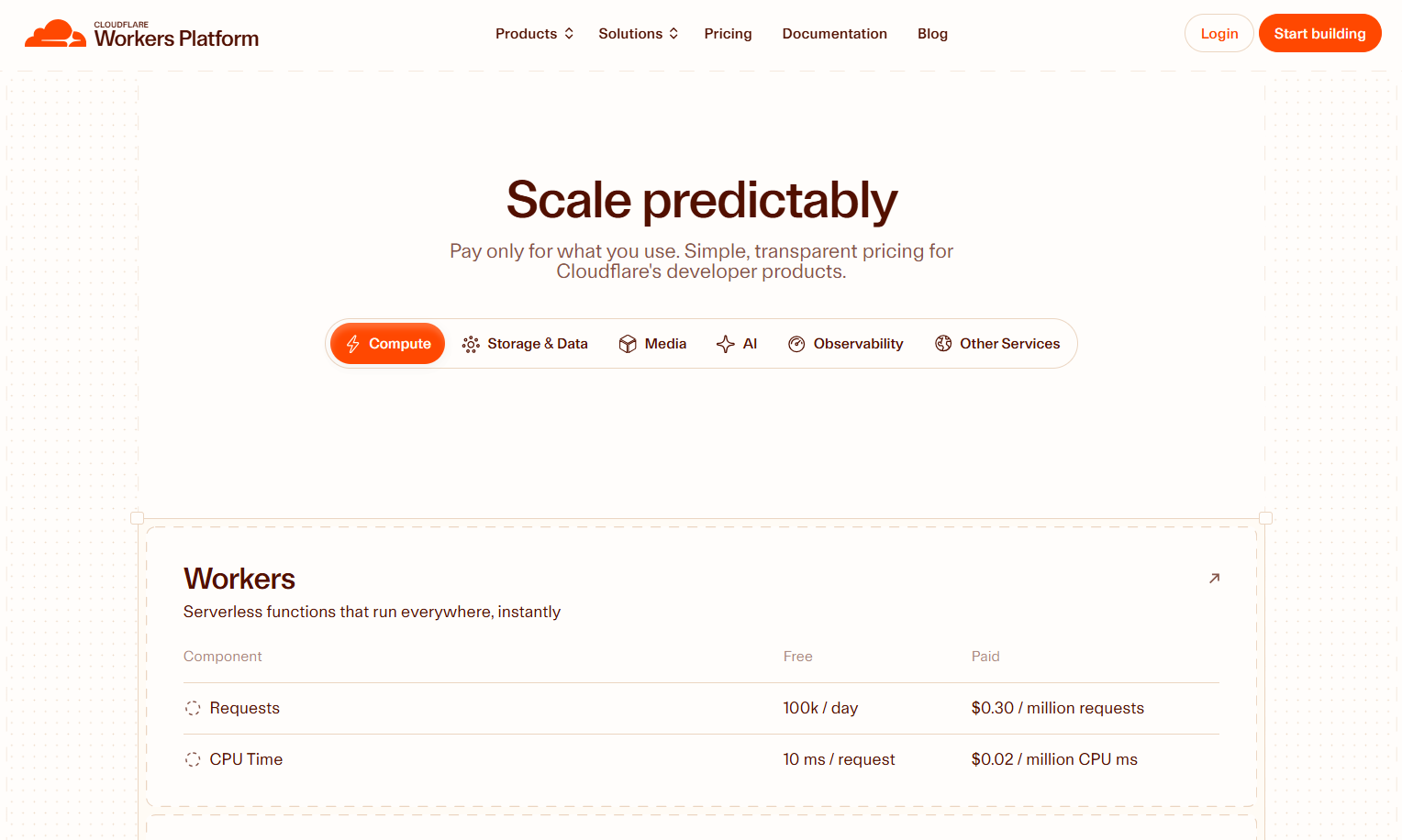
- Cloudflare Workers Paid plan
- Access to Workers, Sandboxes, Containers, and R2
2. Create Required Cloudflare Services
- AI Gateway with Anthropic provider configured
- R2 bucket for persistent storage
- Browser Rendering API enabled
- Zero Trust Access policies for security
These services replace local filesystem access, browser automation, and security controls available in a local setup.
3. Clone MoltWorker Repository
git clone https://github.com/cloudflare/moltworker.git
cd moltworker
npm install
MoltWorker packages OpenClaw for Cloudflare’s execution environment and handles sandbox orchestration.
4. Configure Wrangler Bindings
[[r2_buckets]]
binding = "MOLT_R2"
bucket_name = "your-openclaw-r2-bucket"

[sandbox]
binding = "SANDBOX"
Bindings connect your Worker to persistent storage and isolated execution environments.
5. Setting Environment Variables for OpenClaw on Cloudflare Deployment
export ANTHROPIC_BASE_URL="https://your-ai-gateway.cloudflare.com/anthropic"
export MOLTBOT_GATEWAY_TOKEN=$(openssl rand -hex 32)
These variables route model traffic through AI Gateway and secure administrative access.
6. Deploying OpenClaw on Cloudflare: The Deployment Command
npx wrangler deployThe deployment produces a protected Worker URL. Use sandbox.mountBucket() to attach R2 for persistent memory.
7. Securing Your Deployed OpenClaw on Cloudflare Instance
- Protect endpoints with Zero Trust Access Applications
- Require identity providers or device posture checks
8. Interact With OpenClaw
Access the admin interface and messaging channels. The agent maintains state via R2 and executes tasks at the edge with minimal latency.
In-Depth Comparison: OpenClaw on Mac Mini Versus OpenClaw on Cloudflare
| Aspect | Mac Mini | Cloudflare |
|---|---|---|
| Control | Full hardware control | Managed runtime |
| Costs | One-time hardware + API | Monthly platform fee |
| Scalability | Hardware-limited | Automatic |
| Privacy | Fully local | Cloud isolation |
| Maintenance | Manual | Minimal |
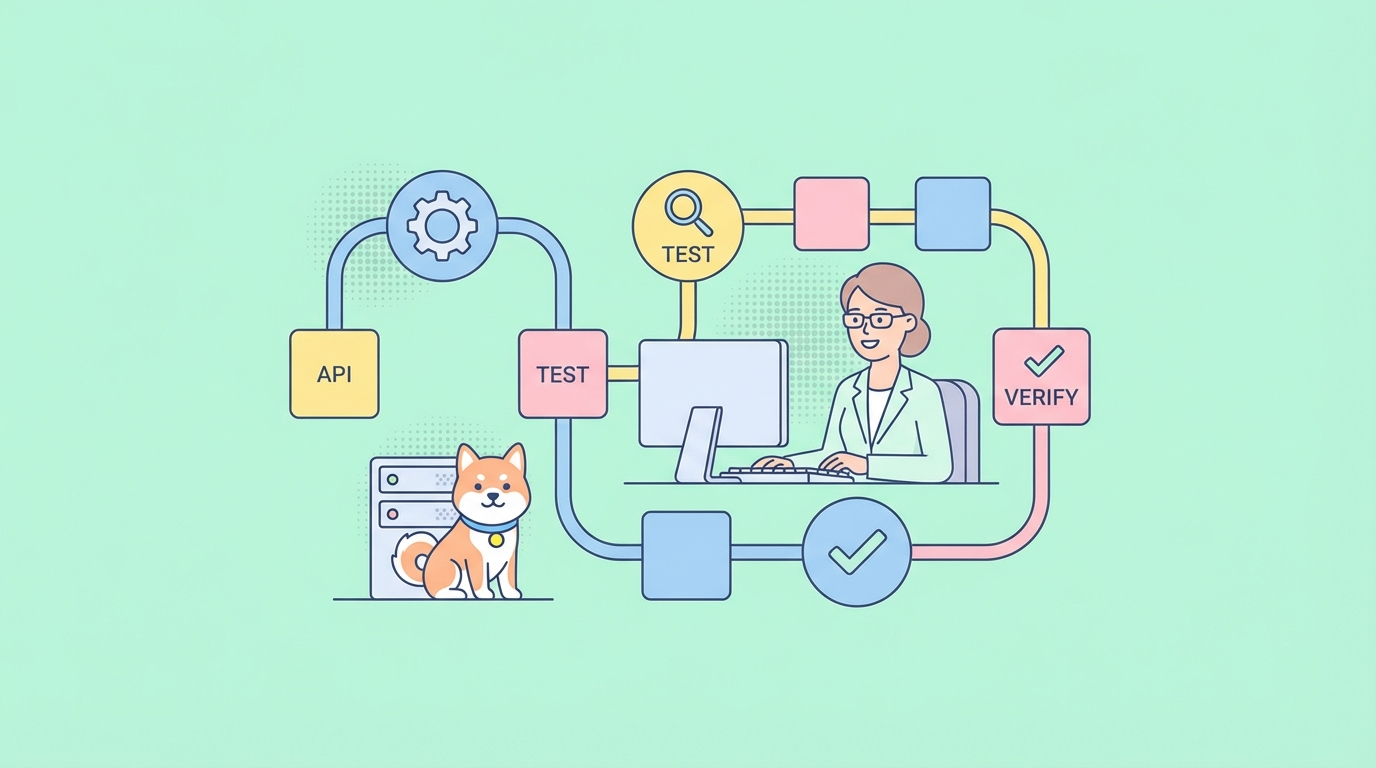
Integrating OpenClaw with Apidog for API Design, Testing, and Automation
OpenClaw becomes significantly more powerful when combined with Apidog, especially if you are extending the agent with custom tools, messaging endpoints, or external service integrations.
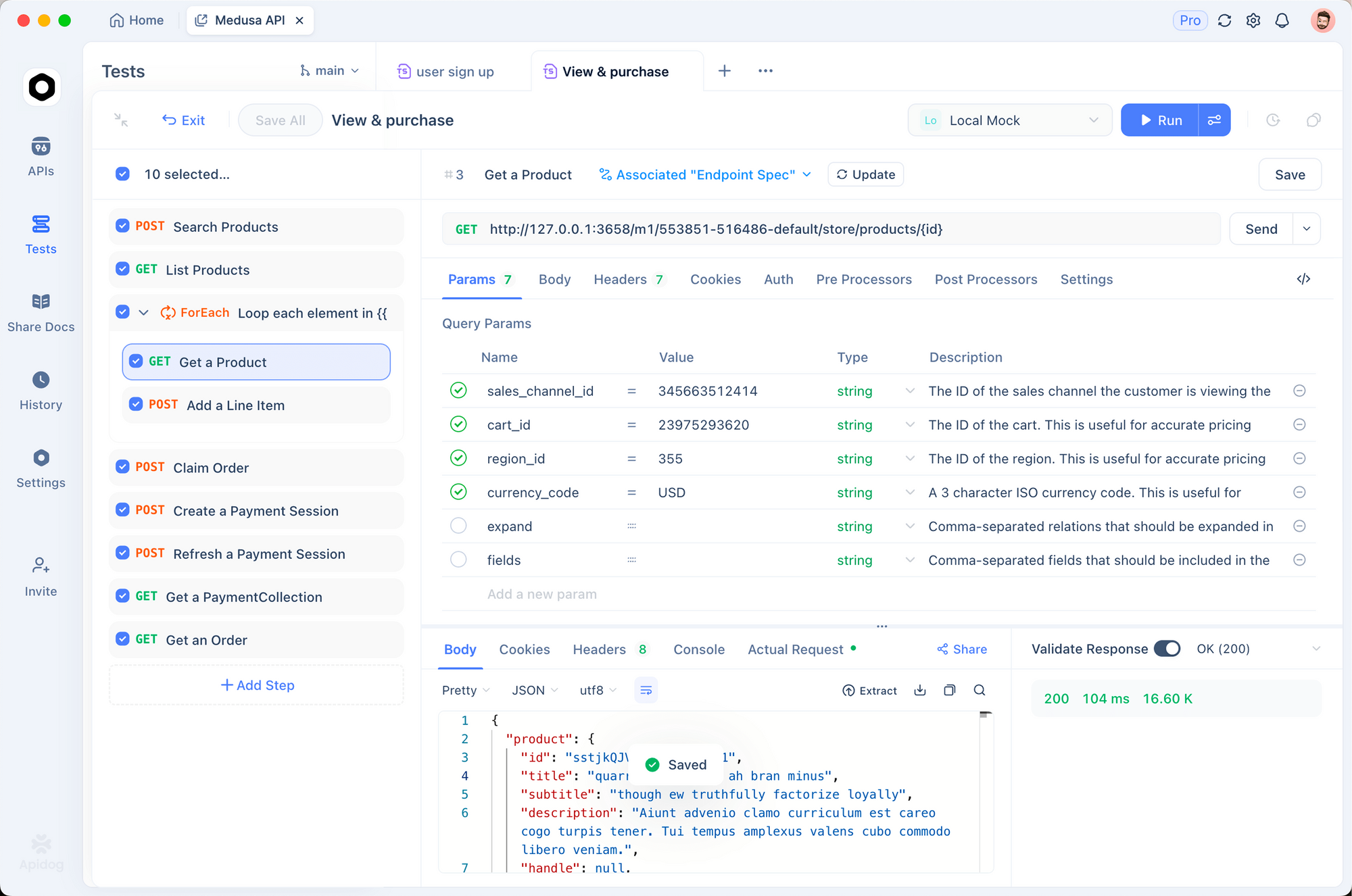
Apidog is an all-in-one platform for API design, debugging, mocking, testing, and documentation. During OpenClaw development, it helps ensure that every tool call and API interaction is reliable, secure, and well-documented before the agent is allowed to execute actions autonomously.
Why Use Apidog with OpenClaw?
- OpenClaw relies heavily on structured API calls for tool execution
- Small payload or schema errors can cause agent failures
- Autonomous agents require predictable, validated responses
Apidog reduces these risks by letting you design and test APIs visually before wiring them into the agent.
Common OpenClaw + Apidog Use Cases
- Designing custom tool schemas for OpenClaw skills
- Testing webhook endpoints for WhatsApp, Telegram, or Discord
- Mocking third-party APIs before granting live access
- Validating request/response payloads used by Claude tool-calling
- Generating and sharing API documentation with teammates
Experiment iteratively. Add skills from the OpenClaw registry, test custom tool calls, and refine prompts for better autonomy. Use Apidog to prototype and validate any extended API surfaces during development.
OpenClaw evolves quickly through community contributions. Choose OpenClaw on Mac Mini for hands-on ownership or OpenClaw on Cloudflare for production-grade convenience. Deploy your instance today to unlock autonomous assistance tailored to your needs.