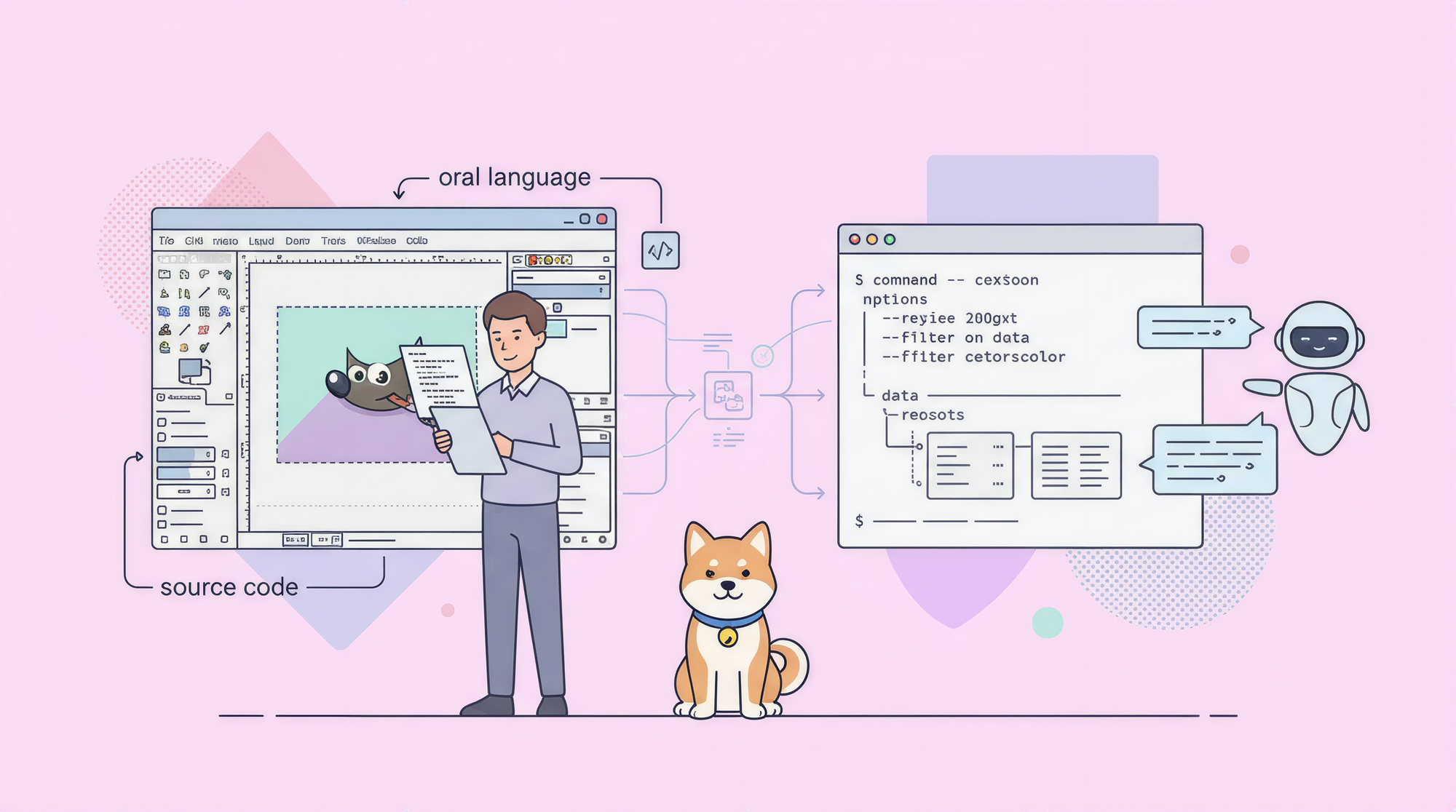
CLI-Anything is an open-source plugin for AI coding agents (primarily Claude Code) that generates a full command-line interface for any software with a codebase. Point it at GIMP, Blender, LibreOffice, or any other application, and it analyzes the source code and produces a structured CLI your AI agent can use to control that software programmatically.
The problem: AI agents can't use GUI software
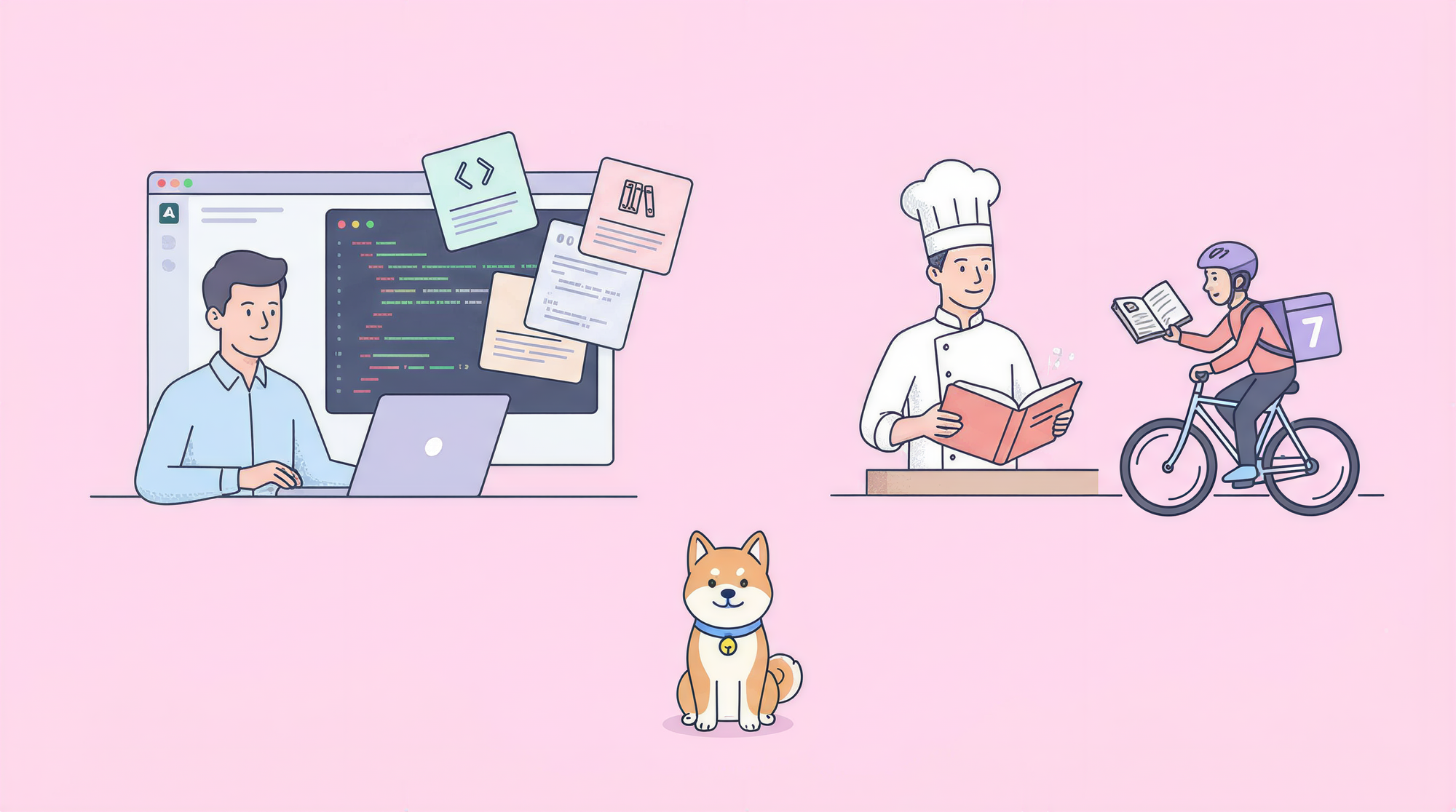
Today's software stack is split into two worlds that barely talk to each other.
On one side, you have modern API-first services: cloud storage, payment processors, email providers, analytics platforms. These speak HTTP. An AI agent can call them directly with no special tooling.
On the other side, you have the software most professional workflows depend on: GIMP for image editing, Blender for 3D work, LibreOffice for documents, Audacity for audio. These were built for humans to click through. They expose graphical interfaces, not structured APIs.
When you try to connect an AI agent to this second category of software, the options are limited. You can write custom wrappers by hand, which takes weeks and breaks when the software updates. You can try Robotic Process Automation (RPA) tools, which automate GUI interactions via screenshots and pixel-clicking. But RPA is fragile. It breaks when window layouts change, when themes update, when display scaling shifts.
CLI-Anything takes a different approach: instead of simulating a human clicking through menus, it analyzes the software's source code to find the underlying APIs that the GUI is already calling. Then it generates a real CLI that calls those APIs directly.
Your AI agent doesn't need to "see" the screen. It issues structured commands. The software does the work.
What CLI-Anything does
CLI-Anything is an open-source plugin built by HKUDS (Hong Kong University Data Science Lab). The creator, Chao Huang, put it this way in the project announcement:
"Today's software serves humans. Tomorrow's users will be agents. CLI-Anything: bridging the gap between AI agents and the world's software. One command line to make any software agent-ready."
At the time of writing, the project has over 6,100 stars on GitHub.
The plugin works inside Claude Code (and experimentally in Codex and OpenCode). You point it at a software's codebase and it runs a 7-phase automated pipeline:
- Analyze - Scans the source code, maps GUI actions to the underlying APIs, and produces a software-specific standard operating procedure document
- Design - Architects command groups, state models, and output formats
- Implement - Builds a Click-based Python CLI with REPL mode,
--jsonoutput support, and undo/redo - Plan tests - Creates a
TEST.mdfile with unit and end-to-end test plans - Write tests - Writes
test_core.py(unit tests with synthetic data) andtest_full_e2e.py(end-to-end with real files) - Document - Runs pytest and appends full results to
TEST.md - Publish - Creates
setup.py, configures console script entry points, installs to PATH
By the end of phase 7, you have a working CLI installed on your system. Your AI agent can discover it with which cli-anything-gimp, inspect it with cli-anything-gimp --help, and start issuing commands.
All generated CLIs follow a consistent design: human-readable table output by default, machine-readable JSON output with the --json flag, persistent project state, undo/redo, and an interactive REPL mode. This consistency matters: your agent doesn't need to learn a different interface for every tool.
Installing CLI-Anything
CLI-Anything is a Python-based plugin. It's not an npm package. You install it into your AI coding agent, and the generated CLIs are Python packages installed with pip install -e ..
Requirements:
- Python 3.10+
- The target software installed on your system
- A supported AI coding agent (Claude Code is primary; Codex and OpenCode are experimental)
Claude Code (primary method)
/plugin marketplace add HKUDS/CLI-Anything
/plugin install cli-anything
This installs the plugin and makes the /cli-anything slash commands available in your Claude Code session.
OpenCode
Clone the repo, then copy the command files and HARNESS.md to ~/.config/opencode/commands/. This adds five slash commands: /cli-anything, /cli-anything-refine, /cli-anything-test, /cli-anything-validate, and /cli-anything-list.
Codex
bash CLI-Anything/codex-skill/scripts/install.sh
Qodercli
bash CLI-Anything/qoder-plugin/setup-qodercli.sh
Windows note
The plugin requires Git for Windows (which includes bash and cygpath) or WSL. Native Windows shell isn't supported. If you see cygpath: command not found, install Git for Windows and retry.
Installing the generated CLI
After the plugin generates a CLI for your software, install it to your PATH:
cd <software>/agent-harness
pip install -e .
This uses editable install mode (-e), meaning your changes to the generated source persist without reinstalling.
Generating your first CLI
Once the plugin is installed, generation is a single command. Here's the workflow for GIMP:
In Claude Code:
/cli-anything ./gimp
Or from a GitHub repository:
/cli-anything https://github.com/blender/blender
The plugin kicks off the 7-phase pipeline. This takes a few minutes depending on the size of the codebase and how many API surfaces the software exposes.
During phase 1 (Analyze), the plugin reads through the source code and builds a map of GUI actions to their underlying API calls. For an image editor like GIMP, this means finding all the functions that create layers, apply filters, export files, and manage projects. It produces a software-specific SOP document (GIMP.md) that describes the complete set of operations.
During phase 3 (Implement), it builds the CLI using Python's Click framework. Every command supports --json output. Every stateful operation (open a file, create a project) stores state in a JSON file. The CLI includes an interactive REPL with colored prompts and persistent history.
The generated directory structure looks like this:
gimp/
  agent-harness/
    GIMP.md           # Software SOP document
    setup.py
    cli_anything/     # Namespace package (no __init__.py - PEP 420)
      gimp/
        README.md
        gimp_cli.py   # Main CLI entry point
        core/         # Project, session, export modules
        utils/        # REPL skin, helpers
        tests/
          test_core.py
          test_full_e2e.py
          TEST.md
All generated CLIs live under the cli_anything.* namespace (e.g., cli_anything.gimp). This prevents naming conflicts if you generate CLIs for multiple applications.
Using the generated CLI
After running pip install -e . in the agent-harness directory, you have a new CLI available:
cli-anything-gimp --help
This shows all available command groups and their subcommands. The naming is consistent: every tool generates a CLI named cli-anything-<software>.
Human-readable output (default)
# Start a new project
cli-anything-gimp project new --width 1920 --height 1080

# List layers
cli-anything-gimp layer list

# Add a layer
cli-anything-gimp layer add --name "Background" --type solid --color "#ffffff"

# Apply a filter
cli-anything-gimp filter apply --name "gaussian-blur" --radius 3

# Export
cli-anything-gimp export save --format png --output ./output.png
JSON output for AI agents
When your AI agent calls the CLI, it uses --json to get machine-readable output:
cli-anything-gimp --json project new --width 1920 --height 1080
# Returns: {"status": "ok", "project_id": "proj_abc123", "width": 1920, "height": 1080}

cli-anything-gimp --json layer add -n "Background"
# Returns: {"status": "ok", "layer_id": "layer_001", "name": "Background"}
The JSON output is consistent across all commands: status, operation-specific fields, and error details when something goes wrong.
Interactive REPL mode
For extended sessions, launch the REPL:
cli-anything-gimp
This drops you into an interactive shell with colored prompts, tab completion, and persistent history. Useful when you're building a workflow and want to try commands interactively before scripting them.
Undo/redo
Operations that modify state support a 50-level undo stack:
cli-anything-gimp undo
cli-anything-gimp redo
Refining and testing your CLI
Generated CLIs aren't always complete on the first pass. The /cli-anything:refine command does a gap analysis and adds missing commands.
General refinement
/cli-anything:refine /home/user/gimp
This scans the existing CLI against the software's API surface, identifies operations that aren't covered, and adds new commands for the gaps.
Focused refinement
/cli-anything:refine /home/user/blender "particle systems and physics simulation"
When you know which area needs more coverage, pass a focus description. The plugin targets that part of the codebase instead of re-analyzing everything.
Running tests
/cli-anything:test /home/user/gimp
This executes the test suites and updates TEST.md with the results. The project reports 1,508+ passing tests across 11 applications at a 100% pass rate.
Validation
/cli-anything:validate /home/user/gimp
Checks the CLI harness against the HARNESS.md specification to confirm it meets all structural requirements.
Listing available CLIs
/cli-anything:list
/cli-anything:list --json        # Machine-readable output
/cli-anything:list --path /home  # Search in a specific directory
Real-world use cases
CLI-Anything has been demonstrated on 11 applications. Here's how each category maps to real workflows.
Image processing pipelines with GIMP
An AI agent can process a batch of product images: resize to standard dimensions, apply a consistent watermark, export in multiple formats. Each step is a structured CLI command. The agent can handle hundreds of images without any human interaction.
cli-anything-gimp project open --file product.jpg
cli-anything-gimp layer add --name "Watermark" --type image --source watermark.png
cli-anything-gimp layer position --name "Watermark" --x 10 --y 10
cli-anything-gimp export save --format webp --output product-final.webp
Document generation with LibreOffice
LibreOffice generates real PDFs. An agent can create invoices, reports, or contracts from templates, fill in dynamic data, and export to PDF, all from a script.
cli-anything-libreoffice document open --template invoice-template.ods
cli-anything-libreoffice cell set --address "B5" --value "Acme Corp"
cli-anything-libreoffice cell set --address "C10" --value "1500.00"
cli-anything-libreoffice export pdf --output invoice-2026-001.pdf
3D rendering with Blender
Blender renders take time, but they're scriptable. An agent can queue render jobs, configure scene parameters, and manage output without the GUI:
cli-anything-blender scene open --file product-scene.blend
cli-anything-blender render set --samples 256 --output /renders/product
cli-anything-blender render start --format png
Streaming automation with OBS Studio
OBS is a broadcast tool. With CLI-Anything, you can script scene transitions, source management, and recording controls:
cli-anything-obs scene set --name "Main Camera"
cli-anything-obs recording start
cli-anything-obs scene set --name "Screen Share"
cli-anything-obs recording stop --output session.mp4
CI/CD integration
Any of these can slot into a CI/CD pipeline. A GitHub Action that builds a Blender render on every commit, or a workflow that generates PDF release notes from a LibreOffice template, both become straightforward.
Building agent workflows with Apidog
CLI-Anything handles local software. But most production agent workflows also need to call external APIs: upload the processed image to a CDN, push the generated PDF to a document management system, send the rendered video to a review platform.
Apidog handles that side. It's a free API client for testing, documenting, and automating REST API calls.
Here's a concrete example: you're building an agent that processes product images with GIMP and uploads them to a cloud storage API. CLI-Anything gives you the GIMP commands. Apidog lets you test the storage API before you write any application code.
In Apidog, you'd:
- Set up an environment with your API credentials stored as variables
- Test the upload endpoint with a sample file to confirm the request format
- Run assertions on the response to verify the file URL comes back correctly
- Export the working request as a curl command or code snippet to drop into your agent script
This saves the debugging cycle where you write code, run it, get a cryptic error, and try to figure out whether the problem is in your GIMP commands or your API call. You know the API works before you integrate it.
Apidog also supports automated test suites. Once your workflow is working, you can add test assertions that run on every execution to catch regressions.
Limitations to know about
Windows support requires Git Bash or WSL
The generated CLIs are Python-based and rely on bash-style path handling. On Windows, you need Git for Windows (which includes bash and cygpath) or WSL. Native PowerShell isn't supported.
The target software must be installed
CLI-Anything doesn't bundle the software it wraps. GIMP, Blender, LibreOffice, and other tools need to be installed on the same machine where you run the generated CLI. The CLI calls the real application backends directly.
Python-only output
All generated CLIs are Python Click applications. There's no option to generate CLIs in other languages. If your workflow needs a Node.js or Go CLI wrapper, you'd need to build that separately.
Claude Code is the stable platform
Claude Code is the primary and most tested environment. Codex and OpenCode integration are marked experimental. Features may work inconsistently outside Claude Code.
Generation quality depends on the codebase
The plugin analyzes source code to find the APIs behind GUI actions. If the codebase is poorly structured, heavily obfuscated, or tightly coupled to GUI state, the analysis may miss commands or generate incomplete wrappers. The refinement step helps, but complex proprietary software can be harder to wrap cleanly.
FAQ
Does CLI-Anything work with any software?
In principle, yes. It can generate a CLI for any software with an accessible codebase. In practice, it works best with open-source software where the source code clearly maps GUI actions to underlying API calls. The project has demonstrated it on GIMP, Blender, Inkscape, Audacity, Kdenlive, Shotcut, OBS Studio, Draw.io, LibreOffice, AnyGen, and Zoom.
Is the project free to use?
Yes. CLI-Anything is MIT licensed and fully open source at github.com/HKUDS/CLI-Anything.
Do I need to know Python to use it?
No. You don't write any Python. The plugin generates all the Python code. You do need Python 3.10+ installed on your system to run the generated CLIs.
Can I use the generated CLI from my own code, not just from an AI agent?
Yes. The generated CLI is a regular command-line tool. You can call it from shell scripts, Makefiles, Python code, or anything that can run a subprocess.
What's the HARNESS.md file?
HARNESS.md is the specification document that defines what a CLI-Anything-generated harness should look like. It covers command structure, output formats, test requirements, and packaging. The validation step checks your generated CLI against this spec.
Can I generate CLIs for internal tools my company built?
Yes. Point the plugin at any codebase on your filesystem, including private internal tools. The plugin runs locally and doesn't send your source code anywhere.
How does this compare to Model Context Protocol (MCP)?
MCP connects AI agents to external services via a standardized server protocol. CLI-Anything generates local CLI wrappers for GUI applications that don't have APIs. They address different problems. You might use both: MCP for cloud services, CLI-Anything for desktop software.