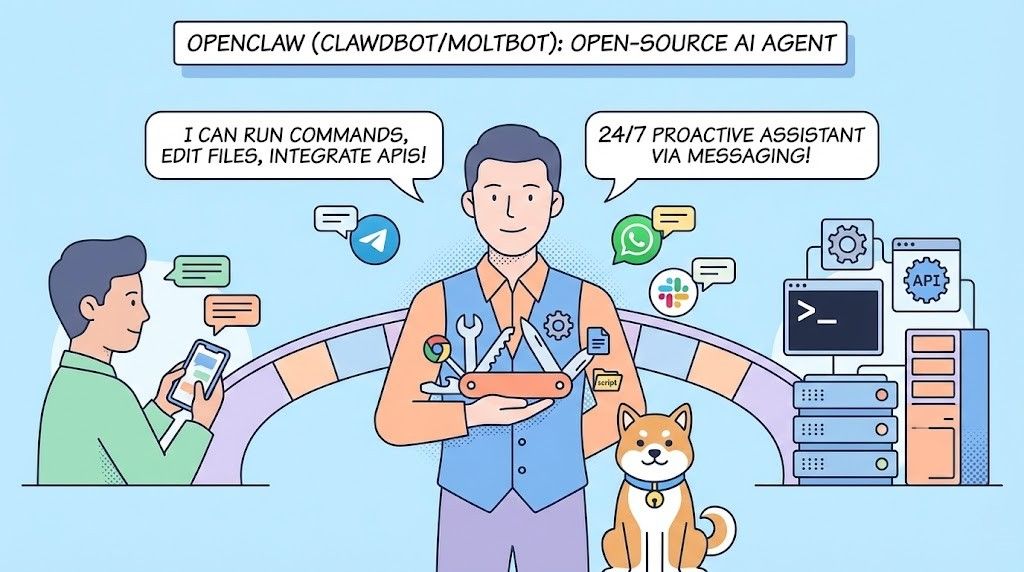
OpenClaw is an open-source framework that lets you build a proactive AI assistant—one that can do things, not just chat. It can run commands, edit files, call APIs, and work on its own through messaging apps like Telegram, WhatsApp, or Slack.
The project has also been known as Clawdbot and MoltBot. The name changed over time, but the core technology is the same. OpenClaw is the current, actively maintained name.
This guide walks you through setup step by step. Setup takes some time, but you end up with an assistant that feels like a real part of your workflow.
What Is OpenClaw/Clawdbot/MoltBot?
OpenClaw is the main open-source project. Clawdbot was the first popular release; MoltBot was a short-lived name during a rebrand. Today, whether you see “OpenClaw,” “Clawdbot,” or “MoltBot,” they all refer to the same kind of virtual assistant you run on your own machine.
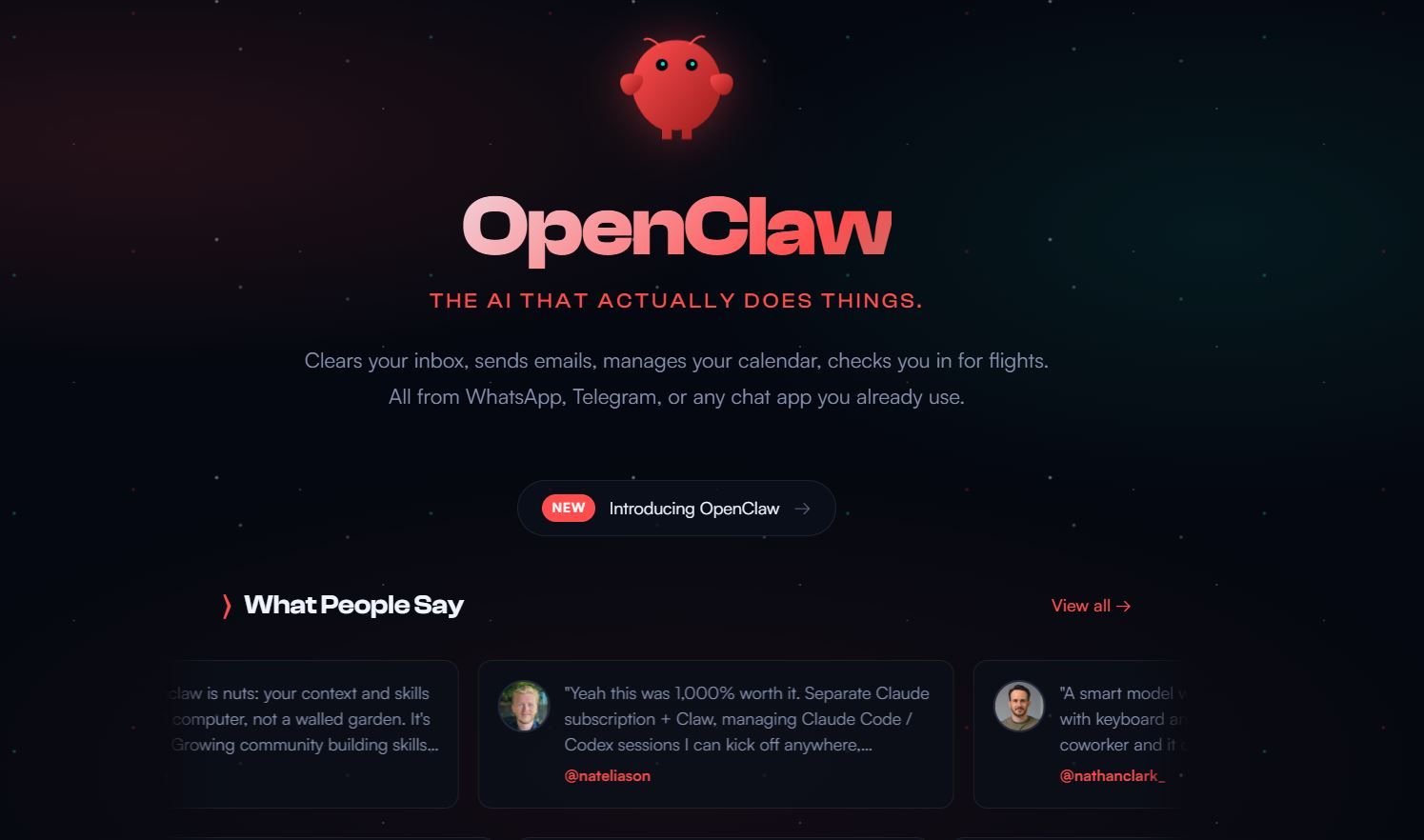
What it does: It sits between you (via a messaging app) and a large language model (usually Claude). You send a message; the agent interprets it, plans steps, and performs actions—opening browsers, editing files, sending emails, running scripts, and more.
Why people use it:
- Runs locally — Your data stays on your machine; you keep control and privacy.
- Remembers context — It keeps conversation history across sessions.
- Can be proactive — You can script it to act on a schedule or triggers.
- Chat-first — You interact through Telegram, WhatsApp, Slack, etc., so no new UI to learn.
Important: Because the agent can run commands and access your system, security matters. Run it in a container or VM when possible, and avoid giving it full access on your main computer.
Prerequisites for Running OpenClaw as Your Virtual Assistant
Prepare your environment before installation. Clawdbot as your virtual assistant or MoltBot as your virtual assistant follows the same requirements.
- Hardware: A dedicated always-on machine (PC, Mac, Raspberry Pi, or VPS). Use a machine that runs 24/7 for true proactivity. Minimum specs include 8GB RAM, multi-core CPU, and stable internet.
- Operating System: macOS, Linux (Ubuntu/Debian recommended), or Windows (with WSL for best results).
- Dependencies: Node.js (v18+), npm/yarn, Git, Docker (optional but recommended for isolation).
- API Keys: Anthropic API key (for Claude models) or equivalents from OpenAI/Groq/etc. Budget for usage agentic tasks consume tokens quickly.
- Messaging App: WhatsApp Business API, Telegram Bot Token, Slack App, Discord Bot, etc.
- Security Mindset: Run in a container or VM. Avoid granting unrestricted access on your primary workstation.
Install Node.js and Git first if you don't have them.
How to Run OpenClaw
Step 1: Install OpenClaw
Clone the official repository (or check openclaw.ai for the latest fork):
git clone https://github.com/moltbot/moltbot.git

cd moltbot
Then install dependencies (typically):
npm installThis gives you the same codebase whether you think of it as OpenClaw, Clawdbot, or MoltBot.
Step 2: Configure Environment Variables for OpenClaw
In the project root, create a .env file and add your keys. For example:
ANTHROPIC_API_KEY=your_anthropic_key_here

TELEGRAM_BOT_TOKEN=your_telegram_bot_token_here

# Add other keys as required by the project (WhatsApp, Slack, etc.)- Telegram: Get a bot token from @BotFather.
- WhatsApp / Slack / Discord: Follow each platform’s developer docs for tokens or webhooks.
Once this is set, the agent can receive messages and send them to the LLM.
Step 3: Enable Tools and Harden Security
OpenClaw supports tools for browser control, file access, shell commands, and more. Edit config/tools.ts or similar to enable specifics.
Many users activate "dangerously-skip-permissions" for seamless operation however, this allows the agent to run commands without confirmation. Isolate the setup in Docker to contain risks.
Build a basic Docker setup:
Running Clawdbot as your Virtual Assitance in Docker:
FROM node:20
WORKDIR /app
COPY . .
RUN npm install
CMD ["npm", "start"]
Then run:
docker build -t openclaw-assitance .
docker run -d --env-file .env openclaw-assitance
This safely containers MoltBot or Clawdbot as your virtual assistant.
Step 4: Connect OpenClaw as your Virtual Assitance to Messaging Apps
Telegram Setup for Clawdbot as your Virtual Assitance:
- Create a bot via @BotFather.
- Add the token to .env.
- Start the agent:
npm start4. Message the bot: "Summarize my inbox" or "Reschedule my 3pm meeting."
The agent processes via Claude, plans, and acts. Test simple queries first.
For WhatsApp or Slack, configure webhooks or polling per docs.
Step 5: Extend OpenClaw as your Virtual Assitance with Custom APIs
Enhance OpenClaw with custom integrations for virtual assistant. Define new tools in code that call external APIs.
Apidog proves invaluable here. Use Apidog to design your OpenAPI specs, mock endpoints during development, test requests, and generate client code. Download Apidog for free to accelerate this phase—its visual editor and AI-assisted features cut setup time significantly.
Example: Build a tool that queries a weather API or your custom service. Test and document it in Apidog, then import to OpenClaw.
Step 6: Run and Monitor OpenClaw as Your Virtual Assistant
Launch the agent:
npm run devMonitor logs for errors. Interact via your chosen app. The agent remembers context, so follow-up messages build on prior ones.
Tune prompts in config files for better performance. Adjust temperature, max tokens, etc.
Security Best Practices for Running OpenClaw
Full system access introduces risks. Mitigate them:
- Run in Docker or VM.
- Use separate user accounts.
- Monitor network traffic.
- Regularly review executed commands.
- Avoid sensitive data in prompts.
Many report smooth operation once isolated.
Troubleshooting Common Issues with OpenClaw
- API Rate Limits: Upgrade your Anthropic plan or switch models.
- Connection Drops: Ensure the machine stays online; use pm2 or systemd for persistence.
- Permission Denied: Check "dangerously-skip-permissions" flag.
- High Costs: Limit proactive tasks; monitor usage.
Community forums and GitHub issues provide fixes.
Conclusion
You now possess the knowledge to run OpenClaw as your virtual assistant, Clawdbot as your virtual assistant, or MoltBot as your virtual assistant effectively. This setup transforms a simple LLM into a capable agent that handles real work through familiar chat interfaces.
The initial configuration requires technical effort, but the payoff includes a personalized, always-available assistant under your control.
Experiment iteratively. Start small, add tools gradually, and prioritize security. If you integrate APIs, grab Apidog for free to handle design and testing efficiently.
Your proactive AI companion awaits configure it today.