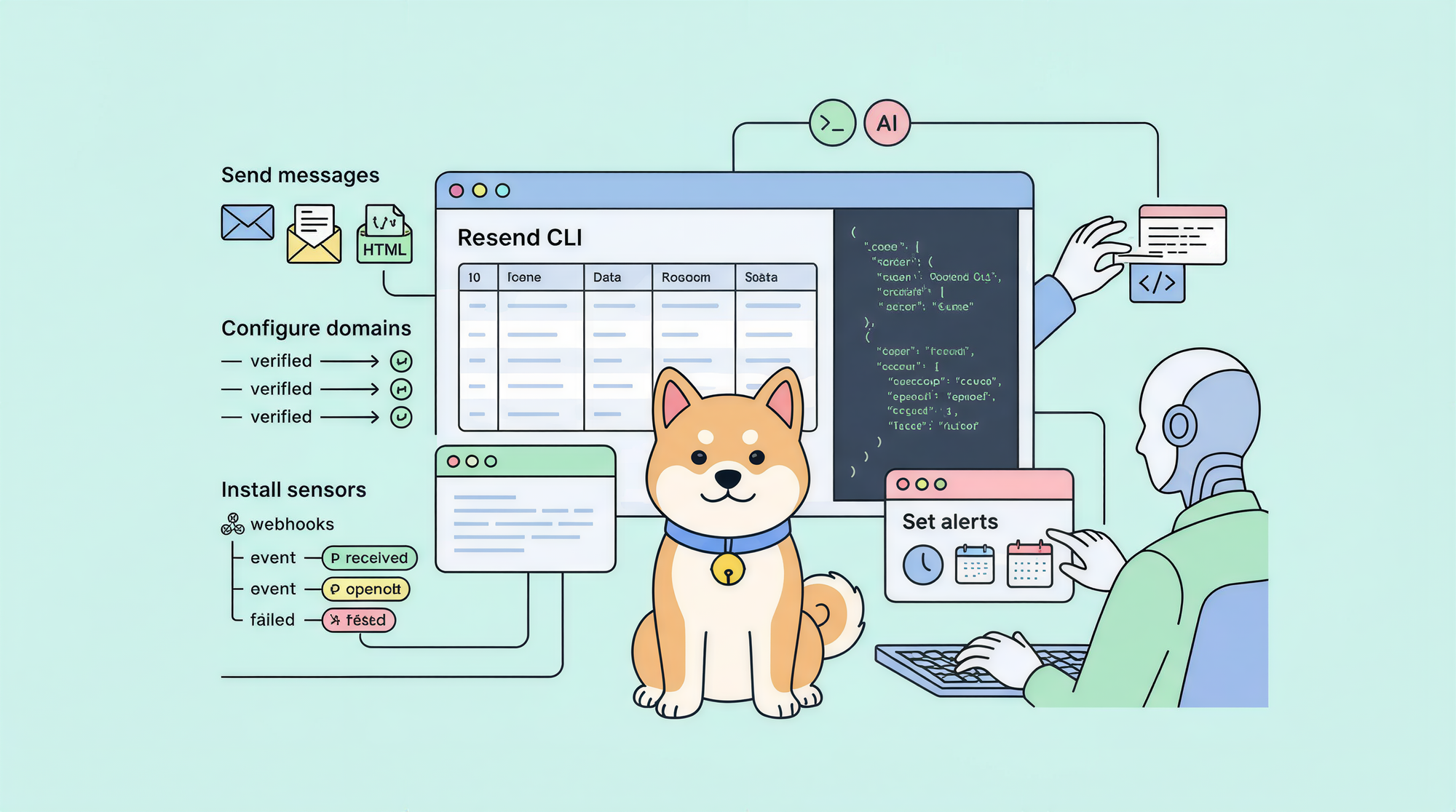
The Resend CLI is the official command-line tool for Resend, an email platform built for developers. You install it with npm install -g resend-cli or brew install resend/cli/resend, authenticate with resend login, and then send emails, manage domains, and automate your email infrastructure from any terminal or CI/CD pipeline.
What is Resend?
Resend is an email API for developers. You connect your domain, get an API key, and start sending transactional emails from your application: password resets, order confirmations, onboarding sequences, anything that triggers programmatically.
On March 13, 2026, Resend's founder Zeno Rocha shipped the Resend CLI, bringing that same infrastructure to the terminal. The CLI has 53 commands across 13 resources. It's written in TypeScript, fully open source under MIT, and works for three different audiences:
- Humans: interactive prompts, readable table output, natural language scheduling ("tomorrow at 9am")
- AI agents: JSON output mode, idempotency keys, automatic agent detection
- CI/CD pipelines: environment variable auth, scriptable flags, consistent exit codes
Installing the Resend CLI
There are four ways to install the CLI. Pick the one that fits your setup.
Via cURL (standalone binary, no Node.js required)
curl -fsSL https://resend.com/install.sh | bash
This downloads a prebuilt binary for your OS and drops it on your PATH. No Node.js needed.
Via npm
npm install -g resend-cli
Requires Node.js 20 or later. After installing, confirm it works:
resend --version
Via Homebrew (macOS and Linux)
brew install resend/cli/resend
This is the cleanest option on macOS. Homebrew handles updates automatically.
Via PowerShell (Windows)
irm https://resend.com/install.ps1 | iex
You can also download .exe binaries directly from the GitHub Releases page.
For local development
If you want to contribute to the CLI or build from source, you'll need Node.js 20+ and pnpm:
git clone https://github.com/resend/resend-cli.git
cd resend-cli
pnpm install
pnpm build       # outputs ./dist/cli.cjs
pnpm build:bin   # native binary at ./dist/resend
Authenticating your account
Run resend login to connect the CLI to your Resend account:
resend login
This opens your browser, walks you through creating an API key in the Resend dashboard, and stores your credentials locally at ~/.config/resend/credentials.json with restricted 0600 permissions.
For non-interactive environments (CI/CD, scripts), skip the browser flow and pass a key directly:
resend login --key re_xxxxxxxxxxxxx
Once stored, you don't need to re-authenticate for every command. The CLI resolves your API key in this order:
--api-keyflag (overrides everything)RESEND_API_KEYenvironment variable- The stored credentials file
For CI pipelines, setting RESEND_API_KEY as a secret environment variable is the standard approach:
RESEND_API_KEY=re_xxx resend emails send --from builds@yourco.com --to dev@yourco.com --subject "Build passed" --text "All tests green."
Multi-account support
If you work across multiple Resend organizations or teams, the CLI handles that too. Switch between stored profiles without logging out:
resend auth switch
Or pass a specific profile for a single command:
resend <command> --profile production
Sending your first email
The main command for sending is resend emails send. At minimum, you need a sender address (from a verified domain), a recipient, a subject, and a body.
Send a plain-text email
resend emails send \
  --from "you@yourdomain.com" \
  --to recipient@example.com \
  --subject "Hello from the CLI" \
  --text "This is a test email sent from the Resend CLI."
Send an HTML email
resend emails send \
  --from "team@yourco.com" \
  --to user@example.com \
  --subject "Your order is confirmed" \
  --html "<h1>Order confirmed</h1><p>Thanks for your purchase.</p>"
Or point to a local HTML file:
resend emails send \
  --from "team@yourco.com" \
  --to user@example.com \
  --subject "Welcome aboard" \
  --html-file ./templates/welcome.html
Schedule delivery
The CLI parses natural language dates alongside ISO 8601 timestamps:
resend emails send \
  --from "you@yourco.com" \
  --to user@example.com \
  --subject "Scheduled check-in" \
  --text "Just checking in." \
  --schedule "tomorrow at 9am"
Works with phrases like "in 1 hour", "next Monday at 3pm", or a full ISO timestamp.
Capture the email ID
When piped, the CLI switches to JSON output automatically. Pipe through jq to capture the email ID for follow-up operations:
EMAIL_ID=$(resend emails send \
  --from a@acme.com \
  --to b@acme.com \
  --subject "Test" \
  --text "Hi" | jq -r '.data.id')

echo "Sent email: $EMAIL_ID"
Cancel or update a scheduled email
resend emails cancel $EMAIL_ID
resend emails update $EMAIL_ID --schedule "next Monday at 10am"
List recent emails
resend emails list
Batch send up to 100 at once
Create a JSON file with an array of email objects:
[
  { "from": "you@yourco.com", "to": "alice@example.com", "subject": "Hi Alice", "text": "Hello!" },
  { "from": "you@yourco.com", "to": "bob@example.com", "subject": "Hi Bob", "text": "Hello!" }
]
Then send the batch:
resend emails send-batch --file emails.json
Each batch request counts as one API call against your rate limit, even though it sends up to 100 emails.
Managing domains and API keys
Before you can send email, you need a verified domain. The CLI walks you through the full domain lifecycle.
Add a domain
resend domains create --name yourdomain.com --region us-east-1
Supported regions: us-east-1, eu-west-1, sa-east-1, ap-northeast-1. Pick the region closest to your users to minimize latency.
Verify DNS records
After creating the domain, Resend gives you DNS records to add (SPF, DKIM, DMARC). Once you've added them to your DNS provider, run:
resend domains verify --id <domain-id>
Poll the status until it returns "verified":
resend domains get --id <domain-id>
Configure tracking and TLS
resend domains configure --id <domain-id> # Interactive configuration
You can enable open tracking, click tracking, and custom DKIM through this command.
List all domains
resend domains list
Manage API keys
For security, create scoped API keys for each service or environment instead of sharing one key everywhere:
resend api-keys create  # Interactive, lets you scope per domain
resend api-keys list
resend api-keys delete --id <key-id>
Scoped keys limit what each integration can do. A key scoped to one domain can't access your other domains or account settings.
Advanced features: broadcasts, webhooks, and templates
Beyond sending individual emails, the Resend CLI handles three more major use cases: bulk broadcasts, webhook management, and reusable templates.
Broadcasts
Broadcasts let you send the same email to a large list of contacts. You draft first, then send or schedule:
resend broadcasts create   # Interactive draft creation
resend broadcasts send --id <broadcast-id>
resend broadcasts schedule --id <broadcast-id> --date "next Monday at 10am"
Webhooks
Webhooks give you real-time delivery events: bounces, opens, clicks, spam reports. The CLI handles the full lifecycle:
resend webhooks create   # Register a new endpoint
resend webhooks list
For local development, use the webhooks listen command to proxy webhook events to your localhost:
resend webhooks listen --forward-to http://localhost:3000/webhooks/resend
This saves you from setting up ngrok or similar tunneling tools. The CLI supports 17 event types including email.sent, email.delivered, email.bounced, email.opened, and email.clicked.
Templates
Templates let you create reusable email HTML with dynamic variables:
resend templates create # Interactive template builder
Variables use {{variable_name}} syntax with fallback values. Once created, reference templates by ID when sending emails.
Contacts and audiences
Resend has built-in contact management for marketing emails:
resend contacts create --audience-id <id> --email user@example.com --first-name "Alice"
resend contacts list --audience-id <id>
resend contacts update --id <contact-id> --unsubscribed false
Run diagnostics
The doctor command checks your environment and flags issues:
resend doctor
It verifies your CLI version, API key validity, verified domains, and even detects AI coding agents (Cursor, Claude Desktop, VS Code, OpenClaw).
Using Resend CLI in CI/CD pipelines
The CLI is built to work well in automated environments. A few patterns to know:
Machine-readable output
Any time you pipe output or pass --json, the CLI switches to structured JSON. No spinners, no interactive prompts:
resend emails send --from a@co.com --to b@co.com --subject "Deploy" --text "Done" --json
The --quiet flag also suppresses all output except JSON:
resend emails list --quiet | jq '.[0].id'
Auto-confirm destructive operations
Use --yes to skip confirmation prompts in scripts:
resend api-keys delete --id <key-id> --yes
GitHub Actions example
- name: Send deployment notification
  env:
    RESEND_API_KEY: ${{ secrets.RESEND_API_KEY }}
  run: |
    resend emails send \
      --from deploys@yourco.com \
      --to team@yourco.com \
      --subject "Deploy to production: ${{ github.sha }}" \
      --text "Deployed commit ${{ github.sha }} to production."
Rate limits
The Resend API rate limit is 2 requests per second, shared across all API keys for your team. When sending batches, use send-batch (up to 100 emails per call) instead of looping through individual sends.
Testing your email API with Apidog
The Resend CLI is great for interactive use and simple scripts. When you're building a backend that calls Resend's REST API directly, though, you need a way to explore and test those endpoints before writing application code.
Apidog covers that. It's a free API client that lets you send HTTP requests, inspect responses, organize your test cases, and set up environments for different API keys and configurations.
Here's how Apidog fits into a typical Resend integration workflow:
Import the Resend API spec. Resend provides API reference documentation at resend.com/docs. You can import the API spec into Apidog to get an organized view of every endpoint, including the request/response schemas.
Set up environments. In Apidog, create environments for development and production. Store your RESEND_API_KEY as an environment variable and reference it in your requests with {{RESEND_API_KEY}}. Switch between environments with one click.
Test your sending logic. Before writing code to send emails from your application, run the POST /emails endpoint in Apidog with your exact payload. Verify the response, check that the email ID comes back correctly, and confirm the behavior for edge cases (missing fields, invalid addresses, etc.).
Automate tests. Apidog's test runner lets you chain API calls and assert on response values. You can set up a test that sends a test email, retrieves it by ID, then verifies its status, all without writing test code.
This catches integration bugs before they show up in production. Combined with the Resend CLI for local development, you have both a quick terminal tool and a thorough API testing environment.
Resend pricing
The CLI itself is free and open source. Pricing applies to the Resend platform:
| Plan | Price | Monthly emails | Daily limit | Log retention |
|---|---|---|---|---|
| Free | $0/mo | 3,000 | 100/day | 1 day |
| Pro | $20/mo | 50,000 | No limit | 3 days |
| Scale | $90/mo | 100,000 | No limit | 7 days |
| Enterprise | Custom | Custom | Custom | Custom |
A few things worth knowing about the free tier:
- The 100/day limit makes it suitable for testing and small projects, not production traffic
- Analytics (open/click tracking) require a paid plan
- Log retention is only 1 day, so you can't retrieve old email status after 24 hours
- The rate limit is 2 requests/second for all plans, shared across your team
- Overage on paid plans is capped at 5x your monthly quota to prevent unexpected bills
Dedicated IPs are a $30/month add-on on the Scale plan, available when you're sending more than 500 emails/day.
FAQ
Do I need Node.js to install the Resend CLI?
Not for the cURL or Homebrew install methods, which download prebuilt standalone binaries. The npm install path requires Node.js 20+.
Why can't I send from any email address?
Resend requires a verified domain. You need to own the domain, add the DNS records Resend provides (SPF, DKIM, DMARC), and pass the verification step. Free email providers like Gmail are not supported as sender addresses.
Can I send to any email address on the free plan?
Yes. The free plan doesn't restrict recipients. It limits you to 3,000 emails/month with a 100/day cap.
How does natural language scheduling work?
The CLI parses phrases like "tomorrow at 9am", "in 2 hours", "next Friday at 3pm", or standard ISO 8601 timestamps. Times are interpreted in your system's local timezone unless you specify otherwise.
What happens when I pipe output?
The CLI detects when it's being piped and automatically switches to JSON-only output with no spinners or prompts. You don't need to pass --json explicitly.
Can I use the CLI with multiple Resend accounts?
Yes. Use resend login multiple times to store different profiles, then resend auth switch to change between them, or pass --profile <name> on any command to use a specific profile.
Is the Resend CLI open source?
Yes, it's MIT licensed and hosted at github.com/resend/resend-cli.
What's the difference between --quiet and --json?
Both produce JSON output. --json forces JSON output. --quiet suppresses spinners and progress indicators, which also implies JSON mode. In practice they behave the same for output format; --quiet additionally removes all non-data output.