
Looking to supercharge your development workflow with local, open-source AI tools? Discover how to set up a private, cost-effective AI coding environment using GPT-OSS, Opencode, and Vibe Kanban. This step-by-step guide helps API developers, backend engineers, and technical teams boost productivity, automate tasks, and streamline project management—right from your own machine.
💡 Need reliable API documentation and team collaboration? Apidog offers a robust all-in-one platform for developer teams—maximize productivity and replace Postman at a better price.
Why Build a Local AI Coding Stack?
- Privacy: Code never leaves your machine
- Cost Savings: No cloud AI expenses
- Performance: Harness the power of modern AI models locally
Developers often juggle multiple tools for code generation, automation, and project tracking. By integrating GPT-OSS with Opencode and Vibe Kanban, you can streamline your workflow, manage tasks visually, and keep sensitive projects secure—ideal for API design, backend logic, or internal tooling.
Meet the Stack: GPT-OSS, Opencode, and Vibe Kanban
GPT-OSS
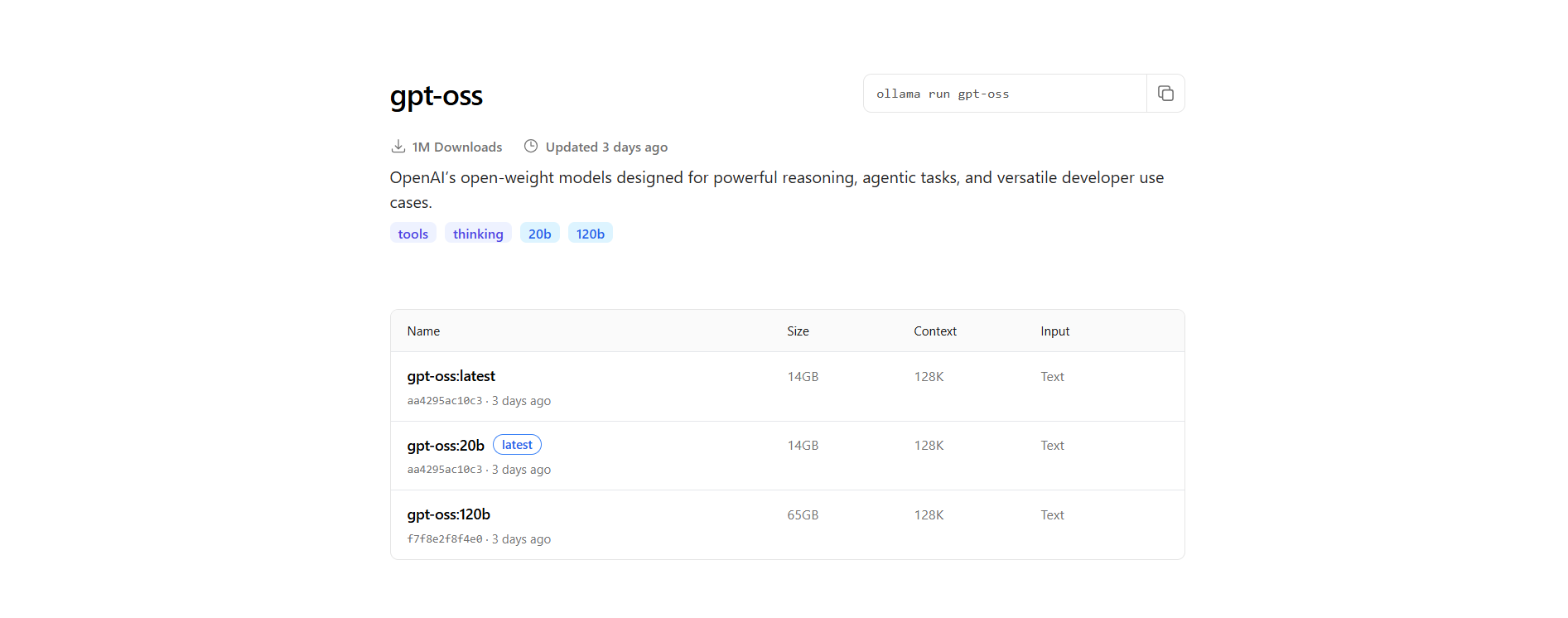
A free, open-weight LLM (20B and 120B parameters) designed for reasoning and code generation. Run it locally with Ollama for maximum privacy—no API keys needed.
Opencode
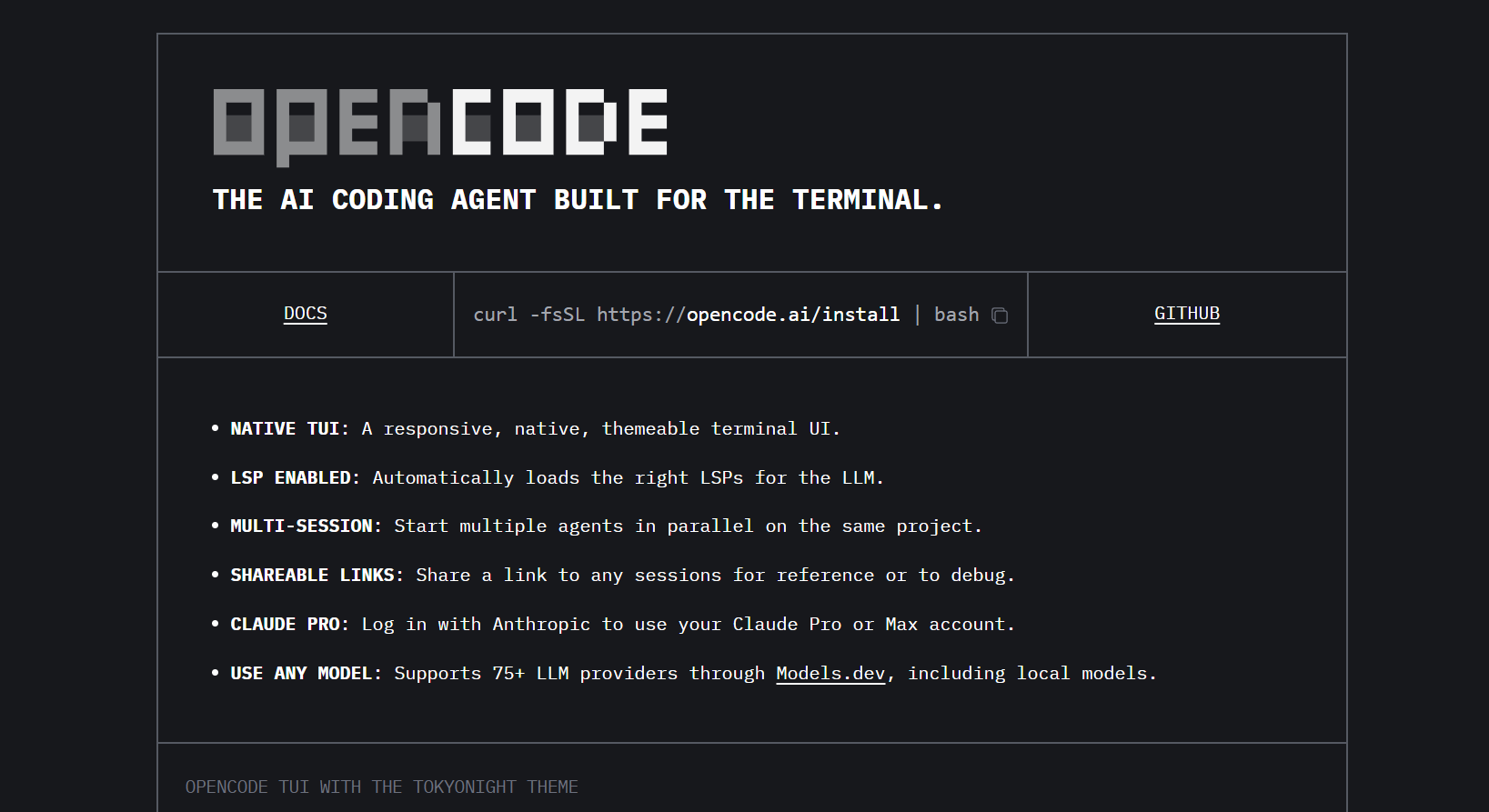
An open-source coding agent by SST, Opencode runs in your terminal. It reads, writes, edits, and manages your codebase using local LLMs like GPT-OSS. Fully provider-agnostic, it supports Language Server Protocols for robust code intelligence.
Vibe Kanban
A modern Kanban-style project management tool that integrates with Opencode and GitHub. Plan features, automate coding tasks, and review code changes—all in one interface.
Together, these tools create a developer-centric environment for project planning, code generation, and seamless collaboration.
Step 1: Install Opencode
Opencode is the backbone of your local AI development environment.
On macOS/Linux
Choose your preferred installation method:
# Quick script
curl -fsSL https://opencode.ai/install | bash

# Or use a package manager
npm i -g opencode-ai@latest     # Node.js
brew install sst/tap/opencode   # macOS/Linux
paru -S opencode-bin            # Arch Linux
On Windows
- Download the latest
opencode.exefrom github.com/sst/opencode/releases. - Save it to a folder, e.g.,
C:\opencode. - (Optional) Add the folder to your PATH.
Verify Installation
- macOS/Linux: Run
opencodein your terminal. - Windows: Run
C:\opencode\opencode.exe.
You should see Opencode's terminal UI (TUI). If not, check your PATH or binary location.
Step 2: Set Up Your Opencode Project
Let's configure Opencode for a real project: a portfolio website.
1. Create a Project Folder
mkdir opencode-vibekanban-project
cd opencode-vibekanban-project
2. Define Agent Tooling Rules
Create AGENTS.md:
# Tooling rules for Opencode
- Use Opencode tools only: read, write, edit, list, glob, grep, webfetch, bash, task, todowrite, todoread.
- Do NOT call non-existent tools like Repo_browser.*.
- Prefer `edit` for modifying existing files; use `read` to inspect before editing.
3. Configure Opencode
Create opencode.json:
{
  "$schema": "https://opencode.ai/config.json",
  "provider": {
    "ollama": {
      "npm": "@ai-sdk/openai-compatible",
      "name": "Ollama (local)",
      "options": {
        "baseURL": "http://localhost:11434/v1"
      },
      "models": {
        "gpt-oss:20b": { "name": "gpt-oss 20B (local)" }
      }
    }
  },
  "model": "ollama/gpt-oss:20b",
  "agent": {
    "build": {
      "description": "Default coding mode with only Opencode tools.",
      "tools": {
        "read": true,
        "write": true,
        "edit": true,
        "bash": true,
        "grep": true,
        "glob": true,
        "list": true,
        "webfetch": true,
        "patch": true,
        "todoread": true,
        "todowrite": true
      },
      "prompt": "{file:./AGENTS.md}"
    }
  },
  "instructions": ["AGENTS.md"]
}
To use GPT-OSS 120B:
Replace the provider and model sections:
"provider": {
  "ollama": {
    "npm": "@ai-sdk/openai-compatible",
    "name": "Ollama (local)",
    "options": {
      "baseURL": "http://localhost:11434/v1"
    },
    "models": {
      "gpt-oss:120b": { "name": "gpt-oss 120B (local)" }
    }
  }
},
"model": "ollama/gpt-oss:120b"
Step 3: Install and Run GPT-OSS with Ollama
GPT-OSS runs locally using Ollama. You'll need:
- 16GB+ RAM for 20B
- 64GB+ RAM for 120B
1. Install Ollama
- Download and install from ollama.ai (macOS, Linux, or Windows with WSL2).
2. Pull the GPT-OSS Model
# For 20B (recommended for most)
ollama pull gpt-oss:20b

# For 120B (requires more resources)
ollama pull gpt-oss:120b
3. Start the Model
ollama run gpt-oss:20b
# or
ollama run gpt-oss:120b
Ensure Ollama is running at http://localhost:11434 before starting Opencode.
Step 4: Launch Opencode in Your Project
Start Opencode with your configuration:
cd opencode-vibekanban-project
opencode .
# Or on Windows:
C:\opencode\opencode.exe .
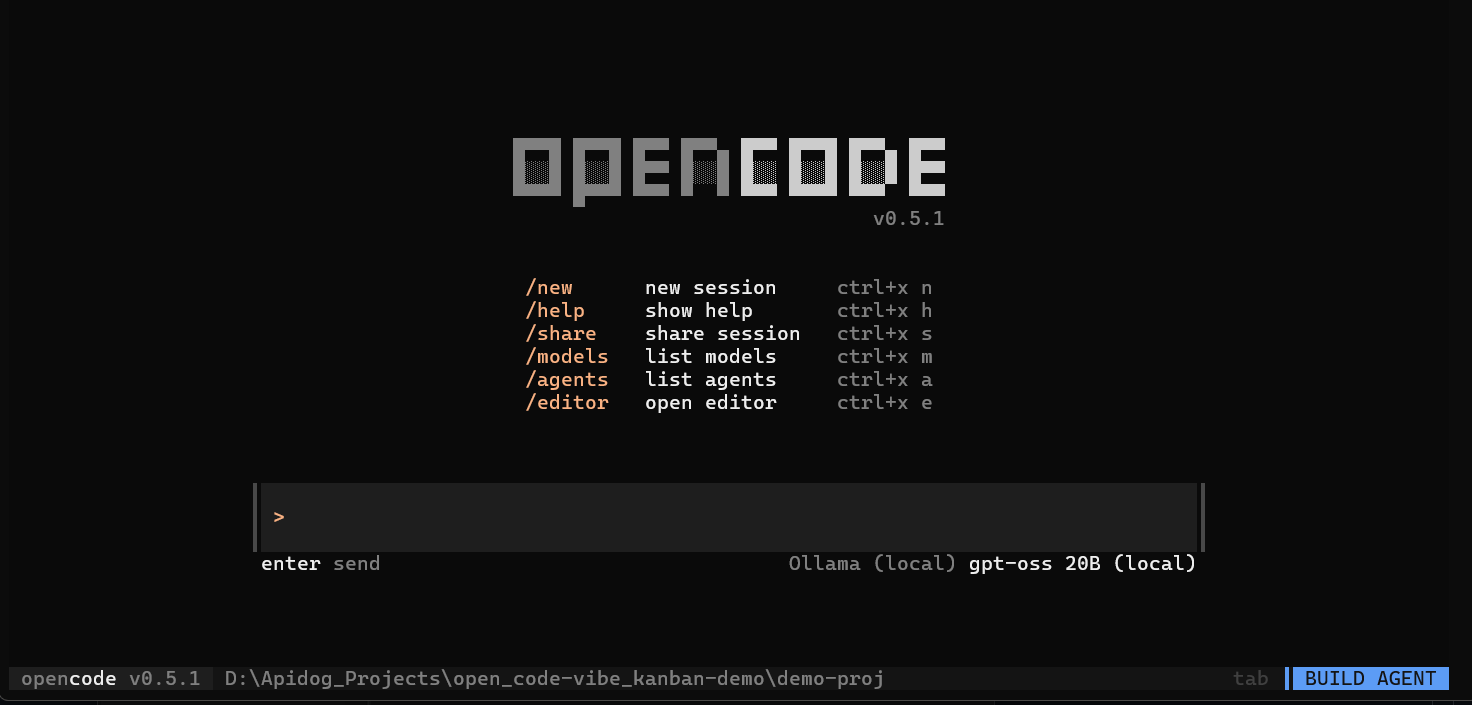
The Opencode TUI should load, showing your project directory and the selected GPT-OSS model.
Step 5: Generate a Portfolio Website with Opencode
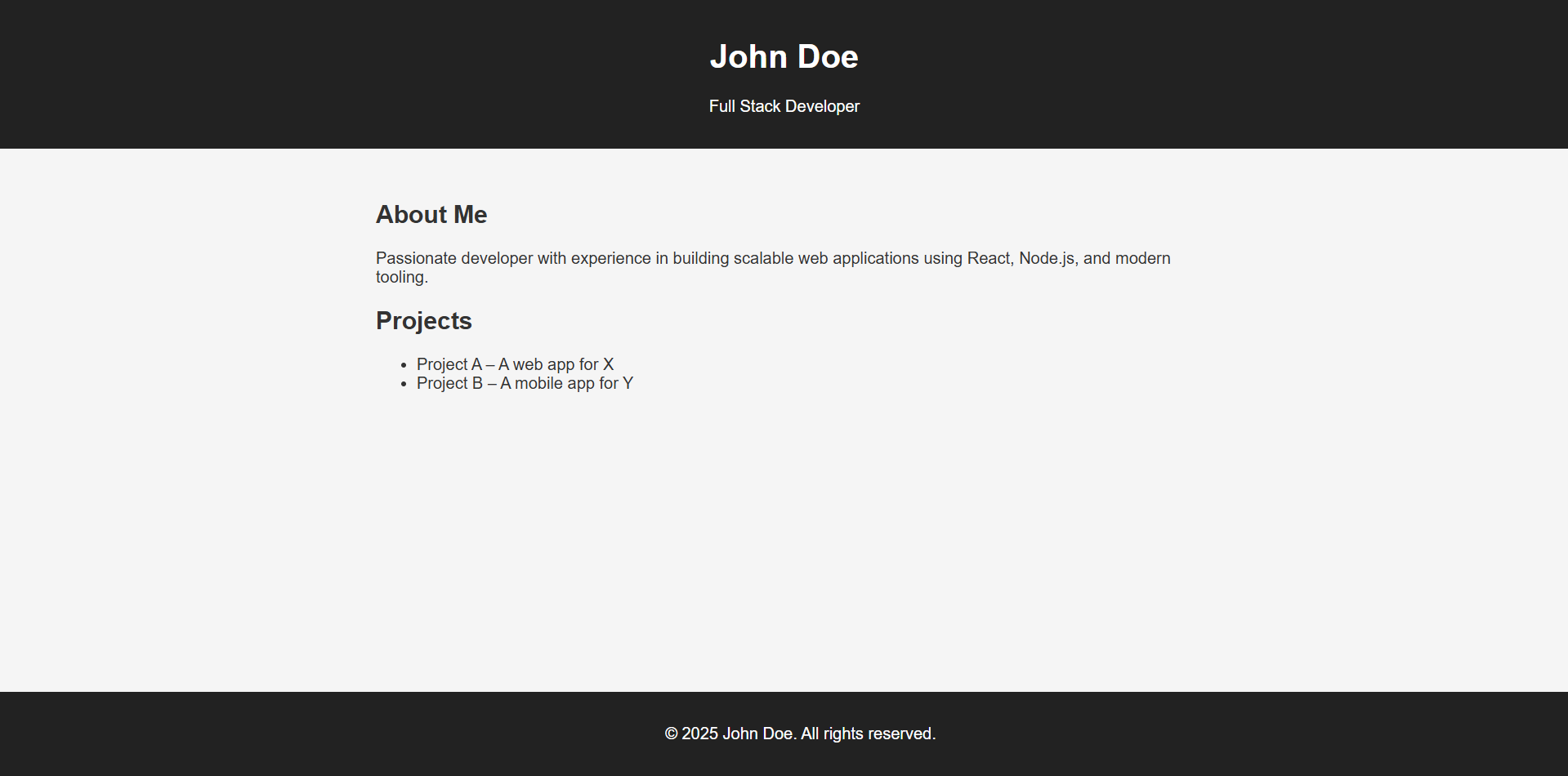
Let’s build a React-based portfolio landing page for “John Doe” using GPT-OSS.
1. Prompt Opencode
Type the following in the TUI:
Create a simple portfolio landing page for a developer called John Doe in React with Vite.
Opencode will generate required files: index.html, src/App.jsx, vite.config.js, etc.
2. Run the Site
cd john-doe-portfolio
npm install
npm run dev
Visit http://localhost:5173 to preview.
3. Push to GitHub
- Create a new repo (e.g., john-doe-portfolio).
- Initialize and push your code:
git init
git add .
git commit -m "Initial portfolio website"
git remote add origin https://github.com/your-username/john-doe-portfolio.git
git push -u origin main
Tip: Use Opencode’s webfetch tool to pull sample code or inspiration as needed.
Step 6: Integrate Vibe Kanban for Project Management
Power up your workflow with Vibe Kanban to manage tasks and automate enhancements.
1. Install and Launch Vibe Kanban
npx vibe-kanban
Access the web UI at http://localhost:3000.
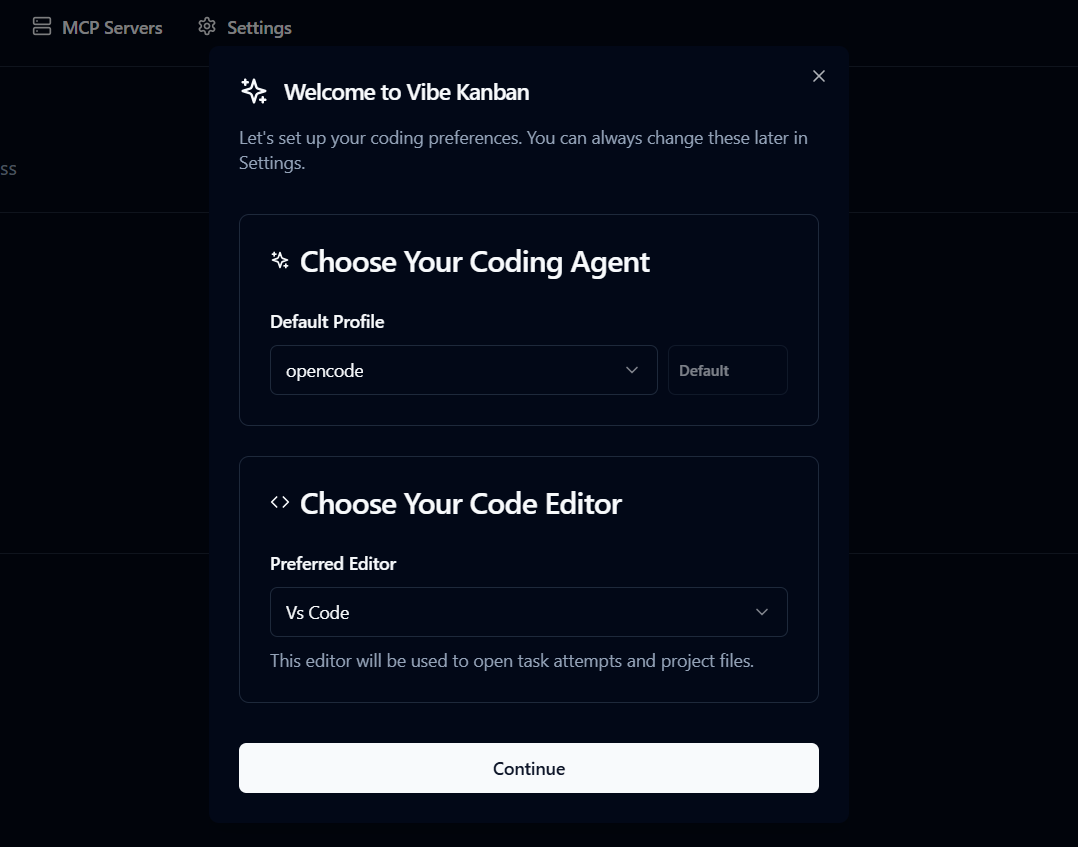
2. Configure Vibe Kanban
- Coding Agent: Select Opencode (auto-detected)
- IDE: Choose VS Code, Cursor, or Windsurf
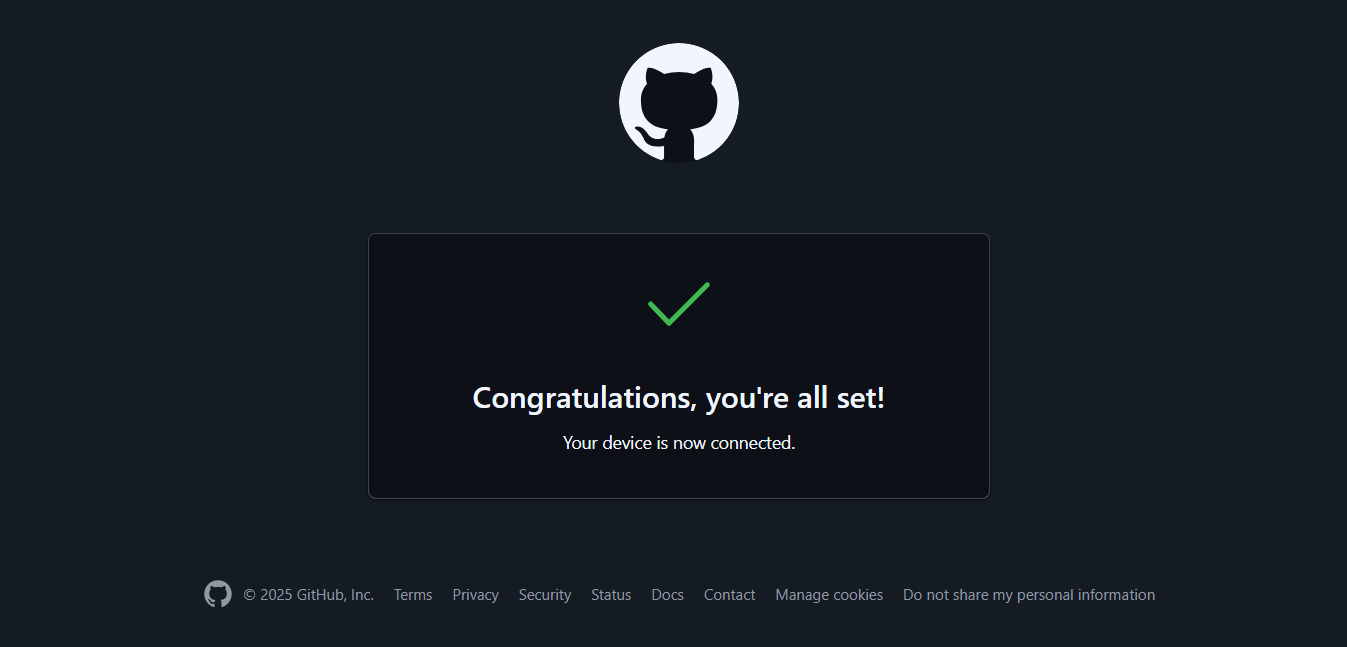
- GitHub: Authenticate and link your repositories
3. Create and Link a Project
- Click “Create New Project”
- Select your
john-doe-portfoliorepo - Name your project and continue
Step 7: Enhance Your Project with AI-Driven Tasks
Let’s add a new feature—like updating the color scheme.
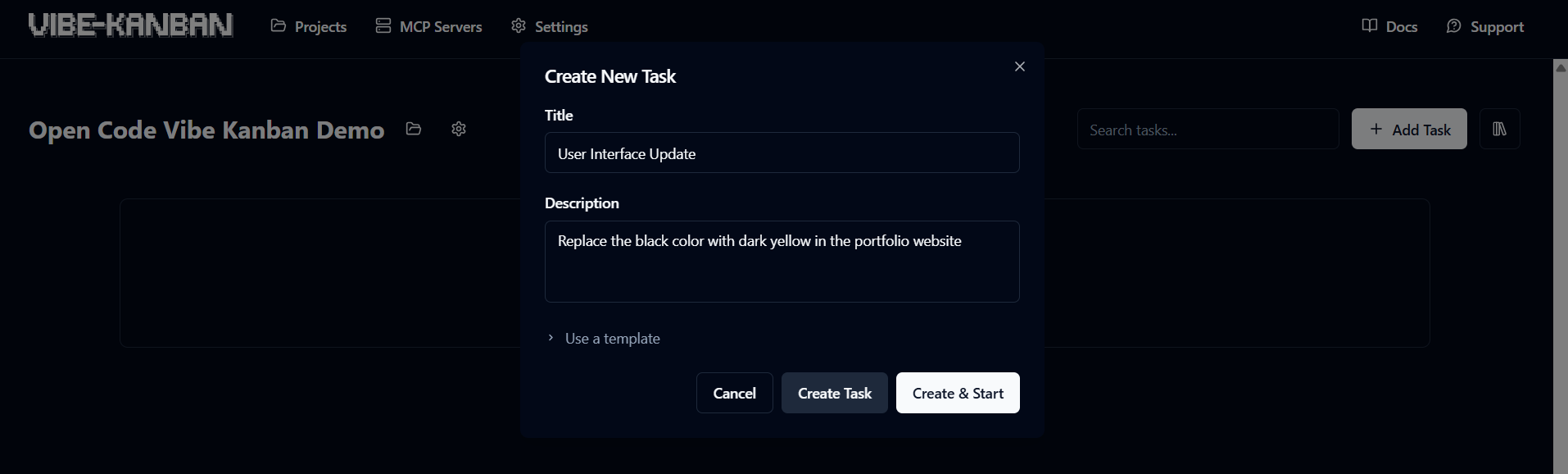
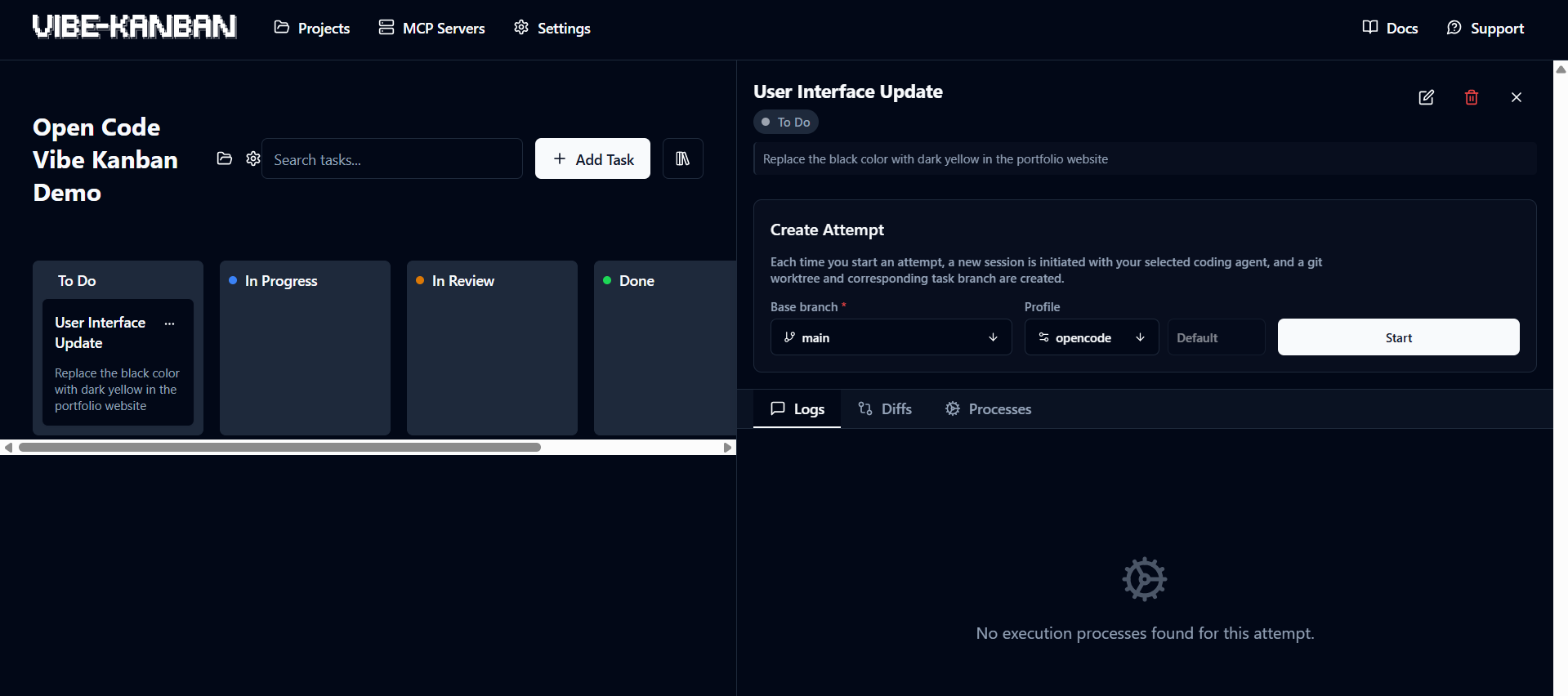
1. Add a Task
- Click “New Task”
- Example:
- Title: User Interface Update
- Description: Replace the black colour on the website with dark yellow
- Click “Create and Start”
2. Assign the AI Agent
- Choose Opencode as the coding agent
- Task moves to “In Progress” and Opencode begins code changes
3. Review and Approve
- Task moves to “In Review” once done
- Use the diff viewer or open in your IDE
- If satisfied, click “Finish” to commit and push:
git add .
git commit -m "Added contact form"
git push
Tip: Queue multiple enhancements (like “Add dark mode,” “Optimize images”) and let Opencode automate them.
Swapping in a shared board when the stack grows
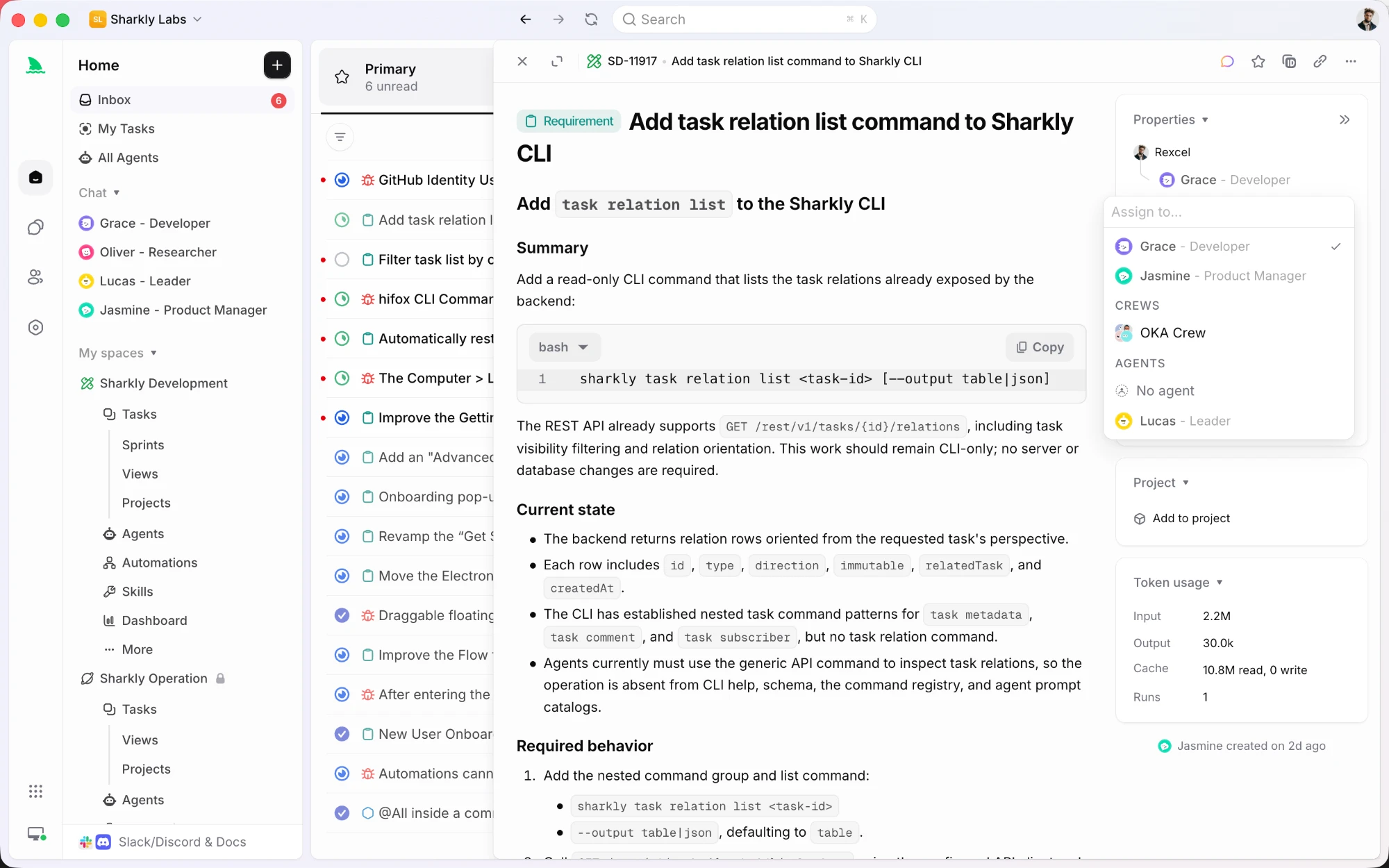
Assigning a task to an agent or a crew in Sharkly
Step 6 uses Vibe Kanban as the board for this stack, which works well for one person on one machine. When the same work needs to be visible to a team, Sharkly is the closer fit.
It keeps the local-first part of this setup intact. Execution happens on Computers you connect, and the Runtime is whatever agent tool is installed there, so Opencode and your local GPT-OSS model keep doing the work on your own hardware. What moves off the machine is the coordination: tasks, projects, sprints, comments, and execution history.
Assign a task to an Agent and the run streams progress, tool calls, and results back to that task. Repository work can use a separate worktree per run, so a second task on the same project does not disturb the checkout you are using. There is a CLI if you would rather stay in the terminal, plus Jira, GitHub, and Slack integrations.
For a single local sandbox, keep the board simple. When a second person needs to see the queue, move it somewhere shared.
Troubleshooting
- Opencode TUI not loading? Ensure Ollama is running and
opencode.jsonis valid. - Model slow or crashing? Use the 20B model for lighter machines.
- Vibe Kanban GitHub issues? Confirm authentication and repo visibility.
- Mock data not working? Review
todoreadandtodowritelogs in Opencode. - Windows binary errors? Re-download from the official releases page.
Why This Workflow Matters for Developers
- Local, Secure, and Cost-Effective: No cloud dependency; your code stays private.
- Advanced AI Coding: GPT-OSS rivals paid LLMs, with both lightweight and heavy-duty options.
- Visual Project Management: Vibe Kanban brings clarity to software tasks and collaboration.
- Open Source, Community-Driven: Contribute and shape tools you rely on.
"Opencode with GPT-OSS built my site in minutes, and Vibe Kanban kept everything organized."
For API-driven projects, integrating Apidog into your workflow ensures your documentation and team collaboration stay as streamlined as your code.
Conclusion
With GPT-OSS, Opencode, and Vibe Kanban, you can build a powerful, local AI coding environment—perfect for API development, automation, and project management. Experiment, contribute, and share your creations.
💡 Streamline API development and testing with beautiful API documentation and integrated team workflows using Apidog—replace Postman for less.


