
💡 Before you dive in, streamline your API testing with Apidog—download it for free now and make developing, debugging, and testing AI-powered APIs easier than ever.
If you want to use OpenClaw API, Claude API, CodeX API, Gemini API .... for 30% Cheaper, Checkout Zenn.CEO to access these APIs at a discount!
Google continues to lead API innovation, and the Google Gemini API is a powerful toolkit for AI, machine learning, and natural language processing integration. Whether you’re building conversational bots, analytics dashboards, or creative apps, getting a Gemini API key is your first step.
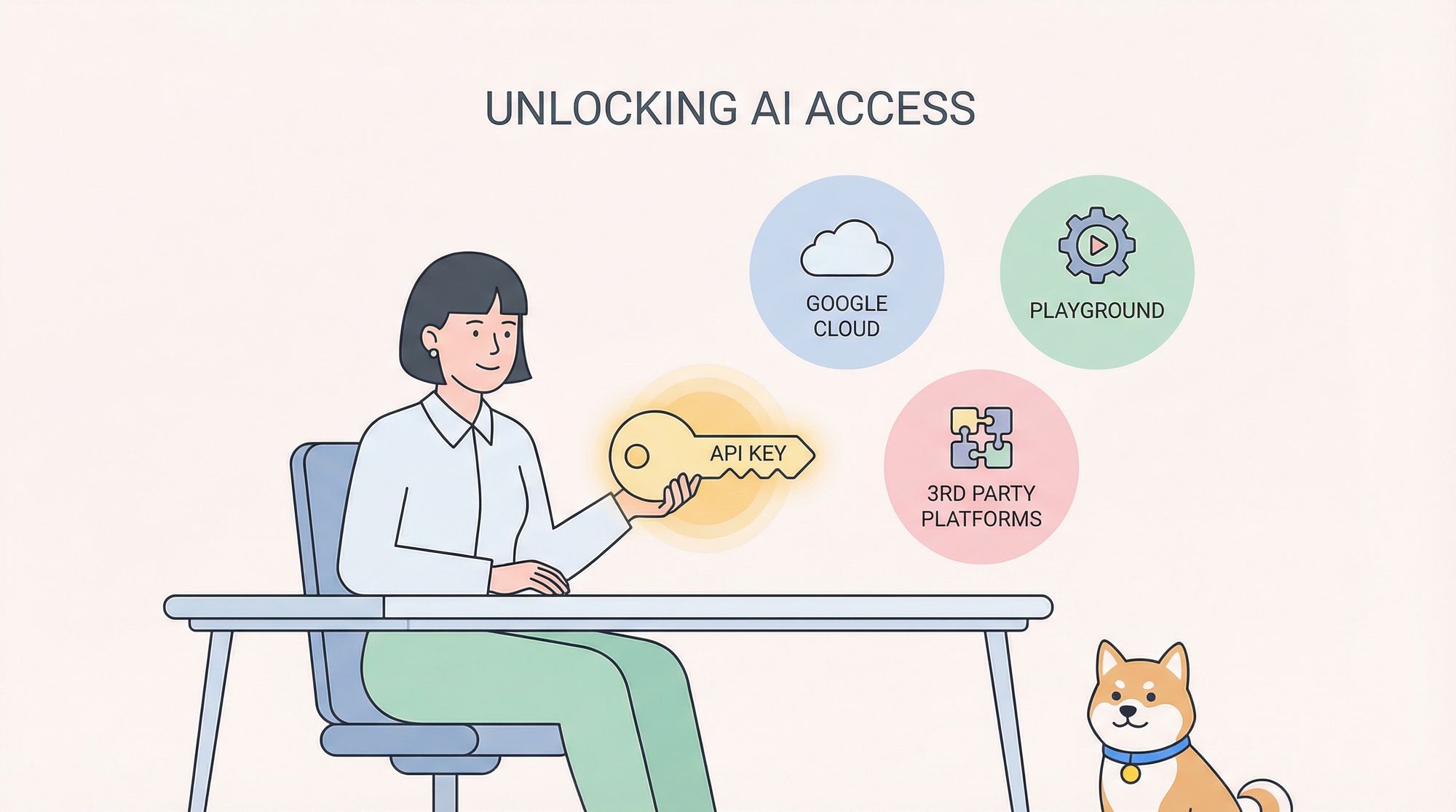
This guide details three practical ways to get and use a free Google Gemini API key. Each method is explained with step-by-step instructions, code samples in multiple languages, and real-world considerations—so you can start building fast and securely.
1. Get a Gemini API Key via Google Cloud Platform Free Tier
Why Use the Official Google Cloud Platform?
- Direct, secure access to the Gemini API
- Full integration with Google’s IAM, monitoring, and billing controls
- Best for production workloads, scalability, and robust documentation
Step-by-Step: Generate a Gemini API Key
1. Create a Google Cloud Account
- Go to the Google Cloud Console and sign up.
- Take advantage of any free trial credits for new users.
2. Create a New Project
- In the GCP dashboard, click “Select a project” → “New Project.”
- Name your project (e.g.,
GeminiDemoProject), and provide billing info if needed (the free tier usually covers initial usage).
3. Enable the Google Gemini API
- Navigate to “APIs & Services.”
- Click “Enable APIs and Services,” search “Google Gemini API,” and enable it.
4. Generate Your API Key
- Go to the “Credentials” tab.
- Click “Create Credentials” → “API Key.”
- Copy and store your new API key securely.
5. Test Your API Key (Python Example)
import requests

api_key = 'YOUR_API_KEY'
endpoint = 'https://gemini.googleapis.com/v1/query'

headers = {
    'Authorization': f'Bearer {api_key}',
    'Content-Type': 'application/json'
}

data = {
    "prompt": "What is Google Gemini and how can it revolutionize API integrations in 2026?",
    "max_tokens": 100
}

try:
    response = requests.post(endpoint, json=data, headers=headers)
    response.raise_for_status()
    print("API Response:", response.json())
except requests.exceptions.HTTPError as http_err:
    print("HTTP error occurred:", http_err)
except Exception as err:
    print("An error occurred:", err)
Pro Tip: Use Apidog to visually build, test, and document your Gemini API requests—no more manual cURL or script trial-and-error.
Key Benefits
- Security: Control and restrict API key usage via GCP
- Scalability: Upgrade usage limits as needs grow
- Visibility: Built-in logging, analytics, and quota monitoring
Caution: Always restrict your API key (IP, referrer, etc.) and keep it private to prevent misuse and unexpected costs.
2. Try Google Gemini Playground for Rapid Prototyping
What is the Gemini Playground?
The Gemini Playground is an interactive web tool for developers to experiment with Gemini API endpoints using temporary API keys—perfect for prototyping, learning, or demos.
Quick Start Instructions
1. Access the Playground
- Visit the Google Gemini Playground in your browser.
2. Sign In
- Use your Google account to log in or quickly register.
3. Request a Temporary API Key
- Click “Request API Key” or “Get Started for Free.”
- Follow prompts and note down your temporary key (valid for limited time/requests).
4. Run Sample Queries in the Playground Console
- Enter your prompt and adjust parameters (e.g.,
max_tokens). - Review real-time API responses in the interface.
5. Integrate with Your Code (Node.js Example)
const axios = require('axios');

const apiKey = 'YOUR_TEMPORARY_KEY';
const url = 'https://gemini.googleapis.com/v1/query';

const requestData = {
  prompt: 'Describe the benefits of using the Google Gemini API in modern web development.',
  max_tokens: 150
};

axios.post(url, requestData, {
  headers: {
    'Authorization': `Bearer ${apiKey}`,
    'Content-Type': 'application/json'
  }
})
.then(response => {
  console.log("API Response:", response.data);
})
.catch(error => {
  console.error("Error accessing the API:", error);
});
Tip: Use Apidog to rapidly assemble and test these queries visually, then export working code snippets for your backend or frontend stack.
Pros and Limitations
- Speed: No need to set up a full GCP project
- Safety: Temporary keys minimize risk
- Learning: Great for debugging and understanding API behavior
Note: Playground keys are for development only—not for production. For long-term use, switch to a permanent key as in Option 1.
3. Access Gemini API for Free via Third-Party Platforms
Why Use a Third-Party Platform?
Some SaaS providers and developer platforms offer integrated access to Gemini API as part of their free tier. This approach is ideal for those who want to:
- Avoid direct cloud setup/management
- Get extra features (dashboards, SDKs, analytics)
- Manage multiple APIs from one place
How to Get Started
1. Select a Trusted Third-Party Platform
- Research reputable platforms that partner with Google for Gemini API access.
- Compare free tier limits, documentation, and feature sets.
2. Register and Verify
- Create an account (email, password, possibly Google account linking).
- Complete any required verification steps.
3. Obtain Your Gemini API Key
- Find the API or developer dashboard.
- Request/generate your API key and store it securely.
4. Test Requests in a Sandbox Environment
- Most platforms provide a testing console—use it to experiment without affecting production resources.
5. Example: PHP Integration
<?php
$apiKey = 'YOUR_THIRD_PARTY_API_KEY';
$url = 'https://gemini.googleapis.com/v1/query';

$data = array(
    "prompt" => "What innovative features does the Google Gemini API offer for developers in 2025?",
    "max_tokens" => 100
);

$headers = array(
    "Authorization: Bearer " . $apiKey,
    "Content-Type: application/json"
);

$ch = curl_init($url);
curl_setopt($ch, CURLOPT_POSTFIELDS, json_encode($data));
curl_setopt($ch, CURLOPT_HTTPHEADER, $headers);
curl_setopt($ch, CURLOPT_RETURNTRANSFER, true);

$response = curl_exec($ch);
if(curl_errno($ch)){
    echo 'Request Error:' . curl_error($ch);
}
curl_close($ch);
echo "API Response: " . $response;
?>
Efficiency Tip: Apidog can help you compare third-party integration flows and auto-generate test cases for each platform.
Key Advantages
- Faster onboarding: No GCP admin overhead
- Extra tools: Some providers add analytics, SDKs, or community support
- Unified management: Integrate multiple APIs easily
Check provider usage limits and security settings; ensure your key is never exposed in public code.
Best Practices for Gemini API Integration
- Keep API keys secret: Never commit keys to version control. Use environment variables or secret vaults.
- Apply key restrictions: Limit usage to specific IPs or referrers if possible.
- Monitor quotas: Track usage in your platform dashboard to avoid hitting free tier limits.
- Stay updated: Follow Google’s developer blog for Gemini API changes and enhancements.
- Test and iterate: Use tools like Apidog to quickly build, test, and refine your API requests.
Running a multi-provider setup? The same playbook exists for OpenAI — here is how to get a free OpenAI API key using 3 proven methods.
Once your API key is set up and verified, understanding how to use Gemini for free without hitting quota ceilings is the logical next step before building anything production-bound.
Once your key is active, the natural next step is understanding what each request actually costs and which model tier fits your workload — the Gemini 2.0 API pricing and usage guide walks through both in detail.
Conclusion
Google Gemini is a leading platform for integrating advanced AI into your applications. Whether you use GCP, the Gemini Playground, or a trusted third-party service, you have flexible, free options to obtain your API key and start building today.
Apidog can help you accelerate your workflow: visually assemble requests, auto-generate documentation, and catch issues before code hits production.
Happy coding—explore what’s possible with Google Gemini and powerful API testing!


