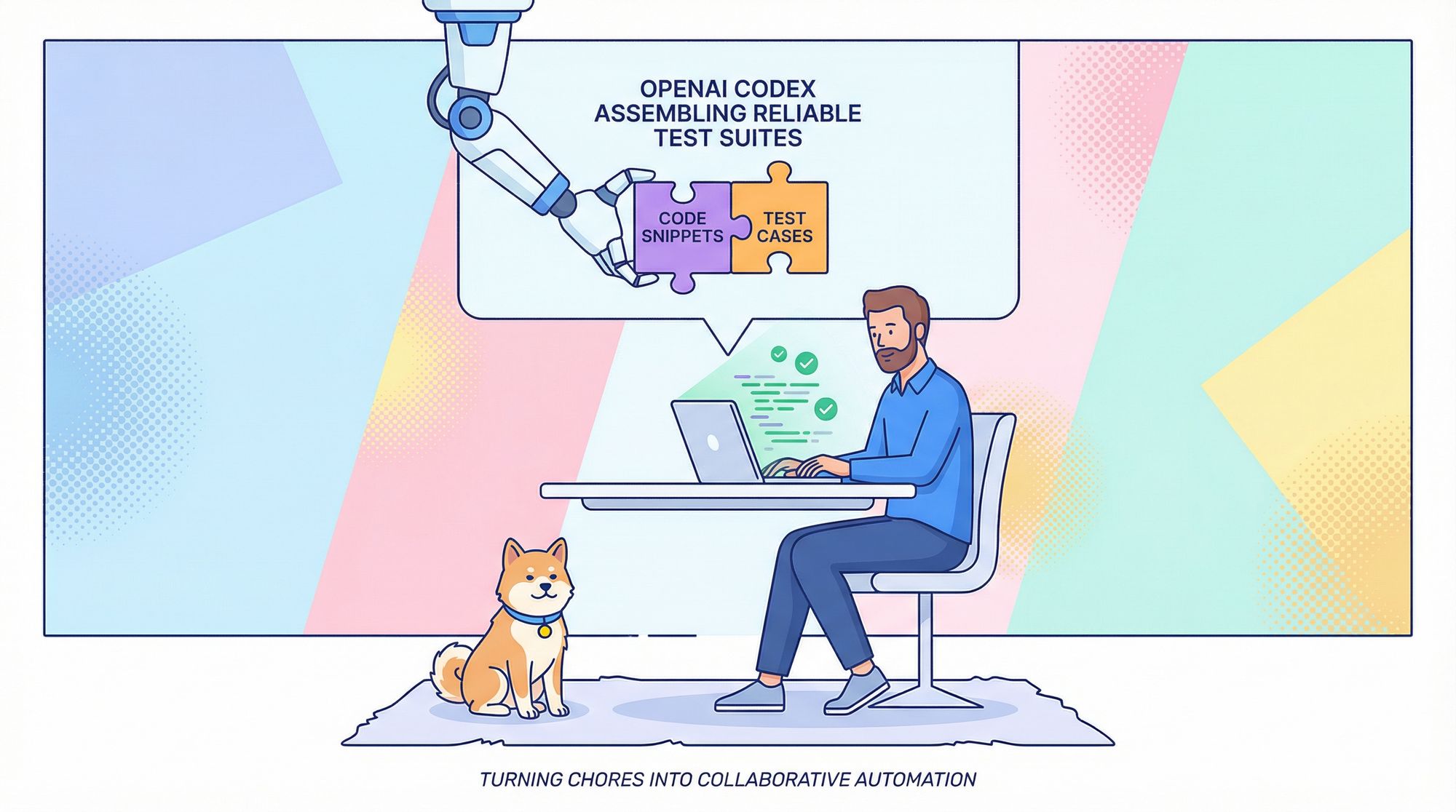
Automated testing is one of the most tedious yet essential parts of building reliable software. Fortunately, OpenAI Codex excels at interpreting code semantics and generating meaningful test suites automatically. This guide explains how you can use Codex for Unit Test Generation to streamline your testing workflow, integrate it into your CLI or IDE, and structure prompts to maximize test coverage and quality.
Whether you’re writing tests for small utilities or entire modules, this guide provides step-by-step instructions, best practices, and real-world examples—all in a tone that assumes you’re a developer comfortable with command-line interfaces and code workflows.
Why Use Codex for Unit Test Generation?
Writing unit tests manually can be tedious, and many teams struggle to maintain adequate coverage—especially for edge cases and error conditions. Codex for unit test generation changes that by turning natural language prompts into working test suites that fit your project’s conventions.
Unlike simple template generators, Codex can:
- Infer edge cases and logic branches
- Mock dependencies and interactions
- Suggest test names and organization consistent with your style
- Generate tests for multiple languages, including Python, JavaScript, Rust, and more
This approach dramatically shifts testing from a chore to a collaborative activity.
Getting Started: Integrating Codex Into Your Workflow
Codex supports both IDE integrations and a CLI tool, enabling flexible workflows.
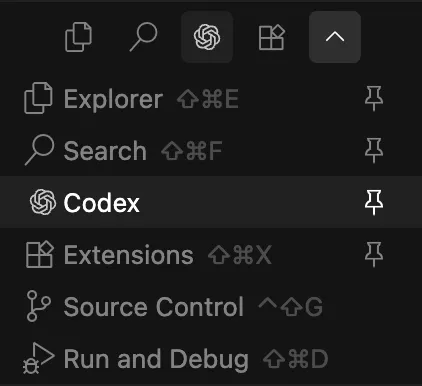
Codex in VS Code
To integrate Codex with VS Code:
- Install the OpenAI Codex extension from the VS Code Marketplace.
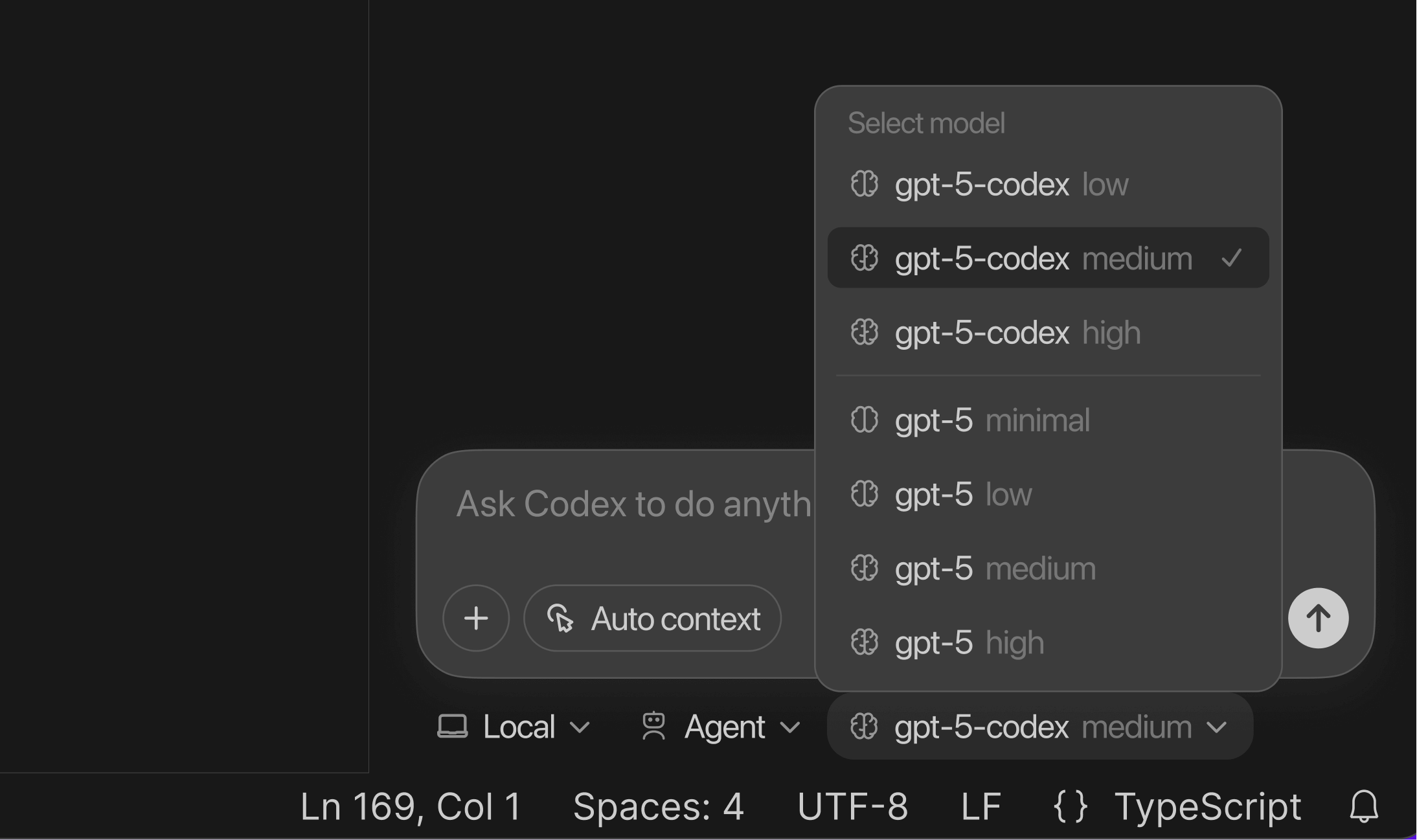
- Authenticate with your OpenAI account and select a model (typically
gpt-5-codexor similar). - Highlight any function definition and invoke Codex: Generate Tests (e.g., via
Ctrl+Shift+P). - Codex analyzes the function, infers its behavior, and generates test code that follows project conventions.
For example, given this Python function in utils.py:
def calculate_discount(price, rate):
    if price < 0 or rate < 0:
        raise ValueError("Price and rate must be non-negative")
    return price * (1.0 - rate)
Codex might generate:
import pytest
from utils import calculate_discount

def test_calculate_discount_valid():
    assert calculate_discount(100, 0.2) == 80.0

def test_calculate_discount_edge_zero():
    assert calculate_discount(0, 0.5) == 0.0

def test_calculate_discount_invalid_negative():
    with pytest.raises(ValueError):
        calculate_discount(-10, 0.1)
You can run this through the VS Code testing panel and refine as needed.
Codex CLI: Terminal-First Testing
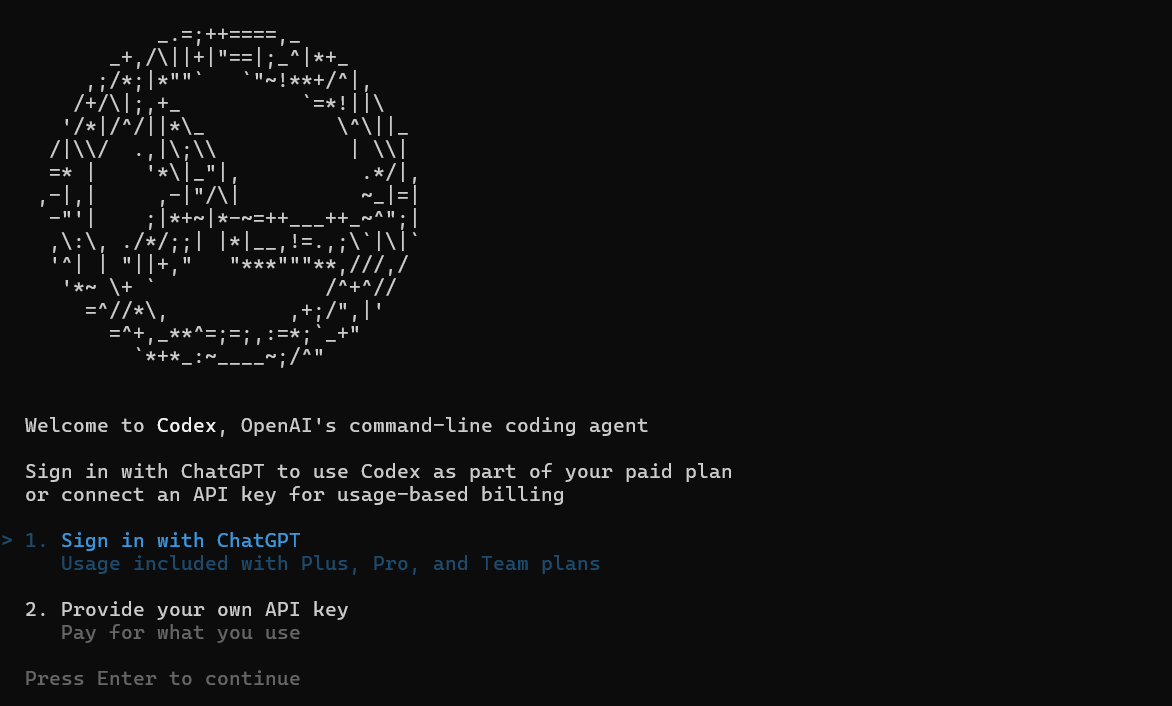
If you prefer working in terminals or integrating test generation into CI/CD pipelines, Codex’s CLI provides commands tailored for batch and automated workflows.
Example CLI Workflow: Install and authenticate the CLI
npm install -g @openai/codex-cli
codex login
Generate unit tests with:
codex generate-tests src/my_module.py --framework pytest --output tests/
You can also recurse a directory and request minimum coverage:
codex test-gen --dir src/ --framework pytest --coverage 80
The CLI analyzes all code files, infers testable units, and writes tests to the designated output path. Perfect for TDD workflows and CI automation.
Mastering Prompt Techniques for Better Tests in Codex
The quality of Codex’s generated tests hinges heavily on your prompts. Think of them like instructions to a junior developer.
Best Practices for Prompting
Be Explicit About the Framework
Specify whether to use JUnit, Pytest, unittest, Jest, etc.
Example: "Generate pytest tests covering edge cases and errors."
Define Scope Clearly
Include whether integration tests or mocks should be part of the suite.
Example: "Include mocks for all external database calls."
- Provide Style Context
If your project uses a consistent naming or style pattern, include that in the prompt or example tests.
2. Layer Test Generation
Generate initial tests, then refine:
# First generation
codex generate-tests ...

# Then ask for edge case expansions
codex explain tests/ --add-edge-cases
This iterative approach yields richer and more robust test coverage.
Using AGENTS.md for Project-Level Testing Conventions with Codex
Large projects benefit from consistency. Enter the AGENTS.md file—a repository-root Markdown file that instructs Codex on your testing conventions.
Example:
# Testing Guidelines for MyProject
- Framework: pytest for Python, Jest for JS
- Coverage: Aim for 85%+
- Mocks: Use unittest.mock for external services
- Naming: test_function_scenario
Then, prompt:
Generate tests following AGENTS.md conventions.
Codex uses those guidelines to tailor tests automatically. This reduces prompt bloat and ensures uniform style.
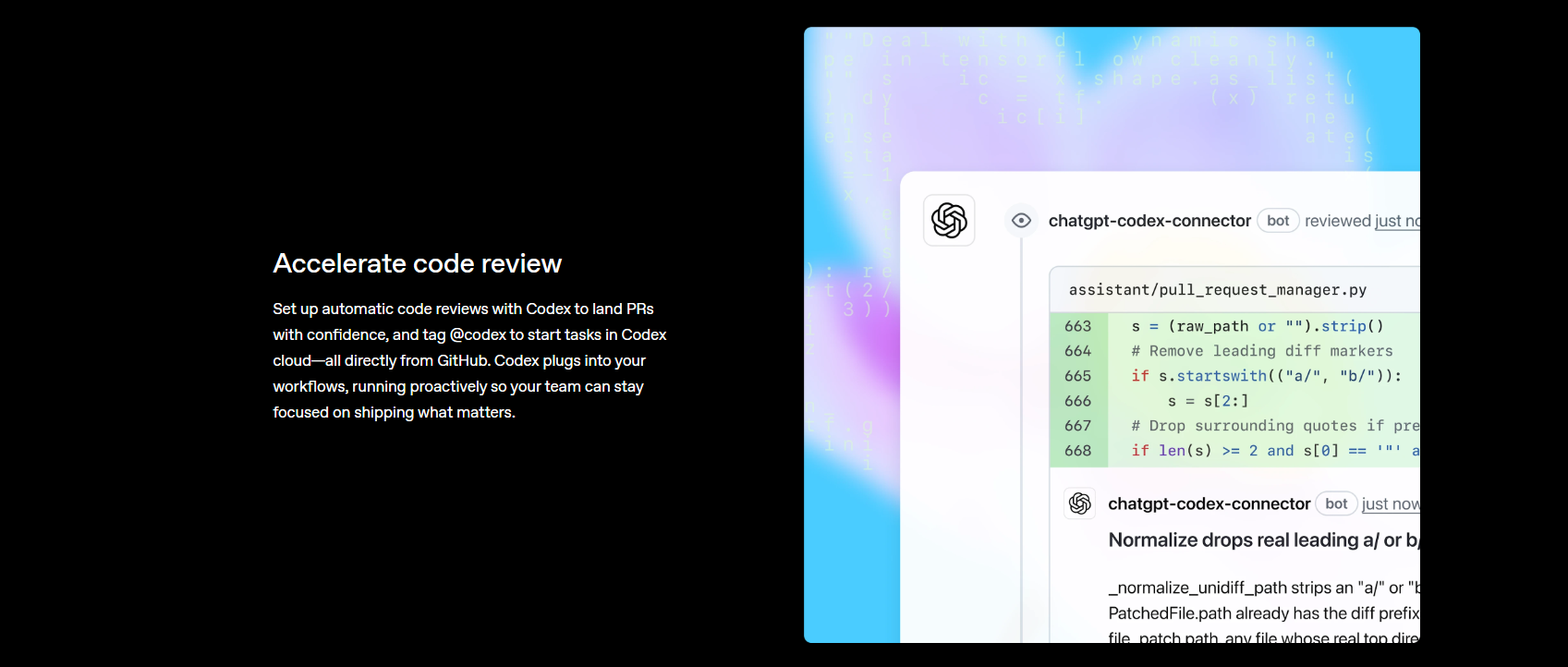
Advancing to CI/CD: Automated Test Suites on Pull Requests
Codex shines not just during development but in continuous integration contexts:
- GitHub Actions can trigger test generation on PRs.
- Use a webhook to generate tests for new or modified functions.
- Integrate generated tests into coverage reporters like Coverage.py.
Teams report bumping coverage from ~40% to ~90% after applying Codex-generated test suites.
Common Gotchas and Best Practices
Hallucinations and Imports
Sometimes Codex may hallucinate imports or assume incorrect module paths. Always run generated tests and validate imports before merging.
How Apidog Fits in API-Heavy Test Workflows
While Codex focuses on unit test generation for code logic, API endpoints require behavior-focused testing. Enter Apidog.
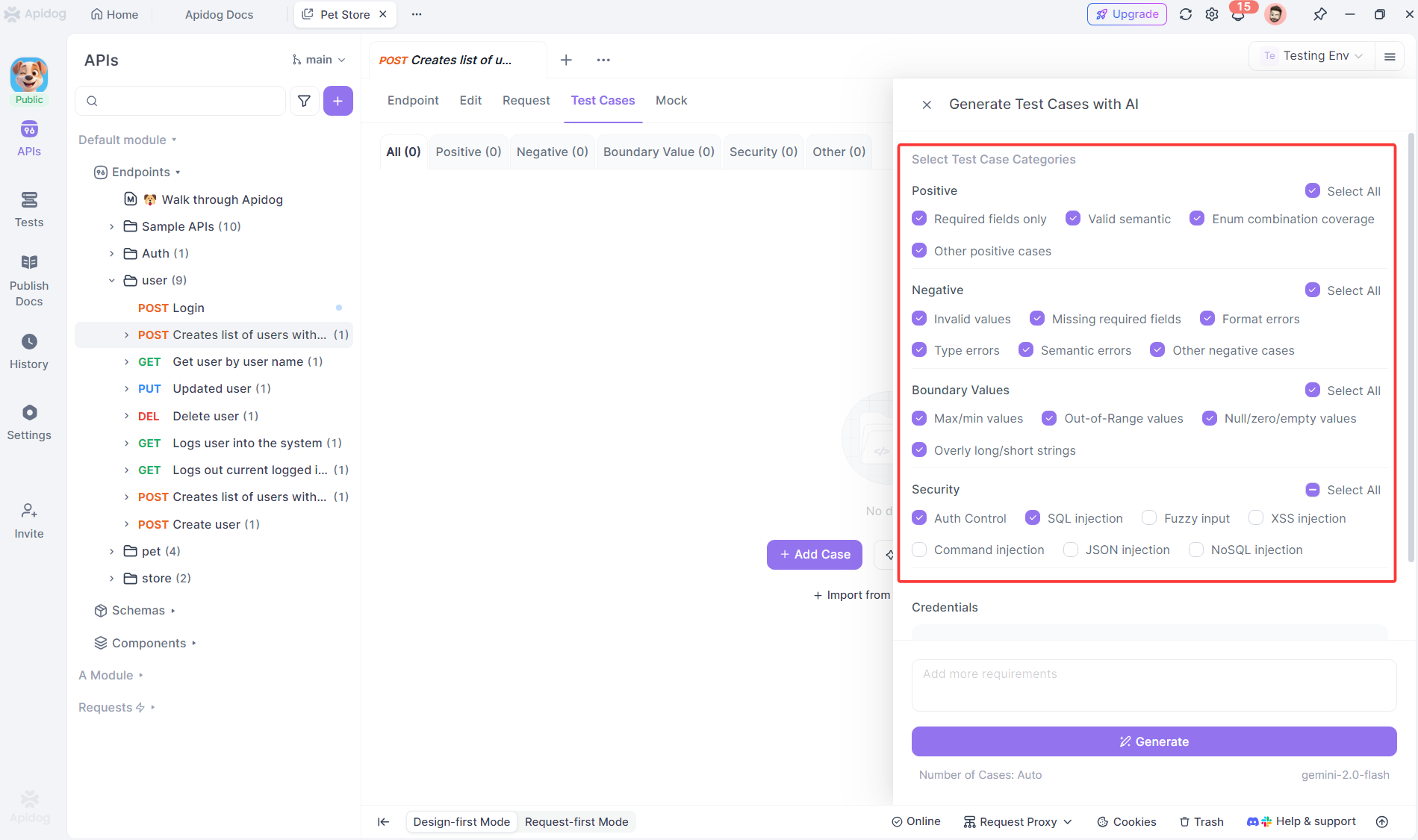
Apidog helps teams that use APIs by providing:
- Automated API testing
- Generated API test cases
- API contract validation
This is especially powerful when Codex generates controller logic or handlers—Apidog ensures your endpoints behave as expected. Get started with Apidog for free and integrate API tests into CI pipelines.
Frequently Asked Questions
Q1. What languages does Codex support for unit test generation?
Codex can generate tests for Python, JavaScript, Rust, Go, and more—especially where unit test frameworks are well-defined.
Q2. Can Codex mock dependencies automatically?
Yes—if you include instructions to mock services or external functions, Codex handles mocks with frameworks like unittest.mock or MSW in JavaScript.
Q3. Does Codex generate integration tests too?
It can—when prompted explicitly, you can include integration tests alongside units.
Q4. Should I review generated tests?
Absolutely. Always run and review tests for correctness and project fit.
Q5. Can Codex integrate with TDD workflows?
Yes—particularly with CLI automation and CI pipelines, Codex can generate tests as you develop.
Conclusion
OpenAI Codex for Unit Test Generation redefines testing workflows by transforming natural language instructions into executable test suites that match your conventions and quality standards. From IDE integration with VS Code to full CLI automation and CI/CD hooks, Codex turns what used to be a chore into a strategic advantage.
Combined with tools like Apidog for API validation, you can build reliable systems faster while maintaining high coverage and quality. Explore the power of Codex testing today and take advantage of Apidog’s free tools to ensure your APIs behave exactly as designed.