💡Ready to streamline your API testing and supercharge your workflows? Download Apidog for free to accelerate API testing—an ideal companion for developers integrating or automating AI-powered OCR solutions. 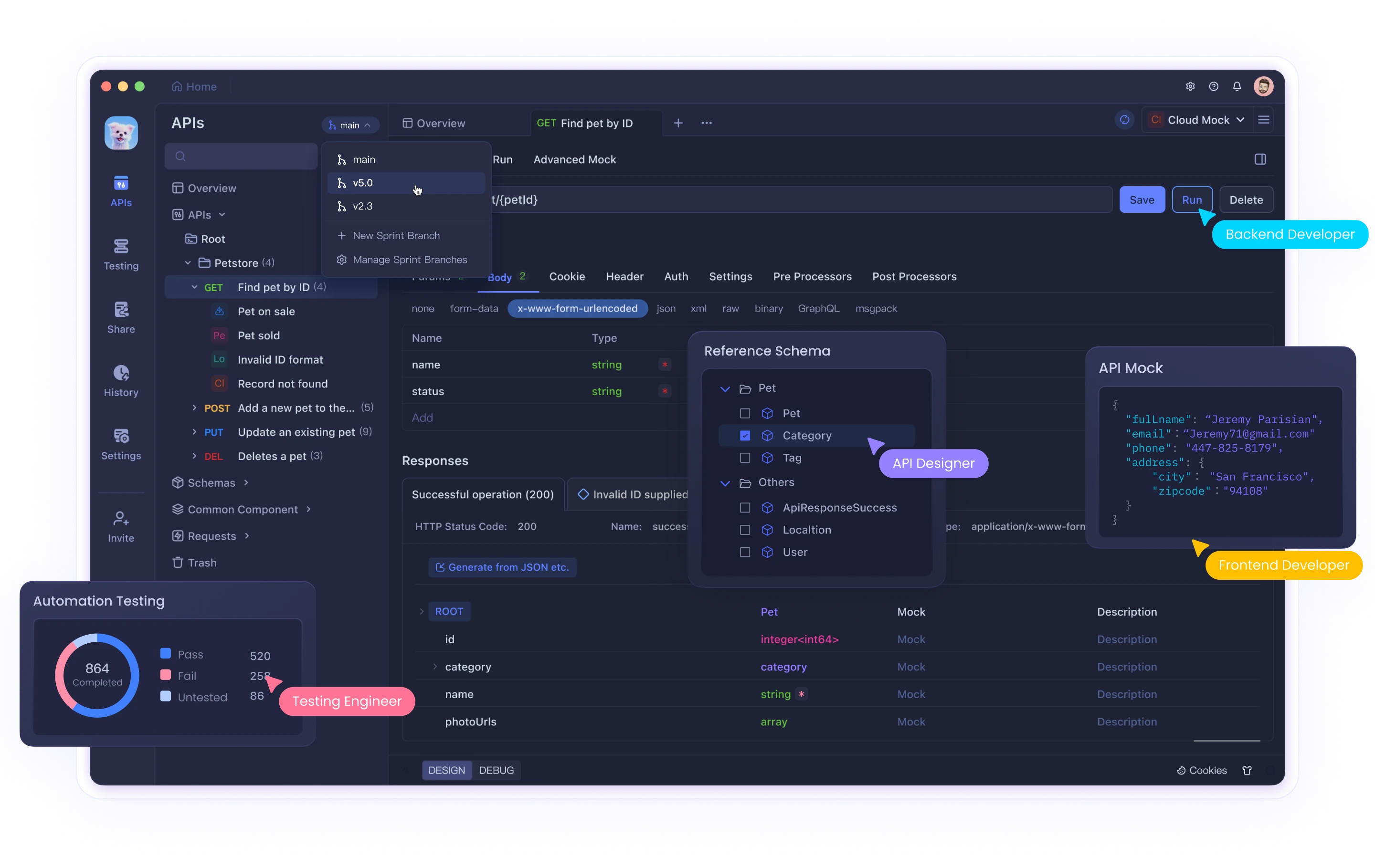
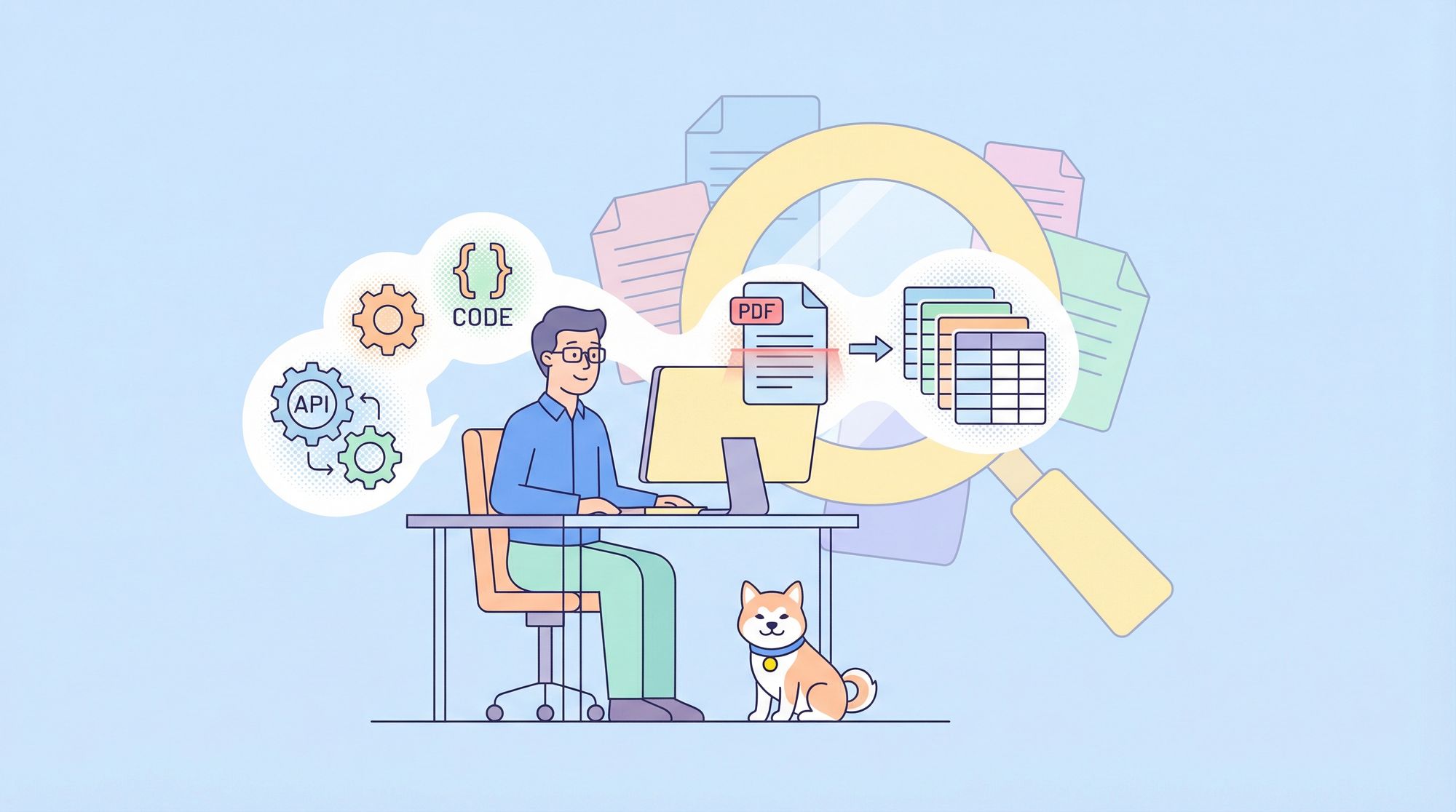
Extracting structured text from massive, scanned PDFs remains a core challenge for data scientists, backend engineers, and API-focused teams. Traditional OCR solutions often struggle with complex layouts, tables, or the scale of modern enterprise documents. With the introduction of Google’s Gemini 2.0 Flash, you can now tackle these pain points head-on—without complex Retrieval-Augmented Generation (RAG) architectures.
This guide details a hands-on workflow for integrating Gemini 2.0 Flash into your OCR pipeline, enabling advanced document intelligence for financial, historical, and technical PDFs at scale.
Why Gemini 2.0 Flash Changes the Game for OCR
My journey with Gemini 2.0 Flash began when legacy OCR tools failed to handle hundreds of scanned financial reports—especially those with nested tables and multi-column layouts. Unlike text-only models, Gemini 2.0 Flash combines a 1 million token context window with true multimodal (text + image) processing.
Key advantages of Gemini 2.0 Flash for OCR:
- Processes up to 1,500 PDF pages at once
- Understands both visual and textual context (ideal for charts, tables, and complex formatting)
- Significantly reduces manual correction and post-processing
- Integrates with modern API workflows (including Apidog for streamlined testing)
Setting Up Your Gemini 2.0 Flash OCR Environment
To get started, establish a robust Python environment for PDF handling and API access.
Install required packages:
pip install google-generativeai pypdf pdf2image pillow python-dotenv
Configure Gemini API access:
import os
import google.generativeai as genai
from dotenv import load_dotenv

load_dotenv()
api_key = os.getenv('GOOGLE_API_KEY')
genai.configure(api_key=api_key)
model = genai.GenerativeModel('gemini-2.0-flash')
Tip: Store API keys securely in environment variables. Integrate API management and testing flows with Apidog for enhanced security and automation.
Step 1: Convert PDF Pages to High-Resolution Images
Gemini 2.0 Flash excels with clear image inputs. Convert each PDF page to a JPEG for best results.
from pdf2image import convert_from_path
import os

def convert_pdf_to_images(pdf_path, output_folder, dpi=300):
    if not os.path.exists(output_folder):
        os.makedirs(output_folder)
    images = convert_from_path(pdf_path, dpi=dpi)
    image_paths = []
    for i, image in enumerate(images):
        path = os.path.join(output_folder, f'page_{i+1}.jpg')
        image.save(path, 'JPEG')
        image_paths.append(path)
    return image_paths
Batch processing: For very large PDFs, process in manageable chunks:
def batch_images(image_paths, batch_size=50):
    for i in range(0, len(image_paths), batch_size):
        yield image_paths[i:i+batch_size]
Step 2: Run OCR with Gemini 2.0 Flash’s Multimodal API
Feed batches of images and custom instructions to Gemini. Tailor your prompts for document type.
Generic OCR extraction:
from PIL import Image

def ocr_with_gemini(image_paths, instruction):
    images = [Image.open(p) for p in image_paths]
    prompt = f"""{instruction}
These are pages from a PDF. Extract all text, preserving structure—tables, columns, headers, formatting."""
    response = model.generate_content([prompt, *images])
    return response.text
Handling Complex Document Elements
For tables, charts, and columns:
def ocr_complex_document(image_paths):
    instruction = """
    Extract ALL text. For tables: use markdown tables, preserve headers/labels.
    For columns: process left to right, separate clearly.
    For charts: describe type, extract labels/data points, include titles.
    Keep headers, footers, and footnotes.
    """
    return ocr_with_gemini(image_paths, instruction)
For financial documents:
def ocr_financial_document(image_paths):
    instruction = """
    Extract all financial data—keep table structures, preserve currency symbols, ensure accuracy in numbers.
    Include balance sheets, income statements, and notes.
    Format tables in markdown.
    """
    return ocr_with_gemini(image_paths, instruction)
Step 3: Automated Quality Assurance
Quality varies by document. Use Gemini to verify OCR accuracy by comparing extracted text to the original image.
def verify_ocr_quality(image_path, extracted_text):
    image = Image.open(image_path)
    prompt = f"""
    Compare this document page with the extracted text. Identify missing text, recognition errors, table/character issues.
    Extracted text:
    {extracted_text}
    """
    response = model.generate_content([prompt, image])
    return response.text
Spot-check random pages, or automate as part of your QA pipeline. Apidog can help test and manage these API workflows.
Step 4: Processing Massive PDFs Beyond Model Limits
Even with a large 1M-token context window, some PDFs exceed Gemini’s limits. Use batch processing and post-extraction harmonization:
def process_large_pdf(pdf_path, output_folder, output_file):
    image_paths = convert_pdf_to_images(pdf_path, output_folder)
    batches = batch_images(image_paths, 30)
    full_text = ""
    for i, batch in enumerate(batches):
        print(f"Processing batch {i+1}...")
        batch_text = ocr_with_gemini(batch, "Extract all text, maintaining document structure")
        full_text += f"\n\n--- BATCH {i+1} ---\n\n{batch_text}"
    with open(output_file, 'w', encoding='utf-8') as f:
        f.write(full_text)
    return full_text

def harmonize_document(extracted_text):
    prompt = """
    The following text was extracted in batches. Remove batch markers, ensure formatting and section flow, fix table breaks.
    Original extracted text:
    """
    response = model.generate_content(prompt + extracted_text)
    return response.text
Specialized: OCR for Historical and Challenging Documents
For aged, noisy, or handwritten PDFs, prompt Gemini to prioritize accuracy and flag uncertain sections.
def historical_document_ocr(image_paths):
    instruction = """
    Extract text from historical images with stains, faded ink, or old fonts. Prioritize accuracy over formatting. Flag uncertain text with [?].
    """
    extracted_text = ocr_with_gemini(image_paths, instruction)
    correction_prompt = f"""
    Review extracted text for OCR errors in historical docs. Correct misreadings, only adjust archaic spellings if they're errors, resolve [?] where context allows.
    Original text:
    {extracted_text}
    """
    corrected_text = model.generate_content(correction_prompt)
    return corrected_text.text
Real-World Results: What Developers Gain
- Accuracy: Gemini 2.0 Flash consistently delivers over 95% accuracy in complex, structured PDFs—far surpassing legacy OCR solutions.
- Speed: End-to-end extraction often finishes in minutes, with minimal manual intervention.
- Data Integrity: Table and chart structures are preserved, reducing downstream data cleaning.
This workflow removes friction from large-scale document processing and can be easily integrated into CI/CD or document automation pipelines—especially when paired with robust API testing and management tools like Apidog.
Conclusion: Transform Your Document Intelligence Stack
Gemini 2.0 Flash unlocks scalable, context-aware OCR for developers working with large, complex PDFs. Its multimodal approach bridges the gap between visual layout and textual data, all in a streamlined workflow that fits modern API-driven architectures.
By combining Gemini’s OCR power with reliable API tools like Apidog, you can automate and validate document processing pipelines—cutting manual effort, boosting accuracy, and enabling new possibilities for document intelligence at scale.
💡Get started with Apidog to orchestrate, test, and secure your OCR APIs and unlock smarter document workflows.