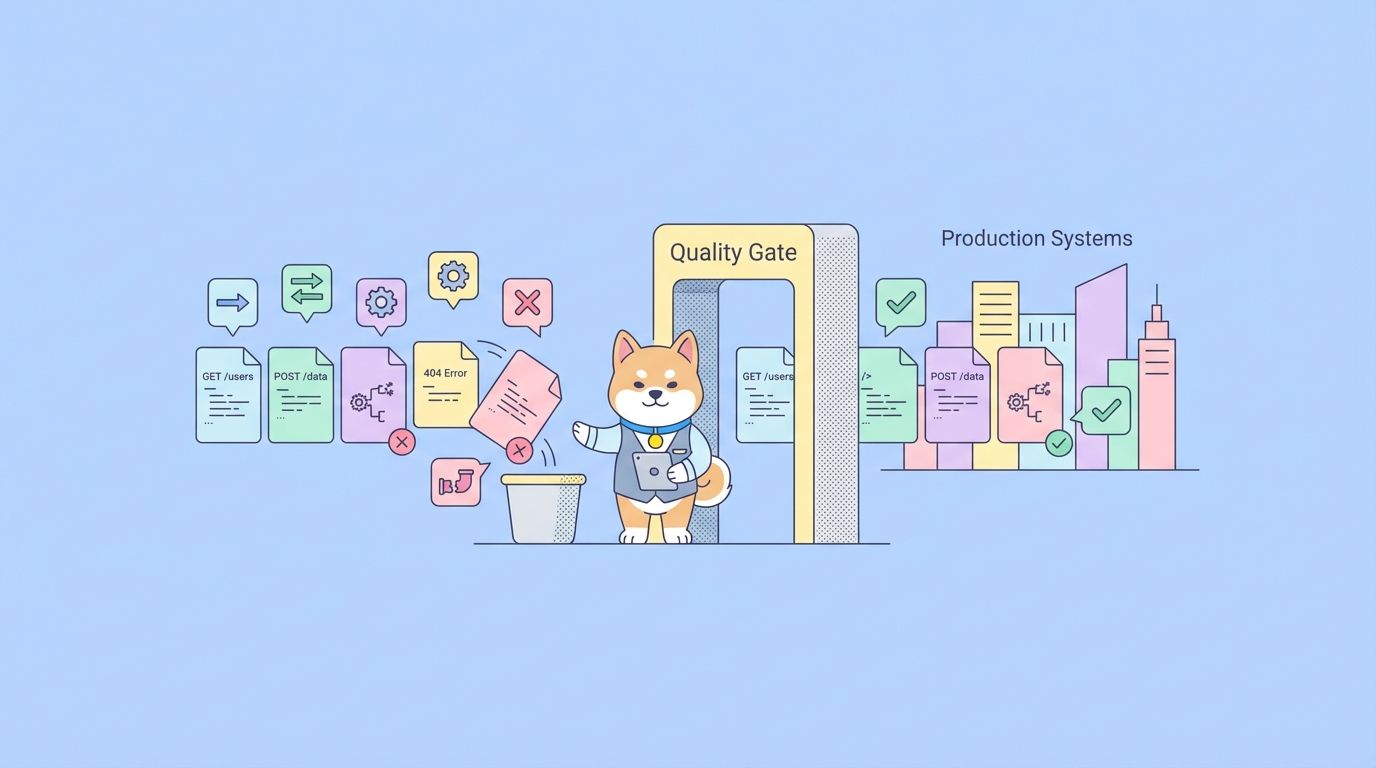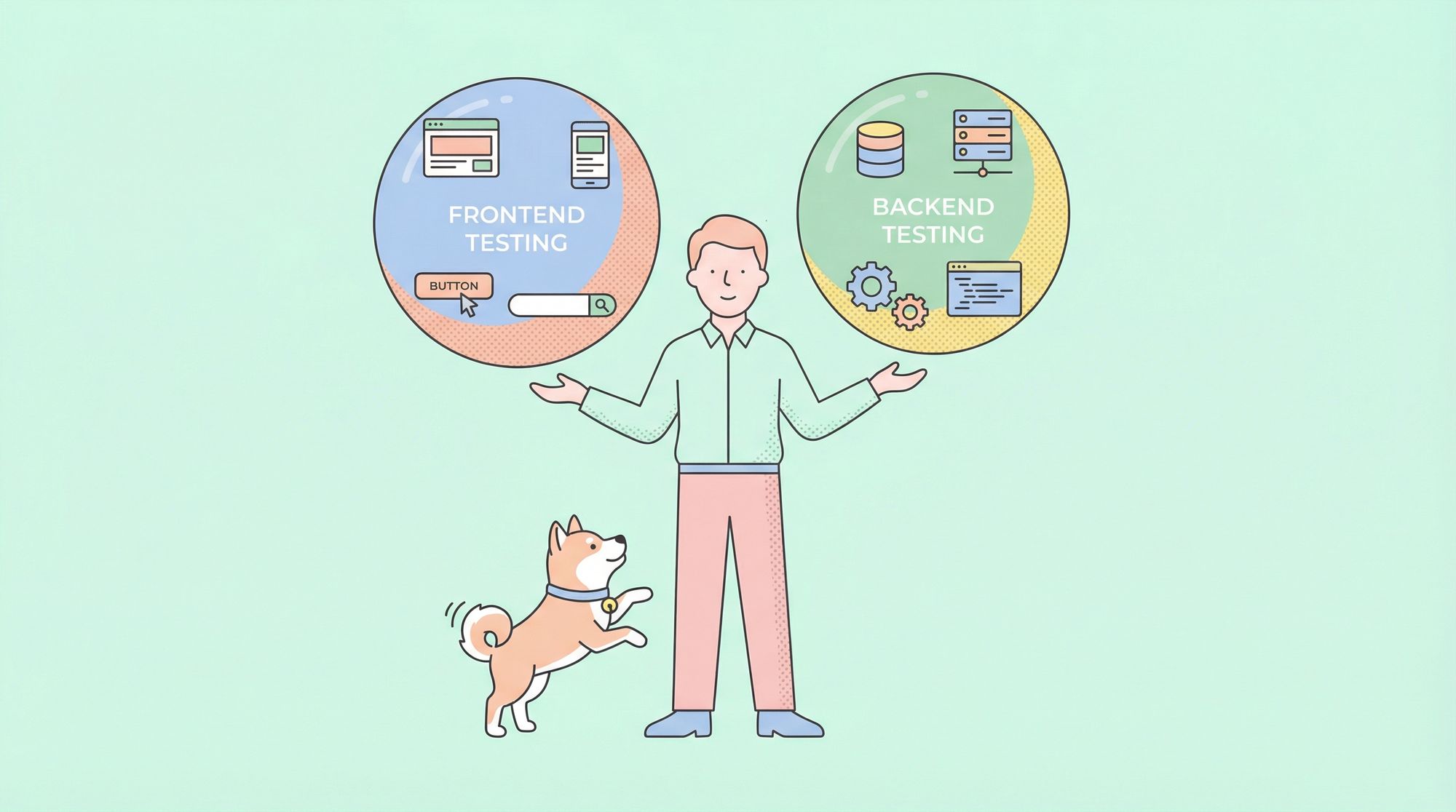
Frontend and backend are two sides of modern software development. When it comes to quality assurance, Frontend Testing and Backend Testing are both essential, but they focus on two very different aspects of an application. This guide explains what each type of testing is, why they matter, how they differ, and how to build a cohesive full-stack testing strategy.
What Is Frontend Testing?
Frontend testing ensures that the user interface of a web or mobile app behaves as expected. It’s concerned with what users see and interact with: buttons, forms, navigation, layout, and responsiveness. At its core, frontend testing verifies that the UI not only renders correctly but also reacts correctly to user inputs.
Key Types of Frontend Tests
| Test Type | Purpose |
|---|---|
| Unit Testing | Tests individual UI components |
| Integration Testing | Validates interactions between UI parts |
| End-to-End (E2E) | Simulates real user behavior across the system |
| Visual Regression | Ensures UI layout hasn’t unexpectedly changed |
Frontend Testing Example
Here’s a simple unit test using a JavaScript testing framework like Jest:
import { render, screen } from '@testing-library/react';
import Button from './Button';

test('renders Submit button', () => {
  render(<Button text="Submit" />);
  const btn = screen.getByText(/Submit/i);
  expect(btn).toBeInTheDocument();
});
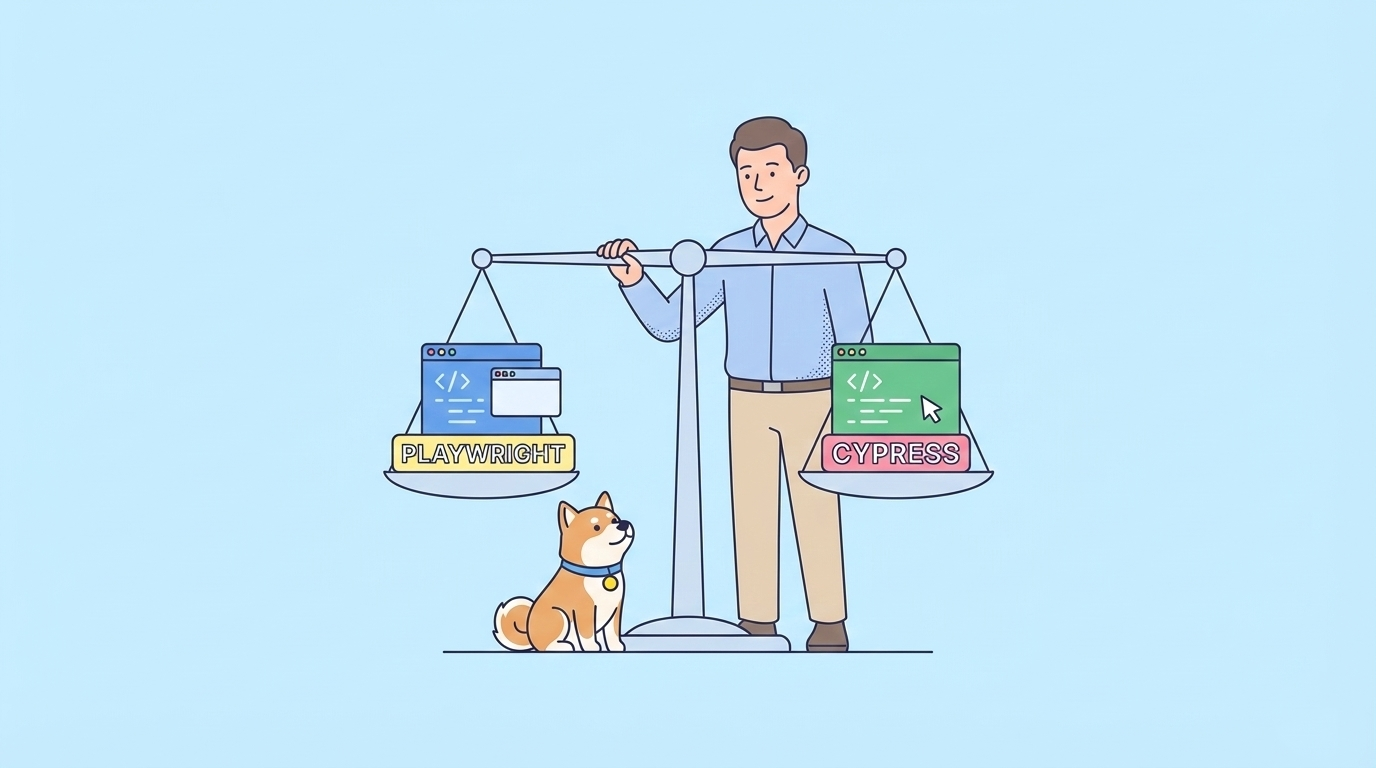
Frontend testing often relies on interacting with DOM elements and simulating events. Tools such as Jest, Cypress, Puppeteer, and Selenium are common choices for ensuring UI correctness.
What Is Backend Testing?
While the frontend focuses on user experience, backend testing focuses on the server, databases, APIs, and logic that power an application. It ensures that data processing, business logic, performance, and integrations work as intended.
Key Types of Backend Tests
| Test Type | Purpose |
|---|---|
| Unit Tests | Checks individual logic functions |
| API Testing | Verifies endpoints and their contract behavior |
| Integration Testing | Confirms services work together |
| Performance Testing | Evaluates load and response times |
| Security Testing | Ensures vulnerabilities are mitigated |
Backend Testing Example (API)
Here’s a simple test for an API endpoint using a test tool like Jest + Supertest:
import request from 'supertest';
import app from '../app';

test('GET /api/users returns users list', async () => {
  const response = await request(app).get('/api/users');
  expect(response.status).toBe(200);
  expect(response.body).toHaveProperty('users');
});
In backend testing, the focus is on validating the correctness of logic, data integrity, performance efficiency, and secure communication.

Why Are Frontend Testing and Backend Testing Both Important?
Frontend and backend testing serve different but complementary roles. Poor frontend testing can lead to a bad user experience—even if the backend works perfectly. Conversely, rigorous backend testing with poor frontend validation can result in invisible but critical failures, such as incorrect data handling.
A balanced testing strategy ensures that:
- The output users see is correct.
- The logic behind the scenes is reliable, performant, and secure.
Frontend Testing vs Backend Testing: Core Differences
To compare Frontend Testing vs Backend Testing side by side, consider the following table:
| Aspect | Frontend Testing | Backend Testing |
|---|---|---|
| Primary Concern | UI behavior and layout | Logic, data, API functionality |
| Typical Tools | Jest, Cypress, Selenium | Postman, Supertest, JMeter |
| Test Focus | User interactions | Data integrity, security |
| Who Benefits Most | UX designers, frontend devs | Backend devs, system architects |
| Testing Environment | Browser, UI simulator | Server, database, services |
How They Work Together in a Full-Stack Testing Strategy
Modern applications are often distributed systems with complex interactions between frontend and backend. A robust quality strategy combines Frontend Testing vs Backend Testing to ensure reliability from the user interface all the way down to the database.
Integration Points
- API Contracts: The frontend consumes data exposed by backend APIs, so both teams must agree on request/response formats.
- Mocking: Frontend tests often use mocked backend responses when the backend isn’t ready or stable.
- End-to-End Tests: These comprehensive tests validate entire user flows from UI to server and back.
How Apidog Helps Both Frontend and Backend Testing
Testing APIs is crucial to both ends of the stack. Frontend developers depend on reliable API responses to render data correctly, while backend teams must ensure those APIs behave as expected. Apidog is a unified API tool that helps teams design, test, mock, and validate API endpoints, bridging gaps between frontend and backend workflows:
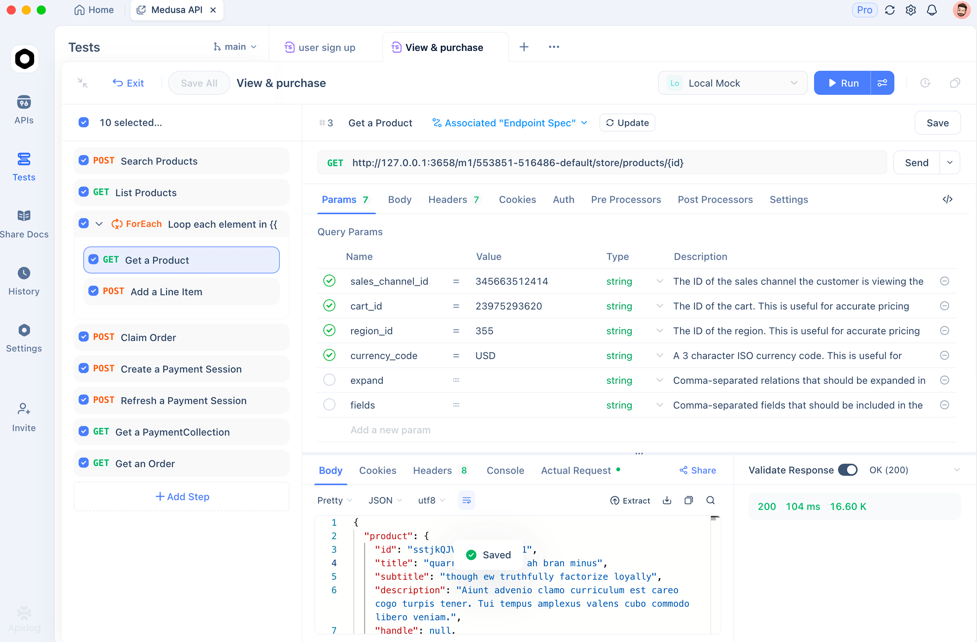
- Mock Servers: Frontend developers can simulate backend behavior using mock data generated based on API specs, enabling frontend testing early in the development cycle. (apidog)
- Visual Assertions: Both frontend and backend teams can define conditions for expected API behavior without writing extensive test scripts. (apidog)
- CI/CD Integration: Automated API tests can be integrated into continuous integration pipelines, catching issues early for both sides of the stack. (Apidog Docs)
- Automated API Tests: Apidog can generate and run tests against API endpoints, validating responses and status codes automatically. (Apidog Docs)
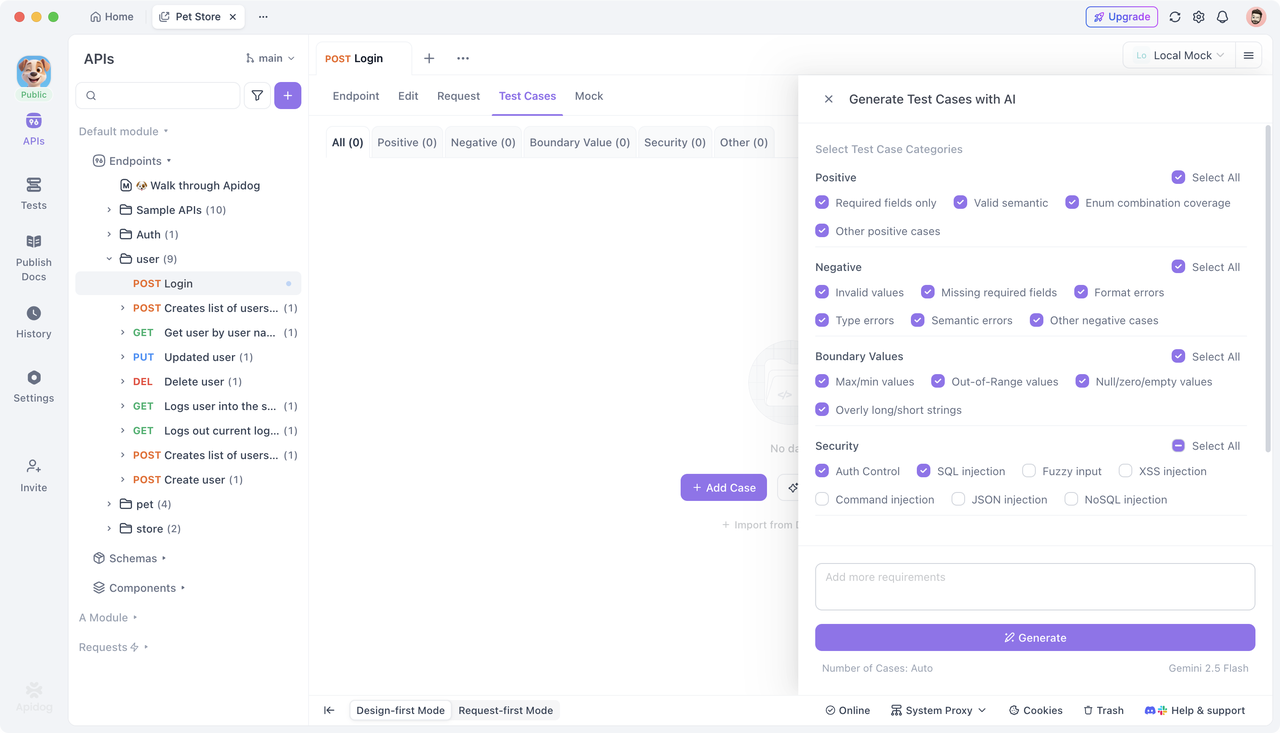
These capabilities make Apidog especially useful for projects where APIs serve as the contract between frontend and backend logic.
Full-Stack Testing Workflow: Step-by-Step
Here’s a simplified approach to combining frontend and backend testing:
- API Specification First: Define your API using a specification format (e.g., OpenAPI).
- Mock Early: Use tools like Apidog to generate mock endpoints so frontend developers can begin testing UI even before backend implementation.
- Backend Unit & API Tests: Write backend logic tests and API tests to validate business rules and data flows.
- Frontend Component & E2E Tests: Validate UI components and major user journeys, using live or mocked endpoints.
- Integration & Contract Tests: Ensure frontend and backend agree on data formats and logic paths.
- CI/CD Automation: Run all tests on every commit to ensure regressions don’t slip through.
Frequently Asked Questions
Q1. What’s the main difference between frontend and backend testing?
Frontend testing focuses on UI behavior and user interaction, while backend testing focuses on server logic, APIs, data, and system security.
Q2. Can frontend tests run without a backend?
Yes—frontend tests often use mocks or stubs to simulate backend APIs so developers can test UI components independently.
Q3. Is API testing part of backend testing?
Yes, API testing is a key component of backend testing since it validates the correctness of data served to clients.
Q4. How does Apidog support API testing?
Apidog provides test automation, mock servers, visual assertions, and integration with CI/CD workflows to help teams ensure APIs behave as expected. (Apidog Docs)
Q5. Should all projects use both frontend and backend testing?
In most real-world applications, yes. Combining both ensures the software works reliably from the interface through the underlying logic.
Conclusion
Understanding Frontend Testing vs Backend Testing is essential for building reliable, high-quality software. Each type of testing plays a distinct role: frontend tests ensure a polished user interface and smooth interactions, while backend tests verify server logic, data integrity, and API behavior. Together, they form a complete quality strategy that catches issues early and enhances both user experience and system reliability. Tools like Apidog further streamline API testing—bridging frontend and backend testing needs and helping teams deliver confidence across the entire stack.