Unlocking Google Veo 3 for Free: Practical Access for API Developers
In the fast-evolving world of AI, Google Veo 3 stands out as a powerful tool for video generation and creative content. However, its premium features often sit behind a paywall—posing a challenge for developers and teams who want to explore its capabilities without upfront investment. So, how can you get free access to Google Veo 3? This guide details three reliable methods to access Google Veo 3 for free, whether you’re an engineer, API tester, or technical lead.
💡 Looking to test, document, and manage the Vertex AI API for Google Veo 3? Try Apidog—a unified API platform trusted by modern developer teams. Instantly send API requests, mock endpoints, and generate shareable docs in one place. Start free today.
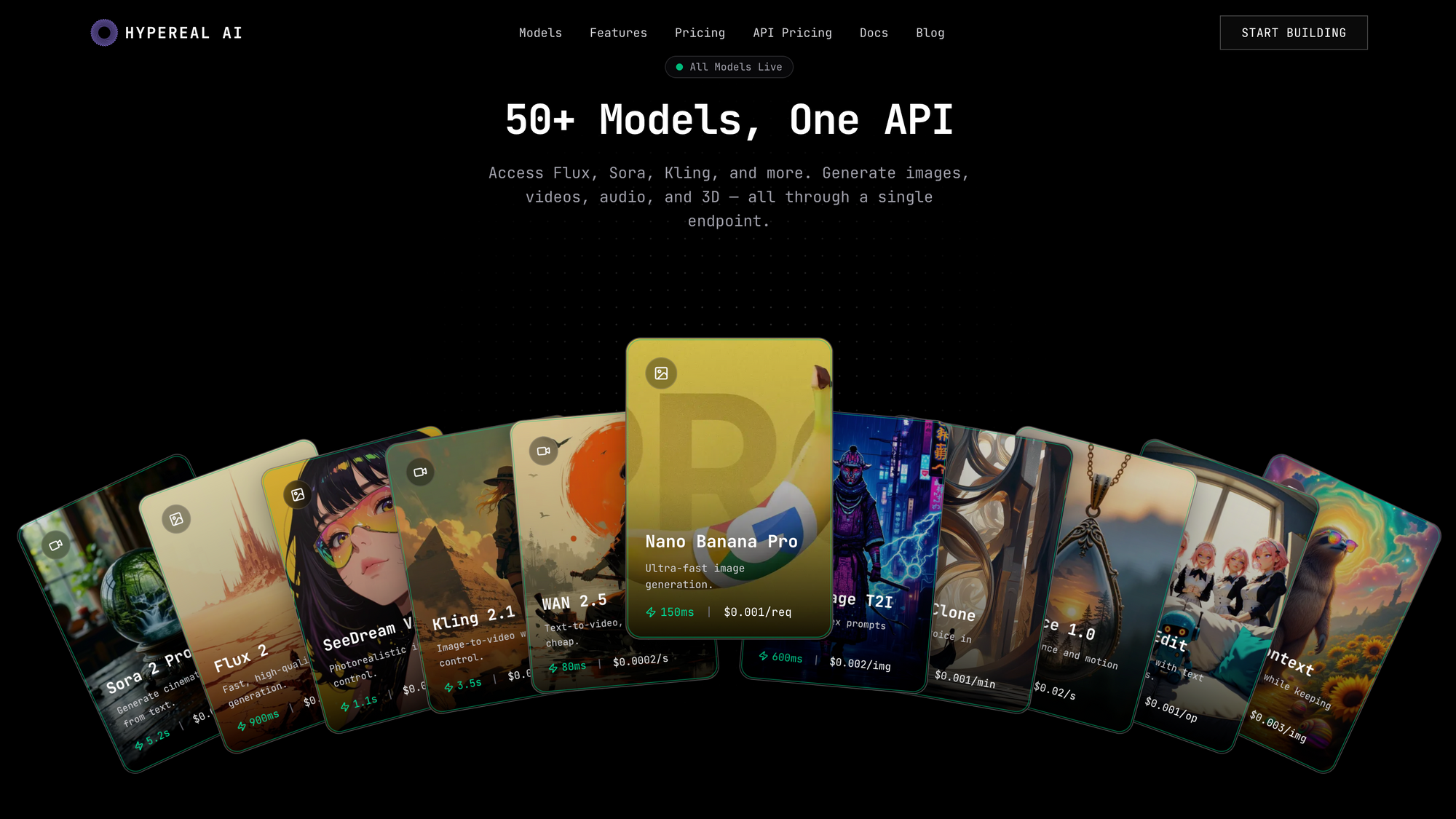
For developers who want affordable Google Veo 3.1, Nanobanana API Access, Hypereal AI offers virtually all AI Media Generation APIs at a lower price.
Generate images, videos, and avatars with one API. 50+ models, sub-second latency, pay per use.


Why Developers Want Free Google Veo 3—and How to Get It
Google Veo 3 is more than an AI video generator. Its advanced features empower teams to:
- Generate high-quality videos from text prompts
- Analyze large documents and textbooks
- Convert course content into audio or podcast formats
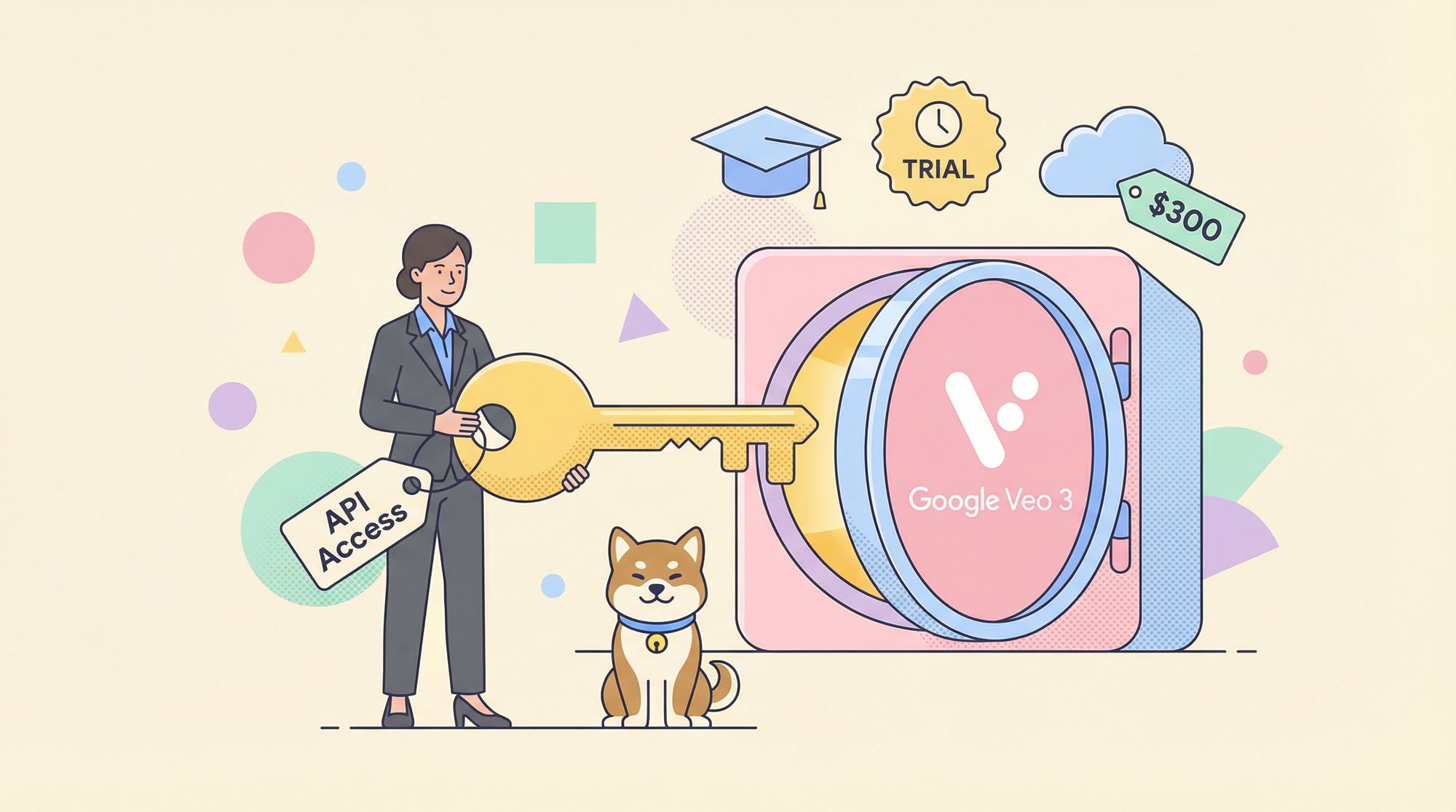
Summary Table: Free Google Veo 3 Access Methods
| Method | Who's Eligible | Duration | Key Features |
|---|---|---|---|
| Student Promo | University students | 15 months | Full suite: Veo 3, Gemini Pro, NotebookLM |
| Google AI Free Trial | All new users | 1 month | Veo 3, Gemini Pro, NotebookLM |
| Google Cloud $300 | New Cloud users | Until credit | Veo 3 API via Vertex AI |
Method 1: Student Promo—15 Months Free Google Veo 3

If you have access to a university email address, you can unlock Google Veo 3 and Gemini Pro for 15 months at no cost. Here’s how to take advantage:
1. Obtain a Student Email
- Use your valid university email (ending in .edu or equivalent).
- Not a student? Services like tempemail.id can generate temporary edu addresses for verification (note: comply with all terms and policies).
2. Apply for Google AI Student Promo
- Visit the Google One Student page and begin student verification.
- Enter your student email and follow the prompts.
- Supported in Brazil, Indonesia, Japan, the UK, and the US—use a VPN if needed.
3. Activate and Use Veo 3
- After verification, enjoy 15 months of full access to Veo 3, Gemini Pro, and NotebookLM Pro.
- Note: Must re-verify before August 2025. Offer ends June 30, 2025. A valid payment method is required for signup.
Method 2: Google AI Pro Free Trial—1 Month for Any User
You don’t need to be a student to explore Google Veo 3. The Google AI Pro plan offers a risk-free one-month trial for all new users.

1. Start the Free Trial
- Sign up for the Google AI Pro plan via the official Google AI Plans page.
- Get 1 month of complete access (then $19.99/month if not canceled).
2. Explore Premium Features
- Use Veo 3 for video generation and content creation.
- Access large file uploads (up to 1,500 pages).
- Experiment with Gemini Pro, Deep Research, NotebookLM, and 2TB storage.
Method 3: Google Cloud $300 Free Credit—API Access via Vertex AI
For developers who want direct API access to Google Veo 3 through Vertex AI, Google Cloud’s $300 credit for new users is the best route.
1. Set Up Google Cloud & Vertex AI
- Create a Google Cloud account and enable billing (no charges unless you upgrade).
- Start a new project and enable the Vertex AI API.
2. Configure Authentication
-
Using the Google Cloud console requires no additional setup.
-
For local development, install and initialize the Google Cloud CLI:
gcloud init -
For federated identities, refer to Google’s authentication documentation.
3. Generate Videos from Text (Console Walkthrough)
-
In the Google Cloud console, open Vertex AI Studio > Media Studio.
-
Select “Video” and configure:
- Model: Choose the appropriate model.
- Aspect Ratio: 16:9 or 9:16 (note: 9:16 not supported by veo-3.0-generate-preview).
- Number of Results: 1–4.
- Video Length: 5–8 seconds.
- Output Directory: Set your Cloud Storage bucket.
-
In the Safety section, set Person generation preferences.
-
(Optional) Set a randomization Seed.
-
Enter your prompt describing the video.
-
Click “Generate.”
4. Use Your Free $300 Credit
- Apply your credit to API calls and video generation tasks.
- Explore official documentation for deeper integration with Vertex AI and Veo 3.
How to Test and Document the Google Veo 3 API with Apidog
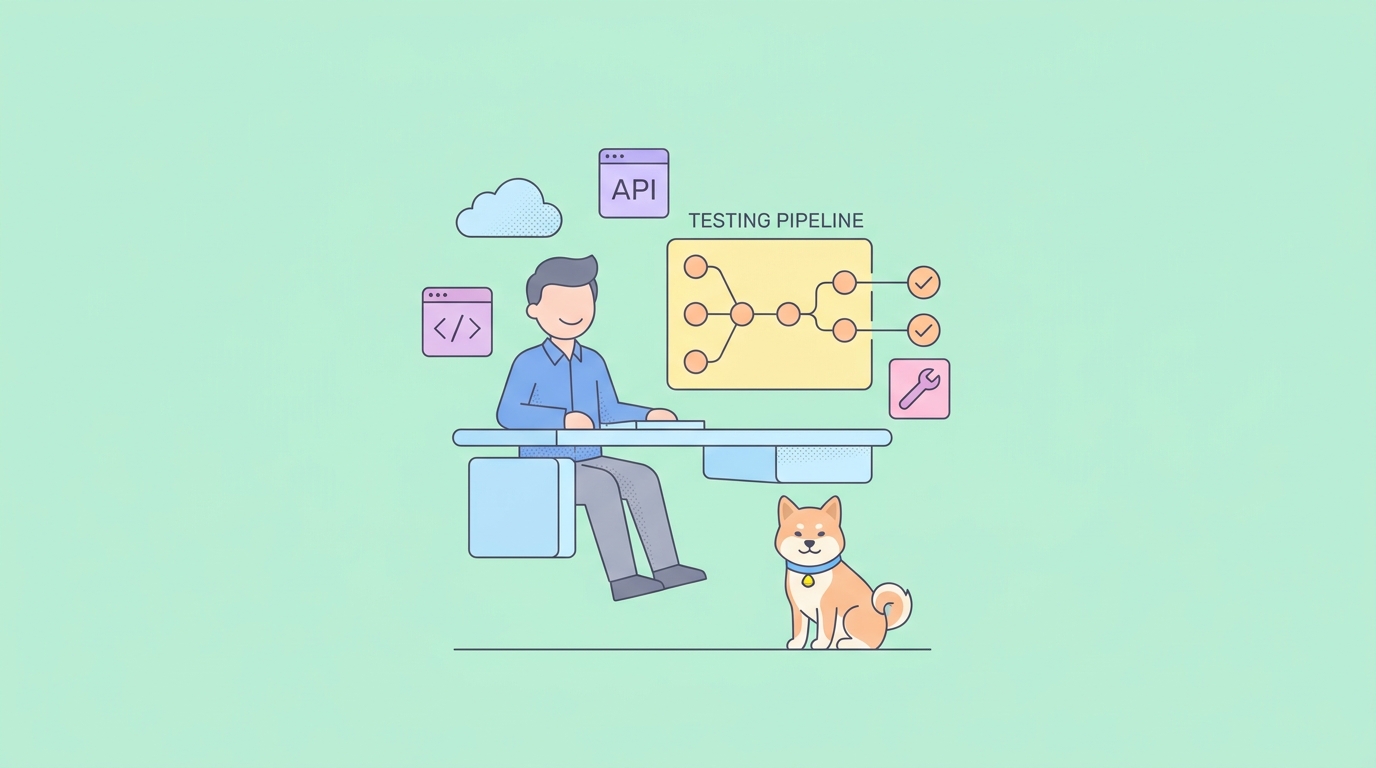
For API-focused teams, robust testing and clear documentation are essential when working with the Veo 3 API. Apidog provides a streamlined solution, integrating all aspects of API design, testing, and documentation into a single platform.

Why Apidog Is Ideal for Testing the Vertex AI API
- Unified workflow: Design, test, and document APIs without switching tools.
- Rapid API requests: Instantly send requests and review responses.
- Automated validation: Ensure API responses meet your specifications.
- Mock server: Generate test data and mock endpoints for frontend development.
- Collaboration: Share docs and test cases with your team in one click.

Step-by-Step Guide: Using Apidog with the Google Veo 3 API
-
Sign Up for Apidog
- Visit Apidog and create a free account.
-
Import the Google Veo 3 API Specification
- Import OpenAPI/Swagger spec directly or use Apidog’s visual editor to define endpoints.
-
Send API Requests
- Select the Veo 3 API endpoint.
- Set parameters, headers, and body content.
- Click “Send” to view responses instantly.
-
Validate and Document
- Use automated validation to check API responses.
- Save requests as test cases, extract variables, and add assertions.
- Generate and share interactive API documentation in one click.
Pro Tip: With Apidog MCP Server, connect your API specs to AI-powered IDEs like Cursor, enabling your assistant to generate code and search documentation based on your live API.
Conclusion: Unlock Google Veo 3—and Streamline Your API Workflow
Google Veo 3 opens new possibilities for engineers, teams, and creators. Whether you’re a student, a new user seeking a trial, or a developer leveraging Google Cloud credits, there are reliable paths to explore Veo 3 for free.
For those building on the Vertex AI API, Apidog offers a professional-grade solution for API testing, documentation, and collaboration—helping you move from experimentation to production with confidence.
Key Takeaways:
- Three effective methods to access Google Veo 3 for free: student promo, AI Pro trial, or Google Cloud credits.
- Apidog simplifies testing, documenting, and automating the Veo 3 API workflow.
- Enhance team productivity and code quality with Apidog’s integrated platform.
Ready to unlock Google Veo 3 and streamline your API development? Sign up for Apidog and experience a modern approach to API management.