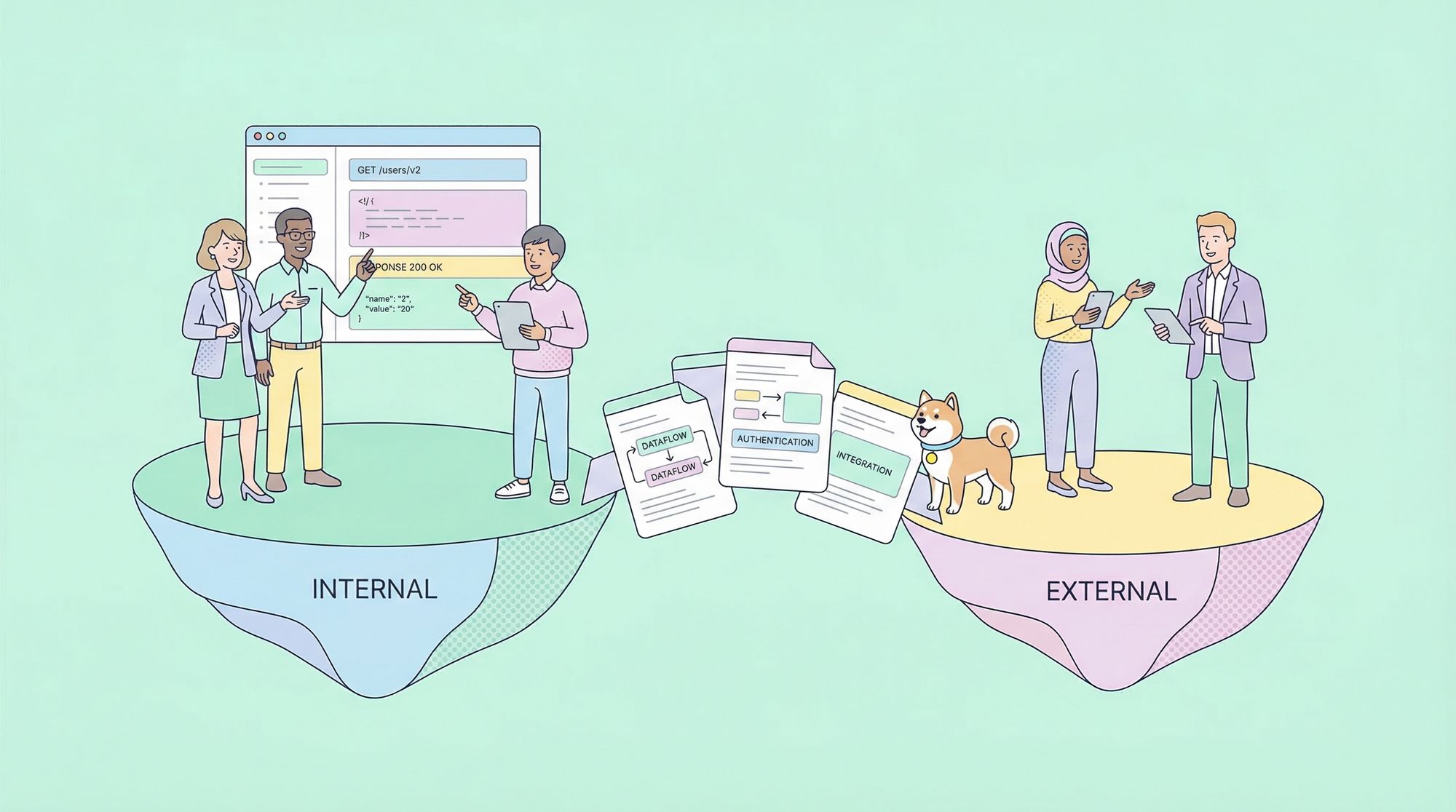
API documentation is the backbone of successful API adoption and usage, but not all documentation needs are created equal. When you document APIs for internal and external stakeholders, you must address different audiences, objectives, and standards. In this comprehensive guide, you’ll learn what it means to document APIs for internal and external stakeholders, why it matters, and how to implement effective documentation strategies that drive adoption, reduce friction, and maximize business value.
What Does It Mean to Document APIs for Internal and External Stakeholders?
To document APIs for internal and external stakeholders is to create targeted, accessible, and actionable resources that enable both your organization’s teams (internal) and third parties (external) to understand, use, and integrate with your APIs efficiently. While internal stakeholders may include developers, QA engineers, architects, and product managers, external stakeholders are typically partners, customers, and third-party developers.
Internal API documentation focuses on technical depth, maintainability, and organizational context. It enables team members to build, debug, and extend software quickly.
External API documentation serves as both a technical manual and a product interface. It must guide new users from onboarding through successful integration, often with a strong emphasis on clarity, polish, and user experience.
Why Is It Important to Document APIs for Internal and External Stakeholders?
Accelerates Onboarding and Productivity
Clear API documentation lets new team members or external developers get started quickly, minimizing the need for one-on-one explanations or tribal knowledge.
Reduces Support Costs
Comprehensive documentation helps answer common integration and troubleshooting questions, reducing the need for repetitive support and freeing up valuable engineering resources.
Drives API Adoption
For external stakeholders, your API documentation is often the first—and sometimes only—impression they get of your platform. Well-structured documentation can be the difference between rapid adoption and developer churn.
Ensures Consistency and Compliance
For both internal and external APIs, documentation enforces consistency across teams and helps ensure compliance with regulatory, security, or governance requirements.
Key Differences: Documenting APIs for Internal vs. External Stakeholders
| Factor | Internal Stakeholders | External Stakeholders |
|---|---|---|
| Audience | Developers, QA, Ops, Product Managers | Partners, Customers, Third-party Developers |
| Focus | Technical depth, edge cases, internal context | Clarity, onboarding, ease of use, completeness |
| Security | May include sensitive implementation details | Mask sensitive data, focus on public endpoints |
| Format | Often raw, detailed, technical | Polished, branded, interactive, user-friendly |
| Examples | Deep dives, test cases | Step-by-step guides, SDKs, quickstarts |
| Updates | Fast, iterative, internal change logs | Versioned, backward-compatible, changelogs |
Best Practices to Document APIs for Internal and External Stakeholders
1. Understand Your Stakeholders’ Needs
- Internal: Prioritize precision, completeness, and discoverability. Cover architectural decisions, system dependencies, and edge cases.
- External: Focus on user journeys. Provide onboarding guides, authentication instructions, and quickstart examples.
2. Maintain a Single Source of Truth
Store your API definitions, documentation, and changelogs in a centralized location. Tools like Apidog help you create, manage, and publish documentation for both audiences from one workspace.
3. Use Standardized Formats and Structure
- OpenAPI/Swagger: Define endpoints in a machine-readable way, enabling automation and consistency.
- Consistent Structure: For both internal and external docs, use clear sections—Overview, Authentication, Endpoints, Request/Response Examples, Error Codes, Changelog.
4. Write for Your Audience
- Use internal jargon and technical depth for internal docs, but avoid it for external users.
- For external docs, assume minimal prior knowledge and explain concepts clearly.
5. Provide Code Samples and Tutorials
- Internal: Include test scripts, detailed examples, and architecture diagrams.
- External: Offer code snippets in multiple languages, interactive API explorers, and SDK references.
6. Automate Documentation Updates
- Integrate documentation updates with your CI/CD pipeline.
- With Apidog, you can publish online documentation that updates instantly as your API evolves.
7. Facilitate Discovery and Searchability
- Use intuitive navigation, tags, and search features.
- For large organizations, catalog APIs so internal teams can easily find and reuse them.
8. Address Security and Compliance
- Internal docs can discuss sensitive implementation details; restrict access as needed.
- External docs should only expose public endpoints and never reveal confidential information.
Practical Steps: How to Document APIs for Internal and External Stakeholders
Step 1: Define Documentation Scope and Audience
Before writing, clarify whether your documentation will serve internal stakeholders, external stakeholders, or both. Create personas and use cases to guide your content.
Step 2: Choose the Right Tools
Adopt a platform that supports collaborative, version-controlled documentation. Apidog provides an all-in-one environment for API design, testing, and documentation—ideal for both internal and external needs.
Step 3: Structure Your Documentation
For Internal Stakeholders:
- API Overview
- Internal Architecture and Dependencies
- Endpoint Definitions (with example requests/responses)
- Authentication Mechanisms
- Error Handling and Edge Cases
- Changelogs and Deprecated Features
- Internal Usage Guidelines
For External Stakeholders:
- Getting Started Guide
- Authentication and Authorization Flows
- Endpoint Reference (with code samples)
- Rate Limits and Usage Policies
- FAQs and Troubleshooting
- SDKs and Integration Tutorials
- Support and Contact Information
Step 4: Generate and Publish Documentation
Use tools like Apidog to generate online documentation instantly from your API definitions. For external stakeholders, publish documentation on a branded, public-facing portal. For internal teams, restrict access as required.
Step 5: Gather Feedback and Iterate
Encourage both internal and external users to submit feedback on your documentation. Continuously update and improve based on real-world usage and questions.
Real-World Examples: Documenting APIs for Internal and External Stakeholders
Example 1: Internal API Documentation for a Microservices Architecture
A fintech company uses dozens of internal APIs to connect services like payments, user management, and notifications. Their internal documentation includes:
# OpenAPI snippet for internal authentication endpoint
paths:
  /auth/internal-login:
    post:
      summary: Internal login for service-to-service authentication
      requestBody:
        content:
          application/json:
            schema:
              $ref: '#/components/schemas/InternalLoginRequest'
      responses:
        '200':
          description: Authenticated
          content:
            application/json:
              schema:
                $ref: '#/components/schemas/AuthToken'
      security:
        - internalApiKey: []
They use Apidog to auto-generate internal-facing online docs, including system diagrams and references to shared libraries.
Example 2: External API Documentation for a SaaS Platform
A SaaS company exposes APIs for developers to build third-party apps. Their external documentation features:
- An interactive API playground (powered by Apidog)
- Step-by-step onboarding guide
- Live code samples (JavaScript, Python, Java)
- Authentication and rate limit explanations
- FAQ and support contact
// Example: External API request for creating a new user
POST /api/v1/users
{
  "email": "alice@example.com",
  "name": "Alice"
}
The documentation is branded, polished, and updated automatically with each API version.
Example 3: Hybrid Documentation Portal
Some organizations serve both audiences through a unified portal, using access controls to display additional internal details to authenticated employees while showing public references to external users. Apidog’s workspace and permission features make this seamless.
How Apidog Helps Document APIs for Internal and External Stakeholders
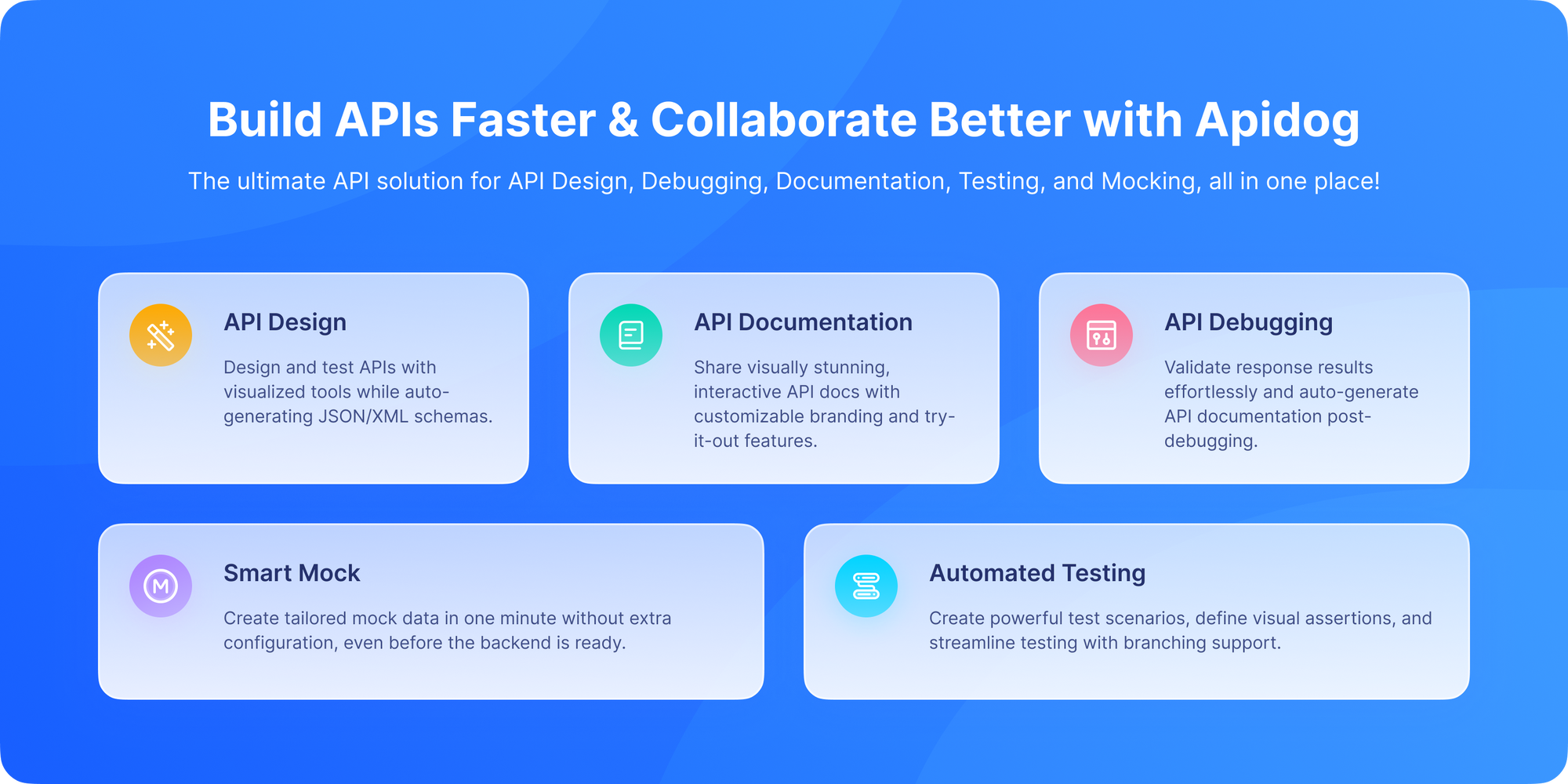
Apidog is designed to streamline the process of documenting APIs for both internal and external stakeholders. Here’s how it supports your workflow:
- Centralized API Design & Documentation: Define, test, and document APIs in one place.
- Instant Online Docs: Generate and publish interactive, up-to-date documentation for any audience.
- Access Controls: Set permissions to show internal-only content or public docs for external users.
- Automated Updates: Sync documentation with your API changes, ensuring consistency and reducing manual work.
- Mock Data & Testing: Enable both internal and external teams to try endpoints before full integration.
Conclusion: Next Steps for Documenting APIs for Internal and External Stakeholders
To document APIs for internal and external stakeholders effectively, you must tailor your approach to each audience—balancing technical depth for internal teams with clarity and usability for external partners. By implementing best practices, leveraging the right tools like Apidog, and committing to continuous improvement, you can maximize API adoption, reduce support costs, and unlock new business opportunities.