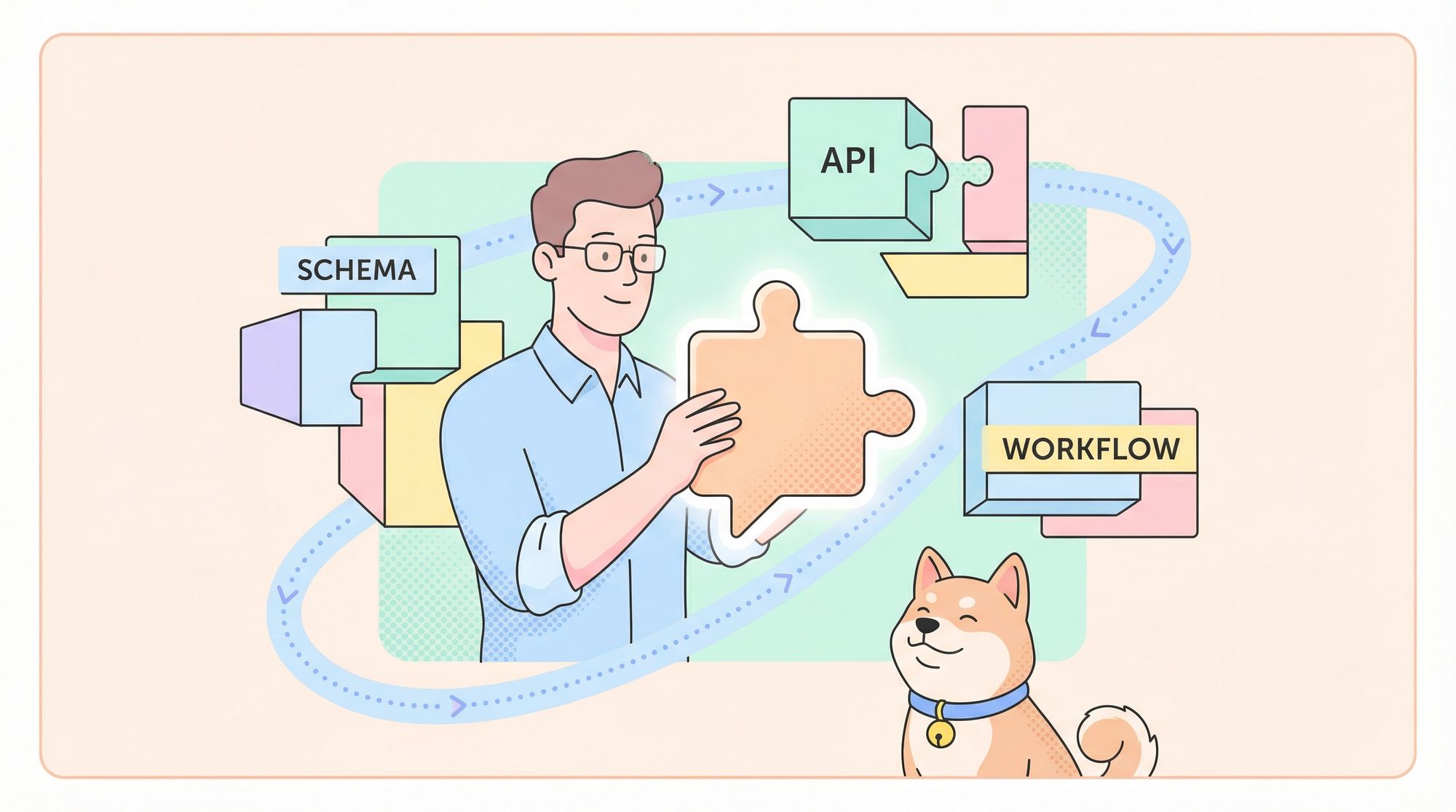
Looking to automate workflows, enhance user interactions, or power new services with AI? Building a custom AI agent from the ground up gives you unmatched flexibility, control, and integration potential—especially for developer and engineering teams. This guide walks you through a proven, 9-step process to design, build, and deploy your own AI agent—from defining its purpose to delivering a usable API or UI.
💡 Need an API testing platform that generates beautiful API Documentation and powers your team’s productivity? Apidog covers everything your dev team needs, replacing Postman at a more affordable price.
Step 1: Clarify Your Agent’s Purpose and Scope
Before you start coding or drafting prompts, define exactly what you want your AI agent to accomplish:
- Task Definition: What is the agent’s main responsibility? (e.g., “qualify sales leads”, “summarize support tickets”, “recommend books”)
- User Targeting: Who will use it? (internal devs, end-users, other agents)
- Expected Output: What format or deliverable should it produce? (JSON, formatted report, draft message, decision, etc.)
Example:
For a sales assistant agent, you might specify:
- Input: Lead profile data
- Action: Research lead, score fit
- Output: Draft outreach email
A precise scope makes downstream development—prompts, schema, and integration—much smoother.
Step 2: Design Robust Input/Output Schemas
Structured schemas are essential for agent reliability and seamless integration. Avoid free-form text; define input and output contracts up front:
- Use Pydantic (Python), JSON Schema, or TypeScript interfaces to specify field types, required/optional status, and constraints.
- Include metadata like timestamps or model versions if relevant.
from pydantic import BaseModel, Field
from typing import Optional

class LeadProfile(BaseModel):
    name: str
    email: Optional[str]
    company: Optional[str]
    description: Optional[str]

class OutreachEmail(BaseModel):
    subject: str
    body: str
    lead_score: float = Field(..., ge=0, le=1)

# Example usage:
lead = LeadProfile(name="Alice Johnson", email="alice@example.com", company="Acme Corp")
print(lead.json())
Why schema-first?
- Ensures consistency and validation
- Simplifies debugging, logging, and downstream integration
Step 3: Craft System Instructions and Prompts
Give your agent clear behavioral guidelines:
- Role Definition: “You are a sales assistant. Always respond in valid JSON.”
- Constraints: What to do with missing/invalid data, tone/style requirements, error handling.
- Prompt Structure: Use consistent templates (system prompt + user prompt + schema). Test explicit vs. flexible instructions for best results.
Most modern LLMs (e.g., GPT-4, Claude) support detailed system instructions. Embed them at agent initialization for stable and predictable behavior.
Step 4: Add Reasoning and External Actions
To go beyond text generation, enable your agent to reason and interact with external systems (APIs, databases, tools):
- Apply patterns like ReAct (Reasoning + Action): the agent reasons, chooses actions (e.g., API calls), observes results, and continues.
- Offer tool interfaces: e.g.,
search_web(query),send_email(payload),query_database(params). - Connect to external sources for data retrieval, calculations, or automation.
This transforms your agent from a “text bot” into a true automation engine.
import openai, os, json

openai.api_key = os.getenv("OPENAI_API_KEY")

SYSTEM_PROMPT = """
You are a helpful assistant. Use the available tools when needed.
Return output in JSON with keys: {action, action_input} or {final_answer}.
"""

TOOLS = {
    "search": lambda query: f"[search results for: {query}]",
    # add other tools here
}

def call_llm(messages):
    resp = openai.chat.completions.create(
        model="gpt-4o",
        messages=messages
    )
    return resp.choices[0].message["content"]

def agent_loop(user_input):
    messages = [{"role":"system","content":SYSTEM_PROMPT},
                {"role":"user","content":user_input}]
    while True:
        reply = call_llm(messages)
        data = json.loads(reply)
        if "action" in data:
            result = TOOLS[data["action"]](data["action_input"])
            messages.append({"role":"assistant","content":reply})
            messages.append({"role":"tool","content":result})
        elif "final_answer" in data:
            return data["final_answer"]

if __name__ == "__main__":
    answer = agent_loop("Find the population of France and compute 10% of it.")
    print(answer)
Step 5: Orchestrate Multiple Agents (For Complex Workflows)
When tasks have multiple stages—like planning, execution, and verification—use a multi-agent system:
- Planner Agent: Designs steps
- Worker Agent: Executes tasks
- Verifier Agent: Checks quality/results
Orchestrators assign tasks, sequence workflows, and handle dependencies. This modular approach is ideal for scalable, maintainable systems.
Step 6: Implement Memory and Context
Stateless agents can’t remember past interactions. For better continuity:
- Short-term memory: Store conversation history/session context for multi-turn dialogues.
- Long-term memory: Persist knowledge, preferences, or past decisions (often with vector DBs or document stores).
- Retrieval-Augmented Generation (RAG): Fetch relevant context or docs on demand for more grounded responses.
class ConversationMemory:
    def __init__(self):
        self.history = []

    def add(self, message: str):
        self.history.append(message)
        # Optional: trim if too long

    def get_context(self) -> str:
        return "\n".join(self.history)

mem = ConversationMemory()

def run_conversation(input_text):
    mem.add(f"User: {input_text}")
    # pass context to agent
    # agent generates response...
    response = "..."  # from LLM
    mem.add(f"Agent: {response}")
    return response

run_conversation("Hello, who are you?")
run_conversation("Remember my name is Alice.")
Step 7: Enable Multimedia Capabilities (Optional for Most Agents)
Depending on your use case, add support for:
- Speech: Integrate speech-to-text or text-to-speech (e.g., Whisper, other ASR/TTS solutions).
- Images: Use vision-capable models for analyzing or generating visuals.
- Documents: Parse files (PDFs, Word, etc.) and extract structured data.
Multimedia features expand what your agent can automate—think document summarization, image analysis, or voice-based assistants.
Step 8: Output Formatting and Delivery
Deliver clear, structured outputs:
- Use machine-readable formats (JSON, XML) for programmatic consumption.
- For human users, format reports or summaries cleanly (Markdown, HTML, PDF).
- Include metadata (timestamps, logs, token usage) for introspection and debugging.
Well-structured output is critical for integration into APIs, pipelines, or front-ends.
Step 9: Build a User Interface or API Layer
Expose your agent via a user interface or API so it can be used in production:
- REST API: Build an endpoint (e.g., with FastAPI) for external applications to access your agent.
- UI: Simple chat apps (web, desktop, CLI) or integration with tools like Slack.
- Embed: Bring your agent into dashboards or custom front-ends.
With Apidog, you can easily test and document your API endpoints, ensuring reliability for every release.
Sample FastAPI endpoint:
from fastapi import FastAPI
from pydantic import BaseModel

app = FastAPI()

class AgentRequest(BaseModel):
    prompt: str

class AgentResponse(BaseModel):
    result: str

@app.post("/api/agent", response_model=AgentResponse)
def call_agent(req: AgentRequest):
    response = agent_loop(req.prompt)  # assume agent_loop is defined
    return {"result": response}
Frequently Asked Questions
Q1. Why use structured schemas over free-form input/output?
Structured schemas (using Pydantic, JSON Schema, etc.) ensure your agent works with predictable, machine-readable data. This reduces errors, makes integration easier, and supports robust validation.
Q2. What is the ReAct pattern, and why should I care?
ReAct (Reasoning + Action) lets your agent alternate between logical steps and tool/API calls, making it capable of complex multi-step workflows and dynamic automation—not just static responses.
Q3. When should I use multiple agents?
Deploy multi-agent systems for complex workflows with distinct tasks—like planning, execution, and validation. This modular architecture improves clarity, scalability, and robustness.
Q4. How does adding memory help my agent?
Memory allows context retention, personalization, and continuity. Short-term memory is crucial for conversations; long-term memory powers knowledge retrieval and complex reasoning.
Q5. How do I make sure my agent is safe and reliable?
Add safeguards: limit loop iterations, implement logging and error handling, review sensitive actions, and monitor costs/performance. Always test thoroughly before production.
Conclusion
Building an AI agent from scratch gives API and backend teams the flexibility to automate, personalize, and deliver smarter services. By following this step-by-step approach—defining purpose, enforcing schemas, enabling reasoning and memory, and deploying a robust API or UI—you can create agents that are reliable, maintainable, and tailored to your real-world needs.
Ready to get started? Define your agent’s purpose, write its schema, and build iteratively. With the right architecture, your agent can evolve from prototype to production-ready tool.
💡 Explore Apidog for API documentation, collaborative workflows, and affordable, all-in-one API testing. Boost your team’s productivity and deliver better APIs, faster.