Unlock OpenAI Codex for Non-Coders: Real-World Uses Beyond Programming
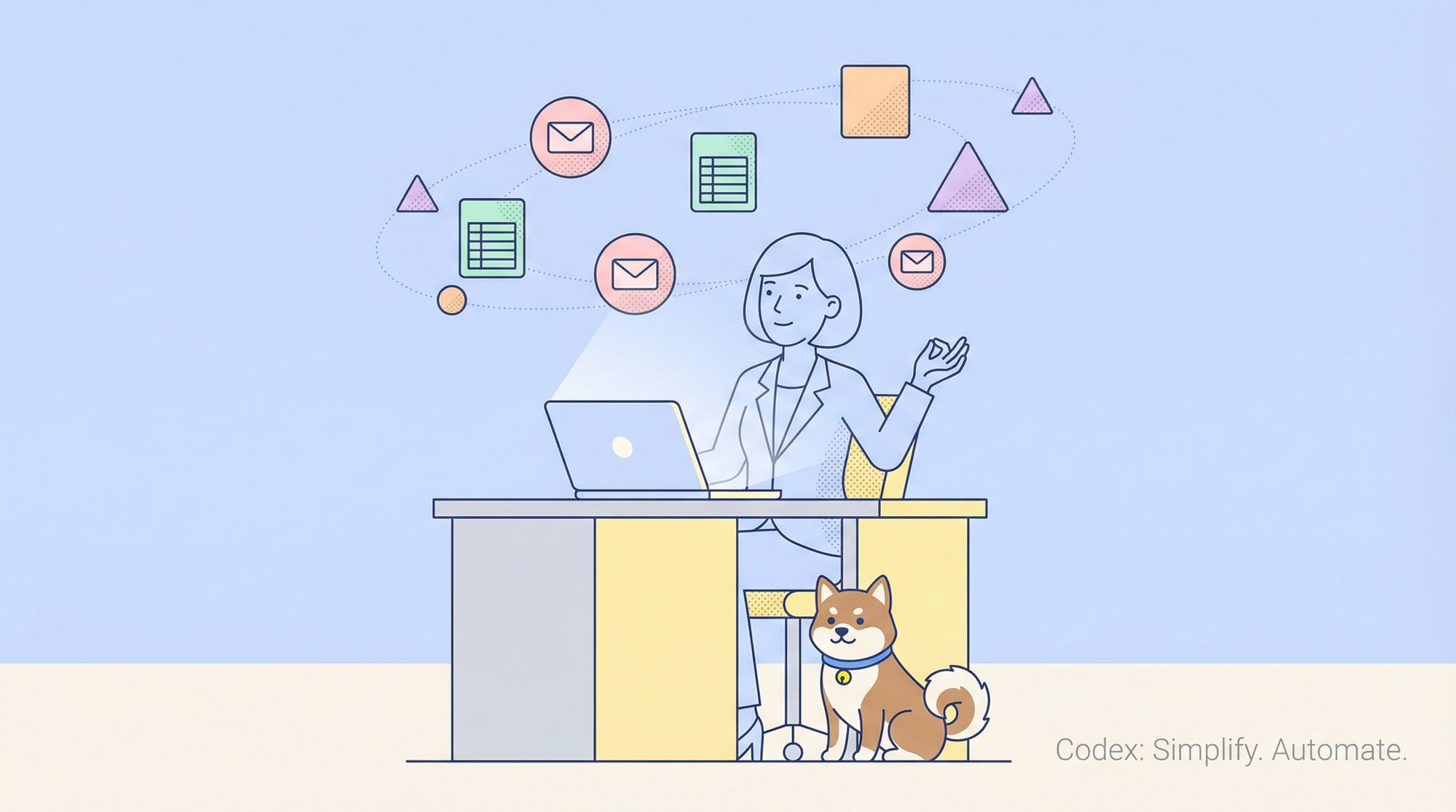
When you think of OpenAI Codex, Python scripts and code automation likely come to mind. But Codex is far more versatile—especially for API developers, backend engineers, QA teams, and anyone working in technical environments. Codex is now a powerful assistant for non-coding tasks, helping professionals streamline workflows, automate repetitive admin, and boost productivity—all without writing a single line of code.
In this guide, you’ll discover how to harness Codex for non-coding tasks: from drafting emails and summarizing documents to automating spreadsheet analysis and simplifying meeting notes. We’ll share actionable examples, practical tips, and show how tools like Apidog complement AI-driven productivity for API-focused teams.
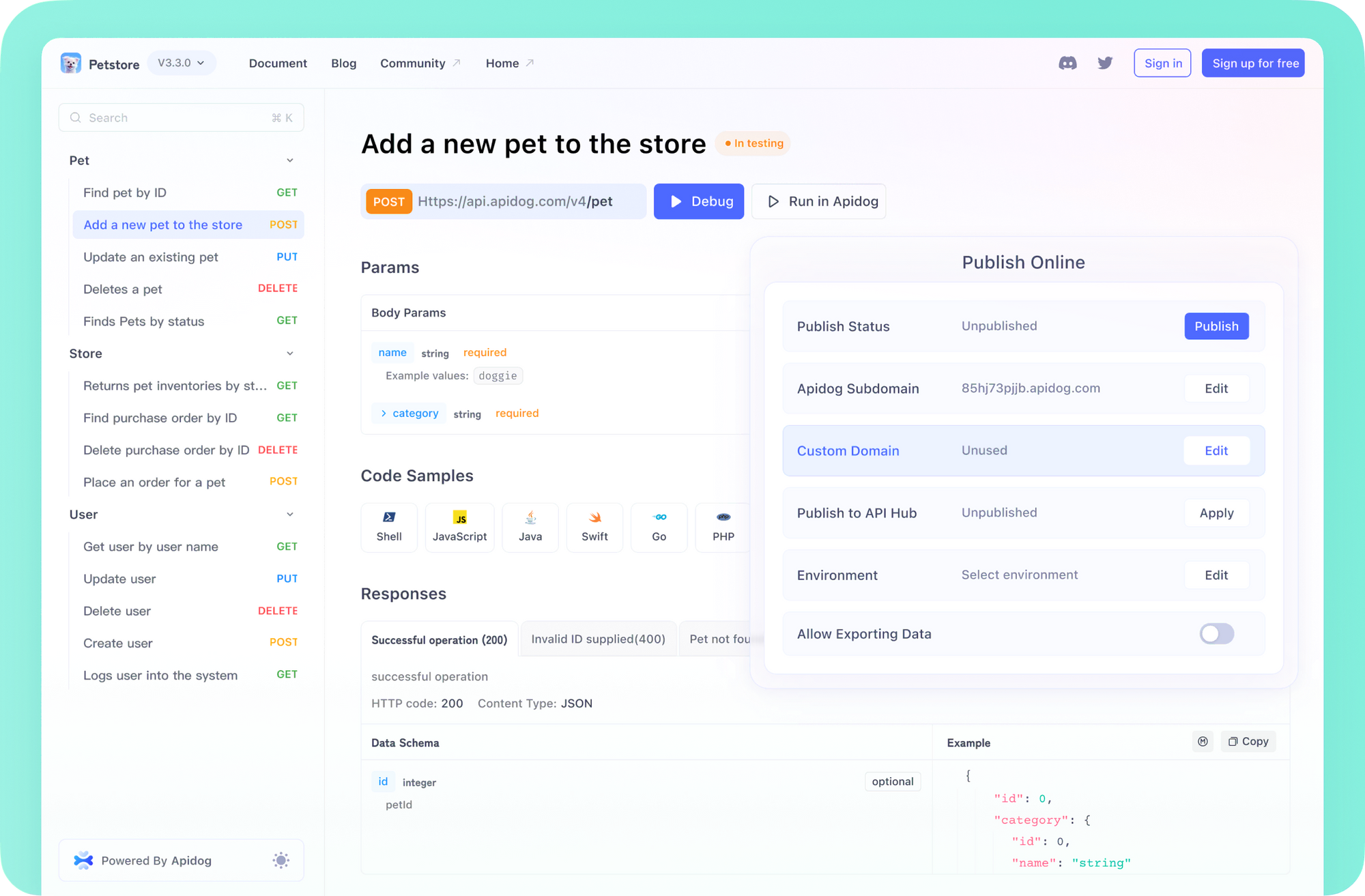
💡 Looking for an API testing solution that generates clear, shareable documentation? Need an all-in-one collaboration hub for your developer team to maximize output? Apidog combines these features and can even replace Postman at a much lower cost.
Why Codex Excels at Non-Coding Tasks
Codex is more than a coding engine. Trained on a vast blend of code (from GitHub) and natural language, it understands both technical and human contexts. With features like a 192,000-token context window and multimodal processing (text, images, structured data), Codex can:
- Parse vague business instructions (“Summarize this report for management”)
- Generate human-like content (emails, briefs, meeting summaries)
- Analyze and organize non-code data (spreadsheets, PDFs, charts)
This context awareness means even non-coders—like product managers, QA engineers, or technical leads—can leverage Codex to solve everyday challenges traditionally handled manually or with basic office tools.
Top Use Cases: Codex for Non-Coding Productivity
Here are practical ways Codex can boost productivity for technical and cross-functional teams—even if you never touch a code editor:
1. Drafting Professional Emails and Reports
- Scenario: Need to communicate with stakeholders or clients but lack time for perfect wording?
- How to use: Prompt Codex:
“Write a professional email to a client about a delayed delivery, including an apology and a 10% discount.”
- For reports:
“Summarize this 10-page PDF into an executive summary.”
- Result: Codex produces polished, context-aware drafts in seconds—saving hours for busy teams.
2. Organizing and Analyzing Spreadsheets (No Code Needed)
- Scenario: Handling data-heavy tasks—sales stats, bug reports, test results—without scripting skills.
- How to use:
“Analyze this CSV and highlight top-performing products.”
“Clean this spreadsheet: remove duplicates and sort by date.” - Process: Upload your files via ChatGPT or Codex CLI. Codex analyzes and outputs actionable insights or cleaned data, ready for your team to use.
- Benefit: Marketers, admins, and QA engineers can automate routine data work.
3. Brainstorming Content and Campaign Ideas
- Scenario: Need creative assets for product launches or marketing, but stuck at ideation.
- How to use:
“Generate 10 taglines for a new API testing platform targeting developers.”
“Write a 500-word blog on API test automation trends.” - Result: Codex delivers original, relevant ideas tailored to your input—helpful for both technical and non-technical team members.
4. Summarizing Meetings and Extracting Action Items
- Scenario: Meetings create long transcripts and scattered action points.
- How to use:
“Extract action items and key decisions from this meeting transcript.”
“Draft a follow-up email summarizing the discussion.” - Result: Codex organizes notes and follow-ups, helping managers and leads keep teams aligned.
5. Explaining Technical Concepts Simply
- Scenario: Onboarding new team members or communicating complex ideas to non-technical stakeholders.
- How to use:
“Explain RESTful APIs to a beginner in 200 words.”
“Summarize this academic paper on API security.” - Result: Codex distills technical content into clear, concise explanations for documentation, onboarding, or presentations.
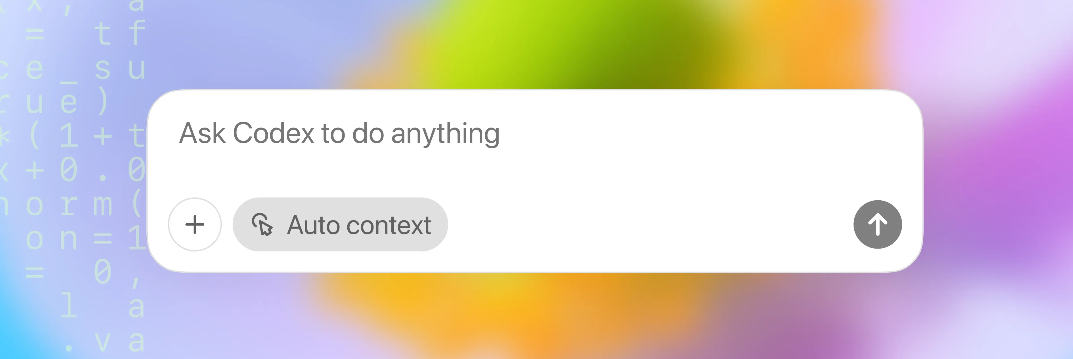
These workflows demonstrate how Codex can automate and enhance daily non-coding responsibilities for tech teams—reducing manual effort and freeing up time for high-value work.
How to Get Started: Practical Tips for Leveraging Codex
You don’t need to be a developer to benefit. Here’s how technical teams can make Codex their non-coding assistant:
-
Use the ChatGPT Web Interface:
Easiest for non-coders—log in, type your prompt, and upload supporting docs (PDFs, CSVs, images). -
Try the Codex CLI:
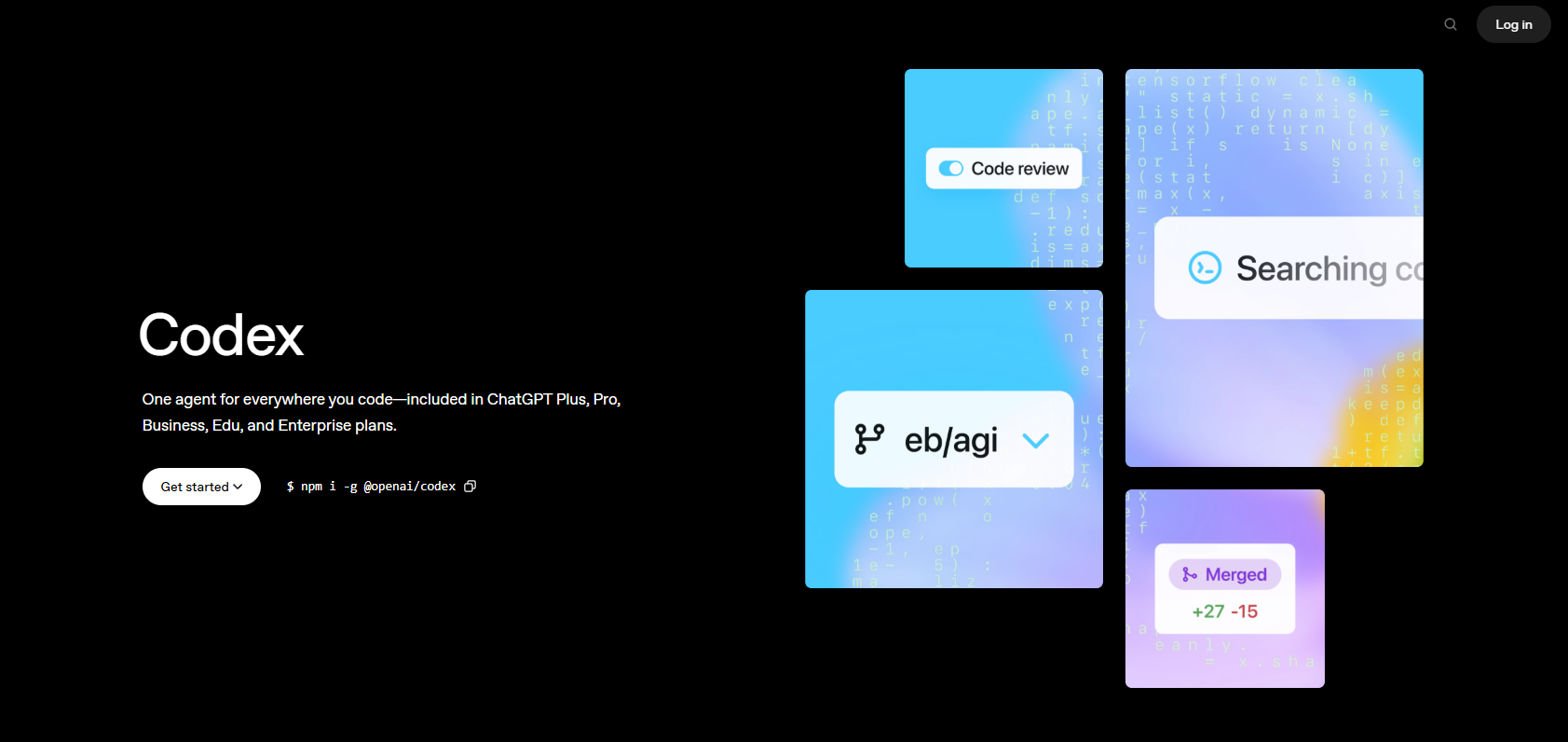
For batch data tasks, install withnpm install -g @openai/codex.
Example:
codex analyze --file team_report.csv -
Craft Specific Prompts:
- Specify format, tone, or length:
“Draft a 300-word formal report for the QA team.”
- Provide necessary context for accuracy.
- Specify format, tone, or length:
-
Leverage Multimodal Inputs:
Attach images or spreadsheets to prompts for deeper analysis (e.g., “Analyze this chart for bug trends”). -
Iterate for Best Results:
If the first output isn’t perfect, follow up:“Make the summary more concise and reader-friendly.”
-
Standardize Outputs:
Use a style guide (such as anAGENTS.mdfile) to ensure Codex-generated emails, reports, or docs match your team’s preferred format. -
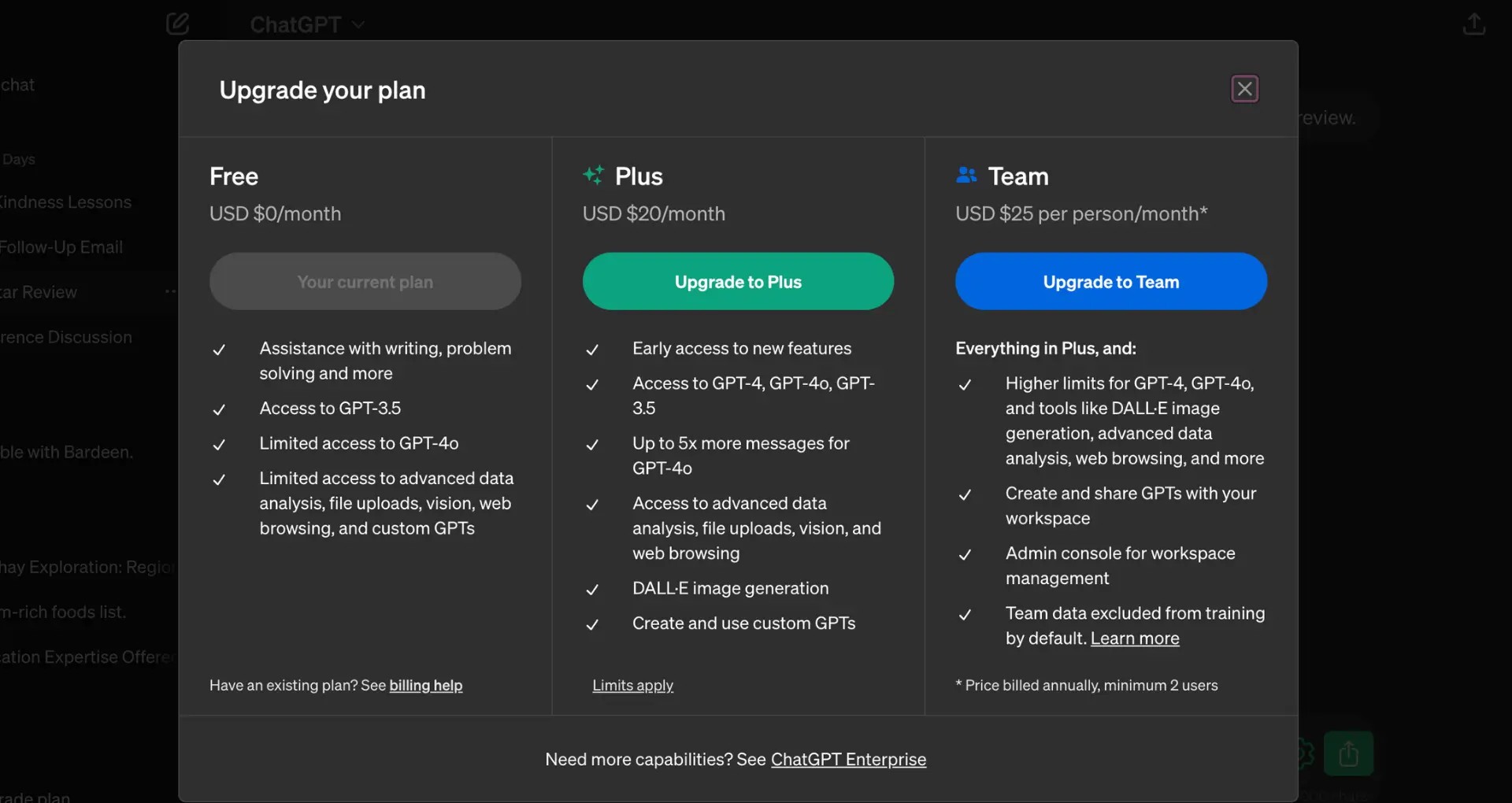
Understand Pricing:
- Free tiers: 10–20 messages/day with codex-mini.
- Pro plans: $20/month for higher limits.
- Team plans and API mode are available for heavier users.

Limitations and Best Practices
- Review Outputs: Codex can misinterpret vague prompts or overcomplicate simple tasks. Always review generated content for accuracy—especially for sensitive communications or documentation.
- Batch Tasks: For high-volume needs, batch process files or prompts to save time and tokens.
- Monitor Usage: Use the OpenAI dashboard to track message and token usage, avoiding unexpected limits.
- Automate Repetitive Work: Script CLI tasks (e.g., summarizing multiple PDFs) for consistent automation.
How Codex Complements Modern API Workflows
While Codex can automate much of your non-coding admin, tools like Apidog deliver robust solutions for API development, testing, and documentation. Integrate Codex for content and data tasks, and rely on Apidog for seamless API collaboration, automated testing, and clear documentation—especially when working across large, distributed teams.
Conclusion: Make Codex Your Non-Coding Productivity Partner
OpenAI Codex isn’t just for programmers—it’s a valuable assistant for streamlining documentation, communication, and analysis in any technical workflow. Start with simple prompts, leverage its context awareness, and pair it with tools like Apidog for an end-to-end productivity boost.