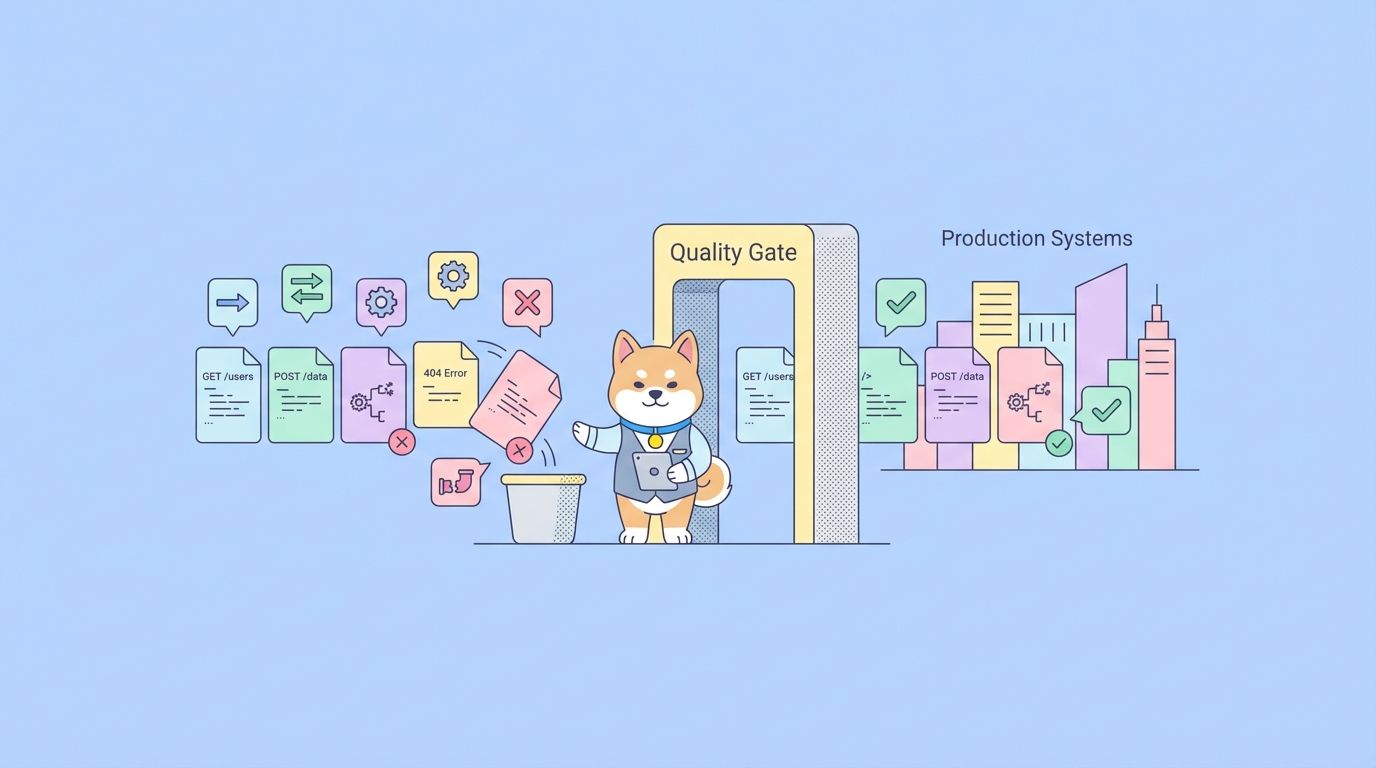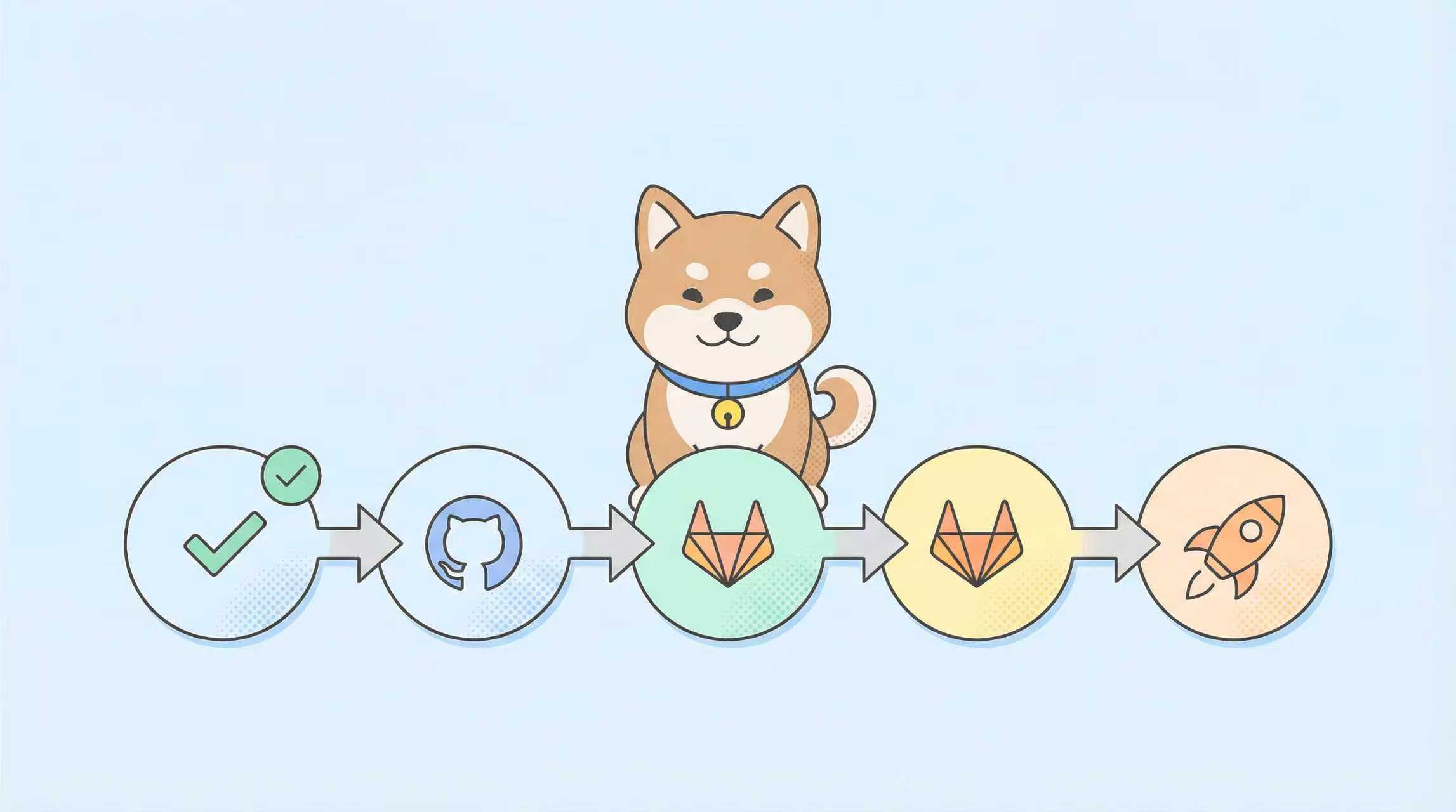
Every deployment pipeline contains repetitive tasks: validating changelogs, checking for breaking API changes, generating release notes, and coordinating multi-service rollbacks. Claude Code transforms these manual checkpoints into automated, intelligent guardrails that run directly in your CI/CD environment. Instead of writing brittle bash scripts, you get a reasoning agent that understands your codebase, API contracts, and deployment history.
Why Does Claude Code Belong in Your CI/CD Pipeline?
Traditional CI/CD scripts are deterministic but dumb. They run grep for version bumps, git diff for change detection, and static regex for API validation. When your team refactors a monorepo or introduces a new microservice, those scripts break silently. Claude Code brings semantic understanding: it knows what constitutes a breaking change, can infer service dependencies from import paths, and generates contextual deployment plans.
The integration pattern is straightforward: run Claude Code as a containerized step in your pipeline, feed it context via environment variables, and have it execute skills that validate, generate, or coordinate. The agent returns structured JSON that subsequent CI steps can act upon—fail the build, trigger a canary deployment, or post a warning to Slack.
Want an integrated, All-in-One platform for your Developer Team to work together with maximum productivity?
Apidog delivers all your demands, and replaces Postman at a much more affordable price!
Setting Up Claude Code in CI/CD Environments
Container Configuration
Run Claude Code in a Docker container with minimal overhead:
# Dockerfile.claude-cicd
FROM node:20-alpine

# Install Claude Code CLI
RUN npm install -g @anthropic-ai/claude-code

# Set working directory
WORKDIR /workspace

# Copy project files
COPY . .

# Set environment variables for non-interactive mode
ENV ANTHROPIC_API_KEY="${ANTHROPIC_API_KEY}"
ENV CLAUDE_CODE_CI_MODE=true
ENV CLAUDE_CODE_QUIET=true

# Default command runs a skill
ENTRYPOINT ["claude"]
Build and test locally:
docker build -f Dockerfile.claude-cicd -t claude-cicd .
docker run -e ANTHROPIC_API_KEY=sk-ant-... claude-cicd --help
GitHub Actions Integration
Create a reusable workflow that invokes Claude Code for specific validation tasks:
# .github/workflows/claude-validation.yml
name: Claude Code Validation

on:
  workflow_call:
    inputs:
      skill_name:
        required: true
        type: string
      parameters:
        required: false
        type: string
        default: '{}'

jobs:
  validate:
    runs-on: ubuntu-latest
    steps:
      - uses: actions/checkout@v4
        with:
          fetch-depth: 0  # Full history for change analysis

      - name: Run Claude Code Skill
        uses: docker://claude-cicd:latest
        env:
          ANTHROPIC_API_KEY: ${{ secrets.ANTHROPIC_API_KEY }}
          GITHUB_TOKEN: ${{ secrets.GITHUB_TOKEN }}
        with:
          args: |
            --skill "${{ inputs.skill_name }}" \
            --params '${{ inputs.parameters }}' \
            --output /workspace/claude-output.json

      - name: Parse Claude Output
        id: parse
        run: |
          echo "claude_result=$(cat /workspace/claude-output.json)" >> $GITHUB_OUTPUT

      - name: Fail on Breaking Changes
        if: fromJson(steps.parse.outputs.claude_result).hasBreakingChanges
        run: |
          echo "Breaking changes detected: ${{ fromJson(steps.parse.outputs.claude_result).details }}"
          exit 1
Call this workflow from your main CI pipeline:
# .github/workflows/ci.yml
jobs:
  check-breaking-changes:
    uses: ./.github/workflows/claude-validation.yml
    with:
      skill_name: "api-breaking-change-detector"
      parameters: '{"baseBranch": "main", "changedFiles": "${{ needs.changes.outputs.changed_files }}"}'
GitLab CI Integration
GitLab’s script blocks make Claude Code invocation straightforward:
# .gitlab-ci.yml
stages:
  - validate
  - test
  - deploy

claude:validate:api:
  stage: validate
  image: claude-cicd:latest
  variables:
    ANTHROPIC_API_KEY: $ANTHROPIC_API_KEY
  script:
    - claude --skill api-breaking-change-detector
      --params "{\"baseBranch\": \"$CI_DEFAULT_BRANCH\", \"changedFiles\": \"$CI_COMMIT_CHANGED_FILES\"}"
      --output claude-output.json
    - |
      if jq -e '.hasBreakingChanges' claude-output.json > /dev/null; then
        echo "Breaking API changes detected: $(jq -r '.details' claude-output.json)"
        exit 1
      fi
  artifacts:
    reports:
      dotenv: claude-output.env
    paths:
      - claude-output.json
The artifacts section captures Claude’s output for subsequent jobs, enabling conditional deployment logic.

Building a CI/CD-Specific Claude Code Skill
Skill Structure for Pipeline Tasks
A CI/CD skill needs three components:
- Change detection: Analyze git diff, commit messages, or merge request diffs
- Validation logic: Apply business rules (API versioning, test coverage, security scanning)
- Action generation: Produce pipeline commands or failure reasons
Create the skill definition:
mkdir -p ~/claude-skills/api-breaking-change-detector
cd ~/claude-skills/api-breaking-change-detector
SKILL.md Definition
---
name: api-breaking-change-detector
description: Detects breaking API changes in OpenAPI specs and TypeScript types
version: 1.0.0
author: CI/CD Team
mcp:
  transport: stdio
tools:
  detect-openapi-changes:
    description: Compare two OpenAPI specs and identify breaking changes
    parameters:
      baseSpec:
        type: string
        description: Path to base OpenAPI YAML/JSON file
        required: true
      headSpec:
        type: string
        description: Path to head OpenAPI YAML/JSON file
        required: true
      strictMode:
        type: boolean
        description: Treat optional-to-required changes as breaking
        default: true
  detect-typescript-changes:
    description: Compare TypeScript interfaces for breaking changes
    parameters:
      baseFiles:
        type: array
        items: { type: string }
        description: Glob pattern for base TypeScript files
        required: true
      headFiles:
        type: array
        items: { type: string }
        description: Glob pattern for head TypeScript files
        required: true
---

# API Breaking Change Detector Skill

This skill analyzes API contracts and type definitions to identify changes that could break consumers.

## Usage Examples

### OpenAPI Comparison
```bash
# In CI pipeline
claude --skill api-breaking-change-detector
  --tool detect-openapi-changes
  --params '{"baseSpec": "openapi/base.yaml", "headSpec": "openapi/head.yaml"}'
TypeScript Comparison
claude --skill api-breaking-change-detector
  --tool detect-typescript-changes
  --params '{"baseFiles": ["src/types/v1/*.ts"], "headFiles": ["src/types/v2/*.ts"]}'
Return Format
{
  "hasBreakingChanges": true,
  "details": [
    {
      "type": "field_removed",
      "location": "User.email",
      "severity": "breaking"
    }
  ],
  "recommendations": [
    "Revert field removal or add @deprecated marker"
  ]
}
Implementation Logic
Create index.ts:
import { z } from 'zod';
import { parseOpenAPI } from './openapi-parser';
import { parseTypeScript } from './typescript-parser';
import { diffSchemas } from './diff-engine';

const OpenAPIParams = z.object({
  baseSpec: z.string(),
  headSpec: z.string(),
  strictMode: z.boolean().default(true)
});

const TypeScriptParams = z.object({
  baseFiles: z.array(z.string()),
  headFiles: z.array(z.string())
});

export const tools = {
  'detect-openapi-changes': async (params: unknown) => {
    const { baseSpec, headSpec, strictMode } = OpenAPIParams.parse(params);

    const base = await parseOpenAPI(baseSpec);
    const head = await parseOpenAPI(headSpec);
    const changes = diffSchemas(base, head, { strict: strictMode });

    return {
      hasBreakingChanges: changes.breaking.length > 0,
      details: changes.breaking,
      recommendations: generateRecommendations(changes)
    };
  },

  'detect-typescript-changes': async (params: unknown) => {
    const { baseFiles, headFiles } = TypeScriptParams.parse(params);

    const base = await parseTypeScript(baseFiles);
    const head = await parseTypeScript(headFiles);
    const changes = diffSchemas(base, head);

    return {
      hasBreakingChanges: changes.breaking.length > 0,
      details: changes.breaking,
      recommendations: generateRecommendations(changes)
    };
  }
};

function generateRecommendations(changes: any) {
  return changes.breaking.map((change: any) => {
    switch (change.type) {
      case 'field_removed':
        return `Field ${change.location} was removed. Add @deprecated first, then remove in next major version.`;
      case 'type_changed':
        return `Type of ${change.location} changed. Consider adding a new field with the new type.`;
      default:
        return `Review change: ${JSON.stringify(change)}`;
    }
  });
}
The key insight: Claude Code doesn’t just return text; it returns structured data that CI systems can parse and act upon.
Practical CI/CD Workflows with Claude Code
Workflow 1: Intelligent Test Runner
Instead of running all tests on every commit, run only tests impacted by changed files.
# .github/workflows/intelligent-tests.yml
jobs:
  determine-tests:
    runs-on: ubuntu-latest
    outputs:
      test-matrix: ${{ steps.claude.outputs.matrix }}
    steps:
      - uses: actions/checkout@v4
      - id: claude
        run: |
          CHANGED_FILES=$(git diff --name-only HEAD~1)
          echo "changed_files=$CHANGED_FILES" >> $GITHUB_OUTPUT

          MATRIX=$(claude --skill test-selector \
            --params "{\"changedFiles\": \"$CHANGED_FILES\", \"testPattern\": \"**/*.test.ts\"}" \
            --output - | jq -c '.testMatrix')

          echo "matrix=$MATRIX" >> $GITHUB_OUTPUT

  run-tests:
    needs: determine-tests
    runs-on: ubuntu-latest
    strategy:
      matrix: ${{ fromJson(needs.determine-tests.outputs.test-matrix) }}
    steps:
      - uses: actions/checkout@v4
      - run: npm test ${{ matrix.testFile }}
The test-selector skill uses static analysis to map imports and determine which tests cover changed code.
Workflow 2: Automated Release Notes Generation
Standard commit-message-based changelogs miss context. Claude Code analyzes PR descriptions, code changes, and issue references:
# .github/workflows/release.yml
jobs:
  generate-notes:
    runs-on: ubuntu-latest
    steps:
      - uses: actions/checkout@v4
        with:
          fetch-depth: 0

      - name: Generate Release Notes
        run: |
          claude --skill release-notes-generator \
            --params "{\"fromTag\": \"${{ github.event.inputs.fromTag }}\", \"toTag\": \"${{ github.event.inputs.toTag }}\"}" \
            --output release-notes.md

      - name: Create GitHub Release
        uses: softprops/action-gh-release@v1
        with:
          body_path: release-notes.md
          tag_name: ${{ github.event.inputs.toTag }}
The skill reads commit messages, diffs, and linked issues to produce narrative release notes with migration guides.
Workflow 3: Security Scan Orchestration
Run multiple security tools and have Claude Code triage findings:
# .gitlab-ci.yml
security-scan:
  stage: validate
  script:
    - trivy image --format json $CI_REGISTRY_IMAGE:$CI_COMMIT_SHA > trivy.json
    - sonar-scanner -Dsonar.analysis.mode=preview > sonar.json
    - claude --skill security-triage \
        --params "{\"trivyReport\": \"trivy.json\", \"sonarReport\": \"sonar.json\"}" \
        --output triage-result.json
    - |
      if jq -e '.criticalIssues > 0' triage-result.json; then
        echo "Critical security issues found"
        exit 1
      fi
  artifacts:
    reports:
      security: triage-result.json
Claude Code correlates findings, eliminates duplicates, and prioritizes by exploitability, reducing noise by 80%.
Workflow 4: Canary Deployment Coordination
Coordinate a canary release across multiple services:
// skills/canary-deployment/index.ts
export const tools = {
  'plan-canary': async (params: unknown) => {
    const { services, trafficSplit } = params;

    // Query service mesh for current state
    const meshState = await $fetch('http://mesh-api.internal/state');

    // Generate deployment sequence
    const plan = services.map(service => ({
      service,
      traffic: meshState[service].traffic * trafficSplit,
      healthChecks: [
        `/health/${service}`,
        `/metrics/${service}/error-rate`
      ],
      rollbackThreshold: 0.05 // 5% error rate triggers rollback
    }));

    return { plan, estimatedDuration: `${services.length * 5} minutes` };
  },

  'execute-canary': async (params: unknown) => {
    const { plan } = params;

    for (const step of plan) {
      await $fetch(`http://mesh-api.internal/traffic/${step.service}`, {
        method: 'POST',
        body: { traffic: step.traffic }
      });

      // Wait for health checks
      const healthy = await waitForHealth(step.healthChecks, 30);
      if (!healthy) {
        throw new Error(`Service ${step.service} failed health checks`);
      }
    }

    return { success: true, servicesUpdated: plan.length };
  }
};
The CI pipeline calls plan-canary, reviews the plan, then calls execute-canary with manual approval gates.
Handling Secrets and Permissions
Secret Management
Never hardcode API keys in skill code. Use CI system secrets:
# GitHub Actions
- name: Run Claude with Secrets
  run: claude --skill deploy-skill
  env:
    DEPLOY_TOKEN: ${{ secrets.DEPLOY_TOKEN }}
    DATABASE_URL: ${{ secrets.DATABASE_URL }}

# In the skill
const deployToken = process.env.DEPLOY_TOKEN;
if (!deployToken) throw new Error('DEPLOY_TOKEN not set');
Least Privilege
Run Claude Code with minimal permissions. In GitLab:
# .gitlab-ci.yml
claude-job:
  script: ...
  before_script:
    - export ANTHROPIC_API_KEY=${CI_JOB_TOKEN_LIMITED}
  variables:
    GIT_STRATEGY: fetch  # No push access
    CLAUDE_CODE_READONLY: true
This prevents Claude from accidentally pushing commits or deleting branches.
Monitoring and Observability
Log Claude Code Decisions
Capture reasoning for audit trails:
// In skill implementation
export const tools = {
  'deploy-service': async (params) => {
    const reasoning = [];

    reasoning.push(`Analyzing commit ${params.commitHash}`);
    const risk = await assessRisk(params.commitHash);
    reasoning.push(`Risk level: ${risk.level}`);

    if (risk.level === 'high') {
      reasoning.push('Deployment blocked: High risk detected');
      return { approved: false, reasoning };
    }

    reasoning.push('Deployment approved: All checks passed');
    return { approved: true, reasoning };
  }
};
Store logs in your observability platform:
# Log to Loki/Elasticsearch
- run: |
    claude --skill deploy-service ... | \
    jq -c '{level: "info", message: "Claude decision", data: .}' | \
    promtail --client.url=http://loki:3100/loki/api/v1/push
Metrics to Track
- Invocation count: How often each skill runs
- Success rate: Percentage of successful executions
- Token usage: Cost per CI job
- Decision distribution: How many builds were blocked vs approved
Troubleshooting CI/CD Integration
Issue: Claude Code Hangs
Cause: Waiting for interactive prompts.
Fix: Use --quiet and --non-interactive flags:
claude --quiet --non-interactive --skill your-skill --params '{}'
Issue: MCP Server Fails to Start in Container
Cause: Missing dependencies or wrong Node version.
Fix: Build a dedicated image:
FROM node:20-alpine
WORKDIR /skill
COPY package*.json ./
RUN npm ci --only=production
COPY dist ./dist
CMD ["node", "dist/server.js"]
Issue: Rate Limiting by Anthropic
Cause: Too many API calls in parallel jobs.
Fix: Implement request queuing:
import PQueue from 'p-queue';
const queue = new PQueue({ concurrency: 1 });

export const tools = {
  'safe-api-call': async (params) => {
    return queue.add(async () => {
      return await callAnthropicAPI(params);
    });
  }
};
Issue: Skills Not Found
Cause: Relative paths in MCP config.
Fix: Use absolute paths and checkout skills repo in CI:
- uses: actions/checkout@v4
  with:
    repository: your-org/claude-skills
    path: .claude-skills

- run: |
    echo "{
      \"mcpServers\": {
        \"api-validator\": {
          \"command\": \"node\",
          \"args\": [\"$PWD/.claude-skills/api-validator/dist/index.js\"]
        }
      }
    }" > ~/.config/claude-code/config.json
Conclusion
Claude Code in CI/CD pipelines shifts automation from rigid scripts to intelligent agents that understand your codebase, architectures, and business rules. By containerizing Claude, defining specialized skills, and integrating with GitHub Actions or GitLab CI, you create pipelines that adapt to refactoring, catch subtle breaking changes, and generate actionable insights. Start with a single skill—API breaking change detection—and expand as your team trusts the automation. The upfront investment in skill development pays dividends in reduced manual review time and fewer production incidents.
When your skills interact with internal APIs, validate those contracts with Apidog to ensure your AI-driven pipelines don’t become a source of flakiness.