Today, software development increasingly depends on intelligent coding assistants that can understand context, reason about code, and accelerate delivery. GLM 4.7, developed by Z.AI, is one of the most advanced large language models optimized for coding tasks. When combined with tools such as Claude Code and Cursor, GLM 4.7 enables developers to generate, debug, and refactor code directly inside familiar workflows.
This guide explains how to use GLM 4.7 with Claude Code and Cursor, covering setup, configuration, and practical usage. It also touches on how tools like Apidog complement this workflow when testing API endpoints.
What Is GLM 4.7?
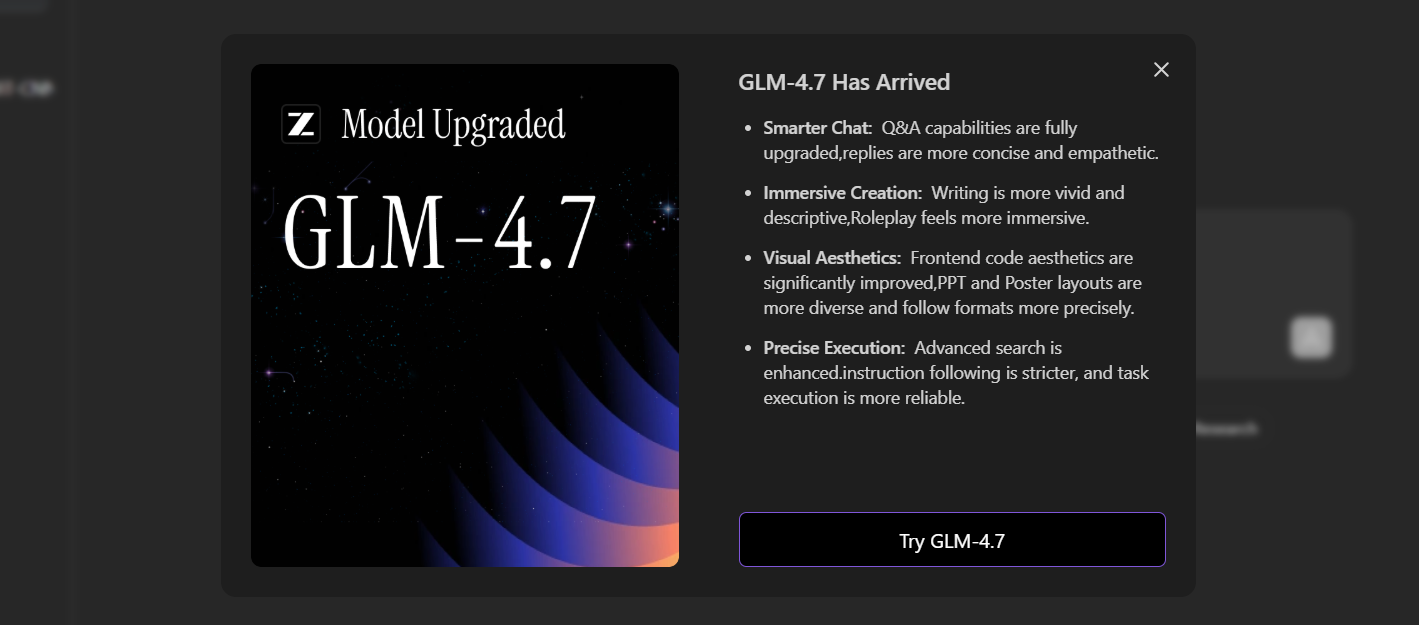
GLM 4.7 is Z.AI’s latest-generation coding model designed for:
- Code generation and refactoring
- Debugging and reasoning about complex logic
- Multi-file and project-level understanding
- Strong performance across backend, frontend, and scripting languages
Compared to earlier versions, GLM 4.7 offers improved reasoning depth and more stable outputs, making it suitable for professional development environments.
Why Use GLM 4.7 with Claude Code and Cursor?
Claude Code and Cursor provide developer-friendly interfaces, while GLM 4.7 delivers the intelligence behind the scenes.
- Claude Code excels in terminal-based, repository-aware workflows
- Cursor offers an IDE-like experience with inline suggestions and chat
- GLM 4.7 supplies the reasoning and coding capabilities
Together, they allow you to keep your existing habits while upgrading the quality of AI assistance.
Prerequisites: Getting a Z.AI API Key
Both Claude Code and Cursor require a Z.AI API key to access GLM 4.7.
Steps to Get the API Key
- Visit the Z.AI Open Platform
- Register or log in
- Navigate to API Keys
- Create a new key and copy it securely
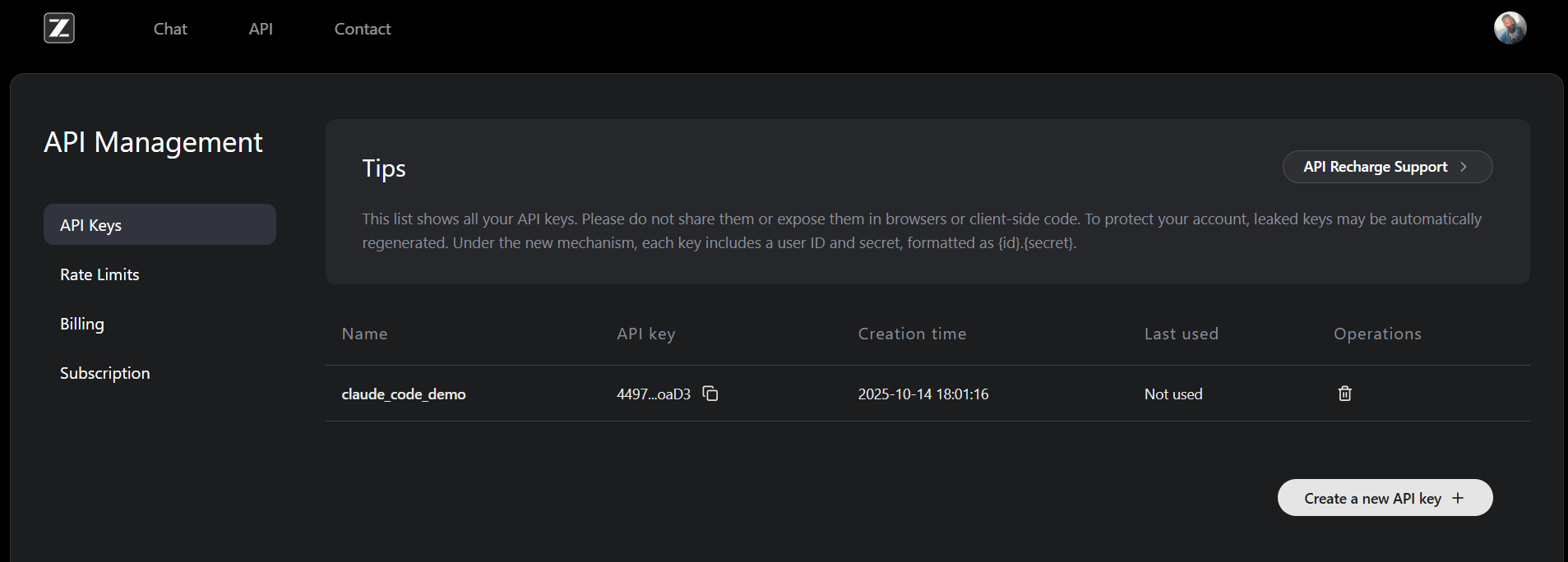
This single API key works for both tools.
How to Use GLM 4.7 with Claude Code
Claude Code is a command-line coding assistant that uses the Anthropic protocol. Z.AI provides a compatible endpoint that maps Claude models to GLM models.
Step 1: Install Claude Code
Claude Code requires Node.js 18 or higher.
npm install -g @anthropic-ai/claude-code
cd your-project
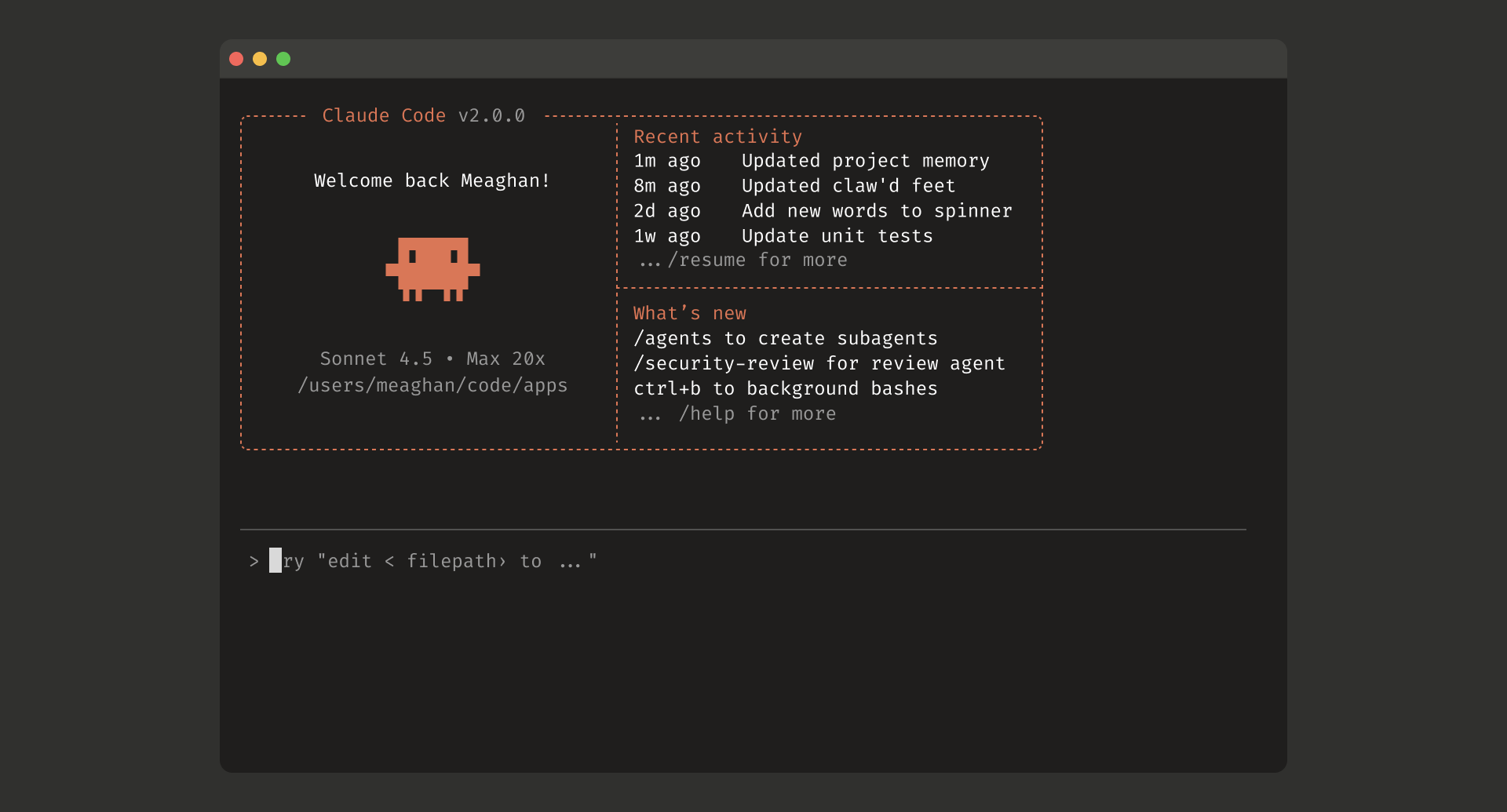
claude
On macOS or Linux, use sudo if permission issues occur. On Windows, run the terminal as an administrator.
Step 2: Configure Z.AI for GLM 4.7
Z.AI provides a configuration script that automatically sets the required environment variables.
curl -O "https://cdn.bigmodel.cn/install/claude_code_zai_env.sh" && bash ./claude_code_zai_env.sh
This script updates ~/.claude/settings.json with values similar to:
{
  "env": {
    "ANTHROPIC_AUTH_TOKEN": "your_zai_api_key",
    "ANTHROPIC_BASE_URL": "https://api.z.ai/api/anthropic",
    "API_TIMEOUT_MS": "3000000"
  }
}
By default, Claude Code maps its models as follows:
| Claude Alias | GLM Model |
|---|---|
| Opus | GLM-4.7 |
| Sonnet | GLM-4.7 |
| Haiku | GLM-4.5-Air |
No manual configuration is required for most users.
Step 3: Optional Manual Model Override
If you want explicit control, edit settings.json:
{
  "env": {
    "ANTHROPIC_DEFAULT_OPUS_MODEL": "glm-4.7",
    "ANTHROPIC_DEFAULT_SONNET_MODEL": "glm-4.7",
    "ANTHROPIC_DEFAULT_HAIKU_MODEL": "glm-4.5-air"
  }
}
Restart your terminal after saving changes.
Step 4: Start Coding with GLM 4.7
cd your-project-directory
claude
Grant file access when prompted. You can verify the active model at any time:
/status
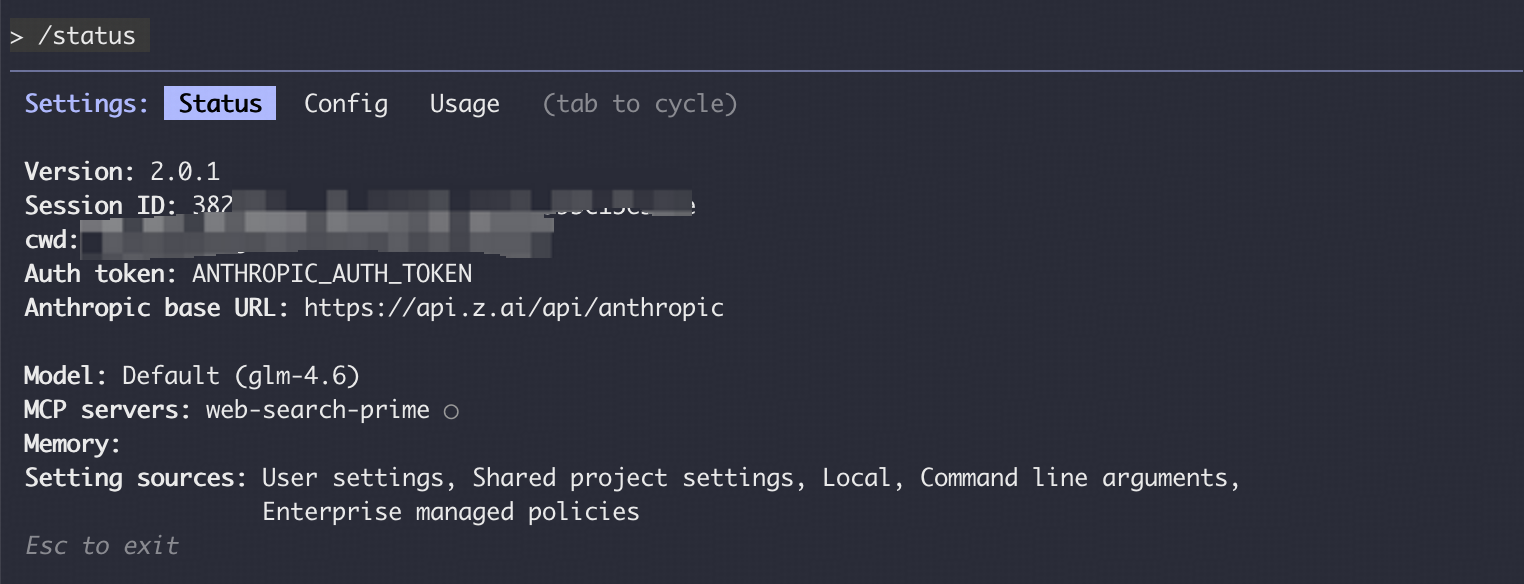
If configuration changes do not apply, ensure that you're logged out of claude code, then manually edit the settings.json.
How to Use GLM 4.7 with Cursor
Cursor is a desktop-based AI code editor that supports OpenAI-compatible APIs. GLM 4.7 integrates cleanly as a custom provider.
Step 1: Install Cursor
Download and install Cursor from the official website. The setup is straightforward and platform-specific installers are provided.
Step 2: Add GLM 4.7 as a Custom Model
Inside Cursor:
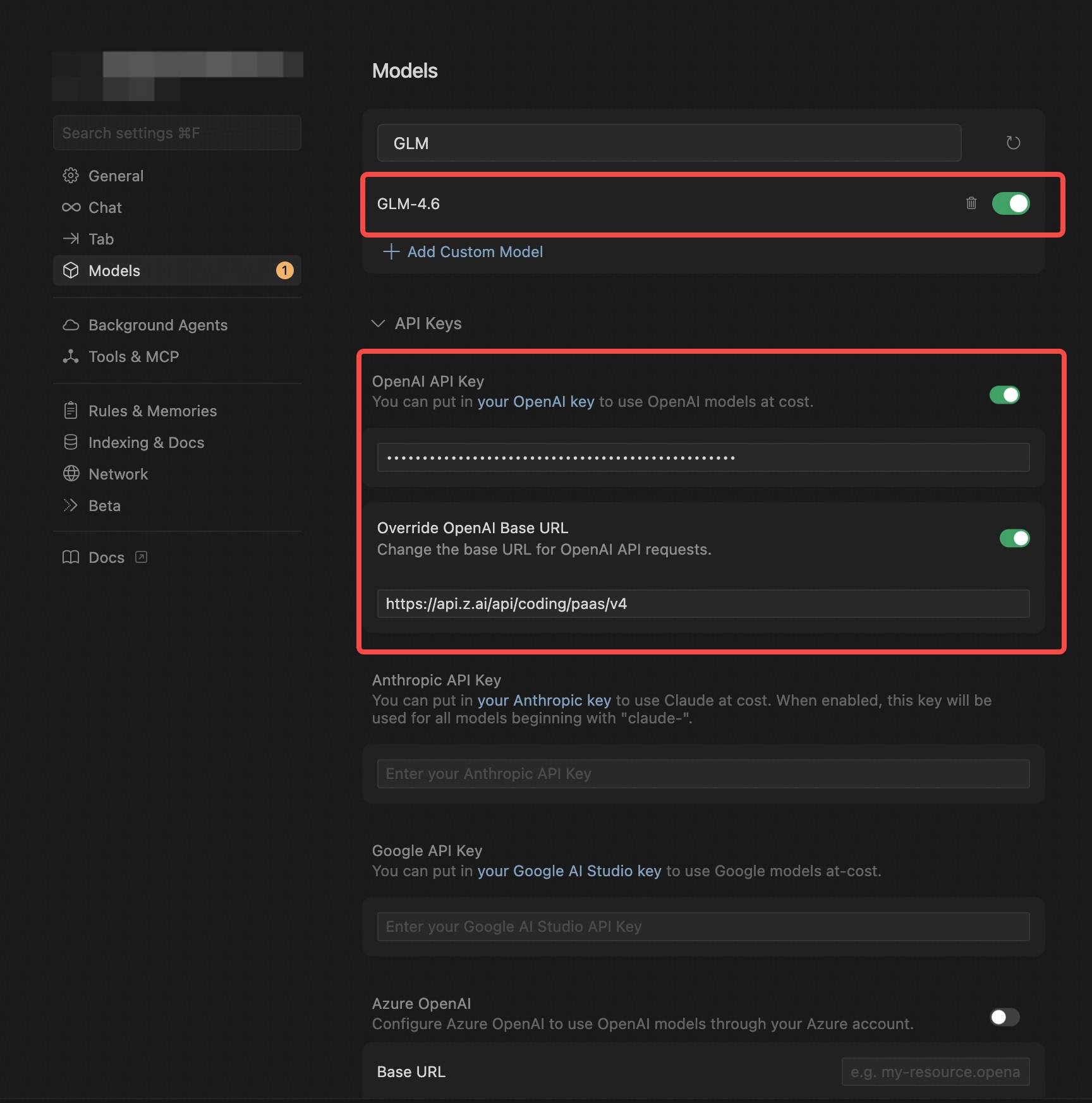
- Open Settings → Models
- Click Add Custom Model

3. Choose OpenAI Protocol
4. Enter the following details:
| Field | Value |
|---|---|
| API Key | Your Z.AI API key |
| Base URL | https://api.z.ai/api/coding/paas/v4 |
| Model Name | GLM-4.7 (uppercase required) |
Save the configuration.
Step 3: Switch to GLM 4.7
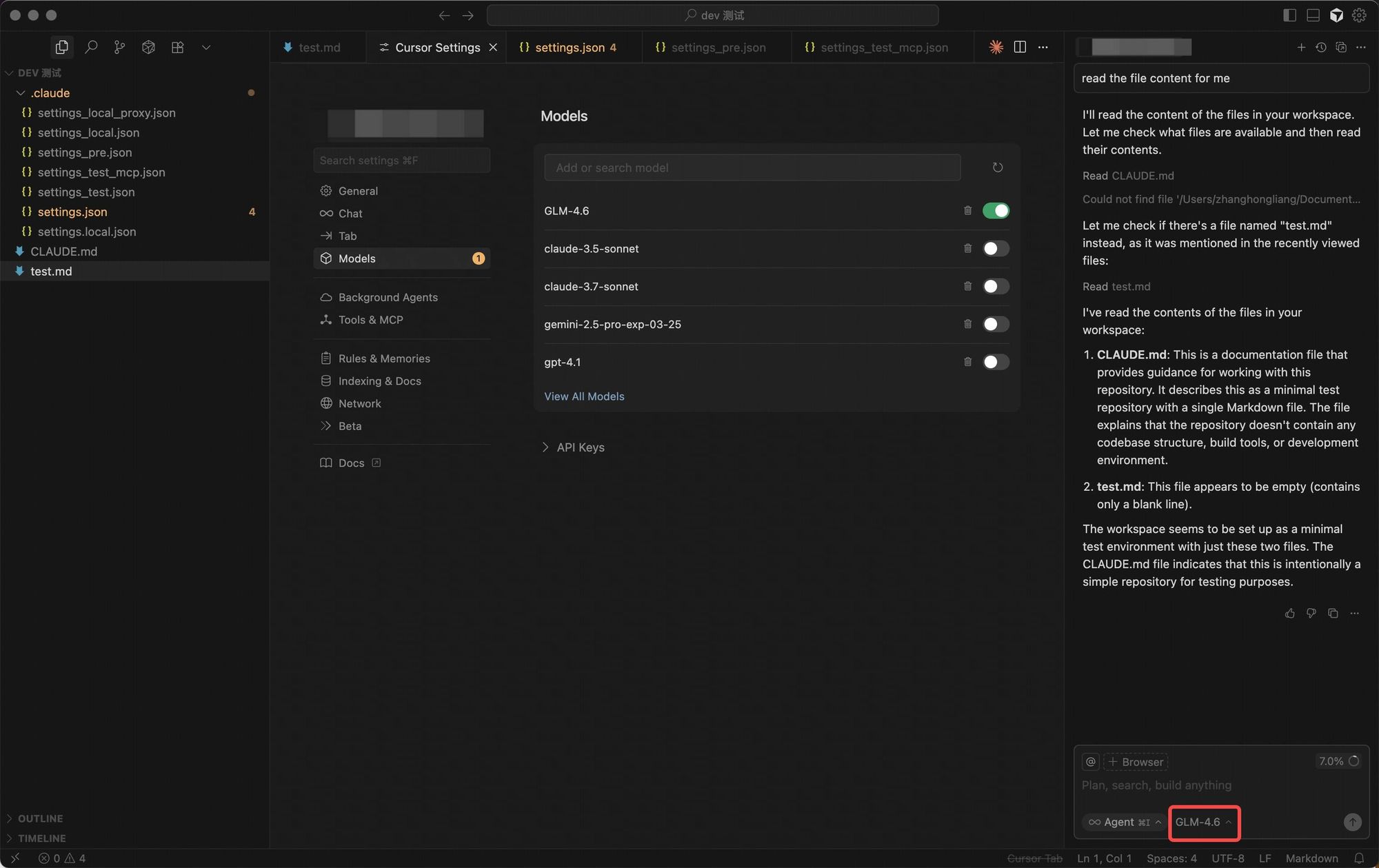
From Cursor’s model selector, choose your newly added GLM-4.7 provider. No additional setup is required.
Step 4: Start Coding
You can now use GLM 4.7 for:
- Code autocompletion
- Inline refactoring
- Chat-based debugging
- Multi-file reasoning
All within Cursor’s interface.
Claude Code vs Cursor: Quick Comparison
| Feature | Claude Code | Cursor |
|---|---|---|
| Interface | Terminal-based | GUI editor |
| Best For | Repo-level reasoning, scripting | IDE-style development |
| Protocol | Anthropic-compatible | OpenAI-compatible |
| GLM 4.7 Support | Yes | Yes |
| Setup Complexity | Medium | Low |
Both tools deliver GLM 4.7’s capabilities; the choice depends on personal workflow preference.
Using Apidog Alongside GLM 4.7
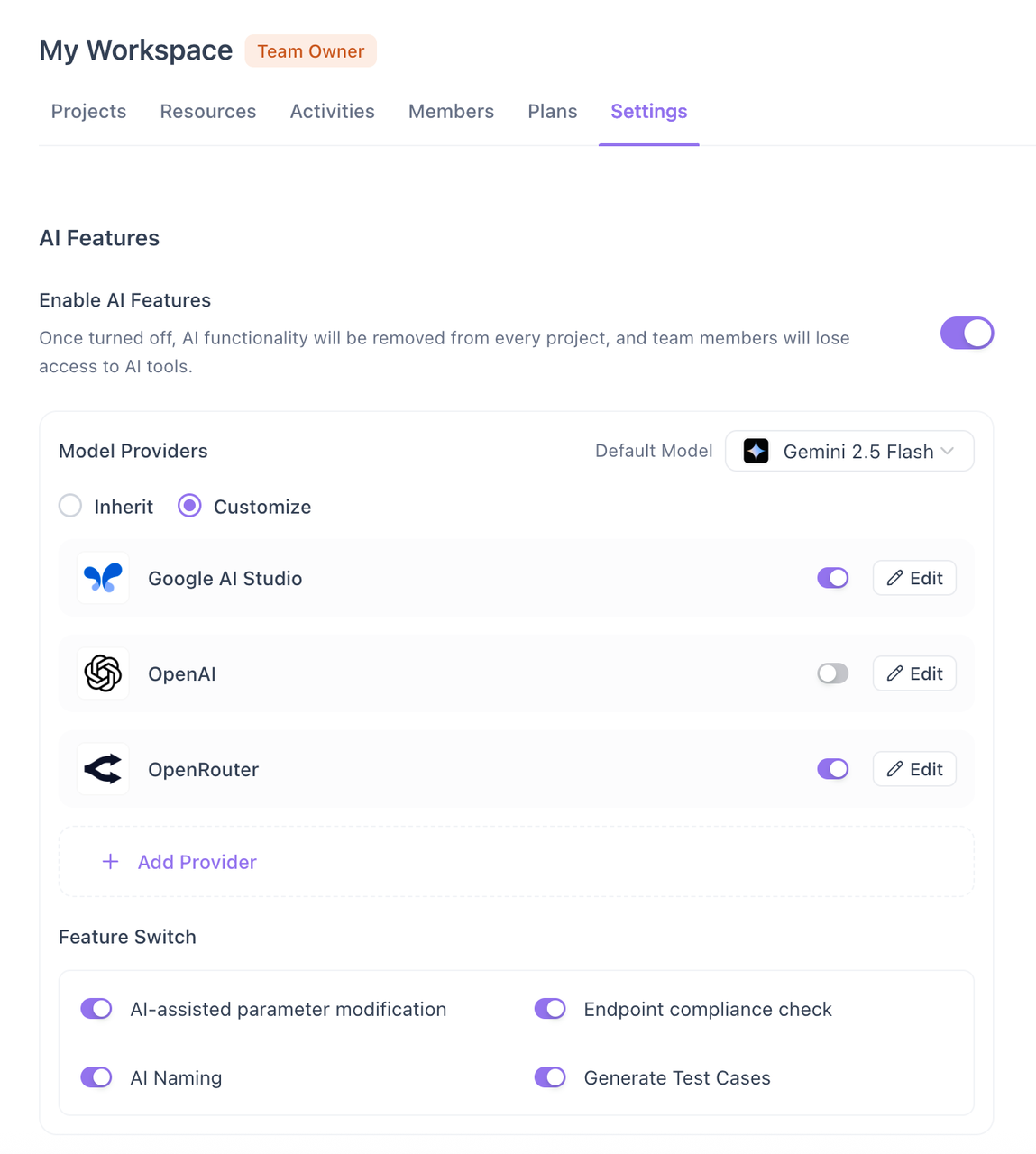
As GLM 4.7 helps you write and refactor code, testing remains critical—especially for API-driven systems. Apidog fits naturally into this workflow.
How Apidog Helps
- Validate API endpoints generated with AI assistance
- Send real requests to confirm behavior matches expectations
- Define assertions for response status, schema, and data
- Re-run tests quickly after AI-generated changes
For example, after GLM 4.7 generates a new endpoint, Apidog allows you to immediately test it without writing custom scripts.
{
  "assertions": [
    "statusCode == 200",
    "response.body.success == true"
  ]
}
This combination ensures speed without sacrificing correctness.
Frequently Asked Questions
Q1. Is GLM 4.7 free to use?
GLM 4.7 requires a Z.AI API key. Usage depends on Z.AI’s pricing or free-tier policies.
Q2. Do I need separate API keys for Claude Code and Cursor?
No. A single Z.AI API key works for both tools.
Q3. Can I switch between GLM models?
Yes. Claude Code allows manual overrides, and Cursor supports multiple custom models.
Q4. Does GLM 4.7 replace human code review?
No. It accelerates development, but human review remains essential for correctness and design decisions.
Q5. Is Apidog required to use GLM 4.7?
No, but it is highly recommended for validating API behavior after AI-assisted development.
Conclusion
GLM 4.7, when integrated with Claude Code and Cursor, provides a powerful, flexible approach to AI-assisted development. Claude Code offers deep repository awareness in the terminal, while Cursor delivers an IDE-like experience—both powered by the same advanced model. When combined with API testing tools like Apidog, developers can confidently move from generation to validation without leaving their workflow.