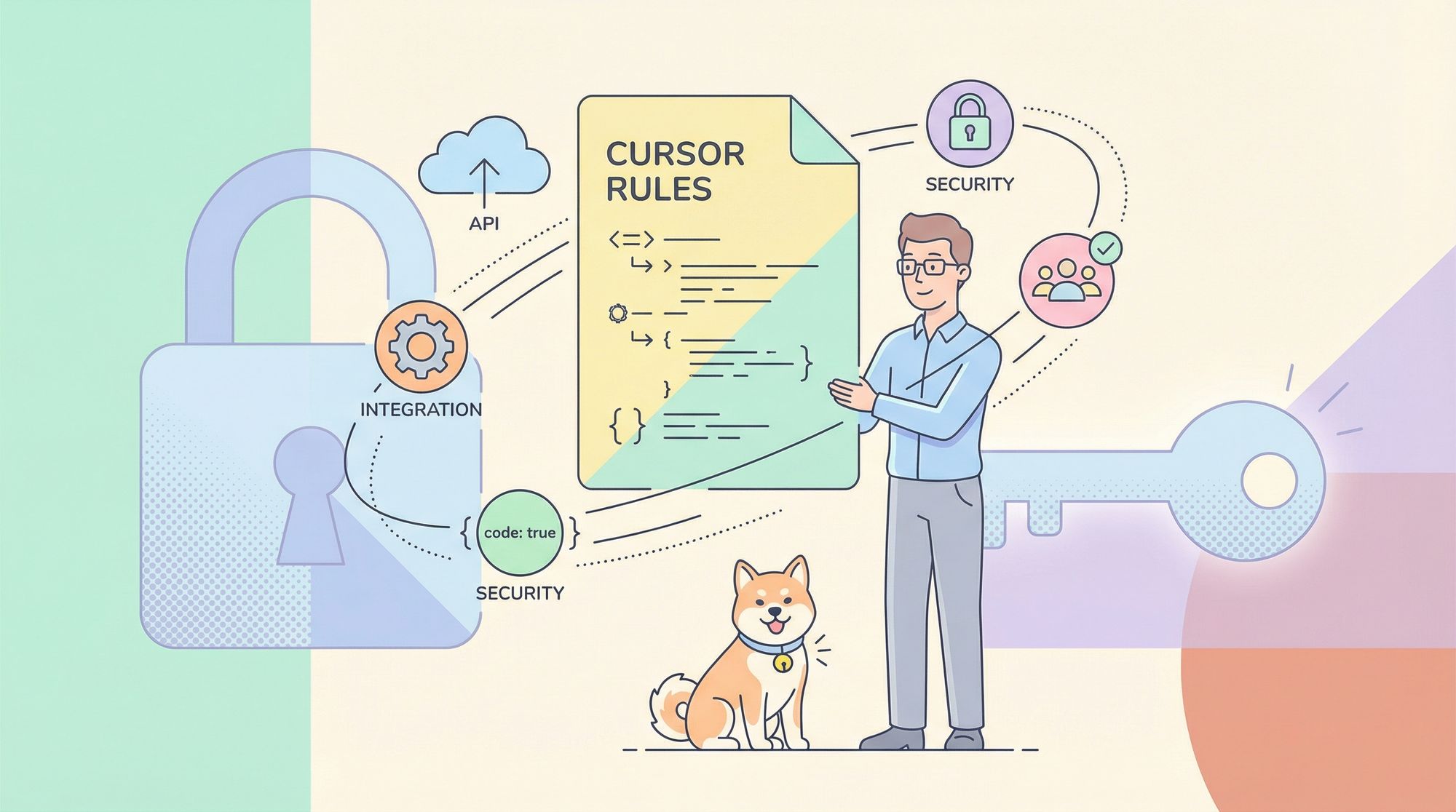
AI-assisted coding is transforming how API developers, backend engineers, and technical leads approach software projects. Tools like Cursor AI can rapidly accelerate code writing, reviews, and maintenance. But to truly leverage these assistants—and get results that align with your architecture and standards—you need more than default settings.
Enter Cursor Rules: a powerful way to embed your team’s coding guidelines directly into the AI’s workflow, ensuring every suggestion matches your project’s needs. In this guide, you’ll learn how to configure .cursorrules and modern .mdc rules for maximum impact, see practical examples, and discover how solutions like Apidog can integrate with these best practices for robust API development.
What Are Cursor Rules? Why Should API Teams Care?
Cursor Rules are configuration files that inject your project’s standards, best practices, and preferences directly into the AI’s decision process. For API-focused teams, this means:
- Enforcing architecture patterns (REST, GraphQL, microservices)
- Aligning code style across backend, frontend, and test suites
- Automating repetitive review feedback
- Onboarding new contributors faster
Instead of relying on generic AI outputs, you guide Cursor to produce code that fits your stack and team conventions—whether you’re building RESTful APIs, Dockerized microservices, or React dashboards.
The Modern Cursor Rules System: Persistent, Scoped Guidance
Cursor now supports a powerful, granular Rules system with two main types:
-
Project Rules:
- Stored in
.cursor/ruleswithin your repository - Version-controlled and scoped to the specific codebase
- Ideal for encoding domain-specific knowledge, API standards, and workflow automations
- Stored in
-
User Rules:
- Defined in your global Cursor settings
- Apply across all projects for personal preferences (code style, favorite libraries)
Note: The legacy
.cursorrulesroot file is still supported but deprecated. Migrate to the new.mdc-based Project Rules for full functionality.
How Cursor Rules Enhance AI Coding
Unlike ad hoc chat instructions, Cursor Rules persistently inject your guidelines into every AI prompt. When applied, each rule’s content is prepended to the context sent to the AI model—ensuring consistent, compliant code generation regardless of who’s coding or reviewing.
Setting Up Project Rules: Step-by-Step
-
Create the Rules Directory
In your project root, add a.cursor/rulesfolder. -
Write Rules in
.mdcFiles
Each rule is a Markdown Component (.mdc) file. Structure:--- description: Brief summary (for Agent Requested rules) globs: ["*.py", "src/**/*.js"] # Patterns for Auto Attached rules alwaysApply: false # true = always apply --- # Rule Content - Do this. - Avoid that. - Reference files for context: @src/utils/helpers.js -
Rule Types Explained
Rule Type Metadata Settings How It Works Always alwaysApply: trueAlways included for the project Auto Attached globs: ["pattern"], alwaysApply: falseIncluded if files matching pattern are in context Agent Requested description: "...", alwaysApply: falseAI auto-selects when relevant Manual alwaysApply: falseor omittedIncluded only when referenced in chat ( @ruleName) -
Create Rules Easily
- Manually: Add new
.mdcfiles in.cursor/rules - Via Cursor UI: Use Command Palette (
Cmd+Shift+P, “New Cursor Rule”) - Auto-generate: After refining AI output, use
/Generate Cursor Rulesto capture your guidance
- Manually: Add new
Example: Real-World Cursor Rule for Django Projects
---
description: Django best practices for models, views, templates, ORM.
globs: ["*.py"]
alwaysApply: false
---

# Django Coding Standards

- Follow Django Style Guide and PEP 8.
- Prefer CBVs for common patterns; use FBVs for custom logic.
- Use `get_object_or_404`, proper authentication, and permission checks.
- Optimize queries with `select_related` and `prefetch_related`.
- Put templates in app-specific folders; use template inheritance.
- Store secrets in environment variables, never in code.
Example: Dockerfile Rule for Secure, Efficient Containers
---
description: Efficient and secure Dockerfile practices.
globs: ["Dockerfile", "*.Dockerfile"]
alwaysApply: false
---

# Dockerfile Best Practices

- Use official, minimal base images (e.g., `python:3.11-slim`)
- Specify exact versions for reproducibility
- Use `.dockerignore` to minimize build context
- Run as non-root; avoid storing secrets in Dockerfile
- Use multi-stage builds to keep final images small and secure
User Rules: Set Your Global Coding Preferences
User Rules let you define preferences that apply everywhere:
- Go to Cursor Settings > Rules > User Rules
- Add plain text instructions (no metadata required). For example:
Always import React explicitly: `import React from 'react';`
Respond concisely. Avoid filler phrases.
Prefer functional components with Hooks over class components.
These rules are always active, across all your projects.
Best Practices for Writing Effective Rules
- Be specific and actionable: Vague instructions lead to inconsistent results.
- Keep it concise: Favor clarity; under 500 lines is a good guideline.
- Use examples: Short code snippets or file references (
@filename.ext) help clarify intent. - Decompose complex standards: Break up large rules into focused files.
- Write clear descriptions: Especially for Agent Requested rules—help the AI know when to use them.
- Iterate and refine: Adjust rules based on feedback and project evolution.
More Practical Rule Examples
Python Black Formatting (black.mdc)
---
description: Python code formatting with Black.
globs: ["*.py"]
alwaysApply: false
---

# Black Formatting Rules

- Enforce Black code style (88 char line length, double quotes)
- Code must pass `black .` before commit
- Integrate with pre-commit hooks or CI
React Component Standards (react.mdc)
---
description: Modern React component guidelines.
globs: ["*.js", "*.jsx", "*.ts", "*.tsx"]
alwaysApply: false
---

# React Best Practices

- Use functional components and Hooks
- Name components in PascalCase
- Use propTypes/TypeScript for props
- Keep components small and focused
- Test accessibility (a11y) and performance
Integrating with API-First Workflows
Combining Cursor Rules with API design tools like Apidog gives your team an edge:
- Apidog helps you define, test, and document APIs, ensuring consistency from design to deployment.
- Use Cursor Rules to enforce the same standards for backend, frontend, and test code, reducing manual reviews and bugs.
- Both tools accelerate onboarding and maintain high-quality code as teams scale.
Conclusion: Guide Your AI, Elevate Your Code
By adopting modern Cursor Rules—both Project and User—you transform AI from a generic assistant into a knowledgeable, context-aware coding partner. Invest a few minutes to define your standards, and you’ll see:
- Higher code quality and consistency
- Faster onboarding and fewer code review cycles
- Smarter, API-aligned automation across your stack
Ready to take your API development to the next level? Combine Cursor Rules with robust tools like Apidog and set a new bar for software quality.