Hello Apidog Users,
Welcome to 2026. If last year was about refining Contract Governance, this year is about expanding the boundaries of what an API tool can facilitate.
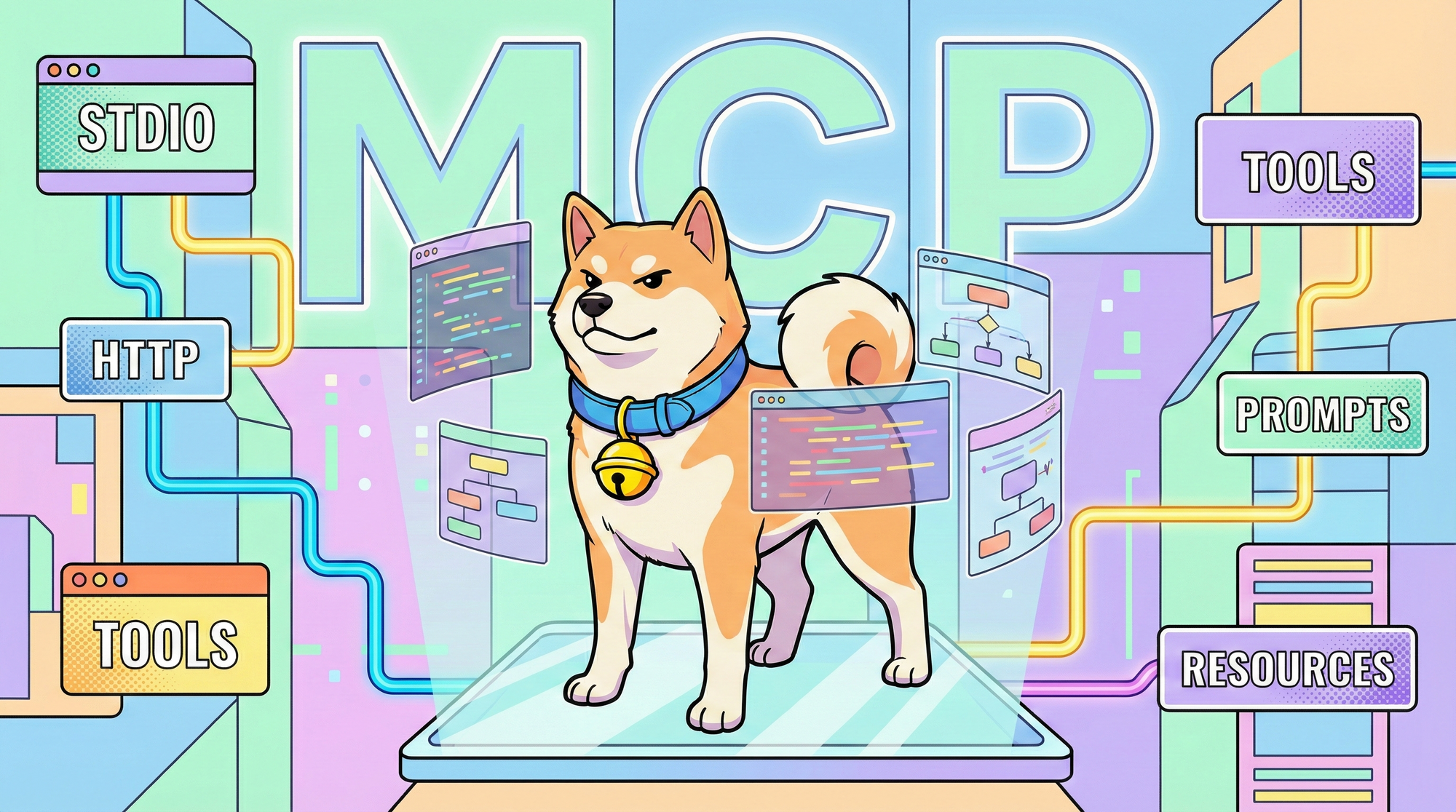
January marks a paradigm shift. We are moving beyond traditional HTTP endpoints to bridge the gap between standard API engineering and the emerging AI Agent economy. With the introduction of the MCP Client, Apidog becomes one of the first platforms to offer a native debugging experience for Large Language Model (LLM) toolchains.
Simultaneously, we are elevating our testing infrastructure. The new Test Suite capabilities allow for dynamic, scenario-based orchestration, ensuring your APIs perform under complex, real-world workflows.
Here is how we are redefining the developer experience this month👇
⭐ New Updates
🔥 World-Class AI-Native Debugging: Native MCP Client Support
The future of software is Agentic. We have integrated the Model Context Protocol (MCP) directly into Apidog, creating a unified bridge between your LLM applications and external data sources. Apidog now provides a native debugging environment for all three MCP pillars: Tools (executable functions), Prompts (templates), and Resources (data context).
Key Capabilities:
- Seamless Connectivity (STDIO & HTTP): Whether you are debugging a local process via STDIO (e.g., pasting an
npxcommand) or connecting to a remote HTTP/SSE server, Apidog handles the handshake automatically. - Smart Configuration Parsing: Forget manual setup. Simply paste your MCP Server configuration file (JSON) or URL. Apidog automatically parses the server name, environment variables, and connection arguments to get you started in seconds.
- Enterprise-Grade Auth & Visibility: We support complex authentication flows, including OAuth 2.0 auto-discovery, API Keys, and JWT Bearer tokens. For deep troubleshooting, you can toggle "With Envelope" mode to inspect the raw JSON-RPC message structure.
- Team Collaboration: Like any other API endpoint, configured MCP clients can be saved to your project and shared with your team, ensuring everyone debugs their agents against the same standard.
Read the MCP Client Documentation ->
🚀 Scenario-Based Orchestration: Test Suites
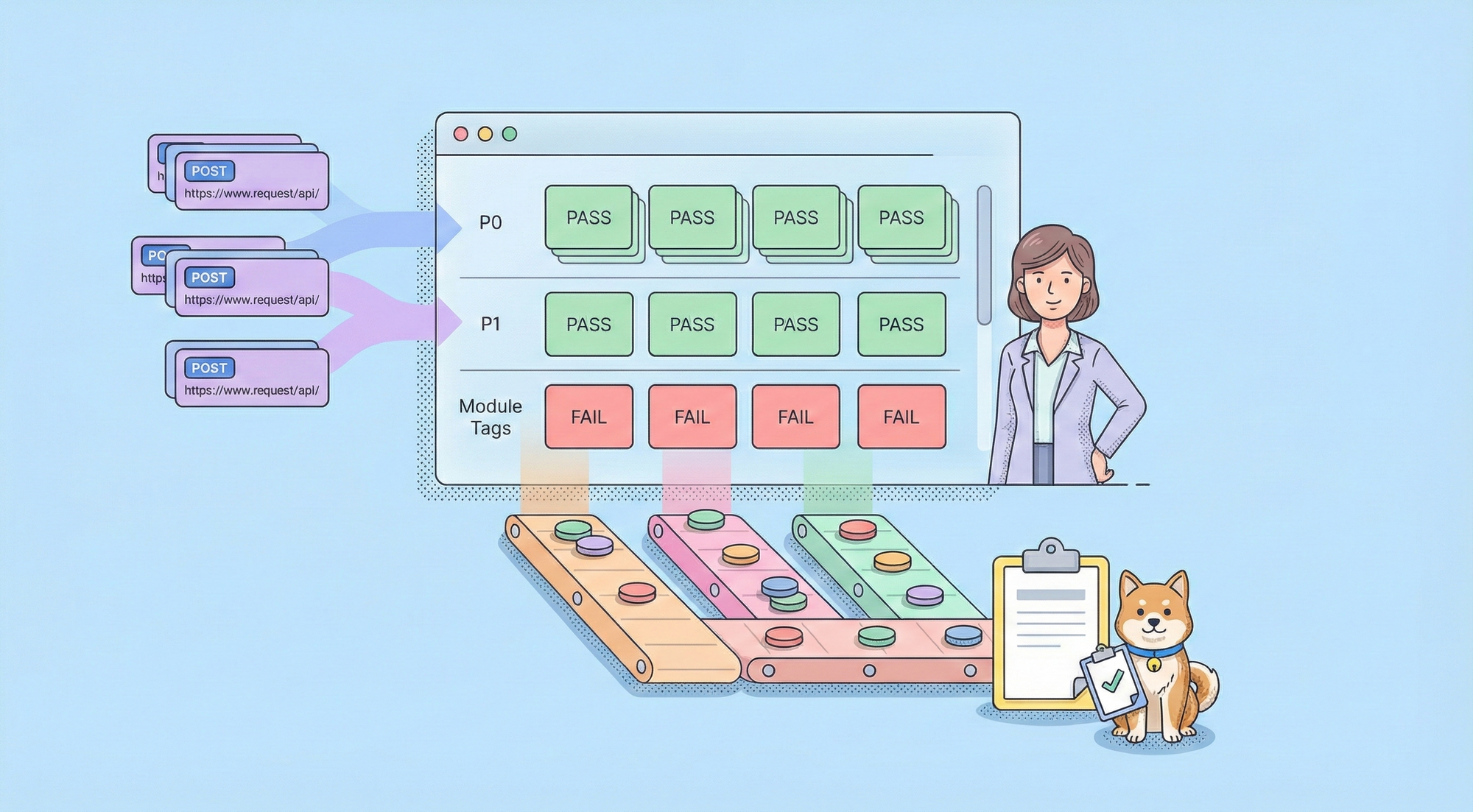
Testing endpoints in isolation is no longer enough. We have introduced comprehensive Test Suites, a powerful container designed to group test cases and scenarios into a single, manageable unit. This feature redefines regression testing with two flexible orchestration modes:
- Static Mode (Precision Control): Perfect for Hotfixes or Core Business Paths (e.g., "Order-Payment"). Manually select specific cases to create a stable, "locked-down" verification package.
- Dynamic Mode (Zero Maintenance): Define rules based on Priority (e.g., P0), Tags, or Folder location. The suite automatically scans and includes relevant test cases at runtime, ensuring your regression tests always cover the latest features without manual updates.
Whether you are running Smoke Tests locally, executing via CLI in your CI/CD pipeline, or setting up Scheduled Tasks for unattended production monitoring, Test Suites provide the unified reporting and granular control (Environment, Error Handling, Test Data) needed for enterprise-scale quality assurance.
🔬 Enterprise-Grade Visibility: Deep Network Details
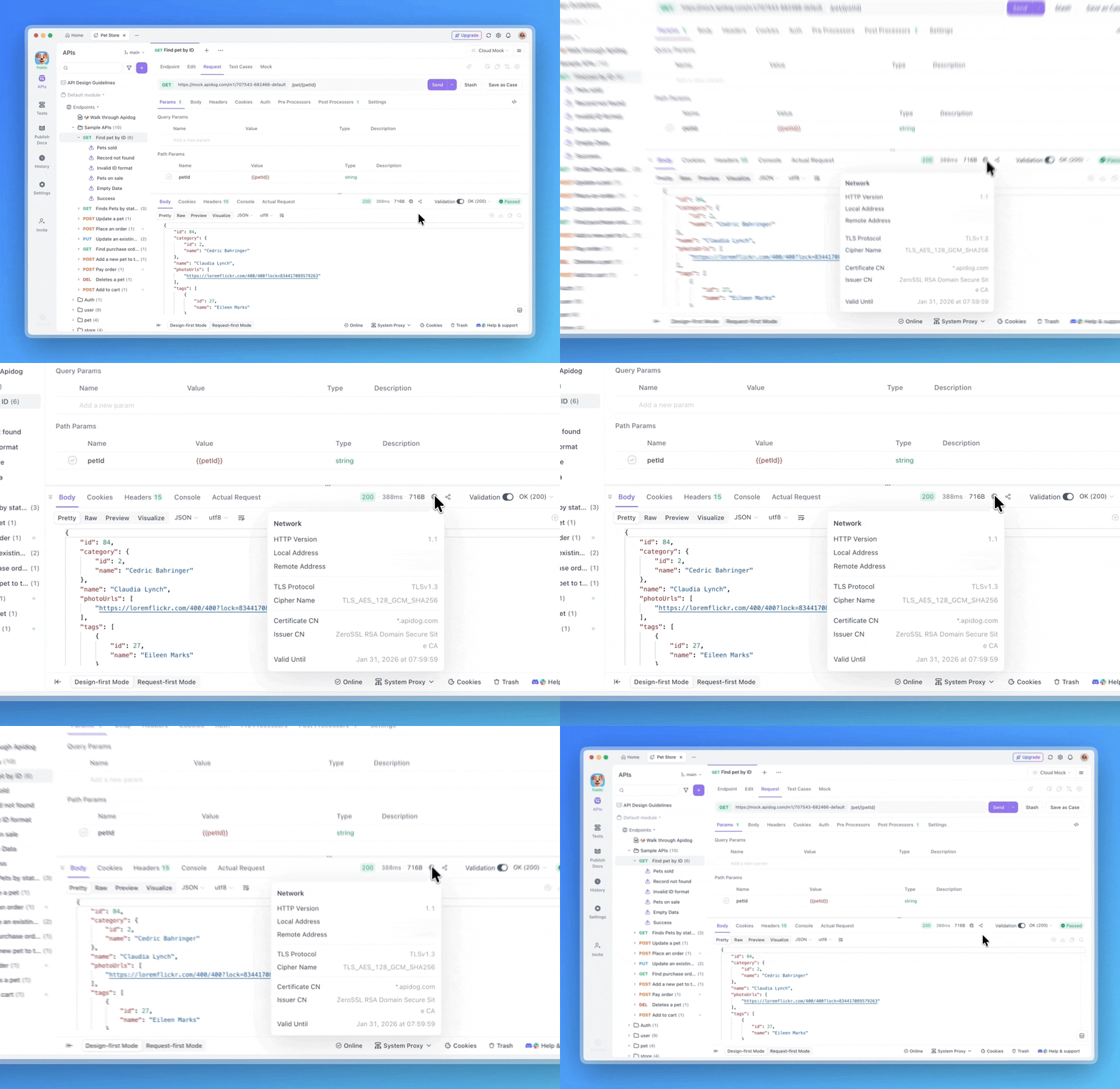
For engineering teams dealing with strict security compliance or complex infrastructure, visibility is everything. When debugging endpoints, Apidog now exposes deep Network Details, including HTTP Versions (h1/h2) and TLS Protocols.
This provides protocol-level clarity needed for troubleshooting handshake failures, latency issues, and security configurations, ensuring your enterprise APIs meet the highest infrastructure standards.
⚡️ Optimizations
- Test Suite Reordering: You can now easily reorder resources within the static steps of a test suite via drag-and-drop, making test orchestration more intuitive.
- Collaboration Links for Test Suites: Test Suites now support copying collaboration links instantly, streamlining communication between QA engineers and developers.
- Enum Selection for Arrays: We’ve refined the debugging UX. When handling array-type parameters, you can now directly select enum values for child elements, reducing input errors.
- Expanded OpenAPI Support: Imports for OpenAPI/Swagger specifications now support
Query-type HTTP methods andadditionalOperation, ensuring broader compatibility with diverse spec standards.
🐞 Bug Fixes
- JSONPath Action: Fixed an issue where right-clicking on response data failed to show context options like "Copy JSONPath," restoring rapid data extraction workflows.
- Security Visibility: Fixed a critical governance issue where WebSocket endpoints were unintentionally exposed in public documentation even when root folder visibility was set to "Internal."
- Organization Transfers: Resolved a billing logic error that prevented teams without a bound payment method from being correctly transferred into an organization.
- Database Connectivity: Fixed a connection failure issue where MongoDB passwords containing the special character
%were not parsed correctly.
🌟 Looking Ahead
As we accelerate into 2026, our roadmap is centered on unifying your development workflow and embracing the AI-native future. We are actively working on deeper Git and text-mode integrations to align with git-first habits, while simultaneously evolving Apidog’s architecture to be seamlessly accessible by AI Agents. Beyond these innovations, we remain committed to refining the core experience—optimizing multi-protocol support and polishing the essential debugging and documentation tools you use every day.
💬 Join the Conversation!
Connect with fellow API engineers and the Apidog team:
- Join our Discord community for real-time discussions.
- Participate in our Slack community for technical deep dives.
- Follow us on X (Twitter) for the latest updates.
P.S. Explore the complete details of all these updates in the Apidog Changelog! 🚀
Happy API Building!
Best Regards,
The Apidog Team