TL;DR
Model Context Protocol (MCP) is a standard for connecting AI assistants to external data sources and APIs. It lets Claude Desktop, Cursor, and other AI tools access your API securely. Modern PetstoreAPI implements MCP so AI assistants can search pets, place orders, and manage inventory through natural language.
Introduction
You ask Claude Desktop: “Show me available cats under $300.” Claude responds: “I don’t have access to pet store data.” You need to copy/paste from your API, breaking your workflow.
With MCP (Model Context Protocol), Claude can access your API directly. You ask the same question, and Claude queries the PetstoreAPI, filters results, and shows you available cats under $300.
Modern PetstoreAPI implements MCP, letting AI assistants interact with the pet store through natural language.
If you’re building APIs for AI integration, Apidog helps you test MCP implementations and validate AI assistant interactions.
What Is MCP?
MCP is a protocol created by Anthropic for connecting AI assistants to external resources.
The Problem MCP Solves
AI assistants are powerful but isolated. They can’t:
- Access your company’s internal APIs
- Query your database
- Read files from your filesystem
- Interact with external services
MCP provides a standard way for AI assistants to connect to these resources securely.
MCP Components
1. MCP Server - Exposes resources and tools to AI assistants
2. MCP Client - AI assistant (Claude Desktop, Cursor, etc.)
3. Resources - Data the AI can read (files, database records, API responses)
4. Tools - Actions the AI can perform (create order, update pet, search inventory)
MCP Architecture
AI Assistant (Claude Desktop)
    ↓ MCP Protocol
MCP Server (PetstoreAPI MCP Server)
    ↓ Internal APIs
PetstoreAPI Backend
    ↓
Database
How MCP Works
1. Server Registration
Configure Claude Desktop to connect to MCP server:
{
  "mcpServers": {
    "petstore": {
      "command": "node",
      "args": ["/path/to/petstore-mcp-server.js"],
      "env": {
        "PETSTORE_API_KEY": "your-api-key"
      }
    }
  }
}
2. Tool Discovery
AI assistant asks: “What tools are available?”
MCP server responds:
{
  "tools": [
    {
      "name": "search_pets",
      "description": "Search for pets by species, status, and price",
      "inputSchema": {
        "type": "object",
        "properties": {
          "species": {"type": "string", "enum": ["CAT", "DOG"]},
          "maxPrice": {"type": "number"},
          "status": {"type": "string", "enum": ["AVAILABLE", "ADOPTED"]}
        }
      }
    },
    {
      "name": "create_order",
      "description": "Place an order for a pet",
      "inputSchema": {
        "type": "object",
        "properties": {
          "petId": {"type": "string"},
          "userId": {"type": "string"}
        },
        "required": ["petId", "userId"]
      }
    }
  ]
}
3. Tool Execution
User asks: “Show me available cats under $300”
AI assistant calls:
{
  "tool": "search_pets",
  "arguments": {
    "species": "CAT",
    "status": "AVAILABLE",
    "maxPrice": 300
  }
}
MCP server executes:
async function search_pets({ species, status, maxPrice }) {
  const response = await fetch(
    `https://petstoreapi.com/v1/pets?species=${species}&status=${status}&maxPrice=${maxPrice}`
  );
  return await response.json();
}
Returns results to AI, which formats them for the user.
MCP vs Traditional APIs
| Feature | Traditional API | MCP |
|---|---|---|
| Access | Direct HTTP | Through AI assistant |
| Interface | REST/GraphQL | Natural language |
| Auth | API keys, OAuth | MCP server handles auth |
| Discovery | OpenAPI docs | Tool schemas |
| Usage | Code/curl | Conversational |
| Error Handling | HTTP status codes | AI interprets errors |
Example Comparison
Traditional API:
curl -H "Authorization: Bearer token" \
  "https://petstoreapi.com/v1/pets?species=CAT&maxPrice=300"
MCP:
User: "Show me available cats under $300"
AI: [Calls search_pets tool, formats results]
"Here are 5 available cats under $300:
1. Fluffy - $250
2. Whiskers - $280
..."
How Modern PetstoreAPI Implements MCP
Modern PetstoreAPI provides an MCP server.
Available Tools
1. search_pets - Search pets by criteria 2. get_pet - Get pet details 3. create_order - Place an order 4. get_inventory - Check inventory 5. update_pet_status - Update pet availability
Example: Search and Order
User: “Find me a dog under $500 and place an order”
AI workflow:
1. Call search_pets({species: "DOG", maxPrice: 500})
2. Show results to user
3. User confirms: "Order the Labrador"
4. Call create_order({petId: "019b4132", userId: "user-456"})
5. Confirm order placed
MCP Server Code
import { Server } from '@modelcontextprotocol/sdk/server/index.js';
import { StdioServerTransport } from '@modelcontextprotocol/sdk/server/stdio.js';

const server = new Server({
  name: 'petstore-mcp',
  version: '1.0.0'
}, {
  capabilities: {
    tools: {}
  }
});

server.setRequestHandler('tools/list', async () => ({
  tools: [
    {
      name: 'search_pets',
      description: 'Search for pets',
      inputSchema: {
        type: 'object',
        properties: {
          species: { type: 'string' },
          maxPrice: { type: 'number' }
        }
      }
    }
  ]
}));

server.setRequestHandler('tools/call', async (request) => {
  const { name, arguments: args } = request.params;

  if (name === 'search_pets') {
    const response = await fetch(
      `https://petstoreapi.com/v1/pets?${new URLSearchParams(args)}`
    );
    return { content: [{ type: 'text', text: JSON.stringify(await response.json()) }] };
  }
});

const transport = new StdioServerTransport();
await server.connect(transport);
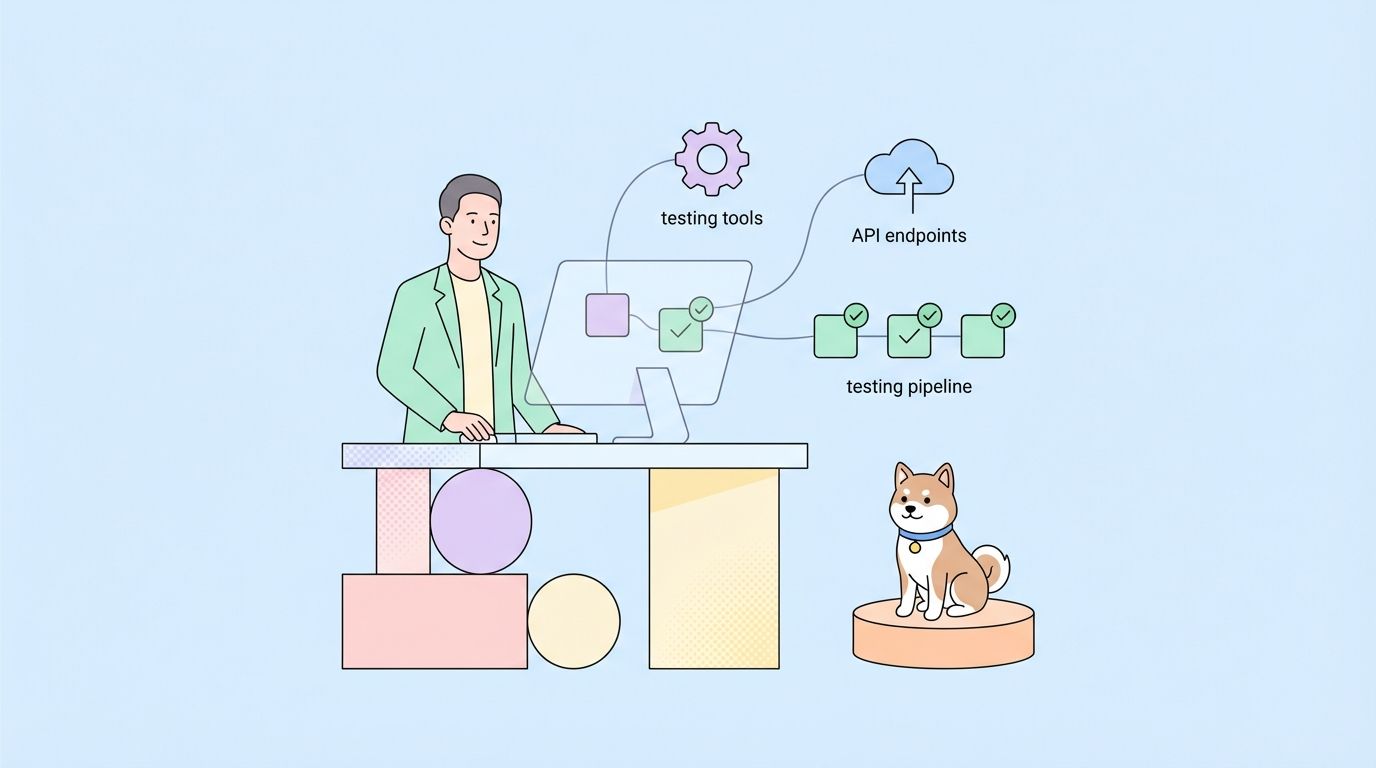
Testing MCP with Apidog
Apidog helps test MCP implementations:
- Test underlying APIs work correctly
- Validate tool schemas match API contracts
- Test error handling
- Verify authentication flows
Why MCP Matters
1. AI-Native APIs
APIs become accessible through natural language. Non-technical users can interact with your API through AI assistants.
2. Standardization
MCP is becoming the standard for AI-API integration. Support it once, work with all MCP clients.
3. Security
MCP servers handle authentication. AI assistants don’t need direct API access.
4. Composability
AI assistants can combine multiple MCP servers, creating workflows across services.
Conclusion
MCP bridges AI assistants and APIs. Modern PetstoreAPI implements MCP, letting Claude Desktop and other AI tools interact with the pet store through natural language.
Key takeaways:
- MCP connects AI assistants to APIs
- Tools define what AI can do
- Natural language replaces API calls
- Modern PetstoreAPI shows MCP implementation
FAQ
Which AI assistants support MCP?
Claude Desktop, Cursor, and other Anthropic-powered tools. Support is growing.
Is MCP secure?
Yes. MCP servers handle authentication. AI assistants don’t see API keys.
Can I use MCP with existing APIs?
Yes. Build an MCP server that wraps your existing API.
Does MCP replace REST APIs?
No. MCP is for AI assistant access. REST APIs remain for direct programmatic access.
How do I test MCP tools?
Use Apidog to test the underlying APIs, then test MCP tools with Claude Desktop.