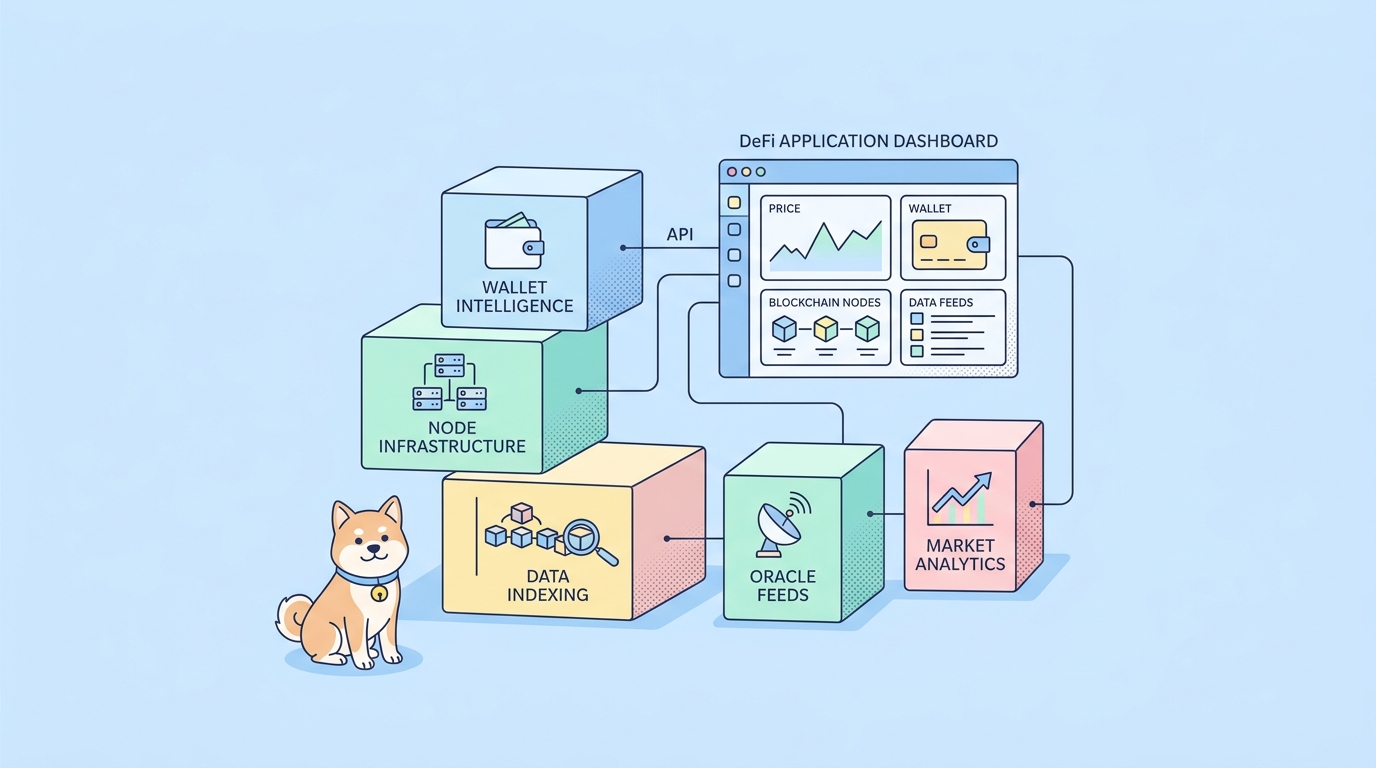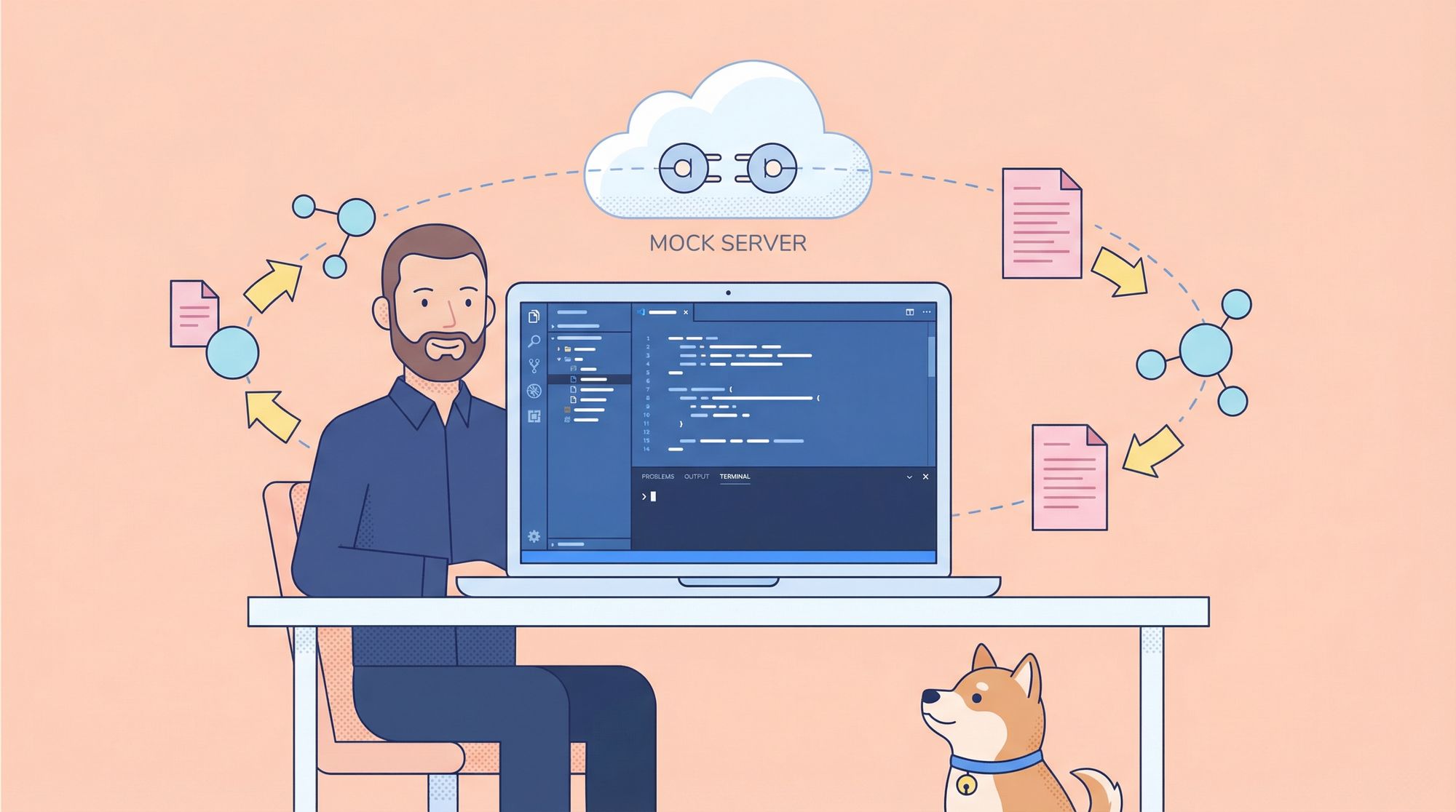
If you spend most of your day inside Visual Studio Code, chances are you want your entire workflow — coding, debugging, API testing, and yes, API mocking to happen right there too. And honestly, I get it. VS Code has become the "home base" for developers. Jumping into different tools or browser tabs just to test or mock APIs ruins the flow.
That's exactly why mock servers that integrate smoothly with VS Code have become so popular. Whether you're building frontend features before backend APIs exist, testing microservices, or isolating endpoints for QA, having a powerful mock environment right inside VS Code can dramatically speed up development.
Before we dive into the top 10 mock server tools that fit perfectly into a VS Code workflow, here’s something that will save you hours.
Now, let’s break down all the best options you can use in 2025 to create the perfect VS Code-centered API mocking workflow.
What Makes a Great Mock Server for VSCode?
Not all mock servers are created equal especially when you need them to play nicely inside a VS Code-centric workflow. Before we look at specific tools, let's establish what we're looking for:
- Ease of Use: Quickly define endpoints and responses without complex setup.
- Realism: Supports dynamic responses, delays, and various HTTP status codes.
- Integration: Works seamlessly within VSCode or alongside it.
- Collaboration: Allows sharing mock definitions with your team.
- Flexibility: Handles REST, GraphQL, WebSockets, etc.
- OpenAPI / Swagger Support: Because if you're using VS Code, there's a 99% chance you're working with
.yamlor.jsonAPI specs.
Top 10 Mock Server Solutions for VS Code
1. Thunder Client (VSCode Extension)
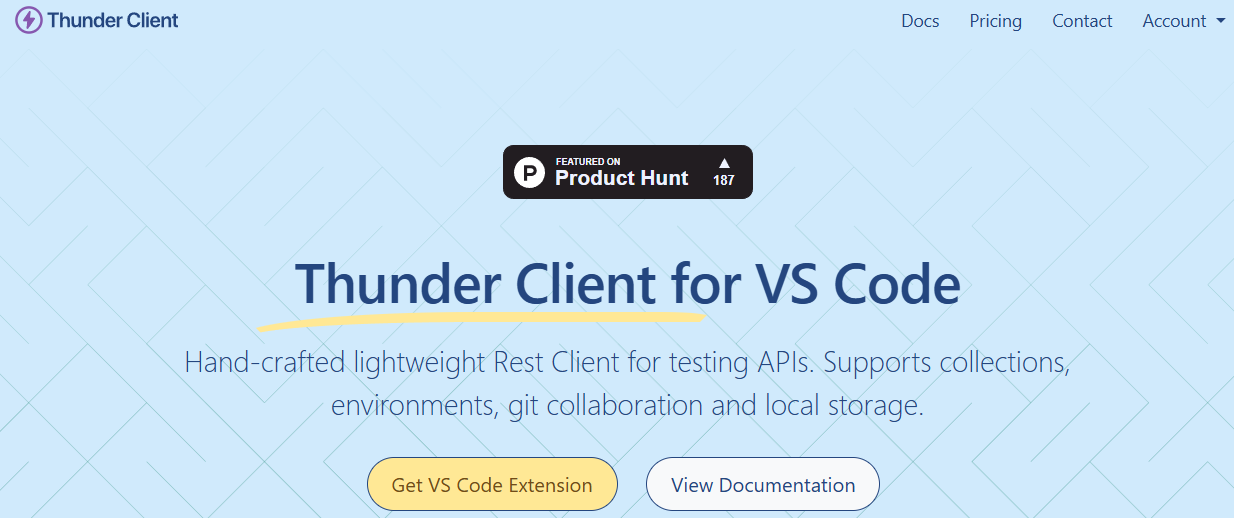
Thunder Client isn't just a mock server; it's a full-featured REST API client that lives inside VSCode. Its mock server feature is straightforward and incredibly convenient.
- How it works: You define request-response pairs in collections. Enable "Mock Server" for a collection, and it generates a local URL.
- Best for: Developers who want a simple, no-exit-the-editor solution for basic mocking needs.
- VSCode Integration: Perfect. It's a first-class extension.
- Limitation: Mocking logic is basic. Great for static responses but not for complex conditional behavior.
Why this is great:
- Everything happens inside VS Code
- No switching apps
- You can store mock rules per API request
- Amazing for frontend developers
If your ideal tool is something that stays entirely inside VS Code, Thunder Client is a top pick.
2. Apidog (Standalone Platform with Strong Workflow)
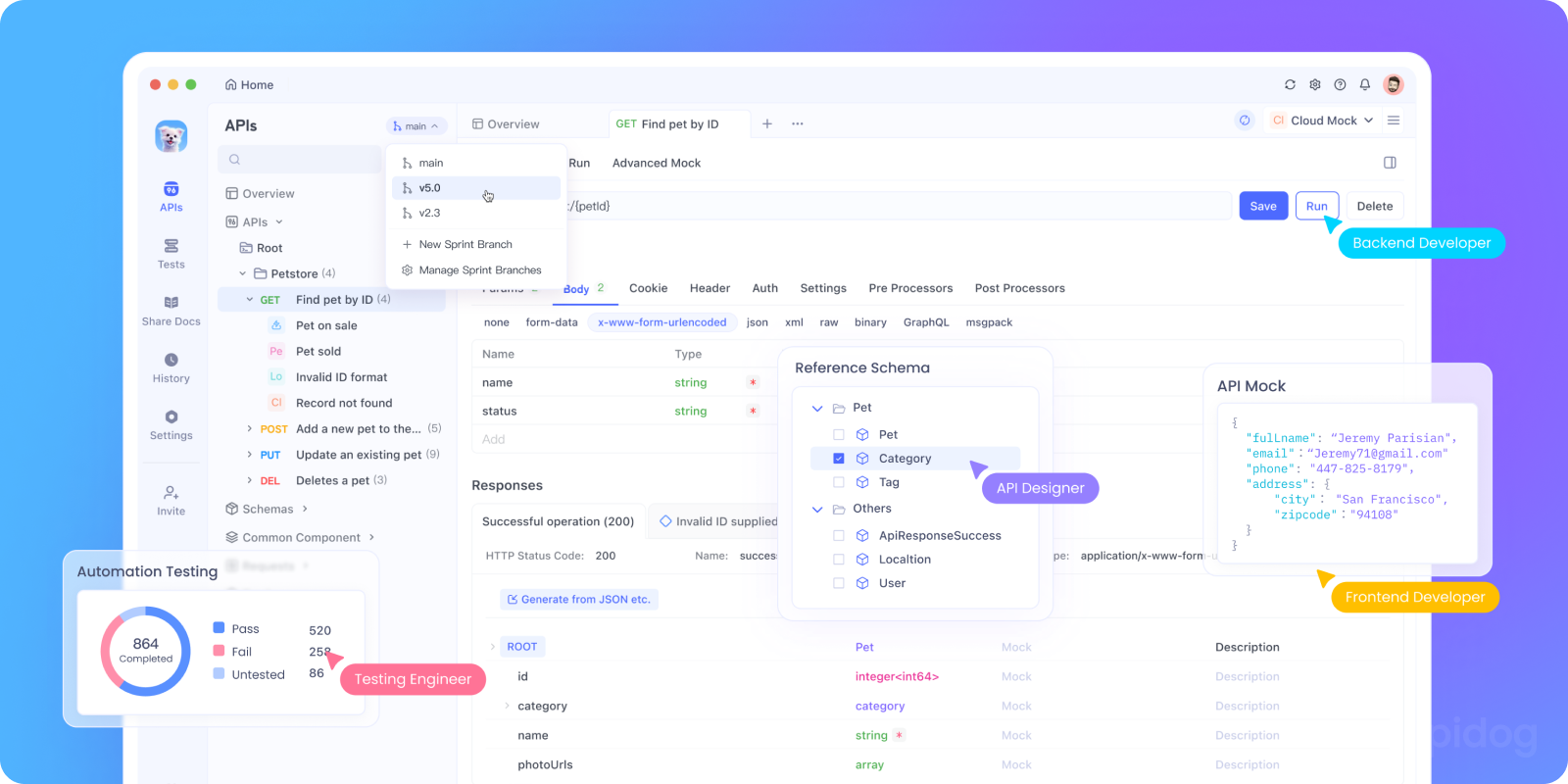
While not a VSCode extension itself, Apidog deserves top billing because it solves the entire problem that leads you to seek a mock server. It's the professional's choice.
- How it works: You design your API in Apidog's intuitive interface. The moment you define an endpoint, you get a mock URL. It can generate realistic mock data based on your schema.
- Best for: Teams following API-first development who need robust mocking, documentation, testing, and collaboration.
- VSCode Workflow: Use Apidog in your browser or desktop app to design and manage mocks. Your frontend code in VSCode calls the Apidog mock URLs. This separation is actually a strength your mocks are independent of your IDE and can be shared with anyone.
- Key Advantage: Mocks are automatically generated from your API design (OpenAPI), ensuring they never drift from the intended contract.
Why Apidog is perfect for a VS Code workflow
- You can keep your API definitions in the repo
- Apidog syncs changes instantly
- Frontend developers can build UI early with realistic mock data
- Backend developers can isolate microservices
- QA can test against stable mock environments
- It integrates with VS Code plugins used for API calling
- The mock endpoints update automatically based on the spec
3. Mockoon (Standalone App + VSCode Extension)

Mockoon is a fantastic open-source tool dedicated to one thing: creating mock servers. It has a great UI and a companion VSCode extension for quick access.
- How it works: Create environments with routes in a clean desktop application. Use the VSCode extension to quickly start/stop these mock servers.
- Best for: Developers who want a powerful, dedicated mocking tool with good VSCode visibility.
- Strengths: Advanced features like response rules, file serving, and proxy mode. The VSCode extension provides a sidebar tree view of your Mockoon environments.
- Workflow: You design mocks in the Mockoon app but control them from VSCode.
Why VS Code developers love it:
- Super easy to create mock endpoints visually
- Exports environment files you can commit to the repo
- Works perfectly with local front-end dev servers
- Great for people who hate editing YAML
Mockoon doesn’t run inside VS Code, but it aligns perfectly with a VS Code workflow.
4. JSON Server (Node.js Package)
JSON Server is a legend in the frontend community. Give it a db.json file, and it instantly provides a full REST API with GET, POST, PUT, DELETE.
- How it works:
npx json-server db.json. That's it. It reads your JSON file and creates corresponding routes. - Best for: Rapid prototyping of RESTful resources. Incredibly simple.
- VSCode Integration: Use the integrated terminal to run it. You can find extensions that provide a GUI for managing your
db.jsonfile. - Limitation: It's purely REST-based and follows its own conventions. Not for custom endpoint structures.
Why it's great for VS Code users:
Works directly from your project folder
- Supports VS Code tasks
- Plays nicely with REST Client
- Great for rapid prototyping
Limitations:
- No GUI
- No dynamic logic
- Not suitable for large teams
But if you're building something fast and want zero setup JSON Server is perfect.
5. Prism (Stoplight)
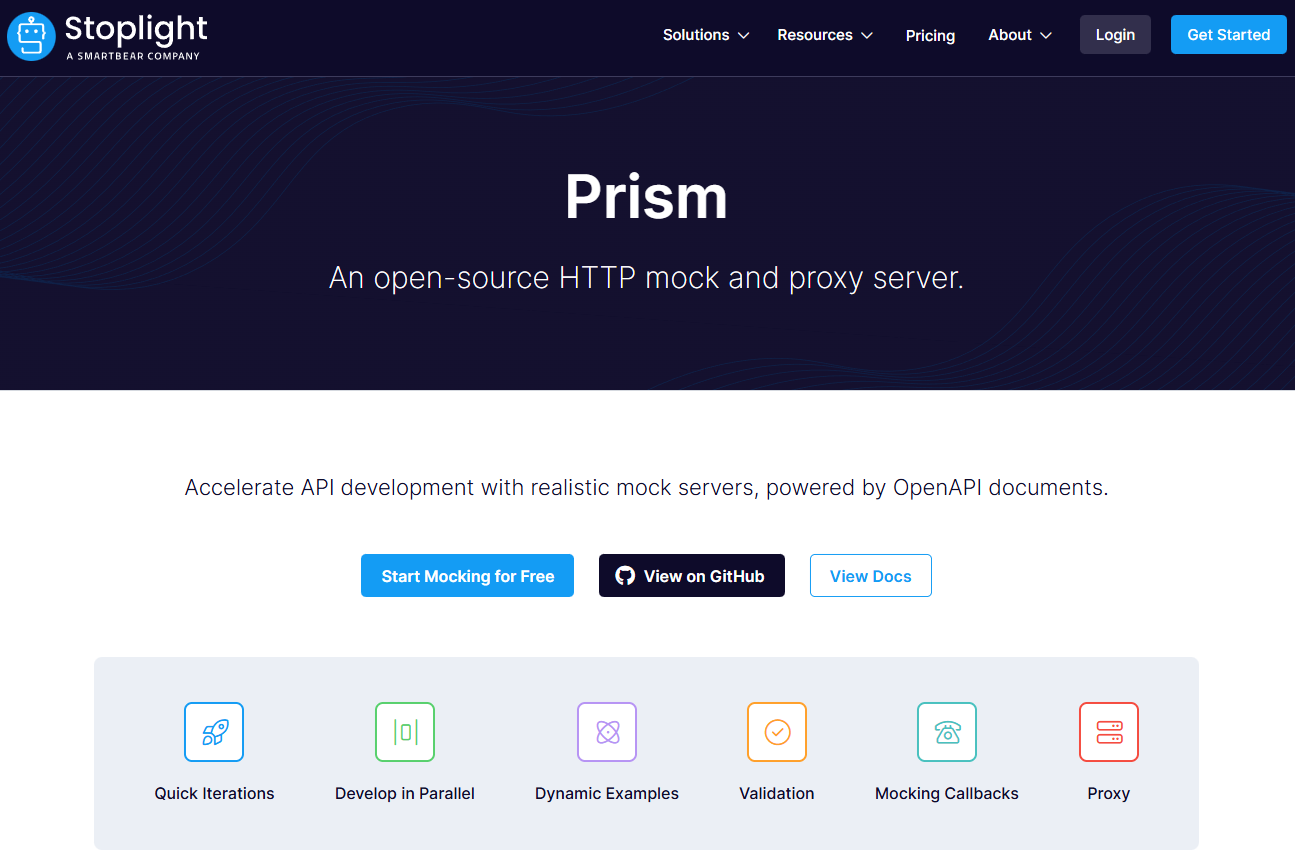
Prism is built by Stoplight, leaders in API design. It's a CLI tool that creates a mock server from an OpenAPI (Swagger) specification.
- How it works: Point Prism at your
openapi.yamlfile:prism mock openapi.yaml. It validates your spec and generates mocks that adhere to it, including examples and schemas. - Best for: Teams committed to OpenAPI and design-first development. Ensures mocks are always compliant with the contract.
- VSCode Workflow: Run Prism from your VSCode terminal. Use the Stoplight VSCode extension to edit and visualize your OpenAPI spec right in the editor.
Pros for VS Code users:
- Auto-mocks from
openapi.yaml - Built-in request validation
- Can run as a CLI or Docker
- Great for design-first development
Prism basically mocks whatever you define in your API spec so as you write/edit OpenAPI files in VS Code, Prism reflects changes instantly.
6. WireMock (Standalone/Java)
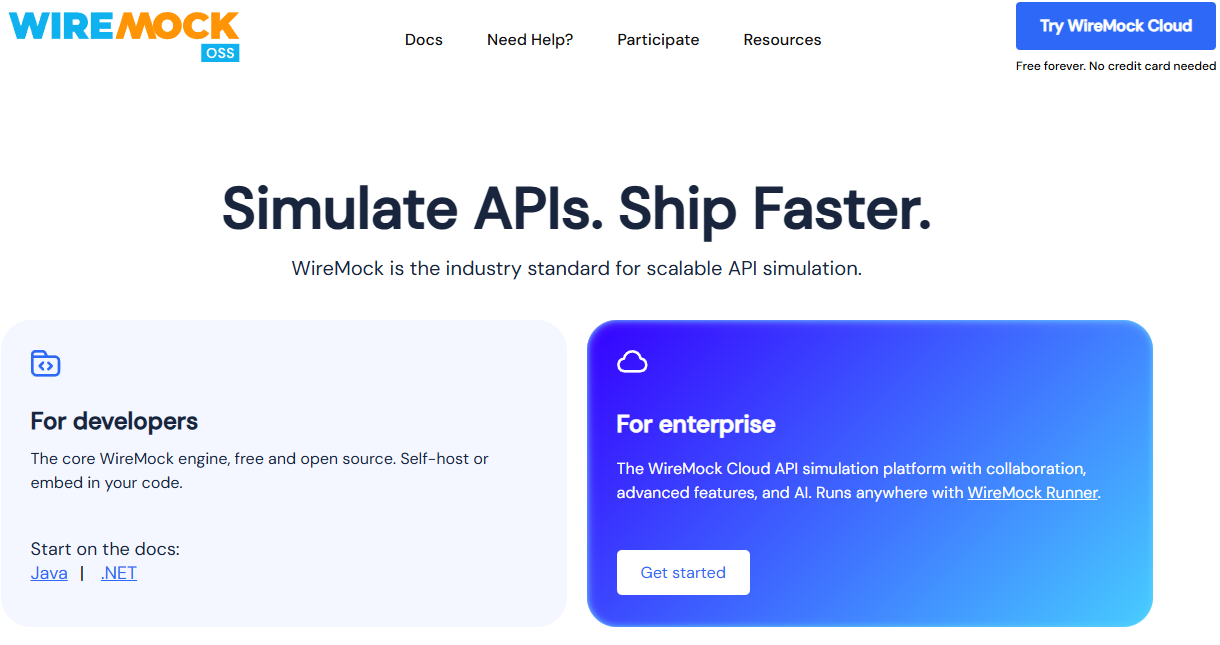
WireMock is a heavyweight for serious testing. It can run as a standalone server or within your JUnit tests.
- How it works: Define stubs via JSON files, Java API, or a REST API. It supports record-and-playback from real APIs.
- Best for: Java shops, integration testing, and scenarios requiring complex request matching and response templating.
- VSCode Integration: Use the WireMock Explorer extension to manage and visualize your WireMock instances from within VSCode.
- Note: It's more complex but also more powerful than most other options.
VS Code benefits:
- Works with Docker
- You can script it in Java or JSON files in your repo
- Can simulate delays, faults, stateful sessions
- CI-friendly
WireMock is ideal for backend developers or microservice environments with multiple VS Code workspaces.
7. MSW (Mock Service Worker)

Mock Service Worker takes a completely different approach. It intercepts network requests at the browser level using Service Workers.
- How it works: You define request handlers in JavaScript. MSW intercepts both REST and GraphQL requests from your frontend code, whether in tests or the browser.
- Best for: Frontend developers who want to mock APIs for both development and unit/integration testing without changing their application's networking code.
- VSCode Workflow: Write your handler definitions in
.js/.tsfiles within your VSCode project. It's code-first mocking.
8. Postman Mock Servers
If your team already uses Postman for API collections, their mock server feature is a natural fit.
- How it works: Create a mock server from any Postman collection. Set up example responses for each endpoint.
- Best for: Teams deeply invested in the Postman ecosystem.
- VSCode Integration: Use the Postman for VSCode extension to sync your collections. However, managing the mock server itself is primarily done in the Postman app/web.
- Consideration: The free tier has limits on calls and team collaboration.
9. Beeceptor
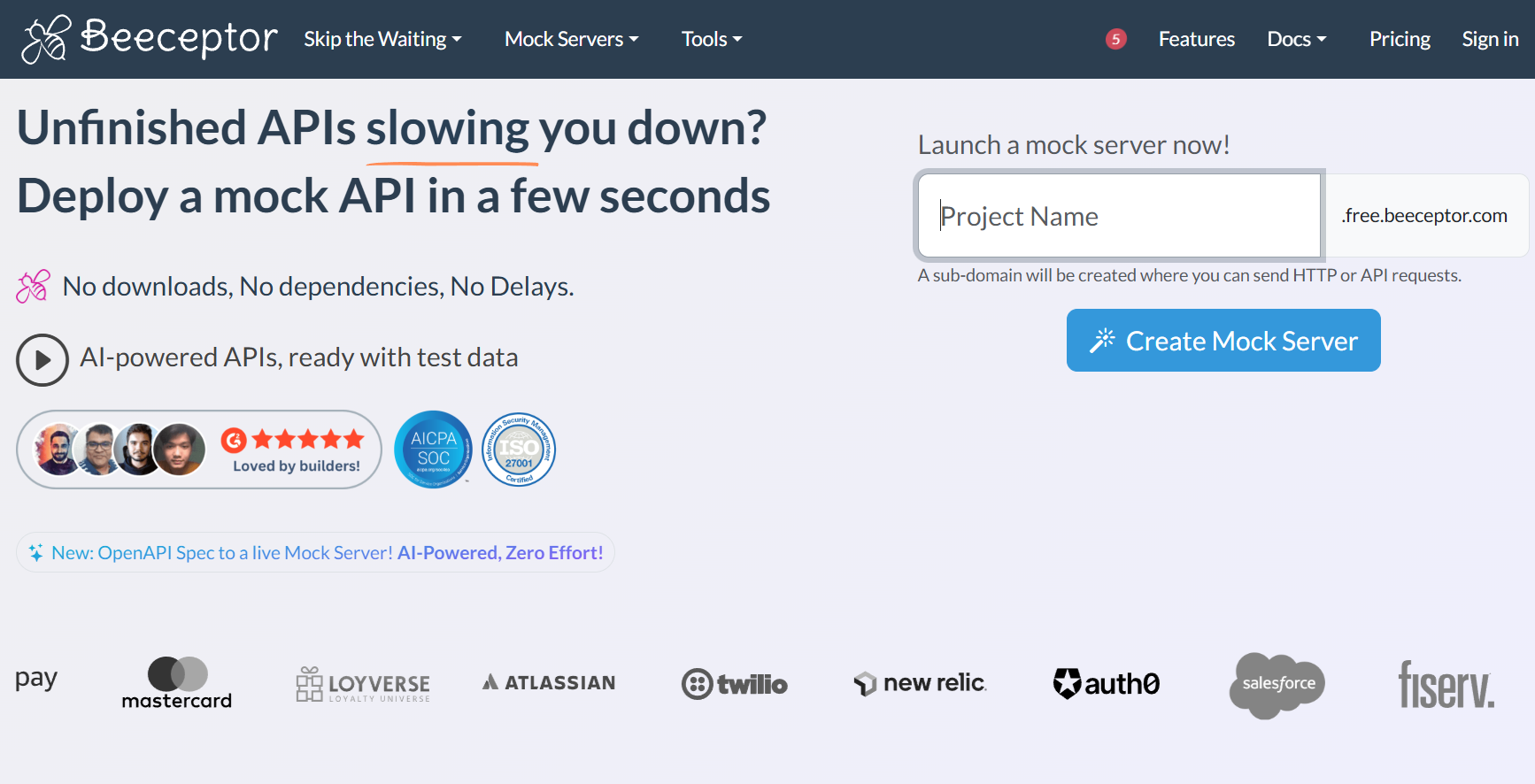
Beeceptor is a web service that gives you a mock endpoint in seconds, no installation required.
- How it works: Go to beeceptor.com, get a subdomain (e.g.,
your-api.free.beeceptor.com), and configure rules in their dashboard. - Best for: Quick, shareable mocks, testing webhooks, or when you need a public URL for a third-party service to call.
- VSCode Workflow: Use it from any browser tab while coding in VSCode. Great for temporary, public-facing mocks.
VS Code workflow benefits:
- Easy setup
- Great for teams
- Rule-based mocking
- Good for QA workflows
Not as developer-centric as JSON Server or Prism, but very friendly for testing workflows.
10. Local REST Mock (VSCode Extension)
This extension does one thing and does it simply: create a REST mock server from a JSON file inside VSCode.
- How it works: Right-click a
.jsonfile in VSCode and select "Start REST Mock Server." The file's structure defines the endpoints. - Best for: The absolute fastest path to a mock server when you just need something now with zero configuration.
- Limitation: Very basic functionality. Perfect for tiny projects or one-off needs.
Conclusion: Mock Servers Unlock Parallel Development
A good mock server isn't just a convenience; it's a productivity multiplier. It enables frontend and backend teams to work in parallel, accelerates testing, and improves the overall quality of your integration.
Whether you choose a lightweight VSCode extension like Thunder Client for speed or a comprehensive platform like Apidog for professionalism and team collaboration, integrating a mock server into your VSCode workflow is one of the best decisions you can make for modern API-driven development.
The key is to start mocking. Pick a tool from this list that matches your immediate need, and experience the freedom of developing without waiting for dependencies.