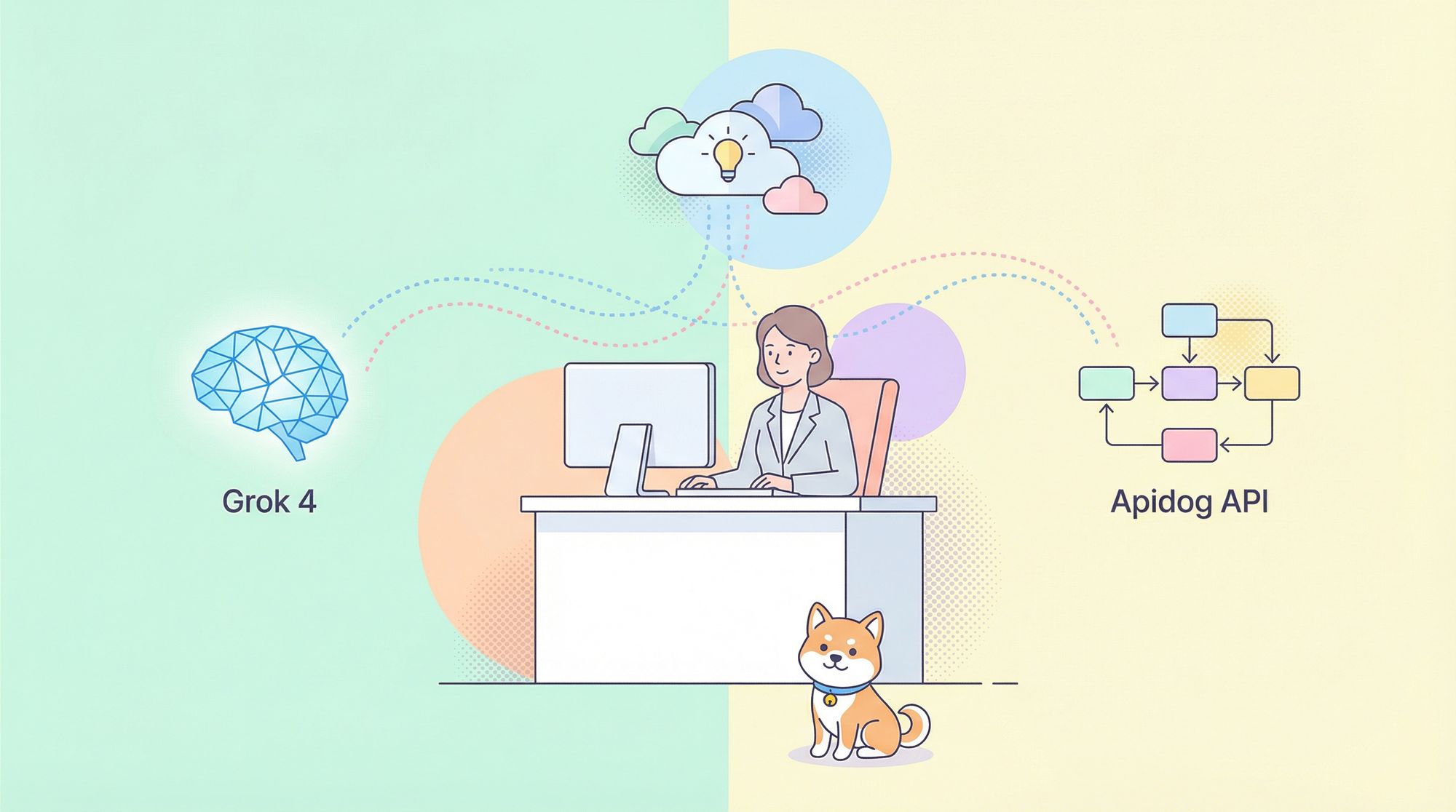
In the rapidly evolving AI landscape, you can now use Grok 4 for free in multiple ways. This guide explains how to use Grok 4 for free objectively, shows you where it shines, where it's limited, and how to pair it with an all‑in‑one API platform—Apidog—to design, mock, test, debug and document APIs efficiently.
What is Grok 4?
Grok 4 is xAI's latest large language model with advanced reasoning, multimodal understanding (text + images as input), and real‑time web integration. It supports native tool use, can write and execute code, and is trained on the Colossus supercomputer. According to xAI, Grok 4 aims to deliver stronger step‑by‑step reasoning, better reliability, and faster responsiveness via a unified architecture that serves both quick and complex queries.
If you plan to build software around Grok 4, use a workflow tool like Apidog to structure your API exploration and testing, so you can move from ideas to reliable endpoints faster.

How to Use Grok 4 for Free: 5 Proven Methods
Below are practical, working options to access Grok 4 without paying. These methods draw from publicly available experiences and platforms. Always review each platform's terms and acceptable use.
Method 1: Use Grok 4 for Free on the Official Site
Step 1: Go to grok.com and create an account.
Step 2: Choose a mode in the prompt box:
- Auto mode: Routes complex queries to Grok 4 when appropriate.
- Fast mode: Available to free users; emphasizes speed with lighter compute.
Step 3: Start chatting to test reasoning, browsing, and code use on lighter tasks.
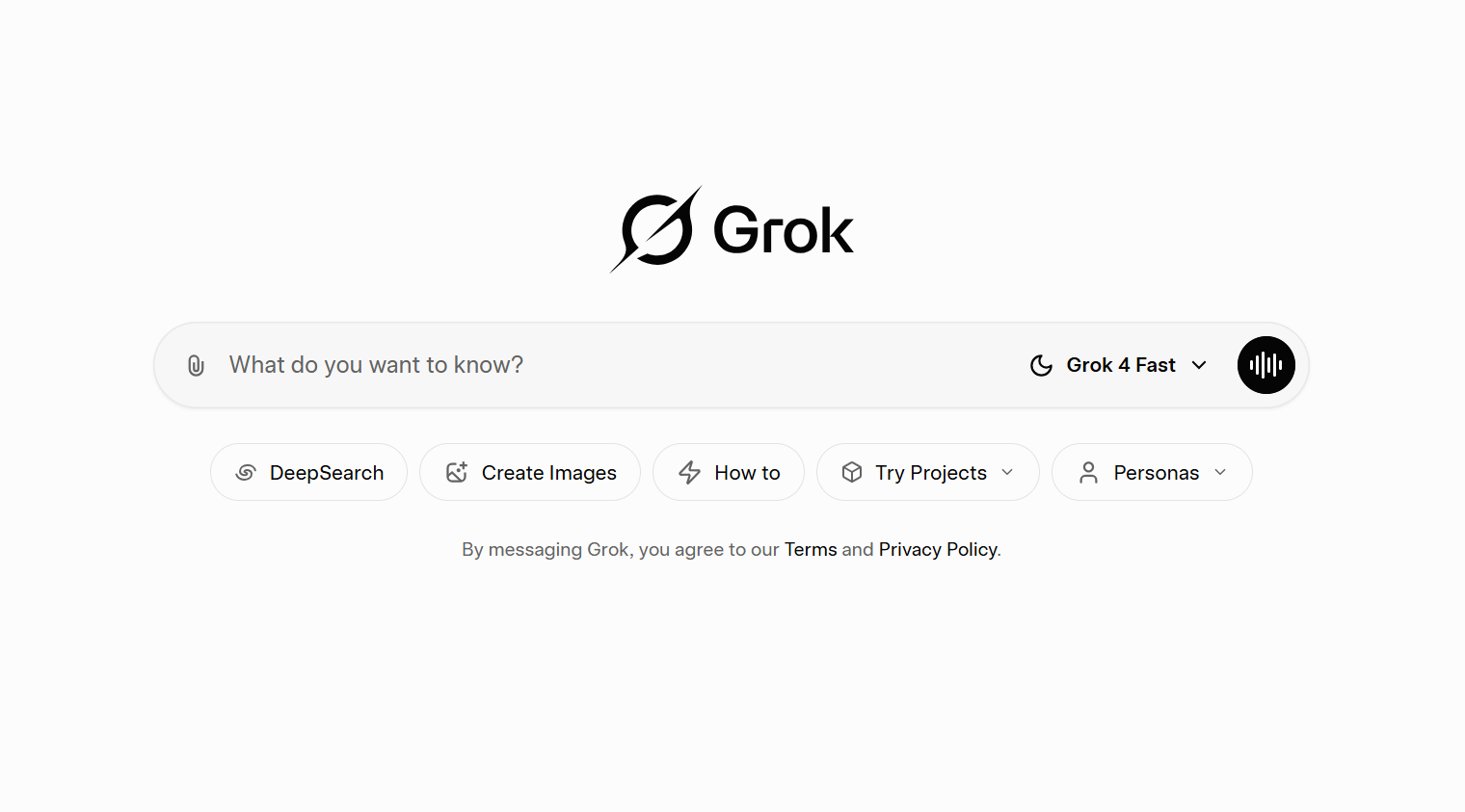
Note: You need to upgrade for Heavy or higher rate limits if you need deeper workloads.
Method 2: Use Grok 4 for Free via EaseMate AI
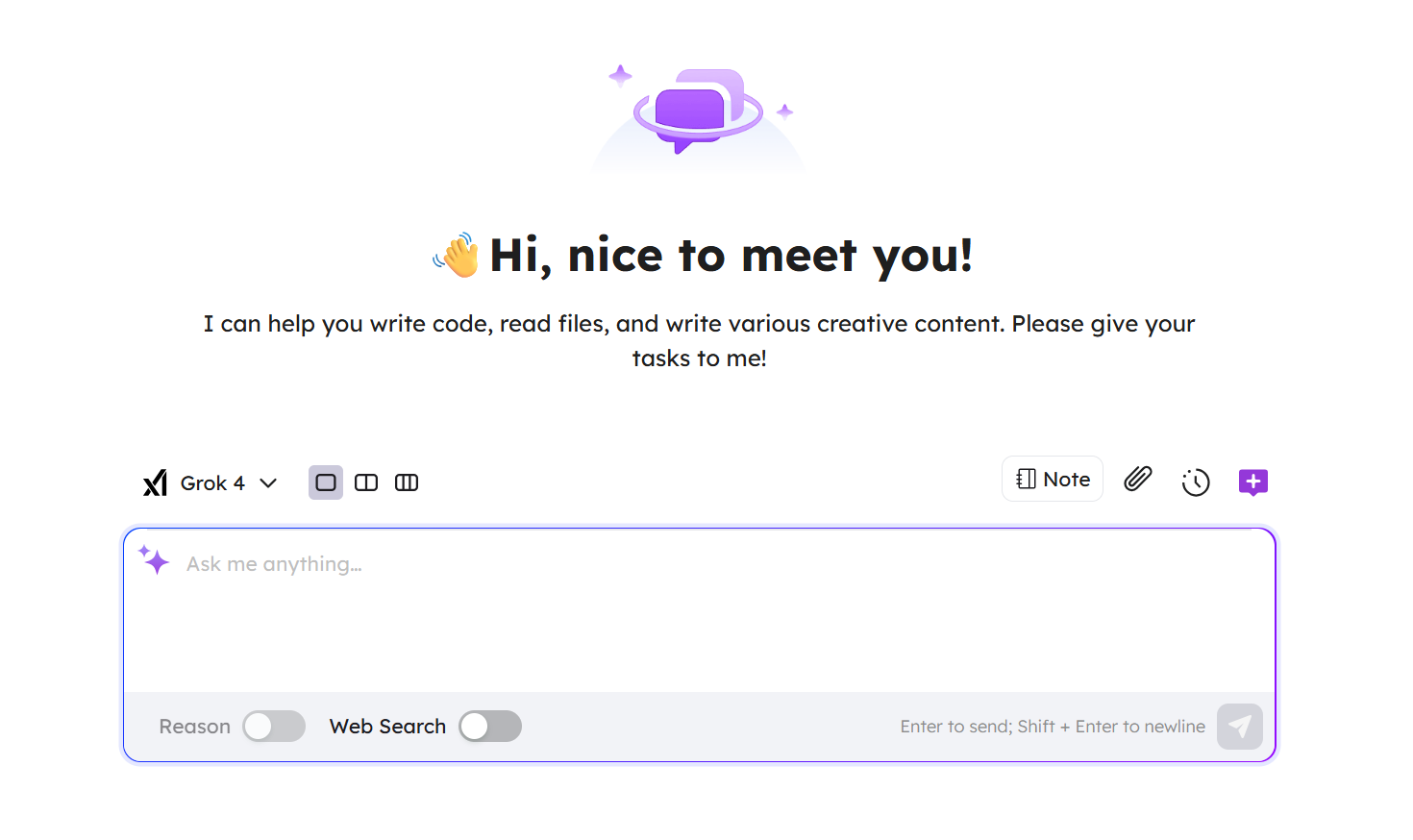
Step 1: Visit the EaseMate AI Grok 4 page: Grok 4 Free: Ask Any Questions with Grok 4 Free Online - EaseMate AI
Step 2: Create an account.
Step 3: Enter your question, press Enter, and iterate. It’s suitable for quick Q&A, summaries, or brainstorming.
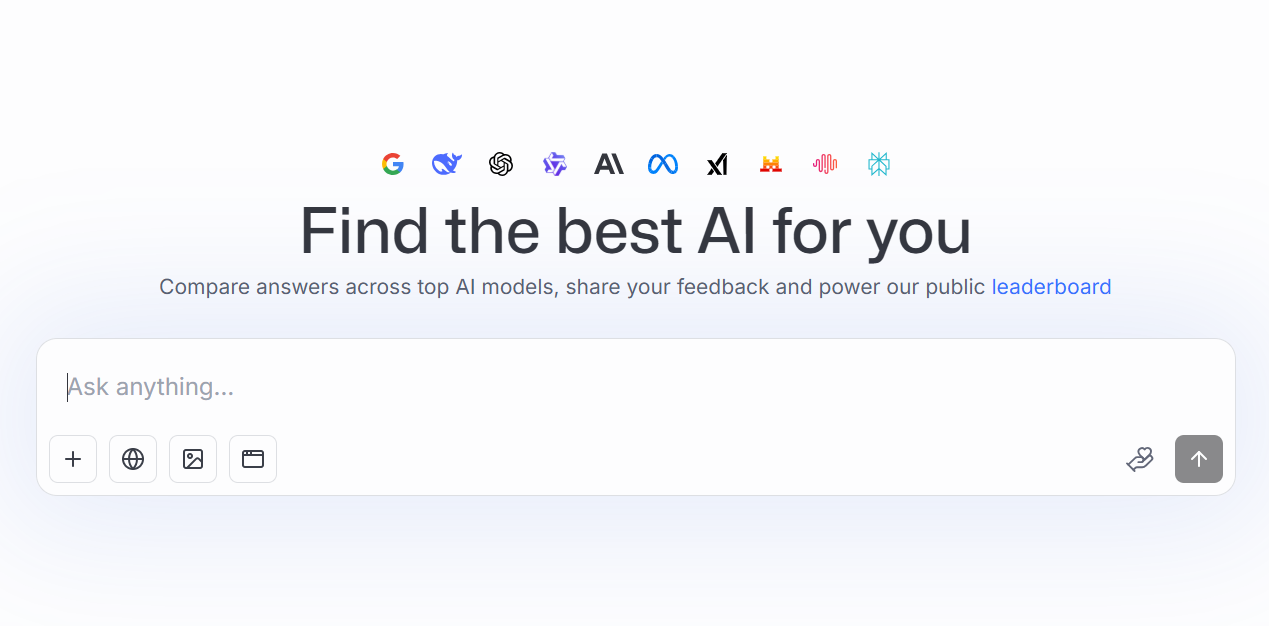
Method 3: Try Grok 4 for Free in LMArena
Step 1: Sign up at https://lmarena.ai/.
Step 2: Open direct messages and select Grok 4 as the model.
Step 3: Start chatting to evaluate responses, speed, and limits.
Method 4: Free, "User Pays" API via Puter.js
Puter uses a "User Pays" model where end‑users cover their own usage costs—letting developers integrate advanced AI without server‑side billing or API keys. Read more about how to use Grok 4 for free via Puter.js.
Quick start: include the client library in your page:
<script src="https://js.puter.com/v2/"></script>Method 5: Use Grok 4 for Free in Hugging Face Spaces
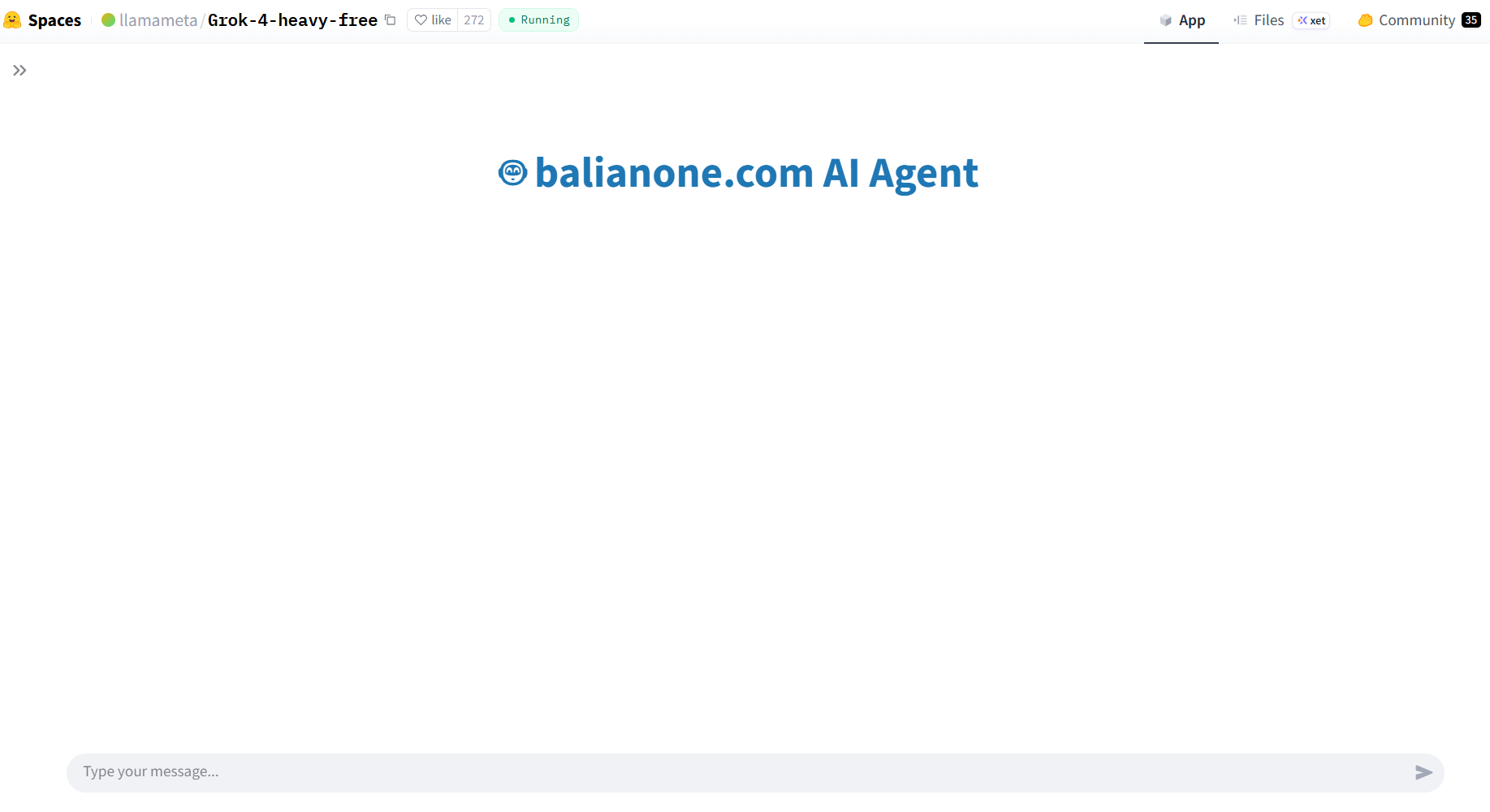
Step 1: Go to the community space: Grok 4 Heavy Free — a Hugging Face Space by llamameta
Step 2: Sign up and run test prompts directly in the browser.
Step 3: Expect variable performance and session limits depending on traffic.
Why Apidog Is the Smarter Companion While You Use Grok 4 Free
Apidog is an all‑in‑one platform for API design, debugging, mocking, automated testing, and documentation. It's built for modern, API‑first teams, and it complements Grok 4 perfectly when you're moving from ideas to production‑ready interfaces.
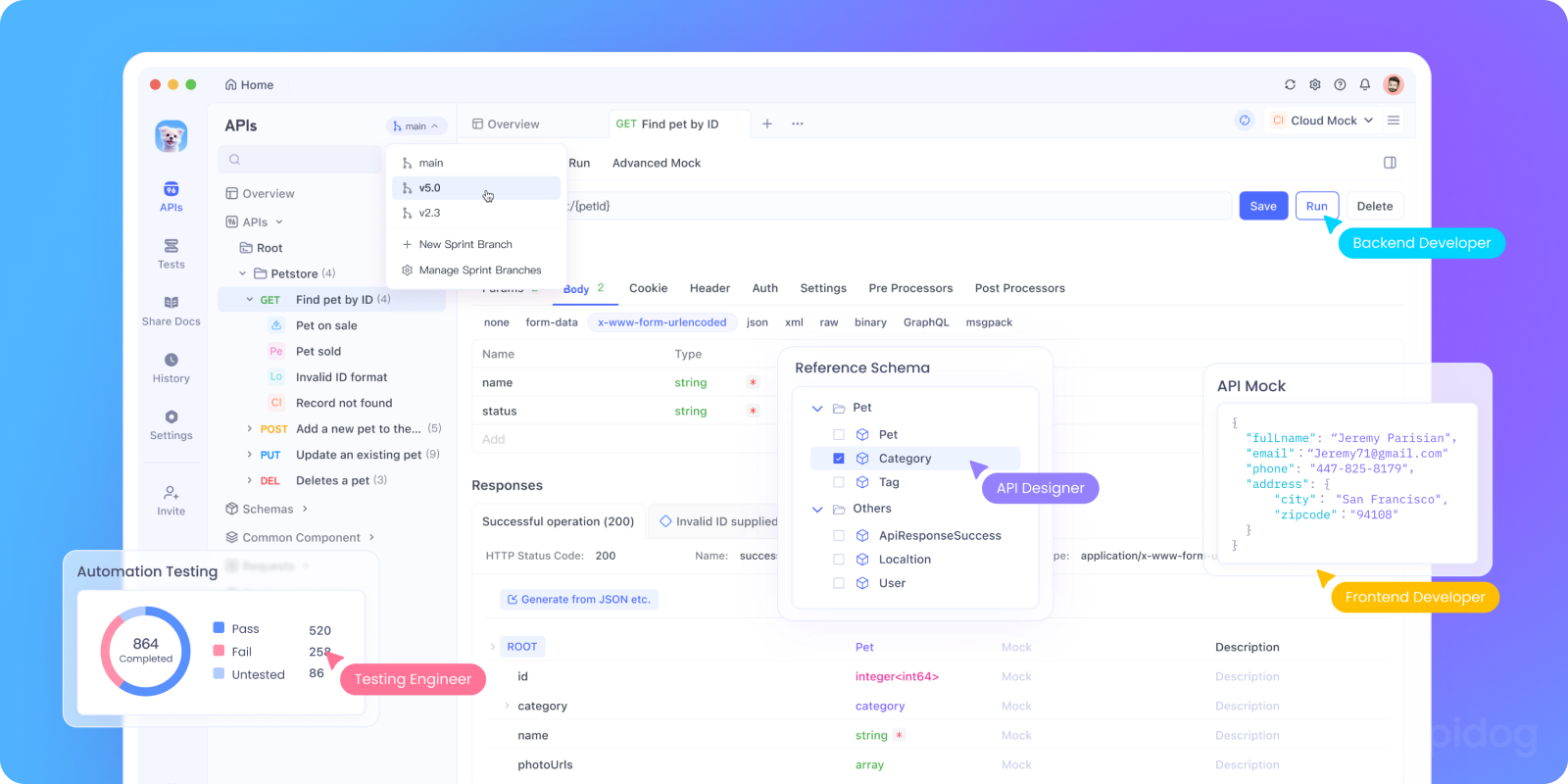
What you can do with Apidog while exploring Grok 4:
- Design first, then code: Use visual modeling and OpenAPI to agree on contracts before implementation. Branch safely, review changes, and keep everyone aligned.
- Mock instantly: Generate realistic mock data from your schemas to unblock frontend work and stakeholder demos—no backend required.
- Debug faster: Send requests, inspect headers, and validate responses visually. Use dynamic values for realistic test payloads.
- Automate testing (with AI help): Generate positive/negative/boundary/security cases from specs, validate responses automatically, and export HTML reports.
- Generate code: Produce client SDKs or server stubs in minutes to accelerate handoffs and reduce boilerplate.
- Publish interactive docs: Share "Try It Out" docs with OAuth 2.0 token generation, code samples in many languages, and Algolia‑powered search.
Why teams pair Grok 4 + Apidog:
Grok 4 helps you ideate, transform, and draft logic quickly.
Apidog turns that into a concrete, testable, governed API lifecycle—reducing rework and keeping docs, mocks, tests, and code in sync.
From backend to frontend, Apidog supports HTTP, WebSocket, GraphQL, SOAP, SSE, and even gRPC projects—plus cloud mock sharing and environment management for microservices. Explore more at Apidog Help Center.

Conclusion: The Practical Way to Use Grok 4 for Free
You can meaningfully use Grok 4 for free through official Auto/Fast modes, third‑party UIs like EaseMate AI and LMArena, a client‑side "User Pays" setup with Puter.js, or community demos on Hugging Face. These options are perfect for exploration, prototyping, and learning how Grok 4 thinks.
However, "free" often implies variability—latency, rate limits, or changing policies. If your goal is to ship dependable software, bring structure to your workflow. Pair Grok 4's reasoning power with Apidog’s end‑to‑end API lifecycle: design before you code, mock early to unblock teams, validate automatically, generate code where it saves time, and publish interactive docs so consumers succeed on day one.
In short: use Grok 4 free to explore; use Apidog to deliver. When you're ready to scale, you'll already have the foundation for governance, reliability, and speed.
Ready to experience a modern API platform? Sign up for Apidog for free and build, debug, test, and document your APIs in one place.