TL;DR
Brevo APIs let you send marketing emails, transactional emails, and SMS messages programmatically. You authenticate with an API key, send requests to api.brevo.com, and use webhooks to track delivery and engagement. For testing, use Apidog to validate payloads, test webhook handlers, and ensure your integration handles bounces and unsubscribes correctly.
Introduction
Brevo (formerly Sendinblue) processes millions of emails daily for over 500,000 businesses. It handles marketing campaigns, transactional emails, SMS marketing, and automation workflows.
Email APIs seem simple - send a message, done. But production email systems need to handle bounces, spam complaints, unsubscribes, and delivery timing. Brevo manages this complexity so you don’t have to.
The API covers three main use cases:
- Marketing campaigns - Bulk emails to contact lists
- Transactional emails - Password resets, order confirmations, notifications
- SMS messages - Verification codes, alerts, marketing texts
Authentication and setup
Get an API key
- Log into Brevo
- Go to SMTP & API → API Keys
- Create a new key with appropriate permissions
- Store it securely
The API key goes in the api-key header:
curl -X GET "https://api.brevo.com/v3/account" \
  -H "accept: application/json" \
  -H "api-key: your-api-key-here"
API base URL
All requests go to:
https://api.brevo.com/v3/
Rate limits
Brevo limits requests by plan:
- Free: 300 requests/minute
- Starter: 600 requests/minute
- Business: 1200 requests/minute
Check the X-RateLimit-Remaining header to track usage.
Sending transactional emails
Transactional emails are individual messages triggered by user actions. Think password resets, order confirmations, welcome emails.
Send a simple email
curl -X POST "https://api.brevo.com/v3/smtp/email" \
  -H "accept: application/json" \
  -H "api-key: your-api-key" \
  -H "content-type: application/json" \
  -d '{
    "sender": {
      "name": "Your App",
      "email": "noreply@yourapp.com"
    },
    "to": [
      {
        "email": "user@example.com",
        "name": "John Doe"
      }
    ],
    "subject": "Welcome to Our Platform",
    "htmlContent": "<html><body><h1>Welcome!</h1><p>Thanks for signing up.</p></body></html>",
    "textContent": "Welcome! Thanks for signing up."
  }'
Response:
{
  "messageId": "<20260324123456.123456@relay.brevo.com>"
}
Using templates
Create templates in Brevo’s visual editor, then send by ID:
curl -X POST "https://api.brevo.com/v3/smtp/email" \
  -H "api-key: your-api-key" \
  -H "content-type: application/json" \
  -d '{
    "templateId": 15,
    "to": [
      {
        "email": "user@example.com",
        "name": "John Doe"
      }
    ],
    "params": {
      "name": "John",
      "order_number": "ORD-12345",
      "tracking_url": "https://tracking.example.com/ORD-12345"
    }
  }'
Template variables use double braces:
<p>Hi {{params.name}},</p>
<p>Your order {{params.order_number}} has shipped.</p>
<p><a href="{{params.tracking_url}}">Track your package</a></p>
Send with attachments
const response = await fetch('https://api.brevo.com/v3/smtp/email', {
  method: 'POST',
  headers: {
    'api-key': process.env.BREVO_API_KEY,
    'content-type': 'application/json'
  },
  body: JSON.stringify({
    sender: { name: 'Your App', email: 'noreply@yourapp.com' },
    to: [{ email: 'user@example.com' }],
    subject: 'Your Invoice',
    htmlContent: '<p>Please find your invoice attached.</p>',
    attachment: [
      {
        name: 'invoice.pdf',
        content: base64EncodedPdfContent
      }
    ]
  })
})
Marketing campaigns
Marketing emails go to lists of contacts. Brevo handles unsubscribe links, scheduling, and analytics.
Create a campaign
curl -X POST "https://api.brevo.com/v3/emailCampaigns" \
  -H "api-key: your-api-key" \
  -H "content-type: application/json" \
  -d '{
    "name": "March Newsletter",
    "subject": "What'\''s New in March",
    "sender": {
      "name": "Your Brand",
      "email": "newsletter@yourbrand.com"
    },
    "type": "classic",
    "htmlContent": "<html><body>Newsletter content here...</body></html>",
    "recipients": {
      "listIds": [12, 15]
    },
    "scheduledAt": "2026-03-25T09:00:00+00:00"
  }'
Send immediately
curl -X POST "https://api.brevo.com/v3/emailCampaigns/{campaignId}/sendNow" \
  -H "api-key: your-api-key"
Get campaign statistics
curl -X GET "https://api.brevo.com/v3/emailCampaigns/{campaignId}" \
  -H "api-key: your-api-key"
Response includes:
{
  "statistics": {
    "delivered": 4850,
    "opened": 1455,
    "clicked": 291,
    "unsubscribed": 12,
    "bounces": 150
  }
}
Contact management
Contacts are the people you send emails to. Organize them into lists and add custom attributes.
Create a contact
curl -X POST "https://api.brevo.com/v3/contacts" \
  -H "api-key: your-api-key" \
  -H "content-type: application/json" \
  -d '{
    "email": "new.user@example.com",
    "attributes": {
      "FIRSTNAME": "Jane",
      "LASTNAME": "Smith",
      "PLAN": "premium"
    },
    "listIds": [12, 15],
    "updateEnabled": true
  }'
The updateEnabled: true flag updates existing contacts instead of failing.
Get contact details
curl -X GET "https://api.brevo.com/v3/contacts/user@example.com" \
  -H "api-key: your-api-key"
Add to list
curl -X POST "https://api.brevo.com/v3/contacts/lists/12/contacts/add" \
  -H "api-key: your-api-key" \
  -H "content-type: application/json" \
  -d '{
    "emails": ["user1@example.com", "user2@example.com"]
  }'
Remove from list
curl -X DELETE "https://api.brevo.com/v3/contacts/lists/12/contacts/remove" \
  -H "api-key: your-api-key" \
  -H "content-type: application/json" \
  -d '{
    "emails": ["user@example.com"]
  }'
Unsubscribe a contact
curl -X PUT "https://api.brevo.com/v3/contacts/user@example.com" \
  -H "api-key: your-api-key" \
  -H "content-type: application/json" \
  -d '{
    "emailBlacklisted": true
  }'
SMS marketing
Brevo sends SMS messages globally through their SMS API.
Send an SMS
curl -X POST "https://api.brevo.com/v3/transactionalSMS/sms" \
  -H "api-key: your-api-key" \
  -H "content-type: application/json" \
  -d '{
    "sender": "YourApp",
    "recipient": "+15551234567",
    "content": "Your verification code is: 123456",
    "type": "transactional"
  }'
Send marketing SMS
curl -X POST "https://api.brevo.com/v3/transactionalSMS/sms" \
  -H "api-key: your-api-key" \
  -H "content-type: application/json" \
  -d '{
    "sender": "YourBrand",
    "recipient": "+15551234567",
    "content": "Flash sale! 50% off today only. Reply STOP to unsubscribe.",
    "type": "marketing"
  }'
Get SMS statistics
curl -X GET "https://api.brevo.com/v3/transactionalSMS/statistics?startDate=2026-03-01&endDate=2026-03-31" \
  -H "api-key: your-api-key"
Webhooks for tracking
Webhooks notify your app about email events: delivered, opened, clicked, bounced, unsubscribed.
Configure webhooks
In Brevo dashboard: Settings → Webhooks → Add webhook
Events to track:
delivered- Email reached the inboxopened- Recipient opened the emailclicked- Recipient clicked a linkbounced- Email bounced (hard or soft)spam- Marked as spamunsubscribed- Recipient unsubscribed
Handle webhook payload
app.post('/webhooks/brevo', (req, res) => {
  const event = req.body

  switch (event.event) {
    case 'delivered':
      console.log(`Email ${event.messageId} delivered to ${event.email}`)
      break
    case 'opened':
      console.log(`Email opened by ${event.email} at ${event.date}`)
      break
    case 'bounced':
      console.log(`Bounce: ${event.email} - ${event.reason}`)
      // Mark contact as invalid
      markContactBounced(event.email)
      break
    case 'spam':
      console.log(`Spam complaint from ${event.email}`)
      // Remove from all lists
      removeFromAllLists(event.email)
      break
    case 'unsubscribed':
      console.log(`Unsubscribed: ${event.email}`)
      break
  }

  res.status(200).send('OK')
})
Testing with Apidog
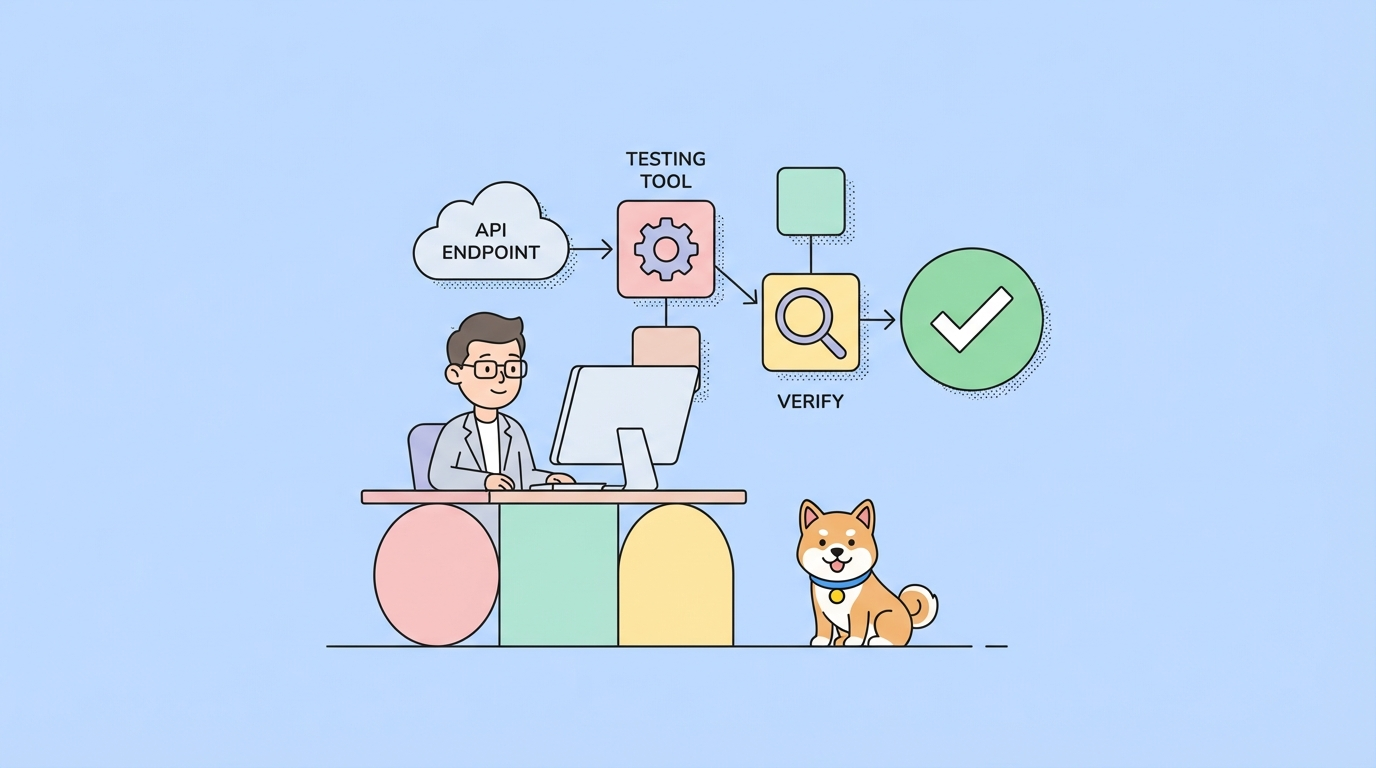
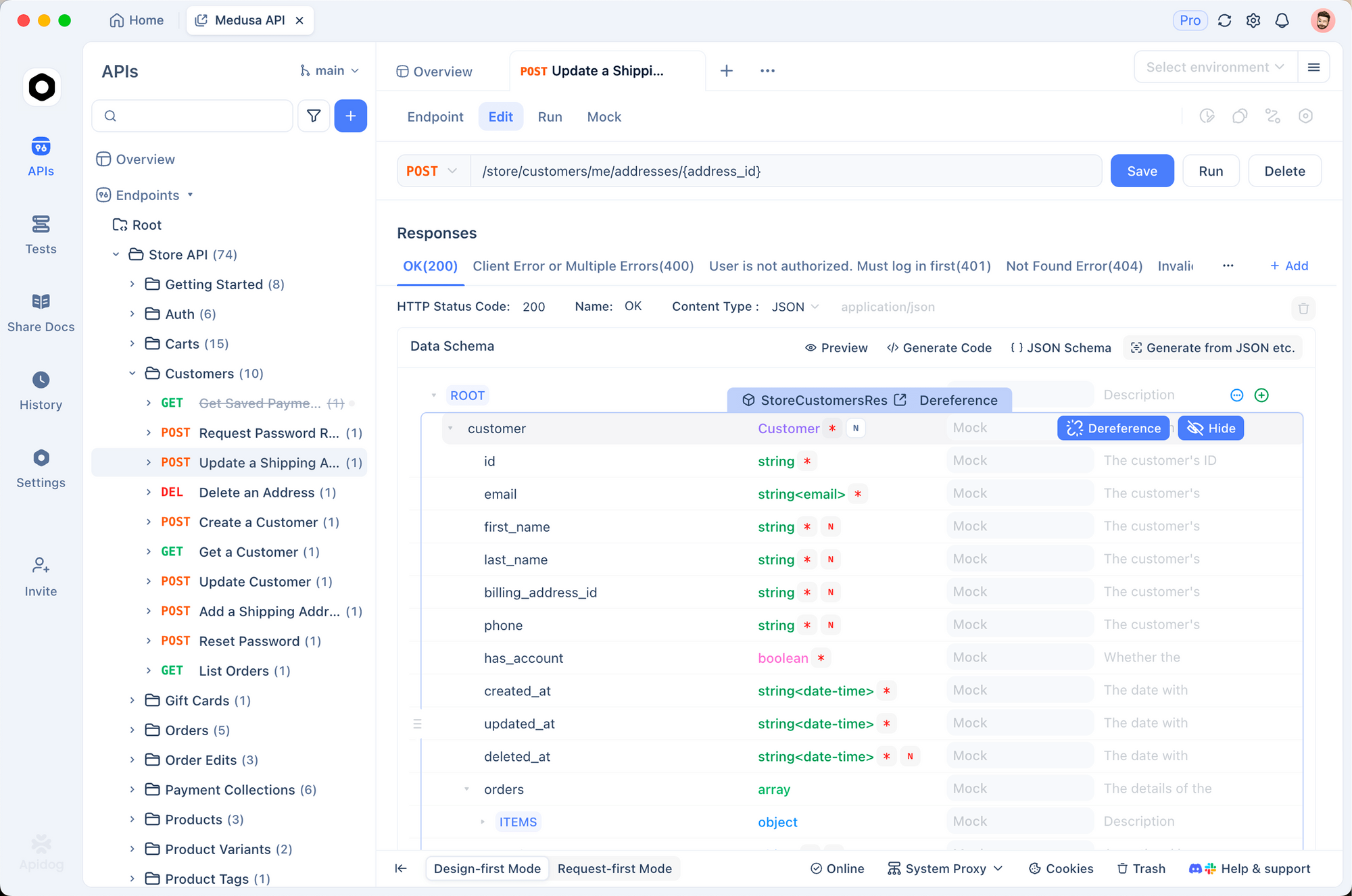
Email APIs have complex failure modes. You need to test templates, bounces, and webhooks. Apidog helps.
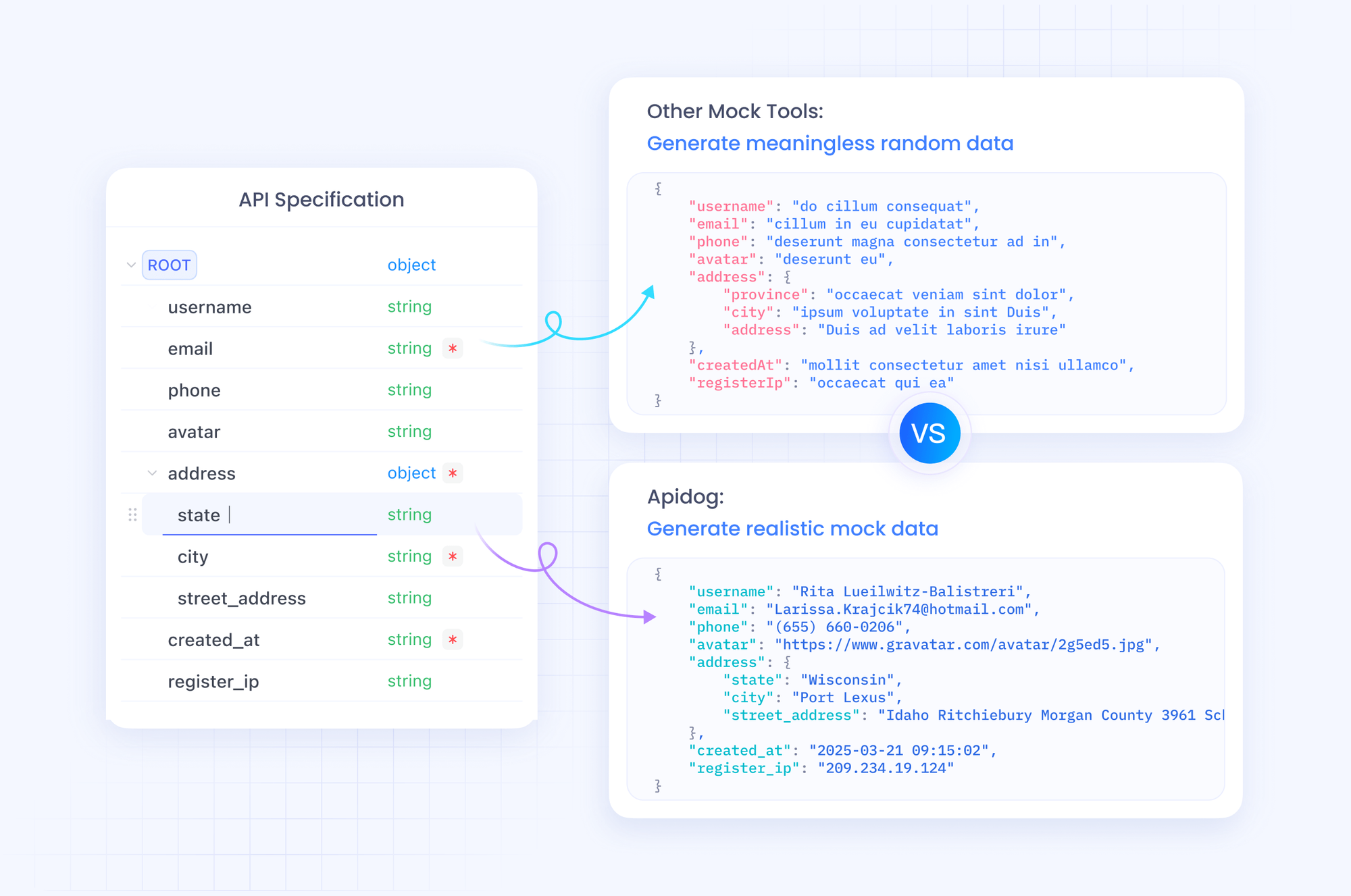
1. Mock email sending
During development, don’t send real emails. Mock the response:
pm.test('Email API accepts valid payload', () => {
  const response = pm.response.json()
  pm.expect(response).to.have.property('messageId')
  pm.expect(response.messageId).to.match(/<.*@relay\.brevo\.com>/)
})
2. Test webhook handling
Create mock webhook payloads in Apidog:
{
  "event": "bounced",
  "email": "invalid@example.com",
  "messageId": "<12345@relay.brevo.com>",
  "reason": "hard_bounce",
  "date": "2026-03-24T12:00:00Z",
  "subject": "Welcome to Our Platform"
}
Send to your webhook endpoint and verify your code handles it.
3. Validate templates
Store template payloads and test that variables are replaced correctly:
pm.test('Template variables are valid', () => {
  const payload = pm.request.body.toJSON()
  pm.expect(payload.params).to.have.property('name')
  pm.expect(payload.params).to.have.property('order_number')
})
4. Environment separation
# Development
BREVO_API_KEY: xkeysib-dev-xxx
BREVO_SENDER: dev@yourapp.com

# Production
BREVO_API_KEY: xkeysib-prod-xxx
BREVO_SENDER: noreply@yourapp.com
Test Brevo email APIs with Apidog - free
Common errors and fixes
400 Bad Request - Missing required field
Cause: Payload missing required fields.
Fix: Check the error message for specifics:
{
  "code": "invalid_parameter",
  "message": "sender.email is required"
}
401 Unauthorized
Cause: Invalid or missing API key.
Fix: Verify the api-key header is set correctly. Check the key hasn’t been revoked.
402 Payment Required
Cause: Account has exceeded limits or missing credits.
Fix:
- For email: Check your plan’s email limits
- For SMS: Purchase SMS credits
429 Too Many Requests
Cause: Rate limit exceeded.
Fix: Implement exponential backoff:
async function sendWithRetry(email, retries = 3) {
  for (let i = 0; i < retries; i++) {
    const response = await sendEmail(email)
    if (response.status === 429) {
      await sleep(Math.pow(2, i) * 1000)
    } else {
      return response
    }
  }
  throw new Error('Rate limit exceeded')
}
404 Contact not found
Cause: Trying to update a contact that doesn’t exist.
Fix: Use updateEnabled: true when creating contacts:
{
  "email": "new@example.com",
  "updateEnabled": true
}
This creates or updates the contact.
Alternatives and comparisons
| Feature | Brevo | SendGrid | Mailchimp | Postmark |
|---|---|---|---|---|
| Pricing | 300 emails/day free | 100 emails/day free | 500 emails/month free | 100 emails/month free |
| Marketing emails | Yes | Yes | Yes | No |
| Transactional emails | Yes | Yes | Limited | Yes (specialized) |
| SMS | Yes | No | No | No |
| Automation | Yes | Yes | Yes | Limited |
| Template editor | Visual + code | Code | Visual | Code |
Brevo stands out for combined email and SMS support at competitive prices.
Real-world use cases
E-commerce order flow. An online store uses Brevo for: order confirmation (transactional), shipping notification (transactional), abandoned cart recovery (marketing automation), and weekly promotions (marketing campaigns). All from one integration.
SaaS onboarding. A project management tool sends welcome emails, password resets, and team invitations via transactional API. Marketing emails announce new features to opted-in users.
SMS verification. A fintech app uses Brevo’s SMS API for two-factor authentication codes. The transactional SMS endpoint delivers codes within seconds, and webhooks track delivery failures for retry logic.
Conclusion
Here’s what you’ve learned:
- Brevo APIs handle marketing, transactional email, and SMS
- Authenticate with the
api-keyheader - Use templates for consistent, maintainable emails
- Manage contacts and lists for targeted campaigns
- Webhooks track delivery, opens, clicks, and bounces
- Test with Apidog before sending to real users
Your next steps:
- Create a Brevo account and get an API key
- Send your first transactional email
- Create a template in the visual editor
- Set up webhook handlers for bounces and unsubscribes
- Test with Apidog in development
Test Brevo email APIs with Apidog - free
FAQ
What’s the difference between Brevo and Sendinblue?Same product, new name. Sendinblue rebranded to Brevo in 2023. APIs still use api.brevo.com but you’ll see Sendinblue references in older documentation.
How many emails can I send for free?300 emails per day on the free plan. That’s 9,000 emails per month. For more, upgrade to a paid plan starting at $25/month for 20,000 emails.
Can I use Brevo for cold emails?Technically yes, but it’s risky. Cold emails have high bounce and spam rates. Brevo monitors sender reputation. High complaint rates get accounts suspended. Warm up your domain first and follow email best practices.
How do I handle email bounces?Listen for bounced webhooks. Hard bounces (invalid email) should remove contacts permanently. Soft bounces (mailbox full, temporary issues) can be retried. Track bounce rate - if it exceeds 5%, your sender reputation drops.
What’s the difference between marketing and transactional emails?Transactional emails are triggered by user actions (purchases, signups) and go to one recipient. Marketing emails are campaigns sent to many recipients simultaneously. Brevo separates them for deliverability and compliance reasons.
How do I add an unsubscribe link?Brevo automatically adds unsubscribe links to marketing emails. For transactional emails, add your own link:
<a href="{{ unsubscribe_url }}">Unsubscribe</a>
Can I send emails from my own domain?Yes. Set up SPF, DKIM, and DMARC records. Brevo provides the values in Settings → Sender & IP. Without proper authentication, emails may land in spam.
How do I schedule emails in a specific timezone?Use the scheduledAt parameter with an ISO 8601 timestamp:
{
  "scheduledAt": "2026-03-25T09:00:00-05:00"
}
What happens if I hit the rate limit?You get a 429 error. The response includes X-RateLimit-Reset header with seconds until reset. Implement exponential backoff or queue emails for later.