TL;DR
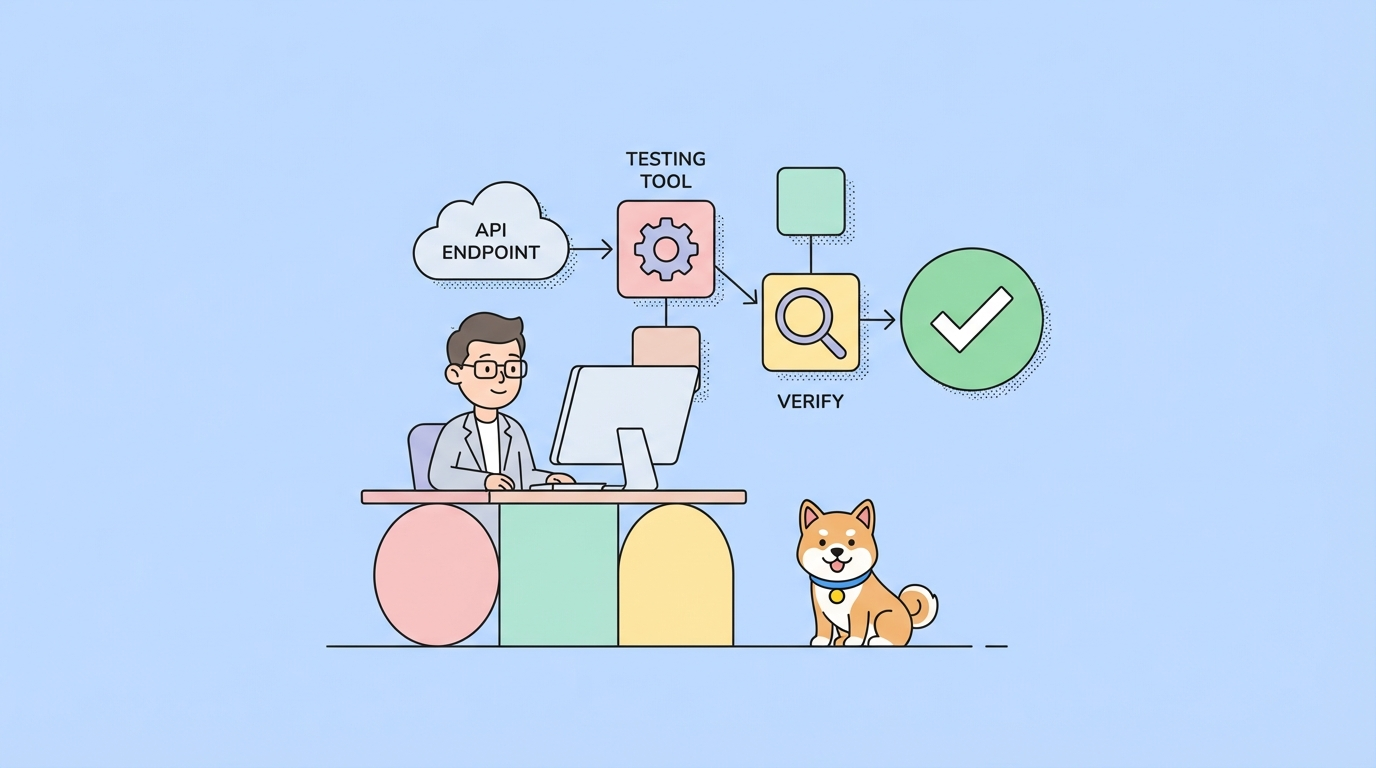
Braintree APIs process payments from credit cards, PayPal, Venmo, and digital wallets. You integrate via server-side SDKs (Node, Python, Ruby, etc.), create client tokens for frontend security, and handle transactions, refunds, and subscriptions. For testing, use Apidog to validate webhook payloads and test your integration against sandbox data before going live.
Introduction
Braintree processes billions in payments annually. It’s the payment processor behind companies like Uber, Airbnb, and GitHub. The platform handles credit cards, PayPal, Venmo, Apple Pay, Google Pay, and ACH transfers.
Payment APIs are different from other APIs. A mistake with a product catalog is annoying. A mistake with payments costs real money and breaks customer trust. You need to get it right.
Braintree offers two integration paths: Drop-in UI (pre-built payment form) and Custom UI (full control). Both use the same server-side APIs for actual payment processing. This guide covers the server-side work that happens after a customer clicks “Pay.”
Test Braintree webhooks with Apidog - free
Setting up Braintree
Create a Braintree account
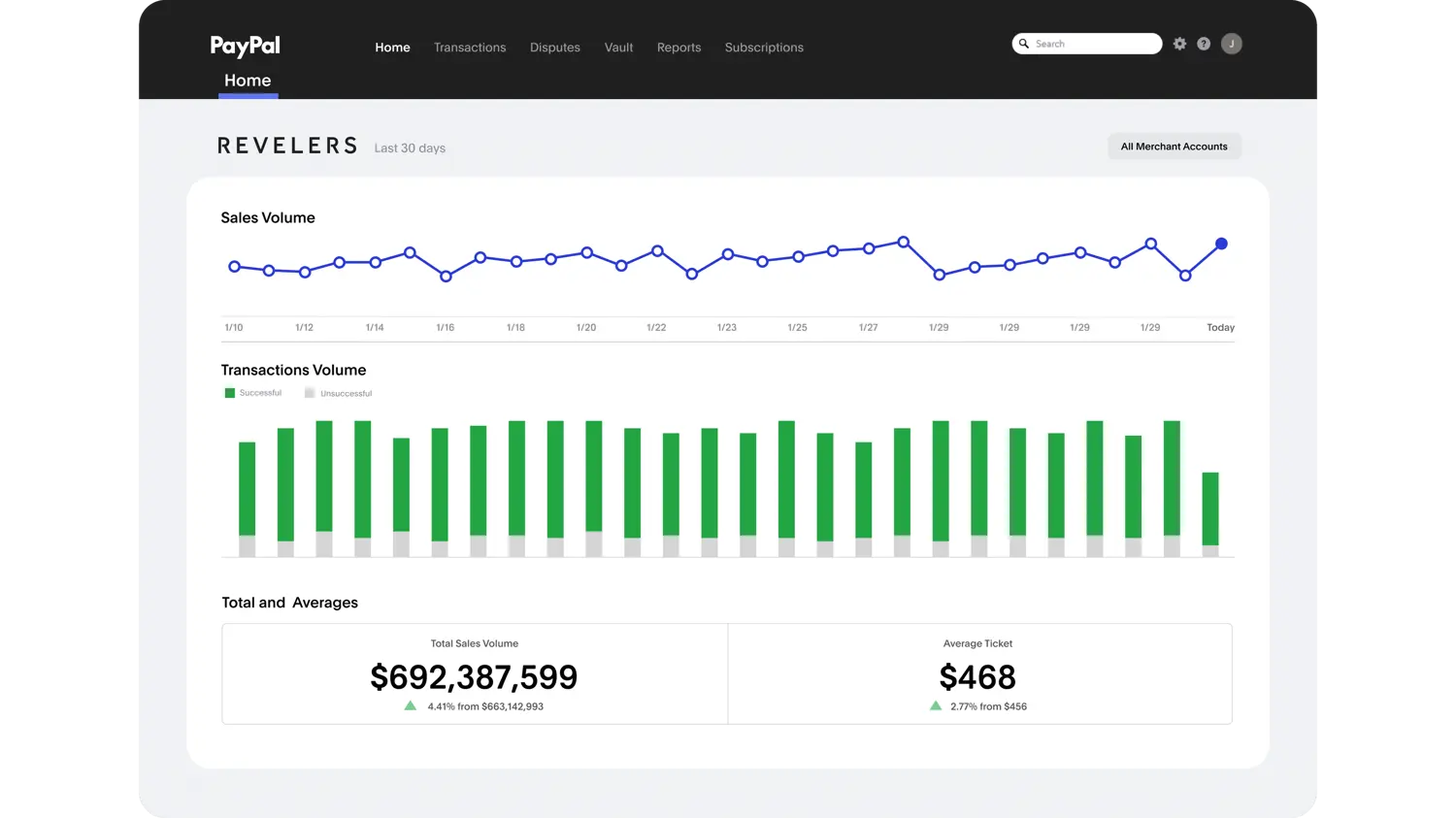
Go to braintreepayments.com (Braintree is now PayPal Enterprise Payments)and create a sandbox account. You’ll get:
- Merchant ID:
abc123xyz - Public Key:
def456... - Private Key:
ghi789...
Store these securely. The private key is like a password - never commit it to Git.
Install the SDK
Braintree provides server-side SDKs for most languages:
Node.js:
npm install braintree
Python:
pip install braintree
Ruby:
gem install braintree
Initialize the gateway:
const braintree = require('braintree')

const gateway = new braintree.BraintreeGateway({
  environment: braintree.Environment.Sandbox,
  merchantId: process.env.BRAINTREE_MERCHANT_ID,
  publicKey: process.env.BRAINTREE_PUBLIC_KEY,
  privateKey: process.env.BRAINTREE_PRIVATE_KEY
})
Generate a client token
Before showing the payment form, generate a client token. This authorizes the frontend to communicate with Braintree.
app.get('/checkout/token', async (req, res) => {
  const clientToken = await gateway.clientToken.generate()
  res.json({ clientToken: clientToken.clientToken })
})
The frontend uses this token to initialize the Drop-in UI or custom integration.
Processing payments
The payment flow
- Frontend sends payment method nonce to your server
- Server creates a transaction using the nonce
- Braintree processes the payment
- Server receives success/failure response
- You fulfill the order or show an error
Charge a credit card
app.post('/checkout', async (req, res) => {
  const { paymentMethodNonce, amount, orderId } = req.body

  const result = await gateway.transaction.sale({
    amount: amount,
    paymentMethodNonce: paymentMethodNonce,
    orderId: orderId,
    options: {
      submitForSettlement: true
    }
  })

  if (result.success) {
    res.json({
      success: true,
      transactionId: result.transaction.id
    })
  } else {
    res.status(400).json({
      success: false,
      message: result.message
    })
  }
})
Charge with saved payment method
After the first transaction, you can save the payment method for future use:
// Create customer with payment method
const result = await gateway.customer.create({
  firstName: 'John',
  lastName: 'Doe',
  email: 'john@example.com',
  paymentMethodNonce: nonce
})

// The payment method is saved
const paymentMethodToken = result.customer.paymentMethods[0].token

// Charge saved payment method later
await gateway.transaction.sale({
  amount: '49.99',
  paymentMethodToken: paymentMethodToken,
  options: {
    submitForSettlement: true
  }
})
PayPal transactions
Braintree handles PayPal the same way as cards. The frontend gets a nonce from PayPal, you charge it:
const result = await gateway.transaction.sale({
  amount: '99.00',
  paymentMethodNonce: paypalNonce,
  orderId: 'ORDER-123',
  options: {
    submitForSettlement: true
  }
})
Refunds and voids
Full refund
const result = await gateway.transaction.refund('transaction_id')

if (result.success) {
  console.log('Refunded:', result.transaction.id)
}
Partial refund
const result = await gateway.transaction.refund('transaction_id', '50.00')

if (result.success) {
  console.log('Partial refund processed')
}
Void a transaction
Void stops a transaction before it settles. Use this for authorized but not captured payments:
const result = await gateway.transaction.void('transaction_id')

if (result.success) {
  console.log('Transaction voided')
}
Transaction status flow
authorized → submitted_for_settlement → settled
                    ↓
                  voided

settled → refunded
Subscriptions and recurring billing
Braintree handles subscriptions for recurring payments.
Create a plan
First, create a plan in the Braintree control panel or via API:
const result = await gateway.plan.create({
  id: 'monthly-premium',
  name: 'Monthly Premium',
  billingFrequency: 1,
  currencyIsoCode: 'USD',
  price: '29.99'
})
Create a subscription
const result = await gateway.subscription.create({
  paymentMethodToken: paymentMethodToken,
  planId: 'monthly-premium',
  firstBillingDate: new Date()
})

if (result.success) {
  console.log('Subscription created:', result.subscription.id)
}
Cancel a subscription
const result = await gateway.subscription.cancel('subscription_id')

if (result.success) {
  console.log('Subscription cancelled')
}
Update subscription
const result = await gateway.subscription.update('subscription_id', {
  planId: 'annual-premium',
  price: '299.99'
})
Webhooks for payment events
Webhooks notify your server about transaction events. This is critical for subscriptions and disputes.
Create a webhook endpoint
app.post('/webhooks/braintree', (req, res) => {
  const signature = req.body.bt_signature
  const payload = req.body.bt_payload

  // Verify and parse the webhook
  gateway.webhookNotification.parse(
    signature,
    payload,
    (err, webhookNotification) => {
      if (err) {
        return res.status(400).send('Invalid webhook')
      }

      switch (webhookNotification.kind) {
        case 'subscription_charged_successfully':
          handleSuccessfulCharge(webhookNotification.subscription)
          break
        case 'subscription_charged_unsuccessfully':
          handleFailedCharge(webhookNotification.subscription)
          break
        case 'dispute_opened':
          handleDispute(webhookNotification.dispute)
          break
        case 'transaction_settled':
          handleSettledTransaction(webhookNotification.transaction)
          break
      }

      res.status(200).send('OK')
    }
  )
})
Register webhook in Braintree
In the Braintree control panel, go to Settings → Webhooks and add your endpoint URL. In development, use a tunneling service like ngrok to receive webhooks locally.
Testing with Apidog
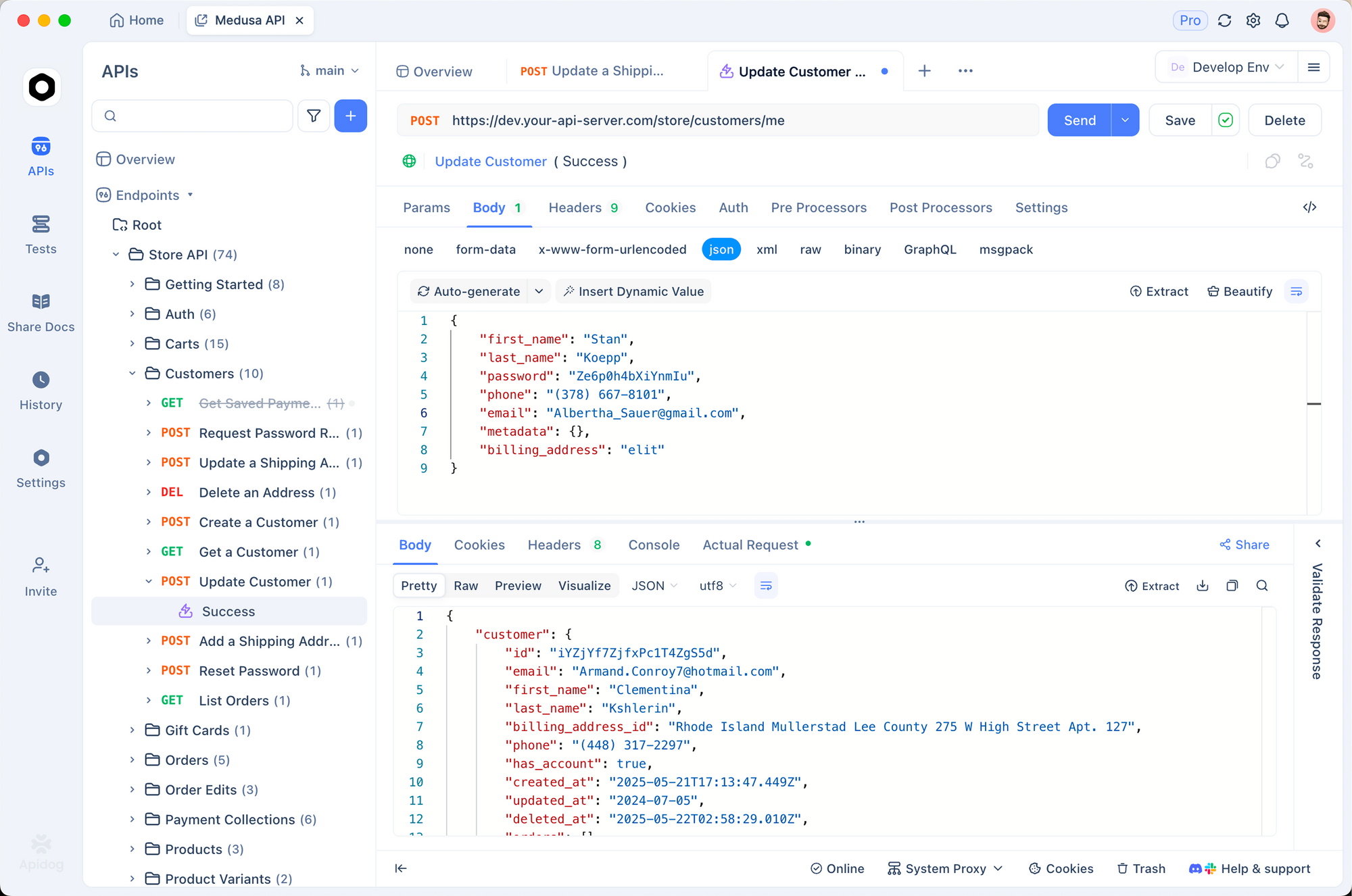
Payment APIs need thorough testing. You can’t rely on production data. Apidog helps you test without risk.
1. Mock webhook payloads
Instead of waiting for Braintree to send webhooks, create mock payloads:
{
  "bt_signature": "test_signature",
  "bt_payload": "eyJraW5kIjoidHJhbnNhY3Rpb25fc2V0dGxlZCIsInRyYW5zYWN0aW9uIjp7ImlkIjoiYWJjMTIzIiwiYW1vdW50IjoiNDkuOTkiLCJzdGF0dXMiOiJzZXR0bGVkIn19"
}
Send these to your webhook endpoint and verify your code handles them correctly.
2. Environment separation
Create separate environments:
# Sandbox
BRAINTREE_MERCHANT_ID: sandbox_merchant
BRAINTREE_PUBLIC_KEY: sandbox_public
BRAINTREE_PRIVATE_KEY: sandbox_private
BRAINTREE_ENVIRONMENT: sandbox

# Production
BRAINTREE_MERCHANT_ID: live_merchant
BRAINTREE_PUBLIC_KEY: live_public
BRAINTREE_PRIVATE_KEY: live_private
BRAINTREE_ENVIRONMENT: production
3. Validate webhook responses
pm.test('Webhook processed successfully', () => {
  pm.response.to.have.status(200)
  pm.response.to.have.body('OK')
})

pm.test('Transaction ID logged', () => {
  // Check your logs or database
  const transactionId = pm.environment.get('last_transaction_id')
  pm.expect(transactionId).to.not.be.empty
})
Test Braintree webhooks with Apidog - free
Common errors and fixes
Processor Declined
Cause: The bank rejected the transaction.
Fix: This is often due to insufficient funds or fraud filters. Show a generic error to the customer and suggest trying a different card. Log the processorResponseCode for debugging.
if (!result.success) {
  if (result.transaction.processorResponseCode === '2000') {
    // Bank declined
    return res.status(400).json({
      error: 'Your bank declined this transaction. Please try a different card.'
    })
  }
}
Gateway Rejected
Cause: Braintree’s fraud filters blocked the transaction.
Fix: Check the gatewayRejectionReason:
if (result.transaction.gatewayRejectionReason === 'cvv') {
  // CVV mismatch
}
if (result.transaction.gatewayRejectionReason === 'avs') {
  // Address verification failed
}
if (result.transaction.gatewayRejectionReason === 'fraud') {
  // Advanced fraud tools blocked it
}
Settlement failures
Cause: Transaction couldn’t be settled after authorization.
Fix: Monitor transaction_settlement_declined webhooks. Common causes:
- Payment method expired between auth and settlement
- Issuer blocked the transaction
- Insufficient funds became apparent
Duplicate transactions
Cause: Customer clicked “Pay” twice or your code retried.
Fix: Use the orderId parameter. Braintree will reject duplicates within a time window:
const result = await gateway.transaction.sale({
  amount: '49.99',
  paymentMethodNonce: nonce,
  orderId: 'UNIQUE-ORDER-123', // Prevents duplicates
  options: {
    submitForSettlement: true
  }
})
Alternatives and comparisons
| Feature | Braintree | Stripe | PayPal |
|---|---|---|---|
| Pricing | 2.9% + 30¢ | 2.9% + 30¢ | 2.9% + 30¢ |
| PayPal support | Native | Add-on | Native |
| Subscriptions | Yes | Yes | Limited |
| International | 46 countries | 46 countries | 200+ countries |
| Fraud tools | Built-in | Built-in | Basic |
| SDK quality | Excellent | Excellent | Good |
| Payouts | Yes | Yes | Yes |
Braintree’s main advantage is native PayPal and Venmo support. If you need both card processing and PayPal, it’s often simpler than Stripe + PayPal separately.
Real-world use cases
SaaS subscription platform. A project management tool uses Braintree for monthly subscriptions. Webhooks handle failed payments (card expired, insufficient funds) by sending email notifications. Users update payment methods without contacting support.
Marketplace payments. A freelance platform splits payments between platform fee and freelancer. Braintree’s merchant accounts and sub-merchant setup handles the complexity.
E-commerce with PayPal. An online store offers credit cards and PayPal. Braintree’s unified API means one integration handles both. The same customer object works across payment methods.
Conclusion
Here’s what you’ve learned:
- Braintree SDKs handle server-side payment processing
- Client tokens authorize frontend communication
- Transaction sales charge credit cards and PayPal
- Subscriptions handle recurring billing
- Webhooks notify you about payment events
- Test thoroughly with Apidog before going live
FAQ
What’s a payment method nonce?
A nonce is a one-time token representing a payment method. The frontend generates it after a customer enters card details. Your server uses the nonce to charge the card. Nonces expire after 3 hours.
What’s the difference between authorization and settlement?
Authorization reserves funds on the card. Settlement actually charges the card. By default, Braintree auto-settles. For pre-orders, authorize first, then settle when shipping:
// Authorize only
await gateway.transaction.sale({
  amount: '99.00',
  paymentMethodNonce: nonce,
  options: {
    submitForSettlement: false // Authorize only
  }
})

// Settle later
await gateway.transaction.submitForSettlement('transaction_id')
How do I handle currency?
Each Braintree merchant account has a default currency. Multi-currency requires multiple merchant accounts. Check with Braintree support for multi-currency setup.
What test card numbers should I use?
Braintree provides test cards in sandbox:
4111111111111111- Visa (success)4000111111111115- Visa (decline)5555555555554444- Mastercard (success)378282246310005- Amex (success)
How do I handle disputes/chargebacks?
Listen for dispute_opened, dispute_won, and dispute_lost webhooks. Provide evidence through the Braintree control panel. Document everything - customer communications, delivery confirmations, terms of service.
Can I store credit card numbers?
No. PCI compliance prohibits storing raw card numbers. Store payment method tokens instead. Braintree handles the PCI scope.
What’s 3D Secure?
3D Secure adds an extra verification step for card-not-present transactions. Braintree supports it. Enable in the control panel and handle authentication_required responses:
const result = await gateway.transaction.sale({
  amount: '100.00',
  paymentMethodNonce: nonce,
  threeDSecure: {
    required: true
  }
})
How long do refunds take?
Refunds typically process in 3-5 business days. The timing depends on the customer’s bank. You’ll receive a transaction_refunded webhook when complete.