TL;DR
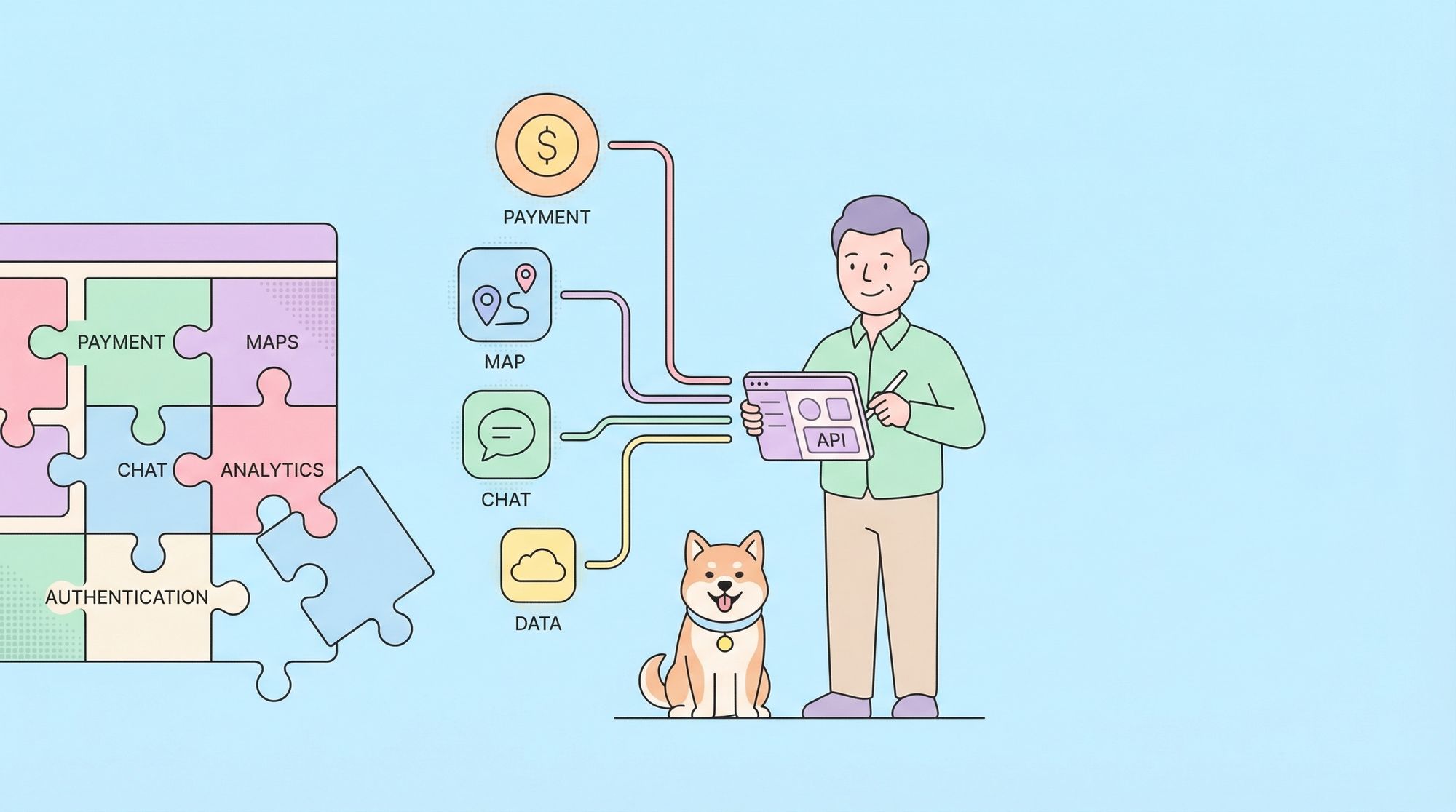
Azure APIs let you programmatically access Microsoft’s cloud services - storage, compute, databases, AI, and more. You authenticate using Azure Active Directory (Entra ID), get an access token, and call REST endpoints. For testing and documentation, use Apidog to save your API calls, validate responses against schemas, and share collections with your team.
Introduction
Microsoft Azure has over 200 services. Each one has an API. Most developers will touch at least a few of them - maybe Azure Blob Storage for files, Azure Functions for serverless, or Azure OpenAI for LLMs.
The problem? Azure’s documentation is massive and scattered. You can spend hours finding the right endpoint, figuring out authentication, and debugging why your request returns 401 Unauthorized.
This guide focuses on the APIs you’ll actually use. Not the 200 services. The 5-10 that power most applications. You’ll learn authentication patterns, common pitfalls, and how to test your Azure integrations before deploying them.
Test your Azure APIs with Apidog - free
By the end of this guide, you’ll be able to:
- Set up Azure authentication correctly (the #1 source of errors)
- Call Azure Storage, Compute, and AI APIs with working examples
- Debug common Azure API errors
- Test and document your Azure integrations with Apidog
The authentication problem (and how to solve it)
Every Azure API call needs authentication. Get this wrong and everything else fails. This is where most developers get stuck.
Azure Active Directory / Microsoft Entra ID
Azure uses OAuth 2.0 for API authentication. You don’t send a username and password. You send an access token that proves who you are and what you can do.
The flow looks like this:
- Register an application in Azure AD (Entra ID)
- Get a client ID and client secret
- Request an access token from Azure’s token endpoint
- Include that token in your API calls
Step 1: Register an application
Go to Azure Portal → Microsoft Entra ID → App registrations → New registration.
Give it a name, select “Accounts in this organizational directory only” for internal apps, and register. You’ll get:
- Application (client) ID:
12345678-1234-1234-1234-123456789abc - Directory (tenant) ID:
87654321-4321-4321-4321-cba987654321
Step 2: Create a client secret
In your app registration, go to Certificates & secrets → New client secret. Copy the secret value immediately. You won’t see it again.
- Client secret:
abc123~DEF456-ghi789
Step 3: Assign permissions
Go to API permissions → Add a permission. For Azure Storage, select “Azure Storage” → “user_impersonation”. For Azure Management APIs, select “Azure Service Management” → “user_impersonation”.
Step 4: Get an access token
curl -X POST "https://login.microsoftonline.com/{tenant-id}/oauth2/v2.0/token" \
  -H "Content-Type: application/x-www-form-urlencoded" \
  -d "client_id={client-id}" \
  -d "client_secret={client-secret}" \
  -d "scope=https://storage.azure.com/.default" \
  -d "grant_type=client_credentials"
Response:
{
  "access_token": "eyJ0eXAiOiJKV1QiLCJhbGciOiJSUzI1NiIs...",
  "expires_in": 3599,
  "token_type": "Bearer"
}
Step 5: Use the token
curl -X GET "https://youraccount.blob.core.windows.net/container?restype=container&comp=list" \
  -H "Authorization: Bearer eyJ0eXAiOiJKV1QiLCJhbGciOiJSUzI1NiIs..." \
  -H "x-ms-version: 2023-01-03"
Using Azure SDK instead of raw HTTP
For production code, use the Azure SDK. It handles token refresh, retries, and serialization.
import { DefaultAzureCredential } from '@azure/identity'
import { BlobServiceClient } from '@azure/storage-blob'

// Automatically uses your Azure CLI login or environment variables
const credential = new DefaultAzureCredential()
const blobServiceClient = new BlobServiceClient(
  'https://youraccount.blob.core.windows.net',
  credential
)

// List containers
for await (const container of blobServiceClient.listContainers()) {
  console.log(container.name)
}
But for testing, debugging, and documentation, you need to understand the raw HTTP calls. That’s where Apidog comes in.
Azure Storage APIs
Azure Storage is the most commonly used Azure service. It includes:
- Blob Storage: Files, images, backups
- Queue Storage: Message queues
- Table Storage: NoSQL key-value store
- File Storage: SMB file shares
Blob Storage API
List containers:
GET https://{account}.blob.core.windows.net/?comp=list
Authorization: Bearer {token}
x-ms-version: 2023-01-03
Create a container:
PUT https://{account}.blob.core.windows.net/{container}?restype=container
Authorization: Bearer {token}
x-ms-version: 2023-01-03
Upload a blob:
PUT https://{account}.blob.core.windows.net/{container}/{blob}
Authorization: Bearer {token}
x-ms-version: 2023-01-03
Content-Type: text/plain

Hello, Azure Blob Storage!
Download a blob:
GET https://{account}.blob.core.windows.net/{container}/{blob}
Authorization: Bearer {token}
x-ms-version: 2023-01-03
Testing with Apidog
Azure Storage APIs require specific headers (x-ms-version, correct authorization format). Apidog helps you:
- Save these as reusable requests
- Use environment variables for account names and tokens
- Validate responses match expected schemas
Design and test Azure Storage APIs with Apidog
Azure Compute APIs
Azure Compute lets you manage virtual machines, containers, and serverless functions.
Azure Functions API
Azure Functions has a REST API for management operations.
List functions in a function app:
GET https://management.azure.com/subscriptions/{subscription-id}/resourceGroups/{rg}/providers/Microsoft.Web/sites/{app-name}/functions?api-version=2023-01-01
Authorization: Bearer {management-token}
Trigger a function (HTTP trigger):
POST https://{app-name}.azurewebsites.net/api/{function-name}
Content-Type: application/json

{
  "name": "Azure",
  "message": "Hello from API"
}
Get function keys:
POST https://management.azure.com/subscriptions/{subscription-id}/resourceGroups/{rg}/providers/Microsoft.Web/sites/{app-name}/functions/{function-name}/listKeys?api-version=2023-01-01
Authorization: Bearer {management-token}
Virtual Machines API
List VMs:
GET https://management.azure.com/subscriptions/{subscription-id}/providers/Microsoft.Compute/virtualMachines?api-version=2023-07-01
Authorization: Bearer {management-token}
Start a VM:
POST https://management.azure.com/subscriptions/{subscription-id}/resourceGroups/{rg}/providers/Microsoft.Compute/virtualMachines/{vm-name}/start?api-version=2023-07-01
Authorization: Bearer {management-token}
Stop a VM:
POST https://management.azure.com/subscriptions/{subscription-id}/resourceGroups/{rg}/providers/Microsoft.Compute/virtualMachines/{vm-name}/powerOff?api-version=2023-07-01
Authorization: Bearer {management-token}
Azure AI Services APIs
Azure hosts OpenAI models and provides cognitive services for vision, speech, and language.
Azure OpenAI API
Get completions:
POST https://{resource-name}.openai.azure.com/openai/deployments/{deployment-id}/chat/completions?api-version=2024-02-15-preview
api-key: {your-api-key}
Content-Type: application/json

{
  "messages": [
    {"role": "system", "content": "You are a helpful assistant."},
    {"role": "user", "content": "What is Azure?"}
  ],
  "max_tokens": 500
}
List deployments:
GET https://{resource-name}.openai.azure.com/openai/deployments?api-version=2024-02-15-preview
api-key: {your-api-key}
Cognitive Services API
Text Analytics - Sentiment:
POST https://{resource-name}.cognitiveservices.azure.com/text/analytics/v3.1/sentiment
Ocp-Apim-Subscription-Key: {subscription-key}
Content-Type: application/json

{
  "documents": [
    {
      "id": "1",
      "language": "en",
      "text": "I love Azure APIs. They work great!"
    }
  ]
}
Computer Vision - Analyze Image:
POST https://{resource-name}.cognitiveservices.azure.com/vision/v3.2/analyze?visualFeatures=Description,Tags
Ocp-Apim-Subscription-Key: {subscription-key}
Content-Type: application/octet-stream

[binary image data]
Testing Azure APIs with Apidog
Azure APIs have complex authentication and require precise headers. Testing them manually with curl gets error-prone fast. Apidog solves this by:
1. Environment management
Azure APIs span multiple endpoints:
management.azure.comfor control plane{account}.blob.core.windows.netfor storage{resource}.openai.azure.comfor AI
Create environments in Apidog for each:
# Development
MANAGEMENT_TOKEN: eyJ0eXAiOiJKV1Qi...
STORAGE_ACCOUNT: devstorage
OPENAI_RESOURCE: dev-openai

# Production
MANAGEMENT_TOKEN: eyJ0eXAiOiJKV1Qi...
STORAGE_ACCOUNT: prodstorage
OPENAI_RESOURCE: prod-openai
2. Pre-request scripts for token refresh
Azure tokens expire after 1 hour. Add a pre-request script:
// Check if token is expired
const tokenExpiry = pm.environment.get('token_expiry')
const now = Date.now() / 1000

if (!tokenExpiry || now >= tokenExpiry) {
  // Request new token
  const response = await pm.sendRequest({
    url: 'https://login.microsoftonline.com/' + pm.environment.get('tenant_id') + '/oauth2/v2.0/token',
    method: 'POST',
    header: { 'Content-Type': 'application/x-www-form-urlencoded' },
    body: {
      mode: 'urlencoded',
      urlencoded: [
        { key: 'client_id', value: pm.environment.get('client_id') },
        { key: 'client_secret', value: pm.environment.get('client_secret') },
        { key: 'scope', value: 'https://management.azure.com/.default' },
        { key: 'grant_type', value: 'client_credentials' }
      ]
    }
  })

  const data = response.json()
  pm.environment.set('management_token', data.access_token)
  pm.environment.set('token_expiry', now + data.expires_in)
}
3. Response validation
Validate that Azure responses match expected schemas:
// Test that blob list returns expected structure
pm.test('Response has containers', () => {
  const xml = pm.response.text()
  pm.expect(xml).to.include('<Containers>')
  pm.expect(xml).to.include('<Container>')
})

pm.test('Response is valid XML', () => {
  pm.response.to.be.ok
  pm.response.to.have.header('Content-Type', 'application/xml')
})
Start testing Azure APIs with Apidog - free
Common errors and how to fix them
401 Unauthorized
Cause: Invalid or expired token.
Fix:
- Check token hasn’t expired (expires_in is typically 3600 seconds)
- Verify the scope matches the API you’re calling
- Ensure the app registration has the right permissions
403 Forbidden
Cause: Token is valid but lacks permissions.
Fix:
- Go to the resource in Azure Portal
- Check Access control (IAM)
- Add a role assignment for your app’s service principal
404 Not Found
Cause: Wrong endpoint or resource doesn’t exist.
Fix:
- Verify the resource name in the URL
- Check the API version in the query string
- Ensure the resource exists in the correct resource group
429 Too Many Requests
Cause: You’ve hit Azure’s rate limits.
Fix:
- Implement exponential backoff
- Check the
x-ms-ratelimit-remainingheader - Consider batching requests
async function callWithRetry(fn, maxRetries = 3) {
  for (let i = 0; i < maxRetries; i++) {
    try {
      return await fn()
    } catch (error) {
      if (error.statusCode === 429) {
        const delay = Math.pow(2, i) * 1000
        await new Promise(resolve => setTimeout(resolve, delay))
      } else {
        throw error
      }
    }
  }
}
Alternatives and comparisons
| Feature | Azure APIs | AWS APIs | GCP APIs |
|---|---|---|---|
| Authentication | Azure AD (OAuth 2.0) | IAM (Sig v4) | OAuth 2.0 |
| SDK quality | Excellent | Excellent | Excellent |
| Documentation | Comprehensive but scattered | Service-specific | Service-specific |
| Rate limiting | Per-subscription | Per-service | Per-project |
| Free tier | 12 months + always free | 12 months | Always free + credits |
Azure’s authentication is more complex than AWS’s signature-based approach but integrates better with enterprise identity systems.
Real-world use cases
E-commerce platform. A Shopify alternative uses Azure Blob Storage for product images, Azure Functions for order processing webhooks, and Azure OpenAI for product descriptions. They test all API calls in Apidog before deploying changes.
Healthcare SaaS. A medical records system uses Azure Cosmos DB for patient data, Azure Functions for HL7 message processing, and Azure Key Vault for secrets. API testing ensures HIPAA compliance by validating every response schema.
AI startup. A company building AI agents uses Azure OpenAI for LLM calls, Azure Storage for training data, and Azure Container Apps for deployment. They use Apidog to mock Azure APIs during local development.
Wrapping up
Here’s what you’ve learned:
- Azure authentication uses OAuth 2.0 tokens from Azure AD (Entra ID)
- Storage APIs require
x-ms-versionheader and proper Bearer tokens - Compute APIs use the Azure Resource Manager endpoint
- AI services use API keys or AAD tokens depending on the service
- Test and document your Azure integrations with Apidog
Your next steps:
- Register an app in Azure AD and get your credentials
- Request an access token using the client credentials flow
- Make your first Azure Storage API call
- Save that call in Apidog as a reusable request
- Build a collection for your project’s Azure APIs
Test Azure APIs with Apidog - free
FAQ
What’s the difference between Azure AD and Microsoft Entra ID?They’re the same thing. Microsoft rebranded Azure Active Directory to Microsoft Entra ID in 2023. You’ll see both names in documentation. Use Entra ID when creating new documentation, but know that Azure AD is still common in older articles and code.
How do I get an API key for Azure OpenAI?Go to Azure Portal → Azure OpenAI → your resource → Keys and Endpoint. You’ll see two keys. Either works. Regenerate them periodically for security. Unlike OpenAI’s public API, Azure OpenAI requires an Azure subscription and resource deployment first.
What’s the difference between management.azure.com and service-specific endpoints?management.azure.com is the Azure Resource Manager endpoint. It’s for CRUD operations on Azure resources themselves (create a VM, delete a storage account). Service-specific endpoints ({account}.blob.core.windows.net, {resource}.openai.azure.com) are for using those resources (upload a file, generate text). You need different tokens for each.
How long do Azure access tokens last?Typically 1 hour (3600 seconds). You can request a new token before the old one expires. Use the expires_in field from the token response to know when to refresh. Don’t request a new token on every API call - that’s inefficient.
Can I use managed identities instead of client secrets?Yes, and you should for production workloads running in Azure. Managed identities eliminate the need to store client secrets. They work with Azure VMs, Functions, Container Apps, and AKS. For local development, use Azure CLI (az login) or environment variables with client secrets.
Why does my API call work in Postman but fail in code?Check the headers. Azure APIs are case-sensitive for header names. Postman might be adding headers you didn’t notice. Compare the raw request from Postman with your code using a tool like Fiddler or Apidog’s request inspection.
How do I test Azure APIs locally without an Azure subscription?You can’t fully test without a subscription, but you can use Azure’s local emulators:
- Azurite for Azure Storage
- Azure Functions Core Tools for Functions
- Use Apidog to mock Azure API responses
What’s the best way to handle Azure API errors?Azure returns detailed error JSON. Parse the error.code and error.message fields. Common codes:
AuthenticationFailed- check your tokenResourceNotFound- check the resource nameOperationNotAllowed- check your subscription limits