Claude Code has become a go-to CLI tool for developers who want AI-powered coding assistance directly in their terminal. It handles everything from code generation to debugging, file editing, and git operations. But Claude Code requires an Anthropic subscription, and some developers prefer self-hosted solutions with full control over their data and models.
What Makes a Good Open Source Claude Code Alternative?
Look for these features in an Open Source Claude Code assistant:
| Feature | Why It Matters |
|---|---|
| Multi-file editing | Real projects span many files; the tool should handle this |
| Terminal integration | CLI-first workflow for developers who live in the terminal |
| Model flexibility | Support for multiple LLM providers and local models |
| Context awareness | Understanding of your codebase structure and dependencies |
| Autonomous execution | Ability to run commands, tests, and iterate on solutions |
| Privacy options | Self-hosting or local model support for sensitive codebases |
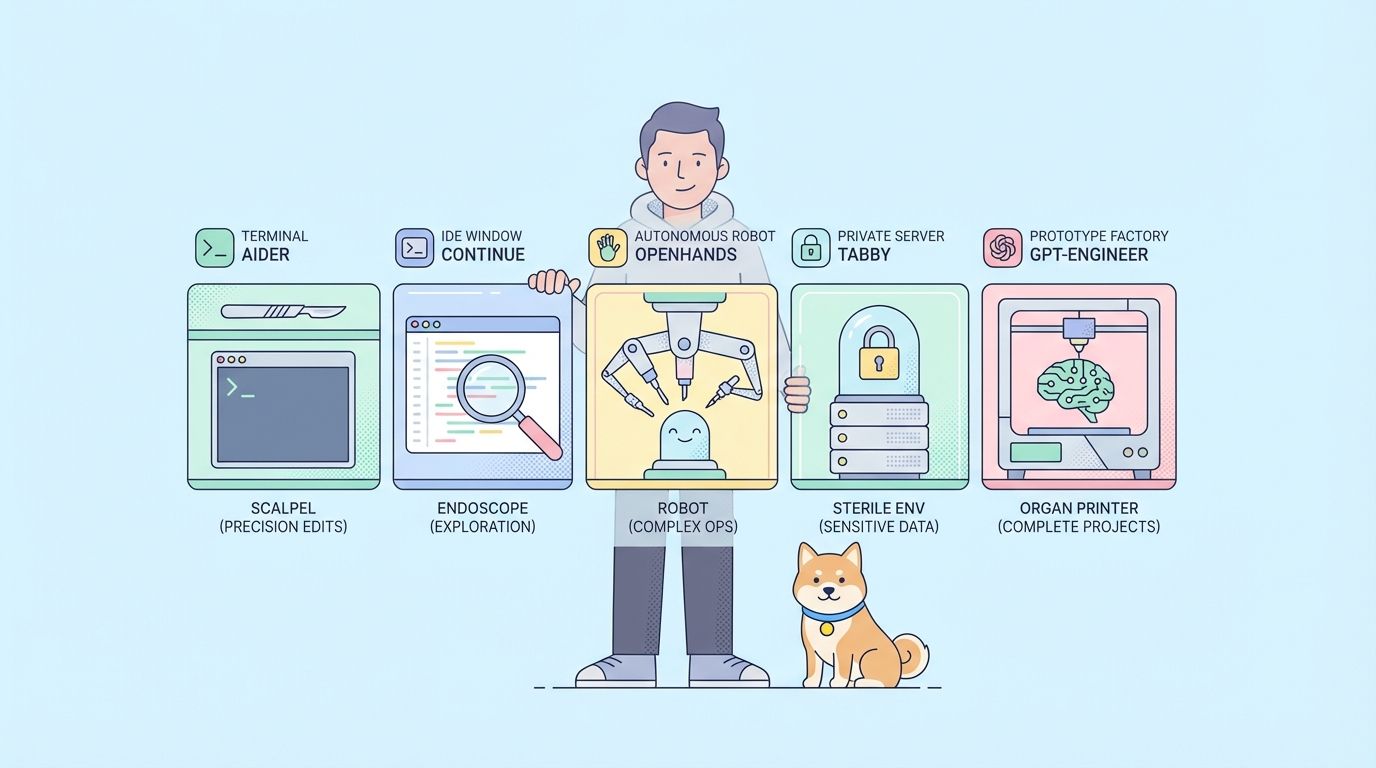
The Open Source Claude Code alternatives below excel in different areas.
1. Aider - Best Open Source Claude Code for Terminal Workflows
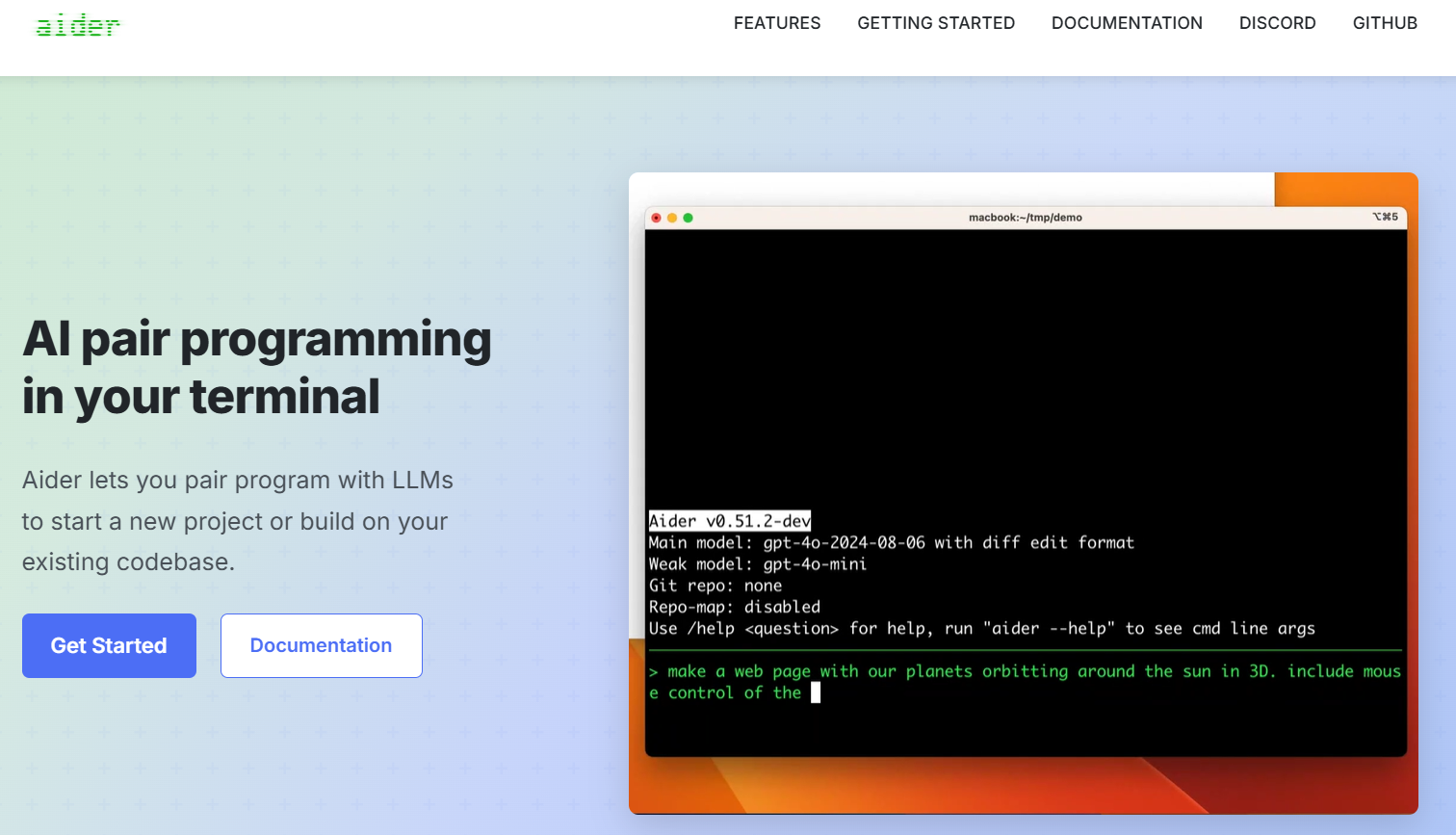
Aider is the most mature Open Source Claude Code alternative. It runs in your terminal, understands your git repository, and makes changes directly to files.
Key Features of Open Source Claude Code Tool Aider
- Git-native workflow - Automatically commits changes with descriptive messages
- Multi-file editing - Understands relationships between files in your project
- Universal model support - Works with OpenAI, Anthropic, local models via Ollama, and 20+ other providers
- Voice coding - Speak your instructions instead of typing
- Repository mapping - Builds a mental model of your entire codebase
- Linting integration - Automatically fixes lint errors after changes
Installation
# Install via pip
pip install aider-chat

# Or with pipx for isolated environment
pipx install aider-chat
Basic Usage
# Start aider with Claude
export ANTHROPIC_API_KEY=your_key
aider --model claude-3-5-sonnet-20241022

# Start with GPT-4
export OPENAI_API_KEY=your_key
aider --model gpt-4o

# Use local model via Ollama
aider --model ollama/deepseek-coder:33b
Best For
Developers who prefer terminal-based workflows and want tight git integration. Aider excels at refactoring tasks and multi-file changes where you need atomic commits.
2. Continue - Open Source AI Code Assistant for IDEs
Continue brings AI coding assistance directly into VS Code and JetBrains IDEs. Unlike CLI tools, it integrates with your editor's UI, providing inline suggestions, chat panels, and context-aware completions.
Key Features of Open Source Claude Code Solution Continue
- IDE integration - Native extensions for VS Code and JetBrains
- Tab autocomplete - Ghost text suggestions as you type
- Contextual chat - Reference files, functions, or terminal output in conversations
- Custom commands - Create reusable prompts for common tasks
- Model agnostic - Connect to any LLM provider or local model
- Context providers - Pull in docs, URLs, or database schemas
Installation
VS Code:
1. Open Extensions (Ctrl+Shift+X)
2. Search "Continue"
3. Click Install
JetBrains:
1. Open Settings > Plugins
2. Search "Continue"
3. Click Install
Configuration of Open Source Claude Code Extension
Continue uses a config.json file for model configuration:
{
  "models": [
    {
      "title": "Claude 3.5 Sonnet",
      "provider": "anthropic",
      "model": "claude-3-5-sonnet-20241022",
      "apiKey": "your_anthropic_key"
    },
    {
      "title": "Local Llama",
      "provider": "ollama",
      "model": "codellama:34b"
    },
    {
      "title": "GPT-4o",
      "provider": "openai",
      "model": "gpt-4o",
      "apiKey": "your_openai_key"
    }
  ],
  "tabAutocompleteModel": {
    "title": "Starcoder",
    "provider": "ollama",
    "model": "starcoder2:7b"
  }
}
Usage Examples
Inline editing:
1. Select code in editor
2. Press Ctrl+I (Cmd+I on Mac)
3. Type instruction: "Add error handling"
4. Review and accept changes
Chat with context:
@file:src/api/users.py What does this endpoint return for invalid input?
Custom slash commands:
{
  "customCommands": [
    {
      "name": "test",
      "prompt": "Write unit tests for the selected code using pytest",
      "description": "Generate pytest tests"
    }
  ]
}
Best For
Developers who prefer GUI-based workflows and spend most of their time in VS Code or JetBrains IDEs. Continue works well for interactive coding sessions where you want visual feedback.
3. OpenHands (formerly OpenDevin) - Open Source Claude Code Autonomous AI Engineer
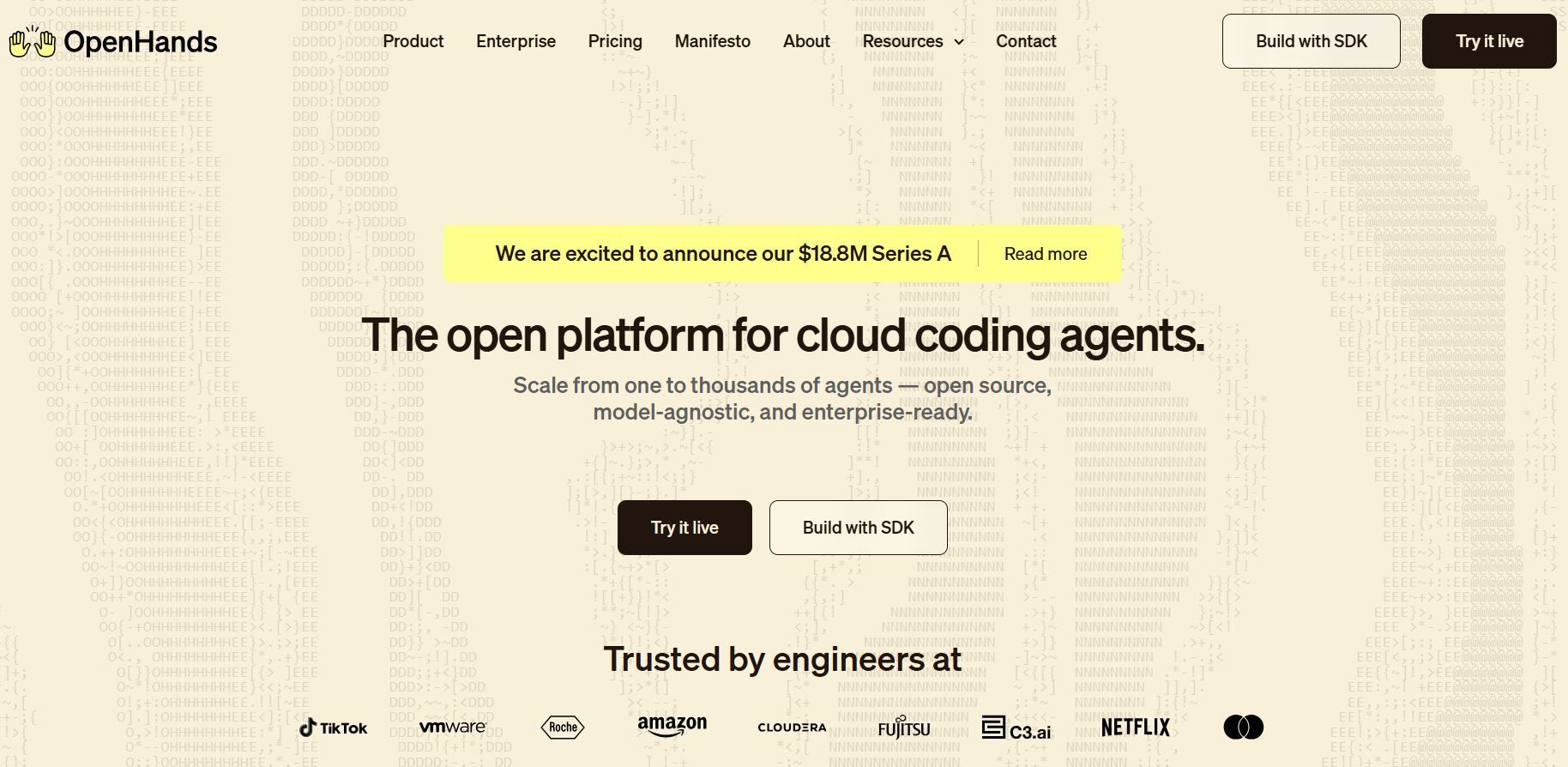
OpenHands takes a different approach. Instead of assisting with coding, it acts as an autonomous software engineer that can plan, write, test, and debug code independently. Give it a task, and it works through the problem step by step.
Key Features of Open Source Claude Code Automation
- Autonomous execution - Plans and implements features without constant input
- Browser control - Can navigate websites, read documentation, and test web apps
- Shell access - Runs commands, installs dependencies, and manages environments
- Multi-step reasoning - Breaks complex tasks into manageable steps
- Web UI and CLI - Choose your preferred interface
- Sandboxed environment - Runs in Docker for safety
Installation
# Clone the repository
git clone https://github.com/All-Hands-AI/OpenHands.git
cd OpenHands

# Start with Docker (recommended)
docker compose up -d

# Or install locally
pip install openhands
Configuration of Open Source Claude Code Platform
Create a config.toml file:
[core]
workspace_base = "./workspace"

[llm]
model = "claude-3-5-sonnet-20241022"
api_key = "your_anthropic_key"

# Or use local models
# model = "ollama/deepseek-coder:33b"
# base_url = "http://localhost:11434"
Usage
Web interface:
# Start the server
openhands serve

# Open http://localhost:3000
CLI mode:
openhands run "Create a REST API for a todo app with user authentication"
Best For
Developers who want to delegate entire features or prototypes. OpenHands excels when you have a clear specification and want the AI to handle implementation details autonomously.
4. Tabby - Open Source Claude Code Self-Hosted Solution
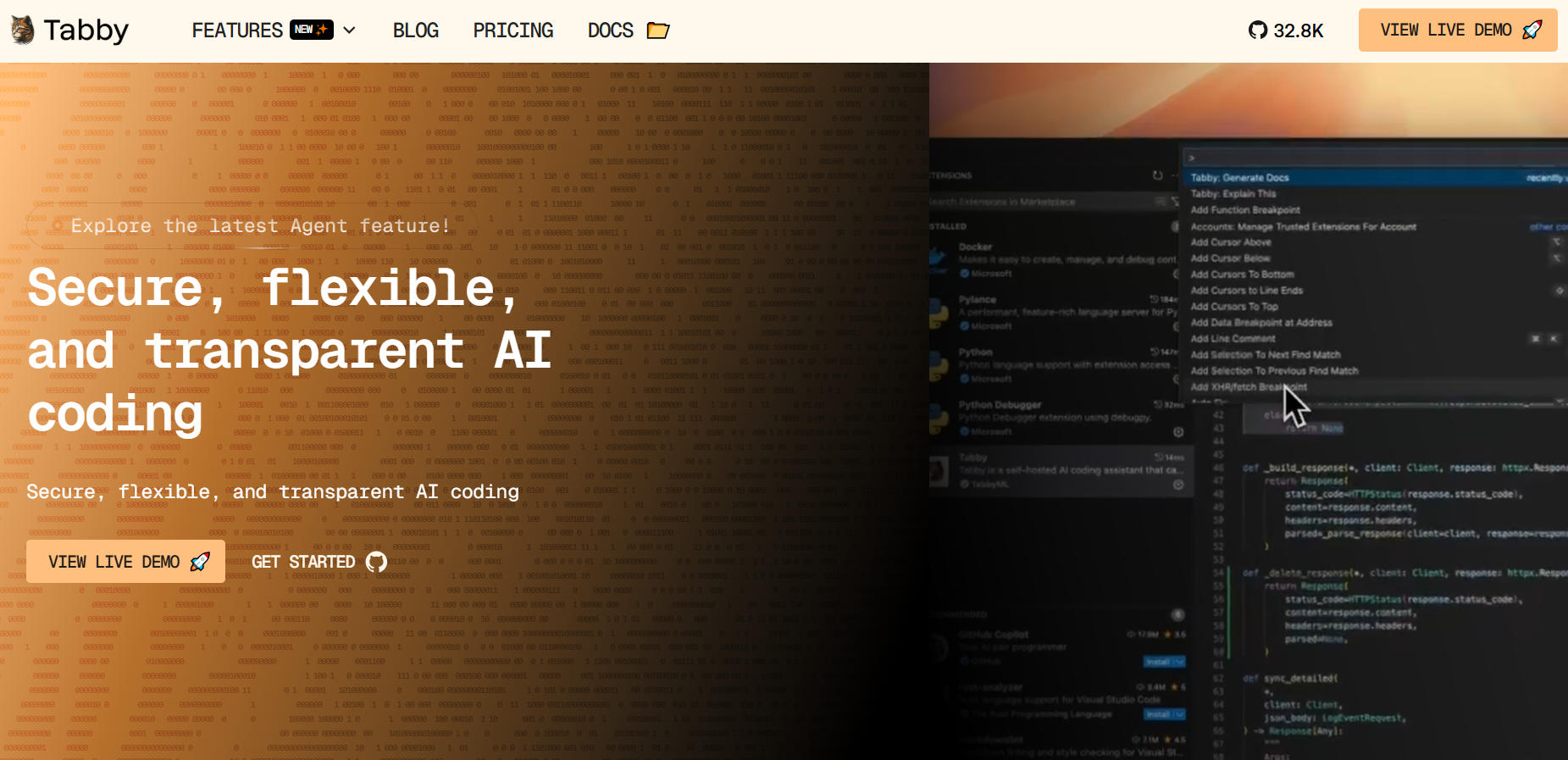
Tabby enables self-hosting on your infrastructure. Run your own Open Source Claude Code solution with complete data privacy, keeping all code queries private. Ideal for enterprises with sensitive codebases.
Key Features of Open Source Claude Code Self-Hosted Tool
- Fully self-hosted - No data leaves your infrastructure
- Code completion - Fast inline suggestions via local models
- Repository indexing - Understands your codebase for better suggestions
- IDE plugins - Extensions for VS Code, JetBrains, Vim, and Neovim
- Admin dashboard - Monitor usage, manage users, and configure models
- Consumer hardware support - Runs on GPUs with 8GB+ VRAM
Installation
Docker (simplest):
docker run -it \
  --gpus all \
  -p 8080:8080 \
  -v $HOME/.tabby:/data \
  tabbyml/tabby \
  serve --model StarCoder-1B --device cuda
From source:
# Install Rust first
curl --proto '=https' --tlsv1.2 -sSf https://sh.rustup.rs | sh

# Clone and build
git clone https://github.com/TabbyML/tabby.git
cd tabby
cargo build --release

# Run
./target/release/tabby serve --model StarCoder-1B
Supported Models
| Model | VRAM Required | Speed | Quality |
|---|---|---|---|
| StarCoder-1B | 4GB | Fast | Good for simple completions |
| StarCoder-7B | 16GB | Medium | Better code understanding |
| CodeLlama-13B | 24GB | Medium | High quality suggestions |
| DeepSeek-Coder-33B | 48GB | Slower | Best quality |
IDE Configuration
VS Code:
{
  "tabby.api.endpoint": "http://localhost:8080",
  "tabby.api.token": "your_admin_token"
}
Neovim (with nvim-cmp):
require('tabby').setup({
  endpoint = "http://localhost:8080",
  token = "your_admin_token"
})
Repository Context
Index your codebase for context-aware completions:
# Add repository to index
tabby scheduler --repository https://github.com/your-org/your-repo

# Or local path
tabby scheduler --repository file:///path/to/repo
Best For
Organizations with strict data privacy requirements or developers who want to eliminate API costs. Tabby works well when you have dedicated hardware and want complete control.
5. Goose - Open Source Claude Code Project Generator
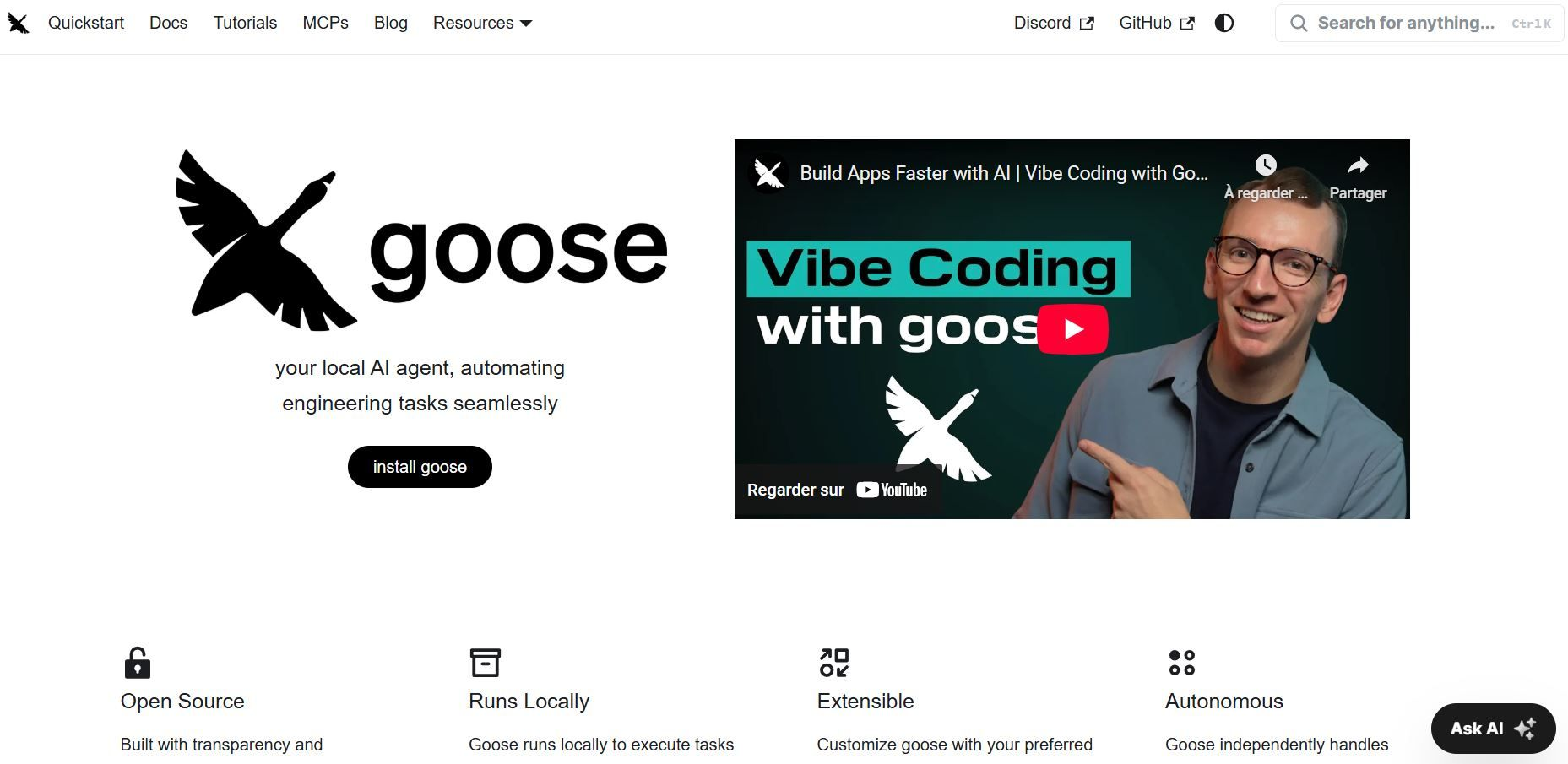
Goose specializes in generating entire codebases from natural language descriptions. This Open Source Claude Code tool creates new projects from scratch rather than editing existing code.
Key Features of Open Source Claude Code Generation Tool
- Project generation - Creates complete, runnable projects
- Clarifying questions - Asks for details before generating
- Iterative improvement - Refine output through conversation
- Multiple languages - Python, JavaScript, TypeScript, more
- Customizable prompts - Modify system prompts
- Memory persistence - Context across sessions
Installation Guide for Open Source Claude Code Tool Goose
# Install via pip
pip install goose

# Or with pipx
pipx install goose
Configuration of Open Source Claude Code Platform Goose
Set your API key:
export OPENAI_API_KEY=your_key

# Or for Anthropic
export ANTHROPIC_API_KEY=your_key
Usage Examples for This Open Source Claude Code Generator
Create a new project using Open Source Claude Code:
# Create project directory
mkdir my-new-app
cd my-new-app

# Create prompt file
echo "Create a REST API for a bookstore with:
- CRUD operations for books
- User authentication with JWT
- PostgreSQL database
- Docker setup
- Unit tests" > prompt

# Generate the project
goose .
Interactive mode for Open Source Claude Code Project Creation:
$ goose . --clarify

Goose: I'll create a bookstore REST API. A few questions:

1. Which web framework do you prefer? (Flask, FastAPI, Django)
> FastAPI

2. Should I include API documentation with Swagger UI?
> Yes

3. Do you need rate limiting or caching?
> Add Redis caching for book listings

Generating project...
Best For: When to Choose This Open Source Claude Code Alternative
Rapid prototyping and starting new projects. Goose is excellent when you have a clear idea and want a working codebase quickly, but it's less useful for modifying existing projects using Open Source Claude Code solutions.
Feature Comparison: Open Source Claude Code Alternatives
Here's how the five alternatives stack up:
| Feature | Aider | Continue | OpenHands | Tabby | Goose |
|---|---|---|---|---|---|
| Interface | CLI | IDE | Web/CLI | IDE | CLI |
| Multi-file editing | ✅ | ✅ | ✅ | ❌ | ✅ |
| Git integration | ✅ | Partial | ✅ | ❌ | ❌ |
| Local models | ✅ | ✅ | ✅ | ✅ | Partial |
| Autonomous | ❌ | ❌ | ✅ | ❌ | Partial |
| Self-hostable | ✅ | ✅ | ✅ | ✅ | ✅ |
| IDE plugins | ❌ | ✅ | ❌ | ✅ | ❌ |
Choosing the Right Open Source Claude Code Alternative for Your Needs
- Choose Aider as Your Open Source Claude Code Solution If: You work primarily in the terminal Git integration is essential You want mature, stable Open Source Claude Code software
- Choose Continue as Your Open Source Claude Code Alternative If: You prefer VS Code or JetBrains You want inline completions and chat in one Open Source Claude Code tool You need a gentle learning curve
- Choose OpenHands as Your Open Source Claude Code Tool If: You want autonomous task execution You're building new features from scratch You prefer to delegate and review with your Open Source Claude Code assistant
- Choose Tabby as Your Open Source Claude Code Solution If: Data privacy is non-negotiable You have GPU hardware available You want to eliminate ongoing API costs with Open Source Claude Code
- Choose Goose as Your Open Source Claude Code Platform If: You're starting new projects frequently You want complete codebases from descriptions using Open Source Claude Code You prioritize rapid prototyping
Testing AI Coding Tools with Apidog
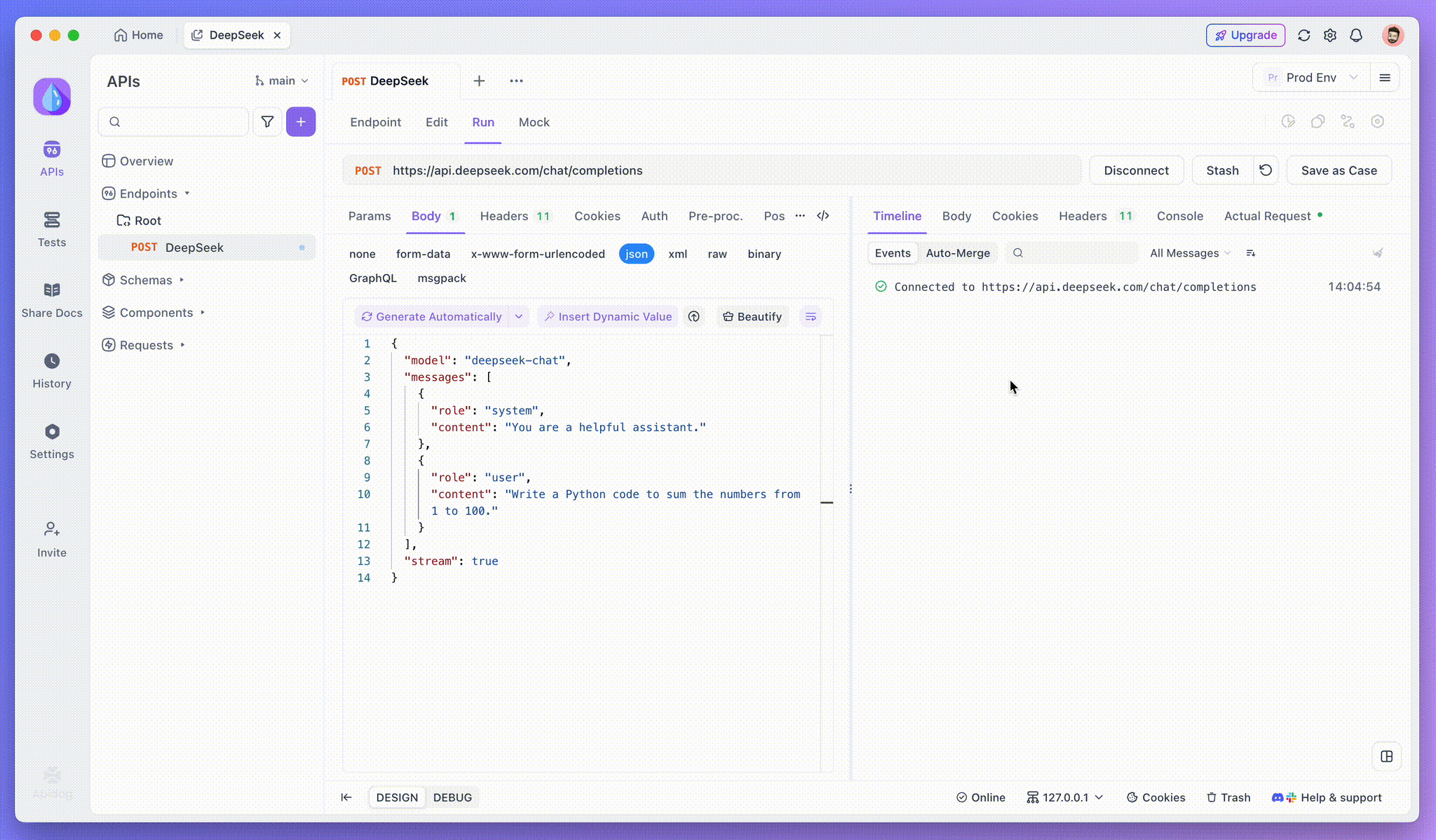
Whichever tool you choose, you'll likely work with LLM APIs directly at some point Whether configuring providers, building custom integrations, or debugging issues. Apidog streamlines this process.
Common Use Cases
- Testing model configurations:
POST https://api.anthropic.com/v1/messages

{
  "model": "claude-3-5-sonnet-20241022",
  "max_tokens": 4096,
  "messages": [
    {"role": "user", "content": "Write a Python function to parse JSON"}
  ]
}
- Comparing provider responses: Create parallel requests to OpenAI, Anthropic, and local models. Compare response quality, latency, and token usage side by side.
- Debugging streaming responses: Apidog handles SSE (Server-Sent Events) natively, letting you inspect streaming responses from LLM APIs in real-time.
- Mocking for development: Set up mock responses that match LLM output structure. Develop your integration without burning API credits during testing.
Download Apidog to simplify your AI development workflow.
Conclusion: Choosing Your Open Source Claude Code Solution in 2026
The Open Source Claude Code ecosystem has matured rapidly. Each tool in this comprehensive Open Source Claude Code guide offers a viable alternative to Claude Code, with different tradeoffs:
- Aider provides the closest terminal-based Open Source Claude Code experience with excellent git integration
- Continue offers the best IDE integration for developers who prefer visual interfaces in their Open Source Claude Code workflow
- OpenHands delivers autonomous execution for complex, multi-step Open Source Claude Code tasks
- Tabby enables complete self-hosting with no external dependencies in your Open Source Claude Code environment
- Goose excels at generating new projects from scratch using Open Source Claude Code