You've spent weeks crafting the perfect API. You've designed elegant endpoints, documented every parameter, and created comprehensive test collections in your favorite API client. Now comes the tricky part: you need to share this work with your frontend team, your QA engineers, and maybe even an external client.
This is where panic often sets in. How do you share these API collections without exposing sensitive information? How do you ensure that your staging API keys, authentication tokens, and internal environment variables don't accidentally end up in the wrong hands?
Sharing API collections securely isn't just about convenience it's a critical security practice. The wrong approach can lead to leaked credentials, compromised systems, and serious data breaches.
The good news? There are excellent tools designed specifically for this challenge.
Now, let's explore the top 10 tools that help you share API collections securely, each with its own strengths and security features.
1. Apidog: The All-in-One Secure API Collaboration Hub
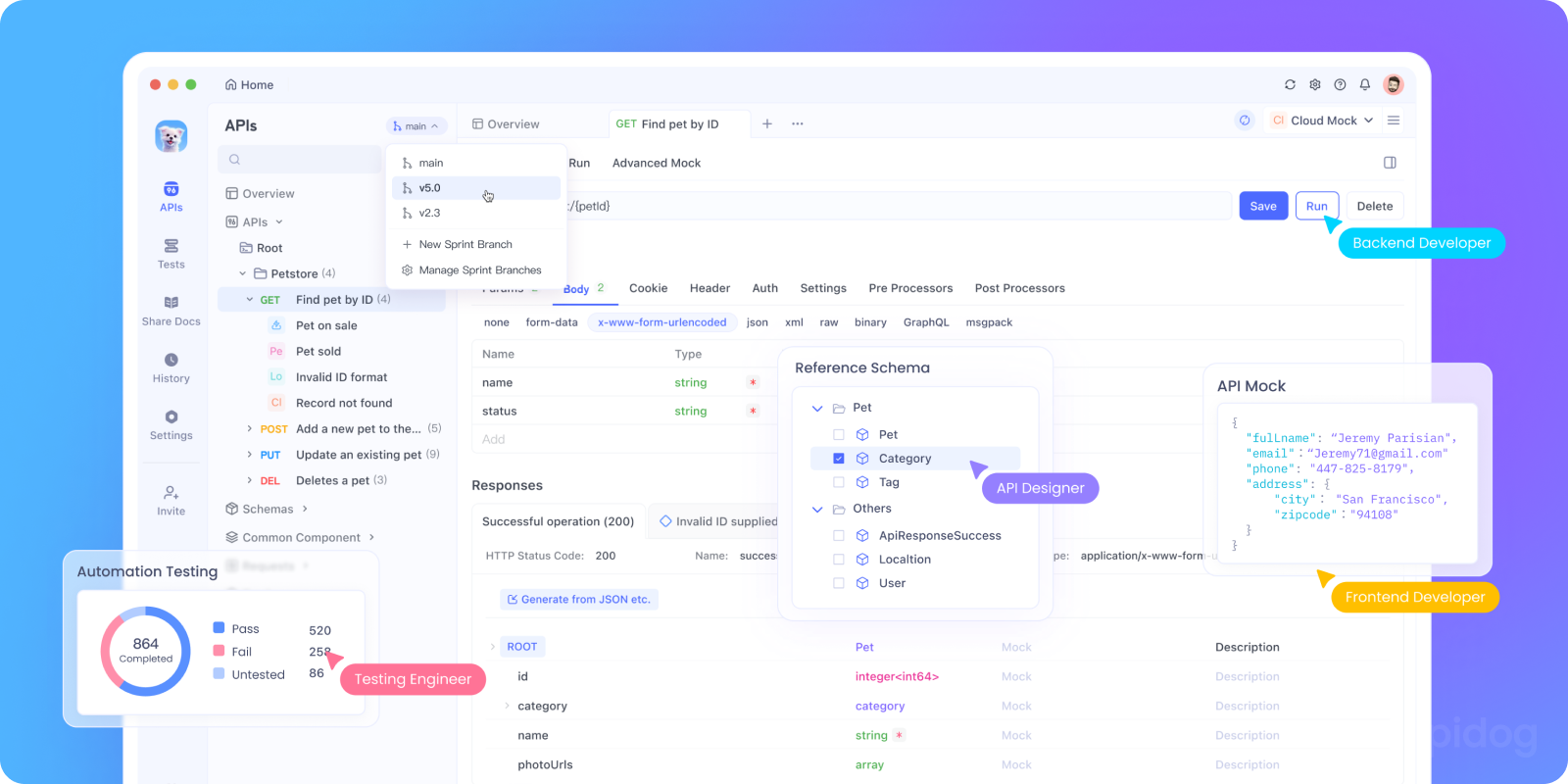
Let’s start with the standout: Apidog.
Unlike tools that bolt on security as an afterthought, Apidog was designed for secure API collaboration from day one. When you share a collection in Apidog, you’re not emailing a file you’re granting controlled access inside a permissioned workspace.
Here’s what makes Apidog shine for secure sharing:
- End-to-end workspace security: Invite team members via email, assign roles (Viewer, Editor, Admin), and revoke access instantly.
- Environment isolation: Store sensitive variables (like API keys) in encrypted environments never embedded in the collection itself.
- Automatic redaction: Apidog intelligently masks credentials in logs and shared links.
- Live sync: Everyone sees the latest version no more "collection_v3_FINAL_really.json".
- Audit trails: See who changed what and when.
Plus, Apidog supports OpenAPI/Swagger, GraphQL, Webhooks, and more so your entire API ecosystem stays in one secure place.
And did we mention it's free to download and use, even for teams? No credit card. No hidden limits. Just secure, seamless collaboration out of the box.
Best for: Teams that want an all-in-one platform for designing, testing, documenting, and securely sharing {{collections}} without juggling five different tools.
2. Postman: The Veteran with Enterprise Guardrails

Postman is the 800-pound gorilla in the API space and for good reason. It’s been around forever, has a massive user base, and offers robust sharing features.
But here’s the catch: secure sharing only exists in Postman's paid tiers (Team, Business, Enterprise). On the free plan, you can only share via public workspaces or exported JSON (a security no-go).
In paid plans, you get:
- Private workspaces with invite-only access
- Role-based permissions
- SSO and SCIM for enterprise identity management
- API key and variable encryption (in newer versions)
However, Postman’s security model has faced criticism in the past (remember the 2021 data leak involving public workspaces?). While they’ve improved, it’s still wise to double-check your workspace privacy settings.
Watch out for: Accidentally leaving a workspace public. Always verify “Private” is selected.
Best for: Large organizations already invested in Postman’s ecosystem and willing to pay for enterprise-grade controls.
3. Insomnia: Developer-Friendly with Self-Hosted Security

Insomnia, now part of Kong, offers a clean, open-source API client with strong sharing capabilities especially if you’re comfortable with self-hosting.
Its Insomnia Sync service allows cloud-based collaboration, but the real security win comes with Insomnia Cloud or self-hosted deployments (via Git or on-prem servers).
Key security features:
- Collections stored in your own Git repo (you control access via GitHub/GitLab permissions)
- Environment variables never leave your machine unless you choose to sync
- Optional SSO and audit logs in paid plans
Because Insomnia supports OpenAPI import/export, you can version-control your collections just like code giving you Git’s built-in security model (branch protection, PR reviews, etc.).
Pro tip: Pair Insomnia with a private Git repo and CI/CD secrets management (like HashiCorp Vault) for maximum control.
Best for: Dev-centric teams who prefer infrastructure-as-code and want full ownership over their data.
4. Paw: Elegant Sharing for macOS Teams
Paw is a macOS-only API client known for its sleek UI and powerful dynamic variables. While it’s not cross-platform, it excels at secure sharing within Apple-focused shops.
Paw supports cloud sync via iCloud or your own WebDAV server, giving you control over where your data lives. You can also export collections as encrypted .paw files.
Security strengths:
- No cloud dependency (if you self-host sync)
- End-to-end encryption when using WebDAV with HTTPS
- Granular sharing via file permissions
However, Paw lacks built-in team collaboration features like comments or role management. It’s more of a “secure file sync” than a true collaboration platform.
Best for: Small macOS teams that prioritize privacy and don’t need real-time co-editing.
5. Hoppscotch: Open Source with Privacy by Design

Hoppscotch (formerly Postwoman) is a lightweight, open-source, browser-based API client that’s gaining traction for its speed and simplicity.
Because it’s open-source and can be self-hosted, you control your data. The public version doesn’t store your requests but if you self-host, you can add authentication, encryption, and access controls.
Secure sharing options:
- Export collections as JSON (for manual secure transfer)
- Self-hosted instances with OAuth or SSO
- No telemetry or tracking in the self-hosted version
That said, Hoppscotch lacks advanced collaboration features like shared workspaces or audit logs unless you build them yourself.
Best for: Privacy-focused developers who want a zero-cost, self-hosted solution and don’t mind rolling their own security layer.
6. Thunder Client: VS Code Extension with Workspace Security
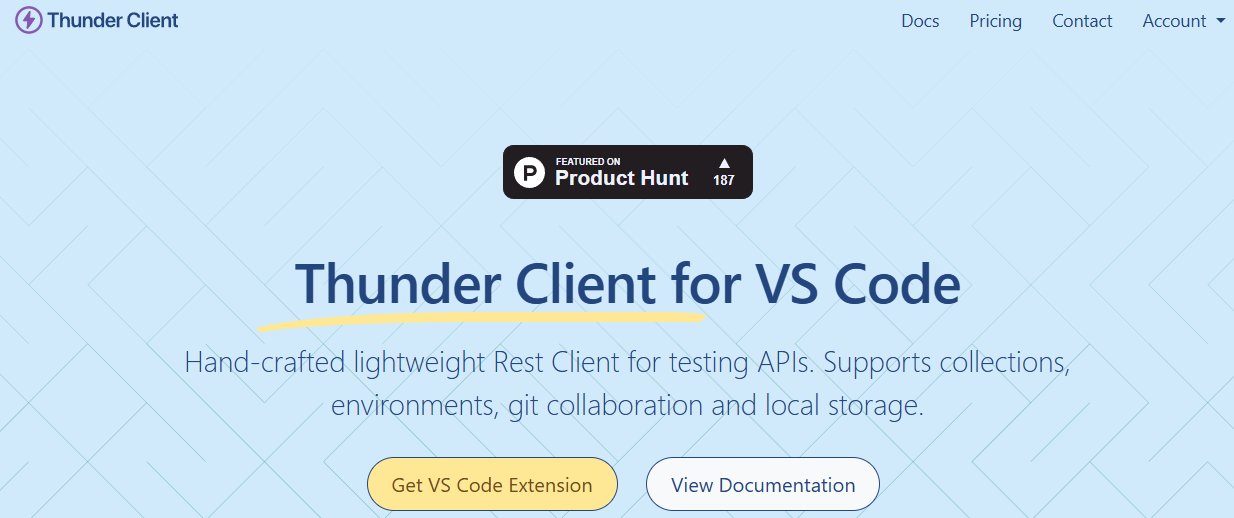
If your team lives in VS Code, Thunder Client might be your secret weapon. It’s a lightweight REST client built right into your IDE.
Sharing is handled through VS Code’s native file system meaning your collections are just JSON files in your project folder. This gives you automatic benefits:
- Version control via Git
- Access control via your repo permissions
- No third-party cloud storage
To share securely, simply commit your .thunder-tests folder to a private repo. Teammates pull the latest and instantly have the same collection.
Security perks:
- No external sync = less attack surface
- Secrets can be managed via
.envfiles (ignored in Git) - Full audit trail via Git history
Best for: Dev-heavy teams already using VS Code who want minimal context switching and maximum control.
7. Bruno: The New Kid with Git-Native Sharing

Bruno is an up-and-coming, open-source API client that treats collections as plain text files in a folder making Git the natural home for versioning and sharing.
There’s no cloud sync. No accounts. Just folders, files, and your existing Git workflow.
Why this is secure:
- Your data never leaves your repo
- You use GitHub/GitLab/Bitbucket’s built-in access controls
- No vendor lock-in or data harvesting
To share a collection, you simply push to a branch and open a PR. Your teammates review, merge, and pull just like code.
Bonus: Since collections are human-readable YAML/JSON, you can even lint them with CI tools to enforce security policies (e.g., “no hardcoded tokens”).
Best for: Teams practicing GitOps or infrastructure-as-code who want 100% transparency and control.
8. Restfox: Privacy-First Desktop Client

Restfox is an offline-first, open-source alternative to Postman that stores everything locally by default. No cloud. No accounts.
Sharing is manual (export/import JSON), but that’s actually a security feature you decide exactly how and where to send your collection.
Because it’s open-source and offline-first:
- Zero risk of accidental cloud leaks
- Full data ownership
- Can be audited by your security team
For teams that prioritize data sovereignty, Restfox is a compelling choice especially in regulated industries (healthcare, finance).
Best for: Security-conscious individuals or small teams who need offline reliability and zero external dependencies.
9. Stoplight Studio: Secure Design-First Collaboration

Stoplight Studio focuses on design-first API development, centered around OpenAPI specs. While not a traditional “collection” tool, it allows you to generate and share testable API flows from your spec.
Sharing is done via Stoplight’s cloud platform (with private projects) or Git. In the cloud, you get:
- Invite-only access
- Role-based permissions
- SSO for enterprise plans
Since everything stems from an OpenAPI file, you avoid the drift between documentation and actual requests reducing the risk of sharing outdated or incorrect collections.
Best for: Teams practicing design-first APIs who want to share spec-derived workflows securely.
10. Altair GraphQL Client: Secure Sharing for GraphQL Teams
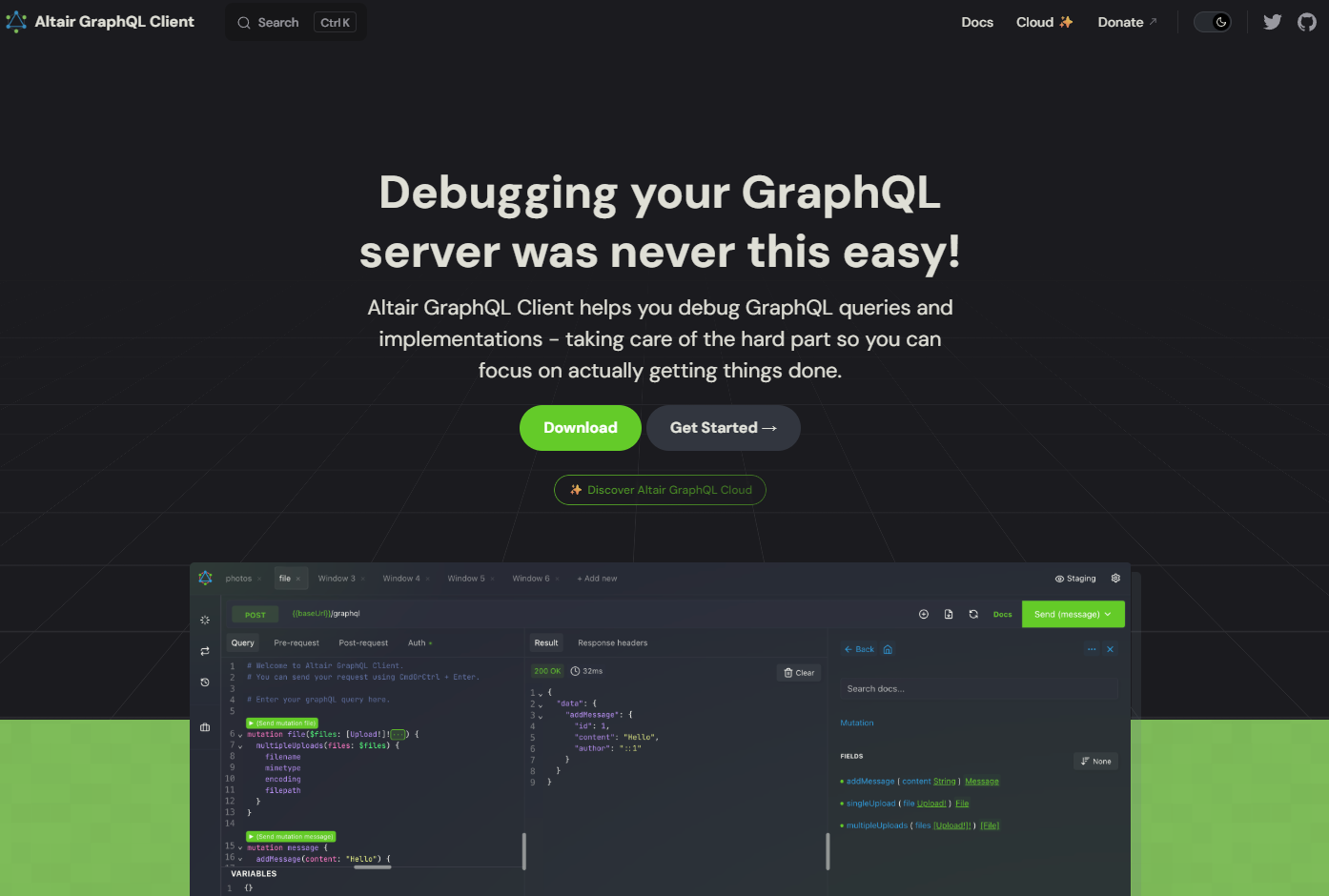
If your APIs are GraphQL-based, Altair deserves a spot on this list. It’s an open-source GraphQL client with desktop and browser versions.
While Altair doesn’t have built-in cloud sharing, it supports:
- Exporting workspaces as JSON
- Self-hosted deployments
- Integration with private GraphQL endpoints that require auth
For secure sharing, teams typically store Altair workspaces in private repos or internal wikis keeping control in-house.
Best for: GraphQL-focused teams who need a lightweight, open-source client with full data control.
Key Security Features to Look for When Sharing Collections
Now that we’ve reviewed the tools, let’s zoom out. What must-have security features should you demand from any platform that handles your collections?
- Role-Based Access Control (RBAC): Not everyone needs edit rights. Viewers should only view. Editors should only edit. Admins control access.
- Environment Variable Isolation: API keys, tokens, and secrets should never be stored in the collection file. They belong in encrypted, permissioned environments.
- Audit Logs: Who shared what? When? From where? Audit trails are non-negotiable for compliance.
- Encryption: Data should be encrypted in transit (TLS) and at rest (AES-256 or better).
- SSO and MFA Support: Enterprise teams need single sign-on and multi-factor authentication to reduce credential risks.
- Automatic Redaction: Tools should auto-detect and mask sensitive fields in logs, screenshots, or shared links.
- Private by Default: Sharing should never be public unless explicitly chosen. Opt-in privacy, not opt-out.
Apidog checks all these boxes and does so in a free, intuitive interface. That’s why it’s our top recommendation.
Conclusion: Security as a Feature, Not an Afterthought
Secure API collection sharing is no longer a nice-to-have it's a necessity in today's interconnected development environments. The right tool doesn't just make sharing easier; it builds security into the very fabric of your API workflow.
While many tools offer sharing capabilities, the most secure ones treat permissions, secret management, and auditability as core features rather than add-ons. They understand that an API collection is more than just a set of URLs it's a potential attack vector if not handled properly.
For teams looking for a balanced approach that combines powerful collaboration with robust security features, Apidog provides an excellent platform that grows with your needs. Its integrated approach ensures that security is considered at every stage, from the initial design to the final sharing with your team or partners.
Remember, the most secure tool is only as good as the practices around it. Choose a tool that supports your security goals, and always follow the golden rules of least privilege and secret management. Your APIs and your users will thank you.