You've built an amazing API. It's well-designed, powerful, and ready to change the world. But there's a problem: your documentation is a static PDF buried in a GitHub wiki, or worse it's just a collection of comments in your code. Developers trying to use your API are frustrated, your support tickets are piling up with basic usage questions, and adoption is stalling.
What if there was a better way? What if your documentation could be as interactive and dynamic as your API itself?
This isn't a hypothetical question. The solution exists, and it's called Apidog. Unlike juggling multiple tools for design, testing, and documentation, Apidog provides a complete, integrated platform where your interactive API reference isn't just an afterthought, but a natural, living extension of your development workflow.
What Is an Interactive API Reference?
Before we talk about tools, let's align on what an interactive API reference actually is.
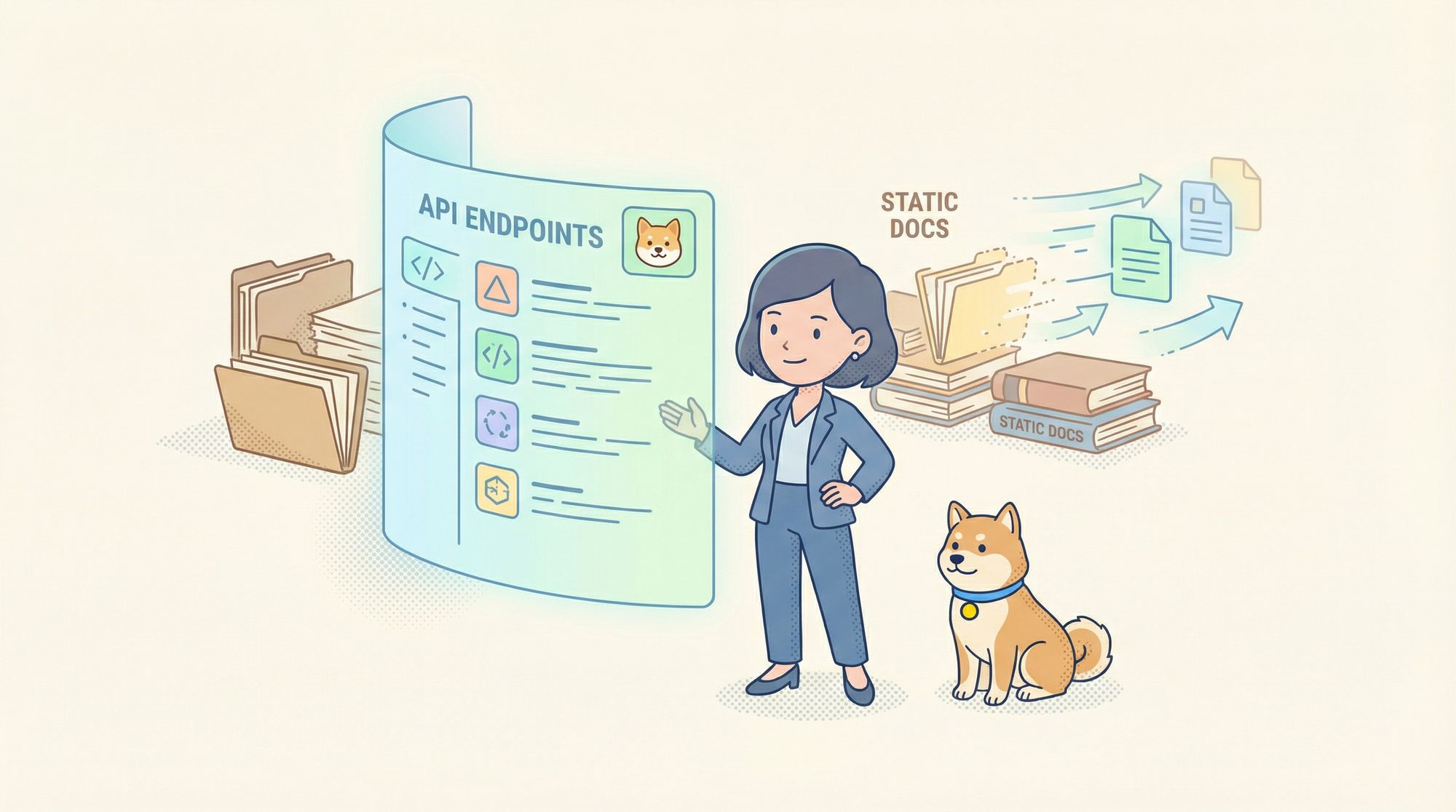
An interactive API reference is more than static documentation. Instead of just describing endpoints, it allows developers to:
- Explore endpoints in real time
- See request and response schemas clearly
- Send live requests directly from the documentation
- Debug APIs without switching tools
In other words, it turns your API docs into a hands-on developer experience.
Why Apidog Is the Best Tool to Host Interactive API References
Let’s get straight to the point.
If your goal is to host an interactive API reference, Apidog is purpose-built for this exact use case.
From Design to Published Docs: The Seamless Apidog Workflow
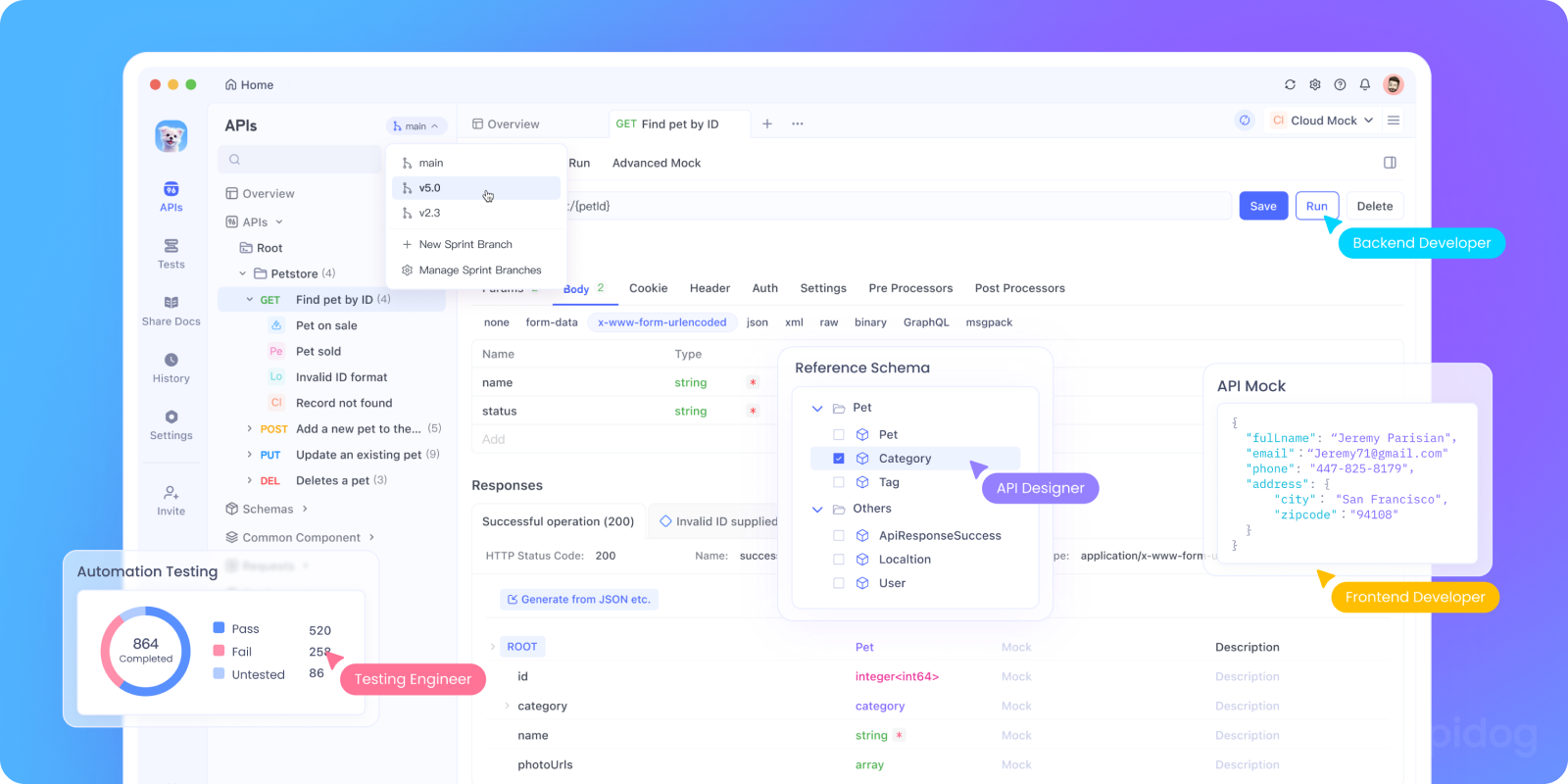
The magic of Apidog is that documentation isn't a separate phase. It's woven into the entire API lifecycle.
Step 1: Design Your API (The Source of Truth)
You design your endpoints directly within Apidog's intuitive interface. You define paths, parameters, request bodies (with JSON Schema), responses, and status codes. This design is your API contract.
Step 2: Test and Refine
Using Apidog's powerful built-in testing tools, you and your team can immediately send requests to your development servers, debug responses, and validate that your API works as designed. Any changes you make during testing are reflected in the design.
Step 3: Publish with One Click

This is where it gets exciting. Once your API design is ready, you can publish your API documentation with a single click. Apidog automatically generates a beautiful, interactive documentation portal from your live API design.
There's no manual writing of endpoint descriptions in a separate system. The documentation is always in sync because it's generated directly from the single source of truth you use every day.
What Makes an Apidog-Hosted API Reference "Interactive"?
The term "interactive documentation" gets thrown around a lot. With Apidog, it has real, powerful meaning:
1. Live "Try It Out" Console
This is the heart of the interactive experience. For every endpoint in your documentation, developers see a fully functional API console embedded right on the page.
They can:
- Fill in parameters directly in the UI
- Edit the request body with real JSON, with full syntax highlighting and validation
- Click "Send" and execute a real API call to your live servers
- See the full response status code, headers, and body instantly
This transforms documentation from a passive reading exercise into an active learning environment. Developers understand your API in minutes instead of hours.
2. Enhanced Debugging Experience
Apidog takes interactivity beyond simple requests. The published documentation includes an enhanced debugging experience that helps developers understand not just what to send, but what's happening.
3. Intelligent Authentication Handling
Your documentation automatically includes your configured authentication methods (API Key, OAuth 2.0, Bearer Token, etc.). Users can input their credentials securely into the docs interface, and Apidog will automatically include them in the "Try It Out" requests. This demystifies the often-complex auth setup.
4. Code Snippet Generation
With one click, developers can generate ready-to-run code snippets for your API in over a dozen languages (cURL, JavaScript, Python, Java, Go, etc.). This eliminates the tedious translation from documentation to working code and accelerates integration.
Documentation Branding with Custom Domains
First impressions matter. While Apidog provides you with a clean, professional subdomain by default ([yours].apidog.io), you can and should take it to the next level with a custom domain.
Imagine your developers accessing your API reference at api.yourcompany.com or developers.yourcompany.com. This:
- Builds Trust and Professionalism: It presents your API as a first-class, official product from your organization.
- Strengthens Brand Identity: Keeps developers within your branded ecosystem.
- Improves SEO: Search authority for your main domain can benefit your documentation.
- Simplifies Access: Developers have one less URL to remember; it's intuitive.
Collaboration and Maintenance: Keeping Docs Alive
Apidog's documentation isn't a frozen artifact. It's a living hub for your API team.
- Inline Comments and Discussions: Your team can have conversations directly on API endpoints within Apidog. These discussions can inform documentation notes and keep everyone aligned.
- Versioning: As your API evolves, you can publish new versions of your documentation. Developers can see what changed and access historical versions if needed.
- Access Control: You can manage who has permission to edit the API design and publish documentation, ensuring stability and control.
Conclusion: Documentation as a Developer Experience
In today's API-driven world, your documentation is the primary interface developers have with your product. A poor documentation experience directly translates to poor adoption, higher support costs, and a damaged reputation.
Apidog redefines what API documentation can be. It transforms it from a static, costly-to-maintain chore into a dynamic, interactive, and living asset that accelerates developer onboarding, reduces support tickets, and showcases your API as the professional product it is.
By hosting your interactive API reference with Apidog, you're not just documenting your API; you're creating a superior developer experience that becomes a competitive advantage. You're providing clarity instead of confusion, interaction instead of abstraction, and a branded, trustworthy home for your developer community.
Stop treating documentation as an afterthought. Make your API reference a destination developers love to visit. Start with Apidog today.