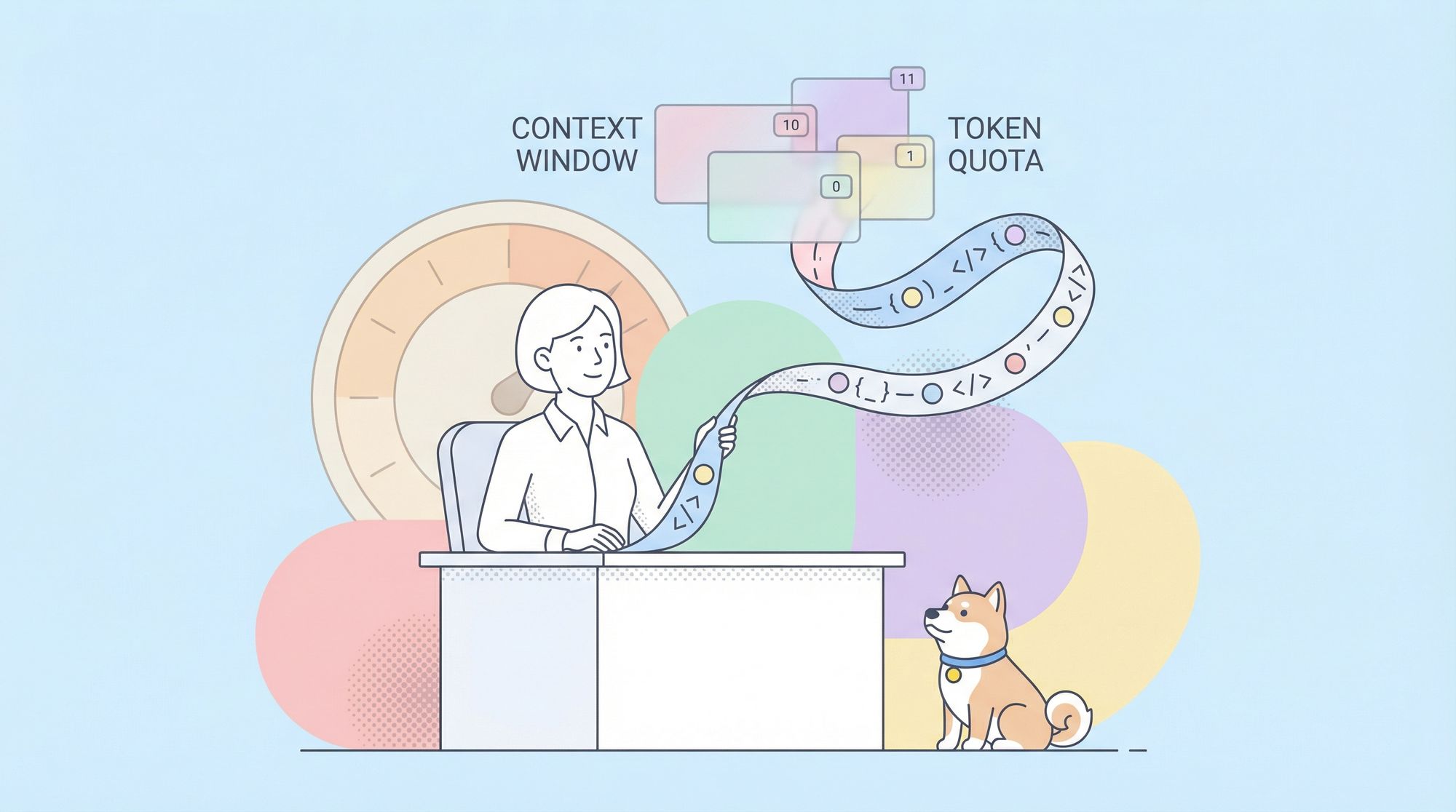
Understanding token limits is critical when building production-grade tools and workflows around OpenAI Codex. Whether you’re using Codex in the terminal, IDE, or via API, knowing the constraints on prompt size, context window, and output helps you engineer robust interactions without surprises.
In this guide, we’ll explore:
- What a token means in the context of Codex
- The maximum context window for Codex models
- How prompt + completion tokens are counted
- Practical strategies for maximizing usable context
- How token limits impact real coding tasks
- How Apidog fits into API-driven development workflows to assist with Codex token saving and API code validation
What Is a Token in Codex?
At its core, a token is a unit of text used internally by a language model. Tokens can be as small as a character or as large as a word. For example:
function→ 1 tokenconst x = 1→ roughly 4–5 tokens
Both your prompt tokens (input) and completion tokens (generated output) consume from the same quota defined by the model’s context window limit.
Codex Models and Their Token Limits
Depending on the specific Codex model you’re using, the maximum token limit per request — i.e., the context window — varies significantly:
1. gpt-5.1-codex (Standard)
- Context window: up to 400,000 tokens
- Max output tokens: ~128,000 tokens
- Meaning: gpt-5.1-codex's prompt + expected completion can consume up to this large context window, with the model dynamically allocating between input and output. ()
2. gpt-5.1-codex-mini (Lightweight)
- Context window: up to 400,000 tokens
- Max output tokens: ~128,000 tokens
- gpt-5.1-codex-mini is a cheaper and smaller variant optimized for shorter tasks (~code Q&A, quick edits).
3. codex-mini-latest
- Context window: ~200,000 tokens
- Max output tokens: ~100,000 tokens
- codex-mini-latest is designed specifically for Codex CLI usage with good balance between context and cost.
This means in best-case scenarios, Codex models can reason across hundreds of thousands of tokens—far beyond earlier models that were limited to only ~4k or ~8k tokens.
How the Token Limit Works in Practice
Prompt + Completion
When you submit a prompt to Codex, the model counts prompt tokens + completion tokens together against the context window. If you set a target like:
{
  "max_output_tokens": 5000
}
Then OpenAI reserves 5,000 tokens from the total window for the model to generate output, leaving the rest for context and reasoning.
Rolling or Sliding Context
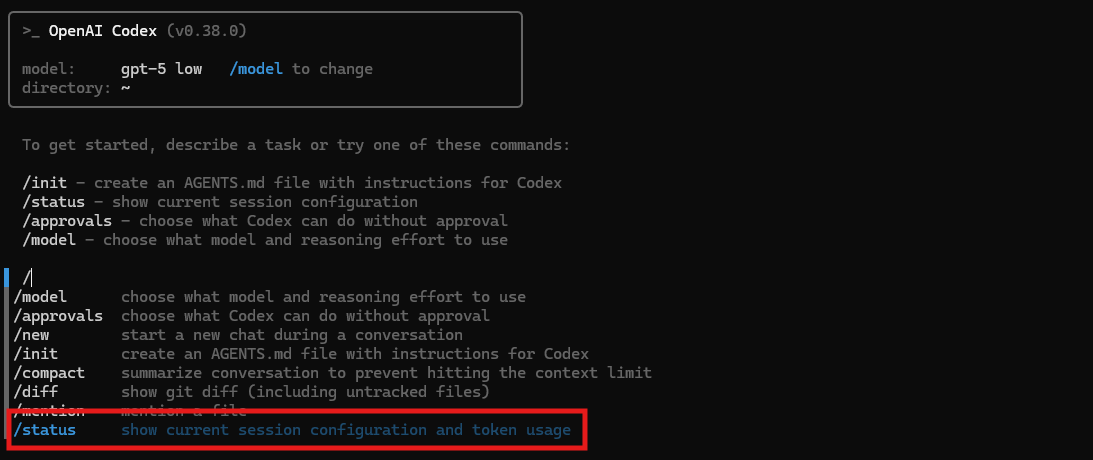
In long conversations or agent sessions (e.g., in CLI), recent messages and code context take precedence. Older context might be summarized or dropped to stay within the window. A practical artifact of this is:
If your accumulated session exceeds the context limit, you’ll see an error:
“Conversation is still above the token limit after automatic summarization…”
This happens most often when you feed a large codebase and expect the model to hold the entire history.
Why These Limits Matter
Deep Code Understanding
For large codebases (projects like 100k+ lines of code across multiple modules) a high token limit lets the model maintain true context across files and references:
- Jump between functions
- Reference common utilities
- Complete refactors with global awareness
Without a larger context window, Codex would lose track of definitions and dependencies.
Complex Prompts
More elaborate instructions and multi-stage tasks also increase prompt tokens:
- “Read the entire
src/folder and generate tests for all exported functions” - “Refactor this repository to use async/await”
The more code you supply, the more tokens you consume.
Token Limits and Coding Workflows
For developers comfortable with CLI tools and iterative workflows, token limits influence how you structure tasks:
1. Short Prompts for Basic Tasks: If you need a simple question answered
codex explain src/utils/dateParser.js
This uses fewer tokens — letting you get multiple focused answers in a single session.
2. Chunking Large Contexts: Split large tasks into smaller sections
- File by file
- Module by module
- Feature by feature
This avoids pushing the session context beyond the token window.
3. Leverage Summarization: Use codex summarize (or integrated summarization) to compress older context before adding new code. This reduces the token footprint.
Comparing Codex with Other Limits
Older API models like da-vinci had 4k token limits long ago, meaning your prompt + generation couldn’t exceed that. Codex’s current models push this boundary out drastically — into tens or even hundreds of thousands of tokens — enabling serious software engineering tasks to be done in one go.
This leap is essential for real-world coding:
- Monorepos
- Generated tests with full coverage
- Cross-file infinite loops detection
Codex Token Consumption and Pricing
Token limits also intersect with billing:
- Input tokens are charged per 1M tokens
- Output tokens are charged per 1M tokens
- Larger models with larger windows may cost more per token
For example, gpt-5.1‐codex input costs $1.25 per 1M tokens and output is $10 per 1M tokens — which matters when you generate big responses.
Where Apidog Fits into Your API Workflows
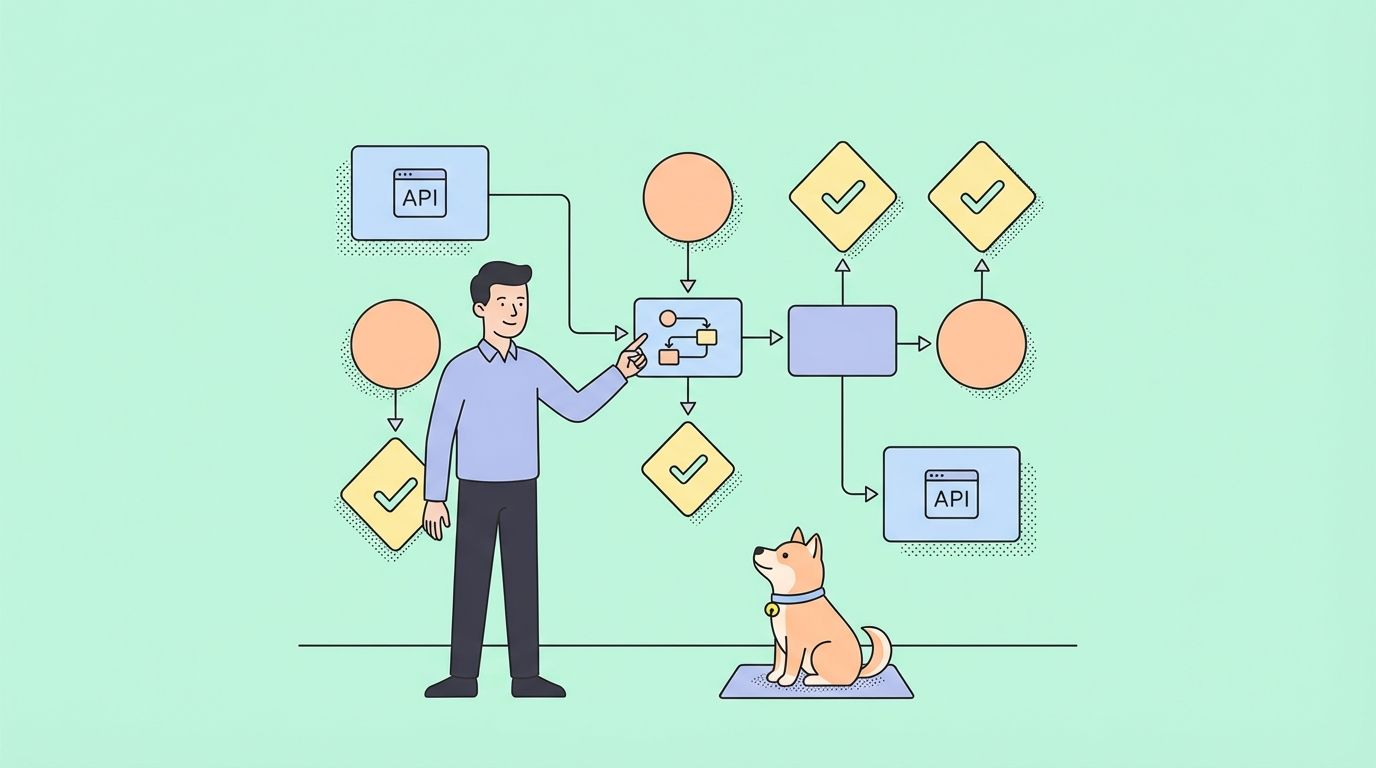
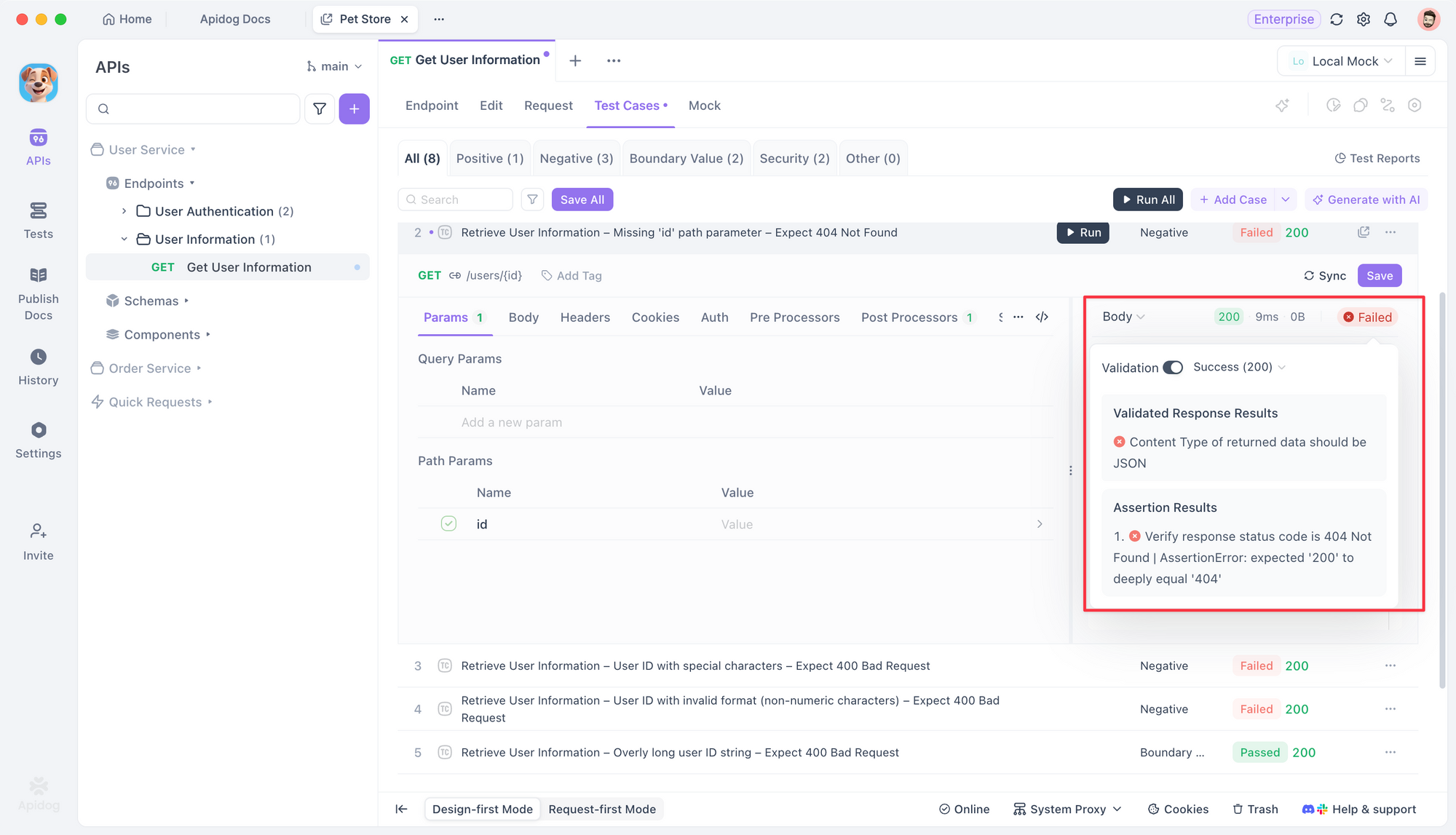
When you use Codex to generate or modify APIs, you still need runtime validation.
Apidog complements Codex by offering:
- API testing automation
- API contract validation
- Auto-generated API test cases
- CI/CD API quality checks
Codex creates the code. Apidog validates that code behaves correctly in the real world.
Start with Apidog for free and integrate it into your development pipelines for automated API reliability checks.
Frequently Asked Questions
Q1. Does Codex have a single fixed token limit per request?
No — the actual limit depends on the specific model. For modern Codex models, token ceilings are significantly higher than legacy API models.
Q2. Can I control how many tokens I want for output?
Yes. We can use a parameter like max_output_tokens to reserve part of the window for response while keeping the rest for context.
Q3. What happens if I send more tokens than allowed?
You get an error or the session is truncated. In the CLI, you will see a context-limit error asking you to trim input.
Q4. Can token limits affect ongoing CLI sessions?
Yes. Ongoing stateful sessions keep accumulating context. If they exceed the limit after auto-compaction, the session must be restarted.
Q5. Are these token limits static?
No. Model updates and plan changes adjust limits over time.
Conclusion
OpenAI Codex token limits define how much context the model can reason about in a single request. Modern Codex models like gpt-5.1-codex and its mini variants support hundreds of thousands of tokens in aggregate, opening the door to large codebases, extensive test suites, and complex multi-file reasoning.
As a developer, you benefit most when you understand how prompt + completion tokens affect the model’s efficiency. Pair Codex with tools like Apidog to validate the behavior of APIs generated or refactored using AI, ensuring correctness from code to runtime.