In the fast-evolving world of software development, third party APIs have become indispensable. But what exactly are third party APIs, and why do they matter so much?
A third party API is an application programming interface developed, managed, and hosted by an external organization—meaning it's not built or owned by you. Instead, you interact with these APIs over the internet to access specialized features or data that the third party provides. Examples include integrating Stripe for payments, Google Maps for geolocation, or Twitter for social media feeds. Unlike internal APIs, which you control, third party APIs are maintained by outside organizations, and you access their services via standardized protocols (usually HTTP/REST).
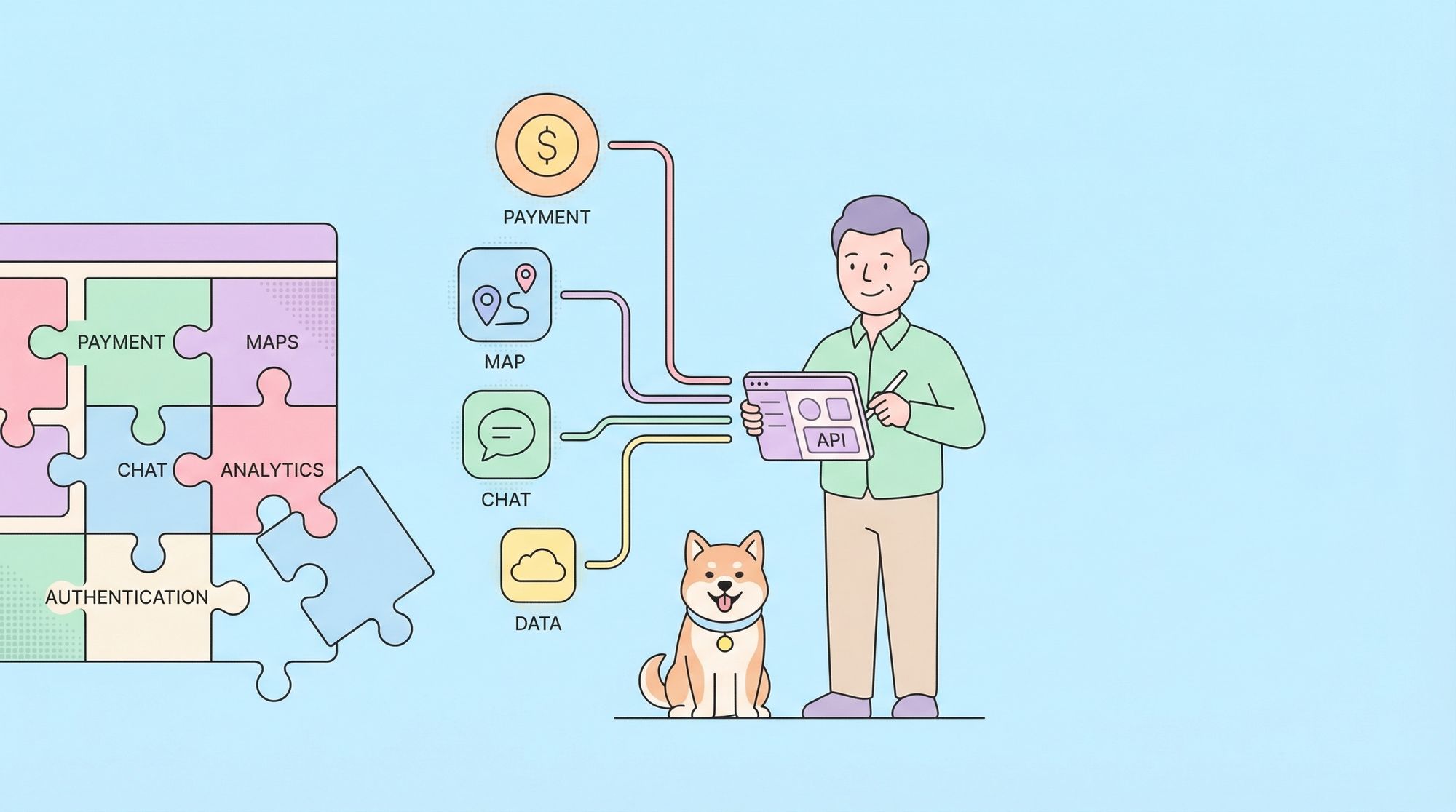
Third party APIs matter because they allow developers to rapidly add complex features without reinventing the wheel. Instead of spending months building every component from scratch, you can connect to robust, well-maintained services and focus on your core product.
Why Are Third Party APIs Essential in Modern Development?
Accelerating Innovation and Time-to-Market
By leveraging third party APIs, companies can ship features faster. Need payment processing? Integrate a payment API. Want to send SMS? Use Twilio’s messaging API. This approach means teams spend less time re-building common infrastructure and more time refining their unique value propositions.
Cost Savings and Reduced Maintenance
Building advanced features from scratch is time-consuming and expensive. Third party APIs offer a cost-effective alternative, often with scalable pricing models, so you only pay for what you use. Maintenance, compliance, and scaling are the provider’s responsibility.
Access to Best-in-Class Capabilities
Third party APIs are often developed by companies whose entire business is perfecting a specific capability. By integrating these APIs, you benefit from their expertise, reliability, and ongoing improvements—sometimes even gaining access to advanced AI or security features that would be difficult to develop internally.
Fostering Interoperability
Modern applications rarely exist in isolation. Third party APIs let you connect your app to a wider ecosystem, from CRM systems to cloud storage, enabling seamless data exchange and richer user experiences.
Key Concepts and Architecture of Third Party APIs
How Third Party APIs Work
Third party APIs are typically exposed over the web (often as RESTful or GraphQL endpoints), allowing your application to send requests and receive responses. You may need to authenticate (through API keys, OAuth, etc.), adhere to usage limits (rate limiting), and handle errors gracefully.
Example of calling a third party REST API:
fetch('https://api.thirdparty.com/v1/data', {
  method: 'GET',
  headers: {
    'Authorization': 'Bearer YOUR_API_KEY'
  }
})
.then(response => response.json())
.then(data => {
  console.log('Data from third party API:', data);
})
.catch(error => console.error('API error:', error));
Differences Between Third Party and Internal APIs
- Ownership: Internal APIs are owned and managed by your team; third party APIs are managed externally.
- Control: You control internal APIs, but with third party APIs, you depend on the provider’s uptime, policies, and changes.
- Security: Using third party APIs requires careful handling of sensitive data and trust in the provider’s security practices.
- Updates: Third party API providers can change endpoints, deprecate features, or update policies—sometimes with limited notice.
API Documentation and SDKs
Third party APIs usually come with comprehensive documentation and, often, client libraries (SDKs) for popular programming languages. Good documentation is critical, as understanding endpoints, request formats, authentication, and error handling ensures smooth integration.
Common Use Cases for Third Party APIs
1. Payment Processing
Platforms like Stripe, PayPal, and Square offer APIs to process credit cards, manage subscriptions, and handle refunds securely.
Example:
Integrating Stripe’s API to accept payments on an e-commerce website.
2. Mapping and Geolocation
Google Maps, Mapbox, and OpenStreetMap APIs provide interactive maps, geocoding, and route calculation.
Example:
Embedding a live map and directions in a travel app via the Google Maps API.
3. Social Media Integration
APIs from Facebook, Twitter, and LinkedIn allow posting, sharing, and social logins.
Example:
Enabling users to log in with their Google or Facebook account via OAuth.
4. Communication Services
Twilio and SendGrid APIs enable sending SMS, email, and even voice calls programmatically.
Example:
Sending a verification code to users via SMS during sign-up.
5. Cloud Storage and File Handling
Dropbox, Google Drive, and AWS S3 expose APIs for uploading, downloading, and managing files.
Example:
Allowing users to back up documents to their Google Drive using the Drive API.
6. Data Enrichment and Analytics
External APIs deliver real-time weather, financial data, or AI-powered analytics.
Example:
Displaying weather forecasts in an app using the OpenWeatherMap API.
How to Integrate Third Party APIs: Step-by-Step
1. Selecting the Right Third Party API
- Reliability: Check service uptime, SLAs, and support.
- Documentation: Look for clear, updated docs and SDKs.
- Pricing: Ensure the cost aligns with your usage and growth.
- Security & Compliance: Verify data handling, privacy, and compliance.
2. Register and Obtain API Credentials
Most third party APIs require you to register for an API key or access token. This key authenticates your requests and tracks usage.
3. Read the Documentation Thoroughly
Understand endpoints, request/response formats, authentication methods, rate limits, and error handling.
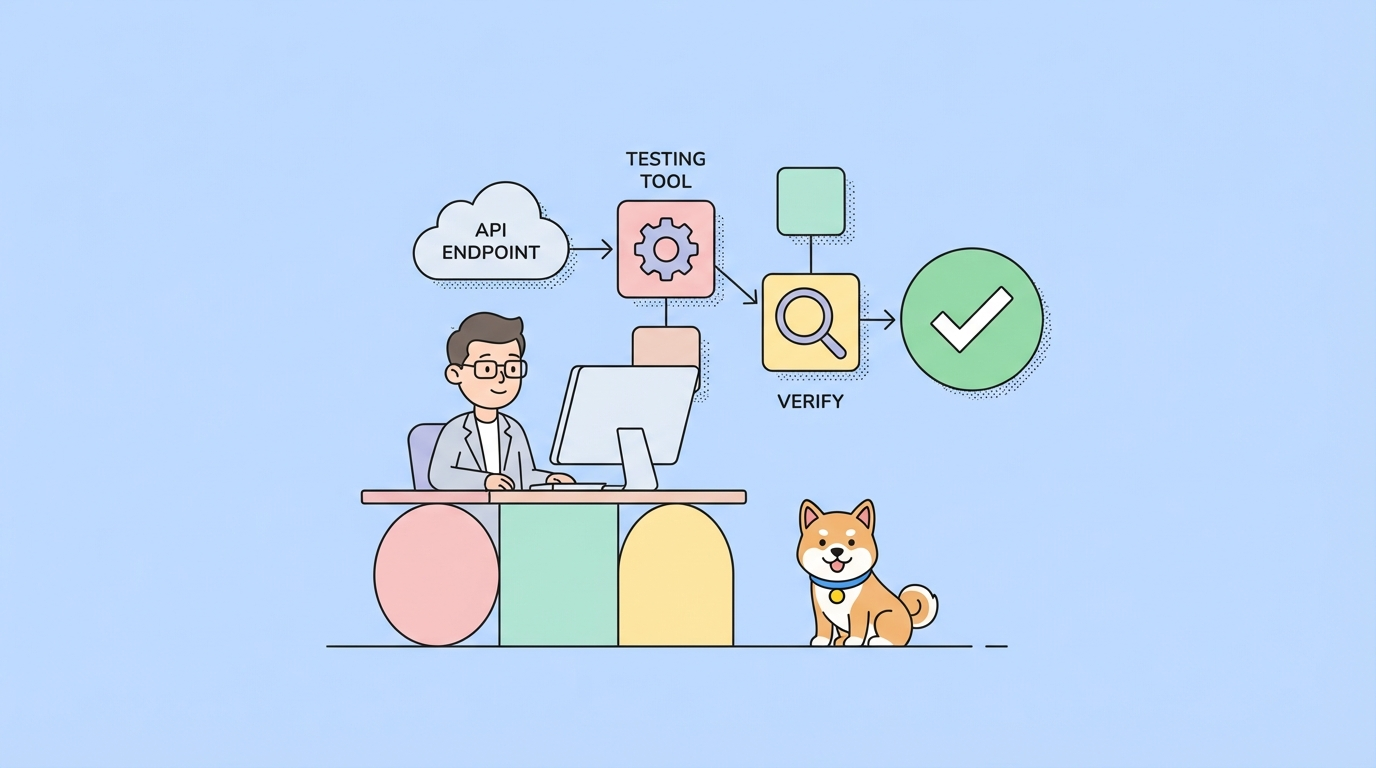
4. Make Test Requests
Start with test or “sandbox” environments (if available) to avoid impacting production data.
5. Implement in Your Application
Use the provider’s SDK or make direct HTTP requests from your backend or frontend, handling errors and edge cases as needed.
6. Monitor and Maintain
Track usage, monitor for deprecation warnings, and be prepared to update your integration if the provider changes their API.
Real-World Examples of Third Party API Integrations
Example 1: Stripe Payment API in an E-Commerce Store
A retailer uses the Stripe API to handle all payment processing. Users enter their payment info, which is securely sent to Stripe via their API. The retailer never directly handles sensitive card data, reducing compliance risks.
Example 2: Google Maps API in a Delivery App
A food delivery app embeds the Google Maps API to show customer and driver locations, calculate delivery routes, and estimate arrival times—all using real-time map data from a third party.
Example 3: Twilio SMS API for Two-Factor Authentication
A banking app uses Twilio’s API to send verification codes to users’ phones as part of a 2FA process. This boosts security without the bank needing to manage telecom infrastructure.
Example 4: Social Logins via OAuth APIs
A SaaS platform lets users log in with their Google or Facebook accounts. This is achieved by integrating third party OAuth APIs, reducing friction and increasing sign-ups.
Challenges and Best Practices for Third Party API Integration
Common Challenges
- API Changes and Deprecations: Providers may update or retire endpoints, requiring you to update your integration.
- Rate Limits: Most third party APIs restrict how many requests you can make in a given period.
- Downtime and Reliability: Outages at the provider can affect your app.
- Security and Privacy: You must ensure secure transmission and storage of sensitive data.
Best Practices
- Error Handling: Implement robust error handling for network failures, invalid responses, and API errors.
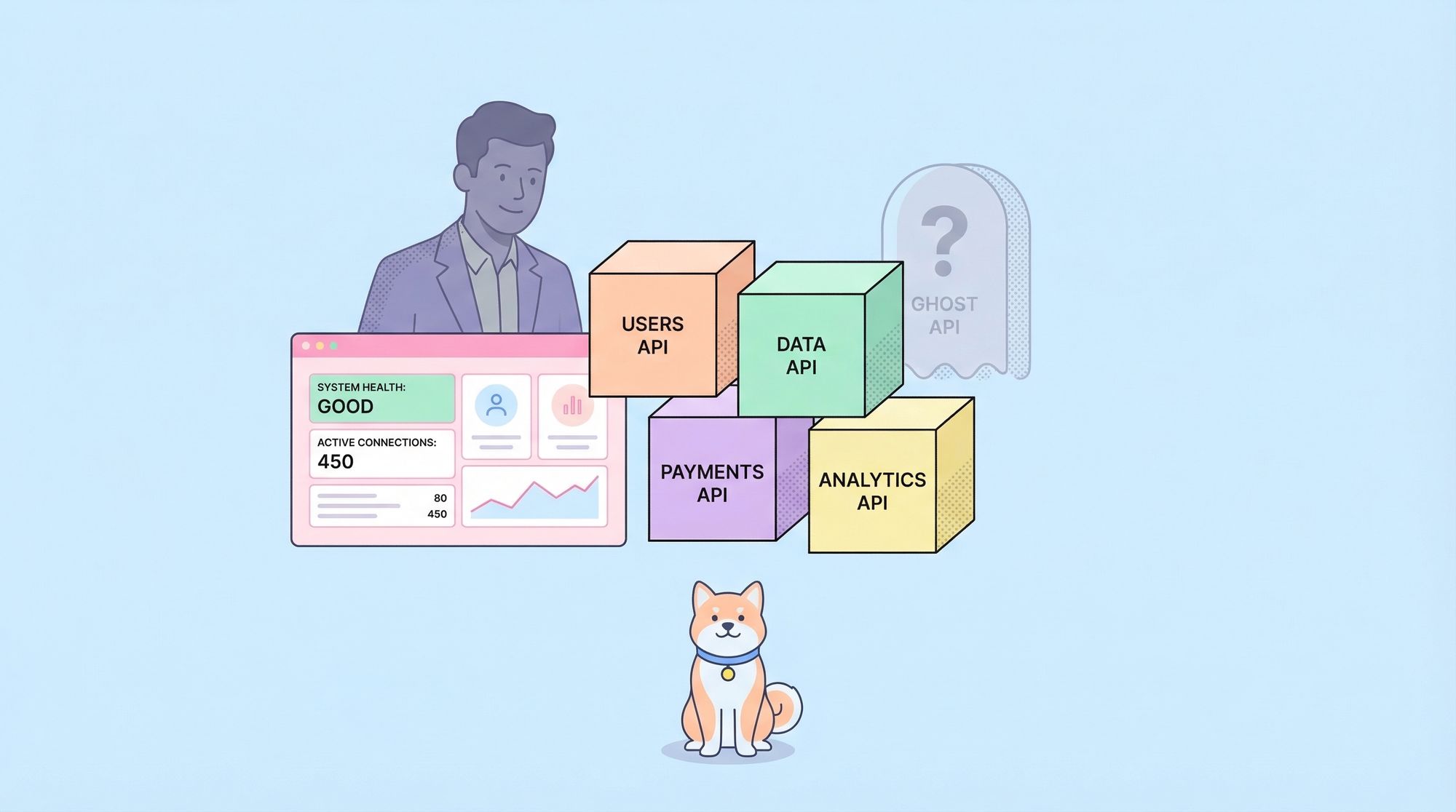
- Monitoring and Alerts: Monitor API usage, response times, and error rates.
- Caching: Cache responses where appropriate to reduce load and avoid hitting rate limits.
- Graceful Degradation: Design your app to handle API outages gracefully (e.g., show cached data, retry failed requests).
- Stay Updated: Subscribe to provider status pages and changelogs.
- Limit Exposure: Never expose API keys or secrets in your frontend code.
Managing Third Party APIs with Apidog
When working with multiple third party APIs, managing endpoints, documentation, and testing can become complex. Apidog is a spec-driven API development platform that can help:
- Import and Organize APIs: Easily import third party API documentation (e.g., Swagger, Postman collections) into Apidog for centralized management.
- API Design and Testing: Design new endpoints, test third party integrations, and generate mock data to simulate real API responses during development.
- Collaborative Documentation: Automatically generate shareable online documentation for internal teams working with third party APIs.
Using a platform like Apidog streamlines the process of integrating, testing, and maintaining third party APIs—making your development workflow more efficient and reliable.
Conclusion: Unlocking Innovation with Third Party APIs
Third party APIs are the backbone of modern software, empowering developers to build robust, feature-rich applications at unprecedented speed. By leveraging these external services—from payments to maps to communications—you accelerate delivery, reduce costs, and tap into best-in-class technology.
However, integrating third party APIs requires careful planning, due diligence, and ongoing maintenance. With strong error handling, monitoring, and tools like Apidog to manage your APIs, you’ll be well-positioned to harness the full potential of third party APIs in your projects.