Are you seeing the dreaded "400 Bad Request" error when working with APIs or web applications? You’re not alone—this client-side error is a common stumbling block for backend engineers, QA testers, and API developers. Understanding exactly what triggers a 400 Bad Request, how it differs from other HTTP errors, and how to troubleshoot it efficiently can save hours of debugging and improve your API’s reliability.
If you’re frequently testing APIs and running into 400 errors, using a purpose-built API tool like Apidog can make your workflow much smoother. With Apidog, you can simulate requests, debug payloads, inspect headers, and validate your API calls in a single streamlined interface. It’s free to download, making it easy to diagnose and resolve 400 Bad Requests quickly.
Let’s break down what a 400 Bad Request error really means, why it happens, and actionable steps to resolve it.
What Is HTTP 400 Bad Request?
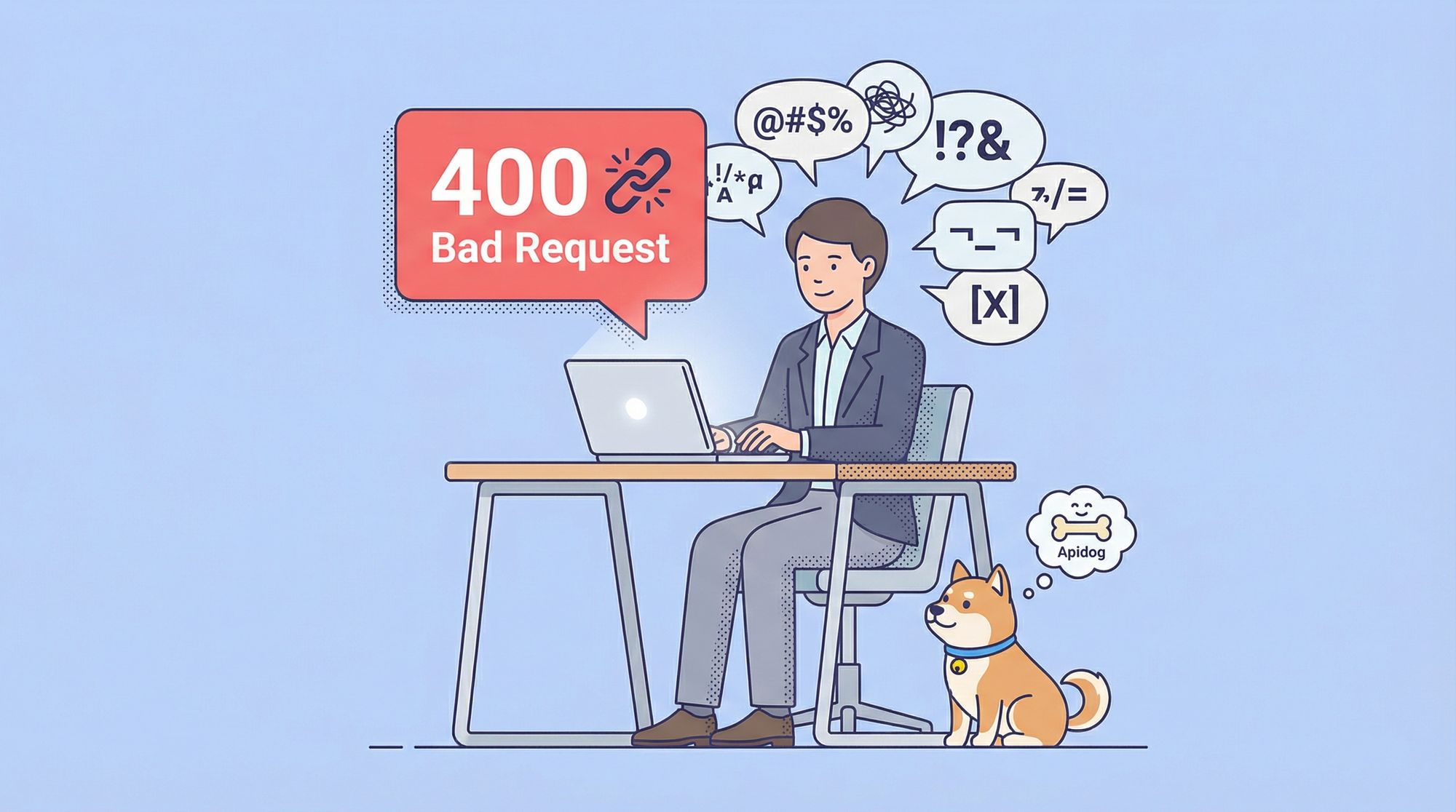
The HTTP 400 Bad Request status code belongs to the 4xx category, indicating an error caused by the client’s request—not the server. In practical terms, a 400 response tells you the server couldn’t understand the request due to invalid syntax, malformed data, or missing parameters.
Analogy: Imagine calling a pizza shop and mumbling your order. The staff can’t process the request—they simply reply, “Sorry, I don’t understand.” That confusion is a 400 Bad Request.
Typical Triggers for a 400 Error
- Invalid request syntax (e.g., malformed JSON or XML)
- Malformed URLs (illegal characters, improper encoding)
- Missing or invalid HTTP headers
- Oversized request payloads
- Corrupted cookies or browser cache
- Missing required query or body parameters
Key takeaway: 400 signals a problem with the request, not the server’s processing.
Why Does the 400 Error Exist?
HTTP is a protocol for communication between clients (browsers, apps, API consumers) and servers. When a server can’t interpret a request, it needs to provide clear feedback. The 400 status code does exactly this—letting developers know the request was received but not understood, aiding fast debugging.
400 vs Other Common Client Errors
To properly debug, it’s vital to distinguish 400 from similar client-side status codes:
| Status Code | Meaning | Example Scenario |
|---|---|---|
| 400 | Bad Request (syntax/format error) | Malformed JSON in API call |
| 401 | Unauthorized (auth required) | Missing or invalid API key |
| 403 | Forbidden (no permission) | No access rights to resource |
| 404 | Not Found | Requesting a non-existent endpoint |
| 422 | Unprocessable Entity (semantic error) | Well-formed JSON, but invalid data |
Tip: 400 is about structural problems in a request, while 422 is about semantically invalid data.
How Browsers and APIs Respond to 400 Bad Request
When a browser gets a 400 response, it usually displays a generic error page, sometimes with debugging hints. For developers, a 400 status is a vital clue—something about the client-side code, payload, or parameters is off.
Common Causes of 400 Bad Request (and How to Fix Them)
1. Malformed URL or Query String
- Cause: Invalid characters or improper encoding in URLs.
- Fix: Use URI encoding functions to sanitize URLs.
2. Invalid or Missing HTTP Headers
- Cause: Absent or malformed headers, such as
Content-TypeorAuthorization. - Fix: Double-check required headers. For JSON APIs,
Content-Typeshould beapplication/json.
3. Malformed Request Body
- Cause: Syntax errors in JSON, XML, or form data.
- Fix: Validate data with tools like JSONLint or XML parsers before sending.
4. Payload Too Large
- Cause: Request exceeds server’s size limit.
- Fix: Compress or split large payloads.
5. Corrupted Cookies or Cache
- Cause: Stale or invalid cookies impact request.
- Fix: Clear browser cookies and cache.
6. Missing or Invalid Parameters
- Cause: Required query or body parameters are absent or malformed.
- Fix: Refer to API documentation to ensure completeness and correctness.
Real-World 400 Error Examples
- Web Browsing: Typing an invalid URL (e.g., with
%zz) triggers a 400. - API Testing: Sending
{ "user": "john"(missing closing brace) returns a 400 from the server. - Authentication: Submitting a malformed JWT results in a 400 error response.
Graceful Handling of 400 Errors for Developers
- Validate Input: Rigorous client-side validation prevents malformed requests.
- User Feedback: Display clear error messages for correction.
- Server Logging: Log details of failed requests to aid troubleshooting.
- Detailed Error Responses: Return error bodies specifying what went wrong.
- Use Testing Tools: Apidog can help simulate requests, inspect payloads, and catch errors early.
How to Fix 400 Bad Request in Web Browsers
If you encounter a 400 error while browsing:
- Check the URL: Remove invalid characters or spaces.
- Clear Cookies/Cache: Old data can corrupt requests.
- Refresh the Page: Temporary glitches may self-resolve.
- Disable Extensions: Corrupt headers can originate from browser add-ons.
How to Fix 400 Bad Request in APIs
Debugging 400s in API workflows requires a methodical approach:
- Validate Payloads: Ensure JSON/XML is well-formed and matches the API’s schema.
- Check Headers: Verify critical headers (e.g.,
Content-Type,Authorization) are present and correct. - Inspect URL Encoding: Ensure special characters are properly encoded.
- Leverage API Tools: Use Apidog or similar platforms to visualize, edit, and resend requests for rapid iteration.
Testing and Debugging 400 Errors with Apidog
Apidog streamlines API troubleshooting by allowing you to:
- Build and modify API requests with precise control over payloads and headers.
- Instantly see when your JSON is malformed or a header is missing.
- Simulate error scenarios to test your API’s error handling.
- Collaborate with your team by sharing error cases and solutions.
If you send invalid JSON, Apidog highlights the syntax issue. Missing headers? You’ll spot them instantly. Download Apidog for free to simplify your API debugging process and resolve 400 errors with confidence.
SEO Impact of 400 Bad Request Errors
While 400 errors are typically client-side, frequent 400s on publicly accessible URLs can hurt your site’s SEO:
- Crawlers may interpret persistent 400s as broken pages.
- Rankings can drop if users and bots consistently hit errors.
- Crawl budget gets wasted on invalid URLs.
Action: Fix 400s promptly on public endpoints to protect SEO health.
400 Bad Request in REST vs GraphQL APIs
- REST APIs: 400 is common for malformed JSON or missing parameters.
- GraphQL APIs: Poorly structured queries or missing required fields trigger 400s.
Both API styles use 400 to indicate invalid client requests.
Troubleshooting Checklist for 400 Bad Request
- Reproduce the error in a controlled environment.
- Examine server logs for error details.
- Cross-check your request against API documentation.
- Use debugging tools or proxies like Apidog.
- Simplify requests to isolate the problematic component.
Example: 400 Bad Request HTTP Response
HTTP/1.1 400 Bad Request
Content-Type: application/json

{
  "error": "Invalid JSON syntax",
  "message": "Could not parse request body at line 1 column 5"
}
400 vs 500: Client vs Server Errors
- 400 Bad Request: Indicates the issue originated from the client’s request.
- 500 Internal Server Error: Points to a failure in server processing, unrelated to the request’s validity.
Knowing the difference helps direct your troubleshooting—client-side vs server-side.
Security Considerations with 400 Responses
400 errors can help mitigate certain attacks, such as:
- Blocking malformed SQL injection attempts early.
- Throttling repeated invalid requests to prevent abuse.
Note: Avoid exposing sensitive details in 400 responses; attackers may use them to probe your validation logic.
Conclusion: Master 400 Errors for Robust APIs
HTTP 400 Bad Request errors are a signal to refine your client-side logic and API integration. By understanding the most frequent causes—malformed URLs, headers, and payloads—you can resolve issues faster and deliver more reliable APIs.
For modern API teams, tools like Apidog provide essential visibility into requests and responses, making it far easier to diagnose and fix 400 errors. Download Apidog for free to streamline your API testing and ensure your integrations are always correct.