Walking through the modern software testing landscape feels a bit like browsing a hardware store where every tool claims to be the only one you’ll ever need. But the truth is, no single tool solves every problem, and choosing the right software testing tools can make the difference between a smooth release and a weekend spent firefighting production issues.
This guide cuts through the noise and gives you a practical framework for understanding what’s available, what actually works, and how to match tools to your real-world needs. Whether you’re building a testing practice from scratch or wondering if your current stack needs an upgrade, you’ll find actionable advice that respects both your time and your budget.
Understanding the Two Major Categories of Software Testing Tools
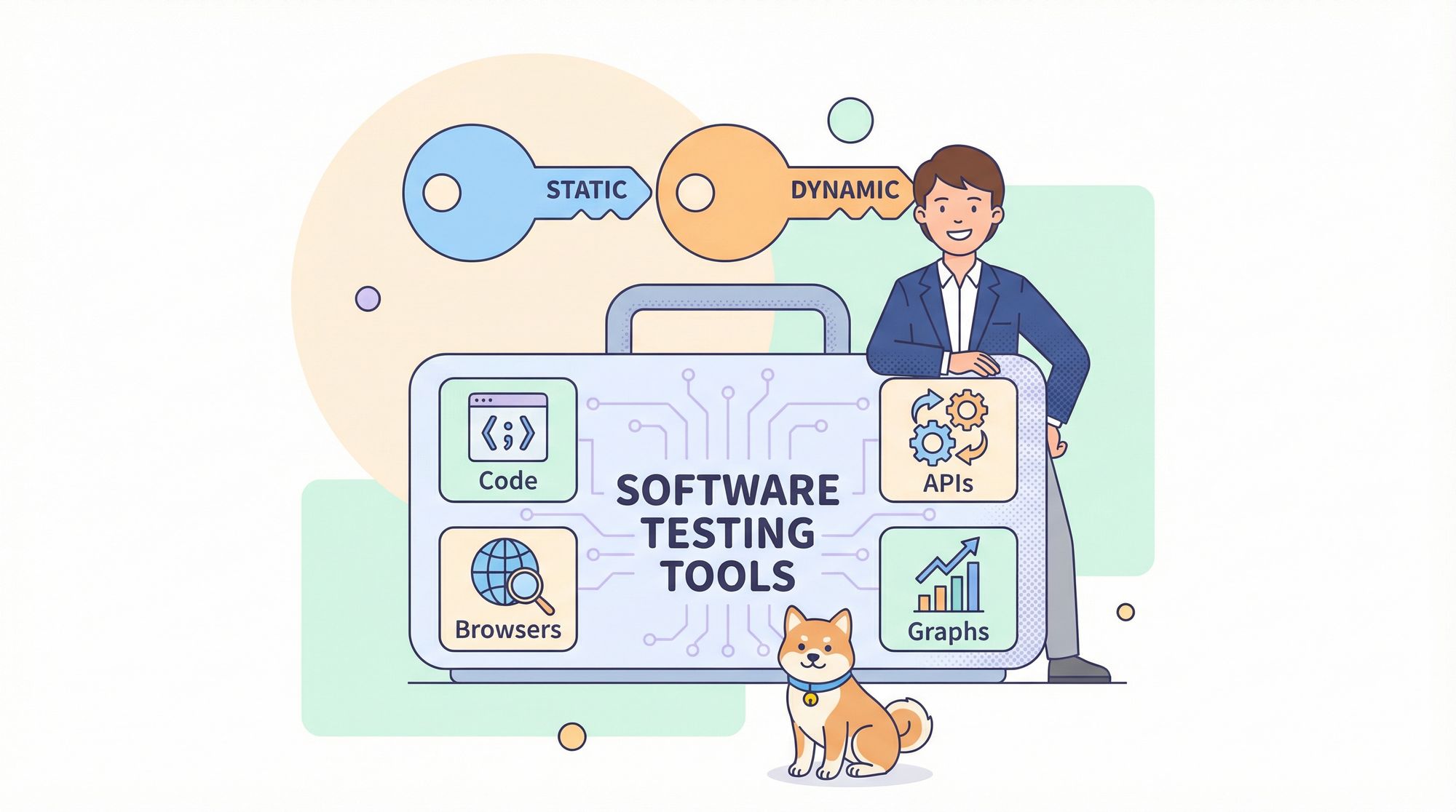
Before we dive into specific products, let’s get the fundamentals straight. Software testing tools fall into two broad families: static and dynamic. Knowing which type you need for which job is the first step toward building a smart testing strategy.
a) Static Testing Tools
Static tools analyze code without executing it. Think of them as proofreaders for your source code—they catch syntax errors, security vulnerabilities, and style violations just by reading what you’ve written.
SonarQube leads this category, scanning your codebase for bugs, code smells, and security hotspots. It integrates into your CI/CD pipeline and provides a quality gate that prevents problematic code from merging. ESLint (for JavaScript) and Pylint (for Python) serve a similar purpose at the language level, enforcing consistency and catching simple errors before they waste anyone’s time.
The biggest advantage of static software testing tools is speed. They give feedback in seconds, not minutes, and they catch entire classes of defects that dynamic tests might never trigger. The limitation? They can’t validate whether your application actually does what users need—only that it’s well-formed.
b) Dynamic Testing Tools
Dynamic tools execute your code and observe its behavior. This is what most people picture when they think of testing: clicking buttons, sending API requests, loading pages, and verifying responses.
Selenium has been the king of dynamic web testing for over a decade, driving browsers programmatically. JMeter hammers your application with virtual users to find performance bottlenecks. Postman fires API requests to validate backend logic. These software testing tools answer the crucial question: “Does this thing work in the real world?”
The tradeoff is time and resources. Dynamic tests are slower to run, more complex to maintain, and require stable test environments. But they’re irreplaceable for validating user journeys, integration points, and non-functional requirements like scalability.
Top 10 Software Testing Tools Teams Actually Use
Now that you understand the categories, let’s look at the software testing tools that consistently deliver value across thousands of development teams. This list balances maturity, community support, and modern capabilities.
1. Selenium
The granddaddy of web automation still dominates for cross-browser testing. Selenium's WebDriver protocol drives Chrome, Firefox, Safari, and Edge using language bindings for Java, Python, C#, and more. The learning curve is steeper than modern alternatives, but its ecosystem is unmatched.
2. Cypress
Cypress reimagined web testing for the modern era with faster execution, automatic waiting, and time-travel debugging. Its developer-friendly API and dashboard make it a favorite for JavaScript teams building single-page applications. The tradeoff? Limited cross-browser support compared to Selenium.
3. Apidog
What started as a simple API client evolved into a complete API lifecycle platform. Apidog lets you design, mock, document, and test APIs with intuitive collections. Its collaboration features and API Design/Request methodologies make it a staple for any team building microservices.
4. JMeter
When you need to answer “How many users can we handle?”, JMeter is the open-source standard. It simulates load across protocols (HTTP, FTP, JDBC) and generates detailed performance reports. While its interface feels dated, its power and flexibility keep it relevant.
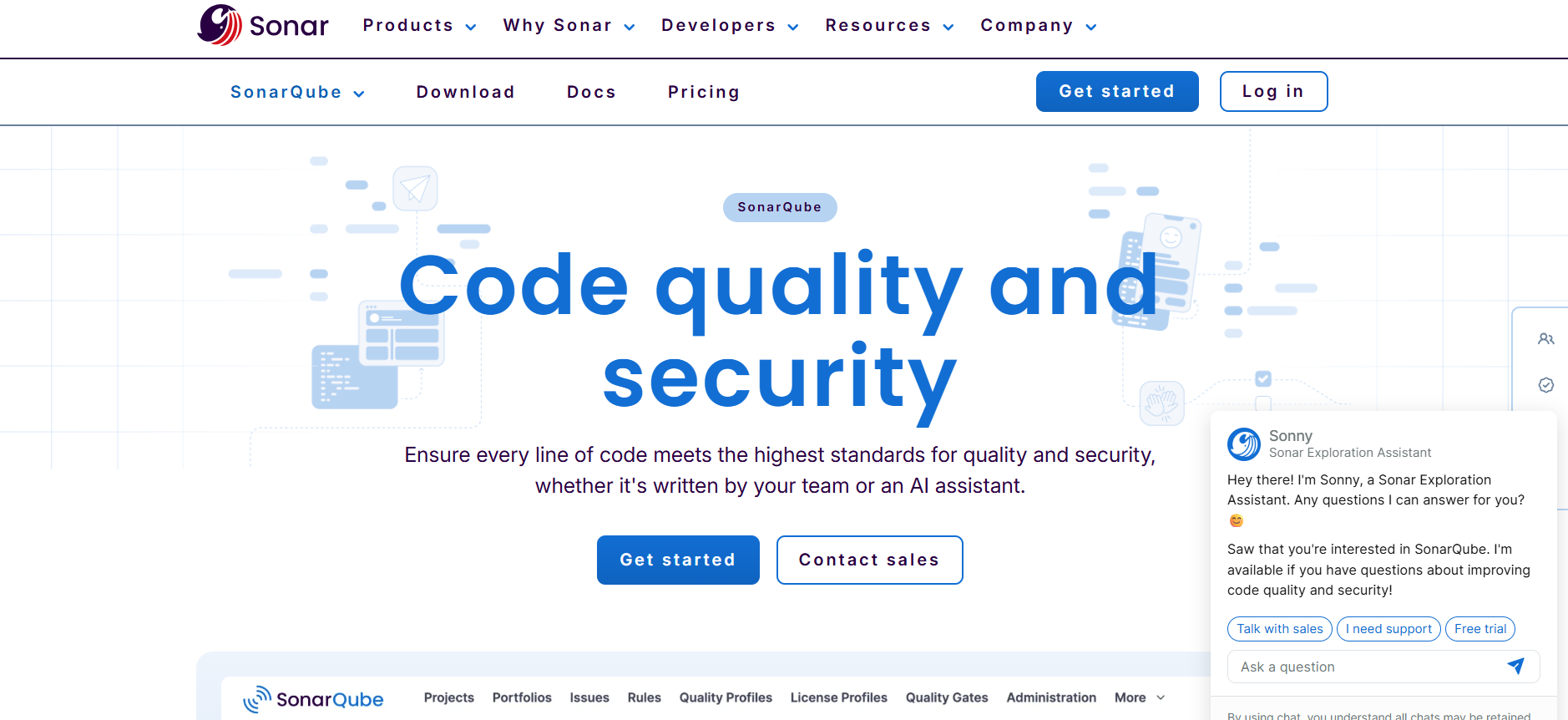
5. SonarQube
As the cornerstone of static analysis, SonarQube continuously inspects code quality and security. Its quality gates block merges when coverage drops or vulnerabilities appear, making quality automated rather than optional. Support for 30+ languages means it fits nearly any stack.
6. Appium
Mobile testing requires different software testing tools, and Appium fills that gap. It automates iOS and Android apps using the same WebDriver protocol as Selenium, letting teams reuse skills and code across web and mobile test suites. Real device and emulator support ensure you test on what users actually use.
7. JUnit & TestNG
These frameworks are the foundation of Java unit testing, but they’re more than that. They provide structure for integration tests, manage test lifecycle hooks, and generate reports that CI/CD systems trust. Every Java developer learns them for a reason—they’re reliable and extensible (JUnit).
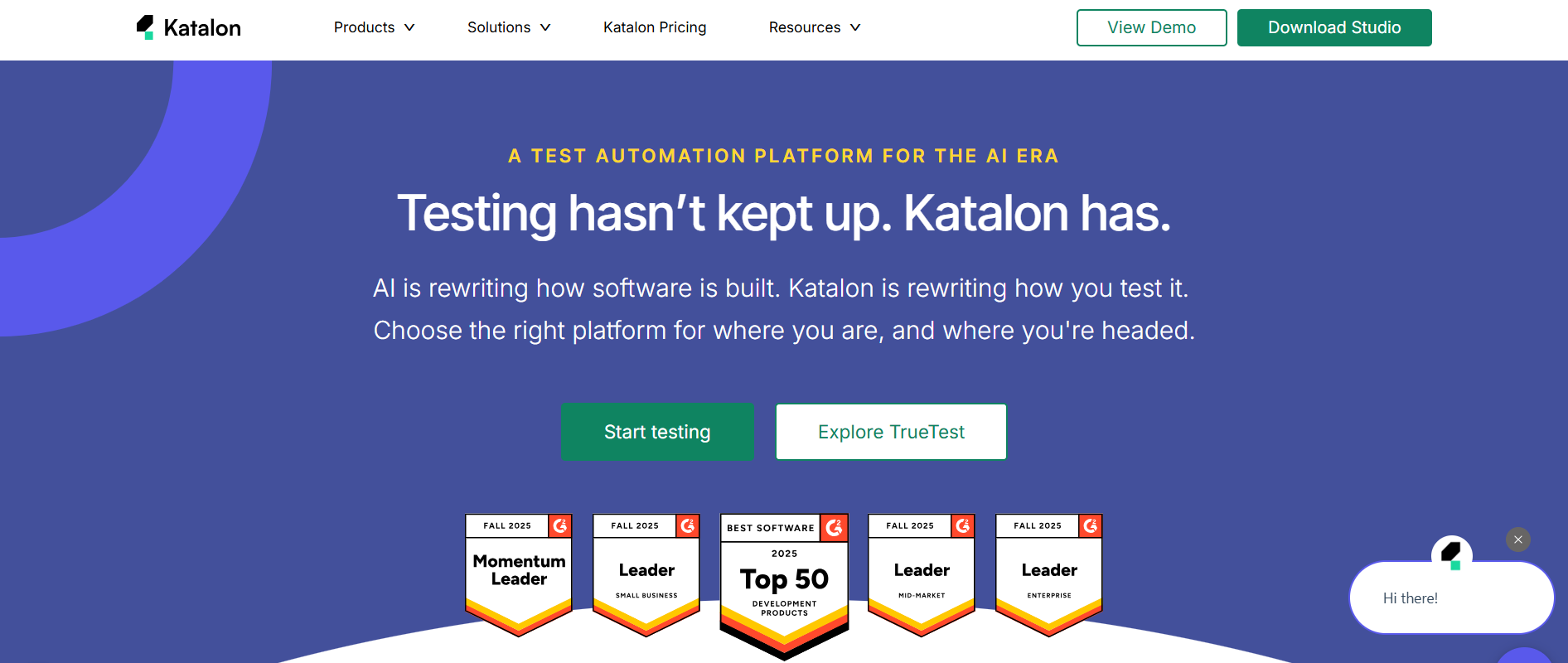
8. Katalon Studio
If you want an all-in-one solution that combines web, API, mobile, and desktop testing, Katalon delivers. Its keyword-driven approach lets non-coders build tests, while script mode satisfies automation engineers. The built-in object repository and reporting reduce setup time significantly.
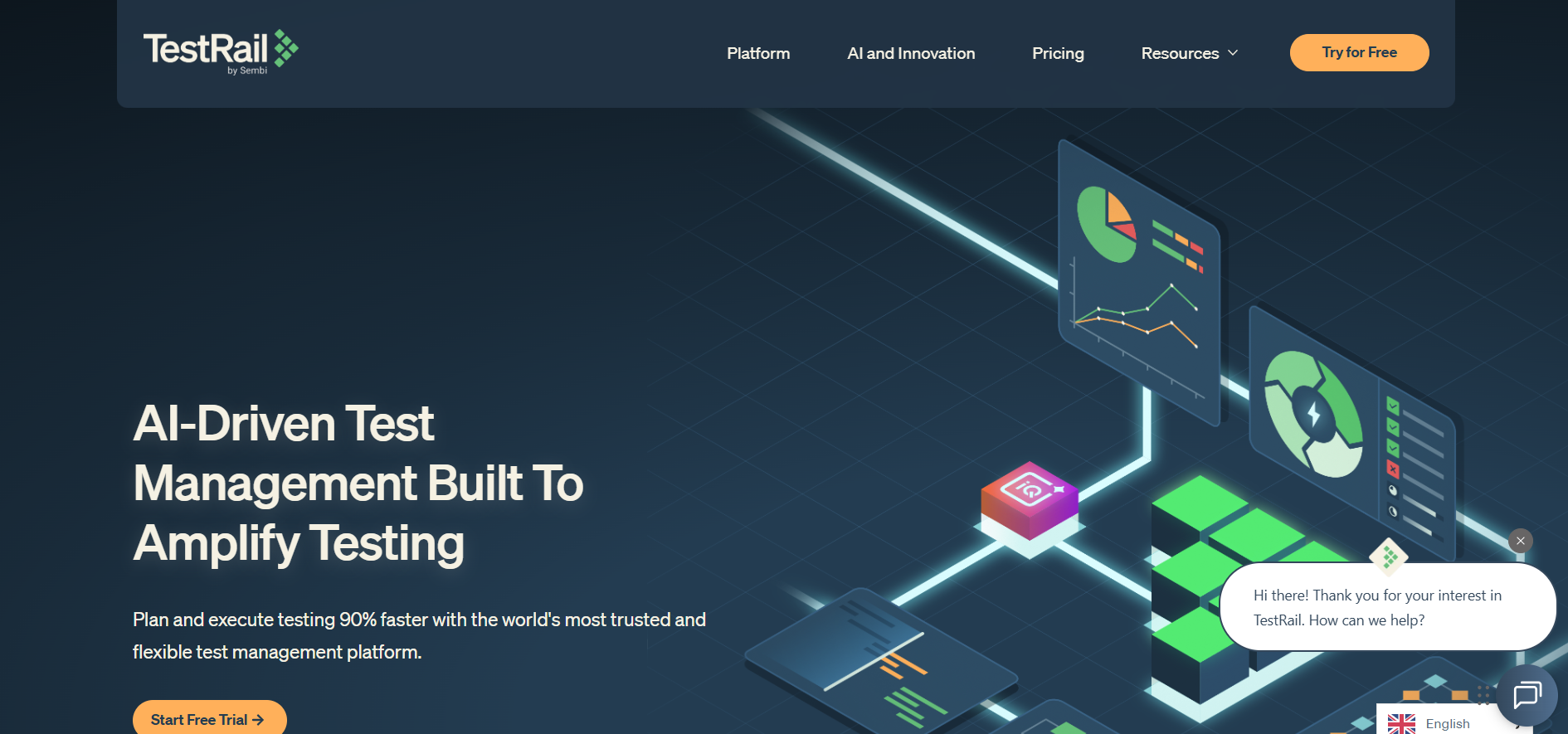
9. TestRail
Testing isn’t just about execution—it’s about organization. TestRail manages your test cases, plans, runs, and results in a centralized repository. Its integration with Jira and automation frameworks makes it the command center for manual and automated testing efforts.
10. Jenkins
While technically a CI/CD tool, Jenkins is essential for modern testing. It orchestrates your software testing tools, triggers tests on every commit, and aggregates results. Without automated test execution, even the best tests are worthless. Jenkins makes continuous testing a reality.
Streamlining API Testing with Apidog
Apidog uses AI to automate the most tedious parts of API testing, turning specification into execution with minimal manual effort.
Apidog analyzes your API documentation—whether OpenAPI, Swagger, or Postman collections—and automatically generates comprehensive test cases. It creates positive tests for happy paths, negative tests for invalid inputs, boundary tests for numeric fields, and security tests for authentication flaws. This isn't just templating; the AI understands your API's context and business logic.
For teams drowning in API endpoints, this automation is transformative. Instead of spending days writing boilerplate tests, testers review and refine AI-generated specifications in hours. The software testing tools pipeline becomes: import API spec, generate tests, review, execute.
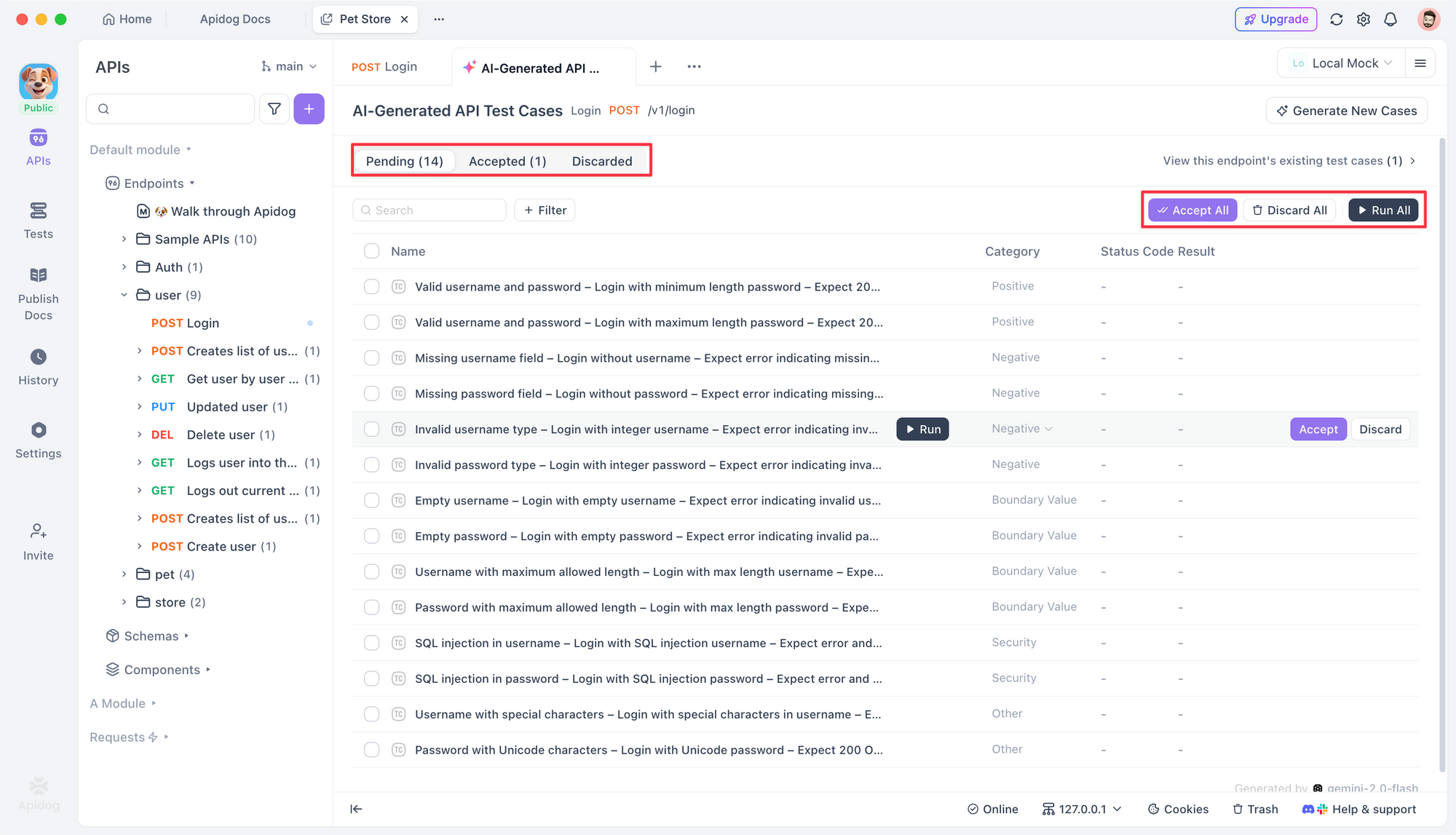
Apidog also maintains synchronization. When your API changes, it flags affected tests and suggests updates, solving the maintenance nightmare that plagues API test suites. The integration with CI/CD means these tests run automatically, providing fast feedback without manual intervention.
If your team invests heavily in API development, Apidog deserves a spot in your toolbox alongside Postman and JMeter. It doesn't replace them—it augments them by eliminating the repetitive work that drains testing morale.
Frequently Asked Questions
Q1: How many software testing tools does a typical team need?
Ans: Most mature teams use four to six tools: one for unit testing, one for API testing, one for UI automation, one for performance testing, one for static analysis, and a test management platform. The key is integration—tools should share data and results, not operate in silos. More tools don’t equal better testing; better integration does.
Q2: Are open-source software testing tools reliable for enterprise use?
Ans: Absolutely. Selenium, JMeter, JUnit, and SonarQube power testing at Fortune 500 companies daily. The key is evaluating community support, release frequency, and security updates. Open-source tools often outperform commercial alternatives in flexibility and transparency. Just ensure you have the expertise to configure and maintain them properly.
Q3: How do we choose between similar software testing tools like Selenium and Cypress?
Ans: Start with your team’s skills and your application’s architecture. If you need maximum cross-browser coverage and have Java/Python expertise, Selenium fits. If you build modern SPAs with JavaScript and prioritize developer experience, Cypress wins better. Run a one-week proof-of-concept with both on a real feature—let empirical results guide your decision.
Q4: What role do software testing tools play in shift-left testing?
Ans: Shift-left means testing earlier, and tools enable this. Static analysis tools like SonarQube run on every pull request. Unit testing frameworks like JUnit validate logic before integration. API testing tools like Apidog can generate tests from specs before code is complete. The right software testing tools make testing a continuous activity, not a final phase.
Q5: How do we measure ROI on software testing tools?
Ans: Track metrics that matter: defect escape rate (bugs found in production vs. pre-release), test execution time, time to onboard new testers, and automated test coverage growth. A tool that reduces test creation time by 50% or catches defects that would cost $10k to fix in production delivers clear ROI. Measure before and after adoption to make the case.
Conclusion
Choosing the right software testing tools is less about following trends and more about solving your team’s specific problems. The tools we’ve covered represent proven solutions for unit, API, UI, performance, and static testing, but they’re only effective when integrated into a disciplined testing practice.
Start by mapping your biggest quality bottlenecks. Is it slow test execution? Flaky UI tests? Poor API coverage? Pick one problem and select a tool that directly addresses it. Run a pilot, measure results, then expand.
Remember, tools amplify process. A broken process with shiny tools still produces broken results. But a solid process combined with intelligent software testing tools—especially AI-augmented platforms like Apidog—transforms testing from a cost center into a competitive advantage. Quality becomes something you build in, not something you chase at the end.