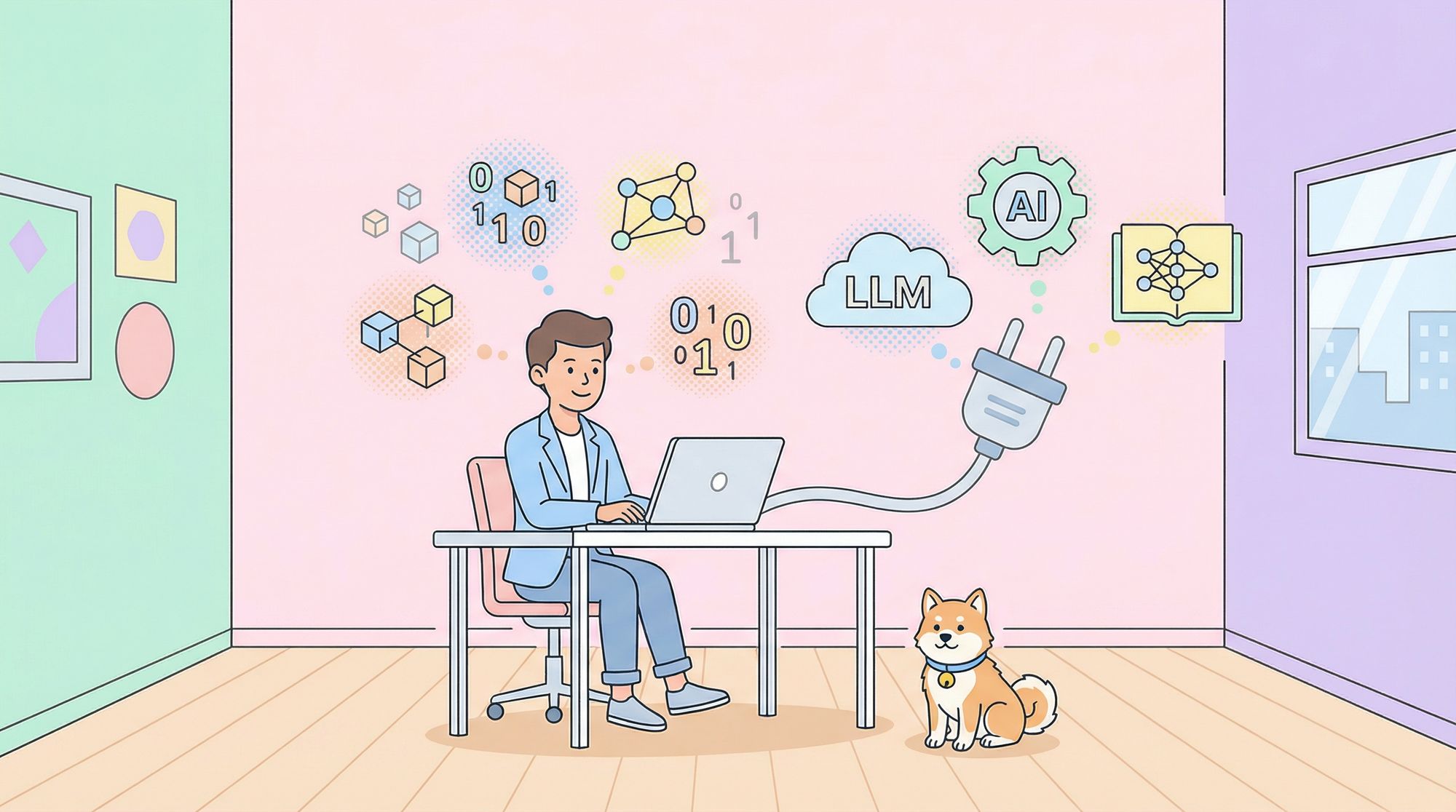
Modern large language models (LLMs) have revolutionized AI, but they often seem out of reach—requiring expensive GPUs, constant cloud access, or high monthly fees. What if you could run advanced AI right on your laptop or workstation, offline, with less than 8GB of RAM or VRAM?
Today, thanks to model quantization and efficient local inference tools, developers can harness impressive LLMs directly on consumer hardware. This guide explains the core concepts, compares top local LLMs, and shows how API-focused teams can leverage these advances—no cloud dependency required.
💡 Looking for an API platform that boosts team productivity? Generate beautiful API documentation, collaborate seamlessly, and replace Postman at a better price with Apidog—all in one place. Learn how Apidog supports high-performance teams.
Understanding Local LLMs: Quantization & Hardware Basics
Before running LLMs on your own machine, it’s important to grasp how quantization and memory interact:
-
VRAM vs. RAM:
- VRAM lives on your GPU, is fast, and is ideal for AI workloads.
- System RAM is slower but more plentiful, used by your CPU and general apps.
- For best LLM performance, keep model weights and calculations in VRAM. If forced into RAM, expect slower responses.
-
What is Quantization?
Quantization compresses model weights to use fewer bits—like 4-bit or 8-bit integers instead of standard floating-point numbers.- Example: A 7B parameter model might need 14GB in FP16, but only 4-5GB in Q4 quantized form.
- This enables running models on laptops and desktops without expensive hardware.
-
Model File Formats:
The GGUF format is now the preferred standard for quantized LLMs. It works across popular inference engines and comes in several quantization types:- Q4_K_M is a common balance of quality and efficiency.
- Lower bitrates (e.g., Q2_K, IQ3_XS) may reduce model quality.
-
Memory Overhead:
Always budget ~1.2x the quantized model file size for actual memory usage, to allow for prompt and intermediate calculation storage.
How to Run Local LLMs: Ollama & LM Studio
Several mature tools make local LLM deployment easy—even for developers new to AI:

1. Ollama
A CLI-first, developer-focused tool for running LLMs locally. Key features:
- Simple CLI commands for downloading and running models.
- "Modelfile" customization for scripting and automation.
- Lightweight and optimized for repeatable, fast development cycles.
2. LM Studio
Prefer a GUI? LM Studio provides:
- A clean desktop app and chat interface.
- Easy browsing/downloading of GGUF models (direct from Hugging Face).
- Parameter tuning and seamless model switching without the command line.
- Ideal for quick prototyping or non-technical users.

Under the Hood:
Many of these tools use Llama.cpp for fast inference, supporting both CPU and GPU acceleration.
Top 10 Small Local LLMs Under 8GB VRAM/RAM
Below are ten high-performing LLMs you can run locally on standard hardware. Each section includes quantized file sizes and best use cases for API and backend teams.
1. Llama 3.1 8B (Quantized)
Command: ollama run llama3.1:8b
Meta’s Llama 3.1 8B is a versatile open-source model with impressive general and coding performance.
- Quantized sizes: Q2_K (3.18GB, ~7.2GB mem), Q3_K_M (4.02GB, ~8GB mem)
- Best for: Conversational AI, code gen, text summarization, RAG, structured data extraction, batch/agent workflows
- Why choose it: Strong performance for its size, efficient for dev laptops.

2. Mistral 7B (Quantized)
Command: ollama run mistral:7b
Highly optimized, with innovations like Grouped-Query Attention (GQA) and Sliding Window Attention (SWA).
- Quantized sizes: Q4_K_M (4.37GB, ~6.9GB mem), Q5_K_M (5.13GB, ~7.6GB mem)
- Best for: Real-time inference, chatbots, general knowledge tasks, edge deployment
- License: Apache 2.0 (great for commercial projects)
3. Gemma 3:4B (Quantized)
Command: ollama run gemma3:4b
Google DeepMind’s compact 4B model—ultra lightweight.
- Quantized size: Q4_K_M (1.71GB, fits in 4GB VRAM)
- Best for: Basic text gen, Q&A, summarization, OCR, ultra-low-end hardware

4. Gemma 7B (Quantized)
Command: ollama run gemma:7b
Larger sibling to 3:4B, shares Gemini infrastructure.
- Quantized sizes: Q5_K_M (6.14GB), Q6_K (7.01GB)
- Best for: Text gen, Q&A, code, reasoning, math
- System requirement: ~8GB RAM for optimal performance

5. Phi-3 Mini (3.8B, Quantized)
Command: ollama run phi3
Microsoft’s compact, logic-focused model—efficient and strong in reasoning.
- Quantized size: Q8_0 (4.06GB, ~7.5GB mem)
- FP16 size: 7.64GB (needs ~10.8GB mem)
- Best for: Language understanding, logic, code, math, chat prompts, mobile/embedded deployment

6. DeepSeek R1 7B/8B (Quantized)
Command: ollama run deepseek-r1:7b
Known for excellent reasoning and code performance.
- 7B Q4_K_M: 4.22GB (~6.7GB mem)
- 8B: 4.9GB (6GB VRAM recommended)
- Best for: Reasoning, code gen, SMBs, cost-effective AI, RAG, support bots

7. Qwen 1.5/2.5 7B (Quantized)
Command: ollama run qwen:7b
Alibaba’s multilingual, context-rich models.
- Qwen 1.5 7B Q5_K_M: 5.53GB
- Qwen2.5 7B: 4.7GB (needs 6GB VRAM)
- Best for: Multilingual chat, translation, content gen, ReAct prompting, coding assistance

8. Deepseek-coder-v2 6.7B (Quantized)
Command: ollama run deepseek-coder-v2:6.7b
Specialized for code gen and understanding.
- Size: 3.8GB (6GB VRAM recommended)
- Best for: Code completion, snippet gen, code interpretation—ideal for devs with limited hardware
9. BitNet b1.58 2B4T
Command: ollama run hf.co/microsoft/bitnet-b1.58-2B-4T-gguf
Microsoft’s ultra-efficient 1.58-bit weight model—exceptional for edge and CPU-only inference.
- Memory req: Only 0.4GB!
- Best for: Mobile, IoT, on-device summarization, translation, voice assistants, content recommendation
0
10. Orca-Mini 7B (Quantized)
Command: ollama run orca-mini:7b
A general-purpose model based on Llama/Llama 2, trained on Orca Style data.
- Q4_K_M: 4.08GB (~6.6GB mem)
- Q5_K_M: 4.78GB (~7.3GB mem)
- Best for: Conversational agents, instruction following, code/text gen on entry-level systems
Key Takeaways for API & Backend Teams
- You don’t need expensive GPUs or cloud services to access advanced LLMs—most modern laptops or workstations can run quantized models locally.
- Choose models based on your primary use case:
- Conversational AI & general tasks: Llama 3.1 8B, Mistral 7B, Orca-Mini 7B
- Coding & dev tools: Deepseek-coder-v2, Qwen 7B, Gemma 7B
- Reasoning-heavy tasks: Phi-3 Mini, DeepSeek R1
- Experimentation is key: Model performance can vary by hardware and task. Test a few to find your best fit.
- For API teams: Running LLMs locally means you can prototype new endpoints, automate documentation, or embed AI-powered features—all without exposing data to the cloud.
For teams building, testing, or documenting APIs, maximizing efficiency is critical. Apidog’s unified platform helps you collaborate, generate robust API docs, and streamline development workflows—making it an ideal complement to local LLM solutions. Boost your team’s productivity with Apidog and see why it’s a more affordable Postman alternative (compare here).