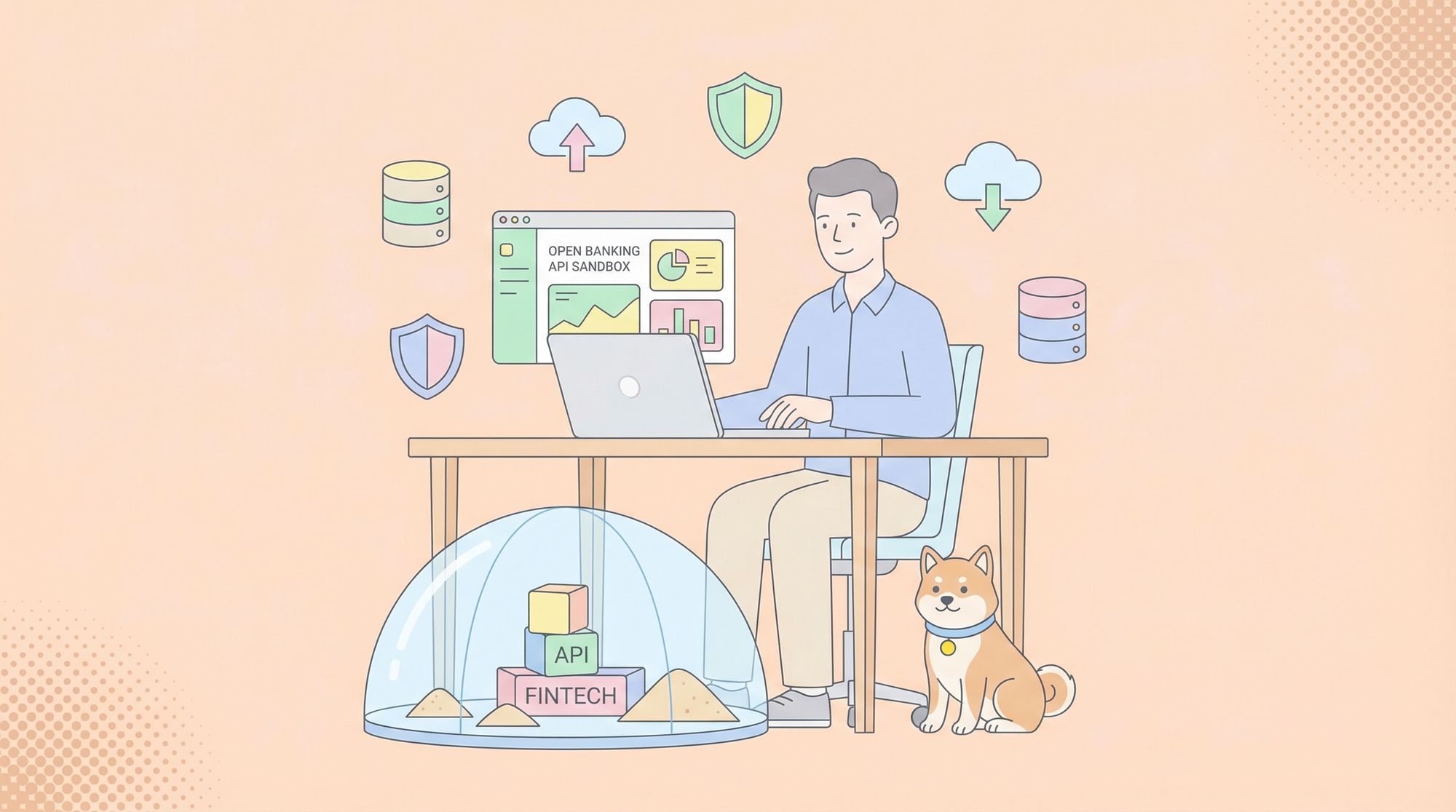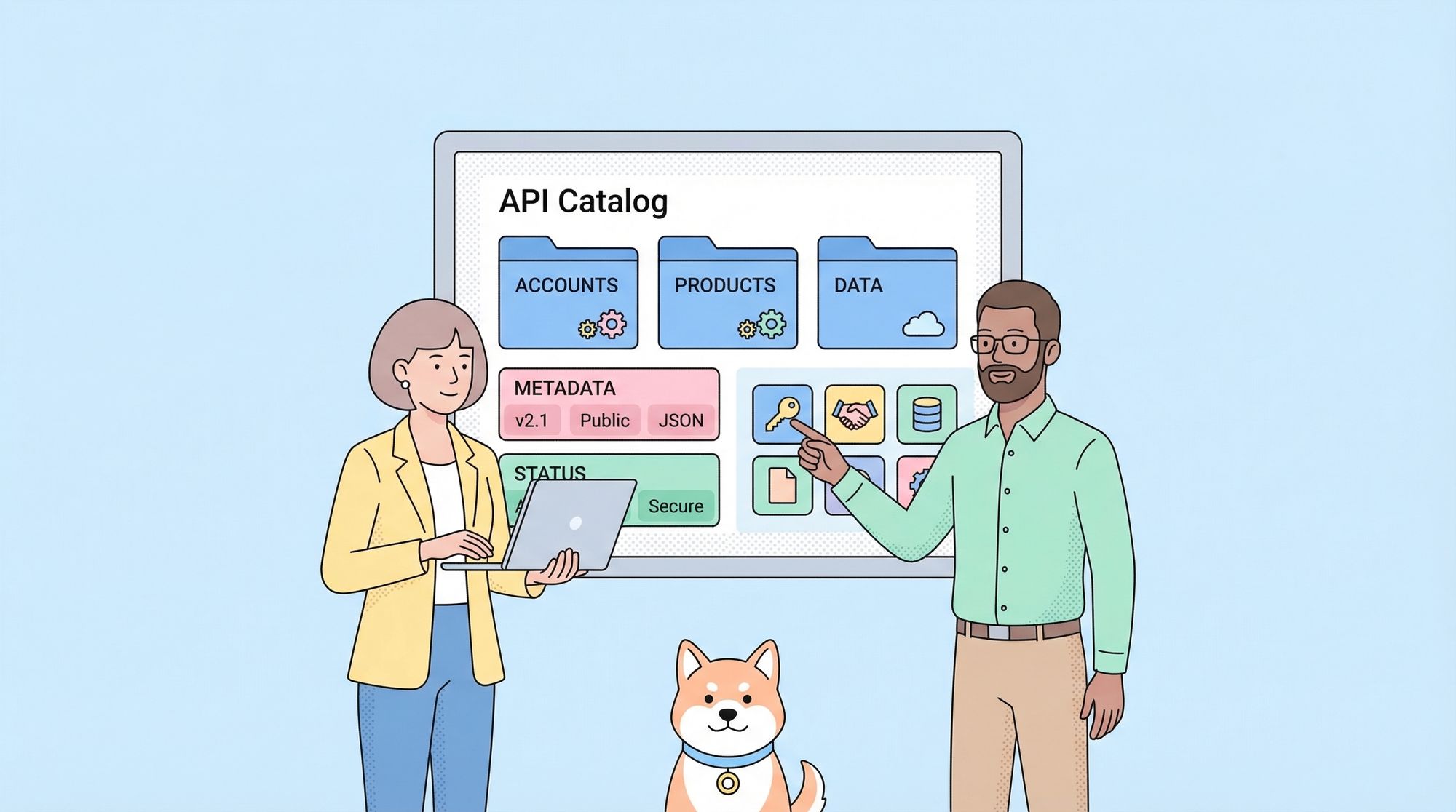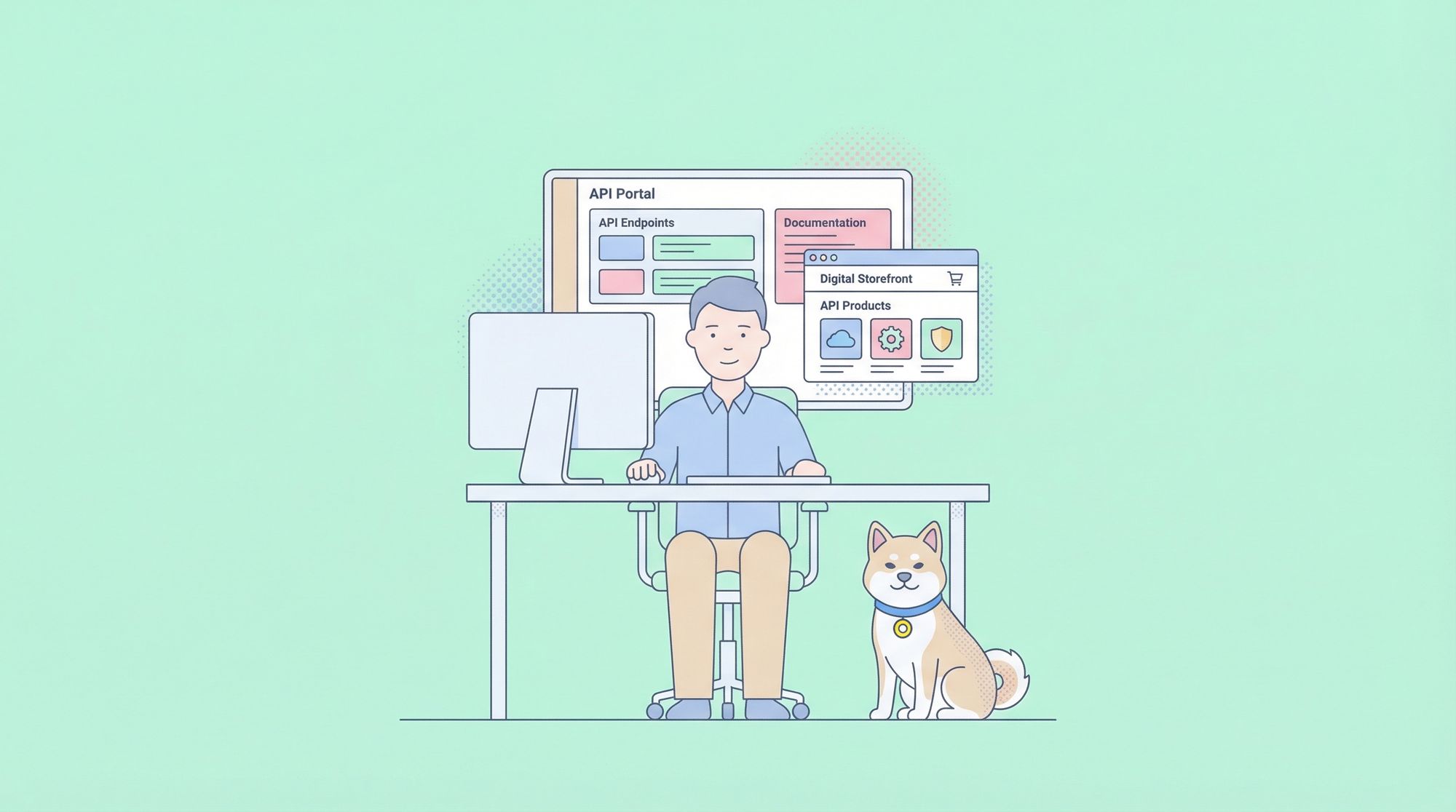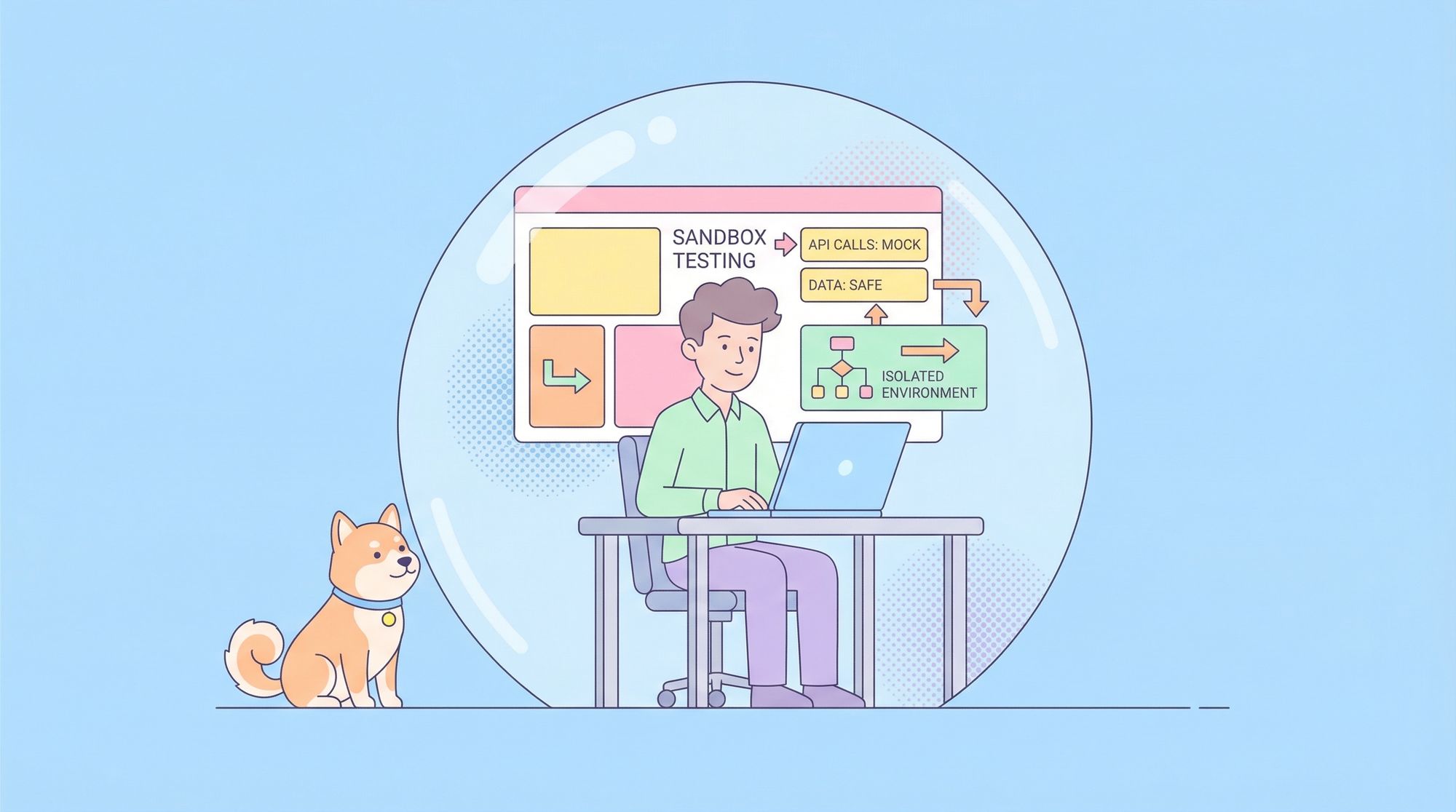
Sandbox testing is a cornerstone of modern software and API development, allowing teams to experiment, innovate, and validate changes in a risk-free, isolated environment. In this complete guide, we’ll demystify sandbox testing, explain its importance, explore its types and benefits, and provide actionable best practices and real-world examples. Whether you’re developing APIs, integrating third-party services, or launching new features, understanding and leveraging sandbox testing is essential for robust, secure, and efficient workflows.
What is Sandbox Testing?
Sandbox testing is the practice of using a separate, controlled environment—known as a “sandbox”—to test software, APIs, or integrations without impacting production systems or live data. Think of a sandbox as a digital playground: it mimics the real-world environment, but changes made inside it are contained, temporary, and completely safe.
Why Does Sandbox Testing Matter?
Modern development cycles are fast-paced and high-stakes. Deploying untested code or integrations directly to production can lead to costly outages, security breaches, and poor user experiences. Sandbox testing provides a safety net, letting developers and testers:
- Validate new features or bug fixes before releasing them to users
- Experiment with API requests or integrations without real-world consequences
- Simulate edge cases and error scenarios that would be risky or impossible in production
- Safeguard sensitive data by using synthetic or anonymized test data
Sandbox testing is especially crucial for API development, fintech, e-commerce, and any domain where reliability, security, and compliance are paramount.
Core Concepts of Sandbox Testing
To master sandbox testing, it’s important to understand the following core concepts:
1. Isolation
Sandbox environments are completely isolated from production. Any changes, data, or errors that occur within the sandbox do not affect live systems. This separation is the foundation of safe experimentation.
2. Realism
Effective sandboxes closely mimic production environments. This includes mirroring APIs, authentication flows, databases, and even third-party integrations—ensuring that test results are reliable and predictive of real-world outcomes.
3. Resettable and Disposable
Sandboxes are typically easy to reset or dispose of. After a test run, you can wipe the environment clean and start fresh, eliminating side effects or lingering data.
4. Access Control
Since sandboxes may contain sensitive data or configurations, access is usually restricted to authorized developers, testers, or stakeholders.
Types of Sandbox Testing Environments
Sandbox testing comes in several flavors, each tailored to specific use cases:
1. API Sandbox Testing
API sandbox environments allow developers to test API requests, authentication, and workflows using mock or simulated data. This is critical for building and integrating APIs safely—especially when dealing with payment systems, identity providers, or critical business logic.
Example:
- The PayPal Sandbox lets developers simulate real payment transactions without moving actual money.
- Apidog provides built-in API mocking and sandboxed environments for designing, testing, and debugging APIs before going live.
2. Application Sandbox Testing
Application sandboxes isolate entire apps or services. This is common in mobile development (e.g., Apple’s App Sandbox), where apps run in a restricted environment to protect user data and system integrity.
3. Security Sandbox Testing
Security sandboxes are designed to analyze potentially malicious code or files in a safe, isolated environment. This is widely used in malware analysis and endpoint protection.
4. Disposable and Cloud-Based Sandboxes
Modern cloud platforms offer disposable sandboxes that can be spun up and torn down on demand, often via scripts or CI/CD pipelines. These are ideal for microservices, automated testing, and on-demand development environments.
5. Virtual Machine (VM) and Container-Based Sandboxes
Using VMs or containers (like Docker), teams can quickly provision clean, isolated environments for testing new code, infrastructure changes, or deployments.
Key Benefits of Sandbox Testing
Why invest in sandbox testing? Here are the most compelling advantages:
1. Minimized Risk
Sandbox testing ensures that bugs, crashes, or security flaws uncovered during testing don’t affect production systems, reducing the risk of outages or data loss.
2. Faster Development Cycles
Developers can experiment, iterate, and validate changes rapidly without waiting for complex staging or production approval processes.
3. Prevention of Expensive Errors
By catching issues early in a sandbox, teams avoid the high costs and reputational damage associated with production failures.
4. Enhanced Security and Compliance
Sensitive data is protected, and compliance requirements are easier to meet, since sandboxes can use anonymized or synthetic datasets.
5. Realistic Testing
Sandboxes that closely mirror production environments provide high-fidelity feedback, helping teams trust their test results.
6. Safe Integration Testing
Third-party integrations—especially in payments, authentication, or messaging—can be validated thoroughly before going live.
How to Set Up a Sandbox Testing Environment
Setting up effective sandbox testing requires careful planning. Here’s a step-by-step approach:
1. Define the Purpose
Identify what you need to test: APIs, full applications, integrations, or security vulnerabilities.
2. Choose the Right Sandbox Type
Select from API sandboxes, VM/container-based environments, or cloud-based disposable sandboxes based on your needs.
3. Mirror Production Closely
Replicate production configurations, dependencies, and data structures as much as possible.
4. Implement Isolation
Ensure no network, data, or process connections exist between sandbox and production.
5. Automate Setup and Teardown
Use scripts or infrastructure-as-code (like Terraform or Docker Compose) to automate environment creation and cleanup.
6. Integrate with CI/CD Pipelines
Trigger sandbox tests automatically during builds or pull requests for continuous feedback.
Tip: Tools like Apidog can streamline API sandbox testing by providing quick API design, mocking, and debugging in a safe, isolated workspace.
Best Practices for Effective Sandbox Testing
To get the most from your sandbox testing efforts, follow these best practices:
1. Keep Sandboxes Up-to-Date
Regularly refresh sandbox environments to match changes in production, including new APIs, configurations, or dependencies.
2. Use Realistic Test Data
Populate sandboxes with synthetic or anonymized data that mimics the structure and variety of production data.
3. Control Access Rigorously
Limit sandbox access to authorized users and enforce authentication for sensitive operations.
4. Monitor and Audit Sandbox Activity
Track usage, errors, and performance within sandboxes to detect issues or misuse.
5. Automate Tests
Leverage automated test suites to validate functionality, security, and integration continuously.
6. Document Sandbox Limitations
Clearly communicate any differences between sandbox and production, such as unsupported features or throttling rules.
Real-World Sandbox Testing Examples
Let’s look at how sandbox testing is used in practice across industries:
1. Payment Gateway Integration
Scenario: An e-commerce startup wants to integrate PayPal payments. Testing with real money is risky and expensive.
Sandbox Testing Approach: The team uses the PayPal Sandbox to create mock buyer and seller accounts, simulating payment flows, refunds, and error handling without touching live funds.
2. API Development with Apidog
Scenario: A SaaS team is building a new API for their platform. They need to iterate quickly and share mock endpoints with frontend developers.
Sandbox Testing Approach: Using Apidog, the team designs and mocks API endpoints in a sandbox environment. Developers and testers can experiment with requests, see instant simulated responses, and debug issues long before production deployment.
3. Mobile In-App Purchases
Scenario: A mobile game developer wants to test Apple Pay and Google Play in-app purchases.
Sandbox Testing Approach: The developer uses the Apple Pay and Google Play sandbox environments to perform test transactions with fake credit cards, ensuring the purchase flow works and error cases are handled gracefully.
4. Security Analysis
Scenario: A security analyst is investigating a suspicious file that may contain malware.
Sandbox Testing Approach: The file is executed in a security sandbox (VM-based), allowing the analyst to observe behavior and network activity safely, without risking infection of the analyst’s device or network.
Sandbox Testing for API Development: A Deep Dive
APIs are the backbone of modern apps. Sandbox testing is especially powerful in API development cycles. Here’s how:
Design and Mock APIs
Tools like Apidog let you define API contracts and instantly generate sandboxed mock endpoints. This enables frontend and backend teams to work in parallel, accelerating delivery.
// Example: Mock API response for a GET /users endpoint in Apidog
{
  "id": 123,
  "name": "Jane Doe",
  "email": "jane.doe@example.com",
  "role": "admin"
}
Validate Authentication Flows
Sandbox testing environments can simulate OAuth, API keys, or custom authentication mechanisms, letting you test security flows without exposing real credentials.
Test Edge Cases and Failures
With sandbox testing, you can simulate rate limits, timeouts, or server errors—scenarios that are hard or risky to reproduce in production.
Common Challenges and How to Overcome Them
While sandbox testing is hugely beneficial, it can present challenges:
- Environment Drift: If sandboxes aren’t kept in sync with production, tests may miss real-world bugs.
Solution: Automate environment refreshes and use infrastructure-as-code.
- Incomplete Feature Parity: Some sandbox environments may lack full production capabilities.
Solution: Clearly document limitations and test critical paths in both environments.
- Data Privacy: Using real customer data in sandboxes can violate privacy policies.
Solution: Always use anonymized or synthetic data for sandbox testing.
Integrating Sandbox Testing into Your Workflow
Sandbox testing works best when it’s an integral part of your development and deployment process. Here’s how to make it seamless:
- Embed sandbox tests in CI/CD pipelines to catch issues early.
- Share sandbox endpoints with team members for collaborative debugging.
- Use tools like Apidog to centralize API design, mocking, and testing in a unified, sandboxed workspace.
- Automate regression and integration tests against sandbox environments before each release.
Conclusion: Taking the Next Step with Sandbox Testing
Sandbox testing isn’t just a nice-to-have—it’s a must for modern, agile, and secure software development. By leveraging sandbox environments, your team can innovate with confidence, catch issues early, and deliver robust APIs and applications to your users.
Ready to elevate your API development? Try Apidog for rapid API design, sandboxed mocking, and collaborative debugging—all in an isolated, safe environment. Start sandbox testing today and make every release safer, faster, and more reliable.
Frequently Asked Questions
What is sandbox testing?
Sandbox testing uses isolated environments to safely test software, APIs, or integrations without impacting live systems or data.
Why is sandbox testing important for APIs?
It prevents untested code from breaking production, enables safe experimentation with new API features, and ensures reliable integration with third-party services.
Can sandbox testing be automated?
Yes! Many teams run automated test suites against sandbox environments via CI/CD pipelines for continuous feedback.
How does Apidog support sandbox testing?
Apidog offers robust API mocking, design, and debugging features within sandboxed environments, empowering safe, rapid API development and collaboration.