
Regular expressions (regex) are essential for Ruby developers handling complex text processing, validation, and data extraction. Whether you're building REST APIs, automating tests, or cleaning up input, regex enables powerful pattern-matching in concise syntax.
In this guide, you'll learn how to write, use, and optimize Ruby regular expressions—from basic syntax to advanced techniques. We'll also show how they integrate into API workflows, and why modern API platforms like Apidog make regex-driven automation, documentation, and testing more efficient for Ruby teams.
Why Ruby Regular Expressions Matter for API Developers
- Input validation: Quickly check email formats, phone numbers, or data payloads.
- Data extraction: Pull out tokens, IDs, or specific fields from JSON, logs, or HTTP responses.
- Automated testing: Assert API responses or request payloads match expected patterns.
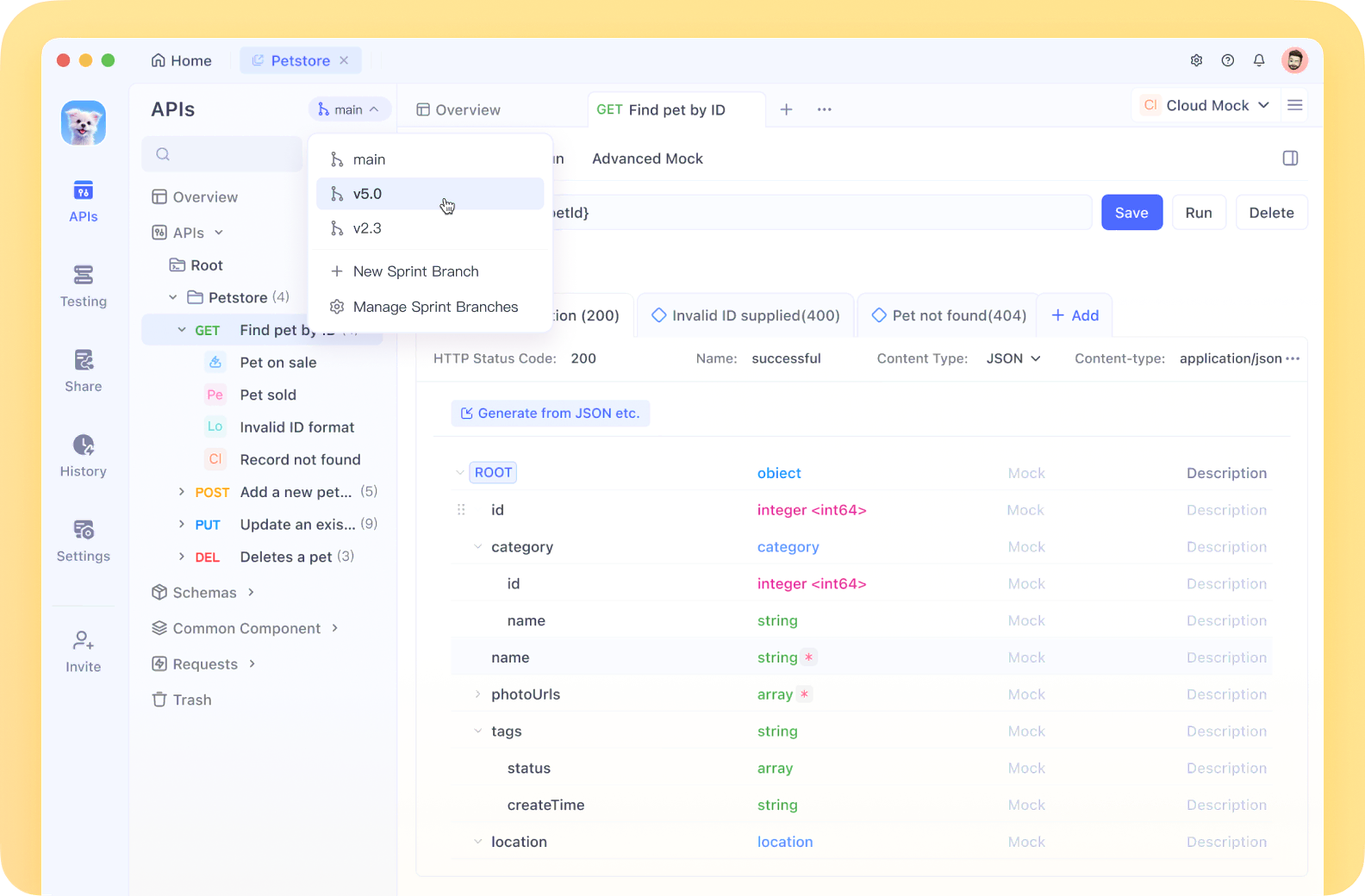
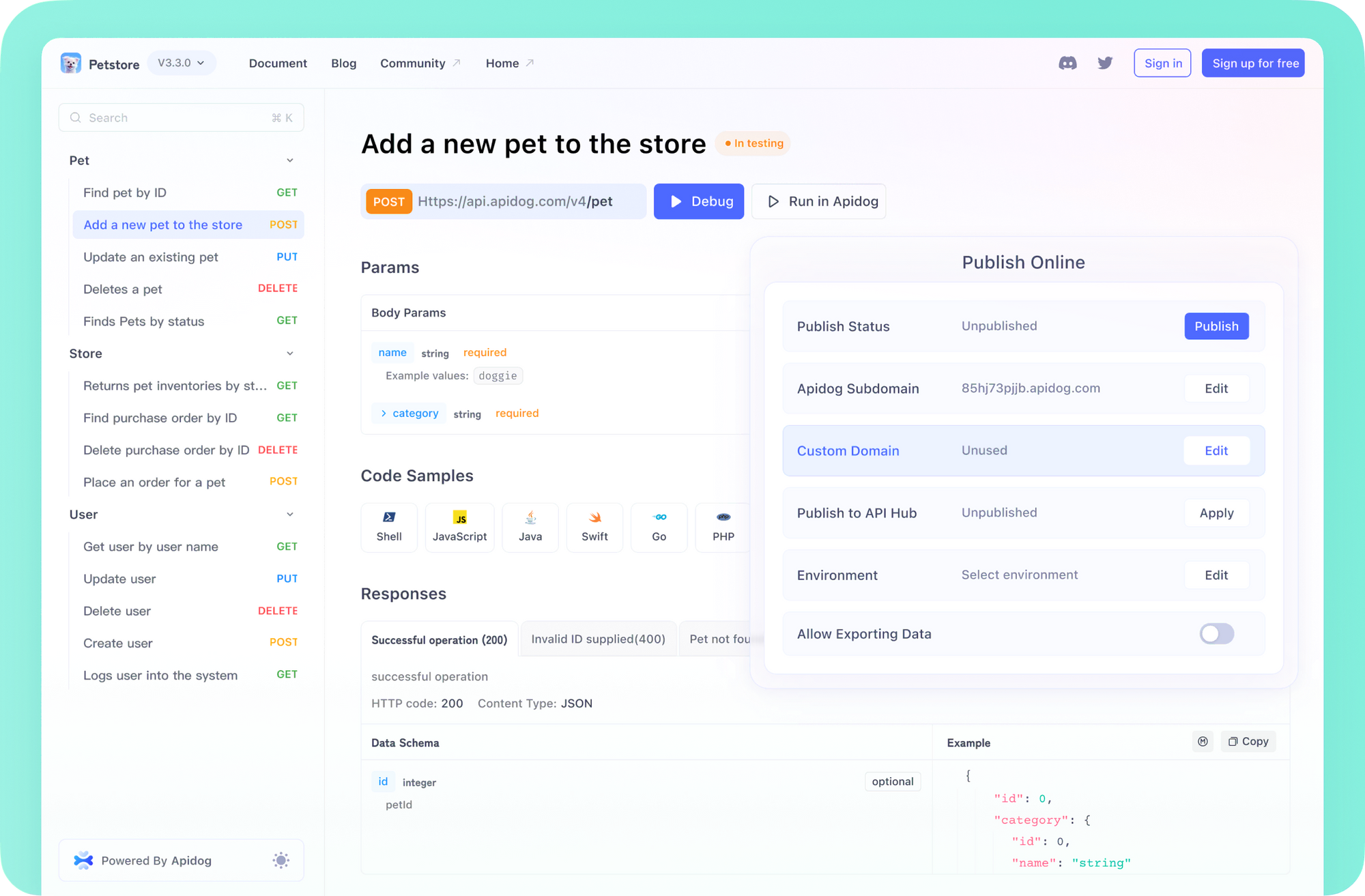
For Ruby API teams, streamlined tools are vital. Apidog offers an all-in-one API platform—covering documentation, automation, debugging, and mocking—so you can focus on code, not tool-switching. Its command-line interface, Git integration, and OpenAPI/Swagger support fit seamlessly with Ruby projects.
How to Create Regular Expressions in Ruby
Ruby provides three main ways to define regex patterns:
1. Slash Syntax
The most common method is to enclose your pattern in forward slashes:
/Ruby/ # Matches "Ruby"
2. Percent Notation
Use %r when your pattern contains slashes, to reduce escaping:
%r(Ruby)  # Also matches "Ruby"
# Useful: %r(/api/v1/resource) vs /\/api\/v1\/resource/
3. Regexp Class Constructor
Create from a string dynamically:
Regexp.new("Ruby") # Equivalent to /Ruby/
All methods return a Regexp object, so you can use them interchangeably based on context.
Ruby Regular Expression Symbols and Their Meaning
Here are the core symbols you'll use:
| Symbol | Description | Example | Matches |
|---|---|---|---|
| . | Any single character | /a.b/ | "axb", "a2b" |
| * | 0 or more of previous | /ab*c/ | "ac", "abbc" |
| + | 1 or more of previous | /ab+c/ | "abc", "abbbc" |
| ? | 0 or 1 of previous | /ab?c/ | "ac", "abc" |
| | | Alternation (OR) | /cat|dog/ | "cat", "dog" |
| [] | Character class | /[aeiou]/ | "a", "e", "o" |
| () | Capture group | /(abc)+/ | "abc", "abcabc" |
| ^ | Start of string | /^start/ | "start of string" |
| $ | End of string | /end$/ | "the end" |
| \ | Escape special character | /\\/ | "" |
Predefined Character Classes in Ruby Regex
Use these for common pattern matching:
| Symbol | Description | Example | Matches |
|---|---|---|---|
| \d | Digit (0-9) | /\d+/ | "123", "9" |
| \D | Non-digit | /\D+/ | "abc", "!@#" |
| \w | Word character (alphanumeric, _) | /\w+/ | "ruby123", "user_name" |
| \W | Non-word character | /\W+/ | "!@#", " " |
| \s | Whitespace | /\s+/ | " ", "\t", "\n" |
| \S | Non-whitespace | /\S+/ | "hello", "123" |
| \A | Beginning of string | /\AHello/ | "Hello world" |
| \z | End of string | /world\z/ | "Hello world" |
| \Z | End or before final newline | /world\Z/ | "Hello world\n" |
Quantifiers for Pattern Repetition
Control how many times a subpattern should repeat:
| Quantifier | Description | Example | Matches |
|---|---|---|---|
| * | 0 or more times | /ab*c/ | "ac", "abbc" |
| + | 1 or more times | /ab+c/ | "abc", "abbc" |
| ? | 0 or 1 time | /colou?r/ | "color", "colour" |
| {n} | Exactly n times | /a{3}/ | "aaa" |
| {n,} | At least n times | /a{2,}/ | "aa", "aaaaa" |
| {n,m} | Between n and m times | /a{2,4}/ | "aa", "aaa", "aaaa" |
Example: Match a US phone number format:
/\d{3}-\d{3}-\d{4}/
# Matches "123-456-7890"
Pattern Matching in Ruby
Basic Matching with =~ Operator
Check if a string contains a pattern:
text = "The quick brown fox"
if /quick/ =~ text
  puts "Match found at index #{$~.begin(0)}"
else
  puts "No match found"
end
- Returns the index of the match or
nilif not found. - After matching, use
Regexp.last_matchor$~for details.
Capturing Groups for Data Extraction
Extract values easily using parentheses:
text = "Name: John, Age: 30"
if match_data = /Name: (\w+), Age: (\d+)/.match(text)
  name = match_data[1]  # => "John"
  age = match_data[2]   # => "30"
end
Extract All Matches with scan
text = "Contact us at support@example.com or info@example.org"
emails = text.scan(/\w+@\w+\.\w+/)
puts emails.inspect  # ["support@example.com", "info@example.org"]
Real-World Operations with Ruby Regex
String Replacement: gsub
Replace all matches in a string:
text = "apple banana apple"
new_text = text.gsub(/apple/, "orange")
# => "orange banana orange"
Complex replacements using a block:
text = "The price is $10"
new_text = text.gsub(/\$(\d+)/) { |m| "$#{$1.to_i * 1.1}" }
# => "The price is $11"
Alternation and Grouping
/cat|dog/.match("I have a cat")   # Matches "cat"
/(apple|banana) pie/.match("banana pie") # Matches "banana pie"
Character Classes and Negation
/[aeiou]/.match("hello")   # Matches "e"
/[0-9]/.match("agent007")  # Matches "0"
/[^0-9]/.match("agent007") # Matches "a"
Start and End Matching
Ruby also provides non-regex methods:
"Hello, World!".start_with?("Hello")  # true
"Hello, World!".end_with?("World!")   # true
Use these for simple checks, but regex allows more complex patterns.
Ruby Regex Match Variables
After a successful match, Ruby sets:
$&— Entire match$`— Text before match$'— Text after match
/bb/ =~ "aabbcc"
puts $`   # "aa"
puts $&   # "bb"
puts $'   # "cc"
Regex Modifiers in Ruby
Enhance regex behavior with modifiers:
| Modifier | Description | Example |
|---|---|---|
| i | Case-insensitive | /ruby/i matches "RUBY" |
| m | Dot matches newlines | /./m |
| x | Extended mode (whitespace, comments) | /pattern # comment/x |
| o | Interpolate only once | /#{pattern}/o |
| u | UTF-8 encoding | /\u{1F600}/u |
Examples:
/ruby/ =~ "RUBY"    # nil
/ruby/i =~ "RUBY"   # 0

/a.b/ =~ "a\nb"     # nil
/a.b/m =~ "a\nb"    # 0
Advanced Regex: Groups and Assertions
Non-Capturing Groups
Group without capturing:
/(?:ab)+c/.match("ababc") # Matches "ababc" without a capture group
Lookahead and Lookbehind
Control what must (or must not) come before or after:
# Lookahead: match "apple" only if followed by "pie"
"apple pie".match(/apple(?= pie)/)   # Matches "apple"
"apple tart".match(/apple(?= pie)/)  # No match

# Negative lookahead: match "apple" only if NOT followed by "pie"
"apple tart".match(/apple(?! pie)/)  # Matches "apple"

# Lookbehind: match "pie" only if preceded by "apple "
"apple pie".match(/(?<=apple )pie/)  # Matches "pie"
"cherry pie".match(/(?<=apple )pie/) # No match
Performance Tips for Ruby Regular Expressions
- Be specific: Narrow patterns match faster.
- Limit backtracking: Avoid excessive use of
.*and nested quantifiers. - Use anchors:
^,$,\A,\zlimit search scope and boost speed. - Prefer string methods: For simple checks, use
include?,start_with?,end_with?—faster than regex.
Integrating Ruby Regex in Modern API Workflows
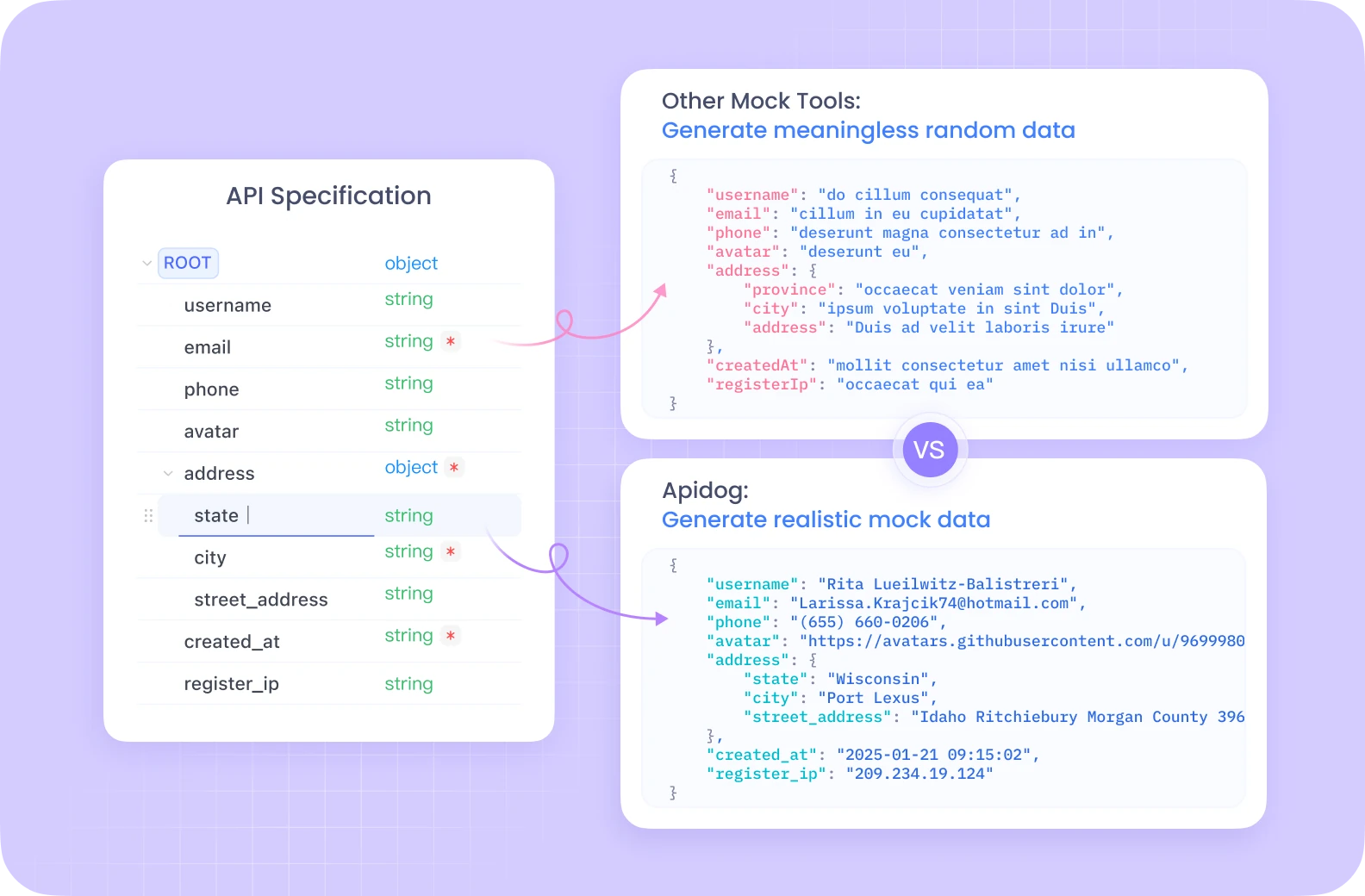
Regular expressions are central to validating, parsing, and testing API data. Apidog empowers Ruby developers to:
- Automate: Run CLI-driven tests with regex-based assertions.
- Version: Store complex regex validations in your Git-tracked API specs.
- Document: Ensure API schemas—especially OpenAPI/Swagger—reflect real-world input patterns.
With built-in schema validation, team collaboration, and an intuitive UI, Apidog helps you maintain robust, regex-powered API projects without juggling multiple tools.
Conclusion: Level Up Your Ruby Text Processing
By mastering Ruby regular expressions, you unlock efficient solutions for input validation, parsing, and test automation in every API project. Start with simple patterns; expand to advanced features like lookaheads and non-capturing groups as you grow.
For rapid experimentation, try online tools like Rubular to build and debug patterns interactively.
With Apidog, Ruby teams streamline API testing, documentation, and automation—making regex-driven workflows faster and more reliable.