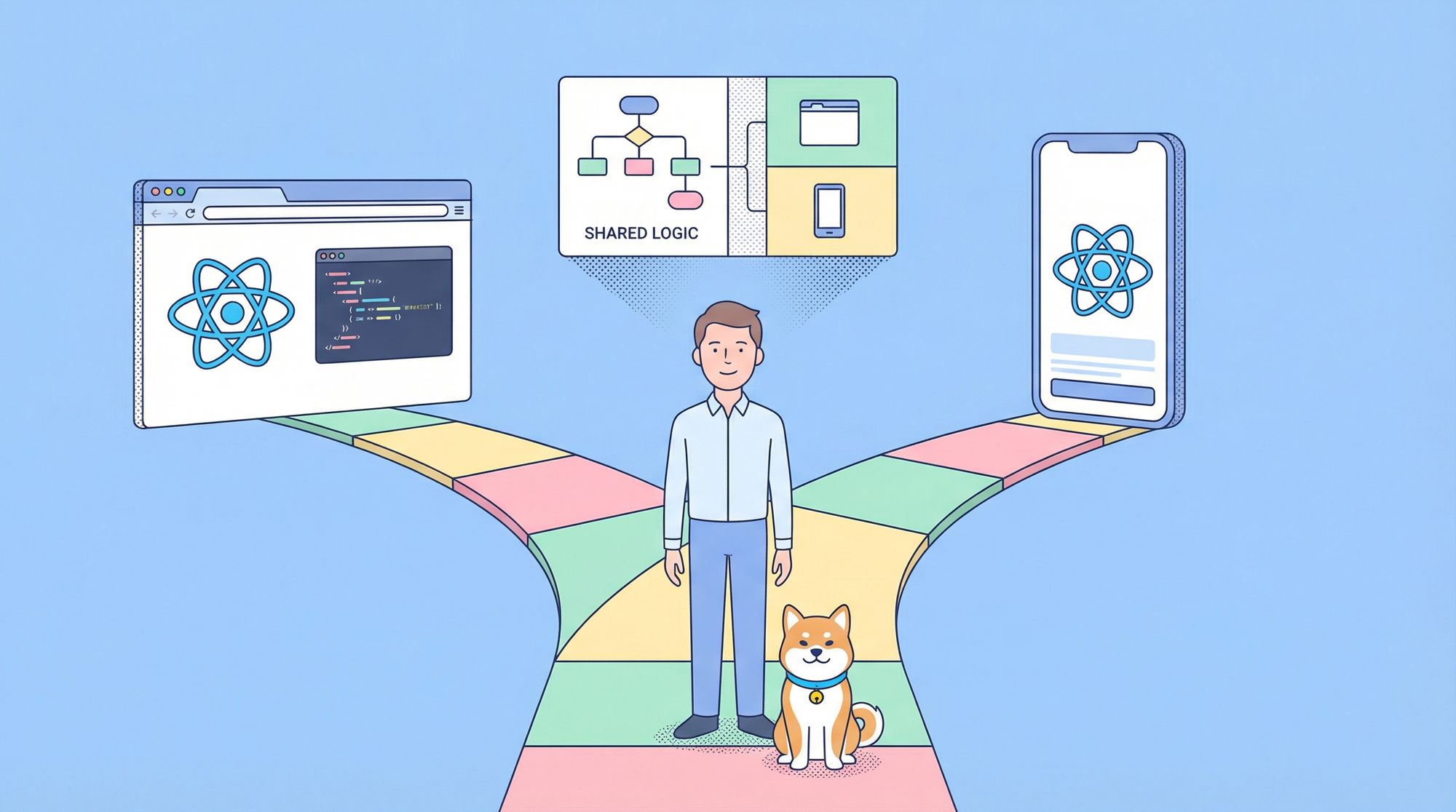
If you're a software developer or a technical decision-maker, you've likely wondered, "Should I build with React or React Native?" Both utilize JavaScript and components, and share similar logic, but they target different platforms and have distinct design goals. Understanding the differences between React Native and React can save you time, money, and headaches. In this article, we will dissect the differences between React Native and React, highlighting their strengths and weaknesses to help you make an informed decision for your project.
What Is React JS?
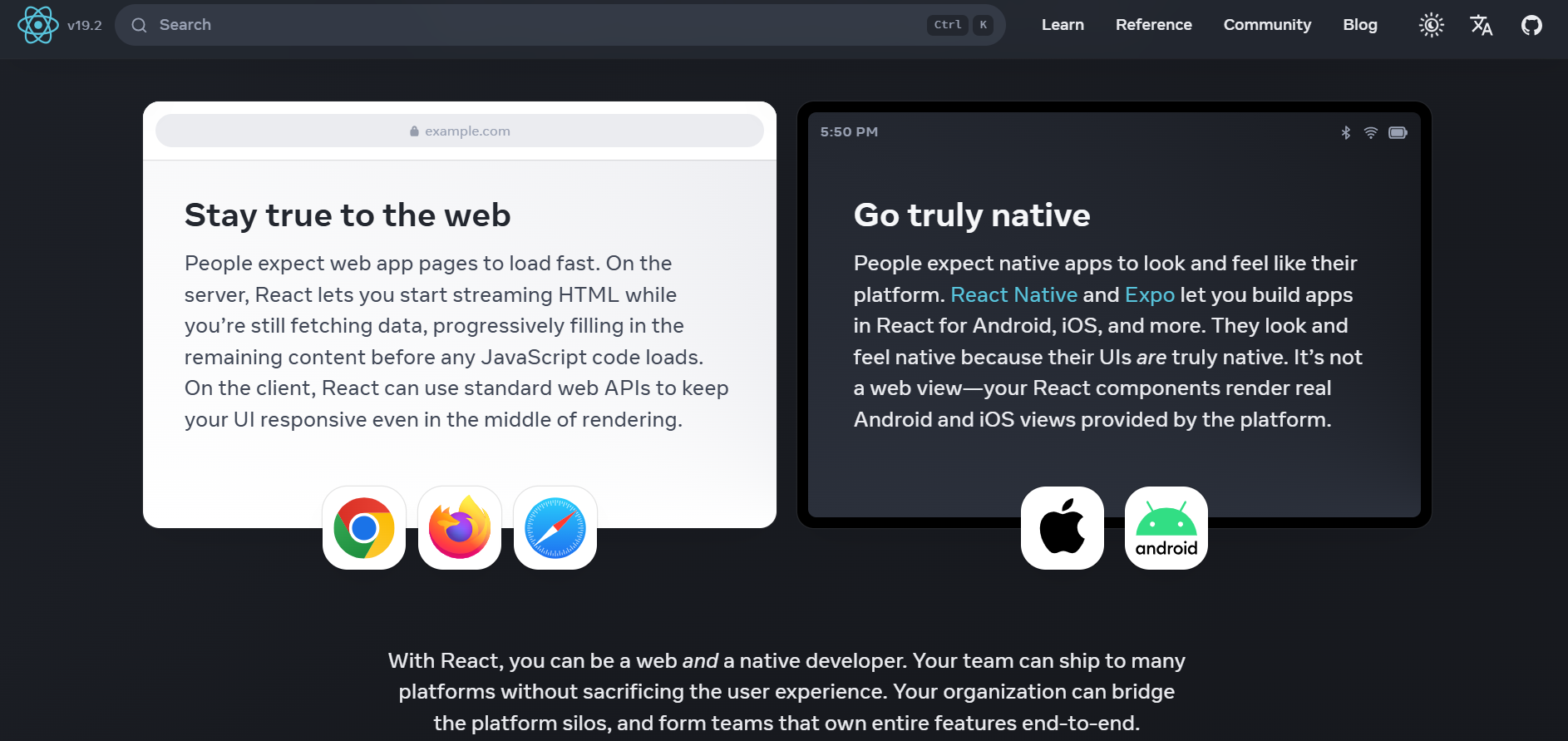
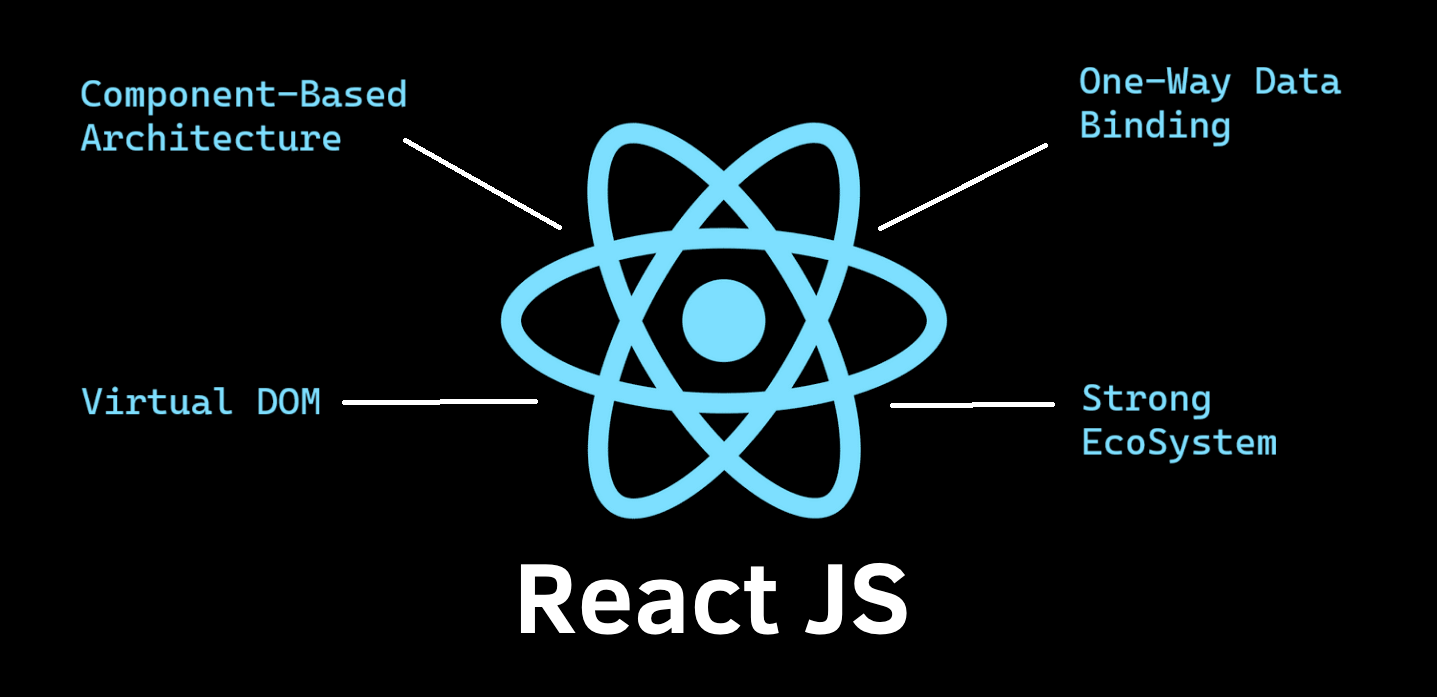
React JS (or simply React) is a JavaScript library for building user interfaces on the web. Meta released it in 2013 to solve a specific pain point: managing complex state in dynamic UIs without sacrificing performance. At its core, React uses a component-based architecture and a virtual DOM to render HTML efficiently in browsers.
Here’s a minimal React component that fetches user data and renders a profile card:
// App.jsx
import React, { useState, useEffect } from 'react';

function UserProfile({ userId }) {
  const [user, setUser] = useState(null);
  const [loading, setLoading] = useState(true);

  useEffect(() => {
    fetch(`https://api.example.com/users/${userId}`)
      .then(res => res.json())
      .then(data => {
        setUser(data);
        setLoading(false);
      });
  }, [userId]);

  if (loading) return <div>Loading...</div>;

  return (
    <div className="profile-card">
      <h1>{user.name}</h1>
      <p>{user.email}</p>
    </div>
  );
}

export default UserProfile;
This runs in any modern browser. You bundle it with Vite, Webpack, or Next.js, deploy to a CDN, and you’re live.
What Is React Native?
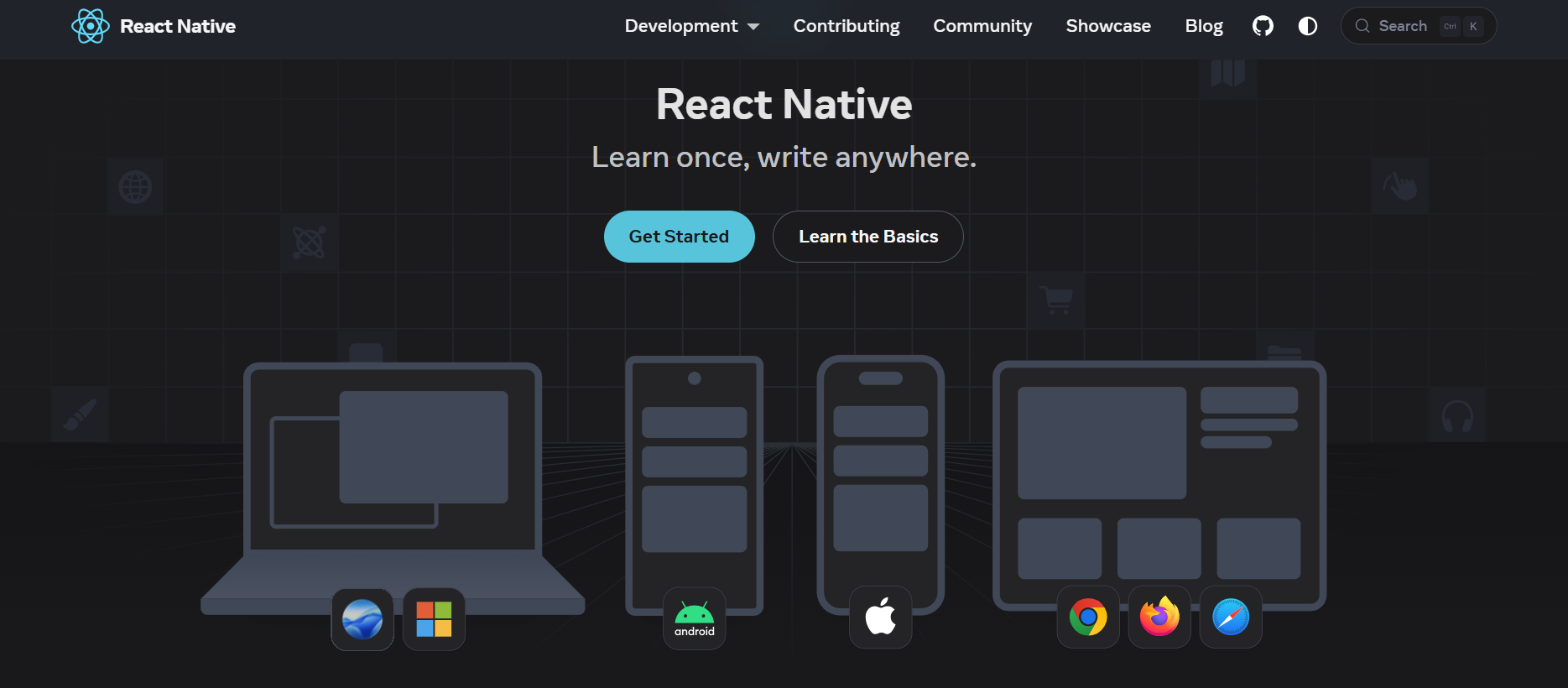
React Native is a framework for building truly native mobile apps using React and JavaScript. Announced in 2015, it compiles your JavaScript code into native platform components—not a WebView wrapper. Your app uses real iOS UIView and Android View instances, delivering 60fps performance and native look-and-feel.
Here’s the same profile card, but in React Native:
// App.jsx
import React, { useState, useEffect } from 'react';
import { View, Text, ActivityIndicator, StyleSheet } from 'react-native';

function UserProfile({ userId }) {
  const [user, setUser] = useState(null);
  const [loading, setLoading] = useState(true);

  useEffect(() => {
    fetch(`https://api.example.com/users/${userId}`)
      .then(res => res.json())
      .then(data => {
        setUser(data);
        setLoading(false);
      });
  }, [userId]);

  if (loading) return <ActivityIndicator size="large" />;

  return (
    <View style={styles.card}>
      <Text style={styles.name}>{user.name}</Text>
      <Text style={styles.email}>{user.email}</Text>
    </View>
  );
}

const styles = StyleSheet.create({
  card: {
    padding: 20,
    backgroundColor: '#fff',
    borderRadius: 8,
  },
  name: {
    fontSize: 24,
    fontWeight: 'bold',
  },
  email: {
    fontSize: 16,
    color: '#666',
  },
});

export default UserProfile;
Notice the imports: no HTML elements, just React Native primitives like View and Text. This code runs on iOS and Android devices, not in a browser.
Differences Between React JS and React Native
1. Target Platform: Web vs Native Mobile Apps
React JS renders to HTML/CSS in browsers. It’s your go-to for desktop and mobile websites, PWAs, and electron apps. React Native renders to native platform UI components, producing standalone .ipa and .apk binaries. Choose React JS for reach (any device with a browser). Choose React Native when you need App Store presence, push notifications, or hardware access.
2. Installation:
Getting started with React JS is lightweight. Drop a <script> tag via CDN, or scaffold with:
npm create vite@latest my-web-app -- --template react
cd my-web-app
npm install
npm run dev
React Native demands more tooling. You need Node.js, Watchman, the React Native CLI, and platform-specific IDEs like Android Studio and Xcode:
Method 1:
# Install React Native CLI
npm install -g @react-native-community/cli

# Create project
npx react-native init MyMobileApp

# For iOS: open in Xcode
cd MyMobileApp && xed ios/MyMobileApp.xcworkspace

# For Android: open in Android Studio
open -a "Android Studio" android
You’ll configure simulators/emulators, code signing, and Gradle dependencies—steps irrelevant in React JS development.
Method 2 (Easier):
# Create React Native project
npx create-expo-app test-app --template

# Open project folder
cd test-app

# Launch
npx expo start
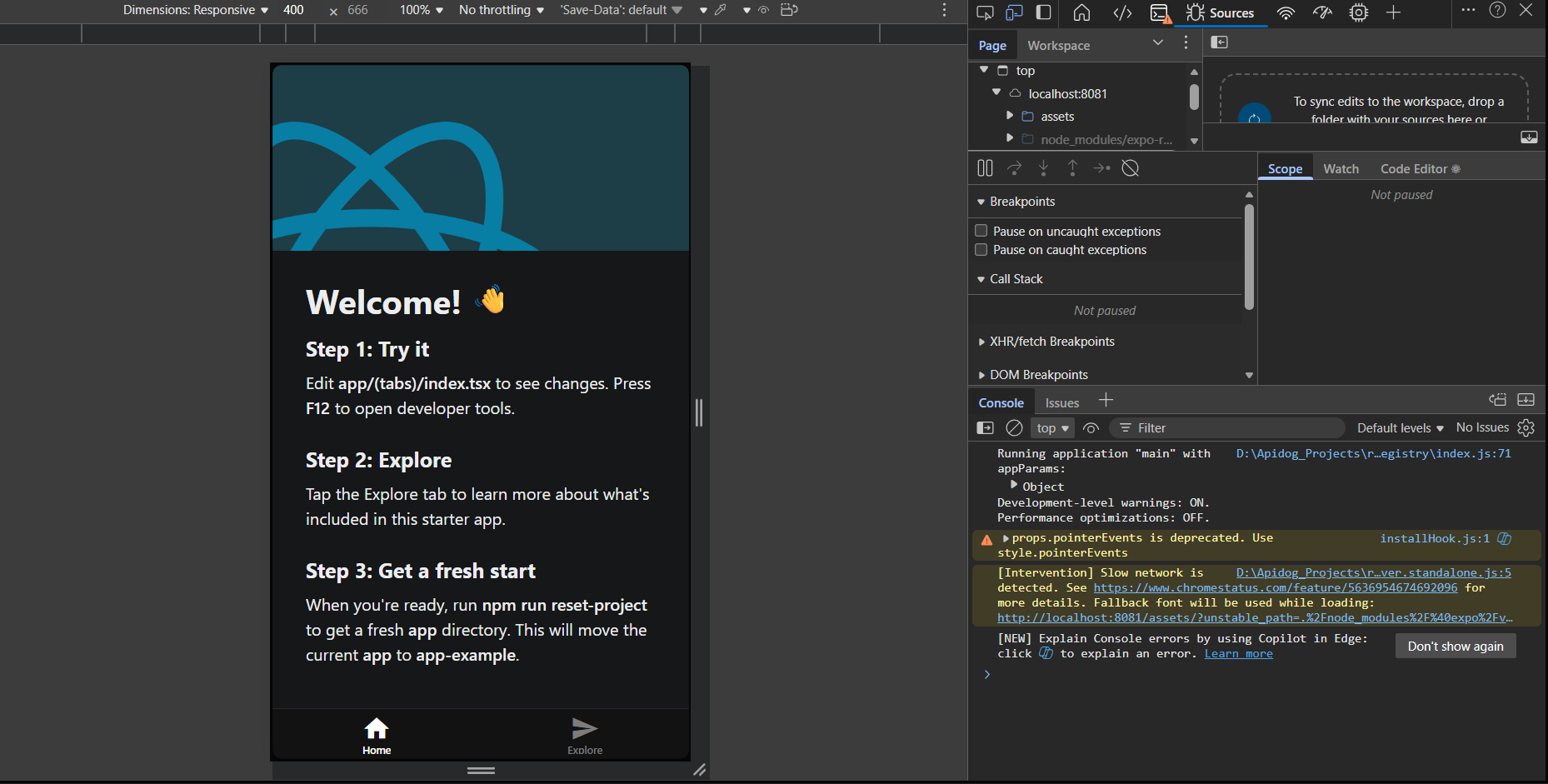
3. Development Environment: Code Editors and Debuggers vs IDEs Like Android Studio and Xcode
React JS developers live in VS Code, WebStorm, or Vim. Debugging happens in Chrome DevTools or React Developer Tools plugin. Hot module replacement refreshes your browser in milliseconds.
React Native also uses VS Code, but debugging requires flipping between your editor, Chrome DevTools, and native IDE logs. You debug JavaScript in Chrome, but native crashes appear in Xcode or Android Studio. Tools like Flipper bridge this gap, but the context-switching adds friction.
4. Core Technology: Virtual DOM vs Native APIs
React JS updates a virtual DOM tree, calculates diffs, and batches minimal changes to the real DOM. It’s optimized for browser rendering engines.
React Native uses a “bridge” to translate JavaScript calls into native method invocations. When you render a <View>, React Native serializes that command, sends it across the bridge, and the main thread creates a native UIView or android.view. This architecture enables native performance but introduces serialization overhead—something to watch for in animation-heavy screens.
5. Elements: Web Components (HTML, JS, CSS) vs Native Components (iOS and Android)
In React JS, you write semantic HTML: <div>, <span>, <input>. Style them with CSS via modules, styled-components, or Tailwind.
React Native replaces these with platform-agnostic primitives:
| Web (React JS) | React Native Equivalent |
|---|---|
<div> |
<View> |
<span>/<p> |
<Text> |
<input> |
<TextInput> |
<img> |
<Image> |
<button> |
<Pressable> |
You don’t write CSS. You use JavaScript objects with StyleSheet.create, and properties use camelCase (backgroundColor, not background-color). Flexbox handles all layout—no Grid, no floats.
6. Syntax
Both use JSX, but React Native’s JSX compiles to native components, not HTML. This means you can’t use standard HTML attributes. className becomes style, onClick becomes onPress, and events pass synthetic touch event objects instead of MouseEvents.
React JS -> JSX vs React Native -> JavaScript-Based Syntax with Its own set of tags.
7. Learning Curve
Note: The React JS learning curve is easier if you already know HTML, CSS and JS vs React Native which requires additional knowledge of mobile specific concepts
If you master React JS, you already understand 70% of React Native: components, state, hooks, and context. The remaining 30% is mobile-specific: understanding the bridge, native modules, App Store guidelines, permissions, push tokens, and platform nuances like the iOS “safe area.” You’ll also wrestle with Xcode and Gradle, which have steep learning curves.
Development Experience: Setup Compared
React JS Project Setup
# 1. Scaffold with Vite
npm create vite@latest my-app -- --template react

# 2. Install dependencies
cd my-app && npm install

# 3. Start dev server
npm run dev

# 4. Open http://localhost:5173
# 5. Deploy to Vercel/Netlify with git push
Total time: ~3 minutes. No platform-specific configuration.
React Native Project Setup
# 1. Install prerequisites (Node, Watchman, JDK, CocoaPods)
# macOS: brew install node watchman
# Android: Install Android Studio + SDK

# 2. Create project
npx react-native init MyMobileApp

# 3. Install iOS dependencies
cd MyMobileApp/ios && pod install && cd ..

# 4. Start Metro bundler
npx react-native start

# 5. Run on iOS simulator
npx react-native run-ios

# 6. Run on Android emulator
npx react-native run-android
Total time: ~2 hours (including IDE downloads, SDK configuration, and emulator setup). You’ll debug environment variables, Ruby versions for CocoaPods, and Android SDK paths.
Strengths and Weaknesses of React Native vs React JS
1. React JS
Strengths:
- Instant deployment: Push to CDN; no app store review.
- SEO-friendly: Server-side rendering with Next.js.
- Ecosystem: Mature libraries for everything (forms, animations, charts).
- Lower barrier: No native tooling required.
Weaknesses:
- No native features: Can’t access Bluetooth, push notifications, or contacts reliably.
- Performance ceiling: Complex animations lag on low-end devices.
- Browser fragmentation: Polyfills and vendor prefixes still haunt you.
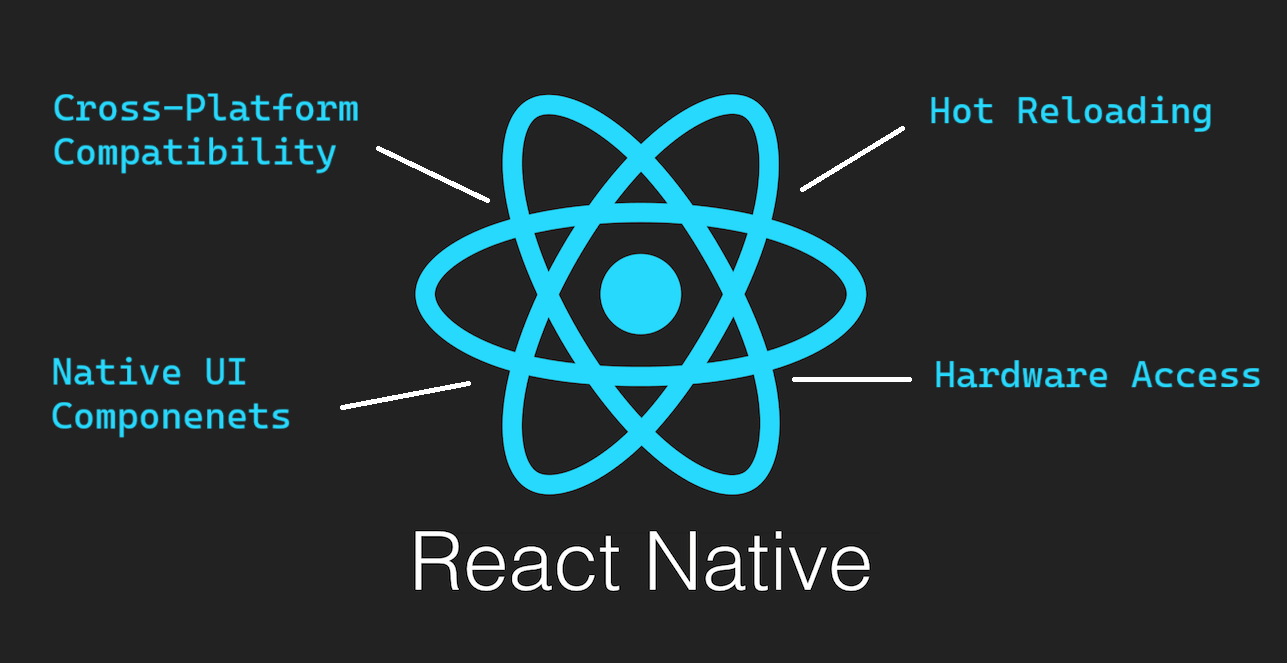
2. React Native
Strengths:
- Native performance: 60fps animations, direct hardware access.
- Code reuse: ~90% code sharing between iOS and Android.
- Hot reloading: See changes without rebuilding native binaries.
- Live updates: Use CodePush to bypass App Store reviews for JS changes.
Weaknesses:
- Bridge bottleneck: Heavy JS computation stalls UI.
- Native dependency hell: A broken CocoaPods or Gradle config can kill a day.
- Platform edge cases: iOS and Android behave differently (e.g., shadows, fonts).
When Should You Choose React JS Over React Native?
| Project Requirement | Use React JS | Use React Native |
|---|---|---|
| Content-driven website needing SEO | ✅ Yes | ❌ No |
| Internal dashboard or admin panel | ✅ Yes | ❌ No |
| App Store distribution required | ❌ No | ✅ Yes |
| Access to camera/gps/bluetooth | ❌ No | ✅ Yes |
| Rapid prototyping for mobile | ⚠️ PWA first | ✅ Yes, for MVP |
| Desktop application (Windows/Linux) | ✅ Yes (Electron) | ❌ No |
| Budget-constrained (single dev) | ✅ Yes (faster setup) | ❌ Higher initial cost |
Choosing the Right Tool for Your Project
Ask yourself three questions:
- Where will users access this? If the answer is “any device with a browser,” start with React JS. If it’s “through the App Store,” go React Native.
- Do I need native features? Push notifications, offline-first sync, or hardware integration demand React Native.
- What’s my timeline? React JS gets you to production in days. React Native takes weeks to configure and test across devices.
For most startups, the sweet spot is React JS for the marketing site + web app, and React Native for the mobile companion app. They share business logic via a monorepo, but each delivers the best experience for its platform.
How Can You Improve Your API Development Process with Apidog?
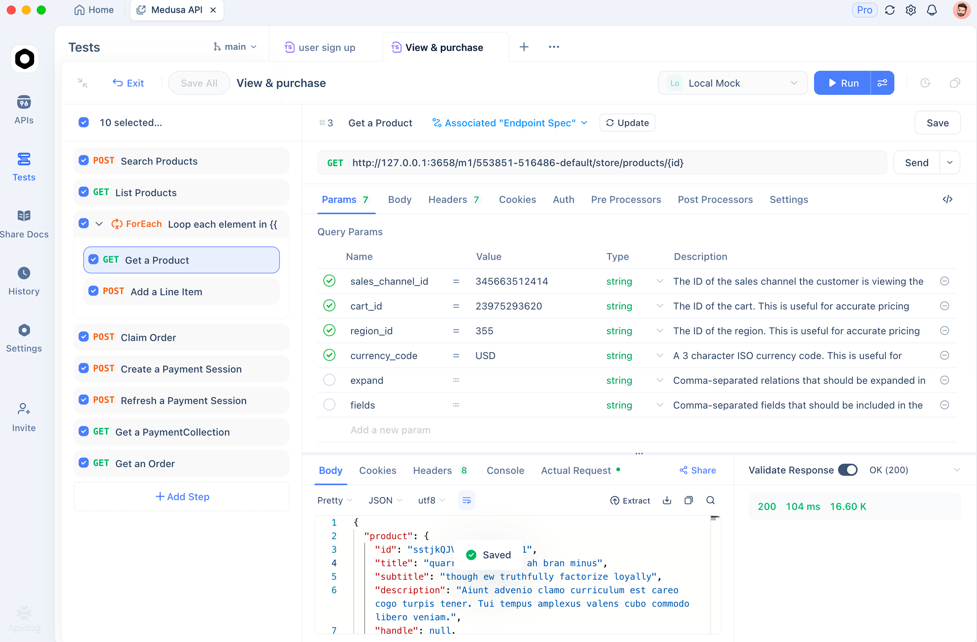
Modern React apps (web or mobile) consume APIs. Whether you’re fetching user profiles in React JS or syncing data in React Native, you need reliable endpoints. Apidog lets you design, test, and document APIs in one interface. Generate TypeScript interfaces from your schema, run contract tests in CI, and mock responses for offline development. Best part? It’s free to start. Plug your OpenAPI spec in, and you’ll catch breaking changes before they hit production. Your future self will thank you.
Frequently Asked Questions
Q1. Can I reuse React JS code in React Native?
Business logic (hooks, utilities, API clients) can be shared via a monorepo. UI components cannot, because React Native uses native primitives, not HTML.
Q2. Is React Native slower than native iOS/Android development?
For most apps, users won’t notice. The bridge adds overhead, but optimizations like Hermes and the New Architecture (Fabric) close the gap. Only CPU-heavy apps (e.g., games) should stick to pure native.
Q3. Do I need to learn Swift or Kotlin for React Native?
Not for basic apps. But when you need custom native modules or debug platform-specific crashes, Swift/Kotlin knowledge becomes essential.
Q4. How does Expo fit into the React Native ecosystem?
Expo abstracts away Xcode and Android Studio. It’s perfect for beginners or prototypes, but you lose flexibility. Eject when you need custom native code.
Q5. Can React JS apps work offline?
Yes, via Service Workers and IndexedDB. However, offline sync and background tasks are more robust in React Native using libraries like react-native-background-fetch.
Conclusion
React JS and React Native share the same React paradigm, but they target different platforms with different trade-offs. Use React JS for speed, reach, and SEO. Use React Native when you need native performance and App Store presence. Whatever you build, your API layer needs to be solid. Grab Apidog for free and validate your endpoints before they break your UI. Ship with confidence.