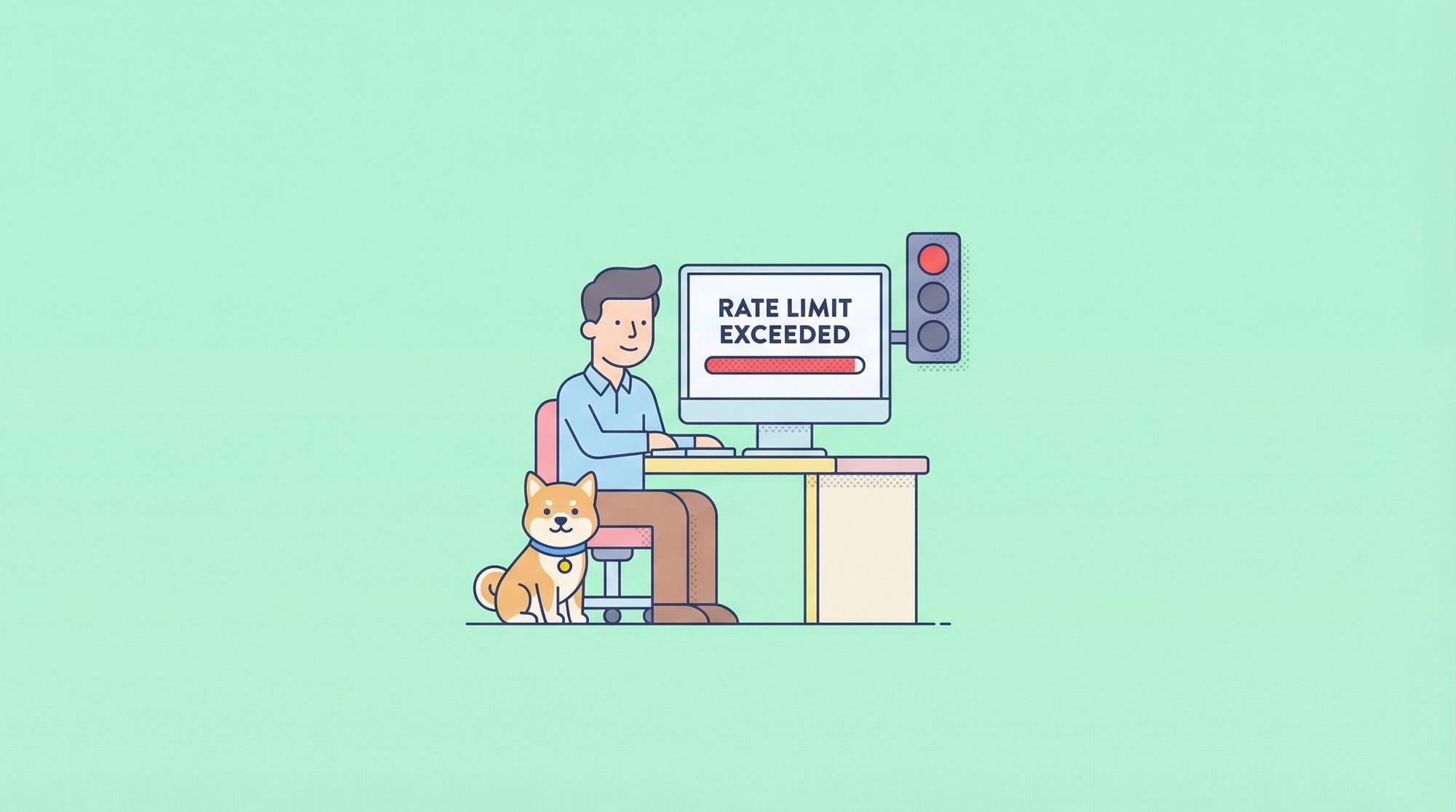
When working with APIs, few things halt progress faster than seeing an error message that says rate limit exceeded. This message means your application or script has made too many requests to an API in a given time window and must slow down. Whether you're a developer, tester, or product manager, understanding "rate limit exceeded" is crucial for robust API integrations and seamless user experiences.
In this guide, we'll explore exactly what "rate limit exceeded" means, why rate limits exist, how to handle and prevent this error, and practical examples of dealing with it using modern API tools like Apidog.
What Does "Rate Limit Exceeded" Mean?
Rate limit exceeded is a common error message returned by APIs when a client (such as your application or script) surpasses the maximum number of allowed requests within a specified timeframe. This restriction is enforced by the API provider to ensure fair use of resources, prevent abuse, and maintain overall service stability.
The Anatomy of the "Rate Limit Exceeded" Error
When you receive a rate limit exceeded error, it typically looks like:
- An HTTP status code
429 Too Many Requests - A message such as
"rate limit exceeded"or similar - Additional headers indicating when you can retry (e.g.,
Retry-After)
Example response:
{
  "error": "rate_limit_exceeded",
  "message": "You have exceeded your rate limit. Please try again in 60 seconds."
}
Why Rate Limits Exist
APIs use rate limits to:
- Prevent abuse: Protecting against malicious or excessive usage that could degrade the API’s performance for everyone.
- Ensure fairness: Making sure no single user or client monopolizes shared resources.
- Maintain stability: Keeping the backend infrastructure healthy by capping request spikes.
Common Causes of the "Rate Limit Exceeded" Error
Understanding why you see a "rate limit exceeded" error helps you design better, more resilient applications.
1. Burst Traffic
If your application sends a large number of requests in a short period (e.g., polling data frequently or batch processing), you can easily hit rate limits.
2. Unoptimized Code
Inefficient loops, lack of request batching, or not caching API responses can cause unnecessary repeat requests, leading to rate limit issues.
3. Multiple Clients Sharing the Same Key
If several users or systems are using the same API key, their combined activity could exceed the allotted rate limit, triggering errors for everyone.
4. Unexpected User Growth
Sudden increases in user activity—such as a viral feature launch—can drive up API request volume, quickly exhausting your rate quota.
How "Rate Limit Exceeded" Errors Are Communicated
APIs communicate rate limit exceeded events in several ways. The most common:
- HTTP status code 429: The universal code for "Too Many Requests".
- Error message body: Usually text like "rate limit exceeded" or "API rate limit exceeded".
- Rate limit headers: Details like
X-RateLimit-Limit,X-RateLimit-Remaining, andRetry-Afterhelp clients understand their quota and when it resets.
Example HTTP headers:
HTTP/1.1 429 Too Many Requests
X-RateLimit-Limit: 1000
X-RateLimit-Remaining: 0
Retry-After: 60
Types of Rate Limits Leading to "Rate Limit Exceeded"
APIs can implement rate limits in different ways, each potentially resulting in a "rate limit exceeded" error if not respected:
1. Per-User or Per-Token Limits
Limits based on individual user accounts or API tokens.
2. Per-IP Address Limits
Restrictions applied to each IP address making requests.
3. Global Application Limits
A cap on total requests made by your app, regardless of the user or IP.
4. Endpoint-Specific Limits
Some endpoints may have stricter limits due to their resource intensity.
5. Time Window
Limits can be per second, minute, hour, or day.
How to Handle "Rate Limit Exceeded" Errors
Encountering a "rate limit exceeded" error doesn't have to be catastrophic. Here’s how to handle it gracefully:
1. Implement Exponential Backoff
When you receive a rate limit exceeded error, don’t immediately retry. Instead, wait for the duration specified by the API (via Retry-After header) or increase your wait time with each subsequent failure—a technique known as exponential backoff.
Example in JavaScript:
function handleRateLimitError(retryAfter) {
  setTimeout(() => {
    // resend the request
  }, retryAfter * 1000);
}
2. Respect Retry-After Headers
Many APIs include a Retry-After header in the 429 response. Always read and honor this before retrying.
3. Monitor and Log Rate Limit Status
Track headers like X-RateLimit-Remaining in your application logs. This lets you anticipate when you're getting close to the limit and adjust behavior proactively.
4. Optimize and Batch Requests
Reduce unnecessary API calls by caching data, batching multiple actions into one request (if the API supports it), and reviewing your polling intervals.
5. Distribute Requests Over Time
Instead of sending bursts, spread out requests evenly to avoid sudden spikes that trigger "rate limit exceeded".
Real-World Examples of "Rate Limit Exceeded"
Example 1: Social Media API
Suppose you’re developing a dashboard that pulls analytics from a social platform. The API allows 900 requests per 15 minutes. If your dashboard refreshes every second for every user, you'll quickly see "rate limit exceeded" errors as you blow past the quota.
Solution: Throttle your data fetching, cache results, and warn users when data is stale.
Example 2: Financial Data Aggregator
A fintech app uses a third-party service for account balances. The API returns a "rate limit exceeded" error after 5 requests per minute for the /accounts/balance/get endpoint.
Solution: Use Apidog to simulate and test API calls under different scenarios, helping you design retry logic and optimize polling intervals before deploying your integration.
Example 3: Large Team Sharing API Keys
A development team is building multiple services using the same API credentials. Their combined requests exceed the shared quota, resulting in frequent "rate limit exceeded" messages.
Solution: Request individual credentials per service or coordinate access. With Apidog, you can model different environments and test for rate limit compliance across teams.
Preventing "Rate Limit Exceeded" in Your API Integrations
1. Understand the API’s Rate Limit Policy
Read the provider’s documentation carefully. Each API has different policies and limits. Apidog’s documentation and mock features let you simulate rate limiting scenarios before you go live.
2. Design for Graceful Degradation
If an API returns "rate limit exceeded", provide fallback behavior—such as using cached results, showing a warning, or disabling certain features temporarily.
3. Automate Monitoring and Alerts
Set up monitoring to alert you if your usage is approaching the rate limit. This lets you act before users are affected.
4. Use Application-Level Rate Limiting
If you’re building your own API, implement rate limiting to protect your resources. Apidog supports simulating and documenting rate-limited endpoints to help your team test responses and handling.
How Apidog Helps You Manage and Test "Rate Limit Exceeded"
Apidog is a spec-driven API development platform that can make handling "rate limit exceeded" errors easier at every stage:
- API Mocking: Simulate "rate limit exceeded" errors to test your application's resilience and retry logic.
- Automated Testing: Create test cases that deliberately exceed rate limits, ensuring your error handling works as expected.
- Documentation: Use Apidog to document error responses like 429 status codes and "rate limit exceeded" messages, so your team knows what to expect and how to handle them.
- Collaborative Design: Share rate limit policies and error scenarios with your team for consistent handling across services.
By leveraging Apidog’s features, you can proactively test, document, and communicate how your applications should respond to "rate limit exceeded" events.
Conclusion: Mastering "Rate Limit Exceeded" for Reliable APIs
The "rate limit exceeded" error is an essential part of modern API development. Rather than seeing it as a blocker, treat it as a signal to optimize, monitor, and build more resilient applications. By understanding the causes, handling strategies, and prevention techniques—as well as using tools like Apidog for simulation and testing—you can ensure your API integrations remain robust, user-friendly, and scalable.